AAWireless TWO Review (2026): Wireless Android Auto Fix
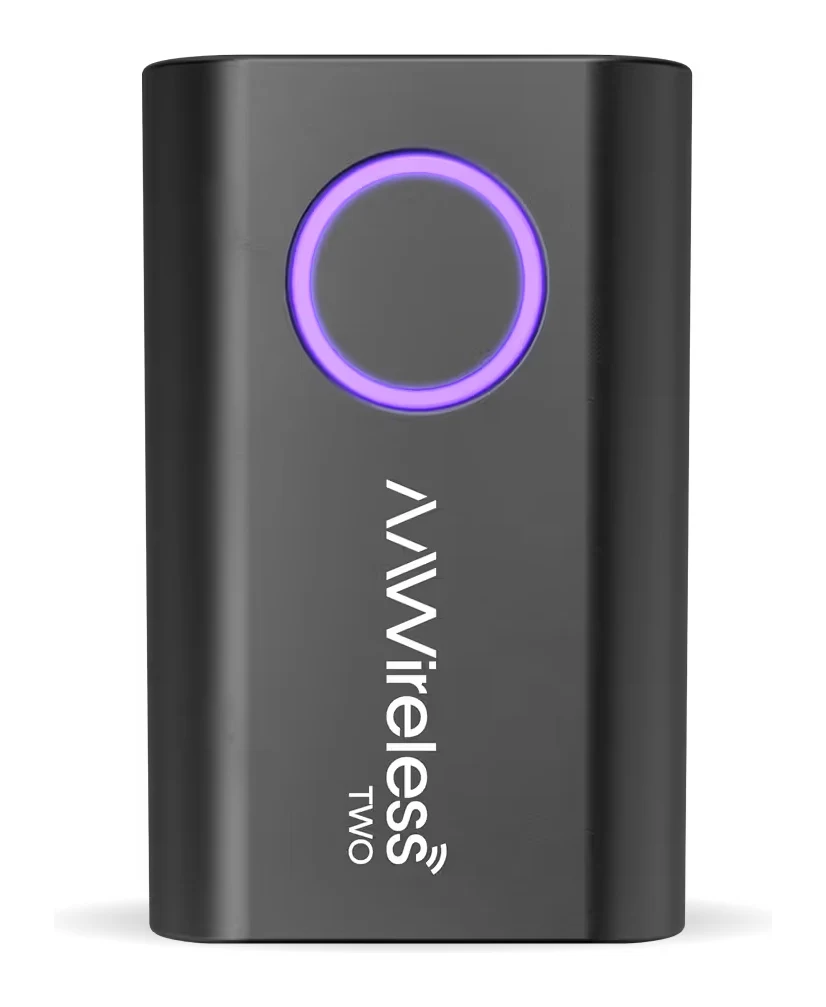
The AAWireless TWO turns a wired-only Android Auto car into a wireless one. Here is how it works, what reviewers like and criticise, and who should skip it.
Research-based · We earn from qualifying purchases
Our verdict
The AAWireless TWO is a compact, reliable way to cut the cable in a car that only supports wired Android Auto, especially if several people share the vehicle. Skip it if your car already has wireless Android Auto or CarPlay, or if you need CarPlay support.
The good
- Makes wired-only Android Auto wireless and reconnects automatically each drive
- Reviewers report a stable connection with no dropped connections in daily use
- One-button switching between phones suits shared cars
- Companion app offers firmware updates, DPI scaling and audio stutter fixes
- Small 18 g plug-in design with easy setup
+2 more
- Companion app offers firmware updates, DPI scaling and audio stutter fixes
- Small 18 g plug-in design with easy setup
The bad
- Connection after start-up can take longer than wired Android Auto
- Included cable is short USB-C to USB-A; USB-C to USB-C may be needed
- No adhesive pad included to keep it upright on the dash
- Android only, with no Apple CarPlay support
+1 more
- Android only, with no Apple CarPlay support
If your car only supports Android Auto over a cable, plugging in your phone for every short trip gets old quickly. This AAWireless TWO review looks at a small adapter that aims to fix that. It plugs into the car's USB port and connects your phone wirelessly, so Android Auto starts without you touching a cable. It is built for Android users with wired-only Android Auto cars, and it is especially aimed at vehicles that several people share. It does not support Apple CarPlay.
This review is based on the manufacturer's specifications and on what independent expert reviews report, not on our own hands-on testing.
AAWireless TWO: specs at a glance
From the manufacturer- Port
- USB-C
- Type
- Wireless Android Auto adapter (no Apple CarPlay)
- Weight
- 18 g
- Made in
- EU
- Updates
- Over-the-air firmware via the companion app
- Dimensions
- 5.5 × 3.5 × 1.5 cm
- In the box
- Adapter, USB-C to USB-A cable, quick-start manual
- Multi-phone
- Unlimited phones can be paired
- Connectivity
- Bluetooth & Wi-Fi
- DPI settings
- Adjustable via the companion app
- Standby mode
- Manual and auto-standby
- Car compatibility
- Cars and head units with wired-only Android Auto
- Phone requirement
- Android 11 or higher
- Not compatible with
- Cars with built-in wireless Android Auto or CarPlay
Key features
- Makes wired-only Android Auto wireless and auto-connects each drive
- Quick-action button to pair a new phone, switch phones or enter standby
- Connects an unlimited number of phones, so a shared car is easy
- Auto-standby stops unwanted reconnections when the car is parked
- DPI scaling to fit more on the car screen (an Android-only extra)
- Free companion app with firmware updates, Wi-Fi channel and audio stutter fixes, and diagnostics
- Customisable button actions and phone-priority settings
- Small, light plug-in design with a short USB-C to USB-A cable included
What the AAWireless TWO is, and what it isn't
The AAWireless TWO is a wireless Android Auto adapter for cars and head units that only offer wired Android Auto. You plug it into the port you would normally use for your phone cable. After a one-time pairing, it connects to your phone each drive over Bluetooth and Wi-Fi and brings up Android Auto on the car screen.
It is a single-purpose device, and the limits are clear:
- It is for cars with wired-only Android Auto.
- It is not for cars that already have built-in wireless Android Auto or CarPlay.
- It needs a phone running Android 11 or higher.
- It has no Apple CarPlay mode, so iPhone owners should look elsewhere.
Check those points before buying. Everything else about the product follows from them. It does one job and is judged on how well it does it.
Design and build
The adapter is small and light. It measures 5.5 × 3.5 × 1.5 cm and weighs 18 g, so it will not dominate a cubby or the area around your car's USB port. It is a plug-in design, and reviewers praise how easy it is to set up. The manufacturer says it is made in the EU.
In the box you get the adapter, a USB-C to USB-A cable and a quick-start manual. The cable is where the practical details matter. It is short, and reviewers note that some cars will need a USB-C to USB-C cable instead, depending on the port. If your car's port is USB-C, plan for that purchase. A common criticism is also that no adhesive pad is included to keep the adapter upright on the dash. If you want it fixed in place, you will need to sort that out yourself.
Features and what they mean day to day
The feature list is mostly about making the daily routine invisible, with a few extras for people who like to tweak.
Automatic connection each drive
The core feature is that it makes wired-only Android Auto wireless and auto-connects each drive. In practice, you get in, start the car, and Android Auto comes up without you having to plug in a cable. Reviewers highlight this reconnect behaviour as a main strength.
One button for pairing, switching and standby
The adapter has a quick-action button. It can pair a new phone, switch between phones or put the adapter into standby. The button actions are customisable, and there are phone-priority settings that let you control which phone gets preference.
That suits shared cars well. The adapter can connect an unlimited number of phones, so a couple, a family or colleagues using a pool car can each have their phone paired. Reviewers say the one-button switching works well for this.
Standby modes
There are both manual and auto-standby options. Auto-standby is there to stop unwanted reconnections when the car is parked. This matters if you pair a phone, leave it in your pocket near the car, and don't want the adapter trying to reconnect when you walk past or sit in the driveway.
The companion app
The free companion app covers more than setup. It delivers over-the-air firmware updates, lets you adjust the Wi-Fi channel, offers fixes for audio stutter, and provides diagnostics. The app's firmware updates, DPI scaling and stutter fixes are listed among the product's strengths. That kind of troubleshooting toolkit is handy for a product that sits between your phone and your car's head unit, where compatibility quirks can crop up.
DPI scaling
The app can adjust DPI settings to fit more on the car screen. This is an Android-only extra. It is useful if your head unit's default layout feels oversized, though how much it helps will depend on your car's display.
Performance and connection
There is no battery to discuss, because the adapter is powered through the car's USB port. What matters is how quickly and reliably it connects.
On reliability, reviewers report a stable connection with no dropped connections in daily use. Android Authority scores it 9/10, which fits that picture of a dependable adapter.
The trade-off is start-up time. A common criticism is that the connection after start-up can take longer than wired Android Auto. This is a general feature of wireless Android Auto: the phone has to pair over Bluetooth and then move to a Wi-Fi link before the screen comes up. If you hop in and out for very short trips and want the display instantly, you may notice the wait. If you are going further, the delay matters much less.
Because it uses Bluetooth and Wi-Fi, the app's Wi-Fi channel setting and audio stutter fixes are worth knowing about. If you hit interference or audio glitches in a busy area, there are settings you can change rather than just living with the problem. We can't say how often that will be needed, since the published specs point to stable behaviour for most users.
What experts like and what they criticise
The praise is consistent:
- It makes wired-only Android Auto wireless and reconnects automatically on each drive.
- Reviewers report a stable connection with no dropped connections in daily use.
- One-button switching between phones suits shared cars.
- The companion app offers firmware updates, DPI scaling and audio stutter fixes.
- The small 18 g plug-in design is easy to set up.
The criticisms are also fairly practical rather than fundamental:
- Connection after start-up can take longer than wired Android Auto.
- The included cable is a short USB-C to USB-A, and you may need USB-C to USB-C.
- There is no adhesive pad to keep it upright on the dash.
- It is Android only, with no Apple CarPlay support.
None of these suggest a product that doesn't work. They are the small annoyances you accept for gaining wireless convenience. The Android-only limit is the one that is a hard stop for some buyers.
Who should buy it
The AAWireless TWO makes most sense if:
- Your car supports Android Auto only over a cable.
- You use an Android phone running Android 11 or higher.
- You share the car and want simple switching between phones.
- You like being able to update firmware and adjust settings through an app.
- You want something small that doesn't clutter the cabin.
Who should skip it
Look elsewhere if:
- Your car already has built-in wireless Android Auto or CarPlay. The adapter is listed as not compatible with those cars.
- You need Apple CarPlay support. This is an Android Auto adapter only.
- You expect the screen to appear as fast as with a cable, since the start-up connection can take longer.
- You would rather not buy a different cable or a dash pad if your car's setup needs them.
How it fits in its category
Wireless Android Auto and CarPlay adapters mostly come down to which platform you use and how much control you want. The AAWireless TWO is specifically an Android Auto product, with multi-phone handling and a feature-rich app as its calling cards. If you are still deciding between platforms and models, see our guide to the best wireless CarPlay and Android Auto adapters. It is the better starting point if you need CarPlay or want a wider comparison. It sits in the mid-range price tier.
Verdict
The AAWireless TWO does what it promises. It removes the cable from a wired-only Android Auto car, reconnects on its own each drive, and handles multiple phones without fuss. Reviewers describe it as stable, and Android Authority gives it 9/10. The drawbacks are modest and practical: a slower start-up than a cable, a short included cable, no dash pad, and no CarPlay. For an Android user in a compatible car, particularly a shared one, it is an easy adapter to recommend. If your car already has wireless support, or you use an iPhone, it isn't the product for you.
Related buying guides
Not sure about the AAWireless TWO? Consider these
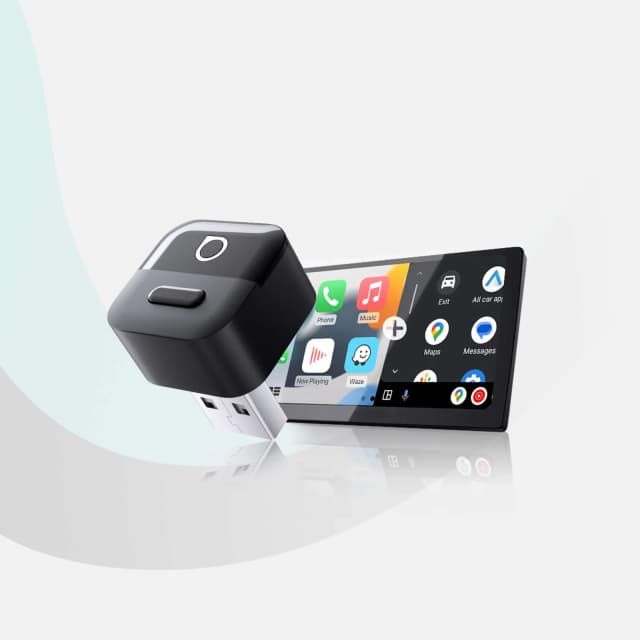
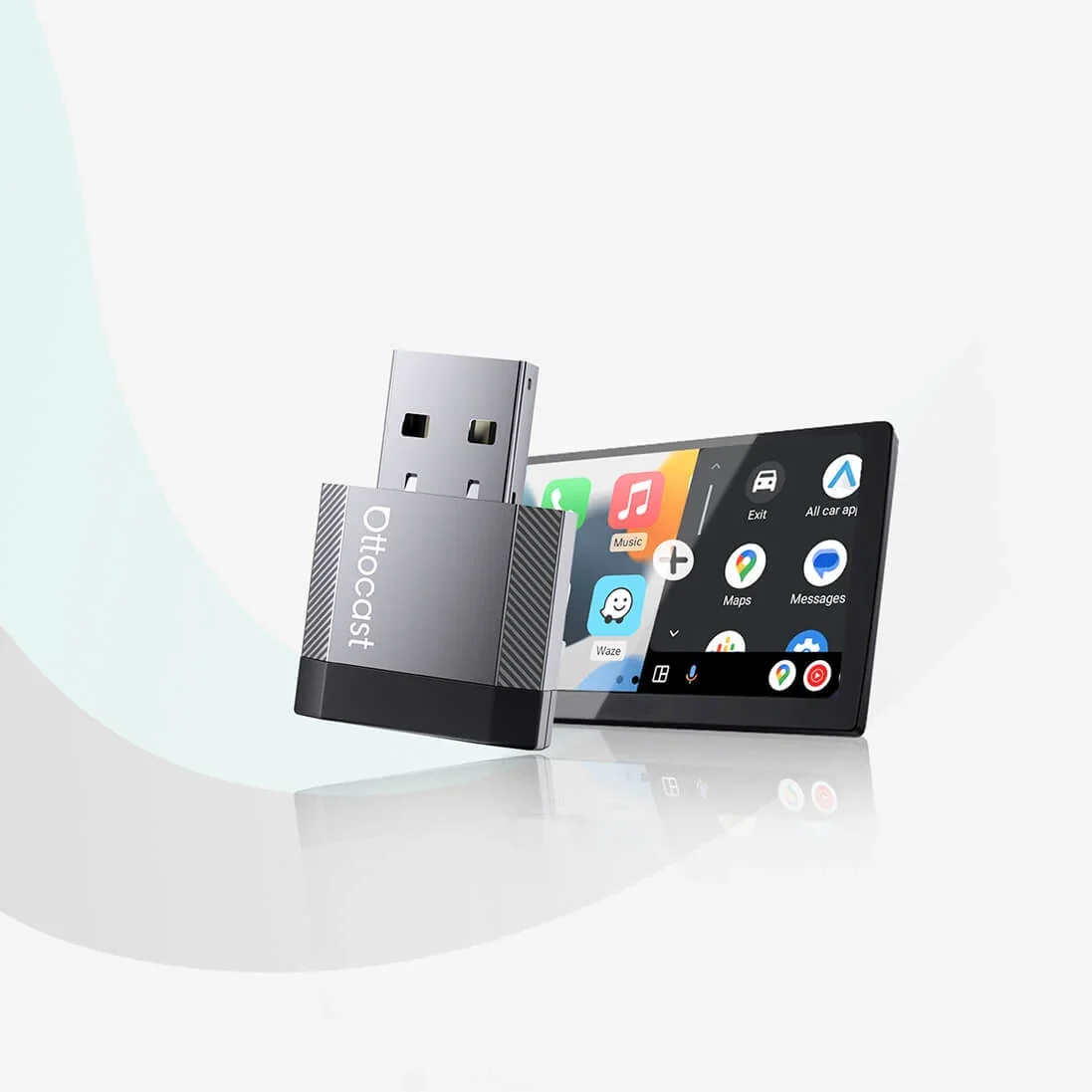
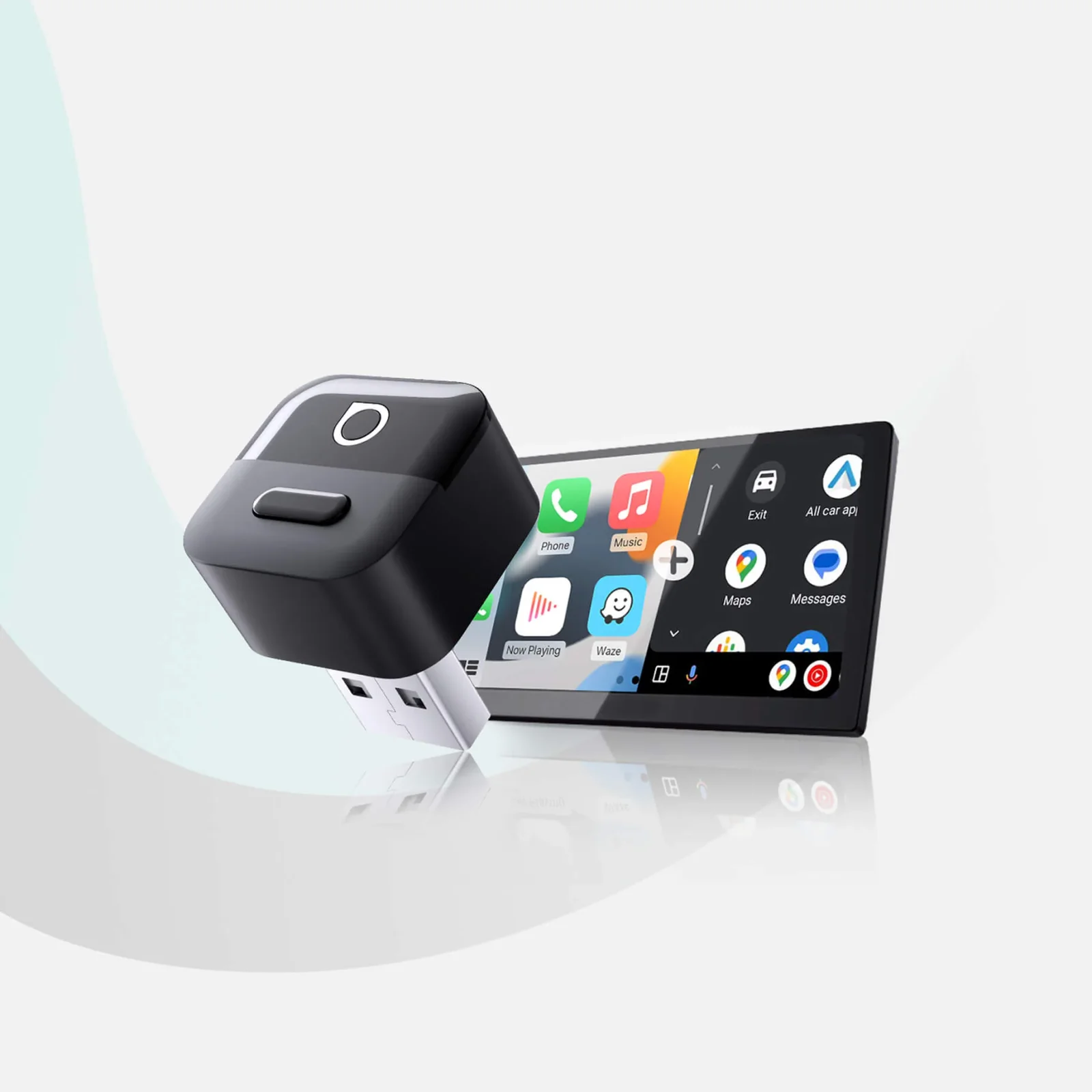
- Best OverallOttocast Mini Cube 3.0Why we picked it →
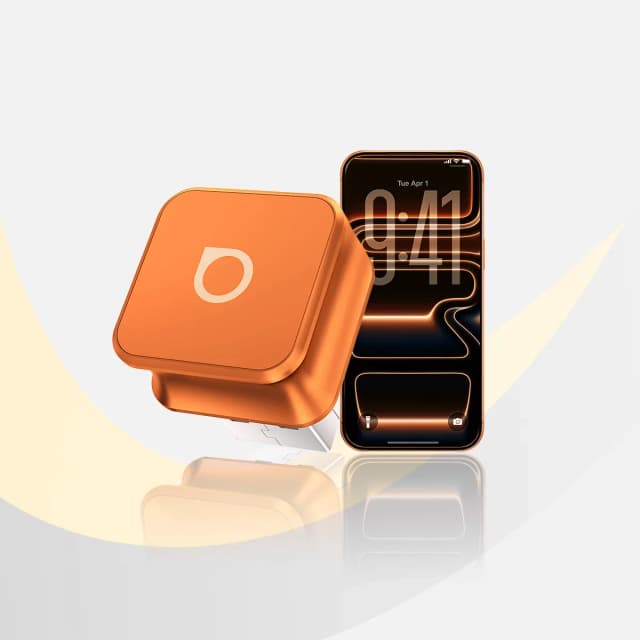
- Best ValueOttocast Mini NovaWhy we picked it →
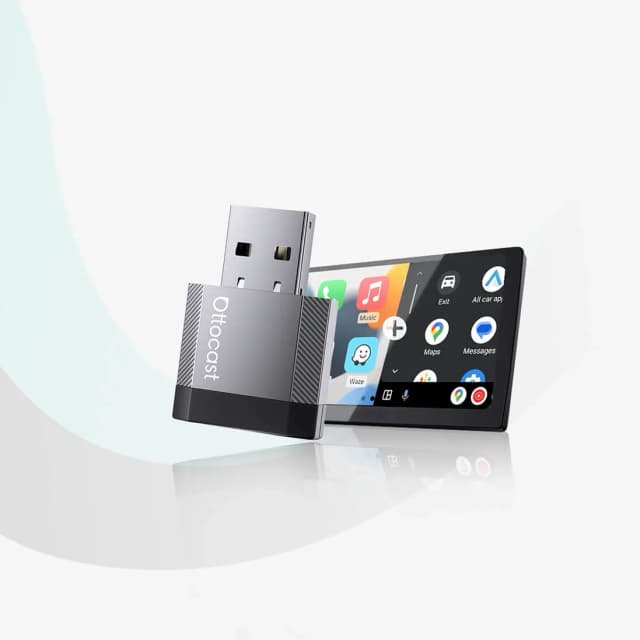
- Premium PickOttocast Mini PicoWhy we picked it →
Frequently asked questions
Is the AAWireless TWO worth it?
It is worth considering if your car has wired-only Android Auto and you use an Android phone. Reviewers praise the automatic reconnection, stable connection and easy switching between phones. It is not worth buying if your car already has wireless Android Auto or CarPlay.
Does the AAWireless TWO support Apple CarPlay?
No. It is a wireless Android Auto adapter only, with no Apple CarPlay support. iPhone owners will need a different adapter.
Which phones and cars work with the AAWireless TWO?
It needs a phone running Android 11 or higher, and a car or head unit with wired-only Android Auto. It is not compatible with cars that have built-in wireless Android Auto or CarPlay.
Can I use more than one phone with the AAWireless TWO?
Yes. Unlimited phones can be paired, and a quick-action button lets you switch between them. Phone-priority settings let you control which phone gets preference.
Does the AAWireless TWO get firmware updates?
Yes. Firmware updates are delivered over the air through the free companion app. The app also offers Wi-Fi channel settings, audio stutter fixes and diagnostics.
Is wireless Android Auto slower to connect than wired?
A common criticism from reviewers is that the connection after start-up can take longer than wired Android Auto. Once connected, reviewers report a stable connection with no dropped connections in daily use.
Sources
Specs are taken from the manufacturers' official pages; expert recommendations from the publications below.
- AAWireless TWO: aawireless.io, ranger5g.com
Related reviews & guides
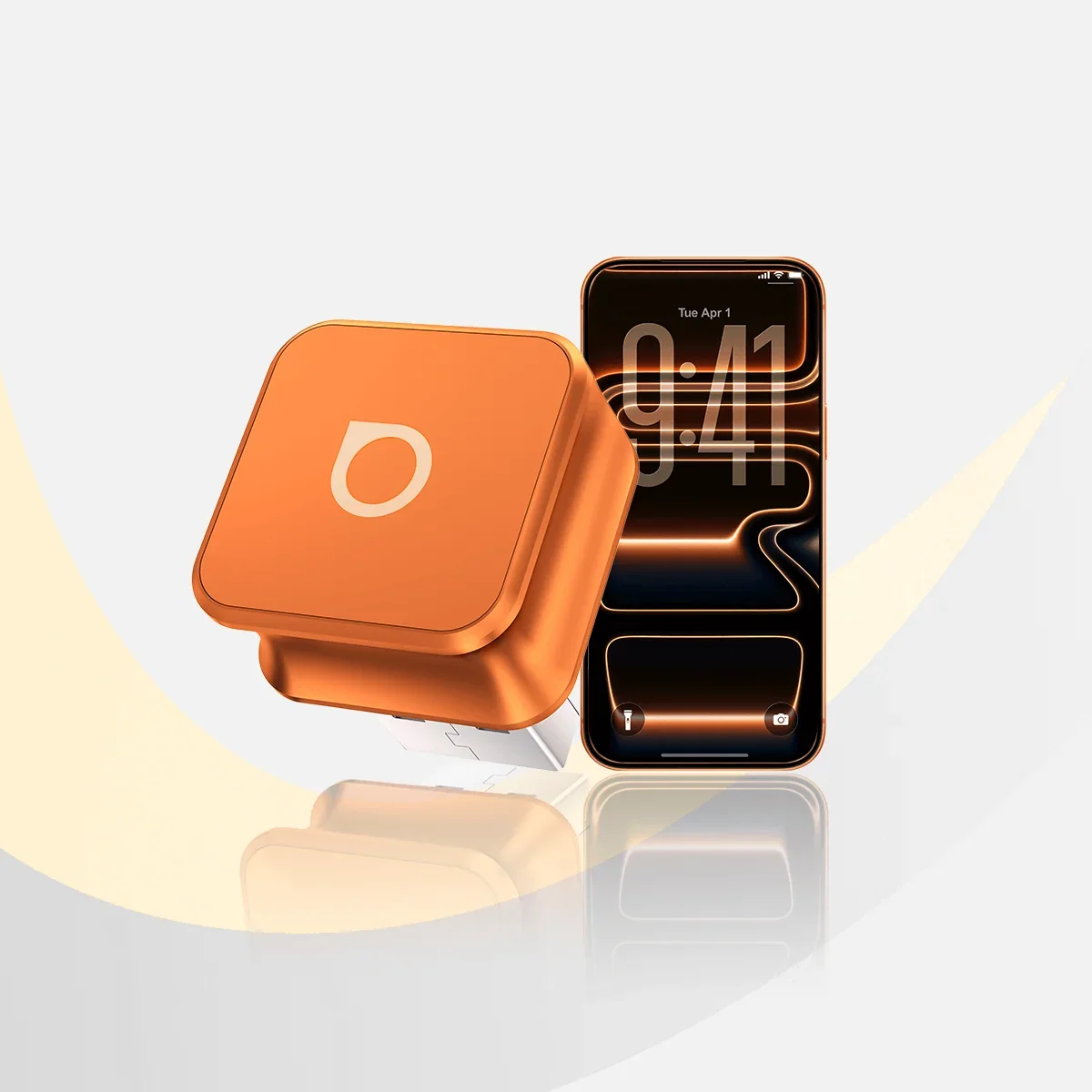
Best Wireless CarPlay & Android Auto Adapters 2026
Three Ottocast adapters that make a factory wired CarPlay or Android Auto system wireless, compared on reconnection, size, connectors and who each one suits.
Published Oct 29, 2026
Best Android Phones in 2026: Flagships, Foldables & Value
Five of the best Android phones for 2026 compared on display, cameras, charging and updates, from the Galaxy S26 Ultra to the Pixel 10a and a foldable.
Published Oct 30, 2026
GOOLOO GP4000 Review (2026): Big Power, Mid-Range Build
The GOOLOO GP4000 pairs 4000A of peak current with power-bank and flashlight extras at a mid-range price. Here is what the specs and expert reviews say, and where it falls short.
Published Oct 27, 2026