TP-Link Tapo L535E Review (2026): Bright Matter Bulb
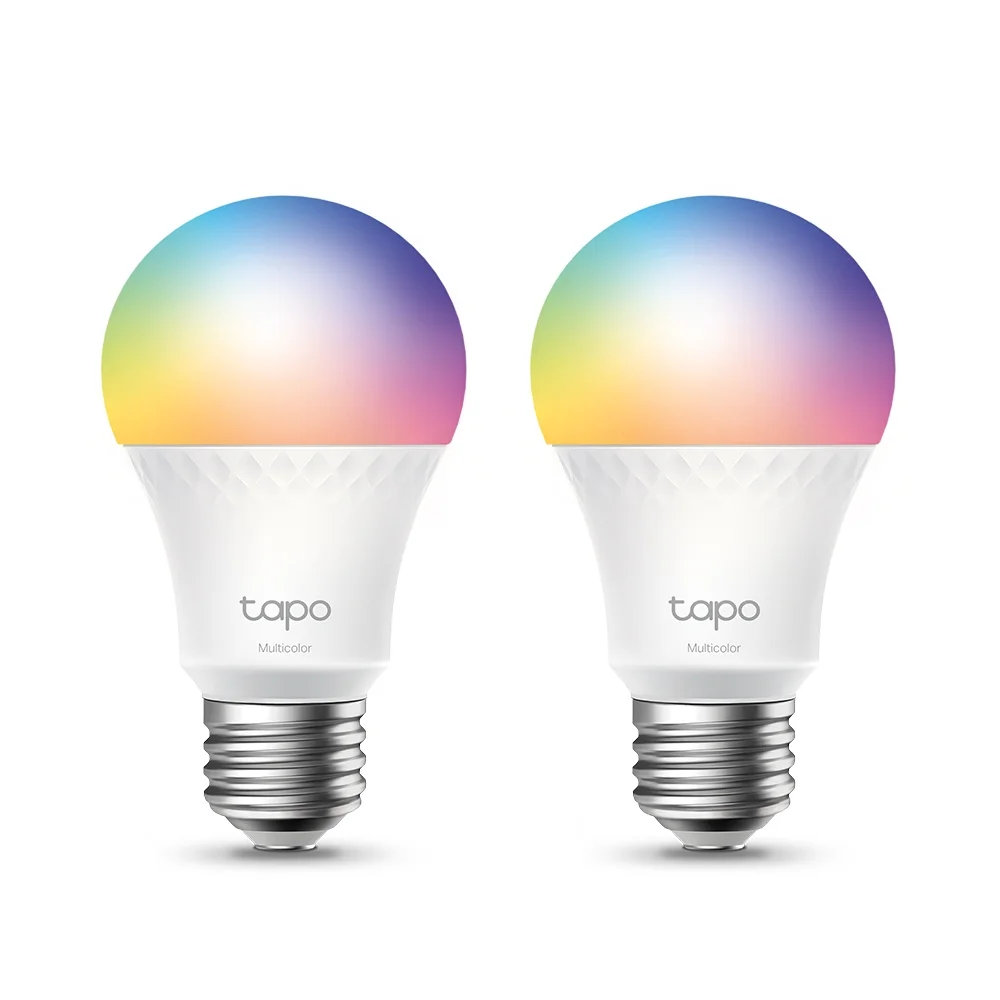
A bright, hub-free Matter color bulb that works across Apple Home, Google Home and Alexa. Here is what it does well, where reviewers see weaknesses, and who should skip it.
Research-based · We earn from qualifying purchases
Our verdict
The Tapo L535E is a bright, affordable Matter bulb that suits anyone mixing smart home platforms or lighting large rooms. Skip it if you are sensitive to flicker, want music sync and rich scene libraries, or need top-tier color accuracy and lower brightness for bedrooms.
The good
- Very bright 1100-lumen output suits large rooms and task areas
- Matter support works with Apple Home, Google Home and Alexa simultaneously
- Vivid colors plus tunable whites from 2500 to 6500 K
- No hub needed; connects directly to 2.4 GHz Wi-Fi
- Easy setup via Bluetooth or Matter code, with energy monitoring in the app
+2 more
- No hub needed; connects directly to 2.4 GHz Wi-Fi
- Easy setup via Bluetooth or Matter code, with energy monitoring in the app
The bad
- Measured flicker was high at full brightness in one independent test
- Fewer preset color scenes than some rivals, and no music sync
- Color accuracy slightly trails premium bulbs like Philips Hue
- Wi-Fi 4 on 2.4 GHz only; some users report setup connection problems
+1 more
- Wi-Fi 4 on 2.4 GHz only; some users report setup connection problems
If you are searching for a TP-Link Tapo L535E review, you are probably weighing a very bright color smart bulb that doesn't tie you to one ecosystem. The L535E is a standard A19 bulb with an E26 base. It adds color, tunable white and Matter certification, and it connects straight to your Wi-Fi with no hub. It is aimed at households where one person uses an iPhone, another uses Android, and the speaker in the kitchen is an Echo.
This review is based on the manufacturer's specifications and on what independent expert reviews report. It is not hands-on testing.
TP-Link Tapo L535E: specs at a glance
From the manufacturer- Input
- 120 VAC, 60 Hz
- Wi-Fi
- Wi-Fi 4 (802.11n), 2.4 GHz only
- Warranty
- 2 year manufacturer
- Bluetooth
- Yes (setup)
- Beam angle
- 220°
- Brightness
- 1100 lumens
- Dimensions
- 4.5 x 2.4" / 115 x 60 mm
- Rated lifespan
- 25,000 Hours
- Bulb shape / base
- A19 / E26
- Power consumption
- 9.5 W
- Smart home support
- Matter, Alexa, Google Assistant, Siri
- Color rendering index
- CRI 90
- Color temperature range
- 2500 to 6500K
- Incandescent equivalent
- 75 W
Key features
- Extra-bright 1100-lumen output (75W equivalent) for large rooms and task areas
- Matter-certified, so it works with Apple Home, Google Home and Alexa at the same time
- Millions of colors plus tunable white from 2500-6500 K
- No hub needed: connects straight to 2.4 GHz Wi-Fi
- Easy setup over Bluetooth in the Tapo app, or by scanning the Matter code in another app
- Schedules, timers, away mode and auto white that follows daylight
- Energy monitoring in the app and a 25,000-hour rated lifespan
- Voice control with Alexa, Siri and Google Assistant
Why people consider the Tapo L535E
The appeal comes down to three things: brightness, compatibility and the lack of a hub. The bulb is rated at 1100 lumens, which TP-Link describes as a 75W equivalent. That is a very bright output, which suits larger rooms and task areas. Matter certification means the same bulb can be added to Apple Home, Google Home and Alexa at the same time. Because it joins your 2.4 GHz Wi-Fi network directly, you don't need a bridge plugged into your router.
The L535E sits in the mid-range part of the market. It sits in the mid-range price tier among the products compared. It is recommended in 4 independent expert buying guides, and Trusted Reviews scores it 4.5 out of 5.
TP-Link Tapo L535E review: design and build
There is little to say about the L535E's looks, which suits a bulb. It uses the common A19 shape with an E26 base, so it should fit standard lamps and fixtures in North America. It measures 4.5 x 2.4" / 115 x 60 mm, and it runs on 120 VAC at 60 Hz. The beam angle is listed at 220°, so light spreads widely rather than being focused in one direction. That makes it a reasonable fit for bare-bulb ceiling fixtures and open table lamps.
TP-Link rates the bulb for 25,000 hours and backs it with a 2 year manufacturer warranty.
The bulb draws 9.5 W at full output. Combined with the app's energy monitoring, that lets you see what a given bulb is costing you to run rather than guessing.
Brightness and color
A bright bulb for big spaces
The 1100-lumen output is the headline spec, and reviewers praise it. In a large living room, a home office or a kitchen where you want a lamp to do real work, a brighter bulb means fewer fixtures to fill the space. It also helps in task areas such as a desk lamp or a reading corner.
The flip side is that a bulb this bright is not an obvious choice for every room. The verdict flags bedrooms as a place where you may want lower brightness, so consider where each bulb will go before buying several.
Colors and tunable whites
The L535E produces millions of colors, plus tunable white from 2500-6500 K. That range covers warm, lamp-like whites for the evening through to cooler daylight tones. It has a color rendering index of CRI 90, which is a respectable figure for how natural colors look under the light. Reviewers praise the vivid colors and the flexible whites.
It is not flawless here. A common criticism is that color accuracy slightly trails premium bulbs like Philips Hue. If you are particular about exact hues, or you want the most polished color lighting available, that gap may matter. For most people using the bulb for mood lighting or accent color, it is unlikely to be a dealbreaker.
Smart features in day-to-day use
Matter and multi-platform control
Matter is the main reason to pick this bulb over a Wi-Fi bulb that works with only one platform. The L535E works with Apple Home, Google Home and Alexa at once, and you can control it by voice with Alexa, Siri and Google Assistant. In a mixed household, that means everyone can use the platform they prefer, and you aren't locked in if you switch phones or speakers later.
Setup
Setup is done over Bluetooth in the Tapo app. If you would rather skip that app, you can scan the Matter code in another app. Reviewers describe setup as easy. Some users report connection problems during setup, though, and the bulb's Wi-Fi is limited to 2.4 GHz only. If your router combines 2.4 and 5 GHz bands under one name, you may need to check that the phone is on a compatible network while you add the bulb.
Schedules and automation
The app covers the routines most people want from smart lighting. You can set schedules and timers, use away mode to make the home look occupied, and turn on auto white that follows daylight. The auto white feature adjusts the white tone through the day. It is a convenient way to get cooler light when you are working and warmer light in the evening without touching anything.
Energy monitoring is built into the app, which is not something every smart bulb offers. It is a nice extra if you track power use or want to compare lighting habits across rooms.
Connectivity and performance
The L535E uses Wi-Fi 4 (802.11n) on 2.4 GHz only, and Bluetooth is used for setup. In practice, that means the bulb should work from a basic router without extra hardware, but it relies on your 2.4 GHz coverage. If you plan to put bulbs in distant corners of a large house, make sure the Wi-Fi signal reaches them. Many bulbs on a single network also add to its load, which is a general consideration with any Wi-Fi smart bulb rather than a finding specific to this one.
Because the bulb is Matter-certified, it fits neatly into a Matter-based home.
What experts like and what they criticise
Reviewers' praise is consistent. They like the very bright 1100-lumen output for large rooms and task areas, the way Matter support works with Apple Home, Google Home and Alexa simultaneously, and the vivid colors with tunable whites. They also like the hub-free design and the easy setup, along with energy monitoring in the app.
The criticisms are worth reading carefully:
- Flicker: measured flicker was high at full brightness in one independent test. If you are sensitive to flicker, or you film under your lights, that is a reason for caution.
- Scenes and music: it has fewer preset color scenes than some rivals, and there is no music sync. If you want a rich scene library or lights that react to audio, this is not that bulb.
- Color accuracy: it slightly trails premium bulbs like Philips Hue.
- Wi-Fi: it is Wi-Fi 4 on 2.4 GHz only, and some users report setup connection problems.
None of these is hidden, and the flicker point in particular deserves weight if you have a known sensitivity.
Who should buy it, and who should skip it
Buy it if you run a mixed smart home and want one bulb that works with Apple Home, Google Home and Alexa together. It also suits you if you want a bright bulb for a large room or a work area, or if you prefer a bulb that connects directly to Wi-Fi without a hub. People who want both color and tunable white from a single bulb, with energy monitoring, are well served too.
Skip it if you are sensitive to flicker, want music sync and a deep library of preset scenes, or need top-tier color accuracy. Also look elsewhere if the bulb is for a bedroom where a lower maximum brightness would suit you better, or if your router can't offer a stable 2.4 GHz connection.
How it fits in the smart bulb market
In general terms, color Wi-Fi bulbs split into two camps. Some are polished systems with deep scene libraries and better color accuracy, often at a higher cost and sometimes with a bridge. Others focus on affordability, brightness and broad compatibility. The Tapo L535E sits in the second camp, and its strengths are Matter support, high output and the lack of a hub. Where it gives ground is in the finer points: scenes, music sync, color accuracy and flicker at full brightness.
Verdict
The Tapo L535E is a sensible choice for anyone who wants a bright color bulb that doesn't force a choice between Apple, Google and Amazon. The 1100-lumen output, Matter certification, tunable whites and hub-free setup cover what most people want from a smart bulb. The caveats are real: high measured flicker at full brightness in one independent test, a limited scene library with no music sync, color accuracy that trails premium bulbs, and some reports of setup trouble on 2.4 GHz Wi-Fi. If those don't bother you, it is a strong all-rounder. If they do, a more specialised bulb is a better fit.
Related buying guides
- TP-Link Tapo P115 Review (2026): Energy Tracking Plug
- Best Smart Light Bulbs in 2026: Bright, Colorful, Hub-Free
- Wyze Bulb Color Review (2026): Bright, Hub-Free, No HomeKit
- LIFX Color A19 Review (2026): Bright HomeKit Bulb, No Hub
- Kasa Smart Bulb KL125 Review (2026): Color Without the Hub
- Best Smart Plugs 2026: Alexa, HomeKit & Energy Tracking
- Govee H6008 Review (2026): Hub-Free Color Bulb
- Amazon Smart Plug (Version 2) Review: Alexa-Only Simplicity
Not sure about the TP-Link Tapo L535E? Consider these
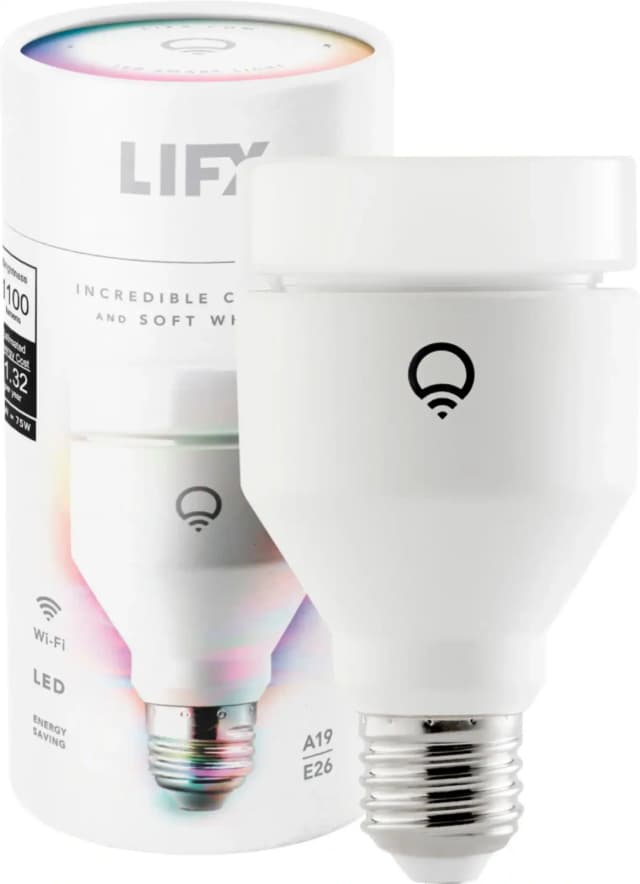
- Best OverallLIFX Color A19 Smart Light 1100 LumensWhy we picked it →
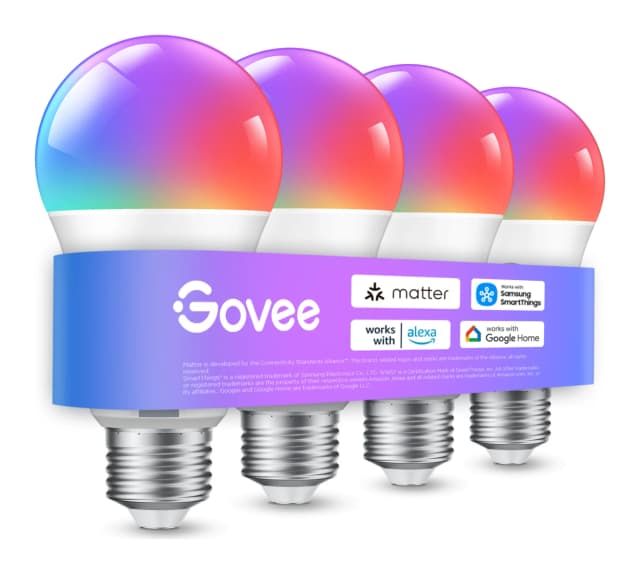
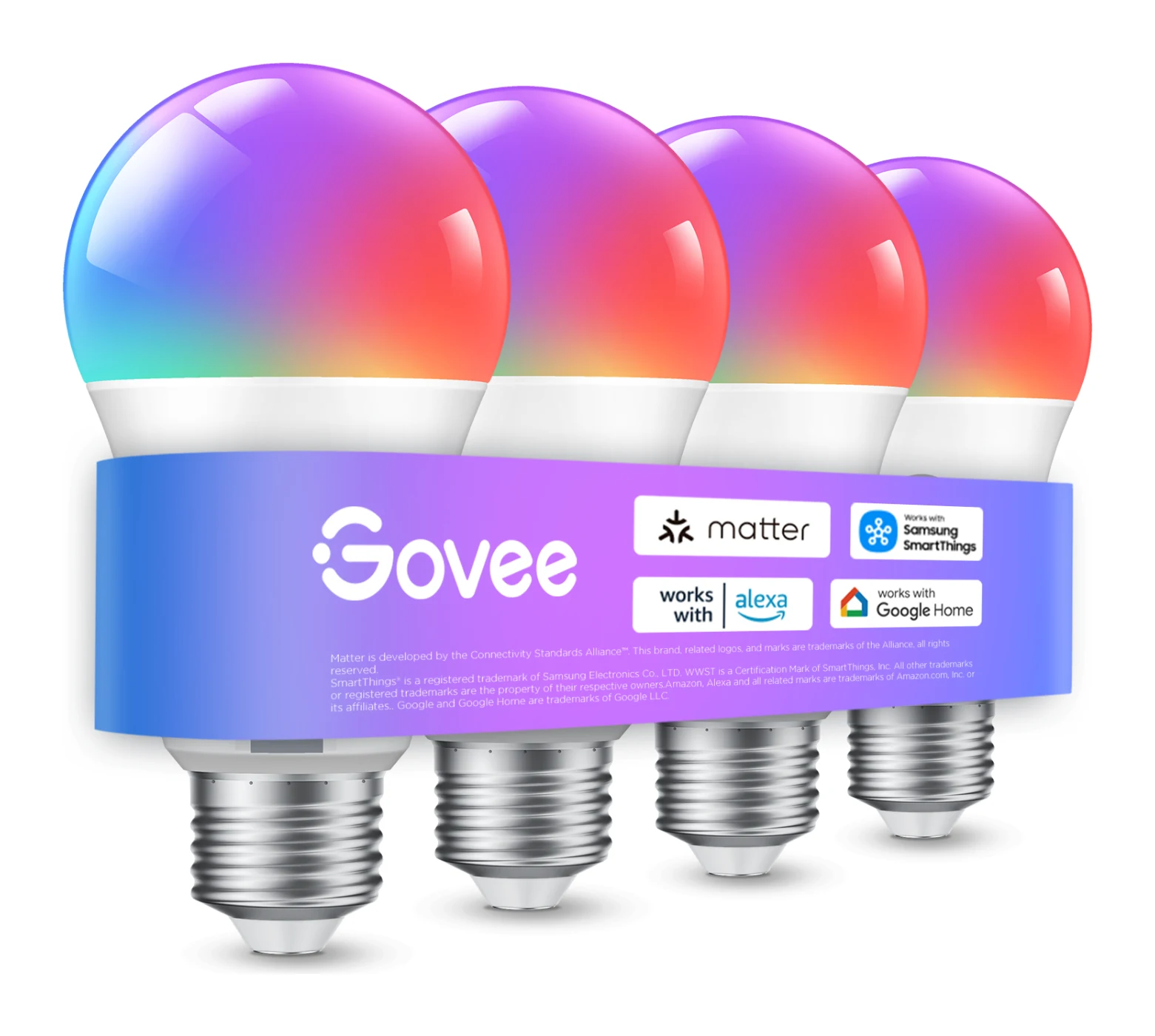
- Also GreatGovee A19 Smart LED Light Bulb E26 800lmWhy we picked it →
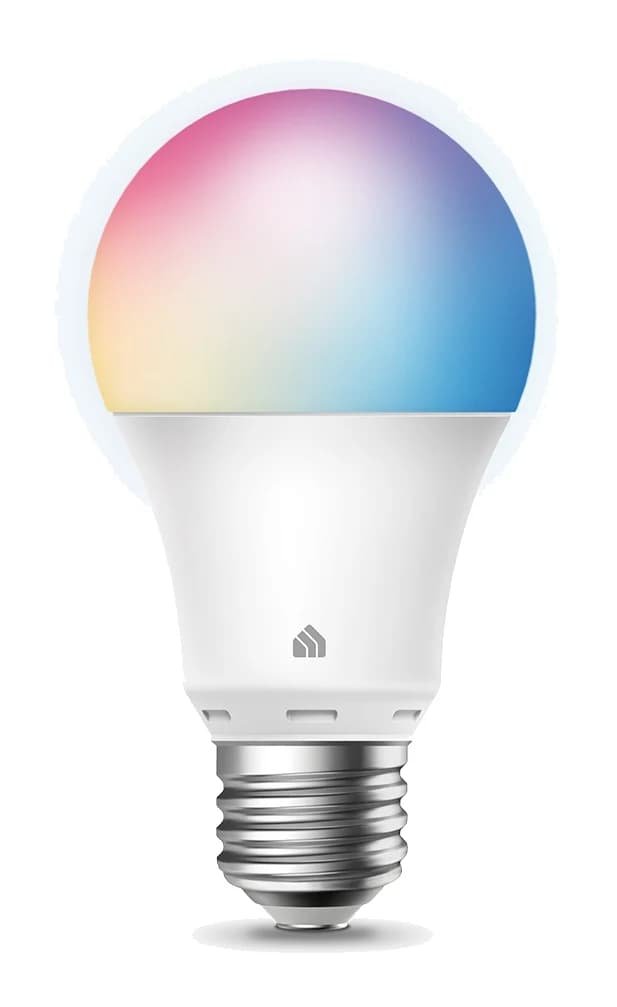
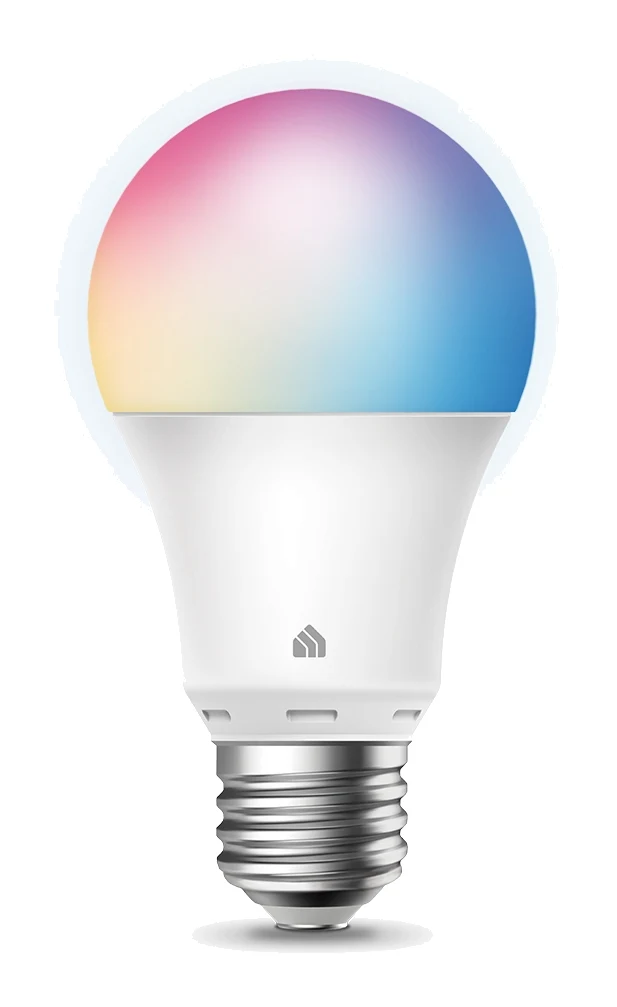
- Best ValueKasa Smart Bulb KL125Why we picked it →
Frequently asked questions
Is the TP-Link Tapo L535E worth it?
It is a good fit if you want a bright Matter color bulb that works with several smart home platforms at once and doesn't need a hub. It is less suitable if you are sensitive to flicker, want music sync and many preset scenes, or need top-tier color accuracy.
Does the Tapo L535E work with Apple Home, Google Home and Alexa?
Yes. The bulb is Matter-certified, so it works with Apple Home, Google Home and Alexa at the same time. You can also control it by voice with Alexa, Siri and Google Assistant.
Does the Tapo L535E need a hub?
No. It connects straight to your 2.4 GHz Wi-Fi network. Bluetooth is used for setup in the Tapo app, or you can scan the Matter code in another app.
Does the Tapo L535E work on 5 GHz Wi-Fi?
No. It supports Wi-Fi 4 (802.11n) on 2.4 GHz only. Some users report connection problems during setup, so check that your phone and router are set up for a 2.4 GHz connection when adding it.
How bright is the Tapo L535E?
It is rated at 1100 lumens, described as a 75W equivalent, while drawing 9.5 W. Reviewers say that suits large rooms and task areas.
Can the Tapo L535E change color and white temperature?
Yes. It produces millions of colors and offers tunable white from 2500-6500 K. It also has an auto white mode that follows daylight, and a color rendering index of CRI 90.
Sources
Specs are taken from the manufacturers' official pages; expert recommendations from the publications below.
- TP-Link Tapo L535E: tp-link.com, tapo.com, bhphotovideo.com
Related reviews & guides
TP-Link Tapo P115 Review (2026): Energy Tracking Plug
A look at the TP-Link Tapo P115 smart plug: energy monitoring, safety automation, voice assistant support and the ecosystem gaps to know about before buying.
Published Oct 26, 2026
Best Smart Light Bulbs in 2026: Bright, Colorful, Hub-Free
Five hub-free smart bulbs compared on brightness, white range, color and platform support, drawn from manufacturer specs and independent expert recommendations.
Published Oct 22, 2026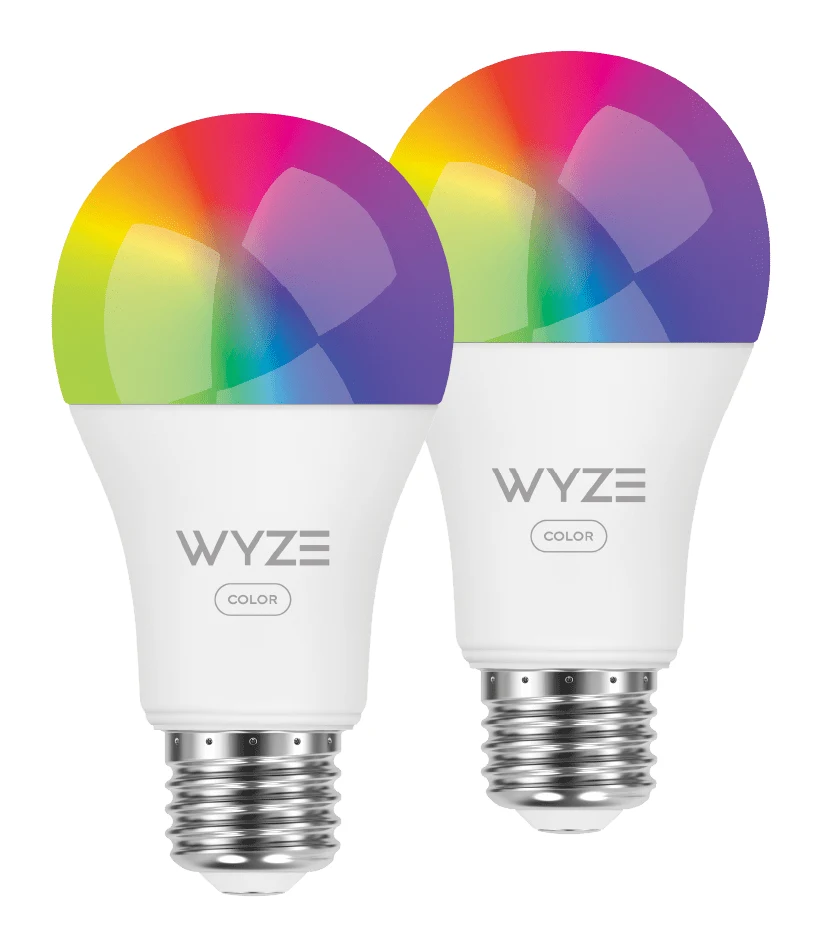
Wyze Bulb Color Review (2026): Bright, Hub-Free, No HomeKit
The Wyze Bulb Color pairs up to 1100 lumens with 16 million colors and no hub. Here is what it does well, where it falls short and who it suits.
Published Oct 28, 2026