Wyze Lock Bolt Review (2026): Simple Fingerprint Deadbolt
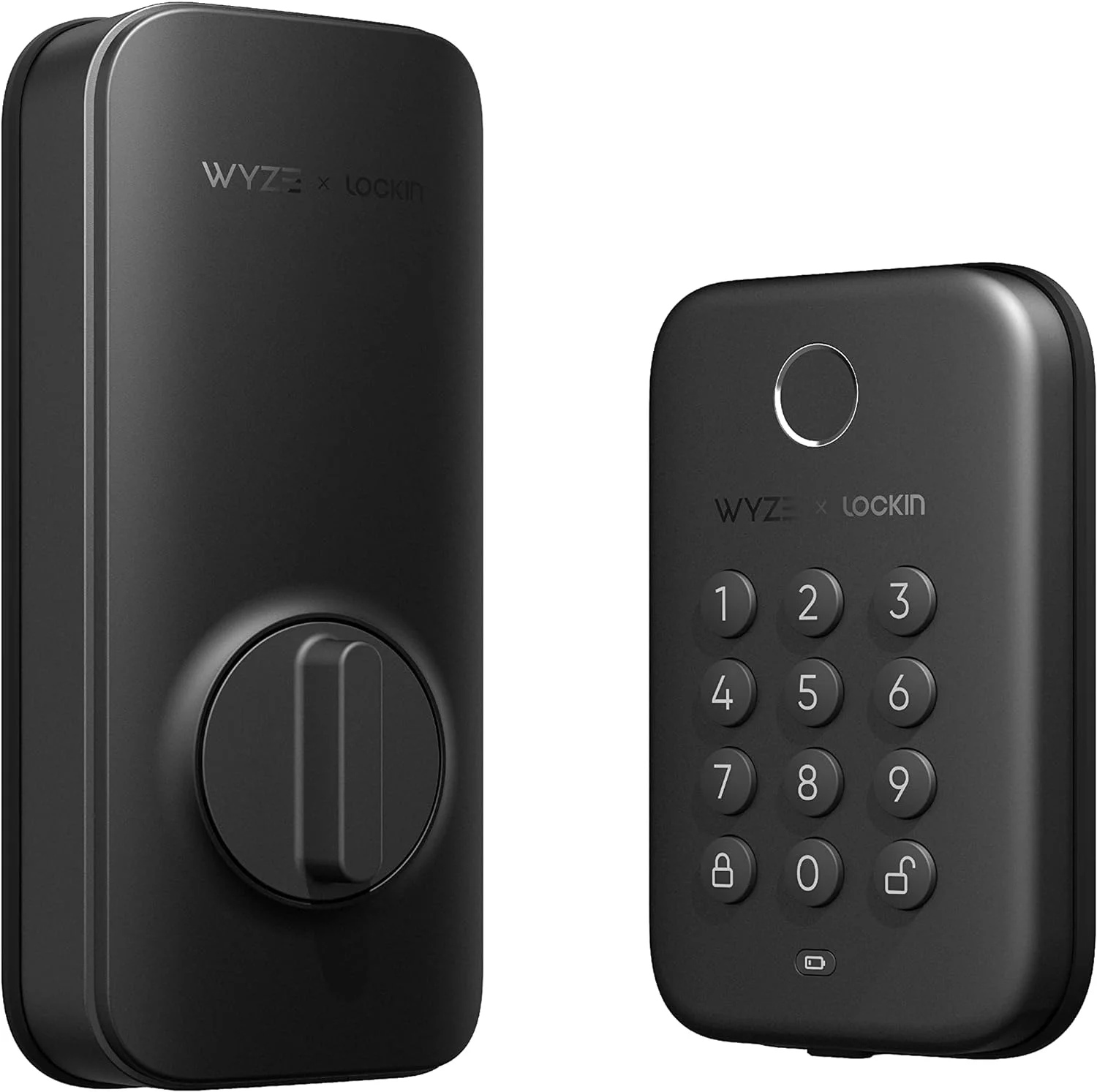
The Wyze Lock Bolt is a fingerprint and keypad deadbolt that skips Wi-Fi and smart home extras. Here is who it suits and where it falls short.
Research-based · We earn from qualifying purchases
Our verdict
The Wyze Lock Bolt is a good-value keypad and fingerprint deadbolt that is easy to install and runs for months on batteries. Buyers who want remote access, voice control or hands-free unlocking should look elsewhere.
The good
- Fingerprint reader unlocks the door with a single touch
- Quick installation, about 20 minutes on most US doors
- Battery life of 10-12 months on included AA batteries
- Backlit keypad with Anti-Peep and solid-feeling build
- Auto-Lock and app history add everyday convenience
+2 more
- Backlit keypad with Anti-Peep and solid-feeling build
- Auto-Lock and app history add everyday convenience
The bad
- Bluetooth only, so no Wi-Fi or remote control
- No smart home or voice assistant integration
- Fingerprint reader sometimes needs a second try
- No proximity or auto-unlock
+1 more
- No proximity or auto-unlock
This Wyze Lock Bolt review looks at a deadbolt built around one idea: get rid of the key and keep everything else simple. It replaces your existing deadbolt with a unit you open by fingerprint or keypad. It leaves out Wi-Fi, voice assistants and hands-free unlocking. That makes it a fit for buyers who want to stop fumbling for keys but don't need a connected-home gadget. It sits in the mid-range part of the market, and it suits budget-minded buyers who want a plain fingerprint and keypad deadbolt.
This review is based on Wyze's manufacturer specifications and what independent expert reviews report. It is not based on hands-on testing.
Wyze Lock Bolt: specs at a glance
From the manufacturer- Colors
- Matte Black and Satin Nickel
- Weight
- 2.75 lbs
- Backset
- 2-3/8" or 2-3/4"
- Battery life
- 10-12 months
- Connectivity
- Bluetooth 5.0 (no Wi-Fi)
- Power source
- 4x AA batteries (included)
- Door thickness
- 1-3/8" or 1-3/4"
- Bluetooth range
- 16 ft
- Deadbolt diameter
- 1"
- Weather resistance
- IPX5
- Fingerprint storage
- 50
- Through-hole diameter
- 2-1/8"
- Keypad operating temperature
- -13°F to 122°F
- Indoor assembly operating temperature
- 32°F to 122°F
Key features
- Fingerprint sensor unlocks the door with a touch
- Backlit keypad with Anti-Peep, so you can add extra digits before or after your code
- Auto-Lock closes the door after a delay you set
- Lock and unlock history in the Wyze app
- USB-C emergency port gives a brief charge if the batteries die
- Waterproof (IPX5) and pick-proof, because there is no keyhole
- Replaces your existing deadbolt, with installation in about 20 minutes on most US doors
- Unlock-only pairing with the Wyze Video Doorbell Pro
Wyze Lock Bolt review: design and installation
The Lock Bolt replaces your existing deadbolt rather than adding a smart module to it. It has no keyhole, which has two effects. First, it is pick-proof, because there is no cylinder to pick. Second, there is no backup key. If the batteries die, you rely on the USB-C emergency port, which gives a brief charge. The lock is also rated IPX5, so rain and splashes on the outside keypad shouldn't be a worry. The keypad is rated for temperatures from -13°F to 122°F. The indoor assembly is rated for 32°F to 122°F, which matters mainly if it will sit somewhere unheated.
It comes in Matte Black and Satin Nickel, so you can match it to your existing door hardware. Reviewers describe the build as solid-feeling, and the backlit keypad is a common point of praise.
Will it fit your door?
Check compatibility before you buy. The lock supports a backset of 2-3/8" or 2-3/4" and door thicknesses of 1-3/8" or 1-3/4". It needs a through-hole diameter of 2-1/8" and a deadbolt diameter of 1". The manufacturer says installation takes about 20 minutes on most US doors, but check these dimensions against your own door before buying. Reviewers also point to quick installation as a strength. If your door is non-standard, such as an unusual thickness or a different bore size, measure first.
Features and what they mean day to day
Fingerprint and keypad unlocking
The fingerprint sensor opens the door with a touch, and the lock can store 50 fingerprints. The backlit keypad is the backup when your hands are full or your finger isn't reading well. The keypad includes Anti-Peep, which lets you add extra digits before or after your code. Someone watching over your shoulder can't easily work out the real code, and you don't have to change how you enter it.
The most common criticism from reviewers is that the fingerprint reader sometimes needs a second try. It is a convenience feature rather than an instant one, so expect the occasional retry. Because the keypad is always there, a missed read is a small annoyance rather than a lockout.
Auto-Lock and history
Auto-Lock closes the door after a delay you set. That helps if you worry about leaving the door unlocked after you head out or after the kids run in and out. The Wyze app also keeps a lock and unlock history, so you can see when the door was opened. Reviewers count both features among the lock's everyday conveniences.
What Bluetooth-only means
The Lock Bolt uses Bluetooth 5.0 and has no Wi-Fi. The Bluetooth range is 16 ft, so the app connects when you are near the door. You can't lock or unlock it from the office or across town. It also has no smart home or voice assistant integration, and no proximity or auto-unlock, so it won't open as you walk up. Reviewers repeatedly raise these points as the main drawbacks.
That is a trade-off rather than a flaw if you simply want a better deadbolt. If you want to let in a guest while away, or to ask a voice assistant whether the door is locked, this isn't the right lock. The one connected extra is unlock-only pairing with the Wyze Video Doorbell Pro. It lets the lock work with that doorbell, but it only unlocks the door.
Battery life and power
The lock runs on 4x AA batteries, which are included. Wyze quotes a battery life of 10-12 months, and reviewers list that among its strengths. Standard AAs are easy to find, and you aren't tied to a proprietary rechargeable pack. A year is a comfortable interval, but put a reminder in your calendar, because there is no keyhole to fall back on.
The USB-C emergency port is the safety net. If the batteries run flat, you can give the lock a brief charge and get in. It buys you time to swap in fresh batteries, but it isn't a substitute for replacing them on schedule.
What experts like and what they criticise
The Lock Bolt is recommended in 4 expert guides. SafeWise gives it 4.3 out of 5. Across reviews, the praise is consistent:
- The fingerprint reader unlocks the door with a single touch.
- Installation is quick.
- Battery life is 10-12 months on the included AA batteries.
- The backlit keypad with Anti-Peep and the solid-feeling build get praise.
- Auto-Lock and the app history add everyday convenience.
The criticisms are just as consistent:
- It is Bluetooth only, so there is no Wi-Fi and no remote control.
- There is no smart home or voice assistant integration.
- The fingerprint reader sometimes needs a second try.
- There is no proximity or auto-unlock.
None of these are hidden problems. They follow from the lock's design, and the question is whether you need those features.
Who should buy it, and who should skip it
Buy it if:
- You want to stop carrying a key and are happy with fingerprint and keypad entry.
- You want a straightforward replacement deadbolt that you can fit yourself in about 20 minutes.
- You prefer a lock that runs for months on standard batteries and doesn't need Wi-Fi or smart home integration.
- You want a simple, mid-range-priced fingerprint and keypad deadbolt and don't need remote access.
Skip it if:
- You want to lock or unlock the door from anywhere, which needs Wi-Fi.
- You want it to work with a smart home system or a voice assistant.
- You want the door to unlock automatically as you approach.
- Your door falls outside the supported backset, thickness or bore dimensions.
How it fits in its category
Smart locks range from basic keypad models to fully connected ones with Wi-Fi, voice control and automatic unlocking. The Lock Bolt sits at the simple end. It covers the core job of keyless entry, with a fingerprint reader, a keypad, Auto-Lock and an access history, and it leaves out the connected extras. It is mid-range for price, and its value comes from doing a few things well rather than from a long feature list. If remote access or smart home control matters to you, a lock with Wi-Fi is the better category to shop in.
Verdict
The Wyze Lock Bolt is a sensible choice for buyers who want the convenience of fingerprint and keypad entry without the complexity of a connected lock. It is quick to install, has a long battery life, has a solid build and adds everyday touches such as Auto-Lock and history in the app. It is held back by being Bluetooth-only, with no remote control, no smart home integration, no auto-unlock and a fingerprint reader that sometimes needs a second try. If those limits don't bother you, it is an easy lock to recommend. If they do, look at a model with Wi-Fi.
Related buying guides
Not sure about the Wyze Lock Bolt? Consider these
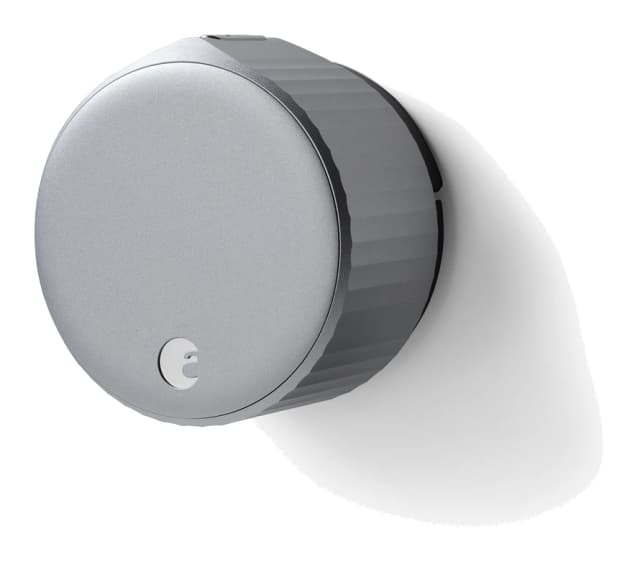
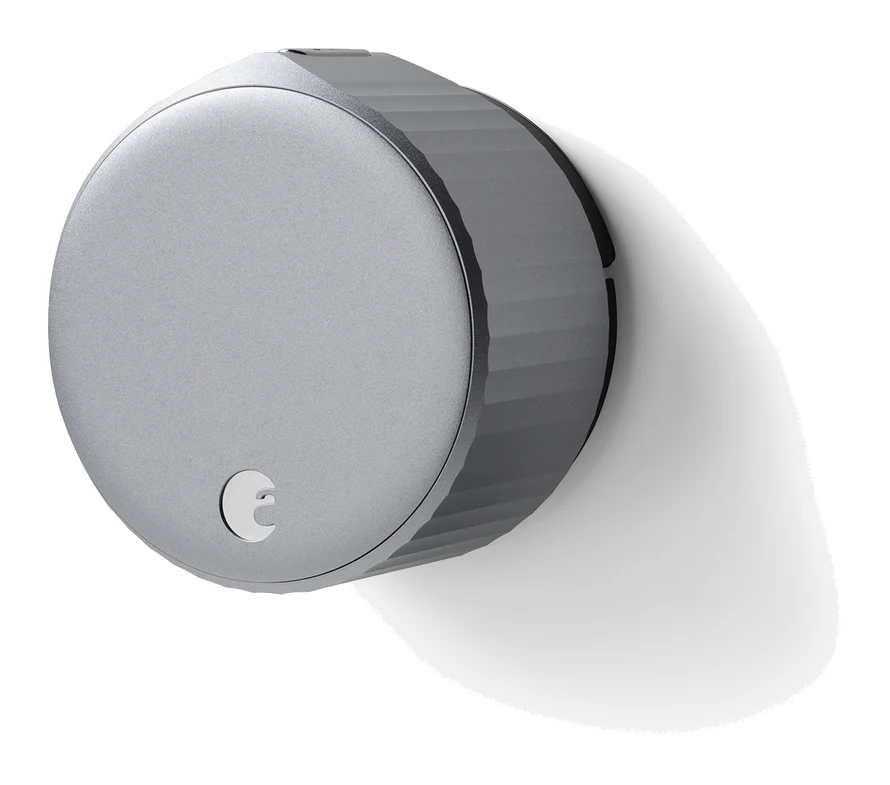
- Premium PickAugust Wi-Fi Smart LockWhy we picked it →
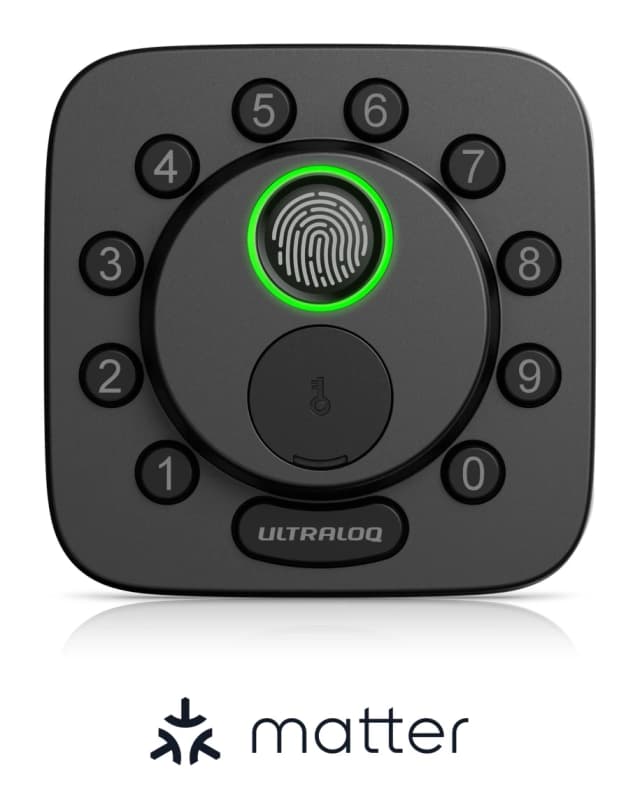
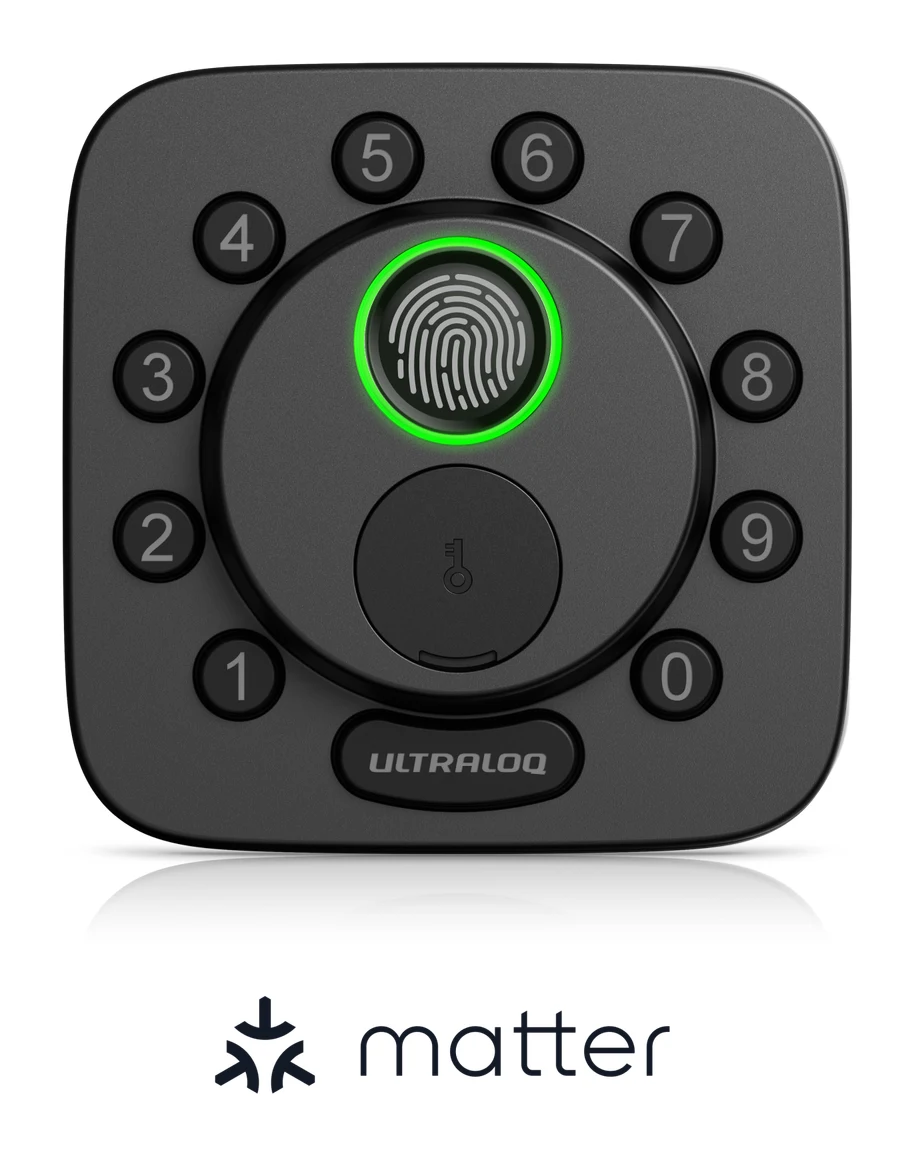
- Best ValueULTRALOQ Bolt SEWhy we picked it →
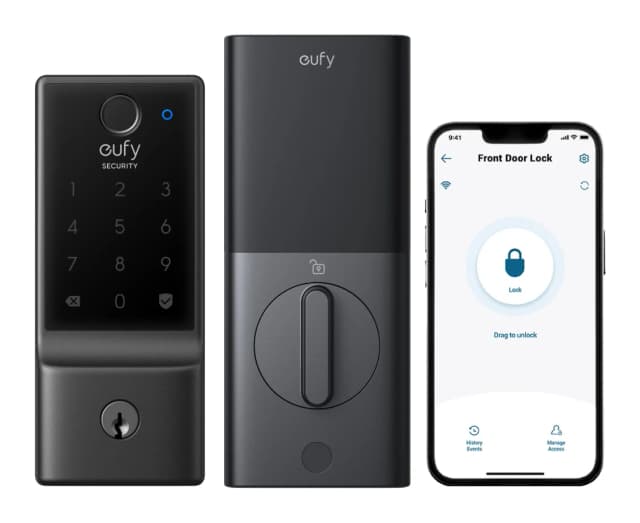
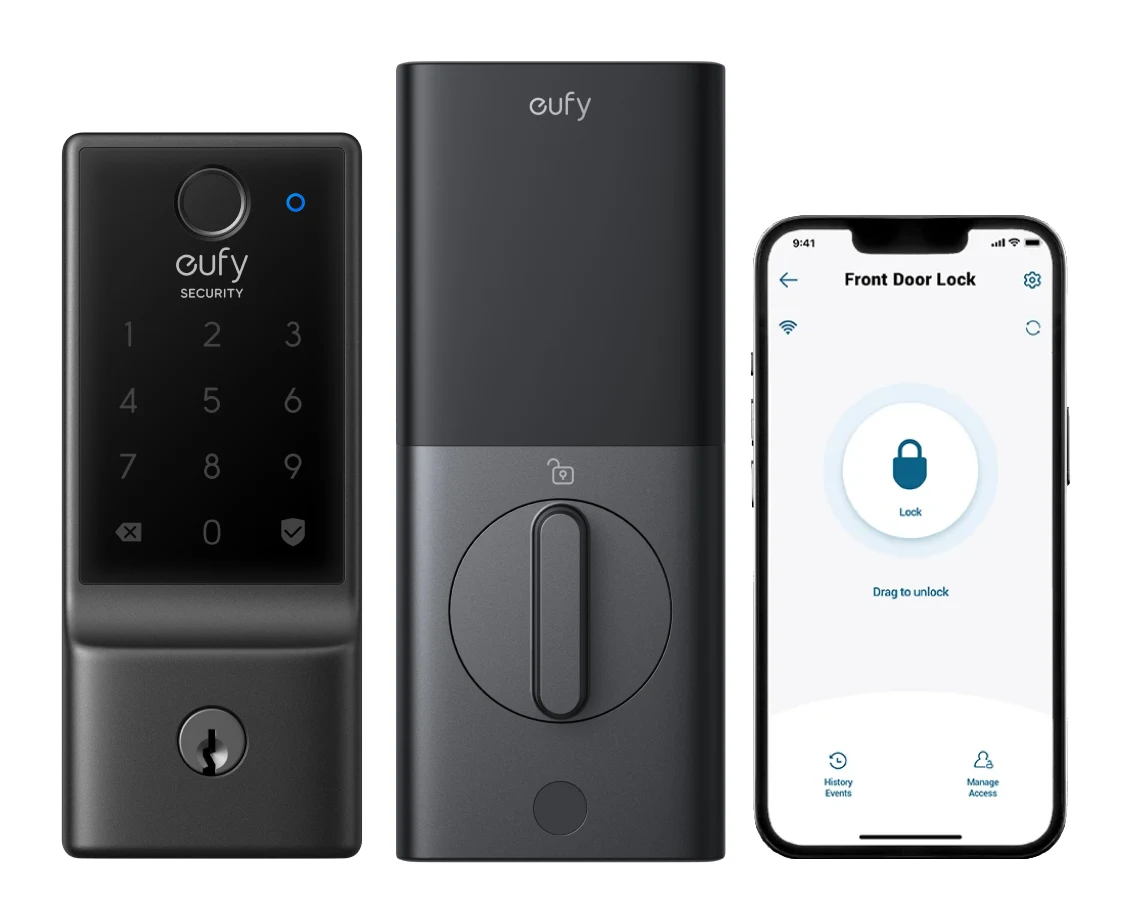
- Best Budgeteufy Security Smart Lock C220Why we picked it →
Frequently asked questions
Is the Wyze Lock Bolt worth it?
It is worth considering if you want a simple fingerprint and keypad deadbolt that is quick to install and runs for 10-12 months on batteries. It is recommended in 4 expert guides. It isn't the right pick if you want remote access, voice control or automatic unlocking.
Does the Wyze Lock Bolt work with Wi-Fi or voice assistants?
No. It connects over Bluetooth 5.0 only, with a range of 16 ft, and it has no Wi-Fi. Reviewers also note it has no smart home or voice assistant integration. The one connected extra is unlock-only pairing with the Wyze Video Doorbell Pro.
How long do the batteries last in the Wyze Lock Bolt?
Wyze quotes a battery life of 10-12 months on the 4x AA batteries that come with the lock.
What happens if the Wyze Lock Bolt's batteries die?
The lock has a USB-C emergency port that gives a brief charge, which should let you unlock the door. There is no keyhole, so replace the batteries promptly.
Is the Wyze Lock Bolt waterproof?
It is rated IPX5 for weather resistance. The keypad is rated for temperatures from -13°F to 122°F.
Will the Wyze Lock Bolt fit my door?
It supports a backset of 2-3/8" or 2-3/4" and door thicknesses of 1-3/8" or 1-3/4". It needs a through-hole diameter of 2-1/8" and a deadbolt diameter of 1". Wyze says installation takes about 20 minutes on most US doors.
Sources
Specs are taken from the manufacturers' official pages; expert recommendations from the publications below.
- Wyze Lock Bolt: wyze.com, safehome.org, pcworld.com
Related reviews & guides
Best Smart Lock for Renters 2026: Easy Installs & Retrofits
Five smart locks compared for renters in 2026, covering retrofit and no-drill installs, unlock methods, battery life and smart-home support, based on manufacturer specs and expert recommendations.
Published Oct 9, 2026
Wyze Bulb Color Review (2026): Bright, Hub-Free, No HomeKit
The Wyze Bulb Color pairs up to 1100 lumens with 16 million colors and no hub. Here is what it does well, where it falls short and who it suits.
Published Oct 28, 2026
Wyze Cam Pan v3 Review (2026): One Camera, Whole Room
The Wyze Cam Pan v3 is a pan-tilt camera with IP65 weather resistance, motion tracking and local recording. Here is what it does well and where it falls short.
Published Oct 23, 2026