Amazon Echo Hub Review (2026): A Panel, Not a Speaker
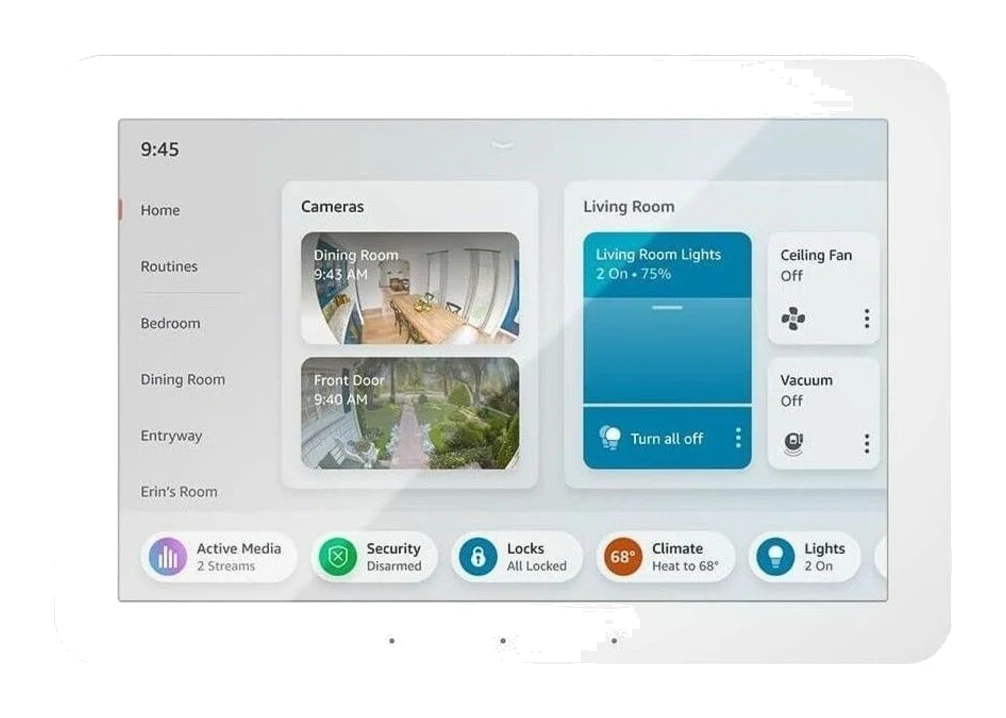
Our Amazon Echo Hub review looks at Amazon's 8-inch smart home control panel: what the touchscreen dashboard and built-in hub do well, and where reviewers say it falls short.
Research-based · We earn from qualifying purchases
Our verdict
The Echo Hub is a well-regarded, smart-home-first control panel that suits anyone with a growing network of Alexa-compatible lights, plugs and cameras, especially Ring users. Skip it if you want a smart display for music, video calls or entertainment, or if you expect a snappy interface.
The good
- Clear, customizable touch dashboard with widgets for fast device control
- Built-in hub supports Zigbee, Thread and Matter, plus Bluetooth LE Mesh
- Handy for viewing Ring and other camera feeds, and arming Ring security
- Wall-mount design with cable pass-throughs and optional PoE power
- Clean interface without ads or bloatware
+2 more
- Wall-mount design with cable pass-throughs and optional PoE power
- Clean interface without ads or bloatware
The bad
- Software can feel laggy, especially when opening menus and camera feeds
- Speakers are weak and tinny, so poor for music
- No camera, so it is unsuitable for video calls
- Tabletop stand is sold separately
+1 more
- Tabletop stand is sold separately
This Amazon Echo Hub review is about a product that is easy to misread. It has an 8-inch touchscreen and Alexa built in, so it looks like a smart display. Amazon positions it as a control panel for the connected home, though: a screen to put on a wall, tap, and use to run lights, plugs, cameras and security. It is aimed at Alexa households that want one central place for all of that, and it sits in the mid-range part of the market.
It also averages 9/10 across 3 expert reviews (Trusted Reviews, TechRadar and Tom's Guide). The reviews come with clear caveats, which we cover below.
Amazon Echo Hub: specs at a glance
From the manufacturer- PoE
- With compatible USB-C converter (IEEE 802.3at/PoE+ or 802.3bt/PoE++)
- Audio
- Dual stereo speakers (top-ported full-range), 4 x microphone array
- Power
- USB PD, 5V/2.4A and 9V/3A
- Wi-Fi
- Dual-band 802.11a/b/g/n/ac
- Camera
- None
- Weight
- 12.9 oz (365 g)
- Display
- 8" touchscreen, 1280 x 800
- Sensors
- Passive infrared (PIR) proximity sensor, ambient light sensor
- Mounting
- Wall or tabletop (stand sold separately)
- Bluetooth
- Bluetooth LE (A2DP audio streaming)
- Languages
- Alexa speaks English and Spanish
- Processor
- MediaTek MT 8169 A
- Dimensions
- 7.9 x 5.4 x 0.6 in (202 x 137 x 15 mm)
- Smart home protocols
- Zigbee, Thread, Matter (controller only), Sidewalk, Bluetooth LE Mesh
Key features
- 8-inch touchscreen dashboard with customizable widgets for quick device control
- Ask Alexa or tap the display to control lights, plugs and cameras
- Built-in smart home hub with Zigbee, Matter and Thread support
- View multiple camera feeds and arm or disarm a Ring security system
- Wall-mountable, with in-wall cable pass-throughs; table-top stand sold separately
- Powered by USB-C or by Ethernet with a PoE adapter
- Proximity sensor wakes the screen as you approach
- Mic-off button and support for viewing end-to-end encrypted Ring video
What the Echo Hub actually is
The Echo Hub is built around a customizable dashboard. You arrange widgets on the 8-inch screen so the devices you use most are a single tap away. You can also just ask Alexa. The idea is that you stop opening a phone app to dim a light or check a camera, and instead use a fixed panel in a hallway, kitchen or living room.
It also acts as a smart home hub. It supports Zigbee, Thread and Matter (as a controller only), along with Sidewalk and Bluetooth LE Mesh. For anyone building out a network of Alexa-compatible devices, that range of protocols is a large part of the appeal. It means fewer separate bridges and a screen that is already wired into the system it controls.
The Echo Hub does not try to be an entertainment device. It has no camera and the audio is not a selling point, which shapes who should buy it.
Design and build
The Echo Hub is a slim slab. It measures 7.9 x 5.4 x 0.6 in (202 x 137 x 15 mm) and weighs 12.9 oz (365 g). The 8-inch display runs at 1280 x 800.
It is designed to go on a wall. Amazon includes in-wall cable pass-throughs, so you can hide the power lead and get the clean, built-in look of a wall panel rather than a gadget with a cable trailing down. You can also use it on a tabletop, but the stand is sold separately. Reviewers call that out as a drawback, because anyone who doesn't want to mount it has to buy an extra piece.
Power options
Power comes over USB-C (USB PD, 5V/2.4A and 9V/3A). Alternatively you can run it over Ethernet with a compatible USB-C converter that supports IEEE 802.3at/PoE+ or 802.3bt/PoE++. PoE matters most for a permanent wall install. One cable can carry both power and a network connection, so you don't need a nearby outlet. If you're not planning in-wall wiring, standard USB-C power is the simpler route.
A passive infrared (PIR) proximity sensor wakes the screen as you approach, and an ambient light sensor is on board too. In practice, the panel is meant to be glanceable. It is ready when you walk up to it and not demanding attention when you don't.
Features and what they mean day to day
Dashboard and device control
The core feature is the customizable widget dashboard. You can control lights, plugs and cameras by tapping the screen or by asking Alexa. Reviewers consistently praise the dashboard as clear and fast to use for everyday jobs. They also like that the interface is clean, with no ads or bloatware cluttering the screen. For a device that lives on a wall and is used many times a day, that matters.
Ring and camera integration
This is where the Echo Hub is strongest for a specific group of buyers. You can view multiple camera feeds on the display and arm or disarm a Ring security system. It also supports viewing end-to-end encrypted Ring video. If you already use Ring, the Echo Hub can work as a front-door and security dashboard, and reviewers single out this ability as a highlight.
Protocols and the built-in hub
Zigbee, Thread and Matter support means the Echo Hub can sit at the centre of a mixed smart home. Matter support is listed as controller only, which is worth knowing if you were hoping for broader Matter functions. The extra support for Sidewalk and Bluetooth LE Mesh adds to the list, and Bluetooth LE with A2DP audio streaming is also supported.
The practical upside is a hub that doesn't force you to pick a single protocol. Reviewers count the protocol support among the product's main strengths.
Privacy
There is a mic-off button, which is a sensible inclusion for a screen that is always in a communal part of the house. With no camera built in, there is nothing to cover or disable on that front either.
Performance and connectivity
Under the screen is a MediaTek MT 8169 A processor, and Wi-Fi is dual-band 802.11a/b/g/n/ac. Alexa speaks English and Spanish.
The most common criticism from reviewers is that the software can feel laggy. They point to opening menus and loading camera feeds in particular. This is the most important caveat in the whole review. If you are used to a snappy phone or tablet interface, the Echo Hub may feel slower than you want, and you'd be tapping a wall panel dozens of times over its life. For someone who mainly wants set-and-forget scenes and the occasional camera check, the delay is probably tolerable. For someone who expects instant response, it may grate.
The Echo Hub can also be powered over Ethernet with a compatible PoE USB-C converter.
Sound and what is missing
The Echo Hub has dual stereo speakers (top-ported full-range) and a four-microphone array for hearing Alexa. Reviewers say the speakers are weak and tinny, so it is a poor choice for music.
There is also no camera, so it can't be used for video calls. With no camera built in, there is also no camera to worry about for privacy. But anyone who wants a kitchen or bedside screen for calls and entertainment should look at a different type of device.
What experts like and what they criticise
Trusted Reviews, TechRadar and Tom's Guide each score the Echo Hub 4.5/5, which is where the 9/10 average comes from. The consistent praise falls into a few areas:
- A clear, customizable touch dashboard that makes device control fast.
- A built-in hub with Zigbee, Thread and Matter support, plus Bluetooth LE Mesh.
- Useful Ring and camera integration, including arming Ring security.
- A wall-mount design with cable pass-throughs and optional PoE power.
- A clean interface with no ads or bloatware.
The criticisms are just as consistent:
- Software that can feel laggy, especially in menus and camera feeds.
- Weak, tinny speakers that make it a poor music device.
- No camera, so no video calls.
- A tabletop stand that costs extra.
None of these is a hidden flaw. They follow from what the product is: a control panel first, with media features left out or underpowered. The sluggish interface is the one that touches the core job, so it deserves the most weight.
Who should buy it, and who should skip it
Buy it if you have, or are building, a network of Alexa-compatible lights, plugs and cameras and want a central panel to run them. It is especially good if you use Ring and want to see feeds or arm your security system without reaching for your phone. It also suits anyone planning a wall install who likes the idea of hidden cabling and PoE power.
Skip it if you want a smart display for music, video calls or entertainment. The speakers and the missing camera rule that out. Also think twice if you expect a very responsive interface, because lag in menus and camera feeds is the most common complaint. And if you wanted a free-standing display on a desk or counter, remember that the stand is a separate purchase.
How it fits in its category
The Echo Hub focuses on smart home control rather than music, video calls or entertainment. The advantage is a clear purpose, a clean interface and a strong set of protocols. The disadvantage is that it does less outside that purpose than a general smart display would. If you already know you want a dedicated panel, the Echo Hub fits the brief. If you are still deciding between a panel and a general-purpose screen, work out whether you'd use music and calls before choosing.
Verdict
The Echo Hub does one job well: it gives an Alexa-based smart home a clear, customizable, wall-friendly control point, with a good range of hub protocols and useful Ring support. Its weaknesses are a sometimes laggy interface, poor speakers and no camera. With an average of 9/10 across 3 expert reviews, it is a strong choice for the right household and the wrong one for anyone expecting an all-round smart display.
This review is based on manufacturer specs and what independent experts report, not on hands-on testing by our team.
Related buying guides
- Amazon Echo Show 8 (4th Gen, 2025) Review: Display Plus Hub
- Amazon Echo Show 15 (2nd Gen, 2024) Review: Family Wall Hub
- Amazon Echo Spot (2024) Review: Camera-Free Bedside Alexa
- Amazon Echo Dot (5th Gen) Review (2026): Small-Room Smarts
- Best Matter Hub 2026: Thread and Zigbee for Every Home
- Best Smart Thermostats 2026: Matched to Your Wiring & Home
- Ecobee Smart Thermostat Enhanced Review (2026): Easy Install
Not sure about the Amazon Echo Hub? Consider these
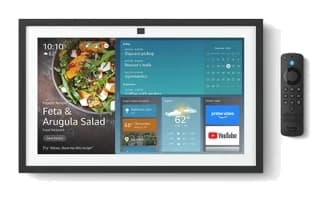
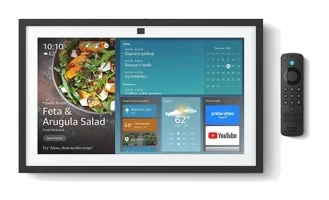
- Best OverallAmazon Echo Show 15 (2nd Generation)Why we picked it →
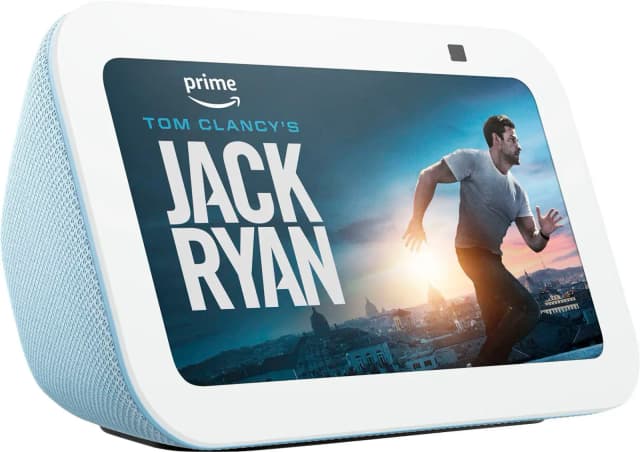
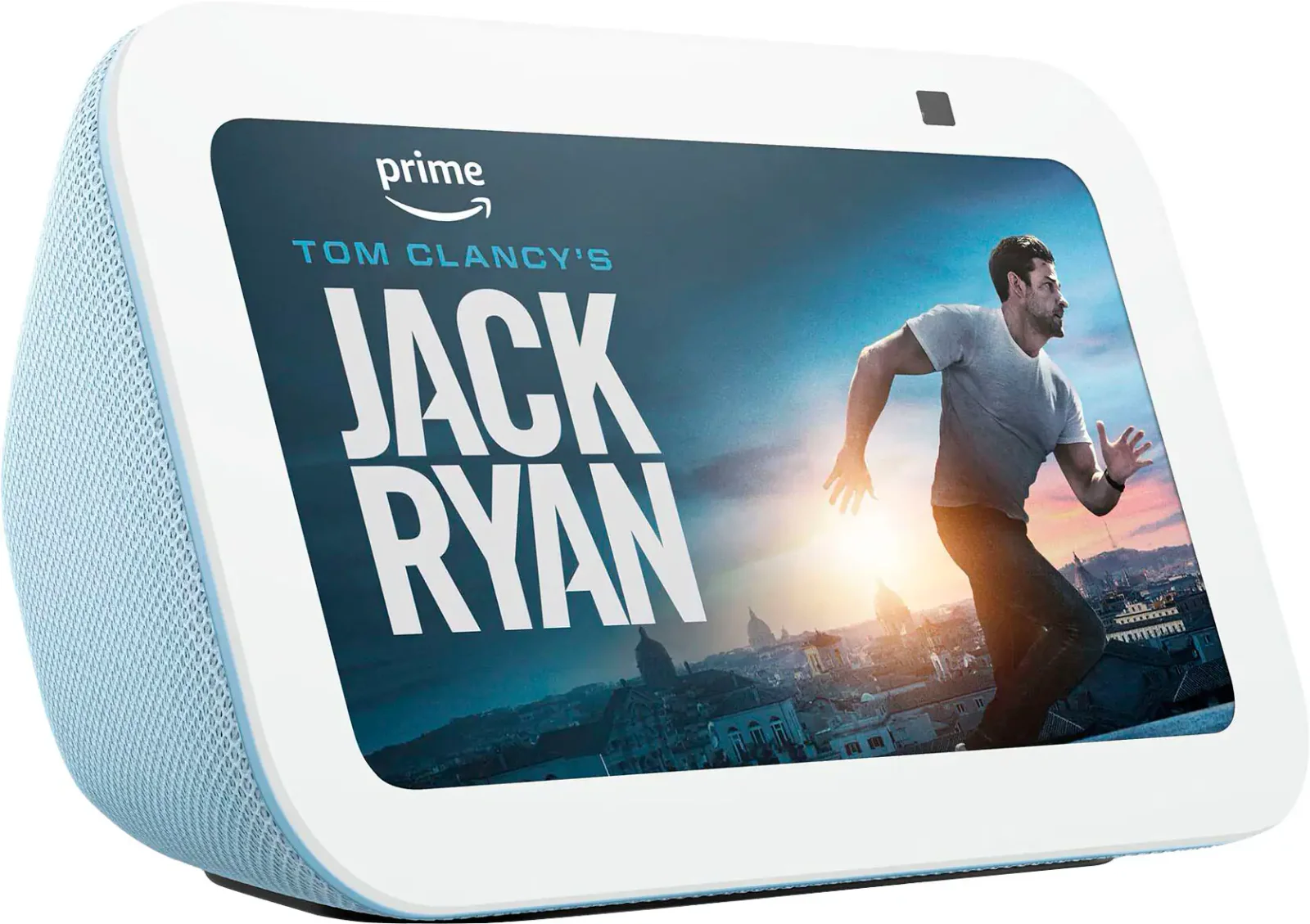
- Best ValueAmazon Echo Show 5 (3rd Generation)Why we picked it →
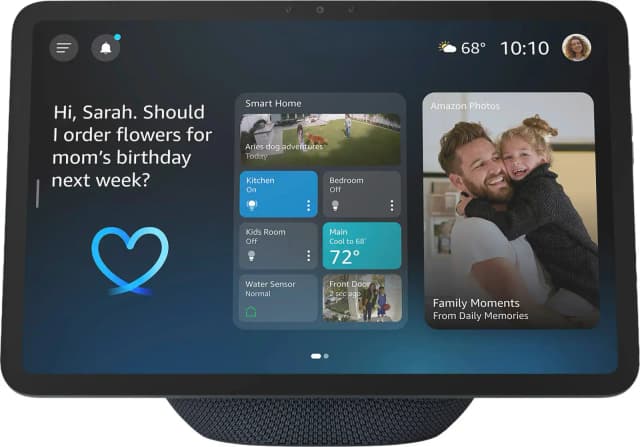
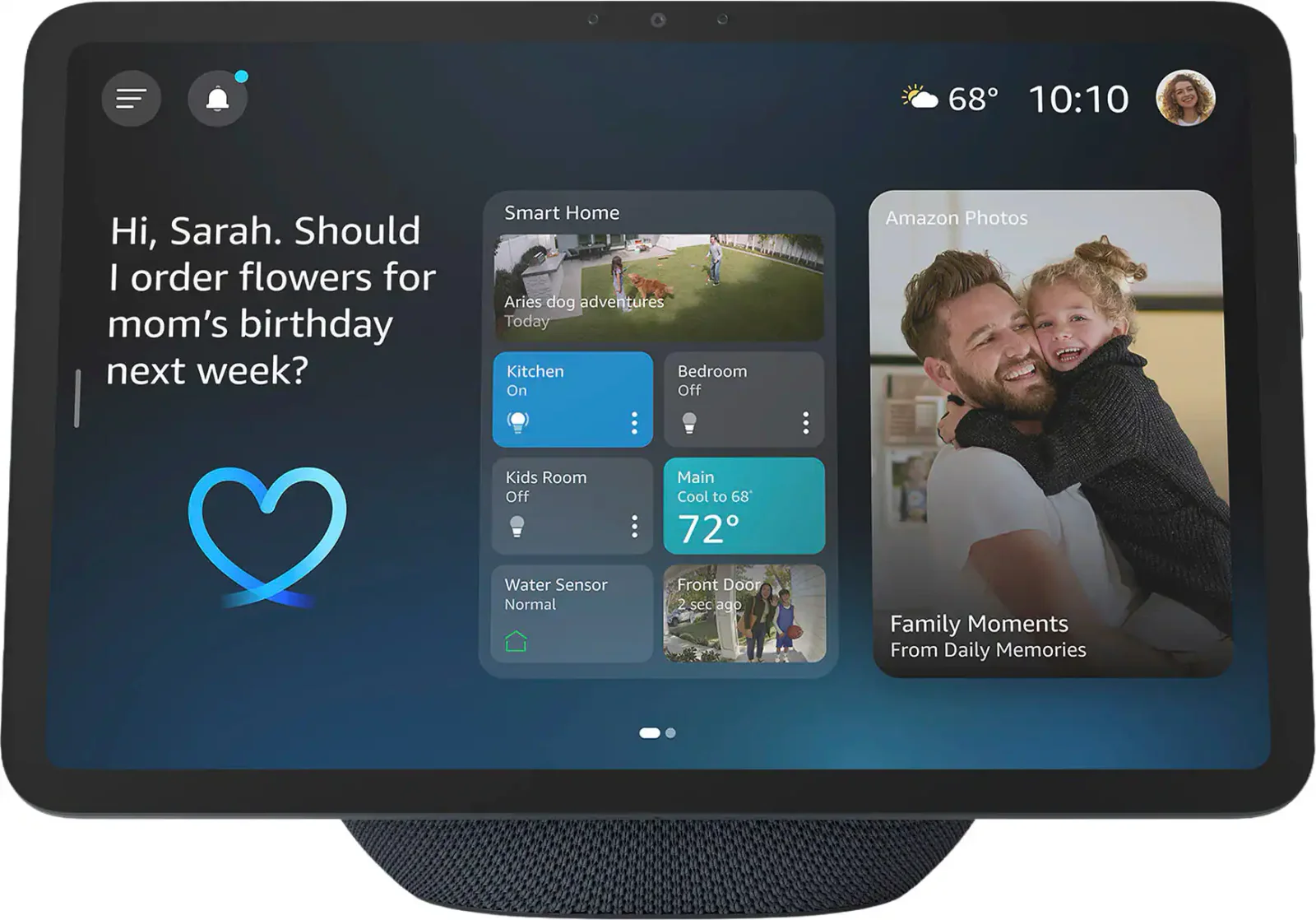
- Premium PickAmazon Echo Show 11Why we picked it →
Frequently asked questions
Is the Amazon Echo Hub worth it?
For Alexa households with a growing set of lights, plugs and cameras, reviewers think so. It averages 9/10 across 3 expert reviews. It is less worthwhile if you want a screen for music or video calls, or a very responsive interface.
Does the Echo Hub support Matter, Zigbee and Thread?
Yes. It has a built-in smart home hub with Zigbee, Thread and Matter support. Matter is listed as controller only. It also lists Sidewalk and Bluetooth LE Mesh.
Does the Echo Hub have a camera for video calls?
No. The Echo Hub has no camera, so it can't be used for video calls. It does have a mic-off button.
Can the Echo Hub control Ring security?
Yes. You can view multiple camera feeds and arm or disarm a Ring security system from the display. It also supports viewing end-to-end encrypted Ring video.
How do you power the Echo Hub?
Power is over USB-C (USB PD, 5V/2.4A and 9V/3A). You can also use Ethernet with a compatible USB-C converter that supports IEEE 802.3at/PoE+ or 802.3bt/PoE++.
Is the Echo Hub good for playing music?
Not really. Reviewers describe the speakers as weak and tinny, so it is a poor choice for music.
Sources
Specs are taken from the manufacturers' official pages; expert recommendations from the publications below.
- Amazon Echo Hub: trustedreviews.com, techradar.com, eufy.com, reviewed.com
Related reviews & guides
Amazon Echo Show 8 (4th Gen, 2025) Review: Display Plus Hub
The 2025 Echo Show 8 pairs a larger 8.7-inch display with spatial audio and a built-in smart home hub. Here is what it offers, where experts push back, and who it suits.
Published Oct 21, 2026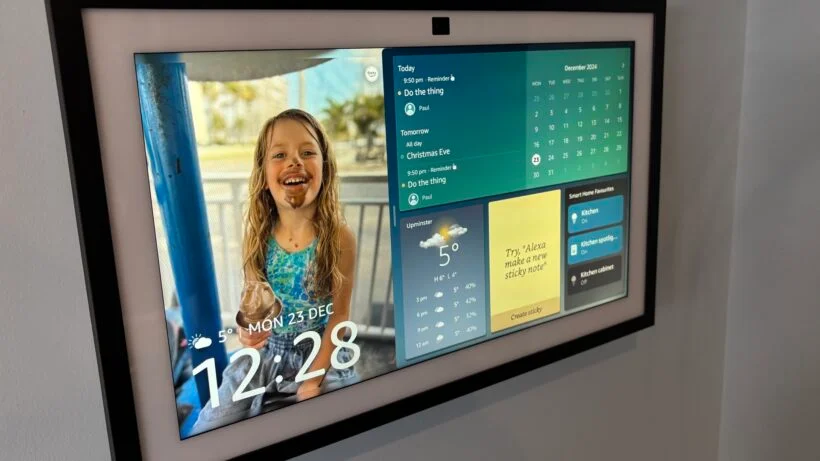
Amazon Echo Show 15 (2nd Gen, 2024) Review: Family Wall Hub
Our Amazon Echo Show 15 (2nd Gen, 2024) review covers the 15.6-inch display, built-in Fire TV, smart home hub features and the audio compromises experts flag.
Published Oct 23, 2026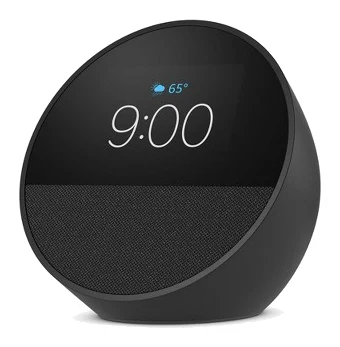
Amazon Echo Spot (2024) Review: Camera-Free Bedside Alexa
A look at the Echo Spot (2024) as a compact, camera-free Alexa alarm clock: what the display, speaker and smart home features offer, and where experts say it falls short.
Published Oct 28, 2026