Logitech Blue Yeti Review (2026): Versatile, but Needs Quiet
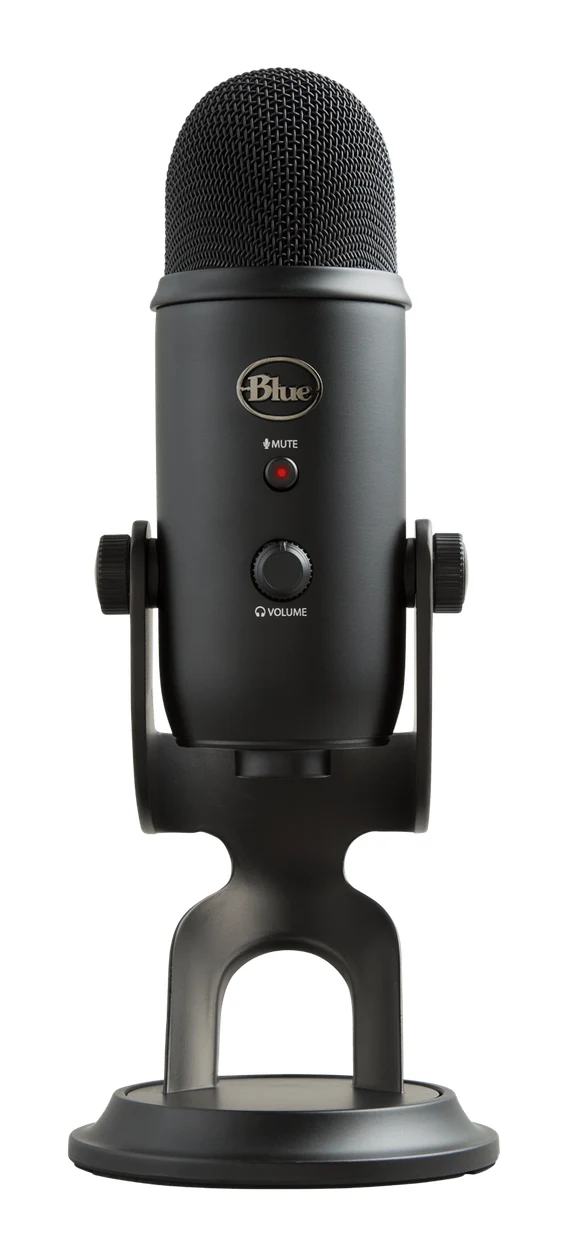
The Logitech Blue Yeti is a versatile plug-and-play USB condenser mic with four pickup patterns. Here is what it does well, where experts find fault, and who should buy it.
Research-based · We earn from qualifying purchases
Our verdict
The Blue Yeti suits streamers, podcasters and home-office users who want a versatile, easy USB mic with good vocal clarity for the price. Skip it if you record in a noisy untreated room, need a portable mic, or want an upgrade path via XLR.
The good
- Four pickup patterns cover solo, interview, group and stereo recording
- Plug-and-play USB setup with no drivers required
- Clear, full vocal sound that experts call great for the price
- Zero-latency headphone monitoring, plus on-mic gain and instant mute
- Solid metal build with internal shockmount and removable stand
+2 more
- Zero-latency headphone monitoring, plus on-mic gain and instant mute
- Solid metal build with internal shockmount and removable stand
The bad
- Sensitive condenser picks up keyboard, fan and room noise
- Pops and bumps come through, so a pop filter is recommended
- Bulky and heavy at 2.2 lb with stand, so not portable
- USB only with 16-bit/48 kHz audio and no XLR output
+1 more
- USB only with 16-bit/48 kHz audio and no XLR output
If you are shopping for a simple way to upgrade your voice for streaming, podcasting or calls, this Logitech Blue Yeti review is for you. The Yeti is a USB condenser microphone with three capsules, four pickup patterns and controls built into the body. It is a mid-range pick, and it is recommended in 3 independent expert buying guides. It is aimed at people who want one versatile mic that works without an audio interface.
Logitech Blue Yeti: specs at a glance
From the manufacturer- Weight
- 1.2 lb mic only; 2.2 lb with stand
- Max SPL
- 120 dB
- Warranty
- 2 year
- Impedance
- 16 Ohm
- Connection
- USB (mini-USB on mic, USB-A on cable)
- Mount thread
- 5/8"-27 female
- Polar patterns
- Cardioid, Bidirectional, Omnidirectional, Stereo
- Microphone type
- Condenser, 3 capsules
- Capsule diameter
- 14 mm
- Headphone output
- 3.5 mm
- Frequency response
- 20 Hz - 20 kHz
- Signal-to-noise ratio
- 100 dB
- Bit depth / sample rate
- 16-bit / 48 kHz
- Dimensions (with stand)
- 4.72 x 4.92 x 11.61 in
Key features
- Four pickup patterns (cardioid, bidirectional, omnidirectional, stereo) for solo, interview or group recording
- Plug and play over USB with no drivers required
- Zero-latency headphone monitoring through the built-in headphone output
- Gain control and instant mute button right on the mic
- Internal shockmount protects the 3-capsule array from bumps
- Blue VO!CE filters and effects (EQ, limiter, depopper) via free Logitech G HUB software
- Removable desktop stand that also fits a boom arm
- Metal build with a recognisable look on camera
Why people consider the Blue Yeti
The appeal is simplicity and flexibility. You plug the Yeti in over USB, and no drivers are required. Gain and mute are on the mic itself, and a headphone output lets you monitor your own voice. The pattern options mean the same mic can handle a solo voiceover, a two-person interview or a group around a table.
It also has a clear weakness, which comes up in expert write-ups: it is a sensitive condenser, so it hears a lot of the room. Whether the Yeti suits you depends mostly on where you record.
Logitech Blue Yeti review: design and build
The Yeti has a metal build and a look that is recognisable on camera, which matters if your mic is visible in a stream or video call. Reviewers praise the solid construction. Inside, an internal shockmount protects the 3-capsule array from bumps. That is useful on a desk where knocks and vibration are common, though it will not make the mic immune to every bump (more on that below).
The stand is removable and also fits a boom arm. You can start with the desktop stand and move to an arm later, which tends to help with positioning and with keeping the mic away from desk noise. The mic has a 5/8"-27 female mount thread.
The downside is size. The mic alone weighs 1.2 lb, and it comes to 2.2 lb with the stand. Reviewers consistently note that it is bulky and heavy, so it is a desk fixture rather than something to throw in a bag. If you travel with your recording setup, this is a real consideration.
Features and what they mean day to day
Four pickup patterns
The headline feature is the choice of cardioid, bidirectional, omnidirectional and stereo patterns. In practice:
- Cardioid picks up mainly what is in front of the mic. It is the usual choice for a single speaker, such as a streamer, podcaster or someone on a video call.
- Bidirectional records from the front and back, which suits a two-person interview across the mic.
- Omnidirectional records from all around, which suits a group conversation or capturing a room.
- Stereo records a wider left and right image.
Reviewers praise the four pickup patterns for solo, interview, group and stereo recording.
Plug and play, with on-mic controls
Setup is as easy as it gets. The mic connects with a mini-USB port on the mic and a USB-A connector on the cable, so check that your computer has a suitable port. Once it is plugged in, there is no driver install to deal with. Reviewers like the gain control and the instant mute button on the mic body. Muting without hunting through software is handy on calls and live streams.
Zero-latency headphone monitoring
The built-in 3.5 mm headphone output offers zero-latency monitoring. You hear your voice as the mic hears it, with no delay. This helps you judge your distance from the mic and catch problems such as plosives or background noise while you record.
Blue VO!CE software
The free Logitech G HUB software provides Blue VO!CE filters and effects, including EQ, a limiter and a depopper. These give you a way to shape your voice and tame some problems without extra tools. Filters can only do so much, though. They are not a substitute for a quiet room and good mic technique, and experts still recommend a pop filter.
Performance and sound
The Yeti is a condenser design with a 14 mm capsule diameter, and the spec sheet lists a frequency response of 20 Hz - 20 kHz and a signal-to-noise ratio of 100 dB. The maximum SPL is 120 dB. SPL tells you how loud a source can get before the mic distorts.
Spec sheets only go so far, so the more useful guide is what experts report. Reviewers praise a clear, full vocal sound and describe it as great for the price. The scores back that up. It averages 8.5/10 across 4 expert reviews:
- TechRadar: 5/5
- Reviews.org: 4.5/5
- The Podcast Host: 3/5
- Musician Nerd: 8.9/10
The Podcast Host score is the lowest of the four; the criticisms below cover the common weaknesses reviewers raise.
Audio format
The mic records at 16-bit / 48 kHz over USB. For voice work such as streaming, calls and podcasts, that is a workable format. It is a fixed spec, so if you want to go beyond it, the Yeti will not stretch.
What experts like and what they criticise
The positives are consistent across expert coverage. Reviewers praise:
- the four pickup patterns for solo, interview, group and stereo recording
- the plug-and-play USB setup
- the clear, full vocal sound for the money
- the zero-latency monitoring, on-mic gain and instant mute
- the metal build, with the internal shockmount and removable stand
The criticisms are just as consistent, and some of them matter a lot:
- It hears everything. A common criticism is that this sensitive condenser picks up keyboard, fan and room noise. If you type while you talk, or your room is noisy and untreated, you will hear it in your recordings.
- Pops and bumps come through. Reviewers recommend a pop filter, and the shockmount does not remove the need for care on a busy desk.
- It is not portable. At 2.2 lb with the stand, it is a mic for a fixed desk.
- No upgrade path. It is USB only, with no XLR output. If you expect to grow into an interface and a more advanced setup, you cannot take this mic with you.
Who should buy the Blue Yeti, and who should skip it
It suits you if you are a streamer, podcaster or home-office user who wants one simple mic that can adapt to different recording situations. It also fits you if you value vocal clarity for the price and want to plug in and start without a separate interface. If you record guests or small groups now and then, the extra patterns will be useful.
Skip it if you record in a noisy, untreated room and cannot do anything about it. Also skip it if you need a mic you can carry around, or if you want XLR so you can build a more flexible setup over time. In those cases a different type of mic is likely to be a better fit.
How it fits among USB mics
The Yeti's pitch is breadth: lots of patterns, easy setup and on-mic controls in one metal package. The trade-off is that it is a large, sensitive condenser with a fixed USB-only feature set. If you are weighing it against other options, our guide to the best USB microphones for podcasting and streaming is a good place to compare how the main choices differ.
This review is based on manufacturer specifications and what independent experts report, not on our own hands-on testing.
Verdict
The Blue Yeti earns its reputation as a versatile, easy-to-use USB mic with good vocal clarity for the price. An expert average of 8.5/10 reflects that, and so does its presence in several expert buying guides. It also comes with caveats: it is sensitive to room and desk noise, it needs a pop filter, it is bulky, and it has no XLR output. If your recording space is reasonably quiet and you want a flexible, no-fuss mic, it is an easy one to consider. If your room is noisy or you want an upgrade path, look elsewhere.
Related buying guides
Not sure about the Logitech Blue Yeti? Consider these
- Best OverallLogitech Blue YetiWhy we picked it →
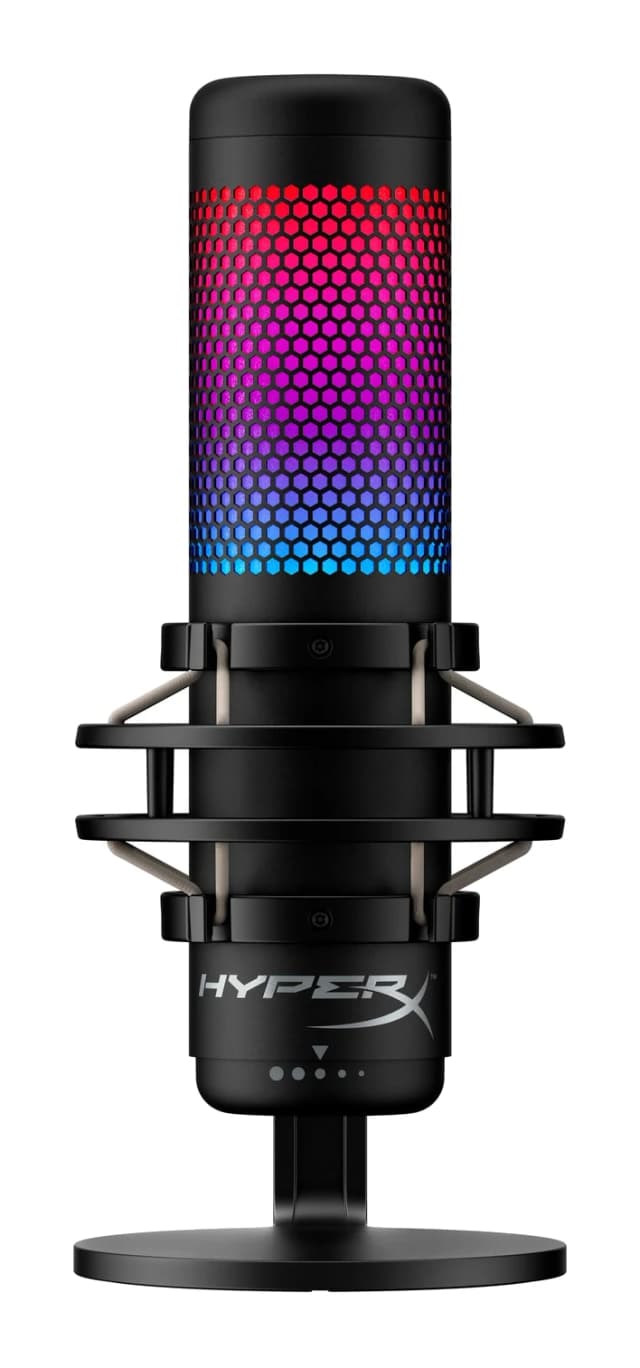
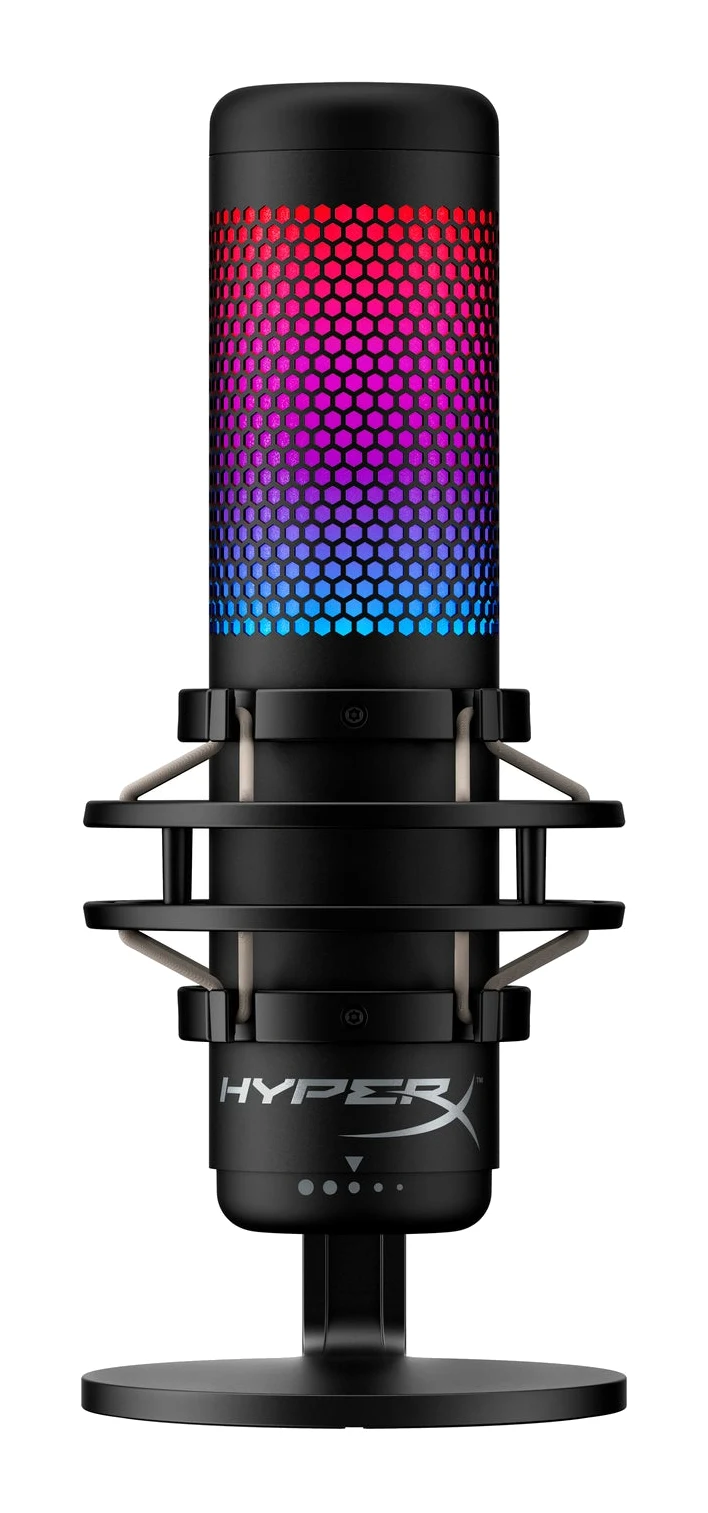
- Best ValueHyperX QuadCast SWhy we picked it →
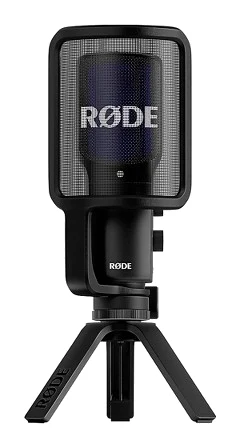
- Also GreatRode NT-USB+Why we picked it →
Frequently asked questions
Is the Logitech Blue Yeti worth it?
For streamers, podcasters and home-office users who want an easy, versatile USB mic, experts generally say yes. It averages 8.5/10 across 4 expert reviews and is praised for clear vocals for the price. It is less suited to noisy rooms or anyone who wants an XLR upgrade path.
Does the Blue Yeti need drivers?
No. It is plug and play over USB with no drivers required. The free Logitech G HUB software is optional and adds Blue VO!CE filters and effects such as EQ, a limiter and a depopper.
Does the Blue Yeti have XLR?
No. It connects over USB only, with a mini-USB port on the mic and a USB-A connector on the cable. Reviewers note the lack of XLR as a limitation if you want to expand your setup later.
What pickup patterns does the Blue Yeti have?
Four: cardioid, bidirectional, omnidirectional and stereo. Cardioid is the usual choice for a single speaker, bidirectional suits two-person interviews, and omnidirectional suits group recording.
Can I monitor my voice with the Blue Yeti?
Yes. The built-in 3.5 mm headphone output provides zero-latency monitoring, so you hear your voice without delay while you record.
Does the Blue Yeti pick up background noise?
Yes. A common criticism is that this sensitive condenser picks up keyboard, fan and room noise. Pops and bumps also come through, so reviewers recommend a pop filter.
Can the Blue Yeti be used on a boom arm?
Yes. The stand is removable and also fits a boom arm, so you can move off the desktop stand if you want better positioning.
Sources
Specs are taken from the manufacturers' official pages; expert recommendations from the publications below.
- Logitech Blue Yeti: logitechg.com, microcenter.com, bhphotovideo.com, homestudiobasics.com
Related reviews & guides
Best USB Microphones for Podcasting and Streaming 2026
Five USB microphones for podcasters and streamers, compared on polar patterns, bit depth, connectivity and expert recommendations, with a clear pick for each type of creator.
Published Oct 12, 2026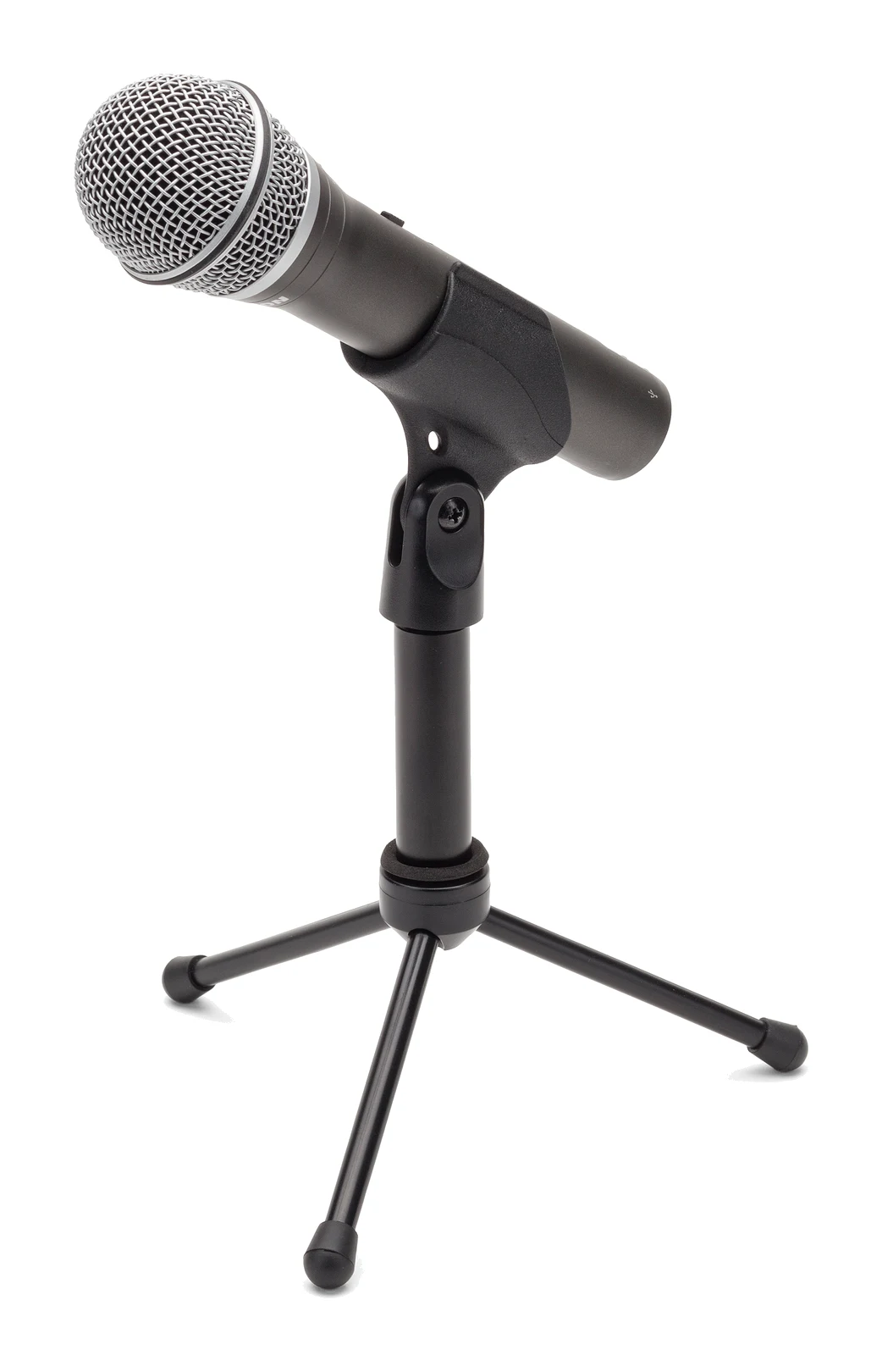
Samson Q2U Review (2026): Easy USB Now, XLR Later
The Samson Q2U is a dynamic microphone with both USB and XLR outputs, aimed at beginners who want to start recording today and upgrade their setup later.
Published Oct 28, 2026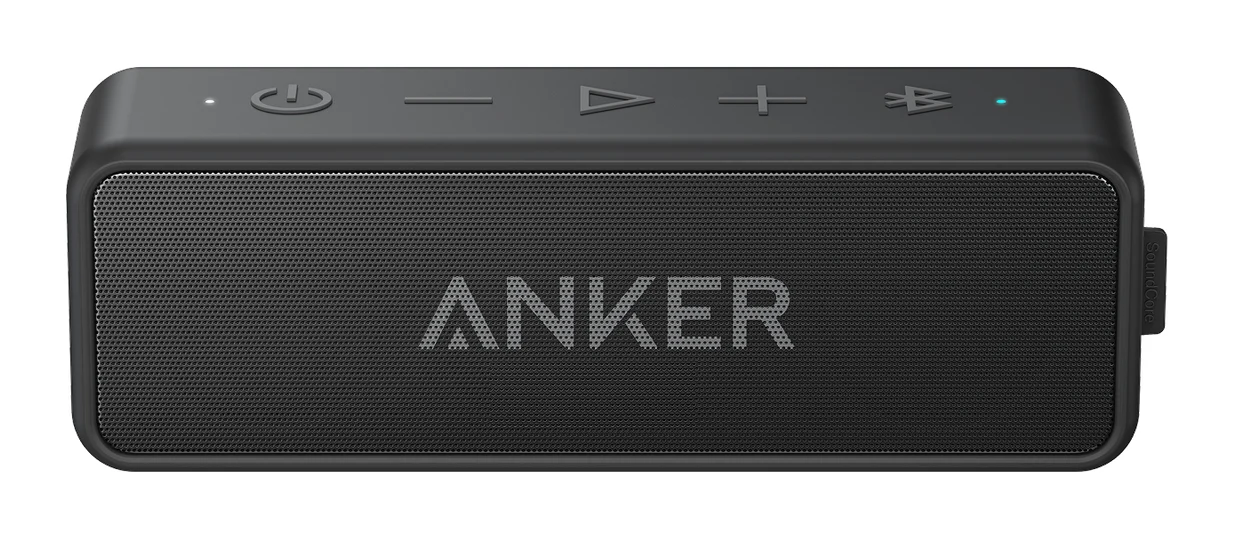
Anker Soundcore 2 Review (2026): Tough but Thin-Sounding?
The Anker Soundcore 2 is a compact, waterproof Bluetooth speaker with a big battery and simple controls. Here is what that means day to day, and where its sound falls short.
Published Oct 22, 2026