Numark Mixtrack Pro FX Review (2026): Big Wheels, Basic Pads
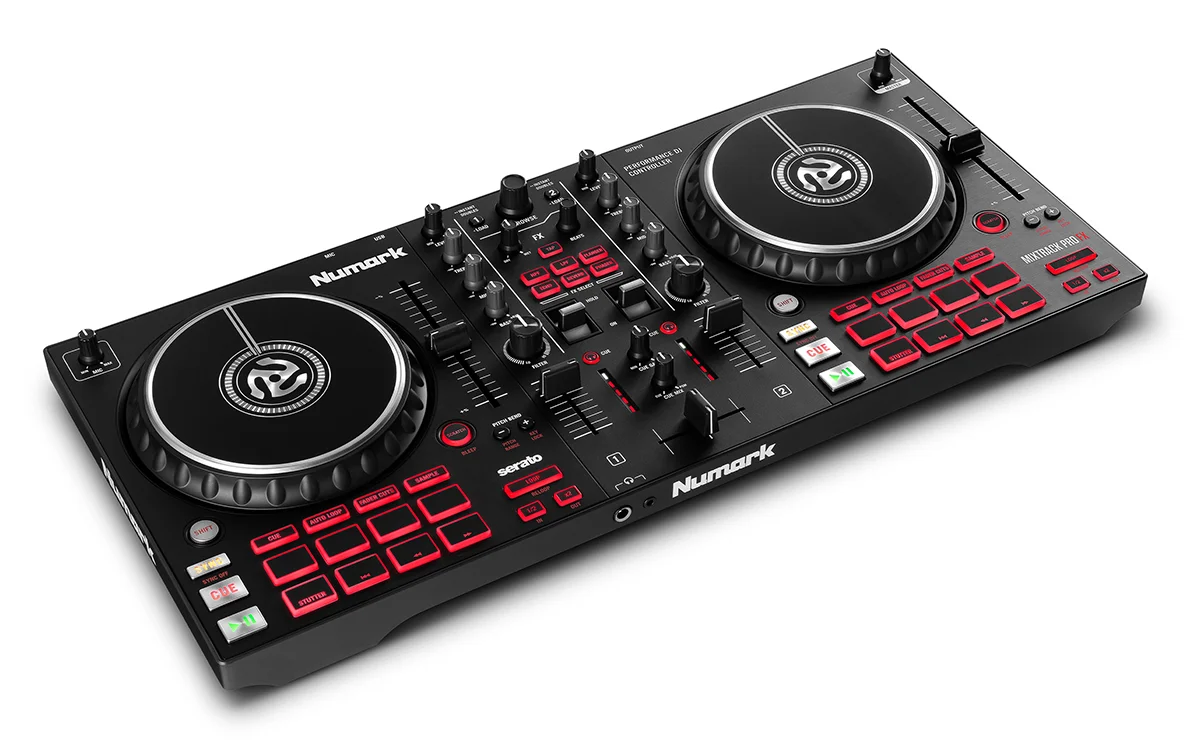
A two-deck Serato controller with large jog wheels, paddle-triggered effects and a built-in audio interface. Here is who it suits and where it falls short.
Research-based · We earn from qualifying purchases
Our verdict
The Mixtrack Pro FX is a strong starter controller for beginners and bedroom or mobile DJs who want big jog wheels, tactile effects and an all-in-one setup. Skip it if you need rugged club-grade build, balanced main outputs, four-deck control or advanced pad modes.
The good
- Large 6-inch capacitive-touch jog wheels suit scratching and precise cueing
- Built-in 24-bit audio interface means no separate sound card
- Six quick-launch effects on tactile paddles, handy with filters
- 16 backlit pads cover hot cues, loops, fader cuts and samples
- Beginner-friendly layout resembles club gear, with long pitch faders
+2 more
- 16 backlit pads cover hot cues, loops, fader cuts and samples
- Beginner-friendly layout resembles club gear, with long pitch faders
The bad
- Mostly plastic, consumer-grade build, not meant for heavy club use
- Pads are basic, with no slicer or beat jump
- Only one effect can run at a time across decks
- RCA is the only main output, and only two decks
+1 more
- RCA is the only main output, and only two decks
This Numark Mixtrack Pro FX review looks at a two-deck, two-channel DJ controller built around big jog wheels, quick-launch effects and an all-in-one USB setup. It is aimed at people taking their first steps in DJing: bedroom learners, hobbyists and mobile DJs who want a layout that resembles bigger club gear without a complicated rig. It sits in the mid-range part of the market. It was recommended in 5 independent expert buying guides, and this review draws on Numark's specifications and what independent reviewers report.
Numark Mixtrack Pro FX: specs at a glance
From the manufacturer- EQ
- 3-band per channel plus filter knob
- Audio
- 44.1 kHz, 24-bit
- Decks
- 2-deck, 2-channel
- Power
- USB bus power
- Inputs
- 1 x 1/4" (6.35 mm) TS microphone
- Weight
- 5.35 lbs (2.4 kg)
- Effects
- 6 quick-launch FX with 2 paddle triggers
- Outputs
- 1 RCA stereo pair; 1/4" (6.35 mm) TRS and 1/8" (3.5 mm) TRS headphone
- Jog wheels
- 2x 6" capacitive-touch
- OS support
- Windows 10 (64-bit) and macOS (Catalina 10.15 / Mojave 10.14 / High Sierra 10.13)
- Performance pads
- 16
- Software included
- Serato DJ Lite (upgrade-ready to Serato DJ)
- Dimensions (W x D x H)
- 21.1" x 9.7" x 2.0" (53.6 x 24.6 x 5.1 cm)
Key features
- Large 6-inch capacitive-touch jog wheels for scratching and precise cueing
- Six quick-launch effects (Echo, Reverb, Flanger, Phaser, HPF, LPF) with dual paddle triggers
- 16 backlit performance pads for hot cues, auto loop, fader cuts and samples
- Dedicated instant loop with multiplier buttons
- Full 3-band EQ plus filter knob per channel
- Built-in 24-bit audio interface, so no separate sound card is needed
- Serato DJ Lite included, with TIDAL and SoundCloud streaming and an upgrade path to Serato DJ Pro
- USB bus-powered, with mic input and both 1/4" and 1/8" headphone outputs
Why people consider the Mixtrack Pro FX
The Mixtrack Pro FX offers two 6" capacitive-touch jog wheels, a dedicated instant loop section with multiplier buttons, a 3-band EQ with a filter knob on each channel, and 16 backlit performance pads. It also has a built-in 24-bit audio interface, so you plug in headphones and speakers and start mixing without buying a separate sound card.
The package suits someone who wants to learn real DJ techniques (cueing, looping, EQ blending, scratching) on hardware that looks and behaves like a bigger setup. It also comes with Serato DJ Lite, with an upgrade path to Serato DJ Pro. Digital DJ Tips scores it 4.5/5.
Numark Mixtrack Pro FX review: design and build
The controller measures 21.1" x 9.7" x 2.0" (53.6 x 24.6 x 5.1 cm) and weighs 5.35 lbs (2.4 kg). That is a practical size for a desk, a bedroom setup or a bag. Power comes over USB, so there is no separate power supply to carry or plug in.
Reviewers describe the layout as beginner-friendly and similar to club gear, with long pitch faders. The layout matters for learners.
Reviewers criticise the build. It is mostly plastic and consumer-grade, and it is not meant for heavy club use. It does mean the Mixtrack Pro FX suits bedroom and light mobile use better than a venue that sees heavy nightly use.
Jog wheels and hands-on controls
The large 6-inch capacitive-touch jog wheels are the headline feature, and reviewers praise them. Capacitive touch means the wheel responds when your fingers rest on its top surface. That makes it suited to scratching and to precise cueing, where you nudge a track into position before a transition. Wheels at this size give you more room to work with than small ones, which is useful when you are still learning.
Each channel has a full 3-band EQ plus a filter knob. Three bands let you swap bass, mids and highs between tracks, and the filter knob gives you a quick way to sweep a track in or out. These are the controls you will use most in everyday mixing, and having them on both channels covers the basics of two-deck work.
Effects, pads and loops
The Mixtrack Pro FX has six quick-launch effects: Echo, Reverb, Flanger, Phaser, HPF and LPF. Dual paddle triggers fire them. The HPF and LPF are the high-pass and low-pass filters. Reviewers like the tactile paddles, and they note that they are especially handy with the filters.
One limit to know about is that only one effect can run at a time across decks. If you like layering effects or running one on each deck at once, you will notice it. For simple transitions and builds it is less of a restriction.
The 16 backlit performance pads (8 per deck) cover hot cues, auto loop, fader cuts and samples. Hot cues let you jump to marked points in a track, auto loop locks a section to repeat, fader cuts give you rhythmic cut-ins, and sample pads trigger sounds. A dedicated instant loop section with multiplier buttons sits alongside, so looping does not depend on the pads alone.
A common criticism is that the pads are basic, with no slicer or beat jump. Learners will find enough here to build a routine, but anyone who wants more advanced pad modes will outgrow them.
Software, audio and connections
The built-in audio interface runs at 44.1 kHz, 24-bit. For a beginner, the point is convenience: connect the controller by USB, open the software, plug in headphones and monitors, and you are ready. Windows 10 (64-bit) and macOS (Catalina 10.15, Mojave 10.14 or High Sierra 10.13) are listed as supported.
The controller comes with Serato DJ Lite, which includes TIDAL and SoundCloud streaming and can be upgraded to Serato DJ Pro. This gives you somewhere to grow without changing hardware right away, although it is worth checking what the upgrade involves before you commit.
On the back and front panels you get:
- Main output: one RCA stereo pair.
- Headphones: both 1/4" (6.35 mm) TRS and 1/8" (3.5 mm) TRS outputs, so you do not need an adapter for most headphones.
- Microphone: one 1/4" (6.35 mm) TS input, useful for announcements or a simple mobile DJ job.
The RCA-only main output is another point reviewers raise. It is fine for home speakers and many powered monitors, but there are no balanced main outputs. If you plan to connect to a professional PA system with balanced cabling, you may need adapters or a different controller.
What experts like and what they criticise
Reviewers consistently praise five things:
- the large jog wheels for scratching and cueing
- the built-in audio interface
- the tactile effects paddles
- the backlit pads covering hot cues, loops, fader cuts and samples
- the beginner-friendly layout with long pitch faders
The criticisms are just as consistent: a mostly plastic, consumer-grade build, basic pads without a slicer or beat jump, only one effect running at a time across decks, and RCA as the only main output on a two-deck design. Digital DJ Tips scores it 4.5/5.
Who should buy it
The Mixtrack Pro FX makes sense if you:
- are learning to DJ and want big, responsive jog wheels
- like the idea of an all-in-one setup that needs no separate sound card
- want hands-on effects, with filters on tactile paddles
- plan to play at home or in light mobile gigs
- want a layout that will feel familiar if you move to bigger gear later
Who should skip it
Look elsewhere if you:
- need a rugged build for frequent club or touring use
- want balanced main outputs
- need four-deck control, because this is a two-deck, two-channel controller
- want advanced pad modes such as a slicer or beat jump
- want to run multiple effects at the same time
How it fits in the DJ controller category
In general terms, entry-level and mid-range DJ controllers trade off build quality, output options and software depth against ease of use and size. The Mixtrack Pro FX leans toward ease of use and hands-on control. Its big jog wheels, paddle effects and built-in interface are the strengths. The plastic build, RCA-only output and basic pads are the compromises. If those compromises do not bother you, it is a sensible place to start.
Verdict
The Mixtrack Pro FX is a good fit for beginners and hobbyist DJs who want big jog wheels, tactile effects and a simple USB-powered setup. It does not try to be a club-ready controller, and reviewers are clear about where it stops: build, outputs, pad depth and deck count. If your plans stay within those limits, it covers the essentials well and leaves room to grow through the Serato upgrade path.
Related buying guides
Not sure about the Numark Mixtrack Pro FX? Consider these
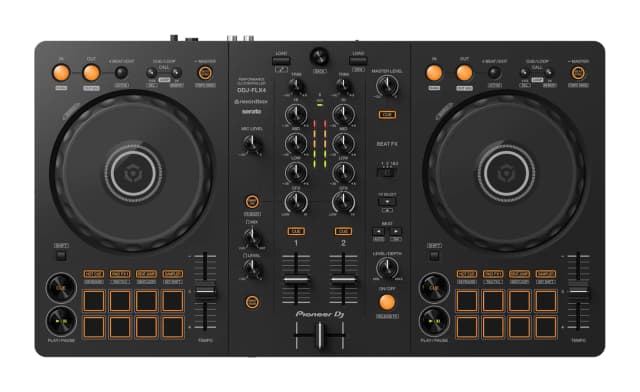
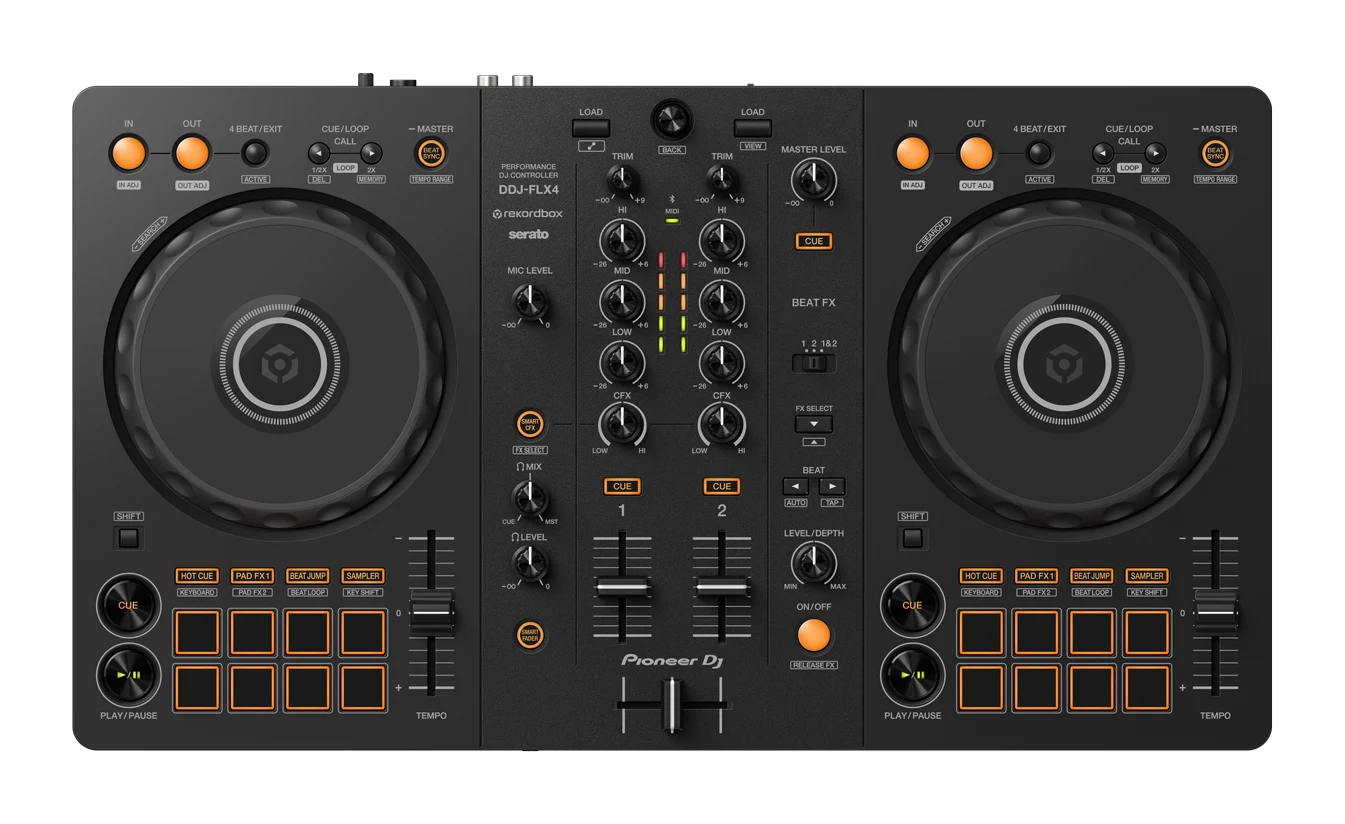
- Best OverallPioneer DJ DDJ-FLX4Why we picked it →
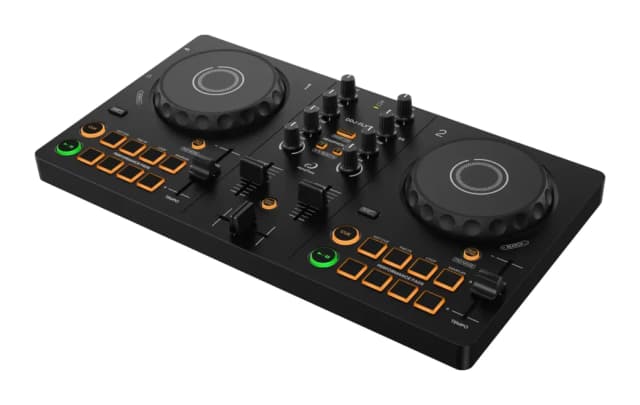
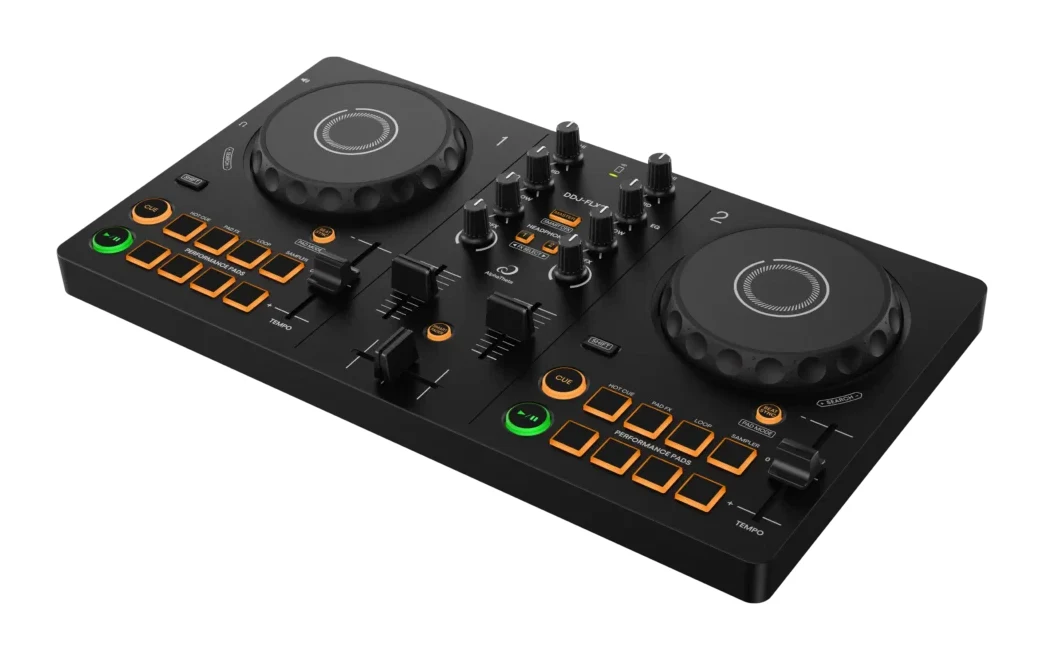
- Best BudgetAlphaTheta DDJ-FLX2Why we picked it →
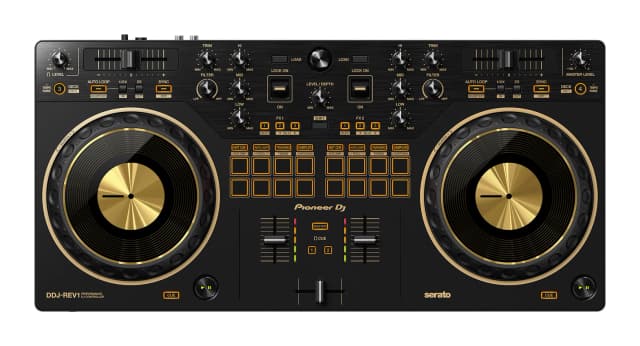
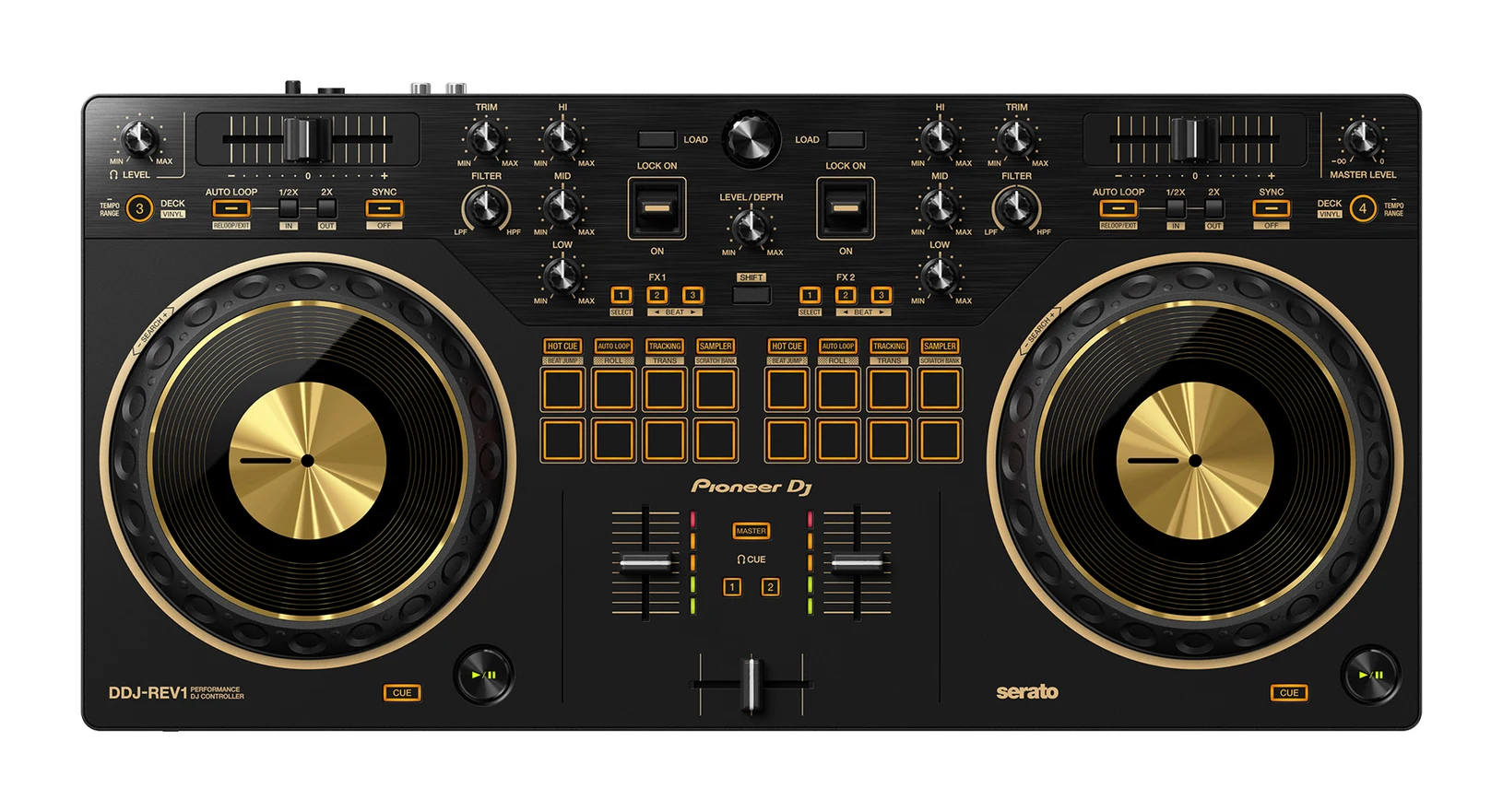
- Premium PickPioneer DJ DDJ-REV1Why we picked it →
Frequently asked questions
Is the Numark Mixtrack Pro FX worth it for beginners?
Reviewers consider it a strong starter controller. It has large 6-inch jog wheels, a built-in audio interface, six quick-launch effects and 16 backlit pads, and it was recommended in 5 expert guides. Digital DJ Tips scores it 4.5/5.
Does the Mixtrack Pro FX need a separate sound card?
No. It has a built-in 24-bit audio interface, so you can connect headphones and speakers directly to the controller.
What software does the Numark Mixtrack Pro FX use?
It includes Serato DJ Lite, which supports TIDAL and SoundCloud streaming and can be upgraded to Serato DJ Pro.
Can the Mixtrack Pro FX control four decks?
No. It is a 2-deck, 2-channel controller, which is one of the limitations reviewers mention.
Does the Numark Mixtrack Pro FX have a microphone input?
Yes. It has one 1/4" (6.35 mm) TS microphone input. It also has 1/4" and 1/8" headphone outputs.
Is the Mixtrack Pro FX good enough for club gigs?
Reviewers describe its build as mostly plastic and consumer-grade, not meant for heavy club use. Its only main output is one RCA stereo pair. It suits bedroom and light mobile use better than regular club work.
Sources
Specs are taken from the manufacturers' official pages; expert recommendations from the publications below.
- Numark Mixtrack Pro FX: numark.com, bhphotovideo.com, djconnect.net
Related reviews & guides
Best DJ Controllers for Beginners 2026: Easy to Grow Into
Five beginner DJ controllers compared on specs and expert recommendations, from guided mixing and budget portability to scratch-ready layouts and four-deck room to grow.
Published Oct 25, 2026Pioneer DJ DDJ-FLX4 Review (2026): A Pro-Style First Deck
The Pioneer DJ DDJ-FLX4 is a 2-channel controller that pairs a pro-style layout with beginner-friendly mixing aids. Here is what it offers, what experts criticise, and who should buy it.
Published Oct 25, 2026
Bose SoundLink Max Review (2026): Big Sound, Big Bulk
A look at the Bose SoundLink Max: its rugged IP67 build, 20-hour battery and big stereo sound, plus the weight, missing mic and slow charging that reviewers flag.
Published Nov 9, 2026