reMarkable Paper Pro Review (2026): Is Color Worth It?
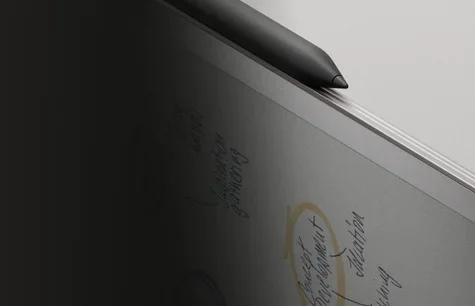
A look at the reMarkable Paper Pro, a color E Ink notebook built for focused handwriting, based on manufacturer specs and what independent reviewers report.
Research-based · We earn from qualifying purchases
Our verdict
The reMarkable Paper Pro is a premium, distraction-free digital notebook with a paper-like writing feel, a large color canvas and long battery life. It suits dedicated note-takers and readers who can afford it, but anyone wanting a flexible app-driven tablet or a lower price should skip it.
The good
- Writing feels very close to real paper with almost no perceptible pen lag
- Color E Ink looks better than other color E Ink tablets
- Adjustable reading light makes it usable in the dark
- Up to 14 days of battery, up to 90 days standby
- Thin, premium build with a large 11.8-inch 4:3 canvas
+2 more
- Up to 14 days of battery, up to 90 days standby
- Thin, premium build with a large 11.8-inch 4:3 canvas
The bad
- Very expensive, especially once the folio and keyboard accessories are added
- Software is feature-light and has no apps
- Navigation and loading outside of writing can feel slow or unresponsive
- Color palette is subdued and limited, and the light isn't very bright
+1 more
- Color palette is subdued and limited, and the light isn't very bright
This reMarkable Paper Pro review looks at a large color E Ink notebook for handwriting, annotating documents and reading, with no apps. It is aimed at people who want a calmer, paper-like place to think and take notes.
This article is based on the manufacturer's specifications and on what independent expert reviews report. It is not a hands-on test. Expert scores average 7.7/10 across 5 reviews, which points to a well-regarded device with some clear compromises.
reMarkable Paper Pro: specs at a glance
From the manufacturer- RAM
- 2 GB LPDDR4
- Weight
- Approximately 525 g (1.16 lb)
- Battery
- 5,030 mAh Li-ion, up to 14 days regular use
- Display
- 11.8" Canvas Color (based on E Ink Gallery 3), 4:3
- Standby
- Up to 90 days
- Storage
- 64 GB internal
- Included
- Marker (or Marker Plus bundle), 1-meter USB-C cable, 6 replacement marker tips
- Processor
- 1.8 GHz quad-core Cortex-A53
- Dimensions
- 274.1 x 196.6 x 5.1 mm (10.8 x 7.8 x 0.20 inches)
- Resolution
- 2160 x 1620
- Connectivity
- Wi-Fi 2.4 GHz and 5 GHz, USB-C, accessory port
- Export formats
- PDF, PNG, SVG
- Import formats
- PDF, EPUB
- Operating system
- reMarkable OS (custom Linux-based)
Key features
- 11.8-inch Canvas Color display (E Ink Gallery 3) for writing and annotating in nine colors
- Adjustable reading light for use in the dark
- Paper-like writing feel for distraction-free note-taking
- Up to 14 days of battery on a full charge, up to 90 days in standby
- Handwriting-to-text conversion with one tap
- Folders, tags and search to organize notes
- Syncs to mobile and desktop apps; Google Drive, OneDrive and Dropbox import
- Optional Type Folio keyboard cover for combining handwriting and typing
What the reMarkable Paper Pro is
The Paper Pro is a dedicated digital notebook. Its 11.8-inch Canvas Color display is based on E Ink Gallery 3 and has a 4:3 aspect ratio. You write with the included Marker, or with the Marker Plus if you choose that bundle. Notes live in folders, can be tagged and searched, and sync to mobile and desktop apps.
The pitch is focus. The product's own features centre on a paper-like writing feel and distraction-free note-taking, not on running apps. If you are looking for a general-purpose tablet, this is the wrong category. If you want one device for handwriting, annotating and reading, it makes more sense. Reviewers call it very expensive, particularly once accessories are added.
Design and build
The body measures 274.1 x 196.6 x 5.1 mm and weighs approximately 525 g (1.16 lb). Reviewers praise the thin, premium build with a large 11.8-inch 4:3 canvas.
In the box you get the Marker (or the Marker Plus bundle), a 1-meter USB-C cable and 6 replacement marker tips. There is also an accessory port, and an optional Type Folio keyboard cover is available.
The color E Ink display
Color is the headline feature. The Canvas Color display lets you write and annotate in nine colors, at a resolution of 2160 x 1620 (229 pixels per inch).
Reviewers say the color E Ink looks better than other color E Ink tablets. They also say the palette is subdued and limited. Keep that in mind if vivid color matters to you.
The adjustable reading light lets you use the tablet in the dark, which paper cannot do. A common criticism is that the light isn't very bright, so it is worth treating it as a convenience for dim rooms and not as a strong backlight.
Writing and note-taking
Writing is the Paper Pro's main strength. Reviewers say it feels very close to real paper, with almost no perceptible pen lag. For a device sold as a notebook replacement, that is the most important thing to get right.
The note-taking tools are straightforward:
- Handwriting-to-text conversion with one tap, so handwritten notes can become typed text.
- Folders, tags and search to keep a growing library organized.
- Sync to mobile and desktop apps, so notes are available away from the tablet.
- Optional Type Folio keyboard cover, for people who want to mix handwriting and typing.
The Type Folio is optional, and a common criticism is that the device is very expensive once the folio and keyboard accessories are added. If you plan to write by hand most of the time, you may not need it.
Reading, documents and file support
You can import PDF and EPUB files, and bring in material from Google Drive, OneDrive and Dropbox. Notes can be exported as PDF, PNG or SVG. That covers the usual jobs: marking up a PDF, reading an EPUB, and sending finished notes onward.
The 4:3 canvas and paper-like writing feel make it a natural fit for annotating documents, but the facts here don't go into how any particular file type behaves, so check that your workflow's formats are covered before buying.
Performance, software and battery
Under the hood are a 1.8 GHz quad-core Cortex-A53 processor, 2 GB of LPDDR4 RAM and 64 GB of internal storage. The operating system is reMarkable OS, a custom Linux-based system. Connectivity is Wi-Fi on both 2.4 GHz and 5 GHz bands, plus USB-C.
Reviewers say the software is feature-light and has no apps. Another common criticism is that navigation and loading outside of writing can feel slow or unresponsive. Reviewers say writing itself has almost no perceptible pen lag.
Battery life is a strength. The 5,030 mAh Li-ion battery is rated for up to 14 days of regular use and up to 90 days in standby. Reviewers also praise it.
What experts like and what they criticise
The published scores are mostly positive but not uniform:
- Trusted Reviews: 4.5/5
- XDA Developers: 8.5/10
- TechRadar: 4/5
- The Shortcut: 3.5/5
- Gizmodo: 3/5
The average is 7.7/10. The spread suggests the verdict depends on what you expect from it.
What reviewers praise:
- A writing feel very close to real paper with almost no perceptible pen lag.
- Color E Ink that looks better than other color E Ink tablets.
- An adjustable reading light that makes it usable in the dark.
- Up to 14 days of battery and up to 90 days of standby.
- A thin, premium build with a large 11.8-inch 4:3 canvas.
What reviewers criticise:
- The price is very high, especially once the folio and keyboard accessories are added.
- The software is feature-light, with no apps.
- Navigation and loading outside of writing can feel slow or unresponsive.
- The color palette is subdued and limited, and the light isn't very bright.
Who should buy it
The Paper Pro suits focused note-takers who want a paper-like color E Ink notebook. It is a good fit if you:
- Take a lot of handwritten notes and want them searchable and synced.
- Want to annotate PDFs and read EPUBs on a large 4:3 screen.
- Value a distraction-free device and are happy for it to have no apps.
- Like the idea of up to 14 days of battery life on a full charge.
- Want to write and annotate in color, and accept a subdued palette.
Who should skip it
Skip it if you want a flexible, app-driven tablet. The software is deliberately minimal, and reviewers note there are no apps. It is also a hard sell if budget matters, since reviewers describe it as very expensive and the optional folio and keyboard push the total higher. If you are sensitive to slow menus, the reports of sluggish navigation outside of writing are worth weighing. And if you want a bright, vivid color display, note that reviewers describe the palette as subdued and limited.
How it fits in its category
The Paper Pro offers a large color canvas and a paper-like writing feel that reviewers praise. The trade-off is that the software has no apps and navigation outside of writing can feel slow, in exchange for a calmer way to write. Think about how much of your day is actual handwriting and reading before deciding whether that trade suits you.
Verdict
The reMarkable Paper Pro is a specialist device that is very good at what it is for. Reviewers praise its paper-like writing, its color E Ink, its long battery life and its thin, premium build. They also point to drawbacks: a high price that climbs with accessories, limited software and slow navigation outside of writing. With an expert average of 7.7/10, it is a strong choice for committed note-takers and readers who know they want a dedicated notebook, and a poor one for anyone hoping it will double as a general-purpose tablet. Use the check price button to see the current cost for the configuration you want.
Related buying guides
Not sure about the reMarkable Paper Pro? Consider these
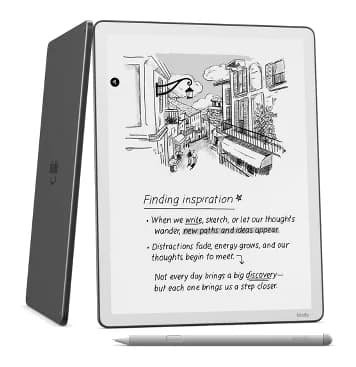
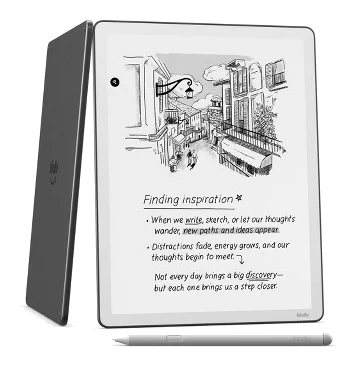
- Best ValueAmazon Kindle Scribe (2025)Why we picked it →
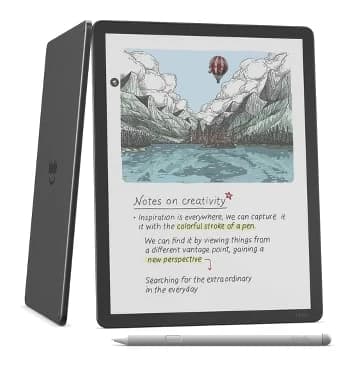
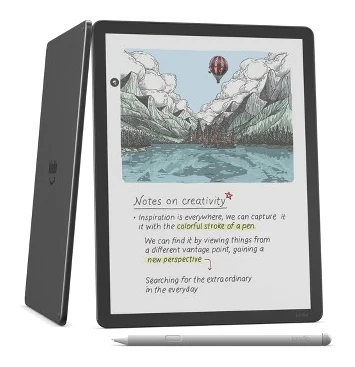
- Premium PickAmazon Kindle Scribe ColorsoftWhy we picked it →
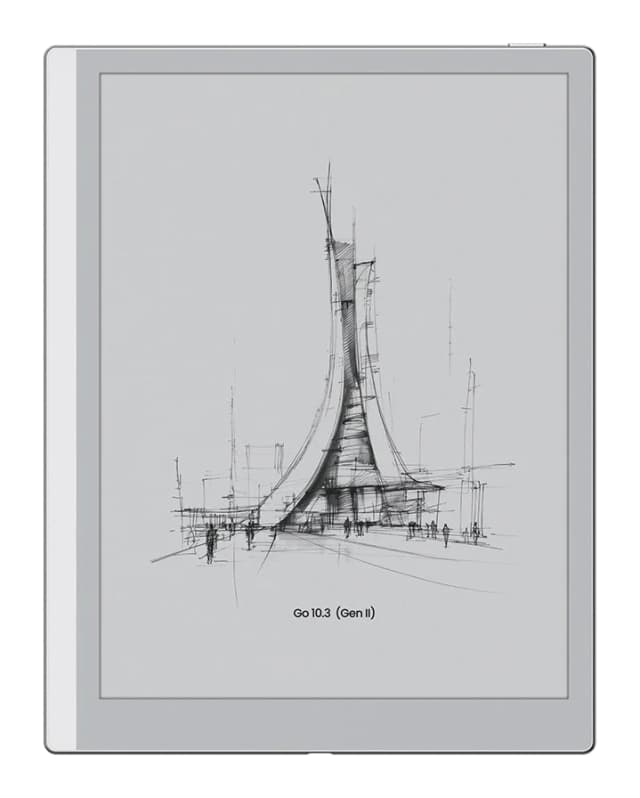
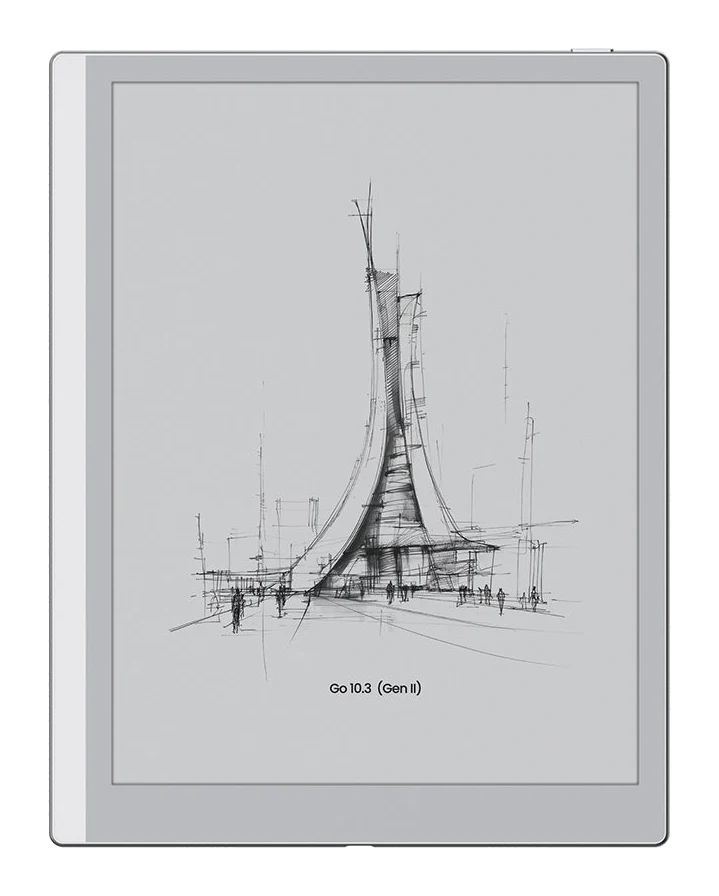
- Best BudgetOnyx Boox Go 10.3 (Gen II)Why we picked it →
Frequently asked questions
Is the reMarkable Paper Pro worth it?
It is worth it if you want a dedicated, distraction-free notebook with a paper-like writing feel and a large color E Ink canvas. Expert reviews average 7.7/10 across 5 reviews. The main caveats are the high price, especially with accessories, and limited software with no apps.
How long does the reMarkable Paper Pro battery last?
The 5,030 mAh Li-ion battery is rated for up to 14 days of regular use and up to 90 days in standby. Reviewers praise the battery life.
Does the reMarkable Paper Pro have a color display?
Yes. It has an 11.8-inch Canvas Color display, based on E Ink Gallery 3, that supports writing and annotating in nine colors. Reviewers say it looks better than other color E Ink tablets but that the palette is subdued and limited.
Can the reMarkable Paper Pro convert handwriting to text?
Yes, it offers handwriting-to-text conversion with one tap. Notes can also be organized with folders and tags, and searched.
Can you use apps on the reMarkable Paper Pro?
No. It runs reMarkable OS, a custom Linux-based system, and reviewers note that the software is feature-light and has no apps. It does sync with mobile and desktop apps and can import files from Google Drive, OneDrive and Dropbox.
Does the reMarkable Paper Pro have a keyboard?
There is an optional Type Folio keyboard cover for combining handwriting and typing. It is sold separately and, as reviewers point out, adds to the overall cost.
Sources
Specs are taken from the manufacturers' official pages; expert recommendations from the publications below.
- reMarkable Paper Pro: remarkable.com, ewritable.net, wmappdigital.com
Related reviews & guides
Best E-Ink Writing Tablets 2026: Color, Paper Feel & Value
Five e-ink writing tablets compared on display, weight, battery and storage, from the color reMarkable Paper Pro to the budget Onyx Boox Go 10.3 (Gen II).
Published Oct 25, 2026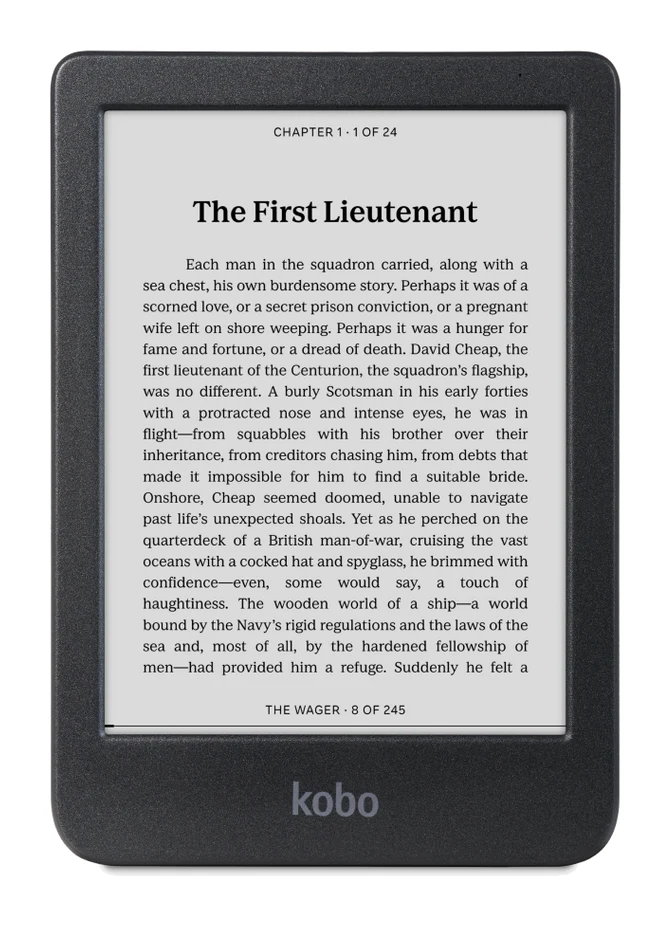
Best E-Reader of 2026 for Bath, Beach and Bedtime Reading
Five e-readers from Kobo and Amazon compared on screen size, color, battery life, storage and expert recommendations, from a compact budget pick to a premium color Kindle.
Published Oct 17, 2026
Kobo Clara BW Review (2026): Compact, Waterproof Reader
A look at the Kobo Clara BW, a compact, waterproof 6-inch e-reader with a warm front light, library borrowing and wide format support, and who it suits.
Published Oct 23, 2026