Sonos Beam (Gen 2) Review (2026): Compact Bar, Big Sound
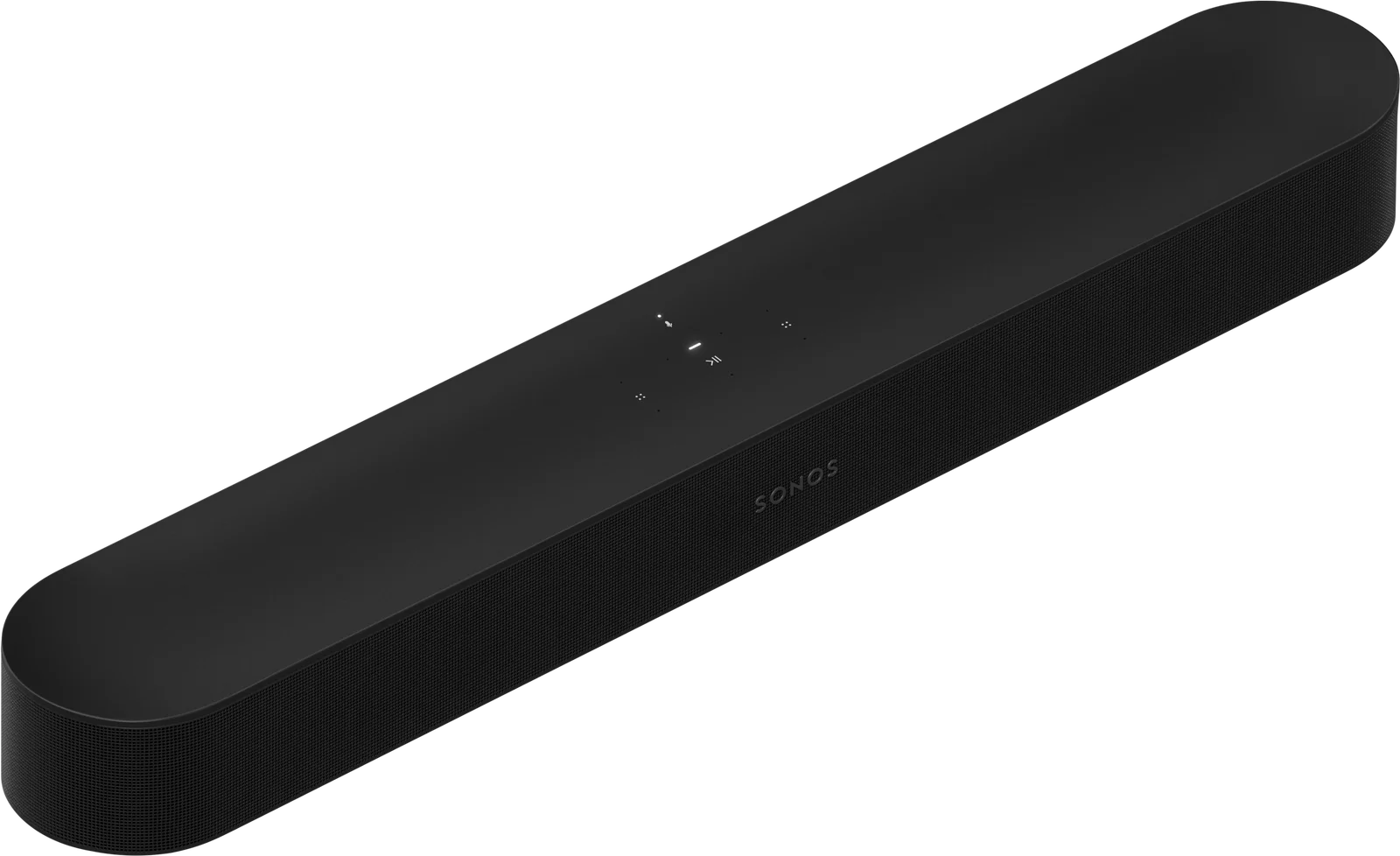
A compact Dolby Atmos soundbar with HDMI eARC, room tuning and a path to full surround. We look at what the Sonos Beam (Gen 2) offers and where it falls short.
Research-based · We earn from qualifying purchases
Our verdict
The Sonos Beam (Gen 2) suits anyone who wants a compact, easy-to-set-up soundbar with clear dialogue, wide sound and room to grow into a surround system. Skip it if you need several HDMI inputs, Bluetooth, DTS:X or convincing overhead Atmos effects without extra gear.
The good
- Sounds bigger and wider than its compact size suggests
- Clear, well-balanced dialogue, with Speech Enhancement for extra clarity
- Virtual Dolby Atmos handled well for a bar without height drivers
- Simple setup: one HDMI eARC cable plus power
- Can expand into a surround system with a subwoofer and rear speakers
+2 more
- Simple setup: one HDMI eARC cable plus power
- Can expand into a surround system with a subwoofer and rear speakers
The bad
- Only one HDMI port and no HDMI passthrough
- No Bluetooth and no DTS:X support
- Deep bass needs a separate subwoofer
- Trueplay room tuning requires an iOS device
+1 more
- Trueplay room tuning requires an iOS device
This Sonos Beam (Gen 2) review looks at a soundbar built for people who want better TV sound without a large bar, a tangle of cables or a complicated setup. It sits in the mid-range part of the market. It is aimed at small-to-medium rooms and at buyers who like the idea of starting small and adding speakers later.
This review is based on the manufacturer's specifications and on what independent expert reviews report. It is not based on hands-on testing.
Sonos Beam (Gen 2): specs at a glance
From the manufacturer- CPU
- Quad Core 1.4 GHz A-53
- HDMI
- 1 x HDMI eARC (ARC also supported)
- Wi-Fi
- 802.11 b/g/n, 2.4GHz
- Colors
- Black, White
- Finish
- Matte
- Memory
- 1GB SDRAM, 4GB NV
- Weight
- 6.35 lbs (2.88 kg)
- Drivers
- 4 elliptical midwoofers, 1 center tweeter, 3 passive radiators
- Optical
- Optical audio adapter included (for TVs with optical output)
- Ethernet
- 10/100 port
- Amplifiers
- Five Class-D digital amplifiers
- Audio formats
- Dolby Atmos, Dolby Atmos via Dolby TrueHD (eARC required), Dolby Digital, Dolby Digital Plus, Dolby TrueHD, Multichannel PCM, DTS Digital Surround
- Wall mounting
- 10-32 threaded mounting socket, 0.5 in. (12.7 mm)
- Voice assistants
- Sonos Voice Control, Amazon Alexa, Google Assistant
- Dimensions (H x W x D)
- 2.68 in (68 mm) x 25.63 in (651 mm) x 3.94 in (100 mm)
Key features
- Dolby Atmos support from a compact bar, with no upward-firing drivers
- Single HDMI eARC connection, so setup takes only two cables
- Trueplay tunes the sound to your room (iOS device required)
- Speech Enhancement and Night Sound for clearer dialogue and quieter late-night viewing
- Built-in voice control with Amazon Alexa and Google Assistant, plus Apple AirPlay 2
- Wi-Fi streaming and multiroom audio through the Sonos app
- Can grow into a surround system by adding a subwoofer and rear speakers
- TV remote sync through an IR receiver
Sonos Beam (Gen 2) review: design and build
The Beam is a slim, low-profile bar. It measures 2.68 in (68 mm) high, 25.63 in (651 mm) wide and 3.94 in (100 mm) deep, and weighs 6.35 lbs (2.88 kg). That makes it a compact bar. It comes in Black or White with a matte finish, so it should blend into most living rooms without drawing attention.
If you would rather get it off the furniture, there is a threaded mounting socket on the back for wall mounting. The Beam is a single bar with no separate boxes, so physical setup is simple.
Features and what they mean day to day
The feature list is built around making TV audio easier to live with.
Dolby Atmos without height drivers
The Beam supports Dolby Atmos but has no upward-firing drivers. Reviewers say it handles virtual Atmos well for a bar of this type. It is worth being realistic, though. Without height drivers, convincing overhead effects are not something it delivers without extra gear, and that is part of the trade-off of a compact design.
Dialogue tools
Speech Enhancement is designed to make voices easier to pick out. Night Sound keeps late-night viewing quieter. A common point of praise from reviewers is the Beam's clear, well-balanced dialogue, which matters most if you watch a lot of TV and films with speech-heavy scenes.
Trueplay room tuning
Trueplay tunes the sound to the room it sits in. The catch is that it requires an iOS device, so Android-only households will not be able to use it. Reviewers flag this as a drawback.
Voice control and streaming
The Beam offers Sonos Voice Control, Amazon Alexa and Google Assistant, plus Apple AirPlay 2. It streams over Wi-Fi and works with multiroom audio through the Sonos app. That makes it more than a TV speaker. You can play music through it and link it with other Sonos speakers around the home.
TV remote sync
An IR receiver lets the Beam follow your TV remote, so you can usually keep using the one remote you already have.
Sound and performance
The hardware behind the sound is worth understanding. The Beam uses four elliptical midwoofers, one center tweeter and three passive radiators, driven by five Class-D digital amplifiers. Reviewers say it sounds bigger and wider than its compact size suggests.
Format support is broad. The Beam handles Dolby Atmos, Dolby Atmos via Dolby TrueHD (which needs eARC), Dolby Digital, Dolby Digital Plus, Dolby TrueHD, multichannel PCM and DTS Digital Surround. The notable gap is DTS:X, which it does not support. If you have a library of DTS:X content, this is worth knowing before you buy.
Bass is the other limit. Reviewers say deep bass needs a separate subwoofer. The Beam can take a subwoofer and rear speakers later, so you can fix this without replacing the whole system.
Connectivity and setup
Setup is one of the Beam's selling points. It has a single HDMI eARC connection (ARC is also supported), so you only need an HDMI cable and a power cable. For TVs with an optical output, an optical audio adapter is included. There is also a 10/100 Ethernet port for a wired network connection, and Wi-Fi is 802.11 b/g/n on 2.4GHz.
That simplicity comes with limits. There is only one HDMI port and no HDMI passthrough, so the Beam cannot act as a switch for several devices. Everything else has to plug into your TV, with the TV sending audio to the bar over eARC. There is also no Bluetooth. If you often want to play audio straight from a phone over Bluetooth, you will need to use Wi-Fi options such as AirPlay 2 or the Sonos app instead.
What experts like and what they criticise
The Beam is well regarded. It averages 9.3/10 across 6 expert reviews. What Hi-Fi?, Stuff and TechPowerUp each give it 5/5, Trusted Reviews scores it 4.5/5, Tom's Guide 4/5 and How-To Geek 9/10. It is also recommended in 2 expert buying guides.
What reviewers praise:
- A sound that comes across bigger and wider than the bar's size would suggest
- Clear, well-balanced dialogue, with Speech Enhancement for extra clarity
- Virtual Dolby Atmos handled well for a bar without height drivers
- Simple setup with one HDMI eARC cable plus power
- The option to expand into a surround system with a subwoofer and rear speakers
What reviewers criticise:
- Only one HDMI port and no HDMI passthrough
- No Bluetooth and no DTS:X support
- Deep bass that needs a separate subwoofer
- Trueplay room tuning that requires an iOS device
The pattern is consistent. The praise is about sound quality and ease of use, and most complaints are about missing connections and formats, though reviewers also say deep bass needs a separate subwoofer.
Who should buy the Sonos Beam (Gen 2), and who should skip it
It suits you if:
- You have a small-to-medium room and want a compact bar that is easy to place
- Dialogue clarity is a priority
- You want a simple two-cable setup through HDMI eARC
- You like the idea of adding a subwoofer and rear speakers over time
- You already use, or plan to use, Sonos multiroom audio or AirPlay 2
You should look elsewhere if:
- You need several HDMI inputs or HDMI passthrough
- You want Bluetooth, or rely on DTS:X content
- You expect convincing overhead Atmos effects without adding speakers
- You want deep bass from the bar alone
- You want room tuning but only have Android devices
How it fits in the soundbar market
The Beam is a mid-range, compact bar. Its focus is on balanced sound, clear dialogue and a simple setup rather than on a long list of inputs. That makes it a good fit for small-to-medium rooms. Larger rooms or setups with many connected devices may call for something with more inputs or more built-in bass. The expansion option helps here. You can start with the bar alone and add a subwoofer and rear speakers if you want a fuller surround setup later.
Verdict
The Sonos Beam (Gen 2) earns its reputation by doing the basics well. It is easy to set up, it is reported to have clear dialogue and a wide sound for its size, and it gives you a way to grow into surround sound. Its limits are clear and consistent across reviews: one HDMI port, no Bluetooth, no DTS:X and bass that needs a subwoofer. If those do not affect how you watch TV, it is a strong choice for a compact room. Use the check price buttons on this page to see current offers.
Related buying guides
- Sonos Arc Ultra Review (2026): Big Bass, Slim Bar
- Polk MagniFi Mini AX Review (2026): Big Bass, Small Bar
- Sony HT-S100F Review (2026): Simple Dialogue Upgrade
- Samsung HW-Q800F Review (2026): Atmos Without Rear Speakers
- Best Wireless Earbuds 2026: ANC, Battery & Sound Value
- Soundcore 2 vs SoundLink Flex 2nd Gen (2026): Value or Sound?
- AirPods Pro 3 vs Bose QC Ultra 2nd Gen (2026): Which ANC Wins?
Not sure about the Sonos Beam (Gen 2)? Consider these
- Best OverallSony HT-S100FWhy we picked it →

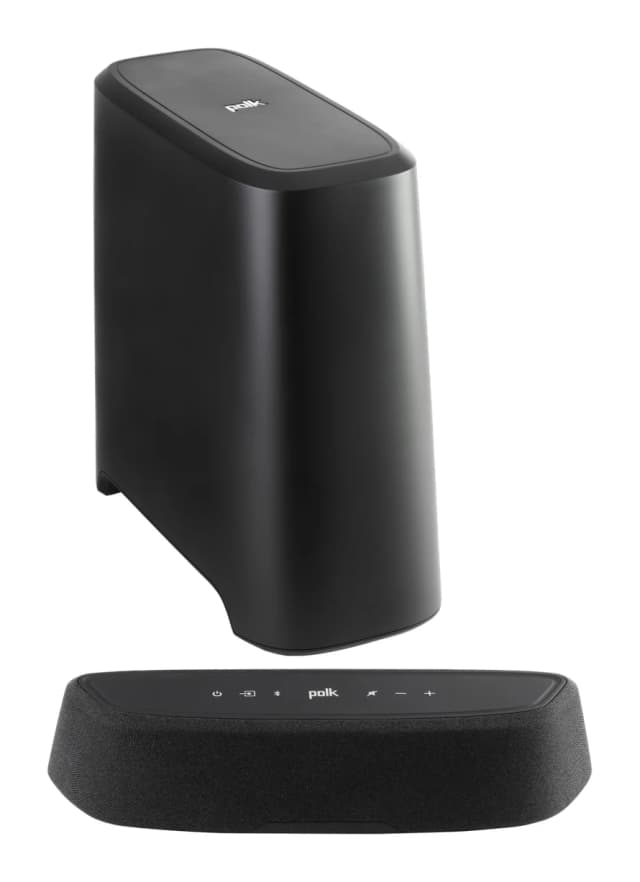
- Best ValuePolk MagniFi Mini AXWhy we picked it →
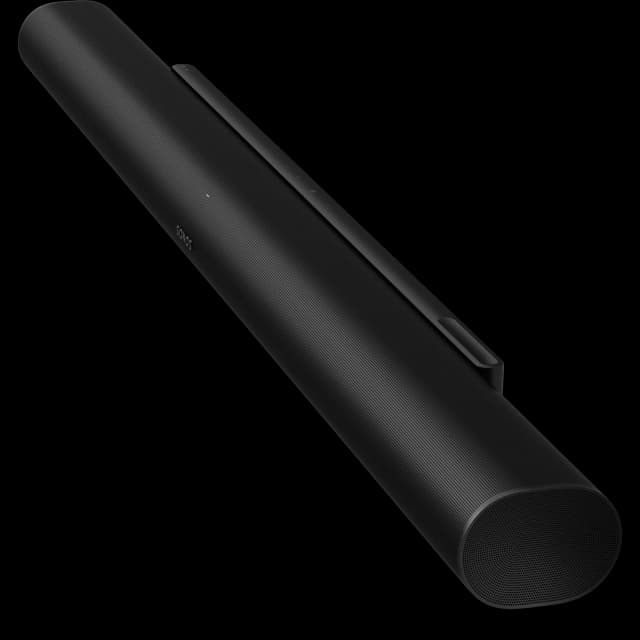
- Also GreatSonos Arc UltraWhy we picked it →
Frequently asked questions
Is the Sonos Beam (Gen 2) worth it?
Expert reviews are strongly positive, with an average of 9.3/10 across 6 reviews. Reviewers praise its wide sound for its size, clear dialogue and simple setup. It is worth considering if you have a small-to-medium room and can live with one HDMI port and no Bluetooth.
Does the Sonos Beam (Gen 2) support Dolby Atmos?
Yes. It supports Dolby Atmos, including Dolby Atmos via Dolby TrueHD when connected over eARC. It does this without upward-firing drivers, so reviewers describe it as virtual Atmos handled well for a bar without height drivers.
Does the Sonos Beam (Gen 2) have Bluetooth?
No. It streams over Wi-Fi and supports Apple AirPlay 2 and multiroom audio through the Sonos app, but a common criticism from reviewers is that it has no Bluetooth.
How many HDMI ports does the Sonos Beam (Gen 2) have?
One. It has a single HDMI eARC port (ARC is also supported) and no HDMI passthrough, so your other devices need to connect to the TV. An optical audio adapter is included for TVs with an optical output.
Can I add speakers to the Sonos Beam (Gen 2)?
Yes. It can grow into a surround system by adding a subwoofer and rear speakers. Reviewers note that deep bass needs a separate subwoofer, so that is a common first upgrade.
Does the Sonos Beam (Gen 2) work with Alexa and Google Assistant?
Yes. It has built-in voice control with Amazon Alexa and Google Assistant, and it also supports Sonos Voice Control.
Sources
Specs are taken from the manufacturers' official pages; expert recommendations from the publications below.
- Sonos Beam (Gen 2): sonos.com, fullspecs.net, videoandaudiocenter.com, techpowerup.com
Related reviews & guides

Sonos Arc Ultra Review (2026): Big Bass, Slim Bar
A single-bar Dolby Atmos soundbar with a Sound Motion woofer, adjustable speech enhancement and simple eARC setup. Here is who it suits and where it falls short.
Published Oct 19, 2026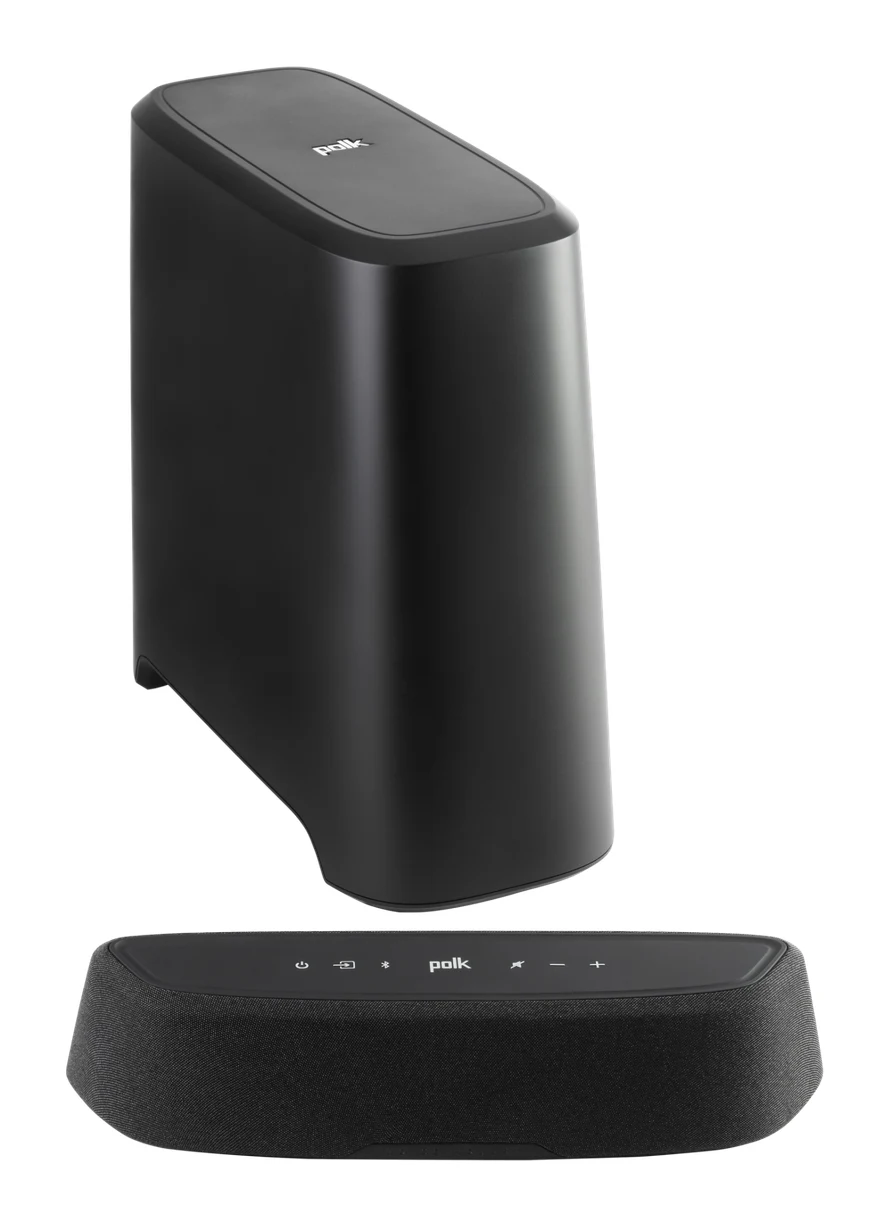
Polk MagniFi Mini AX Review (2026): Big Bass, Small Bar
The Polk MagniFi Mini AX packs a wireless subwoofer, a dedicated center channel and Wi-Fi streaming into a very small bar. Here is who it suits and where it falls short.
Published Oct 28, 2026
Best Soundbars in 2026 for Clearer TV Dialogue and Bass
Five of the best soundbars for 2026, from a simple Sony bar to a Samsung 5.1.2 system with a wireless subwoofer, compared on manufacturer specs and expert recommendations.
Published Oct 11, 2026