Steelcase Gesture Review (2026): Arms That Follow You
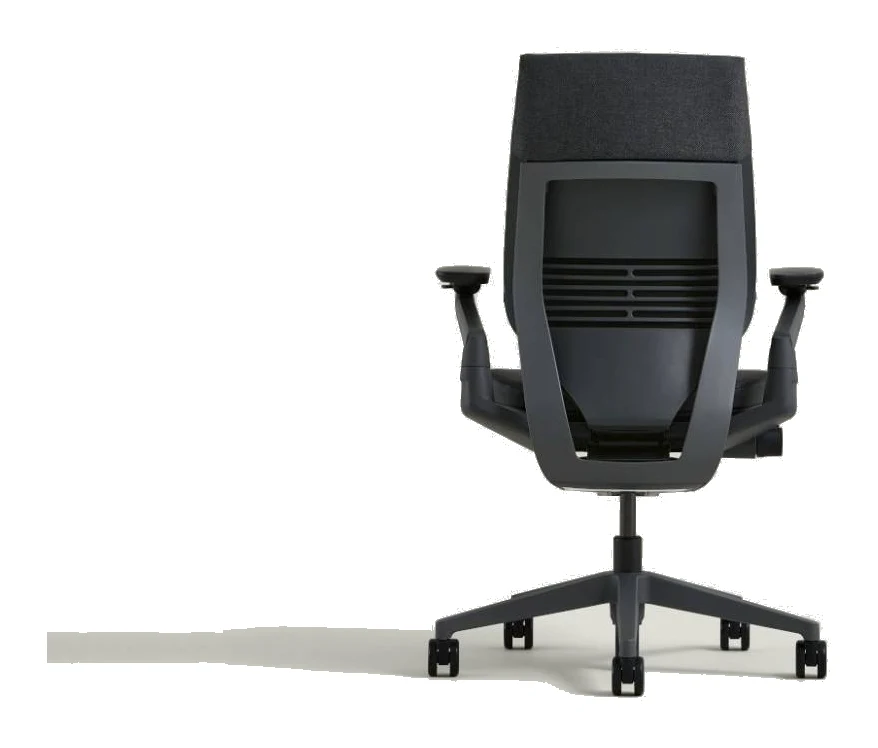
The Steelcase Gesture is built around arms that follow you from keyboard to tablet to phone. Here is what the design offers, where reviewers push back, and who should buy it.
Research-based · We earn from qualifying purchases
Our verdict
The Steelcase Gesture suits people who spend long hours at a desk and switch between keyboard, tablet and phone, and who want best-in-class arm adjustability and a wide fit range. Skip it if you're on a tight budget, run hot, or need strong, dedicated lumbar support out of the box.
The good
- 360-degree arms follow you across keyboard, tablet and phone use
- Armrests adjust across a very wide width range
- Contoured back and soft seat edges support all-day sitting
- Seat-depth slider fits different leg lengths intuitively
- Solid, premium build with easy assembly and a strong warranty
+2 more
- Seat-depth slider fits different leg lengths intuitively
- Solid, premium build with easy assembly and a strong warranty
The bad
- Very high price for a task chair
- Lumbar support is polarizing and only average for some users
- Upholstered seat and back run warmer than mesh
- Thin seat padding near the tailbone can tire long sits
+1 more
- Thin seat padding near the tailbone can tire long sits
This Steelcase Gesture review looks at a task chair designed for people who don't sit in one position all day. It is built for desk workers who move between a keyboard, a tablet and a phone, and who want a chair that adjusts to fit them rather than the other way round. This review is based on Steelcase's manufacturer specs and on what independent expert reviews report, not on hands-on testing.
Steelcase Gesture: specs at a glance
From the manufacturer- Base
- Polished aluminum option
- Seat width
- 20"
- Seat height
- 16" - 21"
- Chair weight
- 58 lbs
- Weight limit
- 400 lbs
- Overall depth
- 21" - 23.625"
- Overall width
- 22.375" - 34.625"
- Lumbar flex zone
- 4"
- Width between arms
- 10.25" - 22.5"
- Back height from seat
- 24.0625"
- Functional seat depth
- 15.75" - 18.5"
- Overall height (chair)
- 39.25" - 44.25"
- Angle between seat and back
- 98° to 116°
- Seat height cylinder options
- Standard 16"-21", Low 14.5"-18.25", High 17"-22.5"
Key features
- 360-degree arms that follow you across keyboard, tablet and phone use
- 3D LiveBack contoured backrest keeps the spine supported as you move
- Core Equalizer links seat and back so lumbar support doesn't leave a gap when reclining
- Seat slider knob adjusts seat depth for different leg lengths
- Flexible, soft seat edges relieve pressure under the thighs
- Full recline with three recline angle stops plus an upright back lock
- Optional height-adjustable lumbar support and optional adjustable headrest
- Tension-adjustable recline with variable back stop
Who the Steelcase Gesture is for
The Gesture is aimed at people with long desk days and mixed devices. Steelcase says the arms follow you across keyboard, tablet and phone use.
That makes it a good fit if you want a lot of adjustment. It is less obviously suited to someone who wants a basic, inexpensive chair. A common criticism from reviewers is that the price is very high for a task chair. It has two recommendations from independent expert buying guides and averages 8/10 across 2 expert reviews: Tom's Guide gives it 4/5 and Creative Bloq gives it 8/10.
Design and build
Reviewers describe the Gesture as solid and premium in build, with easy assembly and a strong warranty. The base is available in a polished aluminum option.
The chair weighs 58 lbs and carries a weight limit of 400 lbs. The seat is 20" wide, and the back height from seat is 24.0625".
The seat edges are flexible and soft, which is meant to relieve pressure under the thighs. The seat and back are upholstered rather than mesh. Reviewers note that this runs warmer than a mesh chair, and that is worth weighing if you tend to get hot at your desk.
Steelcase offers three seat height cylinder options: Standard 16"-21", Low 14.5"-18.25" and High 17"-22.5". The range is useful if you are shorter or taller than average, or if your desk sits at an unusual height.
Features and what they mean day to day
360-degree arms
The arms are the headline feature. Steelcase describes them as 360-degree arms that follow you across keyboard, tablet and phone use, and reviewers praise them for exactly this. They also adjust across a very wide width range. The width between arms runs from 10.25" to 22.5", and overall width runs from 22.375" to 34.625". That spread matters for narrower and broader frames, and for anyone who likes to rest their forearms at different spacing depending on the task.
3D LiveBack and the Core Equalizer
The 3D LiveBack contoured backrest is designed to keep the spine supported as you move. The Core Equalizer links the seat and back so that lumbar support doesn't leave a gap when you recline. In practice, the support is meant to stay with you as you shift from upright work to leaning back.
The lumbar flex zone measures 4". Height-adjustable lumbar support is available as an option, as is an adjustable headrest. This is important: those extras are optional, not included in the basic chair. Reviewers say the lumbar support is polarizing and only average for some users, so it is the area where expectations should be most measured.
Seat depth
A seat slider knob adjusts the seat depth. Functional seat depth runs from 15.75" to 18.5", so you can set how much seat sits under your thighs to suit your leg length. Reviewers call the slider intuitive to use.
Recline
The recline is tension-adjustable with a variable back stop. There is full recline with three recline angle stops, plus an upright back lock. The angle between seat and back runs from 98° to 116°. If you like to lean back to read, think or use a tablet, this range gives you a few distinct positions as well as a locked upright option for focused typing.
Comfort and fit in real use
The Gesture is a chair you adjust, not just sit in. Seat height, seat depth, recline tension, arm position and, with the options, lumbar and headrest all let you tailor the fit. Overall height runs from 39.25" to 44.25", and the overall depth runs from 21" to 23.625".
Reviewers say the contoured back and soft seat edges support long sits. They also raise two reservations. The first is thin seat padding near the tailbone, which can tire you on very long stretches. The second is the lumbar support, which suits some people and underwhelms others. If you know you need strong, dedicated lumbar support, that is the first thing to sort out, since reviewers find the lumbar support only average for some users.
Because the chair is upholstered, expect it to run warmer than a mesh alternative. Steelcase doesn't publish a temperature or breathability figure, so this comes from what reviewers report.
What experts like and what they criticise
The praise is consistent. Reviewers single out the 360-degree arms that follow you between devices, the very wide armrest width range, and the seat-depth slider that fits different leg lengths. They also like the contoured back and soft seat edges for long sits, and the solid, premium build with easy assembly and a strong warranty.
The criticism is also consistent. The price is the most common complaint. The lumbar support divides opinion, the upholstery runs warmer than mesh, and the thin seat padding near the tailbone can wear on you over long sits. None of these is a deal-breaker for everyone, but each could matter for the wrong buyer, and the price and lumbar points deserve real weight before you commit.
Who should buy it, and who should skip it
Buy it if you spend long hours at a desk and move between keyboard, tablet and phone. It also suits you if you want a wide fit range. The arm adjustability and seat-depth slider are the strongest reasons to choose it.
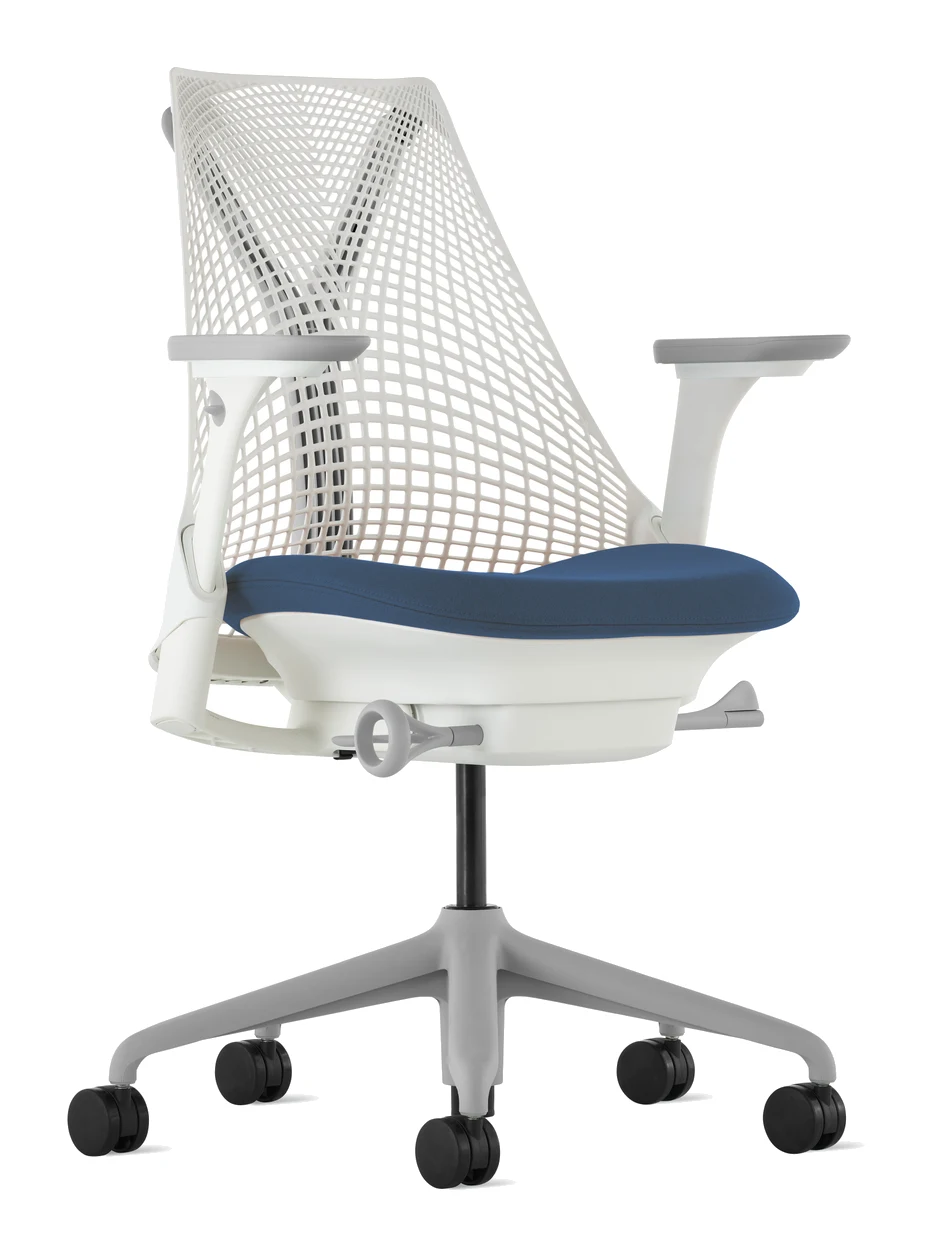
Skip it if you are on a tight budget, since the cost is the most common objection. Skip it too if you run hot and want a mesh back, or if you need strong lumbar support out of the box. If you are still comparing office chairs, our Herman Miller Sayl review covers another desk chair worth a look.
How it fits among office chairs
In general terms, task chairs split between mesh designs that prioritise airflow and upholstered designs that prioritise cushioning and a more traditional look. The Gesture sits firmly in the second camp, with an emphasis on adjustability, particularly of the arms and seat depth. If airflow is your top priority, that points away from it. If flexibility across devices and body sizes matters more, it is worth a look.
Verdict
The Steelcase Gesture is a well-built, highly adjustable chair that earns its reputation through its arms and its fit range. It averages 8/10 across expert reviews, and the praise centres on exactly what the design promises: support that follows you as you change position and tasks. The reasons to hesitate are just as clear: the high price for a task chair, the polarizing lumbar support, the warmer upholstery and the thin padding near the tailbone. For desk workers who value adjustability and can live with those trade-offs, it is a premium choice that makes sense. For everyone else, those drawbacks are worth weighing carefully before buying.
Related buying guides
Not sure about the Steelcase Gesture? Consider these
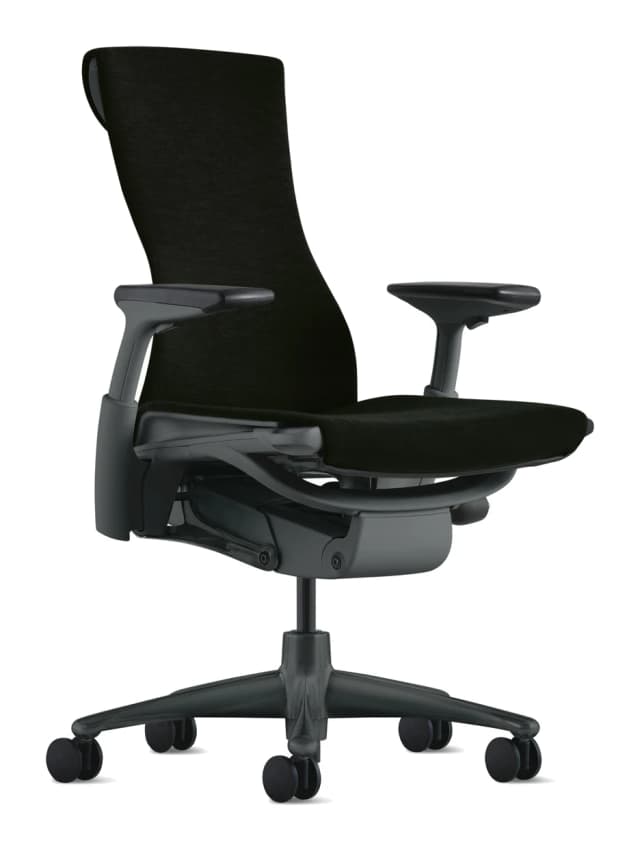
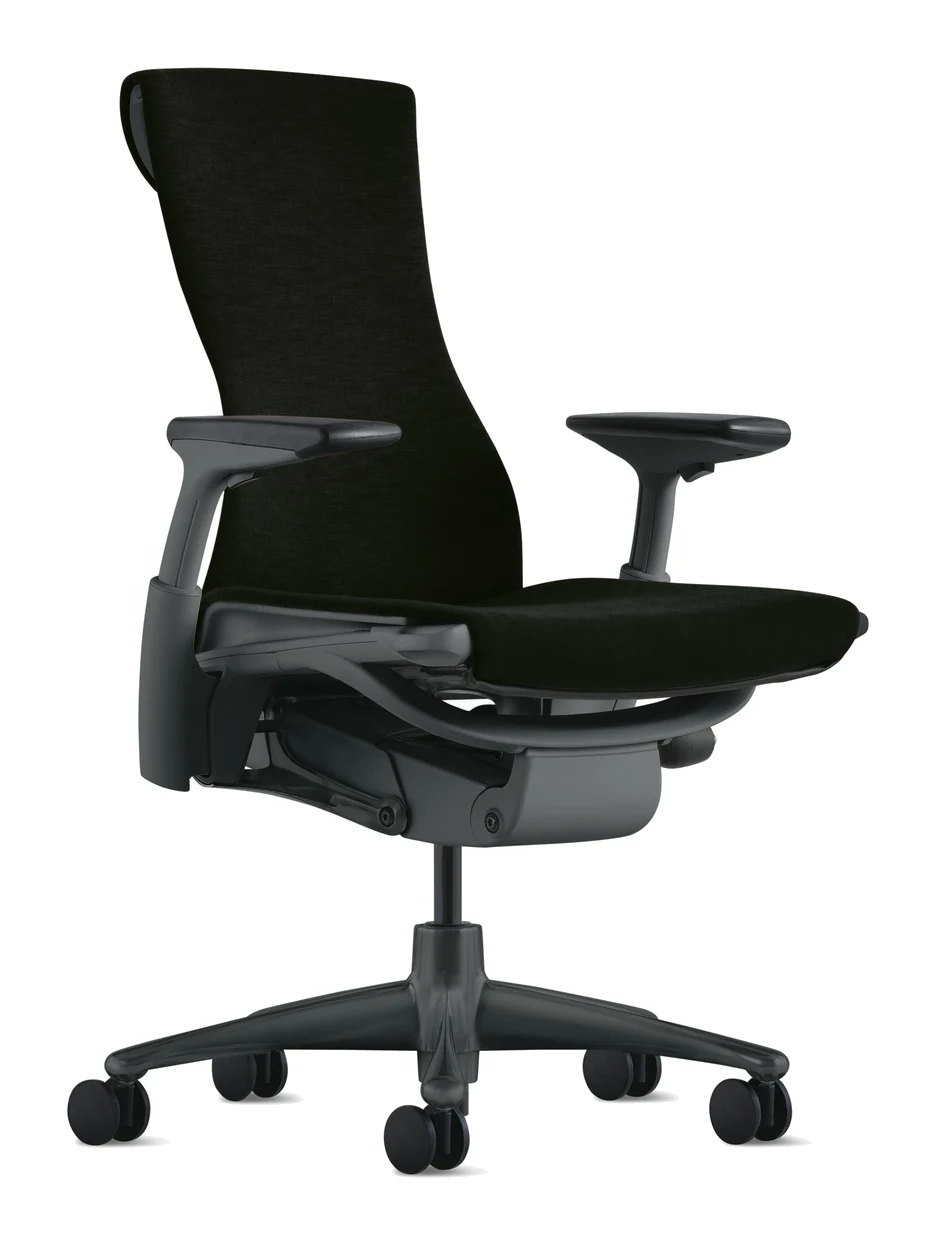
- Best OverallHerman Miller EmbodyWhy we picked it →
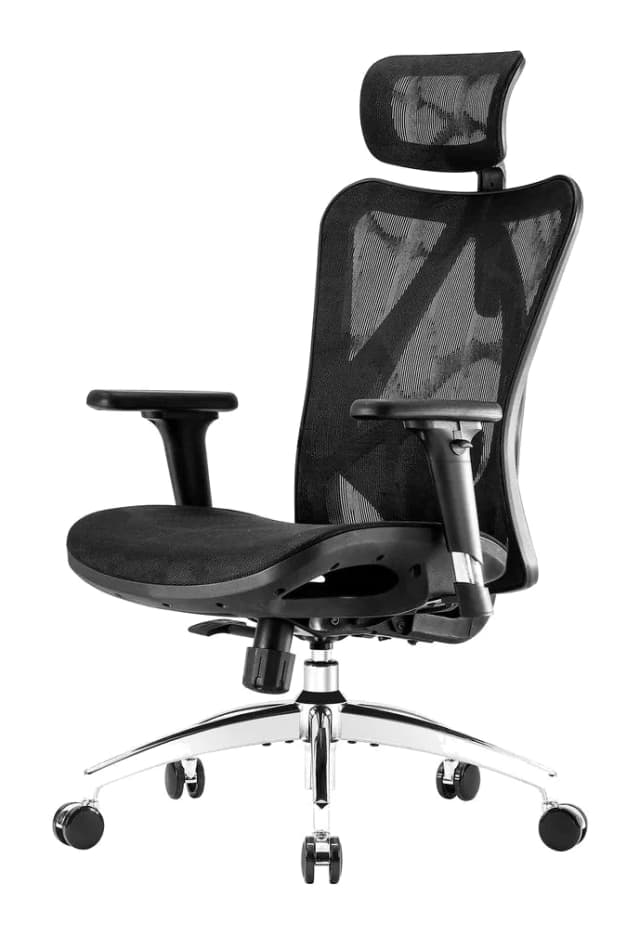
- Best ValueSihoo M57 Ergonomic Office ChairWhy we picked it →
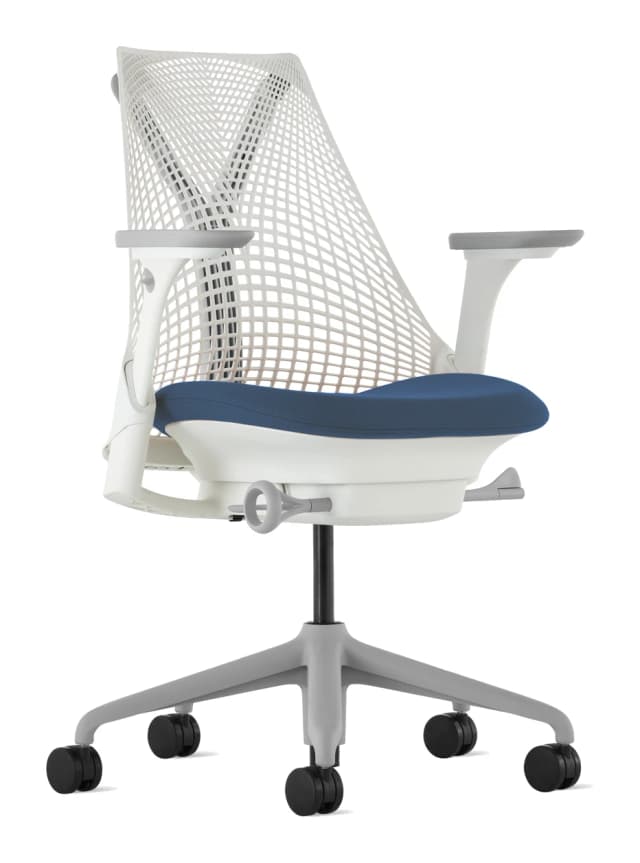
- Also GreatHerman Miller SaylWhy we picked it →
Frequently asked questions
Is the Steelcase Gesture worth it?
For people who sit for long hours and switch between keyboard, tablet and phone, reviewers think so. It averages 8/10 across 2 expert reviews, with praise for the arms, fit range and build. The main caveat is the price, which reviewers call very high for a task chair.
Does the Steelcase Gesture have good lumbar support?
Opinion is split. Reviewers describe the lumbar support as polarizing and only average for some users. The chair has a 3D LiveBack backrest and a Core Equalizer that keeps lumbar support from leaving a gap when you recline, and height-adjustable lumbar support is available as an option.
What is the weight limit of the Steelcase Gesture?
The weight limit is 400 lbs. The chair itself weighs 58 lbs.
Does the Steelcase Gesture come with a headrest?
An adjustable headrest is listed as an optional extra, not as part of the standard chair. The same is true of the height-adjustable lumbar support.
Is the Steelcase Gesture hot to sit in?
Reviewers say the upholstered seat and back run warmer than mesh. If you tend to overheat at your desk, that is worth weighing, as Steelcase doesn't publish a breathability figure.
Can the seat depth be adjusted on the Steelcase Gesture?
Yes. A seat slider knob adjusts the depth, giving a functional seat depth of 15.75" to 18.5". Reviewers find it intuitive and say it suits different leg lengths.
Sources
Specs are taken from the manufacturers' official pages; expert recommendations from the publications below.
- Steelcase Gesture: steelcase.com, thehumansolution.com, store.steelcase.com
Related reviews & guides
Best Office Chairs 2026: Ergonomic Comfort for Every Budget
Five of the best office chairs for 2026, from the premium Herman Miller Embody to the budget Branch Verve, compared on adjustability, warranty, recline and capacity.
Published Oct 27, 2026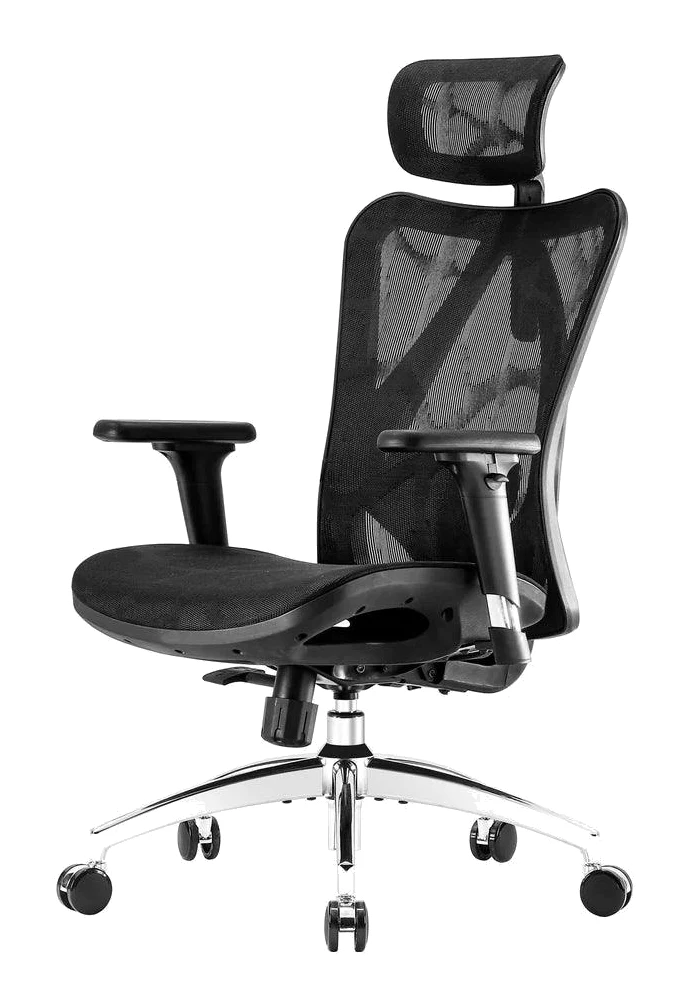
Sihoo M57 Ergonomic Office Chair Review: Adjustable Fit
A look at the Sihoo M57's lumbar support, armrests, mesh seat and recline, based on manufacturer specs and what independent reviewers report, and who it suits best.
Published Nov 8, 2026Herman Miller Embody vs Sihoo M57 (2026): Build vs Fit
The Embody offers pressure-relieving support and premium build, while the Sihoo M57 offers more adjustments in a cool mesh chair. Here is how they compare and who should pick which.
Published Nov 9, 2026