xTool S1 Review (2026): Enclosed Laser Without a Camera
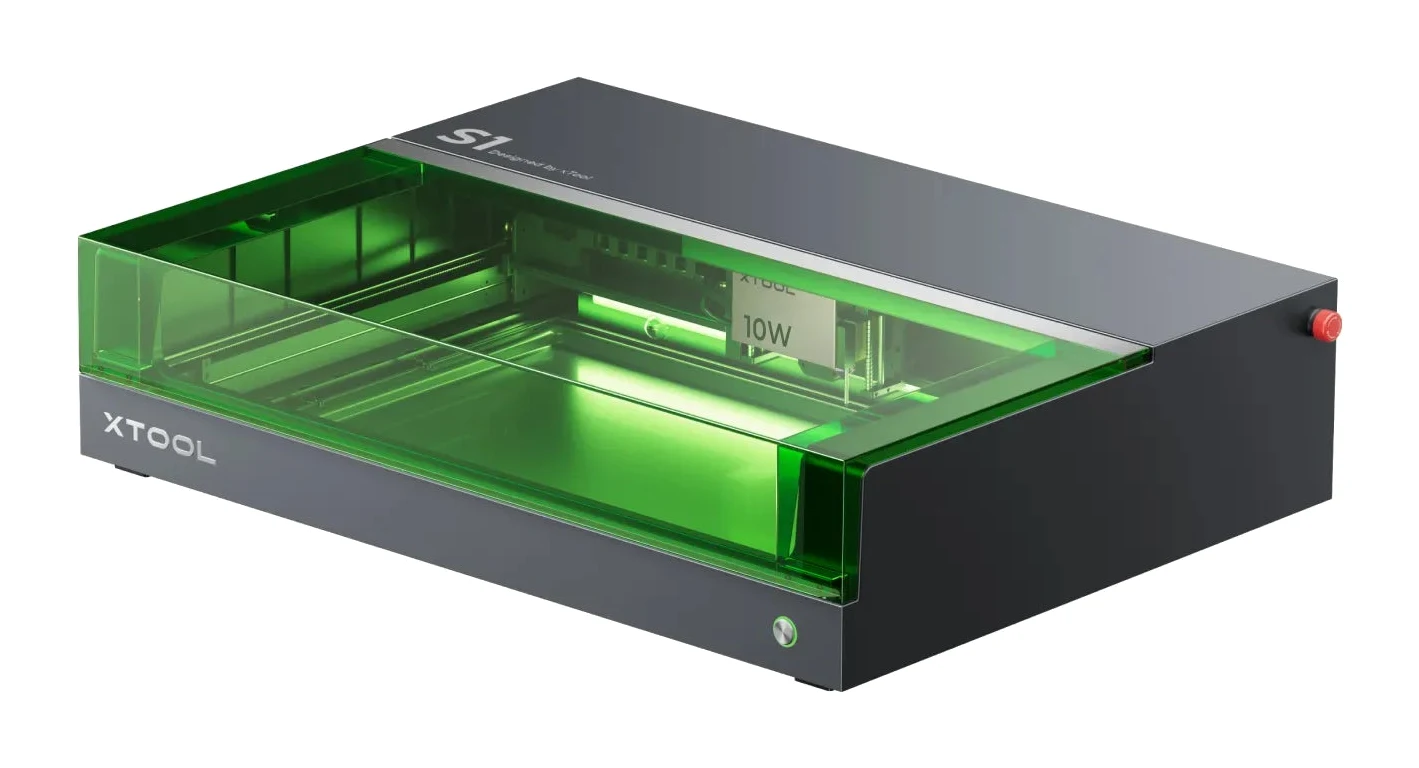
The xTool S1 is a fully enclosed, Class 1 diode laser with swappable modules, auto-focus and layered safety. Here is who it suits and where it falls short.
Research-based · We earn from qualifying purchases
Our verdict
The xTool S1 suits hobbyists, classrooms and small businesses who want a safe, beginner-friendly enclosed laser that can grow with swappable modules and accessories. Buyers wanting camera-based placement or the lowest price should look at open-frame diode lasers or other options.
The good
- Fully enclosed Class 1 body means no laser goggles needed
- Swappable 10W, 20W, 40W diode and 2W IR modules add versatility
- Auto-focus and curved-surface engraving simplify setup on varied materials
- Flame detection, lid-open stop and tilt detection add layered safety
- Built-in fume extraction and smart air assist suit indoor use
+2 more
- Flame detection, lid-open stop and tilt detection add layered safety
- Built-in fume extraction and smart air assist suit indoor use
The bad
- No camera, so positioning is manual (Pin-Point crosshair helps)
- Premium price compared with open-frame diode lasers
- Early Wi-Fi connectivity issues and incomplete LightBurn support reported
- Struggles with clear acrylic; the extraction hose is short
+1 more
- Struggles with clear acrylic; the extraction hose is short
Open-frame diode lasers are cheap and capable, but they usually mean goggles, a ventilation plan and some nervousness about leaving the machine running. This xTool S1 enclosed diode laser cutter review looks at a machine that tackles those problems directly. It puts the laser inside a fully enclosed, Class 1 laser-safe body, adds fume extraction and a stack of safety sensors, and lets you swap laser modules as your projects grow. It is aimed at hobbyists, classrooms and small businesses who want a safer, more beginner-friendly route into laser cutting and engraving.
This review is based on the manufacturer's specifications and on what independent expert reviews report, not on our own hands-on testing.
xTool S1 Enclosed Diode Laser Cutter: specs at a glance
From the manufacturer- Weight
- 20 kg
- Software
- XCS / LightBurn
- Max speed
- 600 mm/s
- Connectivity
- USB / Wi-Fi
- Spot size (20W)
- 0.08 x 0.06 mm
- Spot size (40W)
- 0.08 x 0.10 mm
- Supported files
- SVG/DXF/JPG/JPEG/PNG/BMP/TIF
- Working area (20W)
- 498 x 330 mm (19.6 x 13 in)
- Working area (40W)
- 498 x 319 mm (19.6 x 12.6 in)
- Laser power options
- 10W / 20W / 40W diode; 2W IR module
- Size (excl. riser base)
- 765 x 561 x 183 mm
- Size (incl. riser base)
- 765 x 561 x 268 mm
- Max object height with riser base
- 125 mm (Class 1 riser) / 133.5 mm (Class 4 riser)
- Working area with conveyor feeder
- 470 x 3000 mm (additional transmission rail required)
Key features
- Fully enclosed Class 1 laser-safe body, so no goggles are needed
- Swappable laser modules: 10W, 20W, 40W blue diode and 2W 1064nm IR for metal
- Auto-focus using a touch probe, plus curved-surface engraving
- Pin-Point positioning with a red crosshair on the laser head
- Up to 600 mm/s engraving speed
- Safety systems: 5-direction flame detection, lid-open stop, emergency stop, tilt detection
- Smart air assist and built-in fume extraction
- Works with xTool Creative Space and LightBurn; optional conveyor feeder, rotary and riser base
Design and build: the enclosure is the point
The defining feature is the fully enclosed body. It is rated Class 1 laser-safe, which means you do not need laser goggles while it runs. That matters most in shared spaces such as classrooms, workshops with several people around, or a home where you cannot always control who walks past. Reviewers consistently list it as the headline strength.
The machine weighs 20 kg and measures 765 x 561 x 183 mm without the riser base. It is a substantial desktop appliance, not something you tuck away casually, so plan a permanent bench or shelf. With the riser base fitted the height grows to 268 mm, which buys room for taller objects. Maximum object height with the riser base is 125 mm for the Class 1 riser and 133.5 mm for the Class 4 riser.
One practical note: reviewers mention that the fume extraction hose is short. Because the S1 has built-in extraction, the hose length decides how close to a window or vent the machine needs to sit. Check your workspace before you commit.
Swappable laser modules
The S1 is not locked to one power level. xTool offers 10W, 20W and 40W blue diode modules, plus a 2W 1064nm IR module aimed at metal. You pick the module that matches the work and can change it later, instead of replacing the machine.
The working area varies slightly by module:
- With the 20W module it is 498 x 330 mm (19.6 x 13 in).
- With the 40W module it is 498 x 319 mm (19.6 x 12.6 in).
The spot size is 0.08 x 0.06 mm for the 20W module and 0.08 x 0.10 mm for the 40W module. A smaller spot generally allows finer detail in engraving, so the 20W figure is the tighter of the two.
The flexibility is a major reason the S1 is considered a machine that can grow with you. A beginner can start with a lower-power module and add capability as their projects demand it. Reviewers praise this versatility, though the S1 costs more than open-frame diode lasers.
Features and what they mean day to day
Auto-focus and curved surfaces
Focus is handled by a touch probe, so you do not have to measure and adjust the height by hand. The S1 also supports curved-surface engraving. Reviewers say these features simplify setup on varied materials.
Pin-Point positioning
There is no camera on this machine. Instead, a red crosshair on the laser head shows where the laser will fire, which is the Pin-Point positioning system. It helps you line up a design on a workpiece, but placement stays manual. If you want to drop a design onto a material on-screen using a camera preview, note that the S1 has no camera, which is listed as a drawback.
Speed
Engraving speed tops out at 600 mm/s. As with any laser, real-world speed depends on the material, the module and how deep you are working, so treat it as a ceiling, not a typical figure.
Air assist and fume extraction
The S1 includes smart air assist and built-in fume extraction. Together they are what make indoor use more realistic, since smoke and residue are managed inside the machine instead of being left to a separate setup. Reviewers note that both suit indoor use.
Optional accessories
The machine accepts an optional conveyor feeder, a rotary attachment and the riser base mentioned above. With the conveyor feeder the working area extends to 470 x 3000 mm, although an additional transmission rail is required. These are add-ons, so budget for them if your projects depend on long or round items.
Safety systems
Safety goes beyond the enclosure. The S1 uses:
- 5-direction flame detection
- a lid-open stop
- an emergency stop
- tilt detection
This layered approach is something reviewers single out. A laser can start a fire if something goes wrong, so automatic responses to flames, an opened lid or a knocked machine are reassuring, particularly for newcomers. It does not replace common sense. You should still not leave any laser running without attention.
Software and connectivity
The S1 works with xTool Creative Space (XCS) and with LightBurn. Connections are via USB or Wi-Fi, and it supports SVG, DXF, JPG, JPEG, PNG, BMP and TIF files, which covers the common vector and image formats most designers use.
There are caveats. A common criticism is early Wi-Fi connectivity issues, and reviewers also report that LightBurn support was incomplete. If you depend on LightBurn or a wireless workflow, check the current state of support before you buy. USB is the fallback.
What experts like and what they criticise
The two expert scores we have are Creative Bloq at 7/10 and Gathered at 4/5. Together they put the S1 at an average of 7.5/10, which is a solid but not glowing result. That fits the pattern in the written feedback.
What reviewers praise:
- The fully enclosed Class 1 body that removes the need for goggles.
- The swappable 10W, 20W and 40W diode modules and the 2W IR module.
- Auto-focus and curved-surface engraving.
- Layered safety, including flame detection, the lid-open stop and tilt detection.
- Built-in fume extraction and smart air assist for indoor use.
Common criticisms:
- No camera, so positioning is manual.
- A premium price compared with open-frame diode lasers.
- Early Wi-Fi connectivity issues and incomplete LightBurn support.
- Difficulty with clear acrylic, and a short extraction hose.
The clear acrylic point is worth noting if that is a material you plan to use heavily. Diode lasers in general can struggle with clear materials, and reviewers report the S1 does too.
Who should buy the xTool S1, and who should skip it
Buy it if you want a laser that is safe to have around others, you value built-in extraction and air assist, and you like the idea of upgrading modules over time. It suits home makers, classrooms and small businesses, which matches the machine's own positioning as a safe, beginner-friendly enclosed laser.
Skip it if camera-based placement is essential to your workflow, if you mostly work with clear acrylic, or if the lowest possible price matters most. In those cases, an open-frame diode laser or a different type of machine may suit you better. Open-frame machines cost less, but you take on more of the safety and ventilation work yourself.
How it fits among laser cutters
In general terms, the market splits between open-frame diode lasers, which are cheaper, and enclosed machines, which trade cost and bulk for safety and tidiness. The S1 sits clearly in the second group. Its swappable modules and accessories add versatility, but the lack of a camera and the reported software issues mean it is not a flawless all-rounder.
xTool S1 enclosed diode laser cutter review: the verdict
The xTool S1 is a sensible choice for people who want a laser that is safer, tidier and easier to live with than an open-frame diode machine. The Class 1 enclosure, auto-focus, air assist and fume extraction handle the things that put beginners off, and the swappable modules give it room to grow. The trade-offs are real: positioning is manual, the price is higher than open-frame alternatives, and early Wi-Fi and LightBurn issues have been reported. With an expert average of 7.5/10, it is a good, safety-first machine for the right buyer rather than a universal recommendation. Check the current price using the button above and confirm software support before you commit.
Related buying guides
Not sure about the xTool S1 Enclosed Diode Laser Cutter? Consider these
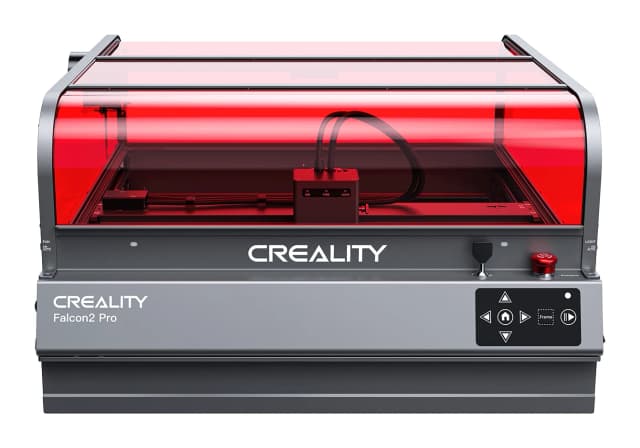
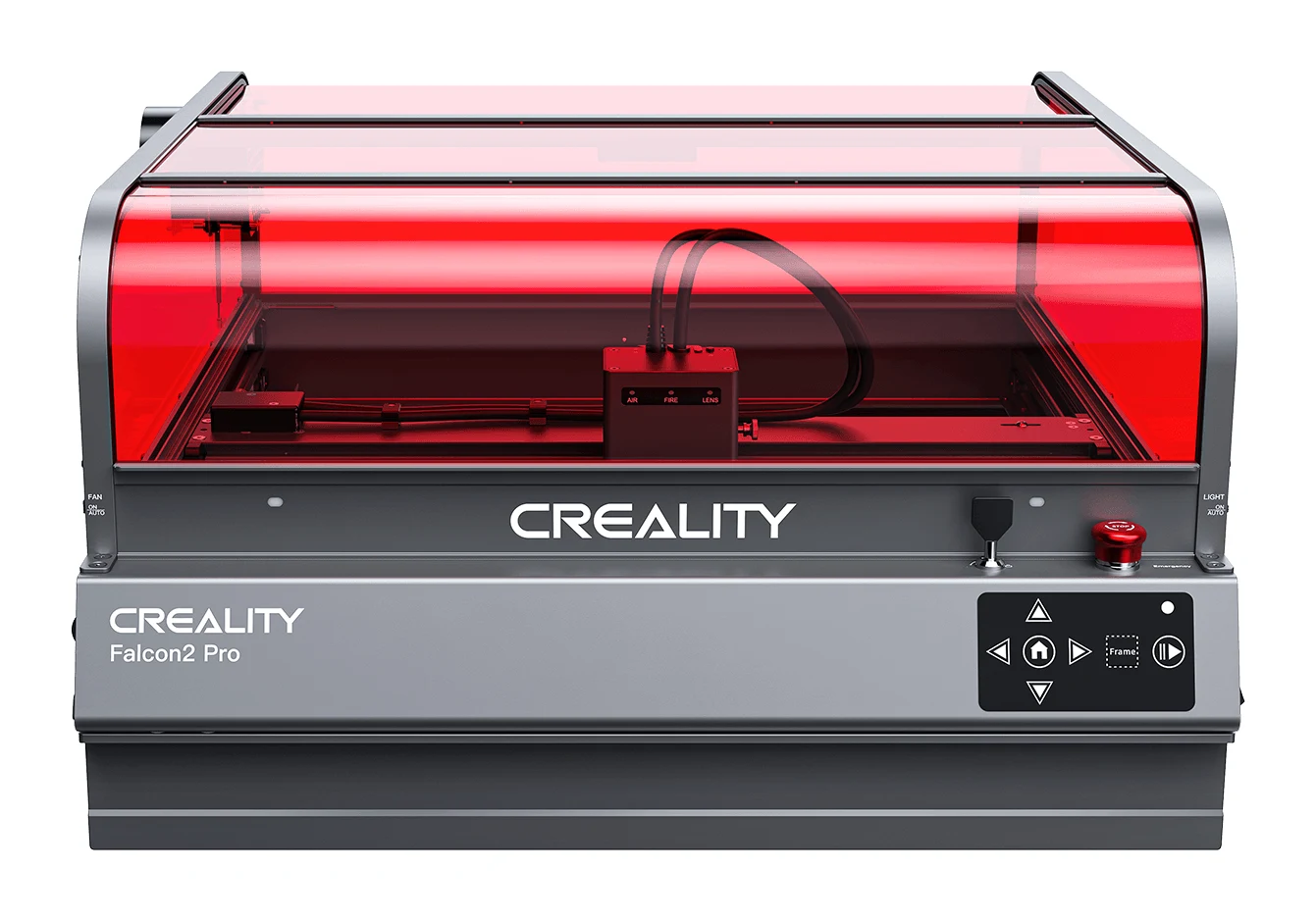
- Best BudgetCreality Falcon2 ProWhy we picked it →
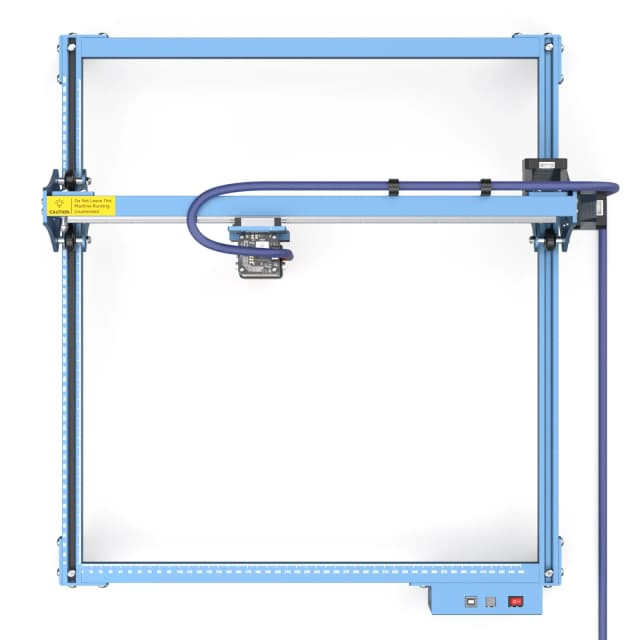
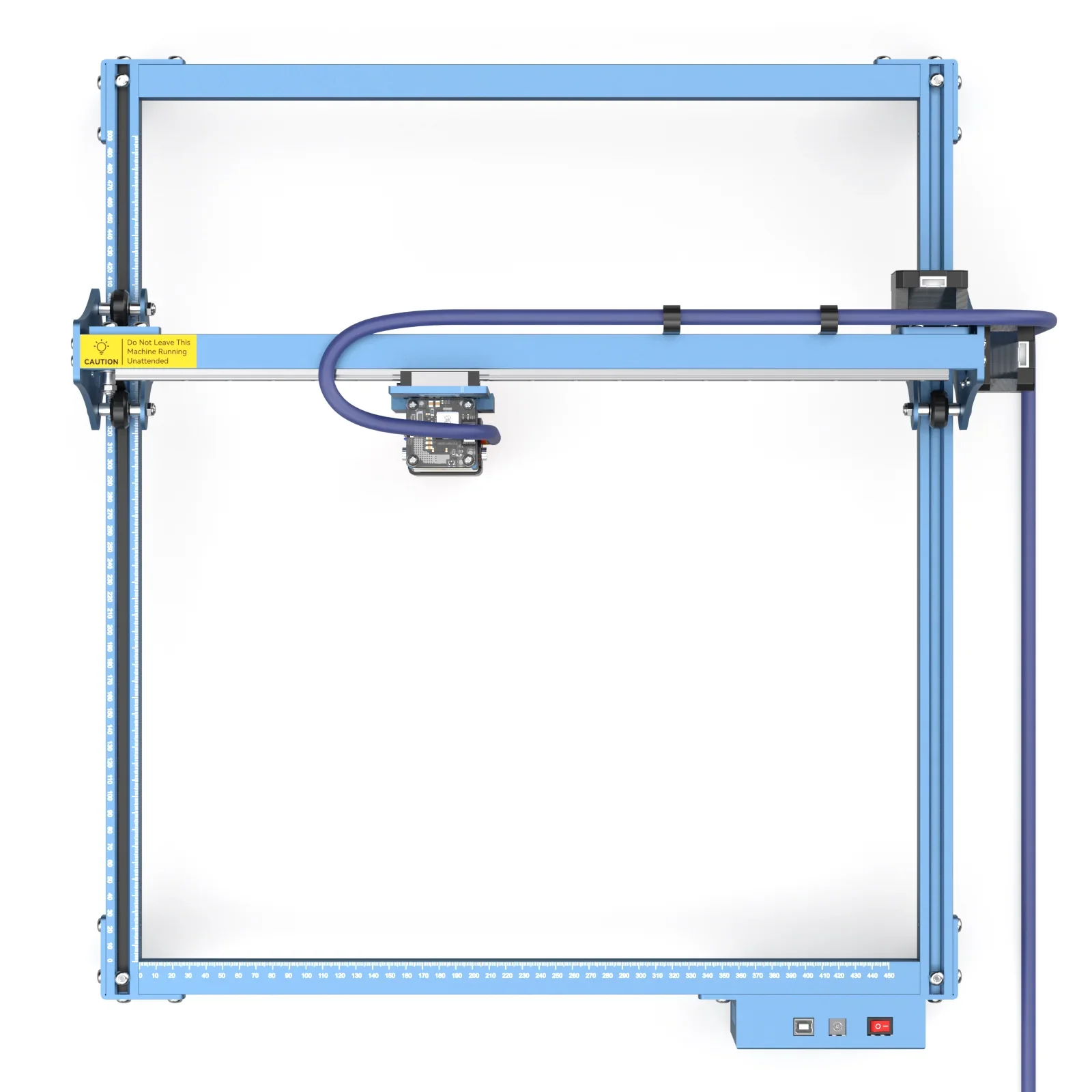
- Best ValueSculpfun S10Why we picked it →
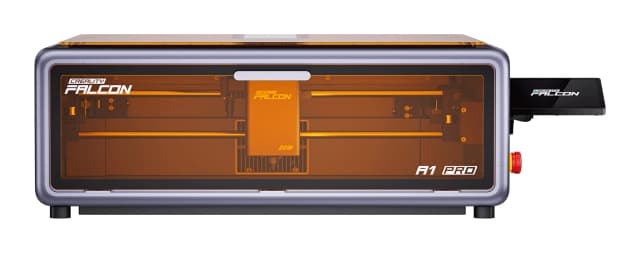
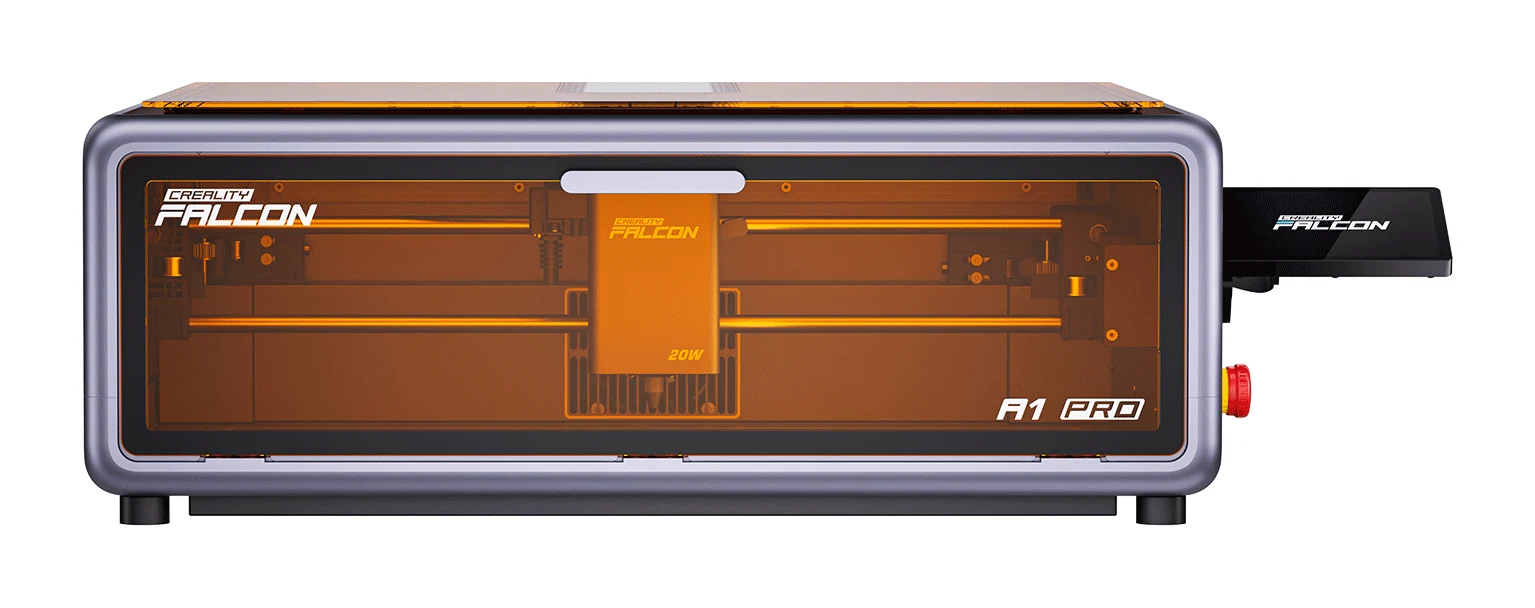
- Premium PickCreality Falcon A1 Pro 20W Dual-laser EngraverWhy we picked it →
Frequently asked questions
Is the xTool S1 worth it?
It is worth considering if safety and ease of use matter to you. The fully enclosed Class 1 body, built-in fume extraction, auto-focus and swappable modules are the main draws. It averages 7.5/10 across 2 expert reviews. If you want camera-based placement or the lowest price, an open-frame diode laser may suit you better.
Do you need laser goggles with the xTool S1?
No. The S1 has a fully enclosed Class 1 laser-safe body, so goggles are not needed while it is operating. It also stops when the lid is opened and has an emergency stop.
Does the xTool S1 have a camera?
No. Reviewers list this as a drawback. Instead, the S1 uses Pin-Point positioning, a red crosshair on the laser head that shows where the laser will fire, so placement is manual.
What laser power options does the xTool S1 offer?
The S1 supports swappable modules: 10W, 20W and 40W blue diode, plus a 2W 1064nm IR module for metal. You can choose the one that matches your projects.
What software works with the xTool S1?
It works with xTool Creative Space (XCS) and LightBurn. It connects over USB or Wi-Fi. Reviewers report early Wi-Fi connectivity issues and incomplete LightBurn support, so check current compatibility if either matters to you.
How big is the xTool S1 working area?
With the 20W module the working area is 498 x 330 mm (19.6 x 13 in). With the 40W module it is 498 x 319 mm (19.6 x 12.6 in). With the optional conveyor feeder it extends to 470 x 3000 mm, though an additional transmission rail is required.
Sources
Specs are taken from the manufacturers' official pages; expert recommendations from the publications below.
- xTool S1 Enclosed Diode Laser Cutter: xtool.com, hobbylasercutters.com, microcenter.com, atomm.com
Related reviews & guides
Best Laser Engravers for Beginners 2026: Safe, Easy Starts
Five beginner-friendly laser engravers compared on safety, work area, software and upgrade paths, from the enclosed xTool S1 to the plug-and-play Glowforge Aura.
Published Oct 25, 2026
GOOLOO GP4000 Review (2026): Big Power, Mid-Range Build
The GOOLOO GP4000 pairs 4000A of peak current with power-bank and flashlight extras at a mid-range price. Here is what the specs and expert reviews say, and where it falls short.
Published Oct 27, 2026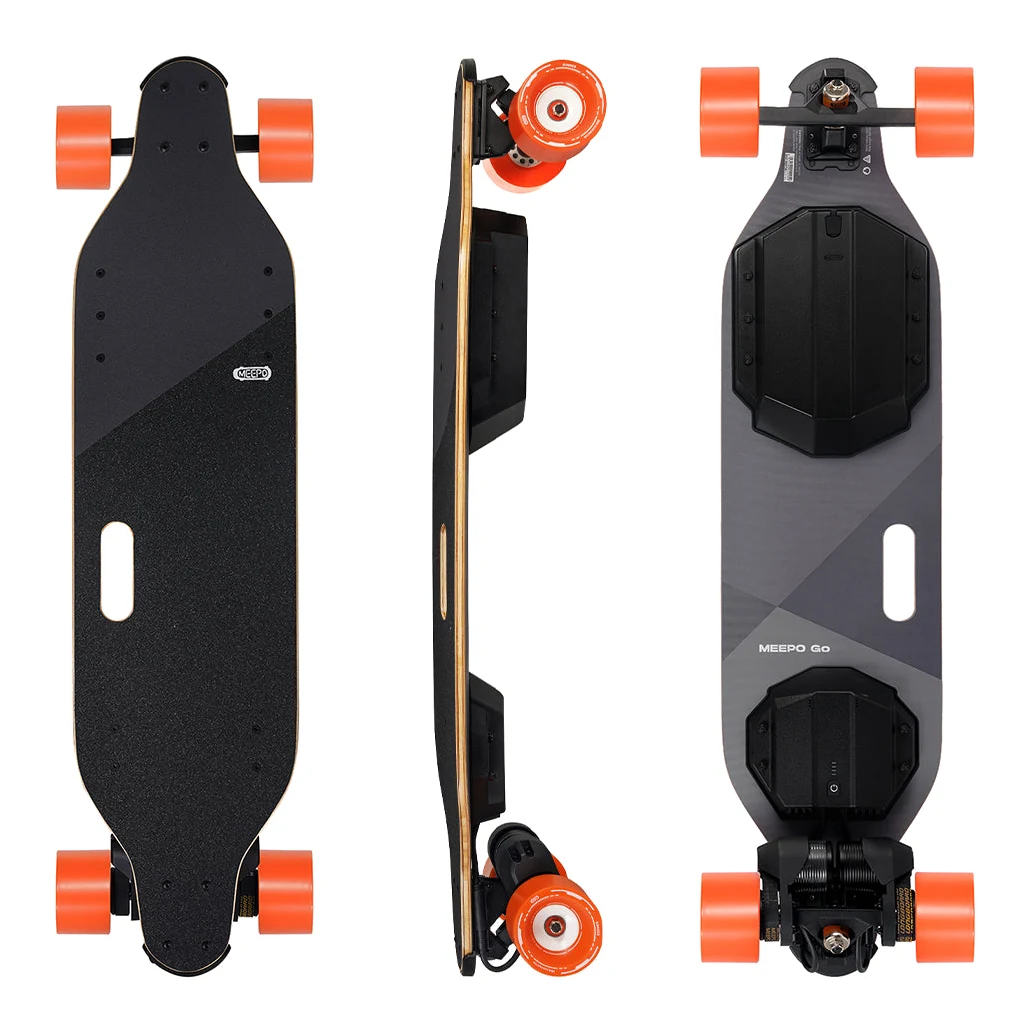
Meepo Go Review (2026): Hill-Ready Power for Beginners
Our Meepo Go review covers the dual-motor electric skateboard built for hills, heavier riders and newcomers: its strengths, its drawbacks and who should skip it.
Published Oct 28, 2026