Apple iPad 11-inch (A16) Review (2026): Everyday Tablet
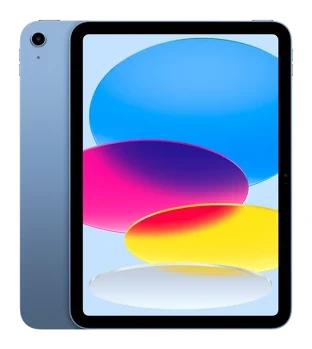
A look at the Apple iPad 11-inch (A16): the chip, display, battery, Pencil support and the trade-offs experts flag, plus who should buy it and who should skip it.
Research-based · We earn from qualifying purchases
Our verdict
The iPad 11-inch (A16) is a well-rounded, affordable tablet for browsing, streaming, schoolwork, casual games and video calls. Skip it if you want Apple Intelligence, a smoother high-refresh display, or the longest software future-proofing, and look at M-series iPads instead.
The good
- A16 chip handles everyday tasks and moderate gaming smoothly
- 128GB base storage, with options up to 512GB
- Battery lasts a full day, rated up to 10 hours
- Light, slim 1.05-pound body with solid build quality
- iPadOS has the strongest app ecosystem of any tablet
+2 more
- Light, slim 1.05-pound body with solid build quality
- iPadOS has the strongest app ecosystem of any tablet
The bad
- No Apple Intelligence support
- Unlaminated display with no anti-reflective coating picks up glare in bright light
- 60Hz refresh rate and sRGB-only color
- Pencil support limited to USB-C and 1st-gen models, no Pencil Pro
+1 more
- Pencil support limited to USB-C and 1st-gen models, no Pencil Pro
This apple ipad 11-inch (a16) review looks at a tablet built for people who want something dependable for browsing, streaming, schoolwork and video calls, without paying for the extras that come with Apple's more expensive models. It sits in the mid-range part of the market and is aimed at students and families who want an affordable, reliable everyday tablet. It is based on Apple's published specs and on what independent experts report, not on hands-on testing by us.
Apple iPad 11-inch (A16): specs at a glance
From the manufacturer- RAM
- 6GB
- Chip
- A16, 5-core CPU, 4-core GPU, 16-core Neural Engine
- Port
- USB-C (USB 2.0, up to 480Mb/s, DisplayPort)
- Weight
- 1.05 pounds (477 grams) Wi-Fi; 1.06 pounds (481 grams) Wi-Fi + Cellular
- Battery
- 28.93-watt-hour; up to 10 hours web or video on Wi-Fi
- Display
- 11-inch Liquid Retina IPS LCD, 2360-by-1640 pixels at 264 ppi
- Wireless
- Wi-Fi 6 (802.11ax) 2x2 MIMO, Bluetooth 5.3
- Brightness
- 500 nits
- Dimensions
- 9.79 inches (248.6 mm) x 7.07 inches (179.5 mm) x 0.28 inch (7 mm)
- Rear camera
- 12MP Wide, ƒ/1.8
- Front camera
- 12MP landscape Center Stage, ƒ/2.4
- Refresh rate
- 60Hz
- Storage options
- 128GB, 256GB, 512GB
- Cellular (optional)
- 5G (sub-6GHz) with 4x4 MIMO
Key features
- A16 chip with 5-core CPU, 4-core GPU and 16-core Neural Engine for smooth everyday use and games
- 11-inch Liquid Retina display with True Tone
- 128GB starting storage, up to 512GB
- Up to 10 hours of web browsing or video on Wi-Fi
- 12MP landscape Center Stage front camera for video calls
- Touch ID in the top button
- Works with Apple Pencil (USB-C) and Apple Pencil (1st generation)
- Optional 5G cellular and Wi-Fi 6
Design and build
The iPad 11-inch (A16) is a slim slab, 0.28 inch (7 mm) thick, and it weighs 1.05 pounds (477 grams) in the Wi-Fi version or 1.06 pounds (481 grams) with cellular. That makes it a light, slim tablet. Reviewers praise the build quality, and the overall impression is of a tablet that feels solid for its weight.
The body measures 9.79 inches (248.6 mm) by 7.07 inches (179.5 mm). The body is slim and light enough to carry around easily. Security is handled by Touch ID in the top button, which is useful for families sharing a device. Unlocking and approving purchases takes a fingertip rather than a code.
The single USB-C port is a USB 2.0 connection with speeds of up to 480Mb/s, and it supports DisplayPort. That is enough for charging, connecting accessories and driving an external display. It is not a port for moving large files quickly, so heavy media workflows are not what this tablet is built for.
The display: bright enough, with caveats
The screen is an 11-inch Liquid Retina IPS LCD with a resolution of 2360-by-1640 pixels at 264 ppi, and it supports True Tone. The display is rated at 500 nits of brightness.
This is also where reviewers are most critical. The display is unlaminated and has no anti-reflective coating, so a common criticism is that it picks up glare in bright light. If you plan to use it by a sunny window or outdoors, expect to angle it carefully or turn the brightness up. The refresh rate is 60Hz and the colour gamut is sRGB only. Scrolling and animations are perfectly usable, but people who have used a high-refresh screen will see the difference, and creative users who care about wide colour will find the limits quickly.
Apple iPad 11-inch (A16) review: performance and day-to-day use
The A16 chip has a 5-core CPU, a 4-core GPU and a 16-core Neural Engine, and it is paired with 6GB of RAM. In practice, reviewers say it handles everyday tasks and moderate gaming smoothly. That covers web browsing, video streaming, note-taking, email, video calls and casual to mid-weight games. It is a sensible fit for the way most people actually use a tablet.
The limits are worth knowing. The tablet does not support Apple Intelligence, which is one of the most common criticisms from reviewers. If AI-assisted features matter to you, this is not the model to buy. The verdict also flags software future-proofing: buyers who want to keep a tablet for as long as possible may be better served by an M-series iPad.
The software side is a strength. Reviewers say iPadOS has the strongest app ecosystem of any tablet. For students that means productivity, note-taking and study apps are well catered for, and for families it means games, streaming services and learning tools are rarely missing.
Storage
Starting storage is 128GB, with 256GB and 512GB options. The base capacity is 128GB, with options up to 512GB. Anyone who plans to store lots of offline media, large games or school projects locally should consider stepping up.
Battery life
The 28.93-watt-hour battery is rated for up to 10 hours of web browsing or video on Wi-Fi. Reviewers say it lasts a full day, which suits a school or work day followed by evening streaming. As with any rated figure, heavy gaming and bright screens will drain it faster than a quiet browsing session.
Cameras, calls and connectivity
The front camera is a 12MP landscape Center Stage unit with an ƒ/2.4 aperture. The landscape placement matters because the camera sits along the long edge, so you look at the lens when the tablet is used horizontally, for example propped on a stand during video calls. Center Stage is designed to keep you in frame on calls. The rear camera is a 12MP Wide with an ƒ/1.8 aperture. It is not the reason to buy a tablet.
Connectivity includes Wi-Fi 6 (802.11ax) with 2x2 MIMO and Bluetooth 5.3. If you want a connection away from home Wi-Fi, an optional cellular model adds 5G (sub-6GHz) with 4x4 MIMO. Cellular is useful for commuters and travellers, though it adds to the cost, so it is worth choosing only if you will actually use it.
Apple Pencil support
The iPad works with the Apple Pencil (USB-C) and the Apple Pencil (1st generation). That covers note-taking, markup and sketching for students. The catch, which reviewers raise, is that Apple Pencil Pro is not supported. Anyone who wants its more advanced features should look at other iPads. For everyday handwriting and annotation, the supported Pencils are enough.
What experts like and what they criticise
Reviewers like the balance. Across three published scores, the tablet averages 7.9/10: TechRadar gives it 4.5/5, Engadget 84/100 and PhoneArena 6.4/10. The spread tells its own story. The scores vary across the three reviews. It is also recommended in 8 expert guides, which shows how often it turns up as a sensible default.
The praise centres on:
- the smooth everyday and casual gaming performance of the A16 chip
- the 128GB starting storage, with options up to 512GB
- a battery that gets through a full day
- the light, slim and solid body
- the breadth of the iPadOS app ecosystem
The criticism is just as consistent:
- no Apple Intelligence support
- an unlaminated display that picks up glare in bright light
- a 60Hz refresh rate and sRGB-only colour
- Pencil support limited to the USB-C and 1st-generation models
These are not small footnotes. For some buyers, especially anyone who wants AI features or a premium-feeling screen, they are deal-breakers.
Who should buy it
This is a good match for:
- Students who need a lightweight device for notes, reading and coursework, with Pencil support for handwriting.
- Families who want a shared tablet with Touch ID, a big app library and enough battery for a full day.
- Casual users who mostly stream, browse, video call and play moderate games.
- Anyone who wants an iPad without moving up to a higher tier of the range.
Who should skip it
Look elsewhere if:
- You want Apple Intelligence features.
- You use the tablet in bright rooms or outdoors and glare would bother you.
- You want a smoother high-refresh display or wide colour for creative work.
- You want Apple Pencil Pro support.
- You want the longest possible software future-proofing, in which case M-series iPads are the more sensible route.
How it fits in the tablet market
In general terms, this iPad is the accessible, mainstream option: broad app support, a straightforward design and enough performance for ordinary use, with the compromises concentrated in the display and the feature set. Its mid-range position makes it easy to recommend as a first or family tablet, but it asks you to accept those compromises. If you value the screen, AI features or accessory support above all, you will probably find yourself drawn to a more expensive tablet. We do not have a dedicated tablet buying guide to link to yet.
Verdict
The iPad 11-inch (A16) does the basics well. It is light, has a long-lasting battery, a capable chip, 128GB of starting storage and the best-supported app platform in the tablet world. The limitations, namely glare-prone 60Hz screen, no Apple Intelligence and limited Pencil support, are clear and well documented. If your needs match the everyday-tablet brief, it is an easy choice. If they do not, the trade-offs are a good guide to what to pay more for. Use the live check-price buttons above to see current offers on the storage and cellular options you want.
Related buying guides
Not sure about the Apple iPad 11-inch (A16)? Consider these
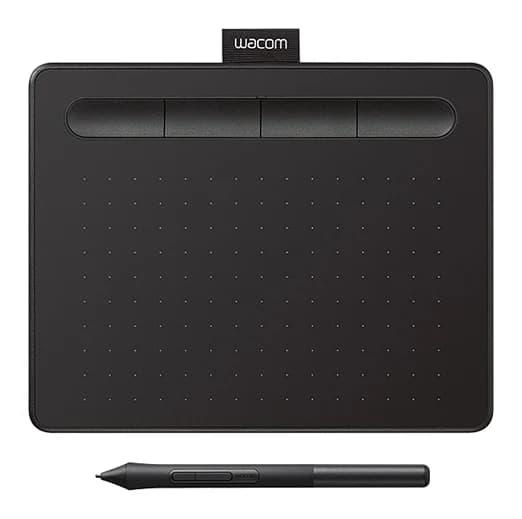
- Best OverallWacom Intuos SmallWhy we picked it →
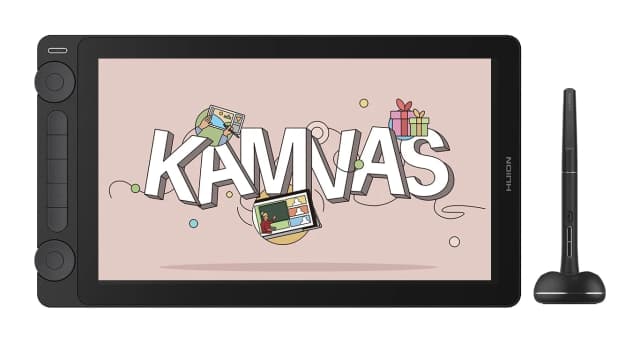
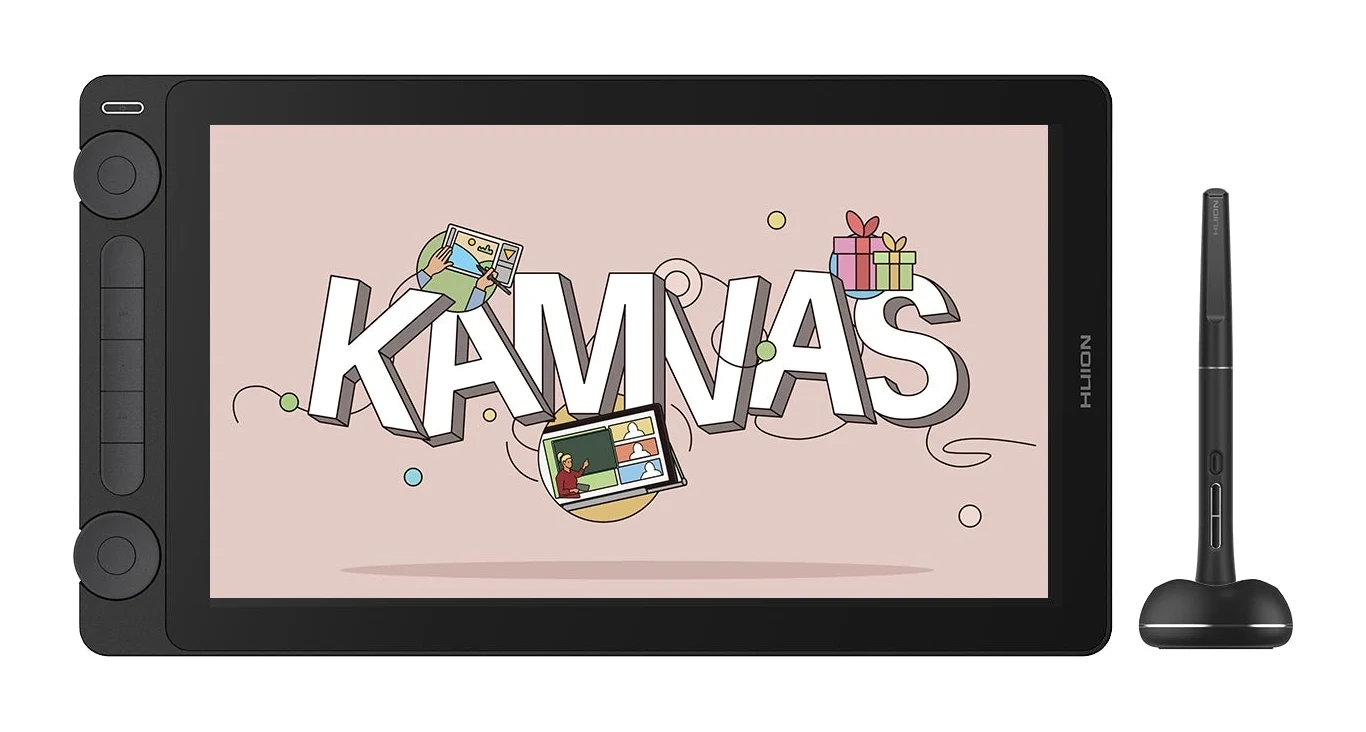
- Best ValueHuion Kamvas 13 Gen 3Why we picked it →
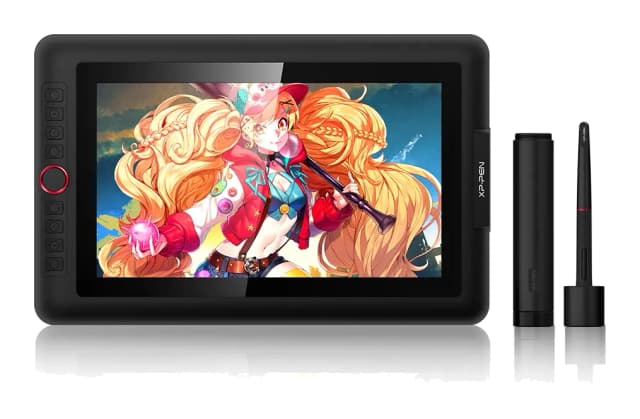
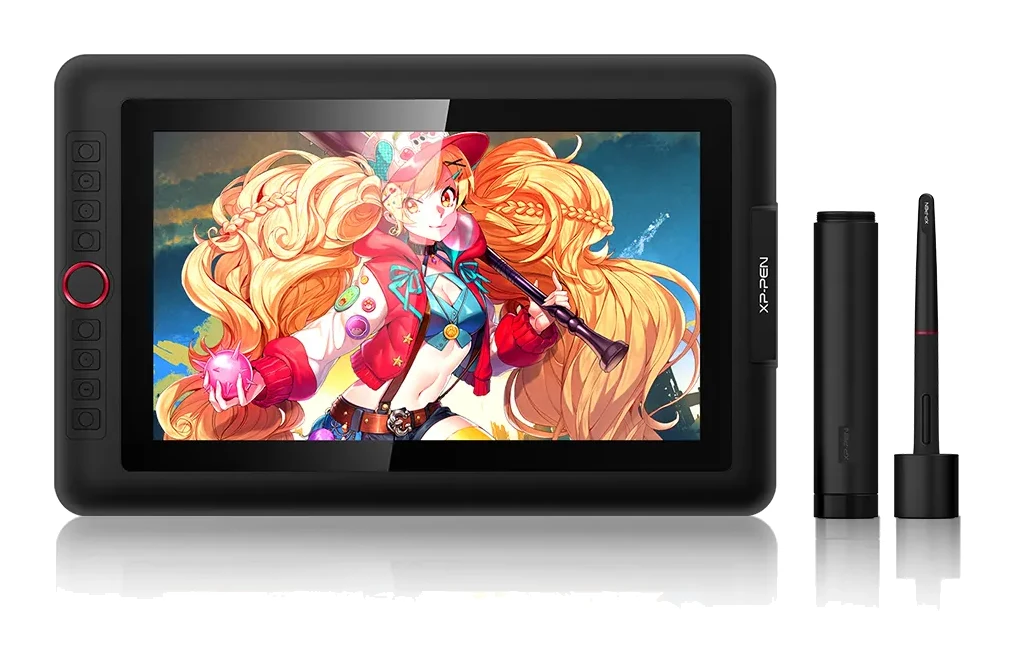
- Best BudgetXP-Pen Artist 13.3 ProWhy we picked it →
Frequently asked questions
Is the Apple iPad 11-inch (A16) worth it?
For browsing, streaming, schoolwork, casual games and video calls, expert reviews say yes. It averages 7.9/10 across three expert scores and is recommended in 8 expert guides. It is less compelling if you want Apple Intelligence, a high-refresh display or the longest software future-proofing.
Does the iPad 11-inch (A16) support Apple Intelligence?
No. Reviewers list the lack of Apple Intelligence support as one of the main drawbacks. If those features matter to you, consider an M-series iPad instead.
Which Apple Pencil works with the iPad 11-inch (A16)?
It works with Apple Pencil (USB-C) and Apple Pencil (1st generation). Apple Pencil Pro is not supported.
How long does the battery last?
Apple rates the 28.93-watt-hour battery at up to 10 hours of web browsing or video on Wi-Fi. Reviewers say it lasts a full day, though heavier use such as gaming will reduce that.
How much storage does it have?
It starts at 128GB and is also available with 256GB and 512GB of storage.
Does it have a high-refresh-rate screen?
No. The 11-inch Liquid Retina display runs at 60Hz and covers sRGB colour only. It is also unlaminated with no anti-reflective coating, so reviewers note it can pick up glare in bright light.
Sources
Specs are taken from the manufacturers' official pages; expert recommendations from the publications below.
- Apple iPad 11-inch (A16): apple.com
Related reviews & guides
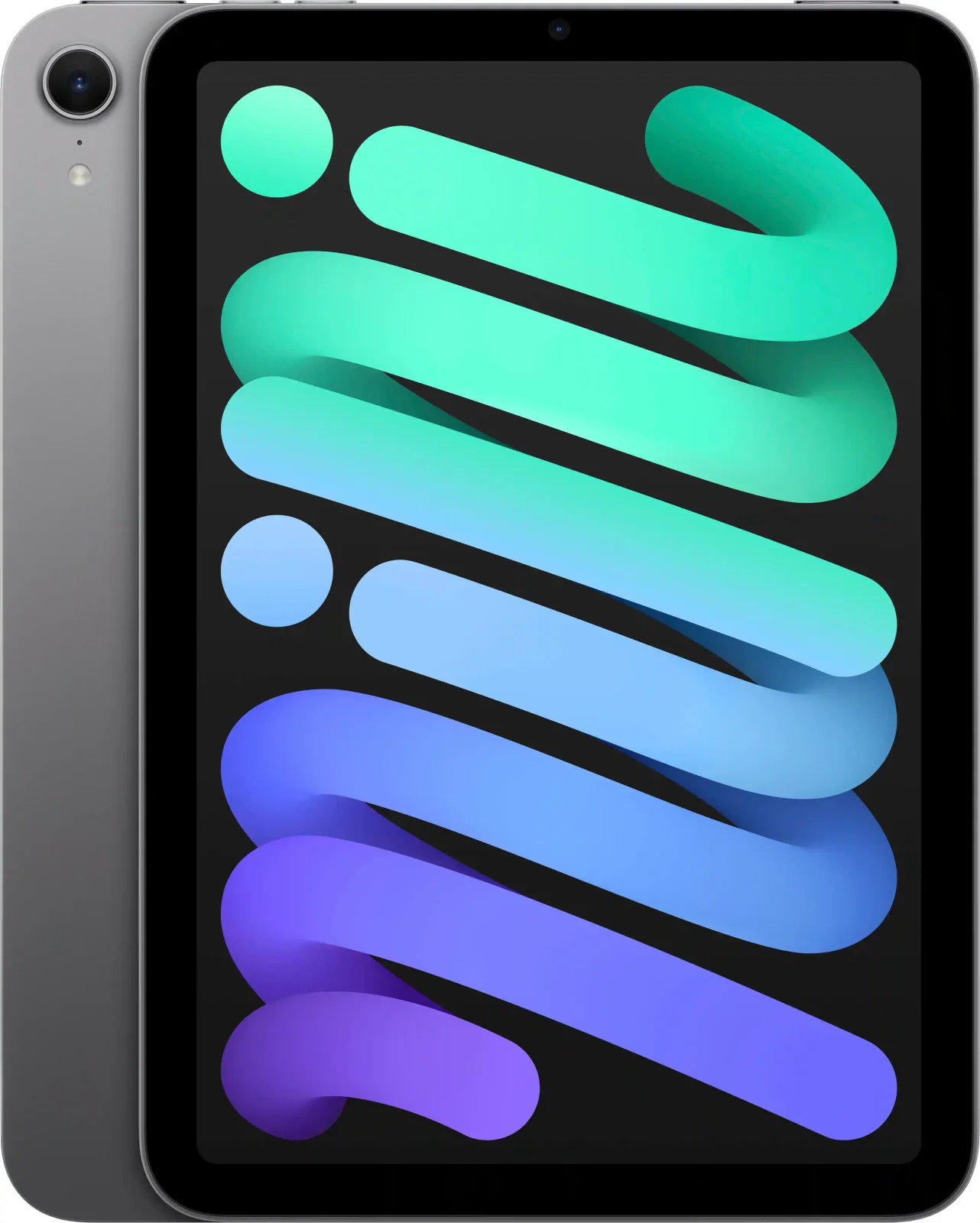
Apple iPad mini (A17 Pro) Review (2026): Pocketable Power
The iPad mini (A17 Pro) packs a fast chip, Apple Pencil Pro support and a 293-gram body into an 8.3-inch tablet. Here is what the specs and expert reviews say.
Published Oct 20, 2026Best Tablets for Kids 2026: Rugged, Portable & Long-Lasting
Our guide to the best tablets for kids compares five options on durability, parental controls, battery life, storage and screen size, from rugged Fire Kids models to compact and full-size iPads.
Published Oct 9, 2026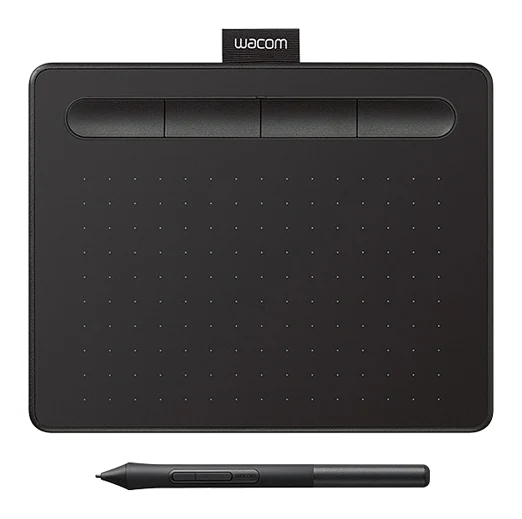
Best Tablet for Drawing in 2026: Pen Pads vs Pen Displays
Five drawing tablets from Wacom, Huion and XP-Pen, from a simple pen tablet to a premium pen display, compared on manufacturer specs and expert recommendations.
Published Oct 9, 2026