Aura Carver 10" Review (2026): A Frame Relatives Can Fill
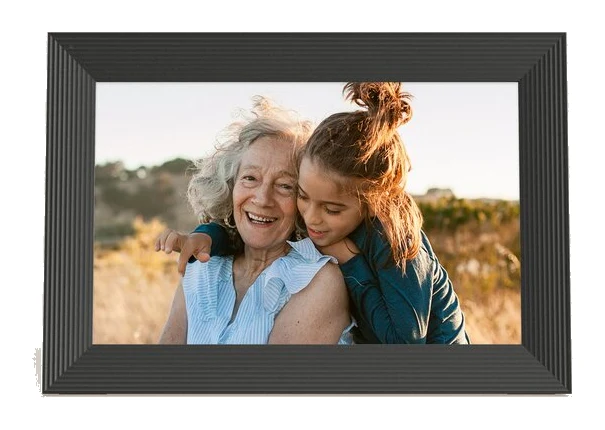
The Aura Carver 10" is a subscription-free WiFi photo frame built for families sharing pictures remotely. Here is what it does well, where it falls short and who it suits.
Research-based · We earn from qualifying purchases
Our verdict
The Aura Carver 10" is a strong pick for families who want a simple, subscription-free frame that relatives can fill with photos from anywhere. Skip it if you want a portrait-oriented display, smooth video playback, or detailed manual control over brightness and albums.
The good
- Quick, easy setup through the Aura app
- No subscription, with unlimited photo and video storage
- Family and friends can add photos remotely or by text
- Portrait pairing places two vertical photos side by side
- Auto-dimming and auto on/off suit bedrooms and dark rooms
+2 more
- Portrait pairing places two vertical photos side by side
- Auto-dimming and auto on/off suit bedrooms and dark rooms
The bad
- Landscape orientation only, so it can't hang or stand vertically
- Needs a constant WiFi connection and offers no local storage
- Video playback can be choppy, and clips are capped at 30 seconds
- Few manual settings: no manual brightness control or albums
+1 more
- Few manual settings: no manual brightness control or albums
This Aura Carver 10" review is for anyone weighing up a digital photo frame that the whole family can send pictures to, without a monthly fee or a tangle of settings. The Carver 10" is a mid-range, tabletop frame with a 10.1" landscape display. It is built around one idea: relatives add photos from wherever they are, and the frame just shows them. This review is based on Aura's published specs and what independent experts report, not on our own hands-on testing.
Aura Carver 10": specs at a glance
From the manufacturer- WiFi
- 2.4GHz broadcast-capable router
- Stand
- Tabletop
- Colors
- Charcoal, Chalk
- Weight
- 1.61 lbs
- Display
- 10.1" diagonal, landscape orientation
- Resolution
- 1280 x 800
- Wall mount
- Not included
- Display type
- LCD
- Power source
- AC adapter (wired power required)
- Subscription
- None required
- Compatibility
- iOS and Android
- Text to frame
- Included
- Video support
- Live photos and videos up to 30 seconds
- Frame dimensions
- 10.5" x 7.3" x 2.1"
Key features
- 10.1" landscape HD display for photos and short videos
- Portrait pairing puts two vertical photos side by side
- Auto on/off turns the frame off in a dark room
- Auto-adjusting brightness
- Built-in speaker for video playback
- Interactive touch bar to flick between photos
- No subscription, with unlimited photos and videos via the free Aura app
- Family and friends can add photos from anywhere or text them to the frame
Design and build
The Carver 10" is a straightforward tabletop frame. It measures 10.5" x 7.3" x 2.1" and weighs 1.61 lbs, so it is easy to move from a bookshelf to a sideboard to a bedside table. It comes in two colors, Charcoal and Chalk, which lets you pick a finish that blends with the room rather than standing out as a gadget.
Two practical details are worth knowing before you buy:
- It is landscape only. The 10.1" display sits in landscape orientation, and a common criticism from reviewers is that it can't hang or stand vertically. If your photo library is mostly portrait shots, that matters (more on how the frame handles this below).
- It needs mains power. Power comes from an AC adapter, and the spec sheet says wired power is required. The frame is not battery powered, so you need an outlet near where it will sit.
A wall mount is not included, and the listed stand is tabletop. Treat this as a shelf or desk frame.
Display and what it means for your photos
The screen is a 10.1" diagonal LCD with a 1280 x 800 resolution, which Aura describes as an HD display for photos and short videos. That is a sensible match for a frame meant to sit across a room and cycle through family pictures. Aura doesn't publish more detail on the panel in the specs, so we won't speculate on things like color accuracy or peak brightness.
Two display features suit the way most people actually use a frame:
- Auto-adjusting brightness adapts the screen to the room, so it doesn't need constant attention.
- Auto on/off turns the frame off in a dark room. Reviewers single out the auto-dimming and auto on/off as a good fit for bedrooms and other dark rooms, where a glowing screen at night would be a nuisance.
The flip side is that manual control is thin. A common criticism is that there is no manual brightness control, so you are trusting the automatic system to get it right.
Features and what they mean day to day
Sharing photos from anywhere
This is the Carver 10"'s main selling point. Family and friends can add photos from anywhere, or text them to the frame, and text-to-frame is included. You manage everything through the free Aura app, which works on both iOS and Android. In practice, that means a grandparent can have a frame that keeps filling up with new pictures without anyone needing to touch it, and you don't have to be the only person loading it.
Setup is another area reviewers praise. They describe it as quick and easy through the Aura app, which matters if the frame is a gift for someone who isn't comfortable with technology.
No subscription
Aura says no subscription is required, and the frame supports unlimited photos and videos via the free Aura app. For a product designed to live in a home for years, avoiding an ongoing fee is a real draw. Reviewers also list unlimited photo and video storage among the frame's strengths.
Portrait pairing
Because the screen is landscape-only, vertical photos could look awkward on their own. Portrait pairing addresses that by placing two vertical photos side by side. Reviewers count this among the frame's positives. It is a workaround rather than true portrait display, so if you mostly shoot vertically and want one tall photo filling the screen, this isn't that product.
Touch bar and speaker
An interactive touch bar lets you flick between photos, which is handy for showing a visitor a few more pictures without opening an app. A built-in speaker handles audio for video playback.
Video and connectivity
The frame supports live photos and videos up to 30 seconds. That is enough for a short clip of a birthday candle or a first step, but not for longer recordings. Reviewers also note that video playback can be choppy, so think of video as a bonus alongside photos rather than a reason to buy.
Connectivity is the other area to check before you commit:
- The frame works with a 2.4GHz broadcast-capable router.
- Reviewers note it needs a constant WiFi connection and offers no local storage. If your internet goes down, new photos won't arrive, and the frame offers no local storage.
- Because it depends on WiFi, placement matters. Choose a spot within reliable range of your router.
For anyone with patchy WiFi or who prefers to load pictures offline, it is a genuine limitation.
What experts like and what they criticise
Expert coverage is consistent on the main points. Reviewers praise:
- quick, easy setup through the Aura app
- no subscription, with unlimited photo and video storage
- the ability for family and friends to add photos remotely or by text
- portrait pairing for vertical photos
- auto-dimming and auto on/off in bedrooms and dark rooms
The common criticisms are equally clear:
- landscape orientation only
- a constant WiFi connection is required, with no local storage
- choppy video playback and clips capped at 30 seconds
- few manual settings, with no manual brightness control or albums
On scores, Digital Camera World rates it 4.5/5. That is a strong mark, and it fits the pattern above: the frame does the core job of sharing photos very well, and the complaints are mostly about flexibility and video rather than the basics.
Who should buy it, and who should skip it
Buy it if:
- You want a frame for a parent, grandparent or relative that others can fill remotely.
- You like the idea of no subscription and unlimited photo and video storage.
- You want something that sets itself up quickly and mostly looks after itself, including dimming and switching off in a dark room.
- Your photos are a mix of landscape and portrait, and pairing vertical shots side by side suits you.
Skip it if:
- You want a portrait-oriented display, or a frame you can hang or stand vertically.
- Smooth video playback matters to you, or you want clips longer than 30 seconds.
- You want control over brightness or want to organise pictures into albums.
- Your WiFi is unreliable, or you want a frame that stores pictures locally.
- You plan to wall-mount it, since a wall mount isn't included.
How it fits in the digital frame category
The Carver 10" sits firmly on the simple side. Its priorities are easy setup, remote sharing and no ongoing cost, while manual settings and local options are kept to a minimum. The price tier is mid-range, and there is no subscription fee. If you want the most control over how your photos are displayed, look elsewhere; if you want the least effort, this is the type of frame to shortlist.
Verdict
The Aura Carver 10" is a good fit for families who want to share photos remotely without fuss or fees. Its strengths are the Aura app, text-to-frame, unlimited storage and sensible automatic behavior in dark rooms. Its limits are just as clear: landscape only, WiFi dependent, short and sometimes choppy video, and very little manual control. If those trade-offs don't bother you, it is an easy frame to recommend as a gift or a shared family display.
Related buying guides
Not sure about the Aura Carver 10"? Consider these
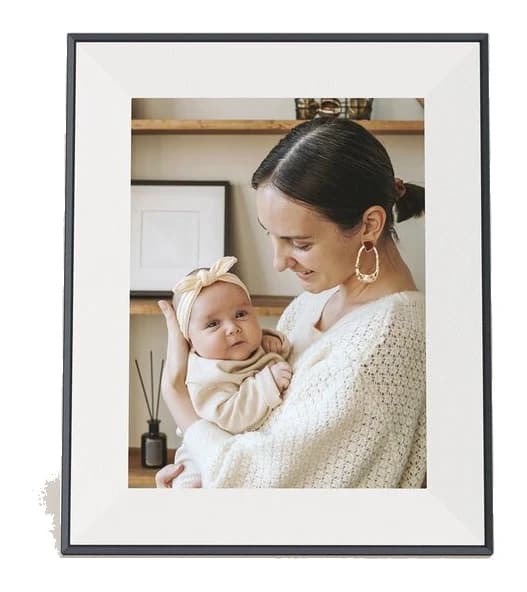
- Best OverallAura Aspen 12" HD FrameWhy we picked it →
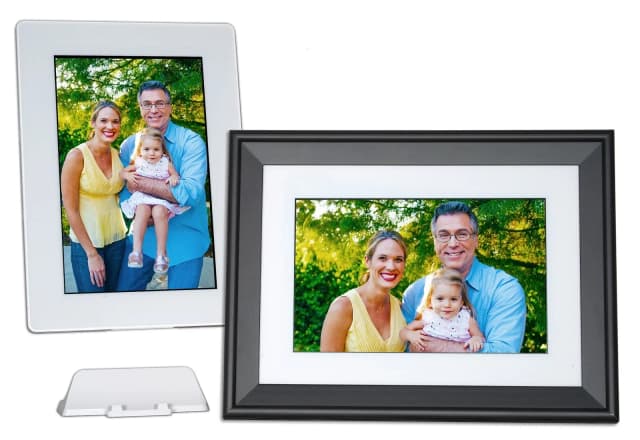
- Best ValuePhotoSpring Classic 10in Digital FrameWhy we picked it →
- Also GreatLexar Pexar 11-inchWhy we picked it →


Frequently asked questions
Is the Aura Carver 10" worth it?
It is a good choice if you want a simple, subscription-free frame that family and friends can send photos to from anywhere. Reviewers praise its easy setup and unlimited storage. It is less suited to anyone who wants smooth video, manual brightness control, albums or a portrait display.
Does the Aura Carver 10" need a subscription?
No. Aura says no subscription is required, and the frame supports unlimited photos and videos via the free Aura app.
Can the Aura Carver 10" be used in portrait orientation?
No. It is a landscape-only display, and reviewers note it can't hang or stand vertically. Its portrait pairing feature does show two vertical photos side by side.
Can I send photos to the Aura Carver 10" by text?
Yes. Text to frame is included, and family and friends can also add photos from anywhere using the Aura app, which works on iOS and Android.
Does the Aura Carver 10" play videos?
Yes, it supports live photos and videos up to 30 seconds and has a built-in speaker for playback. A common criticism from reviewers is that video playback can be choppy.
Does the Aura Carver 10" work without WiFi?
Not well. Reviewers note it needs a constant WiFi connection and offers no local storage. It works with a 2.4GHz broadcast-capable router and runs on an AC adapter, so it also needs wired power.
Sources
Specs are taken from the manufacturers' official pages; expert recommendations from the publications below.
- Aura Carver 10": auraframes.com, bestbuy.com, dpreview.com
Related reviews & guides
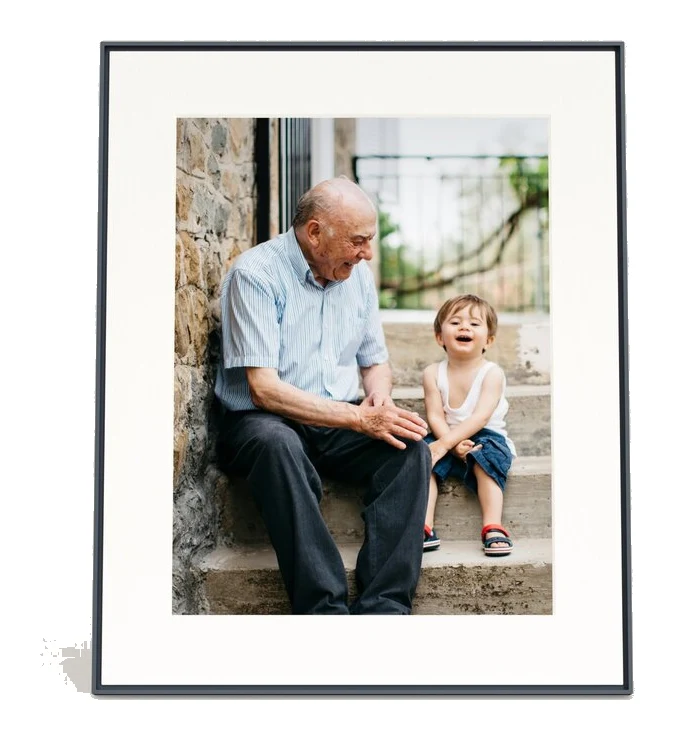
Aura Walden 15 Review (2026): A Big, Easy Family Frame
The Aura Walden 15 is a large 4:3 digital photo frame with unlimited cloud storage and easy sharing. Here is what it does well, where experts find fault, and who should buy it.
Published Oct 29, 2026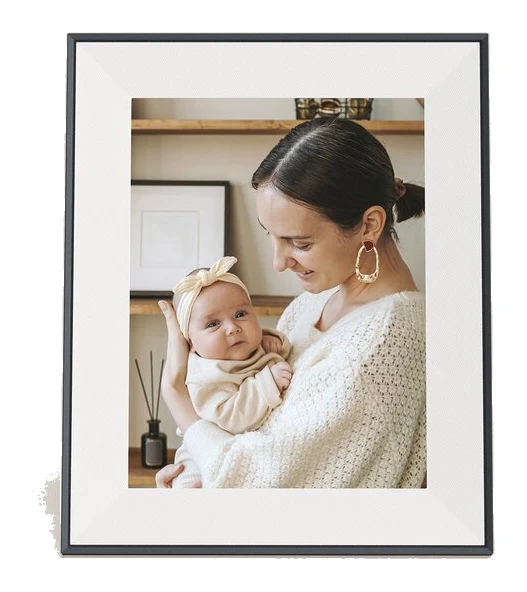
Aura Aspen 12" HD Frame Review (2026): Built to Look Real
The Aura Aspen is a subscription-free digital frame that aims to look like a real picture frame and show phone photos well. Here is what the specs and expert reviews say.
Published Oct 23, 2026Best Digital Photo Frames 2026: Easy Sharing for Families
Five digital photo frames compared on display, storage, sharing and trade-offs, from cloud-only Aura models to expandable local-storage options, based on manufacturer specs and expert recommendations.
Published Oct 22, 2026