Elgato Facecam 4K Review (2026): Sharp, but Needs Light
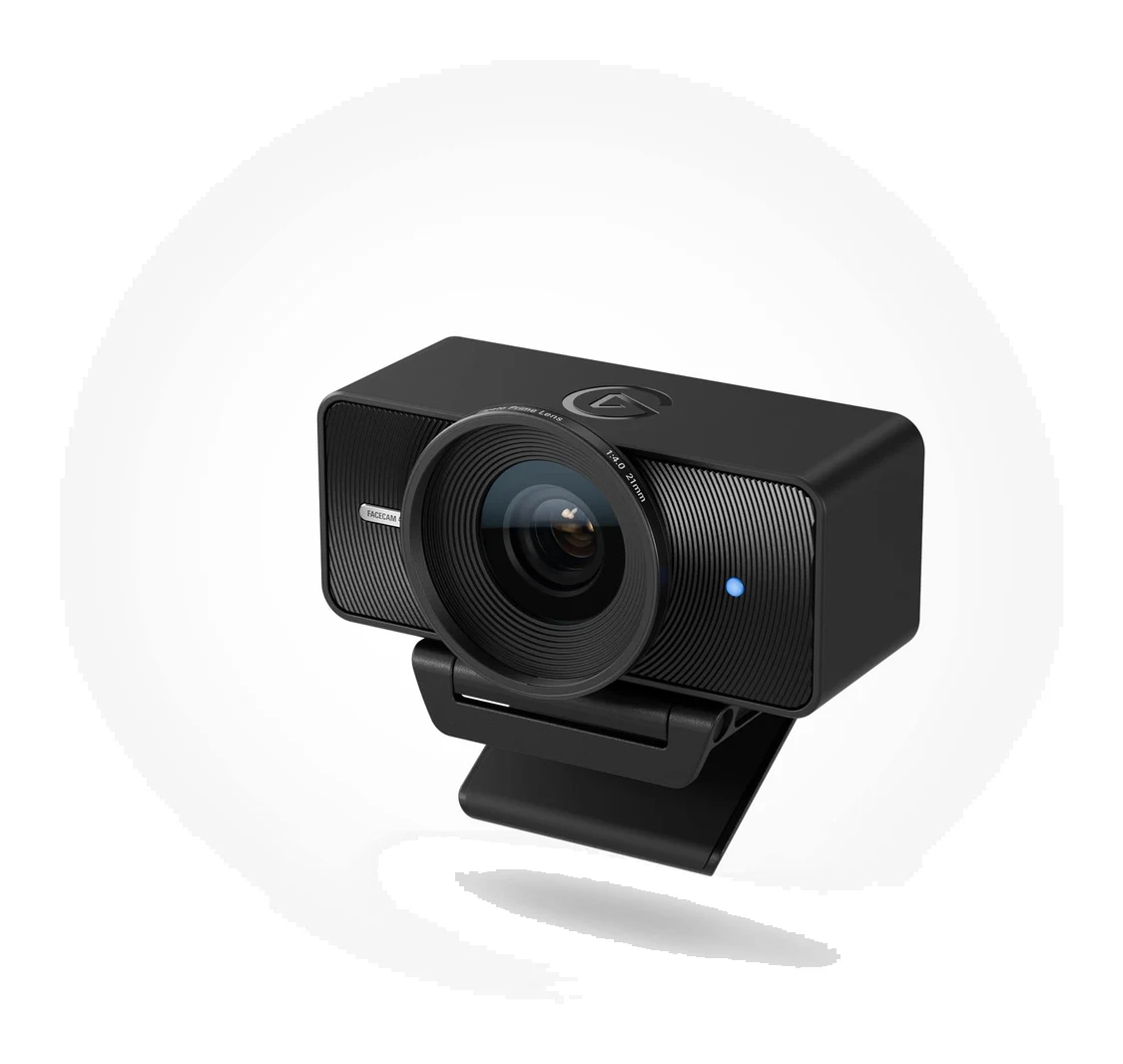
A look at the Elgato Facecam 4K: 4K60 video, DSLR-style manual control and a filter thread, set against its low-light limits, missing microphone and NVIDIA-only AI blur.
Research-based · We earn from qualifying purchases
Our verdict
The Facecam 4K suits streamers and creators with decent lighting who want sharp 4K60 video, manual control and filter support. Skip it if you work in dim rooms, need a built-in mic, or want natural background blur without an NVIDIA GPU.
The good
- Sharp, detailed 4K image with good colour
- Smooth 4K60 capture for streaming
- Camera Hub offers DSLR-style manual control of ISO and shutter
- 49 mm filter thread is a unique extra for webcams
- Fixed-focus lens stays sharp from 30–120 cm without hunting
+2 more
- 49 mm filter thread is a unique extra for webcams
- Fixed-focus lens stays sharp from 30–120 cm without hunting
The bad
- Fixed f/4.0 aperture and small sensor look grainy in dim light
- AI background blur requires an NVIDIA RTX GPU
- No built-in microphone, so you need a separate mic
- HDR is limited to 30 fps, and the 90° view is very wide
+1 more
- HDR is limited to 30 fps, and the 90° view is very wide
This elgato facecam 4k review looks at a webcam aimed at people who care about image control as much as resolution. The Facecam 4K records 4K video at up to 60 fps, adds HDR, and puts a manual-control app behind it. It is built for streamers and creators who want to dial in their picture rather than leave it to auto-everything. This article is based on the manufacturer's specs and on what independent expert reviews report, not on hands-on testing.
Elgato Facecam 4K: specs at a glance
From the manufacturer- HDR
- Up to 2160p30
- Cable
- USB-C to USB-C 3.0, detachable, 200 cm | 79 in
- Focus
- Fixed; 30 – 120 cm (11.8 – 47.2 in) at 4K, 25 cm (9.8 in) – infinity at 1080p
- Sensor
- SONY STARVIS 2 CMOS 1/1.8"
- Aperture
- f/4.0
- Mounting
- Monitor clip mount and 1/4-inch thread
- Connection
- USB Type-C (USB 3.0 or later for 4K60 and HDR)
- Microphone
- None
- OS support
- Windows 11 or later; macOS 13 or later; iPadOS 17 or later
- Focal length
- 21 mm (full-frame equivalent)
- Field of view
- 90°
- Filter thread
- 49 mm
- Uncompressed video
- Up to 4K30 (NV12) or 1440p30 (YUY2) over USB 3.0
- Max resolution/frame rate
- Up to 4K60 (2160p60 MJPG only)
- Dimensions (without mount)
- W 104 x H 54 x D 52 mm | 4.1 x 2.1 x 2.0 in
- Weight (without mount and cable)
- 112 g | 0.25 lb
Key features
- 4K video at up to 60 fps for smooth, detailed streams
- HDR up to 4K30 for tricky, high-contrast lighting
- Accepts 49 mm lens filters, a first for webcams
- Camera Hub app gives DSLR-like manual control of ISO, shutter speed and white balance
- Cinematic LUTs and digital pan/tilt/zoom for styling and reframing
- Fixed-focus Prime lens stays sharp from 30–120 cm, with no focus hunting
- Settings are saved on the camera's built-in flash memory
- AI background blur and face tracking on NVIDIA RTX GPUs; works with Stream Deck
Who the Elgato Facecam 4K is for
The Facecam 4K sits in the mid-range part of the market. It makes the most sense if you stream or record in a room you can light properly, and you want a webcam that behaves more like a small camera than a plug-and-forget gadget. Reviewers praise its sharp, detailed image and good colour. They also flag where it struggles, mostly in dim rooms and around its missing extras. If your setup matches the strengths, it is an easy camera to like. If not, the trade-offs are real.
It averages 9.3/10 across 3 expert reviews. TweakTown gives it 95/100, Noisy Pixel 9/10 and Basic Tutorials 95/100. That is a strong showing, but the trade-offs below mean it does not suit every setup.
Design and build
The Facecam 4K is a small, boxy camera that weighs 112 g without its mount and cable. It ships with a monitor clip mount and also has a 1/4-inch thread. That means you can clip it to a screen or move it to a tripod, arm or other standard camera mount. For a creator who already has a desk arm or a tripod, that flexibility is useful.
The detachable USB-C to USB-C 3.0 cable is 200 cm long. A detachable cable is a practical choice: if it is damaged or you need a different length, you replace the cable rather than the camera. The camera connects over USB Type-C, and USB 3.0 or later is needed for 4K60 and HDR, so plug it into the right port.
The most unusual design detail is the 49 mm filter thread on the lens. Elgato describes it as a first for webcams, and reviewers single it out as a unique extra. In practice it means you can attach 49 mm lens filters, something Elgato describes as a first for webcams. How far you take that is up to you, but it signals who the camera is aimed at.
There is no built-in microphone. You will need a separate mic, which is common among creators anyway, but anyone expecting an all-in-one device should know before buying.
Image quality and the lens
The camera uses a Sony STARVIS 2 CMOS sensor, listed as 1/1.8". The lens is a fixed-focus Prime design at f/4.0, with a 21 mm focal length (full-frame equivalent) and a 90° field of view.
That combination explains most of what experts say. Reviewers praise the sharp, detailed 4K image and good colour. A fixed-focus lens that stays sharp from 30–120 cm at 4K means there is no focus hunting. The camera does not hunt for focus within its 30–120 cm range at 4K. At 1080p the focus range starts closer and runs out to infinity.
The flip side is the fixed f/4.0 aperture and small sensor. A common criticism is that the image looks grainy in dim light. This is the most important caveat in the review: the Facecam 4K rewards good lighting and punishes weak lighting. If your streaming space is dark, or you rely on a single dim lamp, expect the camera to struggle more than the 4K label suggests.
The 90° view is also very wide, and reviewers note this as a drawback. You get a lot of the room in frame, which can be handy in a tight space but is less flattering if you want a tighter, more intimate shot. Digital pan, tilt and zoom in the software lets you reframe, and cinematic LUTs let you restyle the look.
Features and what they mean day to day
Camera Hub manual control
The Camera Hub app is the heart of the product. It gives DSLR-like manual control of ISO, shutter speed and white balance. Reviewers praise this directly. For anyone who has fought a webcam's auto-exposure shifting mid-stream, locking down the settings is a real benefit. It does mean more setup time than a camera that simply works, but you get consistent results once you have dialled it in.
Settings are saved on the camera's built-in flash memory, so your tuned look travels with the camera rather than living only in an app on one computer. That helps if you switch machines or use the camera with software that has no controls of its own.
4K60, HDR and uncompressed video
The headline mode is 4K at up to 60 fps, which reviewers describe as smooth for streaming. Note that 4K60 is available as MJPG only. For uncompressed video, the camera offers up to 4K30 (NV12) or 1440p30 (YUY2) over USB 3.0. In plain terms, the very smoothest mode uses a compressed format, and uncompressed capture tops out at 30 frames per second.
HDR runs up to 4K30 and is meant for tricky, high-contrast lighting, such as a bright window behind you. A common criticism is that HDR is limited to 30 fps, so you cannot combine it with the 60 fps mode. Decide which matters more for your content.
AI features and Stream Deck
AI background blur and face tracking run on NVIDIA RTX GPUs. If you have one, you get these extras. If you do not, you do not, and reviewers cite this as a notable limit for anyone wanting natural-looking background blur without that hardware. The camera also works with Stream Deck, which will appeal to anyone already using Elgato's controllers.
Compatibility
The camera supports Windows 11 or later, macOS 13 or later and iPadOS 17 or later. That covers current desktop and tablet setups, but older operating systems are outside the supported list. Check your machine and your USB port before buying, since the best modes need USB 3.0 or later.
What experts like and what they criticise
The praise is consistent. Reviewers like the sharp, detailed 4K image with good colour, the smooth 4K60 capture, the DSLR-style control in Camera Hub, the filter thread and the fixed-focus lens that stays sharp without hunting.
The criticism is just as consistent:
- Low-light performance looks grainy, due to the fixed f/4.0 aperture and small sensor.
- AI background blur needs an NVIDIA RTX GPU.
- There is no built-in microphone.
- HDR is limited to 30 fps and the 90° view is very wide.
These are not minor footnotes. For some buyers, especially anyone in a dim room, they are deciding factors.
Who should buy it and who should skip it
Buy it if you stream or create content with decent lighting, want a detailed 4K picture, and enjoy controlling exposure and white balance yourself. The filter thread and the saved on-camera settings add to the appeal for people who like to tinker, and the 4K60 mode suits streamers who want smooth motion.
Skip it if you work in dim rooms, need a microphone built into the camera, or want natural background blur without an NVIDIA GPU. Also think twice if you prefer a tighter, more flattering field of view out of the box, since 90° is very wide. If you would rather look at a different style of webcam, see our OBSBOT Tiny 3 review.
How it fits in its category
Webcams range from simple plug-and-play models to creator-focused cameras with manual controls. The Facecam 4K sits clearly at the creator end. Its filter thread, manual controls, on-camera memory and Stream Deck support all point at people who want to shape their image, not just show up on a call. The trade is that it assumes you will supply good light and a microphone, and, for some of the AI features, a compatible NVIDIA graphics card.
Verdict
The Elgato Facecam 4K is a capable, well-regarded creator webcam. Experts rate it highly, and the strengths are easy to explain: sharp 4K, smooth 4K60 capture, a fixed-focus lens without hunting, and DSLR-style manual control of ISO, shutter speed and white balance. Its weaknesses are just as clear. Grainy low-light footage, no microphone, an NVIDIA-only AI blur and a very wide view all limit who it suits. Match it to a well-lit setup and a creator mindset, and it makes a lot of sense. Use it in a dim room and expect compromises.
Related buying guides
Not sure about the Elgato Facecam 4K? Consider these
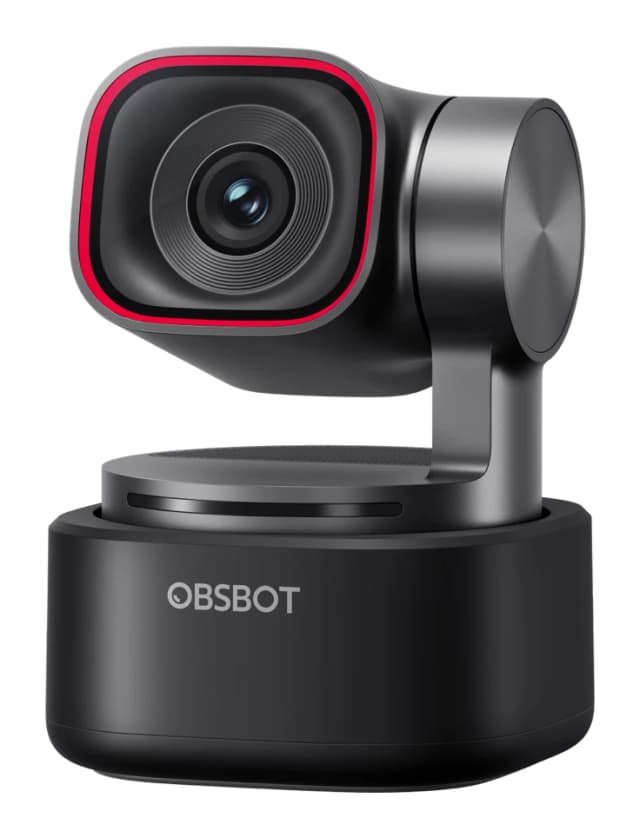
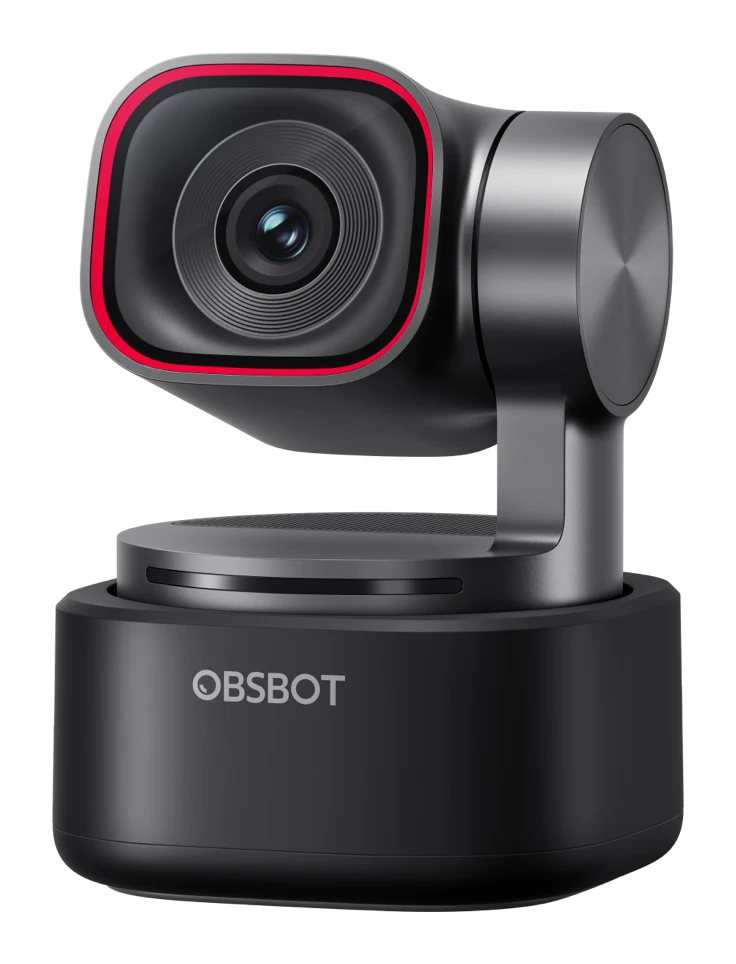
- Best OverallOBSBOT Tiny 3Why we picked it →
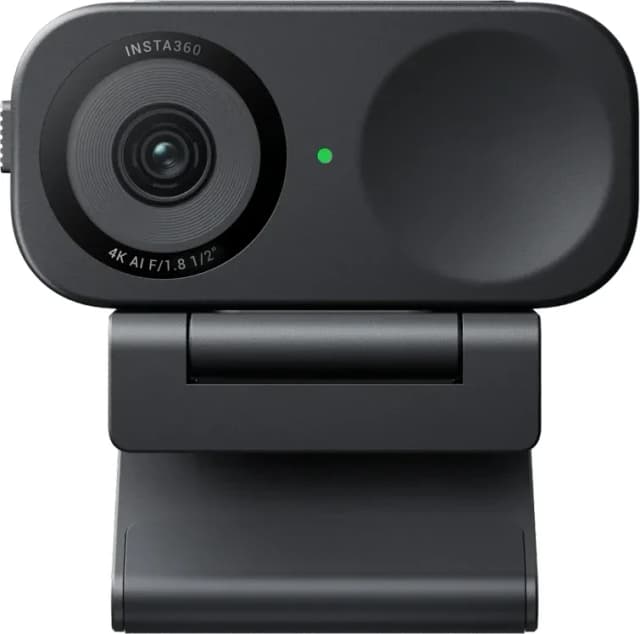
- Also GreatInsta360 Link 2CWhy we picked it →
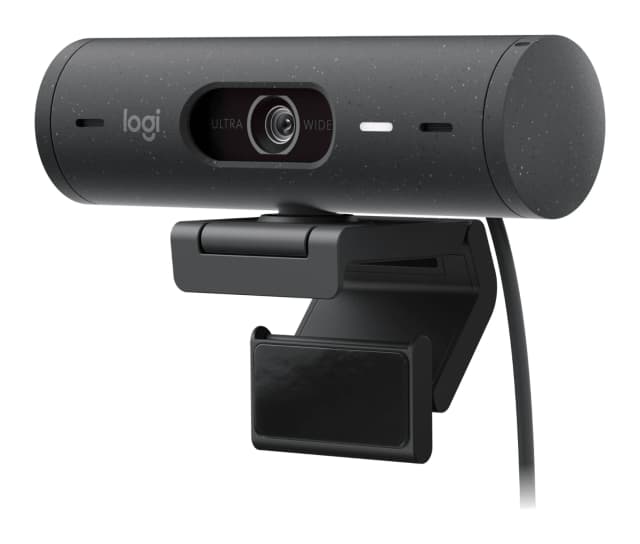
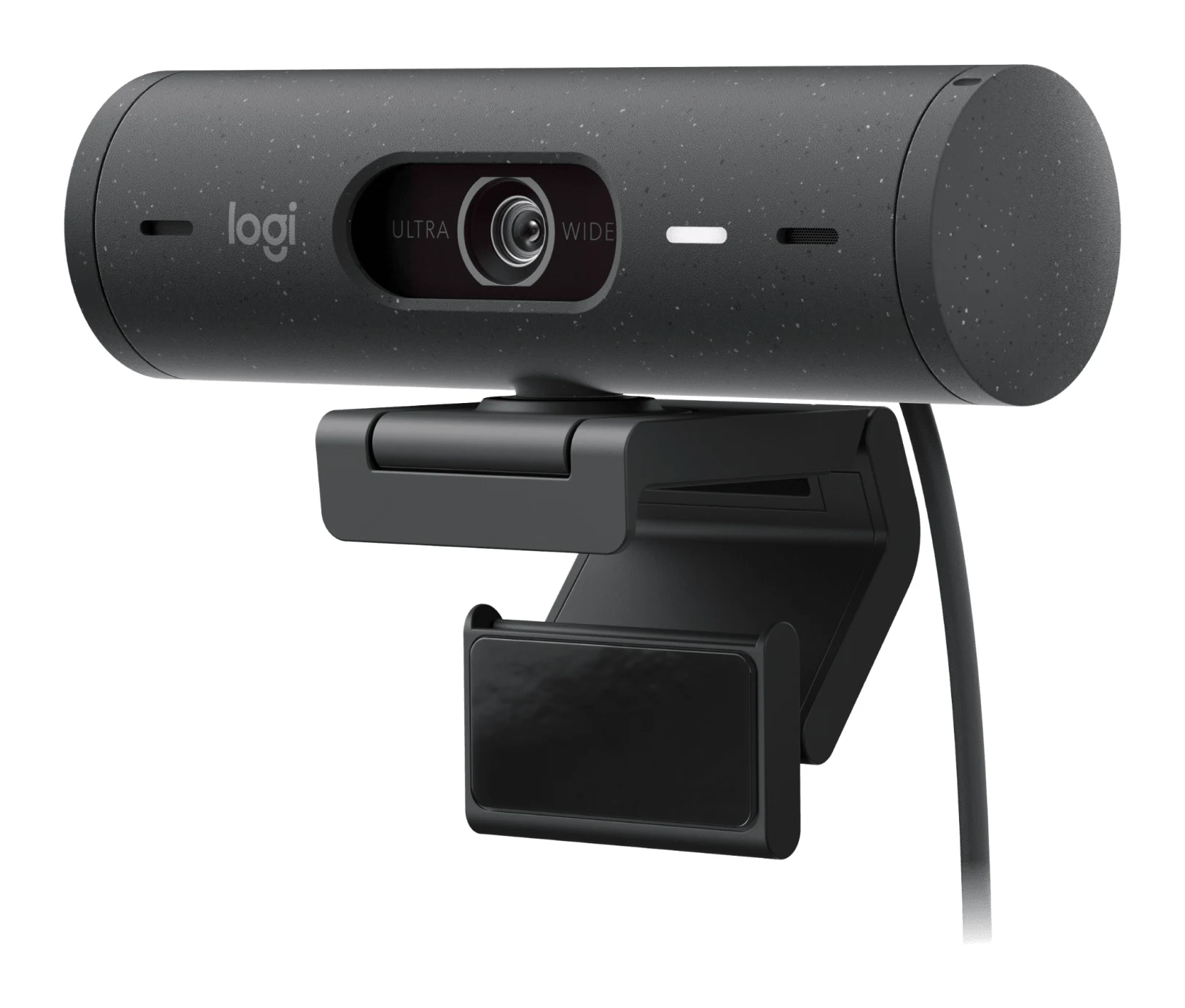
- Best BudgetLogitech Brio 500Why we picked it →
Frequently asked questions
Is the Elgato Facecam 4K worth it?
It averages 9.3/10 across 3 expert reviews, with reviewers praising its sharp 4K image, smooth 4K60 capture and manual control. It is best for streamers and creators with good lighting. If you work in dim rooms or need a built-in microphone, it is a weaker fit.
Does the Elgato Facecam 4K have a microphone?
No. The Facecam 4K has no built-in microphone, so you will need a separate mic for audio.
Does the Facecam 4K record at 4K60?
Yes, it supports up to 4K60, but only in MJPG, and it needs a USB Type-C connection with USB 3.0 or later. HDR is limited to up to 4K30.
Do I need an NVIDIA GPU to use the Facecam 4K?
No, the camera itself works without one. However, the AI background blur and face tracking require an NVIDIA RTX GPU.
Which operating systems does the Elgato Facecam 4K support?
It supports Windows 11 or later, macOS 13 or later and iPadOS 17 or later.
Does the Facecam 4K have autofocus?
No. It uses a fixed-focus Prime lens that stays sharp from 30–120 cm at 4K, so there is no focus hunting. At 1080p the focus range starts closer and extends to infinity.
Sources
Specs are taken from the manufacturers' official pages; expert recommendations from the publications below.
- Elgato Facecam 4K: elgato.com, help.elgato.com
Related reviews & guides
Best Webcams for Streaming and Work Calls 2026: 4K to Budget
Five webcams for streamers and remote workers, from AI-tracking 4K gimbals to a budget 1080p pick, chosen from 24 candidates using manufacturer specs and expert recommendations.
Published Oct 22, 2026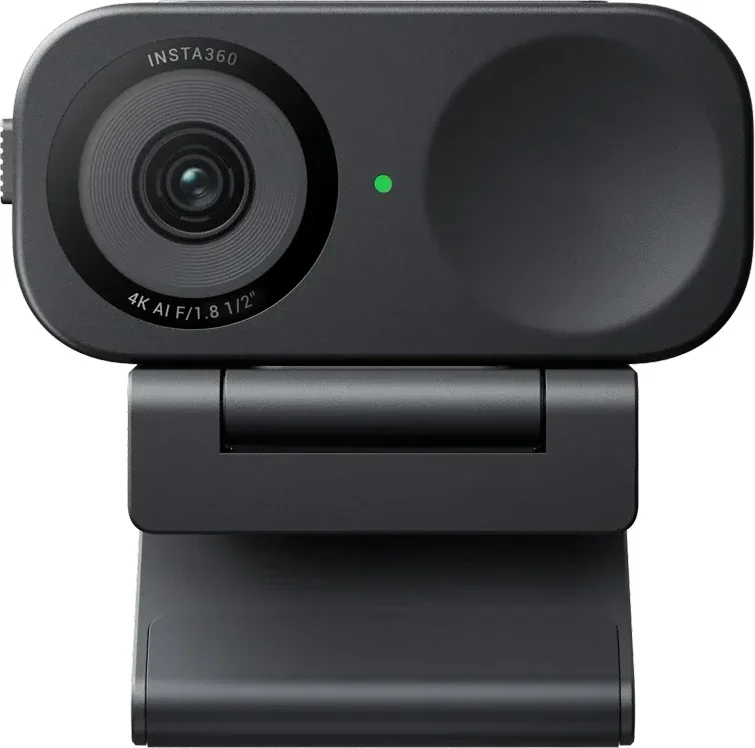
Insta360 Link 2C Review (2026): Sharp 4K, Uneven AI Extras
A compact 4K webcam with fast autofocus, a privacy shutter and a full-featured app. Here is what the specs and expert reviews say about who should buy the Insta360 Link 2C.
Published Oct 27, 2026OBSBOT Tiny 3 Review (2026): Tiny Body, Creator Ambitions
A 63g 4K webcam with a 2-axis gimbal, AI tracking and a triple-mic array. Here is what the OBSBOT Tiny 3 offers, what experts say, and who it is really for.
Published Oct 27, 2026