OBSBOT Tiny 3 Review (2026): Tiny Body, Creator Ambitions
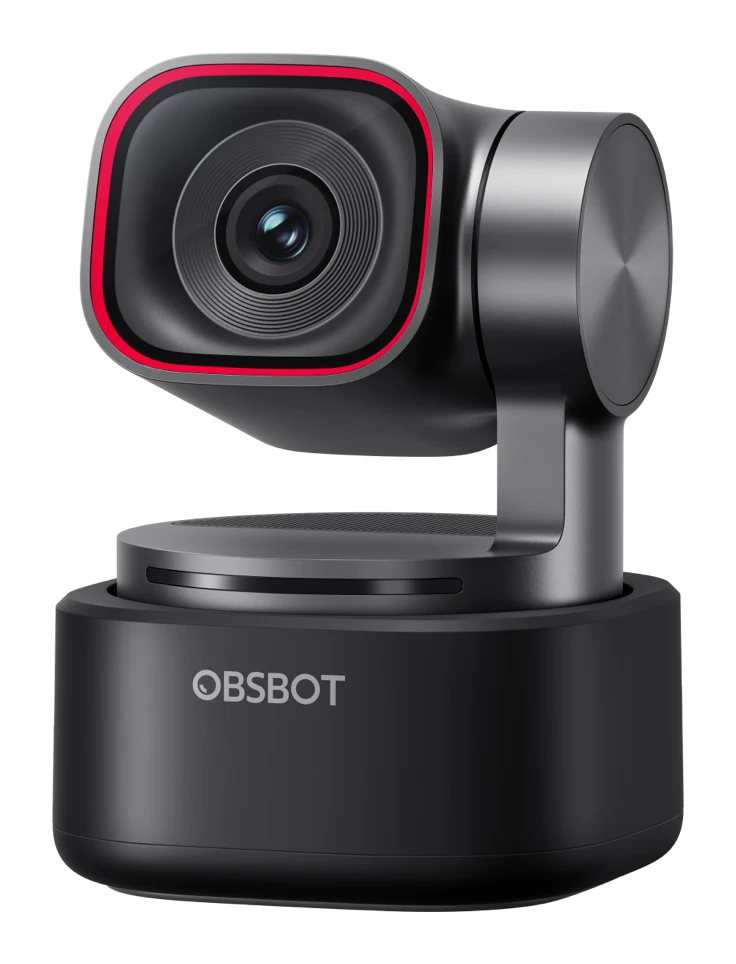
A 63g 4K webcam with a 2-axis gimbal, AI tracking and a triple-mic array. Here is what the OBSBOT Tiny 3 offers, what experts say, and who it is really for.
Research-based · We earn from qualifying purchases
Our verdict
The OBSBOT Tiny 3 is a compact, capable PTZ webcam with sharp 4K video, reliable tracking and strong built-in audio, aimed at creators and streamers. Casual video-call users and Tiny 2 owners should skip it, as the cheaper Tiny 3 Lite or their current camera will serve them well enough.
The good
- Sharp, detailed 4K video that handles low and mixed lighting well
- Accurate, responsive AI tracking with a 2-axis gimbal and voice tracking
- Triple-mic array sounds much better than typical webcams
- Tiny 63g body with magnetic mount, tripod thread and travel case
- Deep software controls plus gesture control, Desk Mode and Whiteboard Mode
+2 more
- Tiny 63g body with magnetic mount, tripod thread and travel case
- Deep software controls plus gesture control, Desk Mode and Whiteboard Mode
The bad
- Premium price that most casual users won't need to pay
- Software has a learning curve; many features are overkill for calls
- Only a modest upgrade over the Tiny 2 apart from audio
- Avatar and virtual voice features require a Windows PC with an NVIDIA RTX GPU
+1 more
- Avatar and virtual voice features require a Windows PC with an NVIDIA RTX GPU
This OBSBOT Tiny 3 review looks at a webcam that wants to be more than something you clip to a monitor for Monday meetings. It is a 4K PTZ (pan-tilt-zoom) camera with a motorised gimbal, AI tracking and a built-in triple-mic array, all in a body that weighs only 63g. It is aimed at streamers, creators and anyone who wants a camera that follows them around the frame, and it sits in the mid-range part of the market.
This review is based on manufacturer specs and on what independent expert reviewers report. It is not based on hands-on testing.
OBSBOT Tiny 3: specs at a glance
From the manufacturer- Size
- 37mm*37mm*49mm
- Power
- 5V/0.6A
- Weight
- 63g
- Aperture
- ƒ/1.8
- ISO Range
- 100-12800
- Focus Type
- AF (All-Pixel PDAF) / MF
- Microphones
- 1 Omnidirectional + 2 Directional Mics
- Digital Zoom
- 1-4x
- Image Sensor
- 1/1.28'' CMOS
- Effective Pixels
- 50 M
- Max Video Resolution
- 3840x2160@30 (MJPEG); 1920x1080@120
- Minimum Focus Distance
- 14cm
- Equivalent Focal Length
- 24mm
- Field of view (diagonal)
- 82.4° (4:3), 74° (16:9)
- Gimbal Controllable Range
- Pan: ±130°; Tilt: 32° (down) ~ -60° (up)
Key features
- Smallest 4K PTZ webcam, only 63g, so it fits almost anywhere and travels easily
- Large 1/1.28'' 50MP CMOS sensor with ISO 100-12800 for better low-light video
- 4K@30fps and 1080p@120fps capture with DCG HDR
- AI Tracking 2.0 with voice tracking and a 2-axis gimbal keeps you framed as you move
- Triple-mic array with five audio modes, including spatial audio; works with the OBSBOT Vox SE wireless mic
- Gesture control, voice control, Desk Mode and Whiteboard Mode
- Virtual avatars and virtual voices for streaming (needs a Windows PC with an NVIDIA RTX GPU)
- Magnetic mount and tripod thread, plus a storage case in the box
OBSBOT Tiny 3 review: design and build
The headline design point is size. The Tiny 3 measures 37mm37mm49mm and weighs 63g, and OBSBOT calls it the smallest 4K PTZ webcam. That matters because a small body is easier to place on a monitor, a shelf or a tripod, and easier to pack for travel.
Mounting options are flexible for something this small. There is a magnetic mount and a tripod thread. A storage case is included in the box, which suits people who move between a desk, a studio and the road. Reviewers specifically praise the combination of the tiny body, the magnetic mount, the tripod thread and the travel case.
The gimbal is the other key part of the build. It is a 2-axis design with a controllable range of Pan: ±130° and Tilt: 32° (down) ~ -60° (up). The optics are covered below, but note that the lens is ƒ/1.8 with a 24mm equivalent focal length. The field of view is 82.4° (4:3) or 74° (16:9).
Features and what they mean day to day
AI tracking and the gimbal
The main feature is AI Tracking 2.0, which works with the 2-axis gimbal to keep you framed as you move. It also includes voice tracking. Reviewers describe the tracking as accurate and responsive. If you present standing up, move around while demonstrating something, or stream from a space where you do not stay perfectly still, this is the reason to look at a PTZ camera rather than a fixed webcam.
There is also a digital zoom range of 1-4x. Digital zoom crops into the image rather than adding optical reach, so it is best treated as a framing tool.
Gesture and voice control, Desk Mode and Whiteboard Mode
The Tiny 3 supports gesture control and voice control, so you can adjust things without reaching for the software mid-stream. Desk Mode and Whiteboard Mode cover two common creator and teaching setups. Reviewers like the depth of the software controls and these modes. They also point out that the software has a learning curve, and that many of the features go beyond what a typical video call needs.
Virtual avatars and virtual voices
For streamers, the camera supports virtual avatars and virtual voices. This comes with a hard requirement: you need a Windows PC with an NVIDIA RTX GPU. Other setups are not listed as supported. Reviewers list this as a common criticism, so check your hardware before counting it as a selling point.
Video quality: sensor, resolution and low light
The Tiny 3 uses a large 1/1.28'' CMOS sensor with 50MP of effective pixels, and an ISO range of 100-12800. OBSBOT highlights this as the basis for better low-light video. Reviewers back that up, praising sharp, detailed 4K video that handles low and mixed lighting well. Mixed lighting is common in real rooms, such as a window on one side and a lamp on the other, so this is a practical strength.
For capture modes, the camera supports 4K@30fps and 1080p@120fps. The listed maximum is 3840x2160@30 (MJPEG) and 1920x1080@120. The 4K mode suits detailed streams and recordings. The 1080p@120fps mode is there for smoother motion. The camera also includes DCG HDR, which is aimed at handling scenes with bright and dark areas together.
Focus is handled by AF (All-Pixel PDAF) or MF, so you can leave it on autofocus or take over manually. The minimum focus distance is 14cm.
Audio: a real strength for a webcam
Reviewers praise the audio. The Tiny 3 has 1 Omnidirectional + 2 Directional Mics in a triple-mic array, with five audio modes including spatial audio. Reviewers say it sounds much better than typical webcams.
If you do want a separate mic, the camera works with the OBSBOT Vox SE wireless mic. That makes sense for creators who want better placement flexibility than a camera-mounted array can give.
Reviewers describe it as only a modest upgrade over the Tiny 2 apart from audio. That leads to an important point for existing owners, covered below.
What experts like and what they criticise
The expert reception is strong. The Tiny 3 averages 8.9/10 across 5 expert reviews. The individual scores are:
- PCWorld: 4.5/5
- Creative Bloq: 4.5/5
- Digital Camera World: 4.5/5
- CGMagazine: 9/10
- Tech4Gamers: 8.7/10
What reviewers praise:
- Sharp, detailed 4K video that handles low and mixed lighting well
- Accurate, responsive AI tracking with the 2-axis gimbal and voice tracking
- A triple-mic array that sounds much better than typical webcams
- The tiny 63g body, magnetic mount, tripod thread and travel case
- Deep software controls, plus gesture control, Desk Mode and Whiteboard Mode
What reviewers criticise:
- The premium price is more than most casual users need to pay
- The software has a learning curve, and many features are overkill for calls
- It is only a modest upgrade over the Tiny 2 apart from audio
- Avatar and virtual voice features need a Windows PC with an NVIDIA RTX GPU
The criticisms mostly concern price, software complexity and hardware requirements.
Who should buy the OBSBOT Tiny 3
The Tiny 3 suits streamers and creators who want portable 4K tracking and good audio. It makes the most sense if:
- You move around on camera. The gimbal and AI tracking keep you framed as you move, and reviewers describe the tracking as accurate and responsive.
- Your lighting is not perfect. The large sensor and ISO 100-12800 range are aimed at low and mixed light, and reviewers say it copes well.
- You want to cut down on gear. The triple-mic array means you may not need a separate microphone straight away, and you can add the Vox SE later.
- You travel or reset your setup often. The 63g body, magnetic mount, tripod thread and storage case all help.
- You want extra shooting modes. The Tiny 3 includes Desk Mode and Whiteboard Mode.
- You stream with avatars and have the right PC. If you have a Windows PC with an NVIDIA RTX GPU, the virtual avatar and voice features are available to you.
Who should skip it
Skip the Tiny 3 if your main use is occasional video calls. Reviewers say much of the feature set is overkill for that, and the software has a learning curve you may not want to climb. The analyst verdict points casual users toward the cheaper Tiny 3 Lite or their current camera.
If you already own a Tiny 2, the improvement is described as modest apart from audio. Unless better built-in sound is a priority, upgrading is hard to justify on that basis.
Also skip it if the avatar and virtual voice features are what attract you but you do not have a Windows PC with an NVIDIA RTX GPU.
How it fits in the webcam category
Webcams broadly split into simple plug-and-play models for calls and more capable cameras for creators. The Tiny 3 belongs in the second group. Its mix of a large sensor, gimbal tracking, built-in multi-mic audio and extra shooting modes is the kind of package that makes sense when the camera is a working tool, not a background accessory. The trade-off for that capability is a mid-range position and software with more to learn. Our review is limited to what the facts and expert reports say about this model, so it is worth checking a few alternatives if your needs are simpler.
Verdict: a capable creator camera, but not for everyone
The OBSBOT Tiny 3 earns its strong expert reception. Reviewers consistently praise the sharp 4K picture, the responsive tracking and the unusually good audio, all in a body small enough to carry anywhere. Those strengths line up well with what streamers and creators need.
Its weaknesses are about fit, not failure. It costs more than a casual user needs to spend, it asks you to learn its software, and the avatar features need specific PC hardware. If you want a portable 4K camera that follows you and sounds good, it is easy to recommend. If you only join the occasional video call, a simpler camera will do the job.
Related buying guides
Not sure about the OBSBOT Tiny 3? Consider these
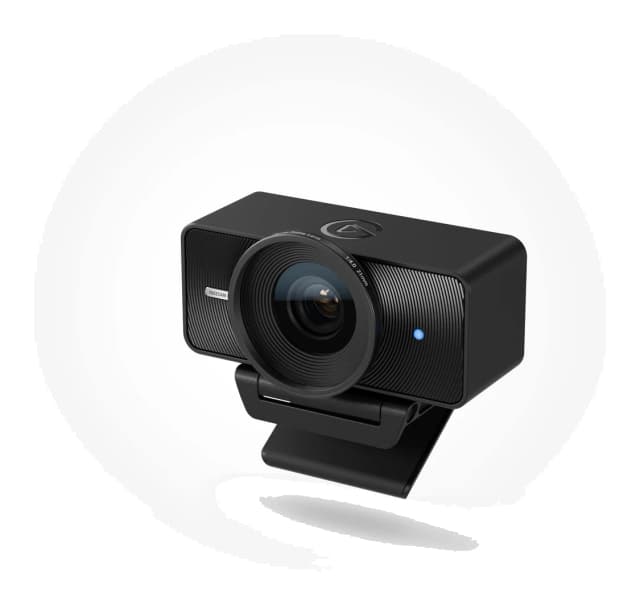
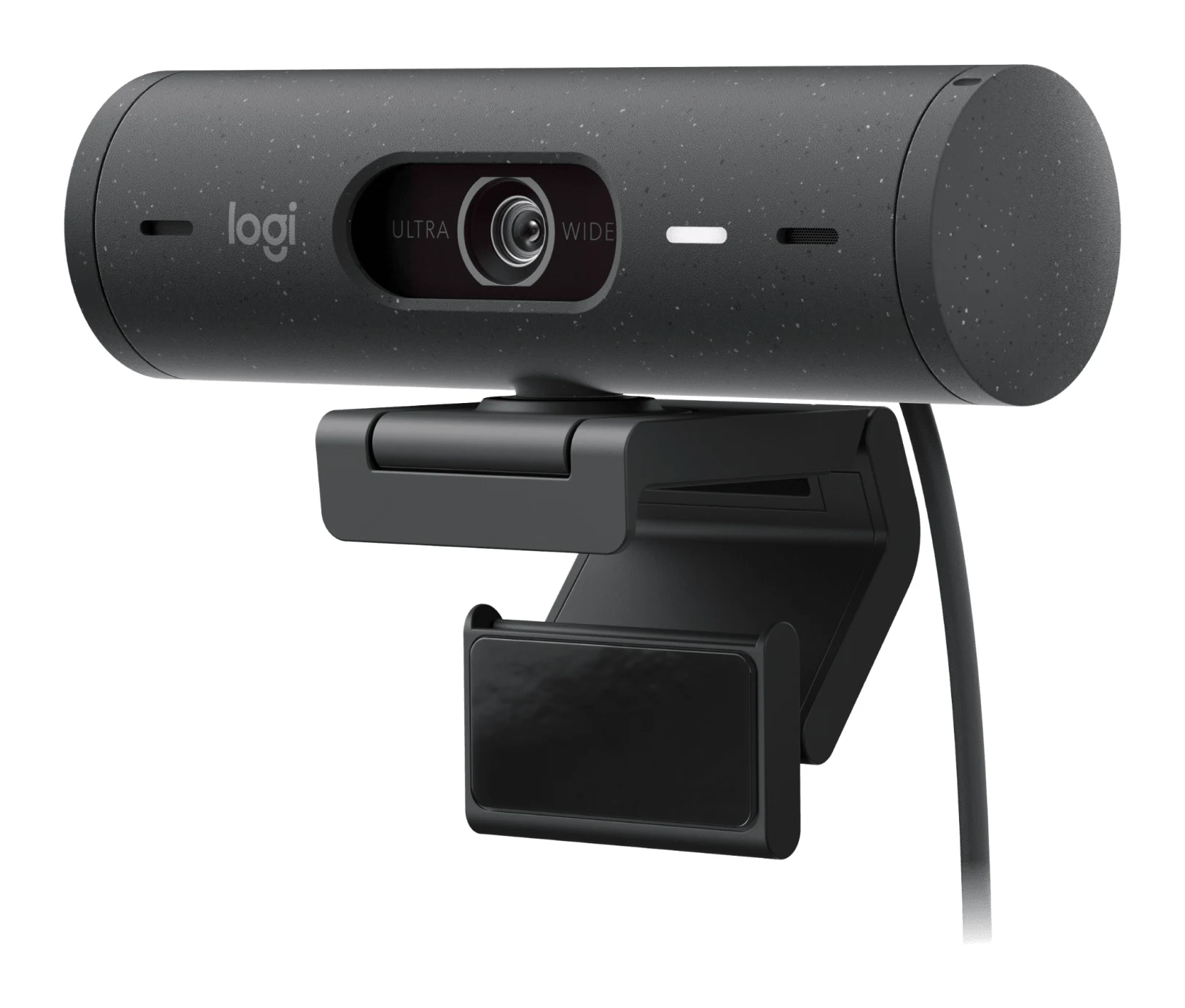
- Best ValueElgato Facecam 4KWhy we picked it →
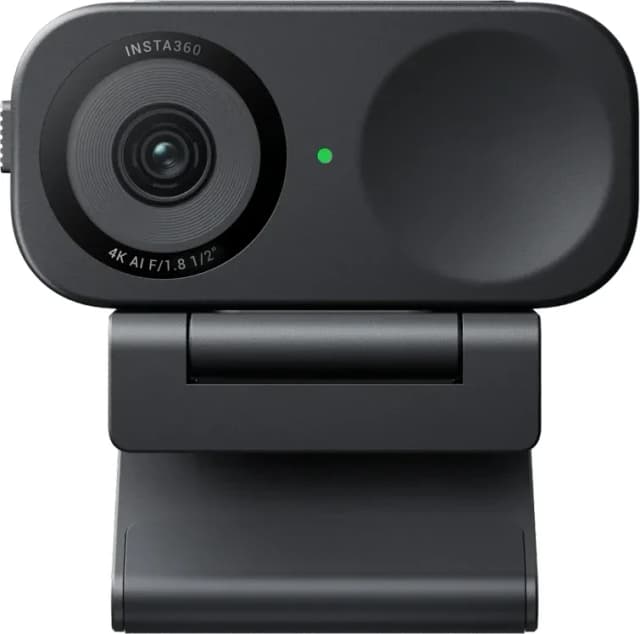
- Also GreatInsta360 Link 2CWhy we picked it →
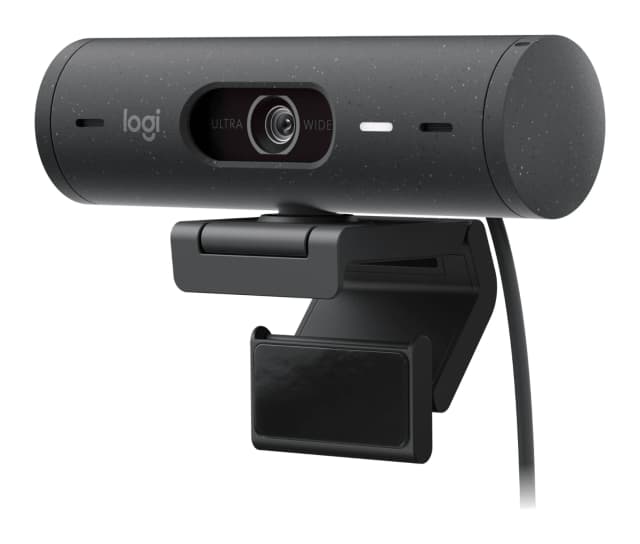
- Best BudgetLogitech Brio 500Why we picked it →
Frequently asked questions
Is the OBSBOT Tiny 3 worth it?
For streamers and creators who want portable 4K video, AI tracking and good built-in audio, reviewers say yes. It averages 8.9/10 across 5 expert reviews. For casual video calls, reviewers say many of its features are overkill, and a cheaper camera may serve you better.
What video resolution does the OBSBOT Tiny 3 support?
It supports 4K@30fps and 1080p@120fps capture. The listed maximum is 3840x2160@30 (MJPEG) and 1920x1080@120, and it includes DCG HDR.
Does the OBSBOT Tiny 3 have a built-in microphone?
Yes. It has a triple-mic array made up of 1 Omnidirectional + 2 Directional Mics, with five audio modes including spatial audio. Reviewers say it sounds much better than typical webcams. It also works with the OBSBOT Vox SE wireless mic.
Does the OBSBOT Tiny 3 track you automatically?
Yes. It uses AI Tracking 2.0 with a 2-axis gimbal to keep you in frame as you move, and it includes voice tracking. The gimbal range is Pan: ±130° and Tilt: 32° (down) ~ -60° (up).
Do the virtual avatar features work on a Mac?
According to the manufacturer's information, virtual avatars and virtual voices need a Windows PC with an NVIDIA RTX GPU. The published specs do not list support for any other setup.
Is the OBSBOT Tiny 3 a big upgrade over the Tiny 2?
Reviewers describe it as only a modest upgrade over the Tiny 2 apart from audio. If better built-in sound is not important to you, Tiny 2 owners probably do not need to upgrade.
Sources
Specs are taken from the manufacturers' official pages; expert recommendations from the publications below.
- OBSBOT Tiny 3: obsbot.com
Related reviews & guides
Best Webcams for Streaming and Work Calls 2026: 4K to Budget
Five webcams for streamers and remote workers, from AI-tracking 4K gimbals to a budget 1080p pick, chosen from 24 candidates using manufacturer specs and expert recommendations.
Published Oct 22, 2026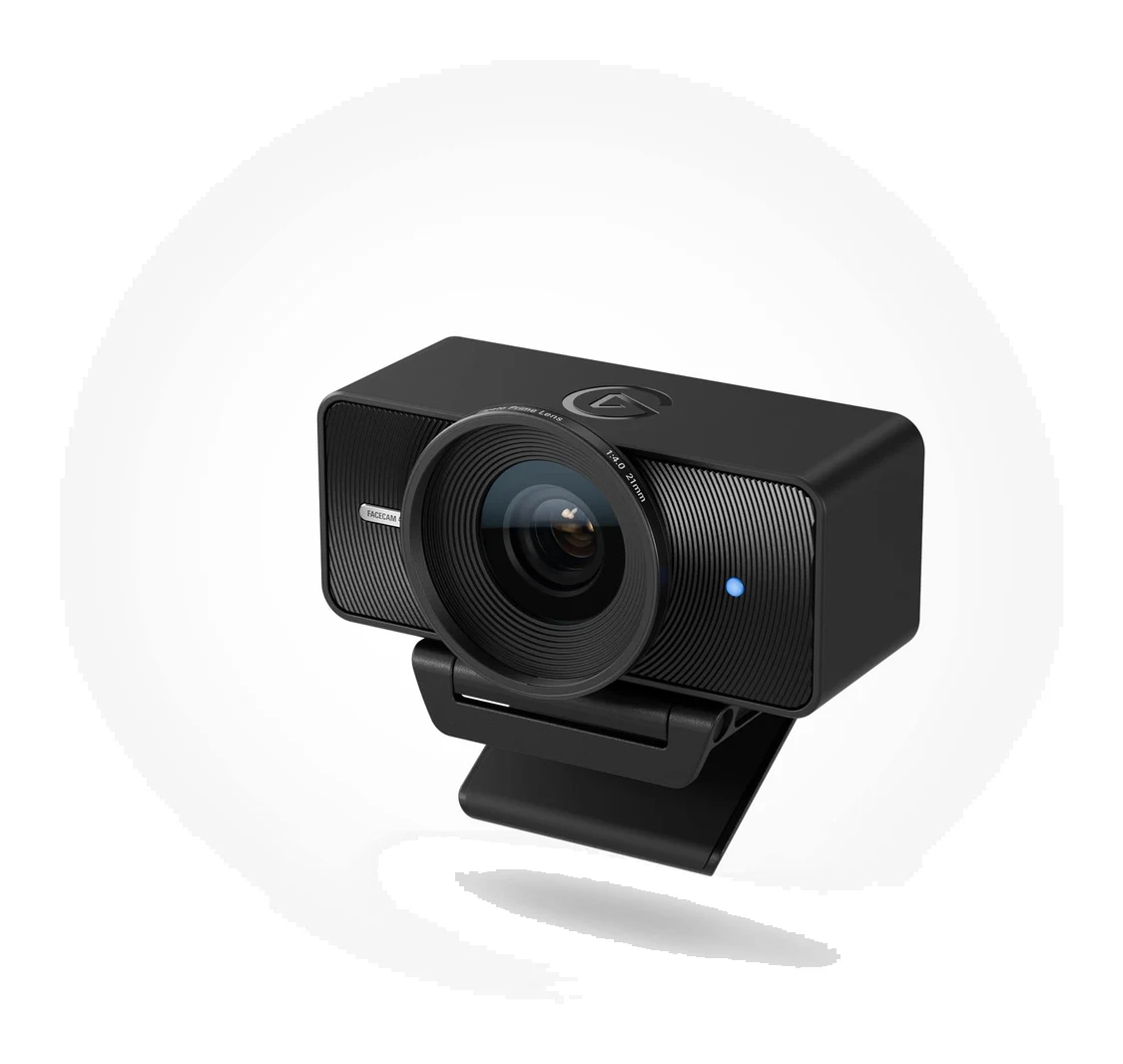
Elgato Facecam 4K Review (2026): Sharp, but Needs Light
A look at the Elgato Facecam 4K: 4K60 video, DSLR-style manual control and a filter thread, set against its low-light limits, missing microphone and NVIDIA-only AI blur.
Published Oct 28, 2026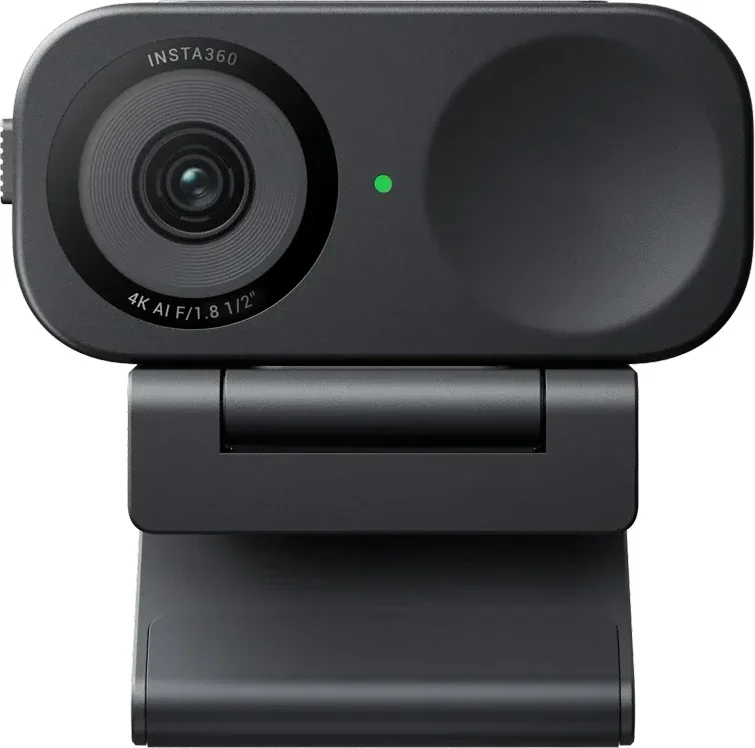
Insta360 Link 2C Review (2026): Sharp 4K, Uneven AI Extras
A compact 4K webcam with fast autofocus, a privacy shutter and a full-featured app. Here is what the specs and expert reviews say about who should buy the Insta360 Link 2C.
Published Oct 27, 2026