Google Nest Cam Indoor (Wired, 3rd Gen) Review: Wide View
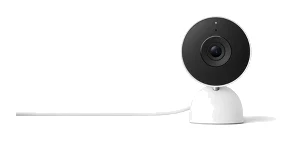
A look at the Google Nest Cam Indoor (Wired, 3rd Gen): sharp 2K HDR video, a wide 152° view and Google Home integration, with trade-offs in storage, subscription features and flexibility.
Research-based · We earn from qualifying purchases
Our verdict
This is a strong pick for households already invested in Google Home who want sharp video and a wide view of a room. Buyers who want local storage, a pan/tilt lens or battery power, or who don't want a subscription for the smartest features, should look elsewhere.
The good
- Sharp 2K HDR video at up to 30 FPS
- 152° diagonal view covers a whole room or hallway
- Alerts for person, animal and vehicle, with activity zones
- Full-duplex 2-way audio with noise cancellation
- Quick setup and easy Google Home app, per reviewers
+2 more
- Full-duplex 2-way audio with noise cancellation
- Quick setup and easy Google Home app, per reviewers
The bad
- Gemini descriptions and searchable history need Google Home Premium
- No local storage and only 6 hours of free event previews
- Power cable is permanently attached and can't be replaced
- Fixed lens with no pan/tilt, and no battery option
+1 more
- Fixed lens with no pan/tilt, and no battery option
This Google Nest Cam Indoor (Wired, 3rd Gen) review looks at a plug-in indoor security camera built around the Google Home ecosystem. It records 2K HDR video, covers a wide view of a room and sorts motion into people, animals and vehicles. It is aimed at households that already use Google Home and want a simple way to keep an eye on a living room, hallway or entryway. This review is based on manufacturer specs and what independent experts report, not on our own hands-on testing.
Google Nest Cam Indoor (Wired, 3rd Gen): specs at a glance
From the manufacturer- Audio
- Full-duplex 2-way audio with noise cancellation
- Power
- Attached 10 ft (3 m) cable with USB-C connector, 7.5W USB-C power adapter
- Wi-Fi
- 802.11ac-ready (2.4 GHz / 5 GHz)
- Bluetooth
- Bluetooth Low Energy (BLE)
- Dimensions
- 3.9 in (98.5 mm) H x 2.5 in (64 mm) W x 2.2 in (56.9 mm) D
- Aspect ratio
- 16:9
- Digital zoom
- 6x
- Night vision
- Up to 15 ft (4.5 m), 2 high-power 850 nm infrared LEDs
- Field of view
- 152° diagonal
- Video encoding
- H.264 and H.265
- Video resolution
- 2K (2560x1440) at up to 30 FPS, HDR
- Voice assistants
- Gemini for Home, compatible with Alexa
- Free video history
- 6 hours of event video previews, clips up to 10 seconds
- Weather resistance
- Indoor use only
- Operating temperature
- 32°F to 104°F (0°C to 40°C)
- Weight with power cable
- 14.1 oz (393 g)
Key features
- 2K HDR video for sharp detail day and night
- Wide 152° diagonal field of view covers a whole room
- Built-in alerts for person, animal and vehicle, plus activity zones
- Night vision up to 15 ft (4.5 m) with 2 infrared LEDs
- Full-duplex 2-way audio with noise cancellation
- Gemini-powered event descriptions and searchable history with Google Home Premium
- 6 hours of free event video previews (clips up to 10 seconds)
- Tabletop or wall mount, with 10 ft USB-C cable and power adapter included
What the Nest Cam Indoor is, and who it's for
The 3rd-generation Nest Cam Indoor is a wired camera. It plugs into the wall and stays there, with no battery option. That suits a fixed spot where you don't want to recharge anything. It is priced in the mid-range tier, so it isn't a budget camera. The question is whether its picture quality and Google integration justify that for your home.
It makes most sense if you already run Google Home, since the camera is managed through the Google Home app and uses Gemini for Home as its assistant layer. It is also compatible with Alexa, which helps if your household mixes ecosystems. Independent expert guides have noticed it: it is recommended in 6 expert buying guides, and it averages 8.1/10 across 2 expert reviews. HomeCamCafe rates it 4 out of 5 and ElderLivingHub gives it 4.1 out of 5.
Google Nest Cam Indoor (Wired, 3rd Gen) review: design and build
The camera measures 3.9 in (98.5 mm) H x 2.5 in (64 mm) W x 2.2 in (56.9 mm) D and weighs 14.1 oz (393 g) with its power cable. It is meant for indoor use only, with an operating range of 32°F to 104°F (0°C to 40°C). So it belongs in a living space, not on a porch or in an unheated garage.
You can set it on a shelf or table, or mount it on a wall. The 10 ft (3 m) cable has a USB-C connector, and a 7.5W USB-C power adapter comes in the box. That means you can plug it in and go without buying extras. Placement is limited by that cable, though. It is permanently attached and can't be swapped for a longer one. Measure the distance from your preferred spot to the nearest outlet before you commit to a wall mount.
The lens is fixed. There is no pan or tilt motor, so what the camera sees is determined by where you point it when you place it. That is a trade-off in itself, and the wide field of view below partly makes up for it.
Features and what they mean day to day
Video quality and field of view
The camera records 2K (2560x1440) video at up to 30 FPS with HDR. The aspect ratio is 16:9. Reviewers consistently praise the sharpness of the image, and HDR is there to help with scenes that mix bright windows and darker corners, the kind of lighting indoor rooms often have. There is also 6x digital zoom if you want a closer look at part of the frame, though digital zoom enlarges the existing image rather than adding detail.
The 152° diagonal field of view is the other headline spec. Because the lens can't move, a wide view lets one camera cover a whole room or hallway, and reviewers single this out as a strength. Video is encoded in H.264 and H.265.
Night vision
Night vision reaches up to 15 ft (4.5 m) using 2 high-power 850 nm infrared LEDs. Check that range against the size of the room you want to cover. It is a stated range, though, and a large open-plan space may extend beyond it.
Alerts and activity zones
The camera has built-in alerts for people, animals and vehicles, and you can set activity zones. Zones are useful in a room with a busy window or a doorway, because you can tell the camera which parts of the frame matter. Reviewers like these alerts. Alerts cover people, animals and vehicles.
Two-way audio
Audio is full-duplex with noise cancellation. Full-duplex means you can talk and listen at the same time, rather than taking turns as on a walkie-talkie. That makes for more natural conversation, whether you are checking in on a family member, talking to a pet or speaking to someone at home.
Gemini, history and the subscription catch
The smartest features sit behind Google Home Premium. Gemini-powered event descriptions and searchable history require it. Without it, you get the basics: alerts and the free event history. That free history covers 6 hours of event video previews, as clips up to 10 seconds long. It is enough to see what just triggered an alert, but not enough to look back over a few days.
Reviewers do flag this: Gemini descriptions and searchable history need Google Home Premium, and it deserves weight in your decision. The camera has no local storage, so there is no memory card or hard drive to fall back on. For searchable history, you will need Google Home Premium. If you don't want a subscription at all, this camera will feel limited compared with its hardware.
Connectivity and setup
The camera supports 802.11ac-ready Wi-Fi on both 2.4 GHz and 5 GHz, so it can join most home networks. It also lists Bluetooth Low Energy (BLE). Reviewers describe setup as quick and the Google Home app as easy to use. That is helpful if the camera is going to a less technical household member, or if you want something that works without much fuss.
Because it is wired and plugged into mains power, there is no battery to monitor or recharge. The flip side is that a power cut will take it offline, since there is no battery option.
What experts like and what they criticise
The praise is consistent. Reviewers like the sharp 2K HDR picture at up to 30 FPS, the wide 152° view, the person, animal and vehicle alerts with activity zones, the full-duplex audio and the straightforward setup through the Google Home app.
The criticisms are just as consistent, and they are mostly about what surrounds the hardware rather than the image itself:
- Gemini descriptions and searchable history need Google Home Premium.
- There is no local storage, and the free tier offers only 6 hours of event previews.
- The power cable is attached and can't be replaced.
- The lens is fixed, with no pan or tilt, and there is no battery option.
If these four points don't bother you, the camera looks like a strong pick for Google Home households wanting sharp, wide-view indoor monitoring. If one of them is a dealbreaker, such as needing local storage or a camera you can move around freely, it is better to know before buying.
Who should buy it, and who should skip it
Buy it if you already use Google Home and want sharp video with a wide view of a room. It also suits you if you like quick setup and a simple app, and you are happy to pay for Google Home Premium when you want the more advanced features. It is a good fit for a living room, hallway or entryway where one fixed camera can see most of the space.
Skip it if you want to store footage locally. Skip it too if you need a pan/tilt lens to follow movement, or you want battery power so you can place the camera anywhere. Anyone who would rather avoid subscriptions for the smartest features should also look at other options, as should anyone who needs a camera for outdoor use, since this one is indoor only.
How it fits in the indoor camera category
This model's strengths are its 2K HDR picture, 152° field of view and Google Home integration. On the flexibility side, it has a fixed lens, an attached cable and no battery. It also ties its more advanced features to a subscription. That balance is a good match for Google Home homes. It is less obviously right for people who prioritise local storage or maximum placement freedom.
Verdict
The Google Nest Cam Indoor (Wired, 3rd Gen) does the core job of an indoor camera well. It records sharp 2K HDR video, covers a wide area with its 152° view, sorts alerts into people, animals and vehicles, and offers full-duplex two-way audio with noise cancellation. It is easy to set up and slots neatly into Google Home. Its weaknesses are practical rather than technical: no local storage, only 6 hours of free event previews, a fixed lens and a cable you can't replace. If those fit how you live, it is a capable choice. If you need more flexibility or want to avoid a subscription, consider alternatives before you buy.
Related buying guides
- Wyze Cam v4 Review (2026): Free Local Recording, Sharp 2.5K
- Reolink Argus 4 Pro Review (2026): 180° View, No Fees
- Best Outdoor Security Cameras 2026: Solar & No-Fee Options
- Best Security Camera Without Subscription 2026: Pay Once
- Arlo Pro 5S 2K Review (2026): Sharp Wire-Free Video
- eufy eufyCam S3 Pro Review (2026): Solar 4K, No Fees
- Best DIY Home Security Systems 2026: Easy Setup, No Contract
Not sure about the Google Nest Cam Indoor (Wired, 3rd Gen)? Consider these
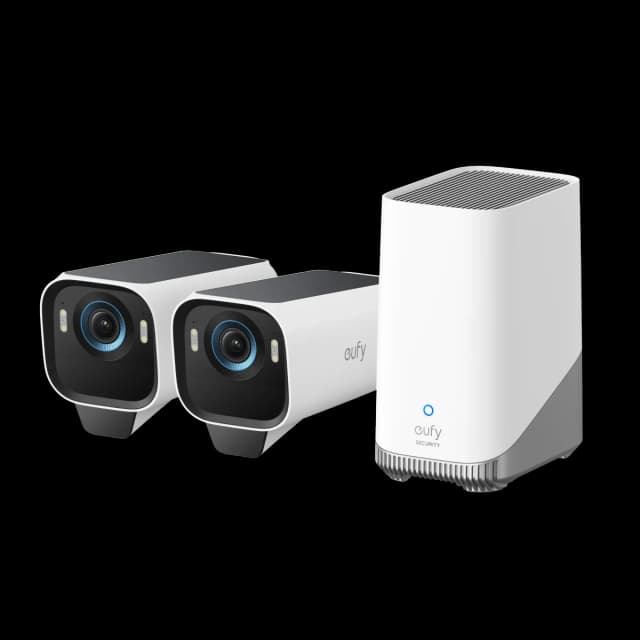
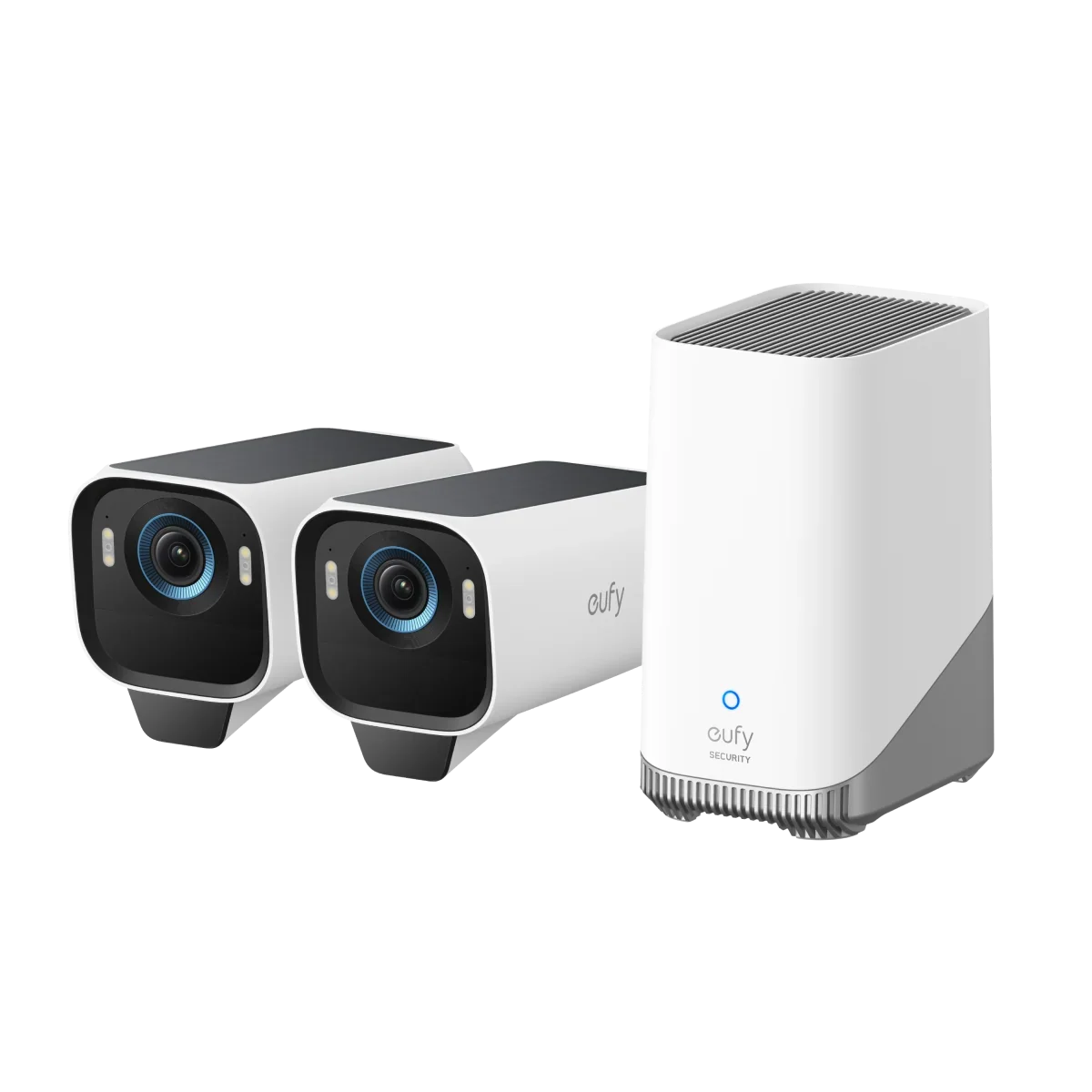
- Best Overalleufy eufyCam S3 ProWhy we picked it →
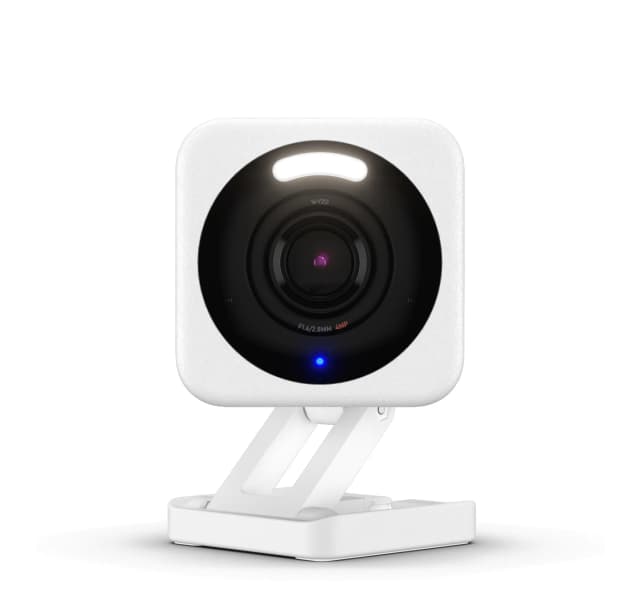
- Best BudgetWyze Cam v4Why we picked it →
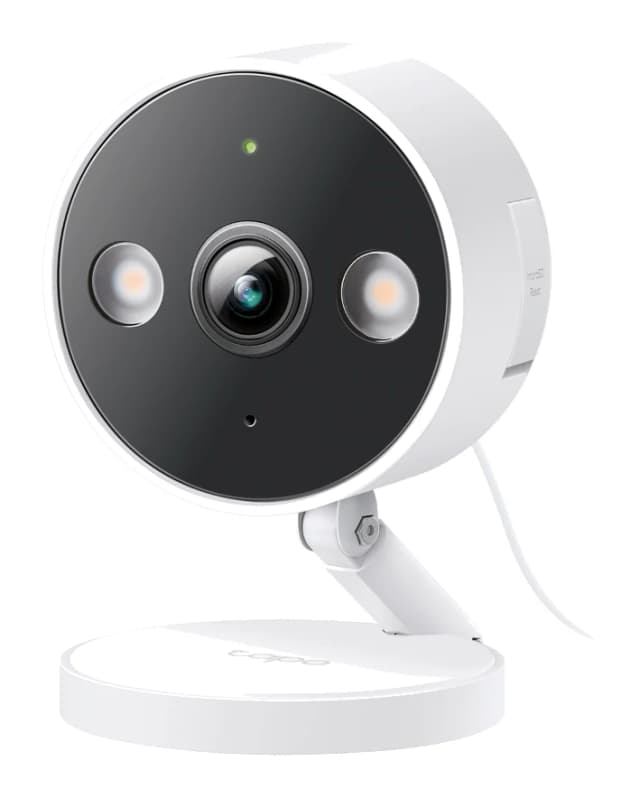
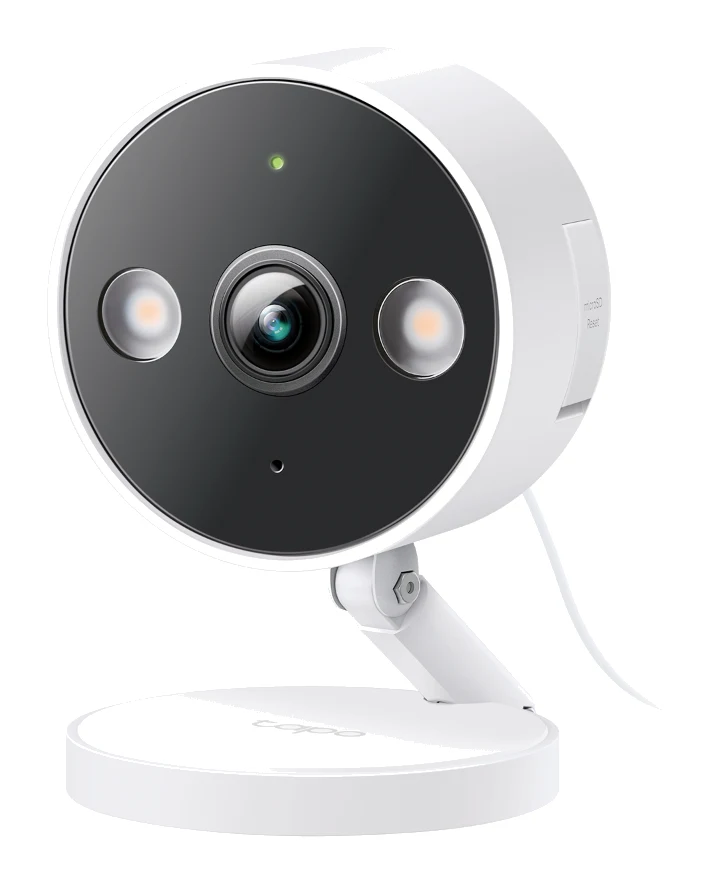
- Best ValueTP-Link Tapo C120Why we picked it →
Frequently asked questions
Is the Google Nest Cam Indoor (Wired, 3rd Gen) worth it?
It is a good choice if you use Google Home and want sharp 2K HDR video with a wide 152° view. It averages 8.1/10 across 2 expert reviews and is recommended in 6 expert guides. It is less compelling if you want local storage, a pan/tilt lens, battery power or no subscription.
Does the Nest Cam Indoor need a subscription?
Not for the basics. It includes 6 hours of free event video previews, as clips up to 10 seconds long. Gemini-powered event descriptions and searchable history need Google Home Premium.
Does the Nest Cam Indoor have local storage?
No. It has no local storage, so history depends on the free 6 hours of event previews or on Google Home Premium.
Can the Nest Cam Indoor be used outdoors?
No. It is indoor use only, with an operating temperature range of 32°F to 104°F (0°C to 40°C).
Does the Google Nest Cam Indoor work with Alexa?
It is listed as compatible with Alexa. It also works with Gemini for Home and is managed through the Google Home app.
Does it have night vision?
Yes. Night vision reaches up to 15 ft (4.5 m) using 2 high-power 850 nm infrared LEDs.
Sources
Specs are taken from the manufacturers' official pages; expert recommendations from the publications below.
- Google Nest Cam Indoor (Wired, 3rd Gen): store.google.com, tomsguide.com, consumerreports.org, homecamcafe.com
Related reviews & guides
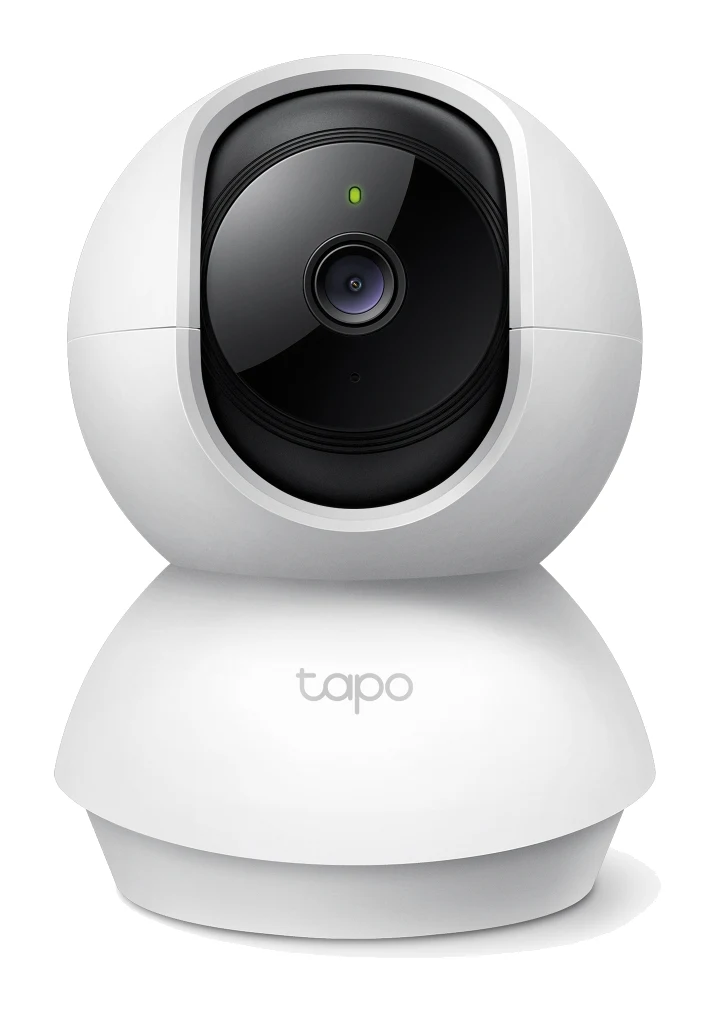
Best Indoor Security Cameras 2026 for Privacy-Minded Homes
The best indoor security cameras for 2026, compared on resolution, privacy features, storage and Wi-Fi support, from a budget pan/tilt cam to a premium 2K Nest.
Published Oct 9, 2026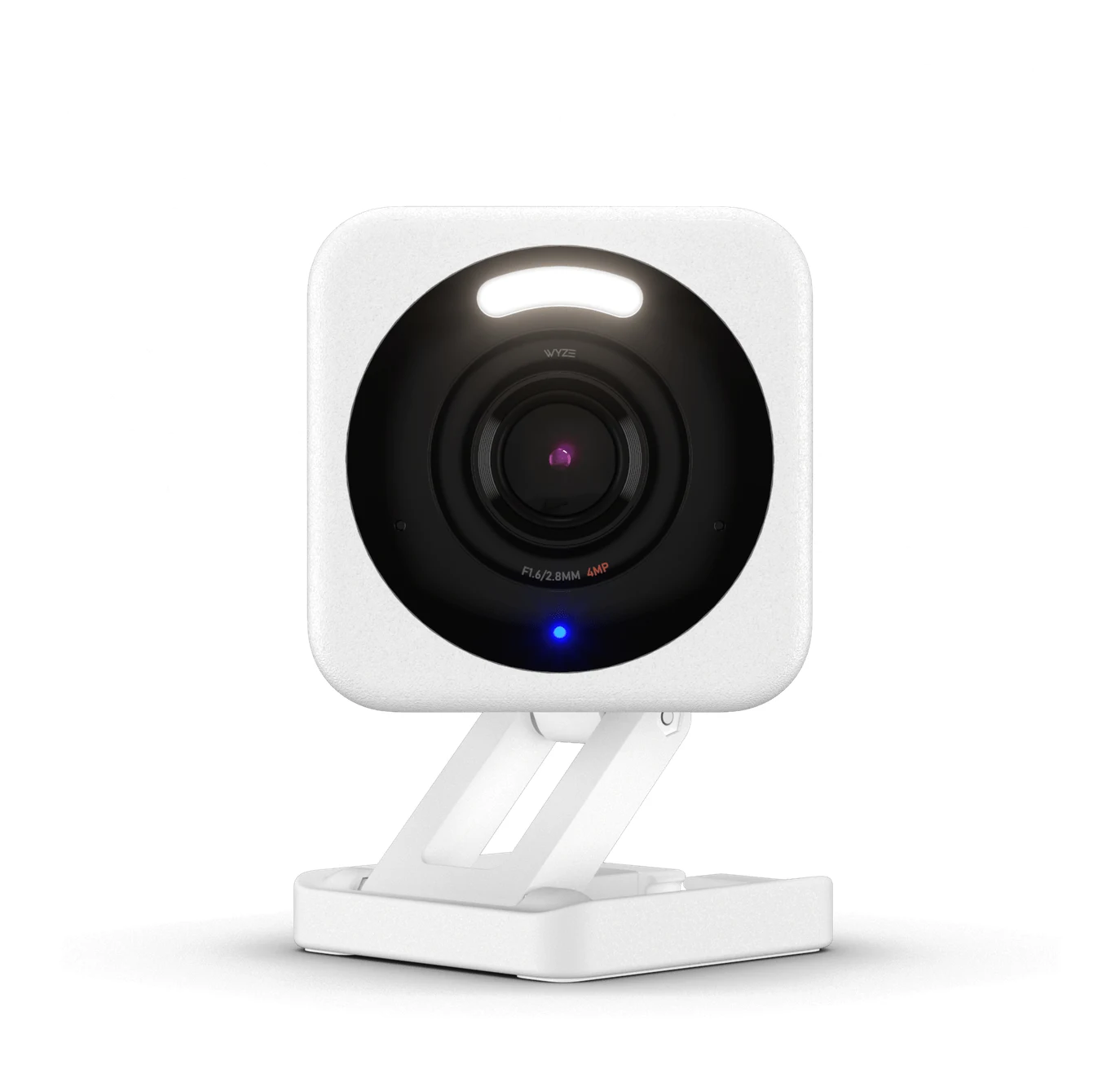
Wyze Cam v4 Review (2026): Free Local Recording, Sharp 2.5K
A look at the Wyze Cam v4 based on manufacturer specs and expert reviews: sharp 2.5K QHD video, color night vision and free local recording, with a wired-only design and paid AI detections.
Published Oct 22, 2026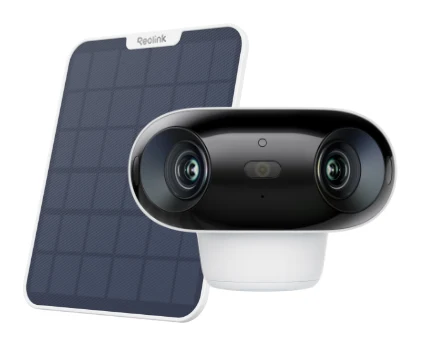
Reolink Argus 4 Pro Review (2026): 180° View, No Fees
Our Reolink Argus 4 Pro review looks at a dual-lens wireless camera that covers a 180° view, uses ColorX night vision and avoids subscriptions, and at where it falls short.
Published Oct 22, 2026