MSI MPG 341CQR QD-OLED X36 Review (2026): 360Hz Ultrawide
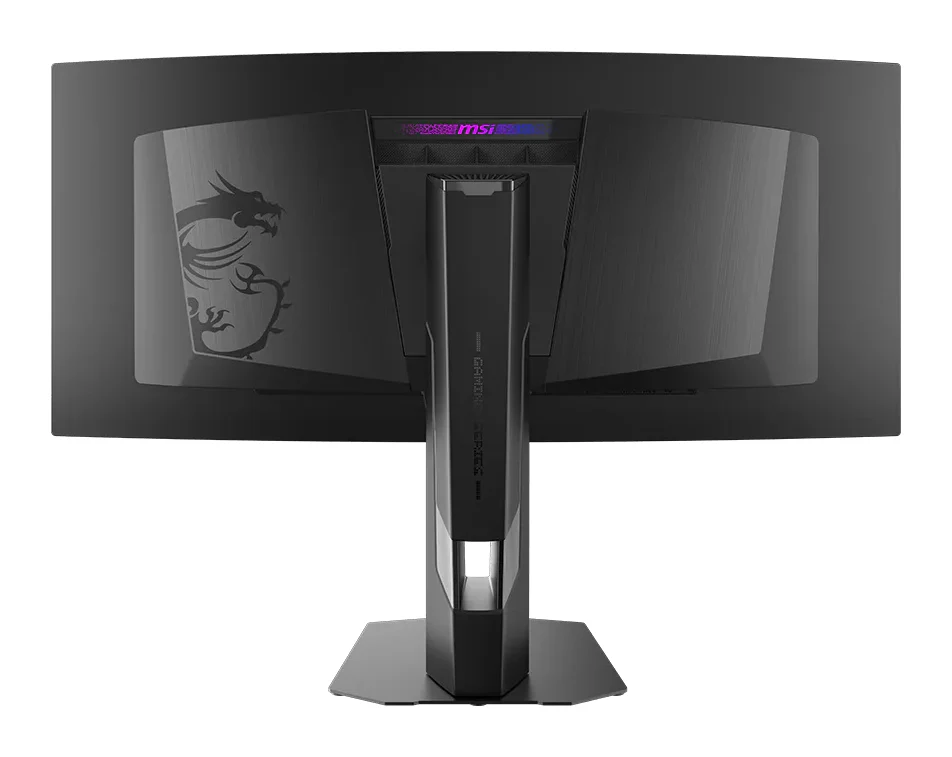
A 34-inch, 360Hz QD-OLED ultrawide with RGB stripe subpixels, strong HDR and USB-C with KVM. Here is what the specs and expert reviews say, and where it falls short.
Research-based · We earn from qualifying purchases
Our verdict
This is a top-tier ultrawide for competitive and immersive gaming, with excellent motion clarity, strong HDR, accurate color and solid connectivity including USB-C and KVM. Buyers who mainly want the sharpest text for desktop work or a bright-room setup should look at a 4K or mini-LED alternative.
The good
- 360Hz refresh and 0.03ms response deliver very smooth, blur-free motion
- RGB stripe subpixels give sharper text and less color fringing than earlier QD-OLEDs
- Up to 1300 nits peak HDR brightness gives strong HDR impact
- USB-C with 98W power delivery and KVM suits single-cable laptop setups
- 3-year warranty explicitly covers OLED burn-in
+2 more
- USB-C with 98W power delivery and KVM suits single-cable laptop setups
- 3-year warranty explicitly covers OLED burn-in
The bad
- Pixel density is modest for 34 inches at 1440p, so text is less crisp than 4K
- Expensive, as OLED monitors tend to be
- Glossy screen can still show reflections in bright rooms
- Design is plain and cable management is weak, according to some reviewers
+1 more
- Design is plain and cable management is weak, according to some reviewers
If you want an ultrawide that behaves like a competitive esports panel, this MSI MPG 341CQR QD-OLED X36 review is aimed at you. It is a 34" curved QD-OLED monitor with a 3440 x 1440 (UWQHD) resolution in a 21:9 shape, and it pairs a 360Hz refresh rate with a 0.03ms (GtG) response time. MSI also adds USB-C with power delivery and KVM, so the monitor can double as the hub for a work laptop. It sits in the mid-range part of the market among the products we compared, though OLED pricing still stretches many budgets.
It suits gamers who want a fast ultrawide OLED that also handles everyday work. The rest of this review is based on manufacturer specs and what independent experts report, not on hands-on testing by us.
MSI MPG 341CQR QD-OLED X36: specs at a glance
From the manufacturer- HDR
- VESA DisplayHDR True Black 500
- USB hub
- 2x USB 5Gbps Type-A, 1x USB 5Gbps Type-B
- Warranty
- 3 years including OLED burn-in coverage
- Curvature
- 1800R
- Brightness
- 300 nits SDR typical, 1300 nits peak HDR
- Panel type
- QD-OLED (5th gen, 5-layer tandem)
- Resolution
- 3440 x 1440 (UWQHD), 21:9
- VESA mount
- 100 x 100 mm
- Color gamut
- 99% DCI-P3
- Screen size
- 34"
- Refresh rate
- 360Hz
- Video inputs
- 1x DisplayPort 2.1a (UHBR13.5), 2x HDMI 2.1 (48Gbps), 1x USB-C (DP Alt Mode, 98W PD)
- Adaptive sync
- AMD FreeSync Premium Pro, NVIDIA G-Sync Compatible
- Response time
- 0.03ms (GtG)
- Viewing angle
- 178° (H) / 178° (V)
- Contrast ratio
- 1,500,000:1
Key features
- 5th-gen tandem QD-OLED with RGB stripe subpixels for sharper text and less color fringing
- 360Hz refresh rate and 0.03ms (GtG) response for very smooth, blur-free motion
- DisplayHDR True Black 500 with up to 1300 nits peak HDR brightness
- DarkArmor Film for deeper blacks in ambient light and a tougher, more scratch-resistant screen
- AI Care Sensor and OLED Care 3.0 to cut burn-in risk, backed by a 3-year warranty that covers burn-in
- USB-C with DP Alt Mode and 98W power delivery, plus KVM
- DisplayPort 2.1a and two HDMI 2.1 ports, all able to run native resolution at 360Hz
- Compact flat stand with height, tilt, swivel and pivot adjustment
MSI MPG 341CQR QD-OLED X36 review: what makes the panel different
The headline is the panel itself: a 5th-gen, 5-layer tandem QD-OLED with RGB stripe subpixels. That subpixel layout matters because it targets text sharpness and color fringing. MSI says the RGB stripe layout delivers sharper text and less color fringing, and reviewers praise it for this.
It does not change the basic geometry, though. Spreading 3440 x 1440 pixels across 34 inches gives a modest pixel density, and a common criticism is that text is less crisp than on a 4K screen. The new subpixel layout helps, but it does not turn this into a text-editing monitor in the way a higher-resolution panel would. Many people will find it perfectly comfortable for work. Anyone who spends the day in spreadsheets or code and cares most about razor-sharp characters should weigh that.
Color coverage is 99% DCI-P3, and the quoted contrast ratio is 1,500,000:1, which is the kind of figure OLED panels are known for. Viewing angles are listed at 178° horizontally and vertically, so the picture should hold up when you are not sitting dead centre.
Design and build
The monitor has a 1800R curve. The stand is a compact flat design that offers height, tilt, swivel and pivot adjustment. If you prefer an arm, there is a 100 x 100 mm VESA mount.
MSI adds DarkArmor Film, a coating it says gives deeper blacks in ambient light and a tougher, more scratch-resistant screen. That is a sensible addition on a glossy OLED, but reviewers note the screen can still show reflections in bright rooms. If your desk faces a window or sits under strong overhead lighting, you should plan around that rather than assuming the coating removes the issue.
Some reviewers also describe the design as plain and say cable management is weak.
Features and what they mean day to day
Burn-in protection and warranty
Burn-in is the main worry with any OLED, and MSI addresses it in two ways. The AI Care Sensor and OLED Care 3.0 are there to cut the risk, and the warranty is 3 years including OLED burn-in coverage. The warranty is listed as a strength because it explicitly covers OLED burn-in.
Single-cable laptop setup
The USB-C port supports DP Alt Mode and 98W power delivery, and the monitor includes KVM. In practice you can connect a laptop with one cable for video, charging and peripherals, and share a keyboard and mouse between that laptop and a desktop PC. There is also a USB hub with 2x USB 5Gbps Type-A and 1x USB 5Gbps Type-B. Reviewers specifically call out the USB-C and KVM combination as well suited to single-cable laptop setups, which is a big part of the case for calling this a gaming monitor that also handles work.
Adaptive sync
The monitor supports AMD FreeSync Premium Pro and is NVIDIA G-Sync Compatible, so it should work with either brand of graphics card for tear-free gaming at high refresh rates.
Performance: motion, brightness and HDR
Motion clarity
The 360Hz refresh rate and 0.03ms (GtG) response are the main reasons to buy this over a slower OLED. Reviewers praise very smooth, blur-free motion, which is the point of pairing a fast OLED panel with a high refresh rate. To use it fully you need a graphics card that can push high frame rates at 3440 x 1440. The resolution is a sensible fit for that, since it is less demanding than 4K.
The connections are future-proofed for this: DisplayPort 2.1a (UHBR13.5) and two HDMI 2.1 ports (48Gbps) can all run native resolution at 360Hz. That matters if you want to connect a PC and a console or second PC without giving up the top refresh rate on one of them.
HDR and brightness
The monitor is certified VESA DisplayHDR True Black 500 and reaches up to 1300 nits peak HDR brightness, with 300 nits SDR typical. Reviewers say the peak figure gives strong HDR impact. The two numbers show how this panel behaves. HDR highlights can be bright, while a typical SDR image is more modest. The glossy screen can still show reflections in bright rooms, and the verdict suggests a mini-LED alternative for bright-room setups.
What experts like and what they criticise
The monitor averages 9.1/10 across 6 expert reviews. Tom's Guide, TechRadar, PCWorld and PC Guide each give it 4.5/5, Display Ninja scores it 4.8/5, and PC Gamer gives it 92/100.
The praise is consistent:
- Very smooth, blur-free motion from the 360Hz refresh rate and 0.03ms response.
- Sharper text and less color fringing from the RGB stripe subpixels.
- Strong HDR impact from the peak brightness.
- A convenient USB-C and KVM setup for laptops.
- A warranty that covers burn-in.
The criticisms are just as consistent. Pixel density is modest at this size and resolution, so text is less crisp than on a 4K display. It is expensive, as OLED monitors tend to be. The glossy screen can still show reflections in bright rooms, and some reviewers find the design plain with weak cable management. None of these are surprising for an OLED ultrawide, but they decide whether the monitor is right for you.
Who should buy it, and who should skip it
Buy it if you play fast games and want an ultrawide with excellent motion clarity, accurate color and strong HDR. It also makes sense if you want one screen for gaming and for a work laptop, thanks to USB-C with 98W power delivery and KVM. The burn-in warranty is reassuring if you worry about long-term OLED wear.
Skip it if your priority is the sharpest possible text for desktop work, in which case a 4K display is the safer choice. Also skip it if your room is bright and the screen will face windows or strong lighting, since the glossy finish can show reflections and a mini-LED monitor may be a better fit. Finally, if you are shopping on a tight budget, OLED pricing may be hard to justify even though this model is in the mid-range part of our comparison.
How it fits in its category
In general terms, high-refresh OLED ultrawides trade the pixel density of 4K monitors and the sustained brightness of mini-LED screens for deep blacks, fast response and immersive motion. Its 360Hz refresh rate, native-resolution 360Hz support on its DisplayPort and HDMI 2.1 inputs, and USB-C with KVM suit it to gaming and mixed use. It still shares the category's limits on text sharpness and bright-room use.
Verdict
The MSI MPG 341CQR QD-OLED X36 is a compelling ultrawide for people who care about speed and picture quality. Its 360Hz refresh rate, 0.03ms (GtG) response, strong HDR and RGB stripe subpixels stand out, and USB-C with KVM and a burn-in warranty make it practical as well as fast. The main compromises are modest pixel density at this size and resolution, reflections in bright rooms, and a price that reflects OLED technology. If those trade-offs fit your setup, it is a top-tier ultrawide for competitive and immersive gaming, and the expert average of 9.1/10 reflects that.
Related buying guides
Not sure about the MSI MPG 341CQR QD-OLED X36? Consider these
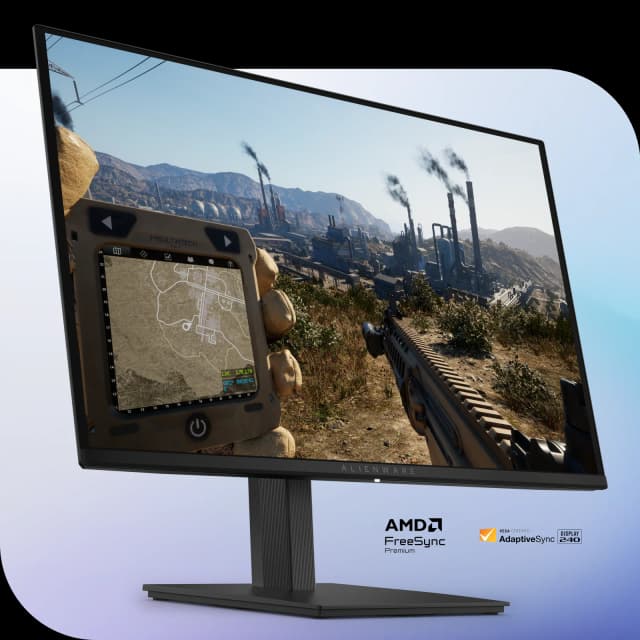
- Best BudgetAlienware 27 240Hz QD-OLED Gaming Monitor AW2726DMWhy we picked it →
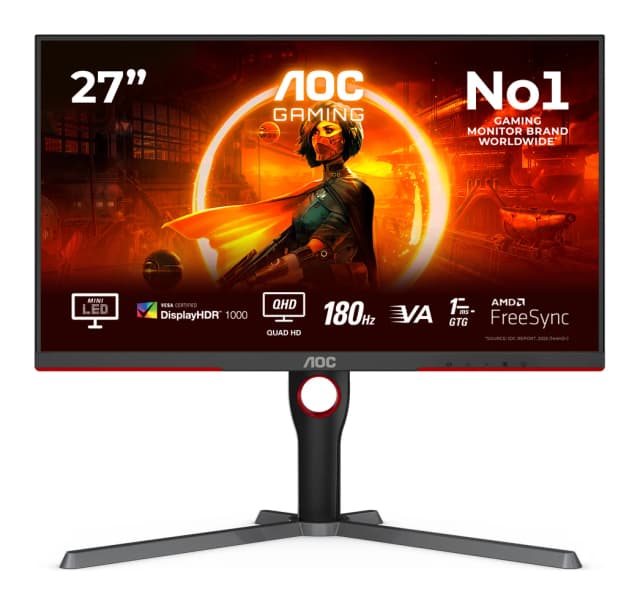
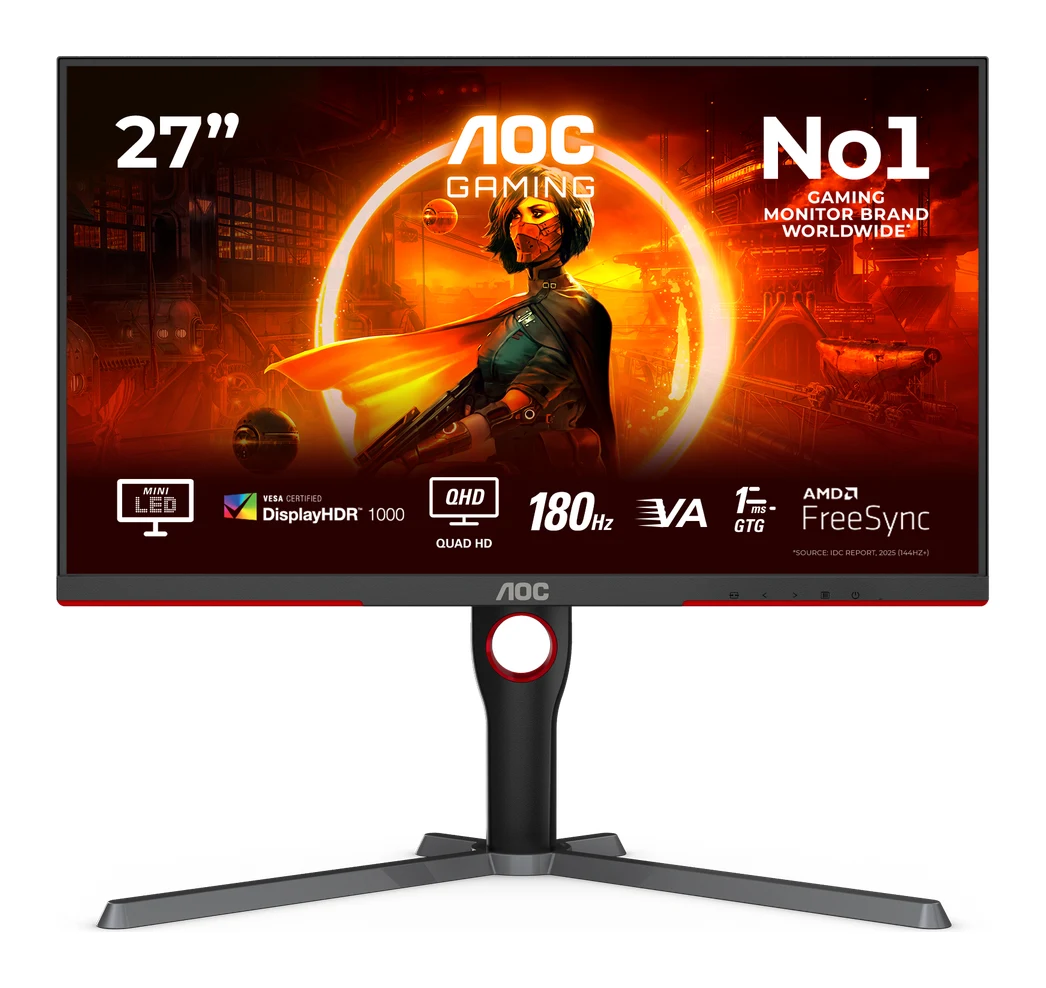
- Best ValueAOC Q27G3XMNWhy we picked it →
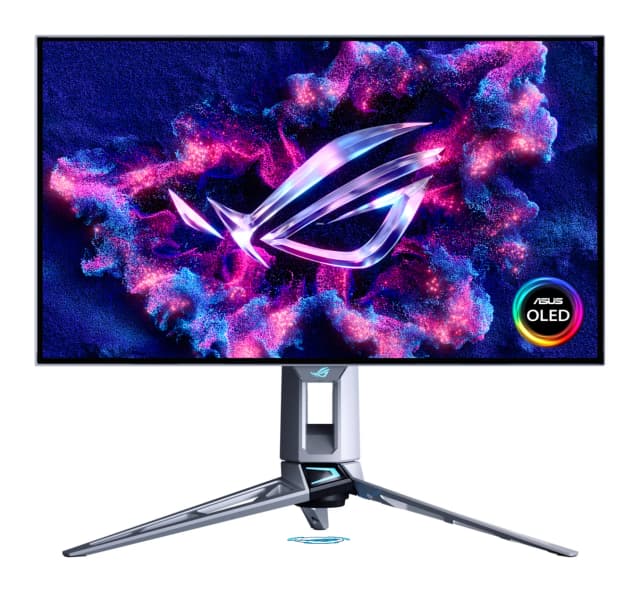
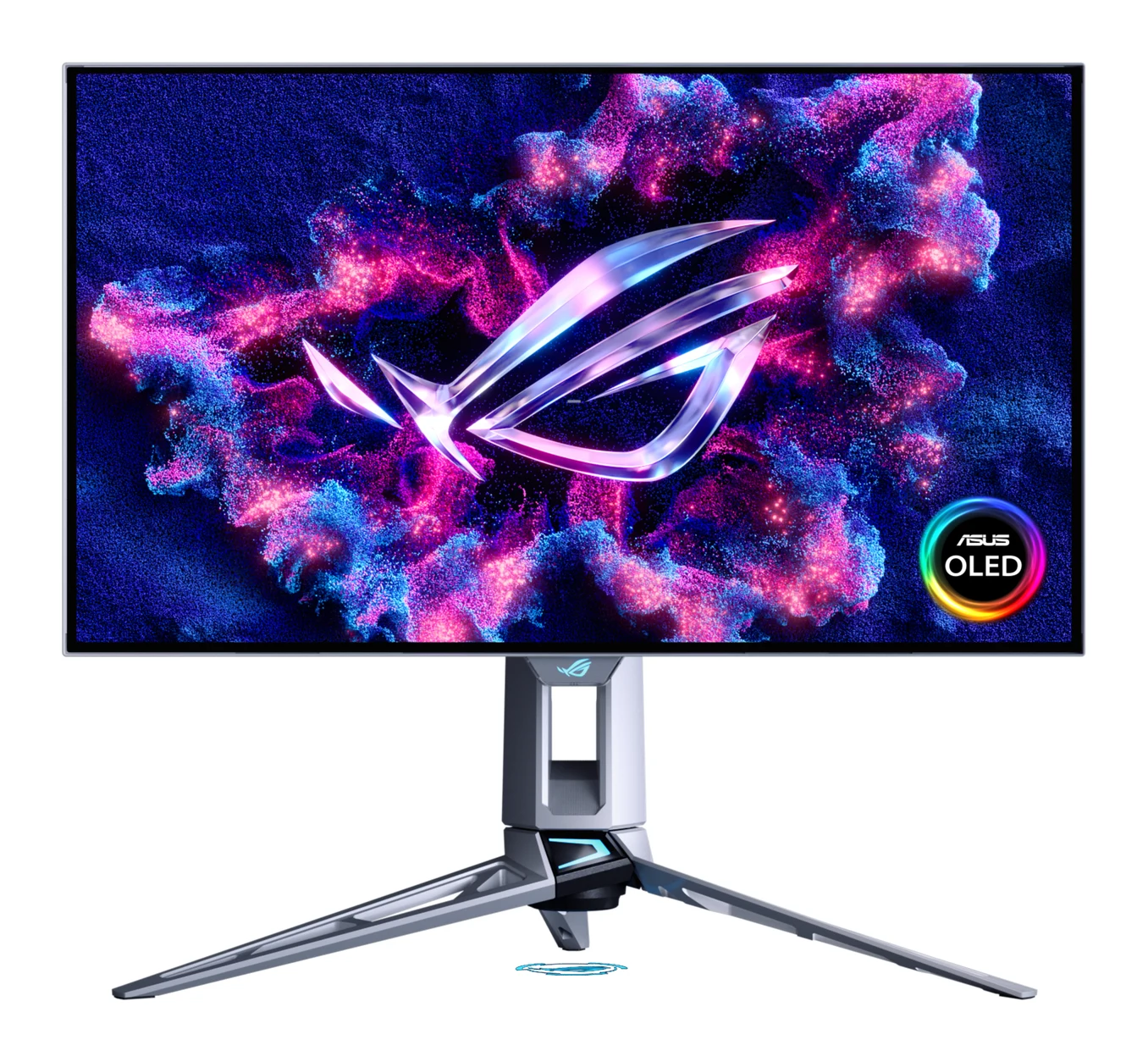
- Also GreatASUS ROG Swift OLED PG27AQWP-WWhy we picked it →
Frequently asked questions
Is the MSI MPG 341CQR QD-OLED X36 worth it?
For gamers who want a fast ultrawide OLED that also works as a laptop dock, experts think so. It averages 9.1/10 across 6 expert reviews. It is expensive, as OLED monitors tend to be, and text is less crisp than on a 4K display, so it is a better fit for gaming and mixed use than for text-heavy work.
What refresh rate and response time does the MSI MPG 341CQR QD-OLED X36 have?
It has a 360Hz refresh rate and a 0.03ms (GtG) response time. DisplayPort 2.1a and both HDMI 2.1 ports can run native resolution at 360Hz.
Does the MSI MPG 341CQR QD-OLED X36 support USB-C charging?
Yes. Its USB-C port supports DP Alt Mode and 98W power delivery, and the monitor also includes KVM. That makes single-cable laptop setups possible.
Does the warranty cover OLED burn-in?
Yes. MSI offers a 3-year warranty that includes OLED burn-in coverage. The monitor also has the AI Care Sensor and OLED Care 3.0 to help reduce burn-in risk.
Does the MSI MPG 341CQR QD-OLED X36 support G-Sync and FreeSync?
It supports AMD FreeSync Premium Pro and is NVIDIA G-Sync Compatible, so it works with both AMD and NVIDIA graphics cards.
How good is the HDR on the MSI MPG 341CQR QD-OLED X36?
It is certified VESA DisplayHDR True Black 500 and reaches up to 1300 nits peak HDR brightness. Reviewers say this gives strong HDR impact. Typical SDR brightness is 300 nits, and the glossy screen can show reflections in bright rooms.
Sources
Specs are taken from the manufacturers' official pages; expert recommendations from the publications below.
- MSI MPG 341CQR QD-OLED X36: msi.com, rtings.com, microcenter.com, techpowerup.com
Related reviews & guides
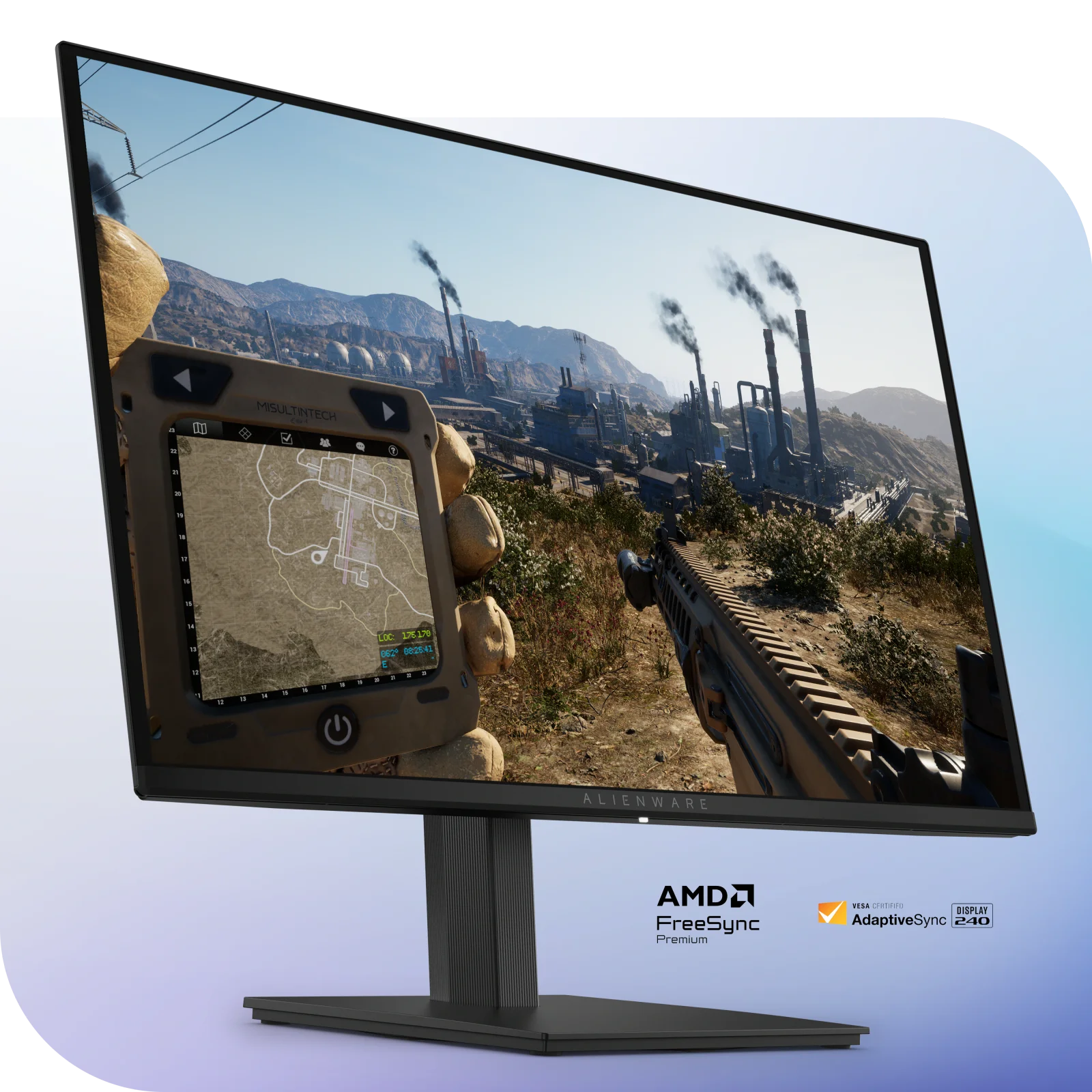
Alienware AW2726DM Review (2026): Mid-Range QD-OLED Speed
The Alienware AW2726DM brings a 27-inch QD-OLED panel, 240 Hz and a 3-year burn-in warranty to the mid-range. Here is what the specs and expert reviews say.
Published Oct 23, 2026Best Gaming Monitor 2026: OLED and Mini LED Picks Compared
Five gaming monitors compared on panel tech, refresh rate, resolution and connectivity, from an ultrawide QD-OLED to a 4K 240Hz flagship and a bright Mini LED value pick.
Published Oct 17, 2026
Best Gaming Laptops 2026: Light, OLED & RTX 50 Power
Five gaming laptops for 2026, from the MSI Katana 15 HX to the ASUS ROG Zephyrus G14, compared on graphics, display, weight and expert recommendations.
Published Oct 8, 2026