Samsung The Freestyle 2nd Gen Review (2026): Easy, Portable
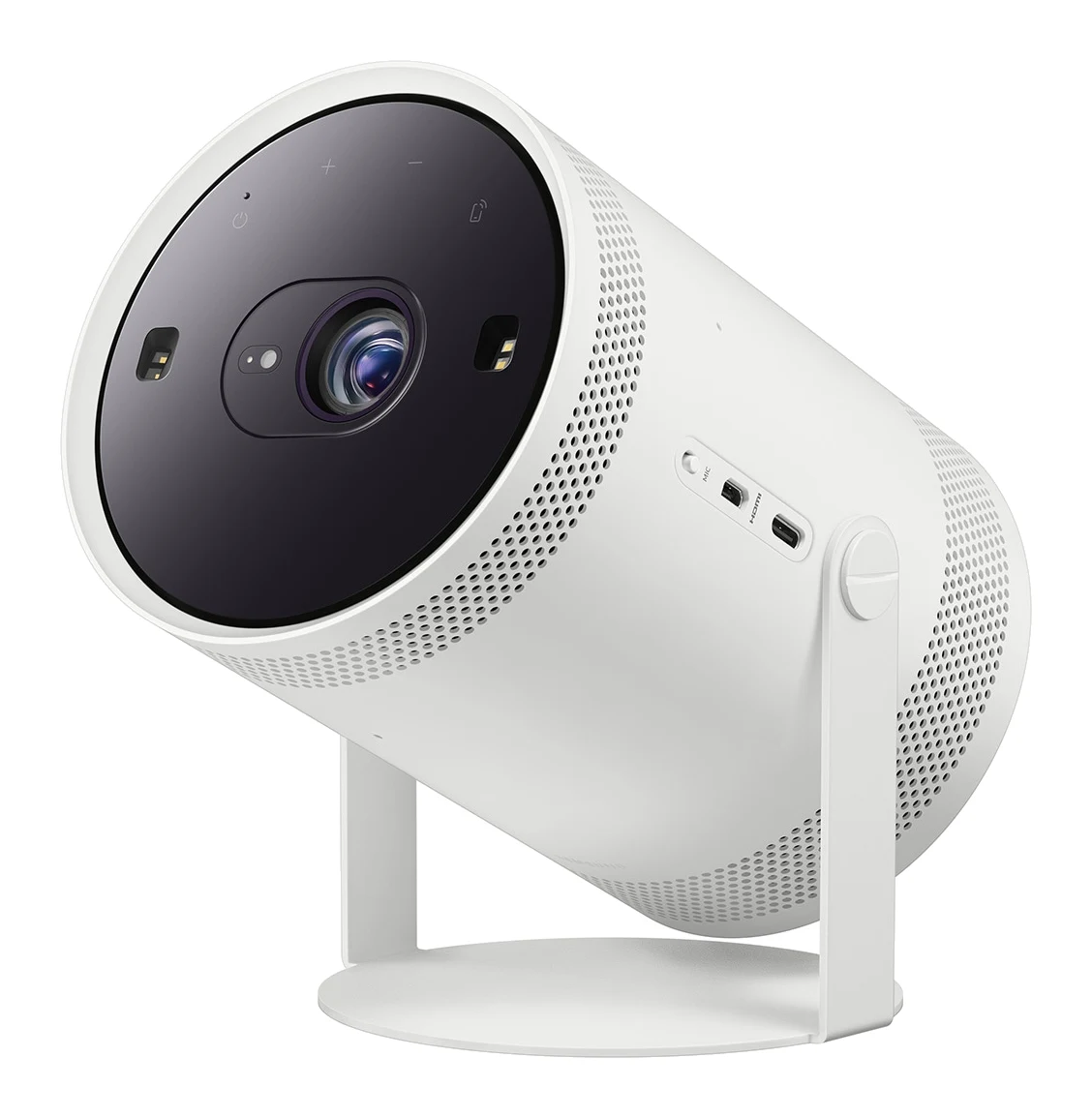
A compact smart projector with automatic setup, built-in apps, cloud gaming and a 360-degree speaker. Here is what the specs and expert reviews say, and who it suits.
Research-based · We earn from qualifying purchases
Our verdict
The Freestyle 2nd Gen is a very portable, easy-to-set-up smart projector with good sound and a full app and cloud gaming platform built in. It suits casual movie and gaming nights in dim rooms, but anyone who wants punchy contrast or daytime viewing should look elsewhere.
The good
- Auto focus, leveling and keystone give a sharp picture within seconds
- Compact 1.8 lb body with 180° cradle for wall or ceiling projection
- Built-in Tizen apps and Gaming Hub mean no streaming stick or console
- Surprisingly good 360-degree speaker for its size, plus Bluetooth audio
- Runs from a USB-C power bank for true portable use
+2 more
- Surprisingly good 360-degree speaker for its size, plus Bluetooth audio
- Runs from a USB-C power bank for true portable use
The bad
- 230 ANSI lumens means it needs a dim or dark room
- Weak blacks and low contrast; some viewers may notice DLP rainbows
- Only one micro-HDMI port limits wired connections
- Pricey for 1080p image quality unless discounted
+1 more
- Pricey for 1080p image quality unless discounted
This Samsung The Freestyle 2nd Gen review looks at a projector that behaves more like a small smart speaker than a home-cinema box. It is a compact Full HD LED projector on a 180° cradle stand, with a smart platform built in, and it is aimed at people who want a big picture without mounting, cabling or buying extra hardware. If you want casual movie nights, a bit of cloud gaming and the freedom to move the screen around the house, it is the kind of product that makes sense. If you want a dependable daytime picture, it is not.
This review is based on Samsung's published specifications and what independent expert reviews report, not on our own hands-on testing.
Samsung The Freestyle 2nd Gen: specs at a glance
From the manufacturer- HDR
- HDR10+, HDR10, HLG
- Noise
- 30 dB
- Power
- 50W max, USB-C PD, AC100-240V
- Weight
- 1.8 lbs
- Speaker
- 5W, 360-degree
- LED life
- 30,000 hours
- Smart OS
- Tizen
- Brightness
- 230 ANSI lumens
- Resolution
- 1920x1080 (Full HD)
- Screen size
- 30" - 100"
- Connectivity
- Micro HDMI (1), Wi-Fi 5, Bluetooth 5.2
- Throw distance
- 2.6' - 8.8'
- Dimensions (H x W x D)
- 6.80" x 4.00" x 3.70"
- Display / light source
- Single-chip DLP, LED
Key features
- Auto focus, auto leveling and auto keystone get a sharp picture in seconds
- 180° cradle stand lets you point it at a wall or ceiling
- Tizen smart platform with the main streaming apps, no extra stick needed
- Gaming Hub for cloud gaming (Xbox, GeForce Now) without a console
- 360-degree built-in speaker, with Bluetooth audio
- Runs from a compatible USB-C power bank or the optional battery base
- Smart Edge Blending pairs two units into one ultrawide image
- Solar-powered remote, plus Bixby and Alexa voice control
Samsung The Freestyle 2nd Gen review: design and build
The Freestyle 2nd Gen is small by projector standards. It measures 6.80" x 4.00" x 3.70" and weighs 1.8 lbs, so it can be carried from room to room, tucked into a bag or moved to a shelf without much thought. It uses a single-chip DLP imaging system with an LED light source, a combination common in compact projectors because it keeps the body small and the lamp life long. Samsung rates the LED at 30,000 hours, which in practical terms means you are unlikely to ever worry about replacing a bulb.
The defining design choice is the 180° cradle stand. Rather than sitting on a table and pointing forward, the projector can be tilted to face a wall or even the ceiling. That matters for anyone without a clear tabletop and a blank wall at the right distance. Pointing it upward at the ceiling is possible because of the cradle.
The throw distance is listed as 2.6' - 8.8', and the screen size range is 30" - 100". In plain terms, you can get a modest picture from a short distance in a small room, and scale up to a large image if you have the space. It does not need a long room to work.
Features and what they mean day to day
Automatic setup
One of the most praised parts of this projector is how little you have to do to get a usable picture. Auto focus, auto leveling and auto keystone work together to correct the image in seconds. For a product meant to be moved around, this is arguably the feature that makes everything else practical. A portable projector that needs a minute of manual correction every time it moves would defeat its own purpose.
Smart platform and cloud gaming
The Freestyle runs Samsung's Tizen smart platform with the main streaming apps, so there is no need for a separate streaming stick. That removes a cable, a remote and a power socket from the setup, which suits a device that is supposed to be grab-and-go. Wi-Fi 5 is listed for connectivity.
Gaming Hub adds cloud gaming, including Xbox and GeForce Now, without a console. You would pair a controller and play over your internet connection. It is a neat extra for casual play on a large screen, though as with any cloud service, the experience depends on your network.
Control is flexible: the remote is solar-powered, and both Bixby and Alexa voice control are supported. A solar remote is a small but thoughtful touch, since it avoids one more set of batteries to replace.
Power and portability
The projector draws up to 50W and supports USB-C PD, as well as standard AC100-240V mains. It can run from a compatible USB-C power bank, or from the optional battery base. That is the feature that moves it from "small projector" to genuinely portable. Garden, spare room or a trip away become realistic places to use it, as long as you have a power bank that meets the requirements. The battery base is optional, so factor that in if you want a fully cable-free setup.
Pairing two units
Smart Edge Blending lets you pair two units into one ultrawide image. This will matter to a small number of buyers, since it means buying a second projector, but it is a useful option if you want to scale up later.
Picture quality, sound and connectivity
Picture
The resolution is 1920x1080 (Full HD) and HDR support covers HDR10+, HDR10 and HLG. Auto setup gets a sharp picture within seconds. The limit is brightness: the Freestyle is rated at 230 ANSI lumens. That is modest, and it shapes how you should use the projector. It wants a dim or dark room, and reviewers commonly criticise the low brightness. Drawing the curtains is part of the deal.
Reviewers also point to weak blacks and low contrast. Weak blacks and low contrast take some of the punch out of films with dark scenes. Some viewers may also notice DLP rainbows, a brief flash of colour fringing that this type of single-chip projector can produce. How much that bothers you is personal. Some people never see it, others find it distracting, so it is worth keeping in mind if you know you are sensitive to it.
With HDR formats supported, the projector can accept HDR content, but at this brightness level you should treat HDR as compatibility rather than as a dramatic visual upgrade.
Sound
The built-in speaker is 5W and 360-degree. Reviewers describe the sound as surprisingly good for a device this size, and it means you can watch without extra hardware. Bluetooth 5.2 is included, so you can also send audio to a Bluetooth speaker or headphones if you want more volume or privacy. The noise level is listed at 30 dB.
Connections
Wired connectivity is minimal: there is a single micro-HDMI port. For a streaming-first projector that is workable, but it does limit you if you want to connect a console, a streaming box and a laptop at once. You would need to swap cables or add a switch, and since the port is micro-HDMI, you will need the right cable or adapter. Reviewers flag this as a drawback.
What experts like and what they criticise
The Freestyle 2nd Gen averages 8.7/10 across 3 expert reviews. Trusted Reviews scores it 4.5 out of 5, Home Cinema Choice also gives it 4.5 out of 5, and Stuff scores it 4 out of 5. It is also recommended in 3 expert guides.
What reviewers praise most often:
- The speed of the automatic setup.
- The compact, portable body and the flexible cradle.
- The built-in apps and Gaming Hub, which remove the need for extra devices.
- A speaker that sounds better than its size suggests, with Bluetooth audio as a backup.
- The ability to run from a USB-C power bank.
What they criticise:
- The low brightness, which limits it to dim or dark rooms.
- Weak blacks, low contrast and the possibility of DLP rainbows.
- Having only one micro-HDMI port.
- Value: it is seen as pricey for 1080p image quality unless it is discounted. It sits in the mid-range part of the market, so it is worth checking the current price before you buy.
The pattern is consistent. Reviewers like the convenience and the design thinking, and are lukewarm on raw picture performance. That is exactly the trade-off you are buying into.
Who should buy it, and who should skip it
Buy it if:
- You want a portable, no-fuss smart projector for casual viewing.
- You mainly watch in the evening or in a room you can darken.
- You like the idea of projecting onto a wall or ceiling without a fixed setup.
- You want streaming and cloud gaming built in, with no extra sticks or consoles.
- You value the idea of taking it outdoors or on trips using a USB-C power bank.
Skip it if:
- You want to watch in a bright living room or during the day.
- Deep blacks and strong contrast matter to you, particularly for dark films.
- You know you are sensitive to rainbow artefacts on DLP projectors.
- You need several wired inputs for consoles, set-top boxes and laptops.
- You are looking for the best possible 1080p image quality for the money, rather than convenience.
How it fits in the projector market
Projectors broadly fall into two camps: those built for picture quality and those built for convenience. The Freestyle 2nd Gen is clearly in the second camp. Its strengths are the form factor, the automatic setup, the built-in platform and the flexible power options, rather than brightness or contrast. If your priority is a larger, brighter image for a dedicated viewing space, you will want to look at other types of projector. For another look at the category, see our comparison of the Hisense C2 Ultra vs Anker Nebula X1.
Verdict
The Samsung The Freestyle 2nd Gen is a smart, flexible and easy-to-live-with projector that is most convincing when you judge it as a portable screen rather than a home cinema replacement. It sets itself up quickly, includes the apps and cloud gaming you need, offers a surprisingly capable speaker, and can run from a USB-C power bank. The compromises are real: 230 ANSI lumens means you need a dim room, blacks and contrast are limited, and there is just one micro-HDMI port. For casual movie and gaming nights, and for anyone who values portability and simplicity, it is an easy product to recommend. For everyone else, the price is worth weighing against what the picture delivers.
Related buying guides
Not sure about the Samsung The Freestyle 2nd Gen? Consider these
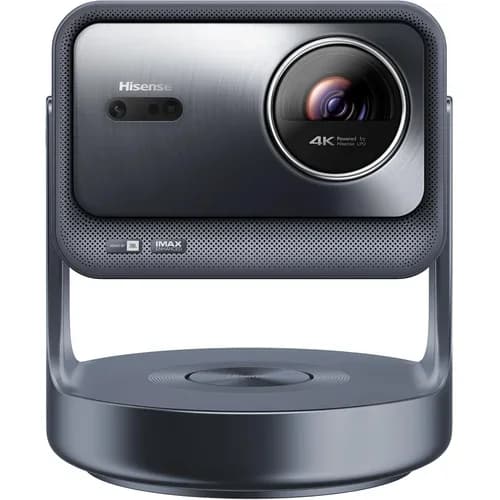
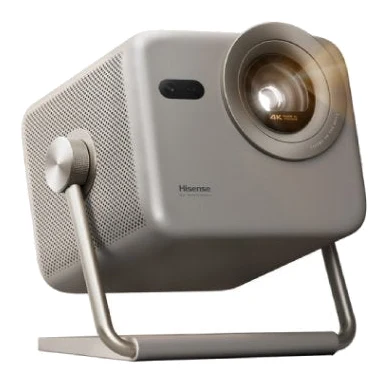
- Best OverallHisense C2 UltraWhy we picked it →
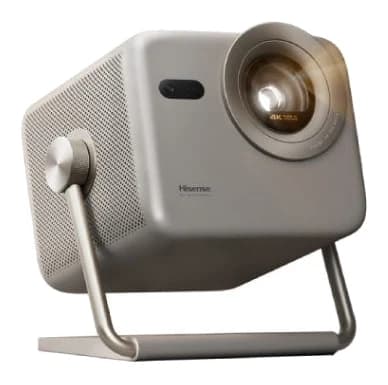
- Also GreatHisense M2 ProWhy we picked it →
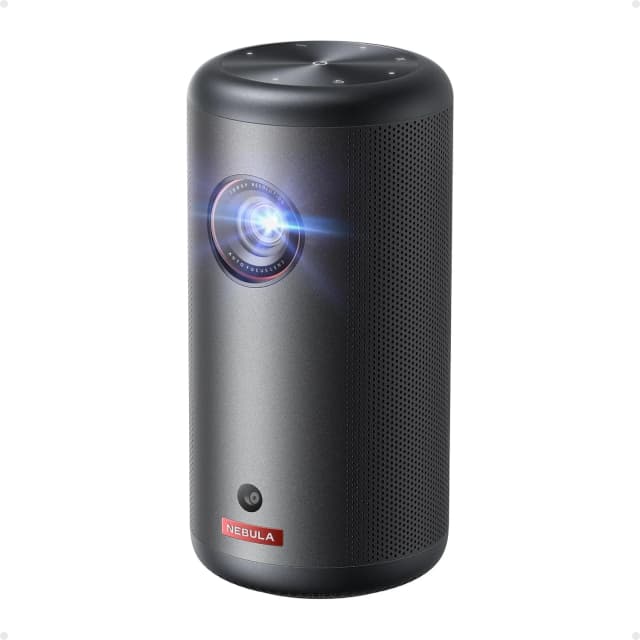
- Best ValueAnker Nebula Capsule 3Why we picked it →
Frequently asked questions
Is the Samsung The Freestyle 2nd Gen worth it?
It is worth it if you value portability, quick automatic setup and built-in apps and cloud gaming, and you mainly watch in dim rooms. Reviewers rate it well, averaging 8.7/10 across 3 expert reviews. If you want strong contrast or daytime viewing, or the best 1080p picture for the money, it is harder to justify at its mid-range position.
How bright is The Freestyle 2nd Gen?
It is rated at 230 ANSI lumens. That is modest, and reviewers say it needs a dim or dark room for the best picture. Ambient light can wash the image out.
Can the Freestyle 2nd Gen run on a power bank?
Yes. It can run from a compatible USB-C power bank, or from the optional battery base. It also supports USB-C PD and standard AC100-240V mains power, with a maximum of 50W.
Does The Freestyle 2nd Gen have built-in streaming apps?
Yes. It runs the Tizen smart platform with the main streaming apps, so you do not need a separate streaming stick. Gaming Hub also adds cloud gaming, including Xbox and GeForce Now, without a console.
How many HDMI ports does the Freestyle 2nd Gen have?
It has one micro-HDMI port. Reviewers note this limits wired connections if you want to attach several devices. It also supports Wi-Fi 5 and Bluetooth 5.2 for wireless use.
What screen size can the Freestyle 2nd Gen project?
Samsung lists a screen size range of 30" - 100" with a throw distance of 2.6' - 8.8'. The 180° cradle stand lets you aim it at a wall or ceiling.
Sources
Specs are taken from the manufacturers' official pages; expert recommendations from the publications below.
- Samsung The Freestyle 2nd Gen: samsung.com, techradar.com, stuff.tv, techaeris.com
Related reviews & guides
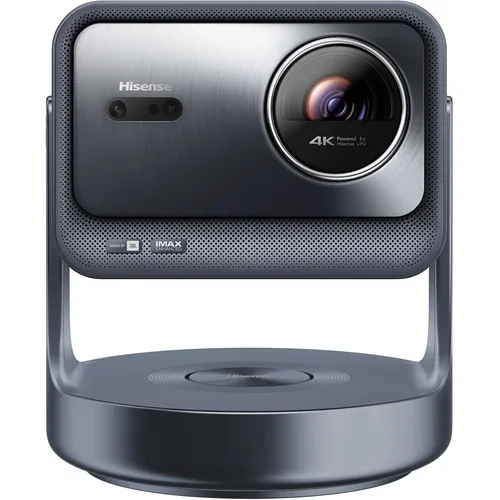
Best Projector 2026: Home Theater, Portable & Bright Rooms
Five projectors compared on manufacturer specs and expert recommendations, split by use: 4K home theater, portable, small room, gaming and bright rooms.
Published Oct 9, 2026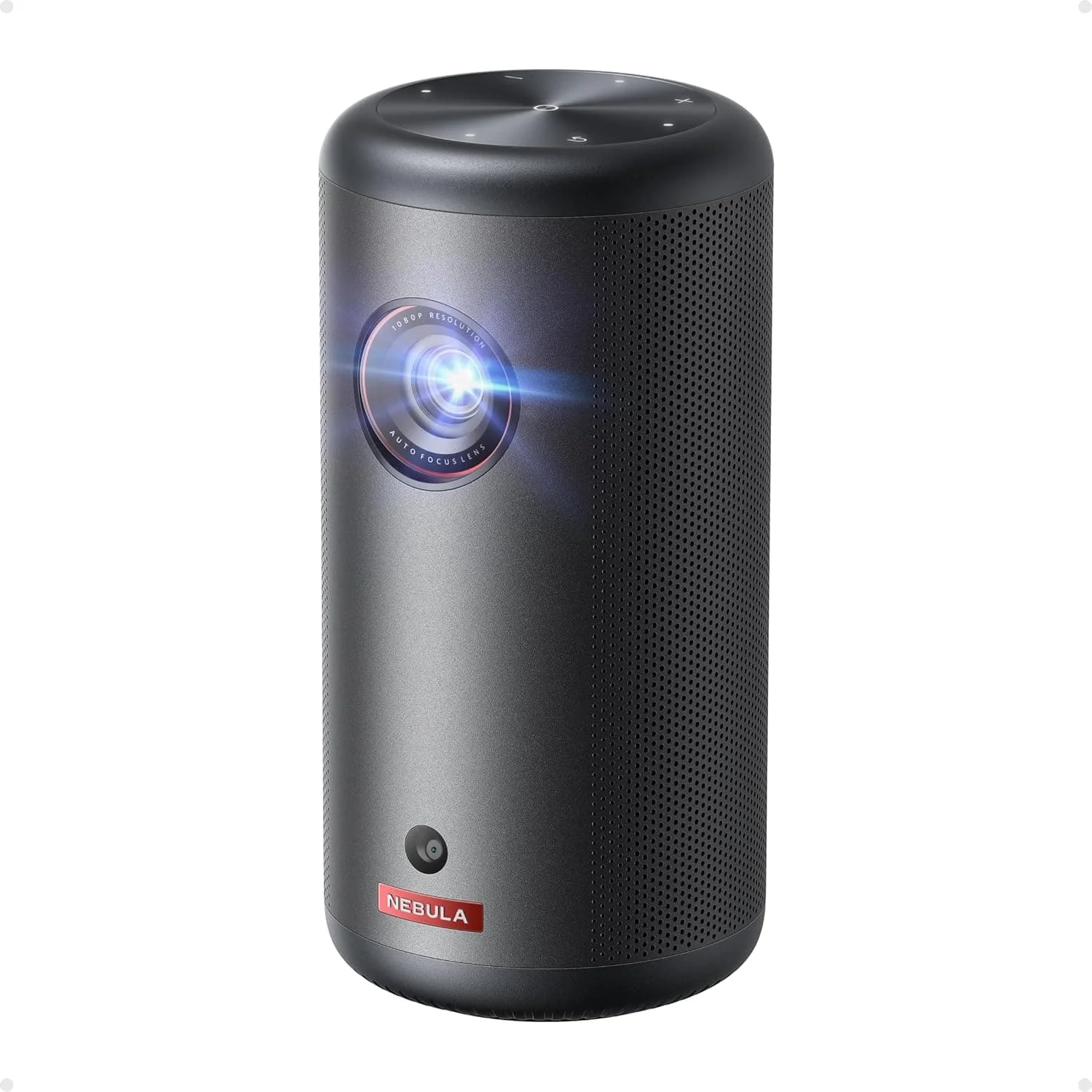
Anker Nebula Capsule 3 Review (2026): Portable but Dim
A hand-sized, battery-powered Google TV projector with quick auto setup and a loud 8W speaker. Its low brightness and short battery life set the limits.
Published Oct 28, 2026Hisense C2 Ultra Review (2026): Bright-Room 4K Projector
A bright, colourful triple-laser 4K projector with built-in JBL sound, a flexible gimbal stand and gaming modes. Here is what the specs and expert reviews say, including the contrast and rainbow caveats.
Published Oct 22, 2026