Tripp Lite SmartPro SMART1500LCDT Review: Brownout Fixer
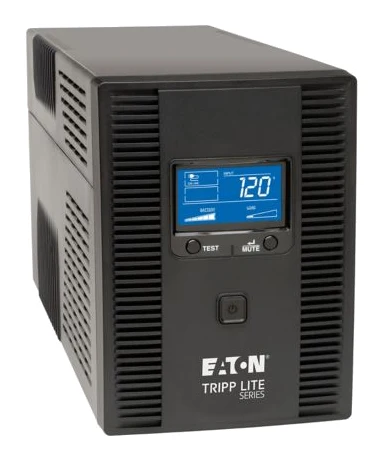
A line-interactive tower UPS built around voltage correction, line-wide surge protection and a clear LCD. Runtime under heavy load is short, so it works best as a safe-shutdown buffer.
Research-based · We earn from qualifying purchases
Our verdict
This line-interactive tower suits home offices and small workstations that need brownout correction, line-wide surge protection and a clear status display. Skip it if you need long runtime on heavy loads, a compact footprint or network management features.
The good
- Automatic voltage regulation corrects brownouts and overvoltage without draining the battery
- LCD shows input voltage, overload, battery status and remaining runtime
- Five battery-backed and five surge-only outlets give a useful split
- Surge protection covers phone/DSL, Ethernet and coax lines
- User-replaceable RBC51 batteries and a 3-year warranty
+2 more
- Surge protection covers phone/DSL, Ethernet and coax lines
- User-replaceable RBC51 batteries and a 3-year warranty
The bad
- Only 2.3 minutes at full 900W load, so it's a shutdown buffer
- Heavy at 25.33 lb and bulky for its class
- Monitoring software feels dated and clunky
- No USB charging ports or network management card support
+1 more
- No USB charging ports or network management card support
This Tripp Lite SmartPro SMART1500LCDT review looks at a line-interactive tower UPS aimed at home offices and small workstations. Its main selling points are automatic voltage regulation, an informative LCD and surge protection that covers more than the power cord. It is based on the manufacturer's specs and what independent experts report, not on hands-on testing.
It is a battery backup rated at 1500VA / 900W. Think of it as a way to ride out brownouts, clean up unstable mains power and give your equipment time to shut down properly, rather than a way to keep a heavy rig running through a long outage.
Tripp Lite SmartPro SMART1500LCDT: specs at a glance
From the manufacturer- Input
- 120V AC, 5-15P plug, 6 ft cord
- Weight
- 25.33 lb
- Battery
- VRLA, RBC51 replacement (requires 2)
- Outlets
- 10 x 5-15R (5 UPS + surge, 5 surge-only)
- Capacity
- 1500VA / 900W
- Topology
- Line-interactive
- Warranty
- 3 Years
- AVR range
- 92V to 150V without battery
- Form factor
- Tower
- Transfer time
- 2 milliseconds (AC to battery), 6 milliseconds (battery to AC)
- Output waveform
- Sine wave (AC mode); PWM sine wave (battery mode)
- Surge suppression
- 650 joules
- Runtime at full load
- 2.3 min (900W)
- Runtime at half load
- 10 min (450W)
- Dimensions (D x H x W)
- 15.6 in x 8 in x 5.75 in
Key features
- Automatic voltage regulation corrects low and high line voltage without using the battery
- LCD shows input voltage, overload, AVR, battery status and remaining runtime
- 10 outlets: 5 battery-backed plus 5 surge-only
- Phone/DSL, Ethernet and coax surge protection
- EMI/RFI noise filtering
- USB port enables auto-shutdown with free PowerAlert software
- Cold-start capable; alarm warns of power loss or low battery
- Replaceable RBC51 battery cartridges
Design and build
The SMART1500LCDT is a tower unit measuring 15.6 in x 8 in x 5.75 in. It weighs 25.33 lb, and reviewers note it is heavy and bulky for its class. It is worth knowing before you plan where to put it, and especially if you expect to move it often.
The input is a standard 120V AC connection with a 5-15P plug on a 6 ft cord. That keeps it compatible with ordinary wall outlets, but 6 ft is not generous, so check the distance between the wall and where the UPS will sit.
The front-panel LCD is the other defining design element. It reports input voltage, overload, AVR activity, battery status and remaining runtime. For a device you only think about when something goes wrong, a readable status screen is a practical choice.
Features and what they mean day to day
Ten outlets, split two ways
There are 10 NEMA 5-15R outlets, divided into five that are battery-backed and surge-protected and five that are surge-only. The split is useful in practice. Put your computer, monitor and networking gear on the battery-backed side. Put peripherals that don't need to stay on during an outage, such as a printer or a desk lamp, on the surge-only side. That way they don't consume the limited battery capacity.
Protection beyond the power cord
Surge protection is rated at 650 joules and extends to phone/DSL, Ethernet and coax connections. Surges can arrive through data and cable lines as well as the mains, so this matters if your modem, router or cable equipment sits near your workstation. EMI/RFI noise filtering adds another layer of cleanup on the AC side.
Software shutdown
A USB port lets the UPS talk to a computer so it can trigger an automatic shutdown through the free PowerAlert software. That is the feature that turns a short runtime into something useful: if you are away from your desk when the power drops, the machine can still close down cleanly. A common criticism is that the monitoring software feels dated and clunky, so expect function over polish.
Alarms and cold start
The unit sounds an alarm to warn of power loss or a low battery. It is also cold-start capable, which means you can power it up from the battery when mains power isn't available.
Replaceable batteries
The battery uses RBC51 replacement cartridges, and the unit needs two of them. Reviewers like that the batteries are user-replaceable, because it means the UPS can stay in service after the original cells wear out rather than becoming disposable. A 3 Years warranty backs the unit.
Performance: voltage correction, runtime and transfer
Automatic voltage regulation
AVR is the headline feature. It corrects low and high line voltage without using the battery, across an AVR range of 92V to 150V without battery. In places where the lights dim or surge, a UPS without AVR would switch to battery for each event, which wears the cells and uses up the runtime you may want for a real outage. With AVR, the unit can correct many of those events and save the battery for actual blackouts. Experts single this out as a strength.
Transfer time and waveform
When power fails, the SMART1500LCDT switches to battery with a transfer time of 2 milliseconds (AC to battery), and returns with 6 milliseconds (battery to AC). The output is a sine wave in AC mode and a PWM sine wave in battery mode. A sine wave output is generally the safer choice for sensitive electronics, and this is a reassuring spec for a unit that will usually power computers and networking gear.
Runtime is the trade-off
Runtime is where you need realistic expectations. At full load, the unit delivers 2.3 min (900W). At half load, that rises to 10 min (450W). Experts therefore describe it as a shutdown buffer, and that is the right way to see it. It gives you time to save work and power down, or to bridge a short flicker, but it will not run a loaded workstation through a prolonged outage. If you need longer backup on heavy loads, this is not the right unit. Keeping the connected load well under the maximum is the way to get more from it.
What it lacks
Two omissions come up among the criticisms: there are no USB charging ports, and there is no support for network management cards.
What experts like and what they criticise
The published scores are positive. Securing The Universe rates it 4.5/5, TechODash gives it 3.8/5, and Home Office Research scores it 7.6/10. The expert average works out to 8.1/10. It is also recommended in 2 expert buying guides.
Reviewers praise:
- Voltage correction that doesn't draw on the battery.
- The LCD, which makes it easy to see what the unit is doing.
- The five-plus-five outlet arrangement.
- Surge protection that includes phone/DSL, Ethernet and coax lines.
- User-replaceable batteries and the 3-year coverage.
A common criticism is the short runtime at heavy load, along with the weight and bulk. The monitoring software is described as dated, and the missing USB charging and network management card support round out the complaints. None of these are hidden flaws. They are trade-offs of a home-office feature set.
Who should buy it, and who should skip it
It suits:
- Home office users who want voltage correction and a clear status display.
- Anyone whose power supply sags, spikes or flickers often enough that AVR will help.
- Buyers who need cable, DSL or Ethernet lines protected alongside the mains.
- Users who want to replace the batteries themselves rather than replace the whole unit.
The USB auto-shutdown feature is what lets a UPS like this close a connected computer down cleanly, though you should check software compatibility with your own setup.
Skip it if:
- You need long runtime on heavy loads. At full 900W, backup time is brief.
- You want a compact or lightweight unit. It is heavy and bulky.
- You need network management card support or USB charging ports.
- You expect polished monitoring software.
How it fits in the UPS market
Among the products compared, it sits in the mid-range price tier. The SMART1500LCDT has a feature set built around regulation and protection rather than endurance or remote management. It is a sensible fit if your concern is power quality and clean shutdowns rather than staying online for hours.
Tripp Lite SmartPro SMART1500LCDT verdict
The SMART1500LCDT does what a home-office UPS should. It corrects unstable voltage without wearing down the battery, protects phone, Ethernet and coax lines, and shows its status on a screen you can read. The user-replaceable batteries and 3 Years warranty add long-term value. The trade-offs are plain: a short runtime under load, a heavy and bulky chassis, and software that feels dated.
If you want brownout correction and a safe shutdown buffer for a desk setup, it is a well-regarded choice, with an expert average of 8.1/10 to back it up. If you need minutes or hours of heavy-load backup, or a compact footprint, look at other options.
Related buying guides
Not sure about the Tripp Lite SmartPro SMART1500LCDT? Consider these
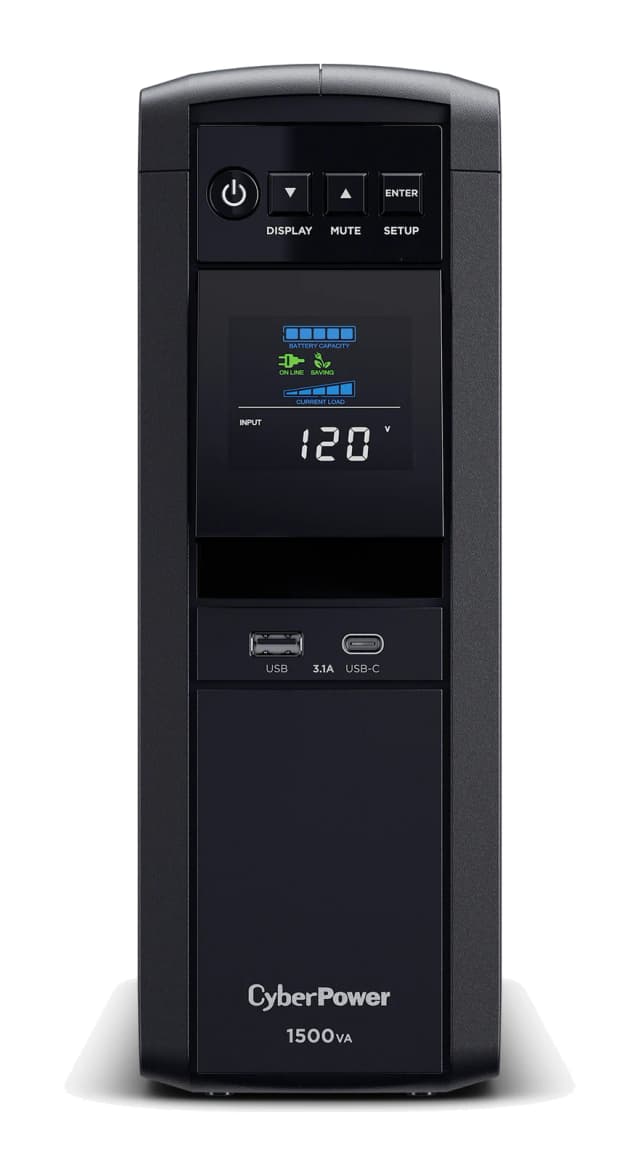
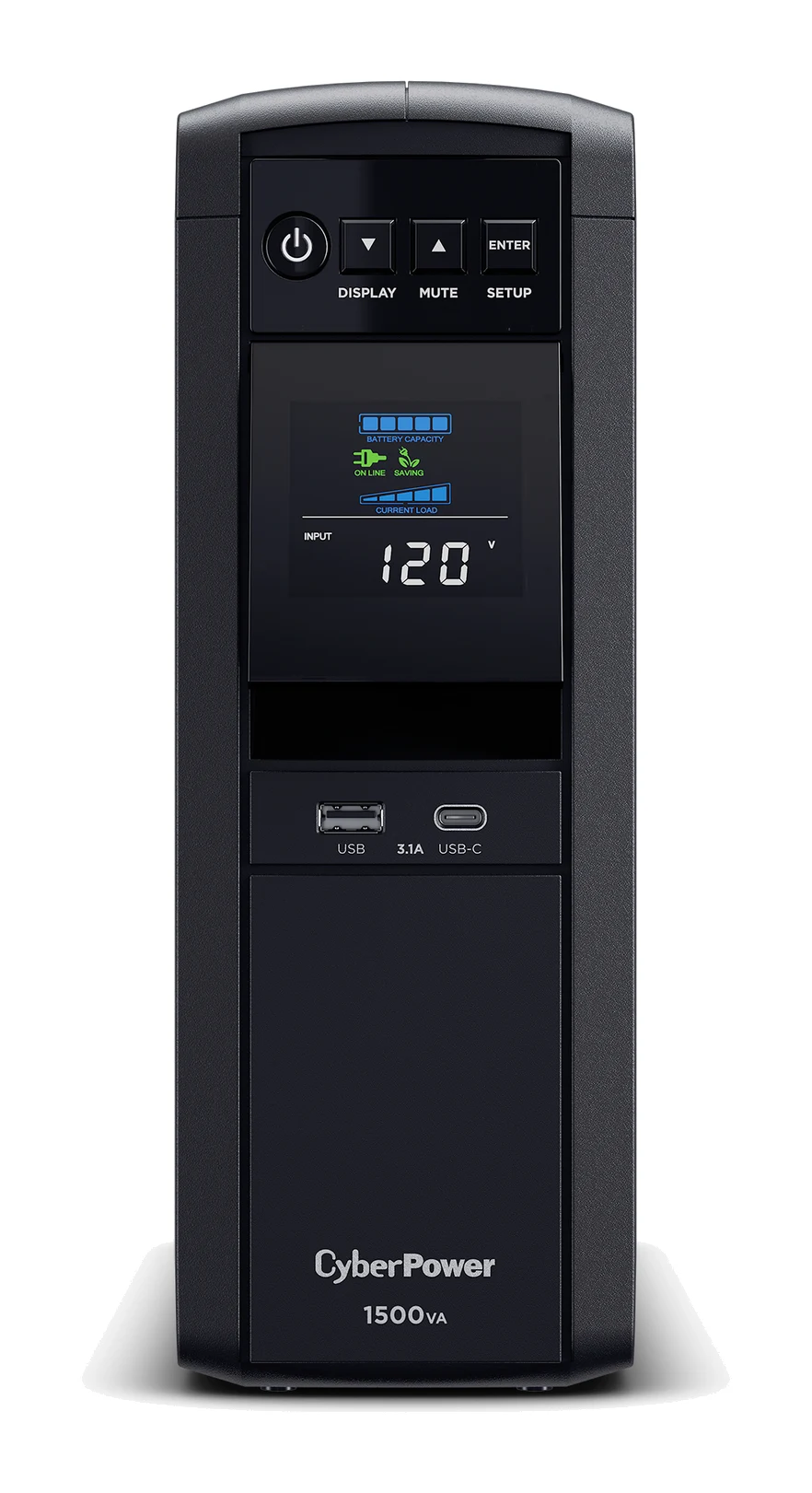
- Best OverallCyberPower CP1500PFCLCD PFC Sinewave UPSWhy we picked it →
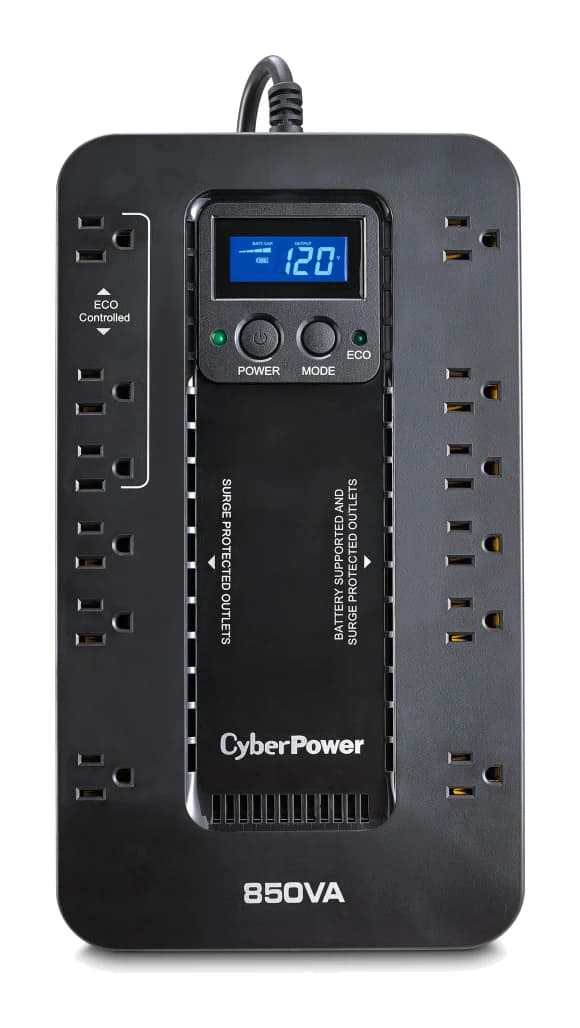
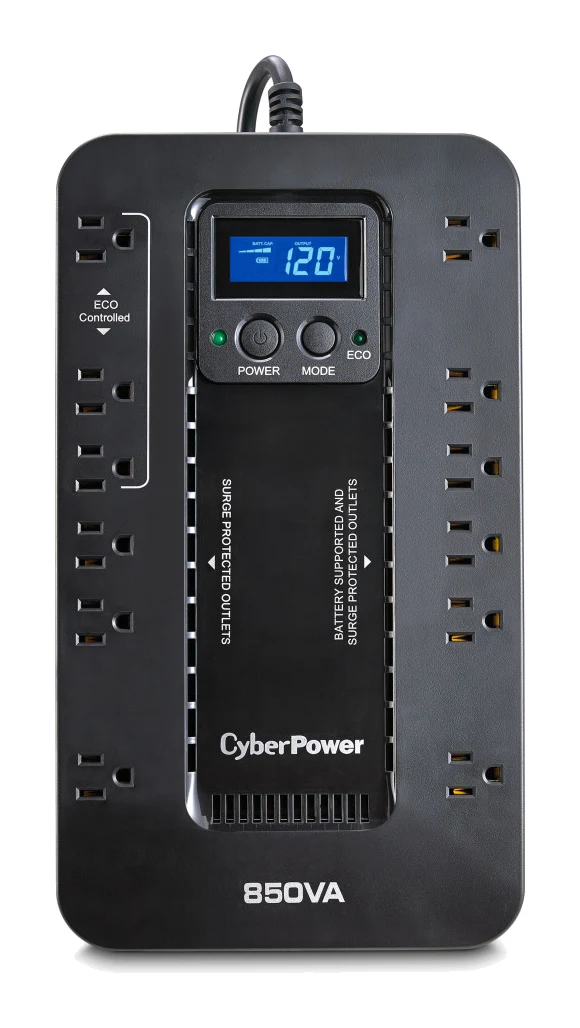
- Best BudgetCyberPower EC850LCDWhy we picked it →
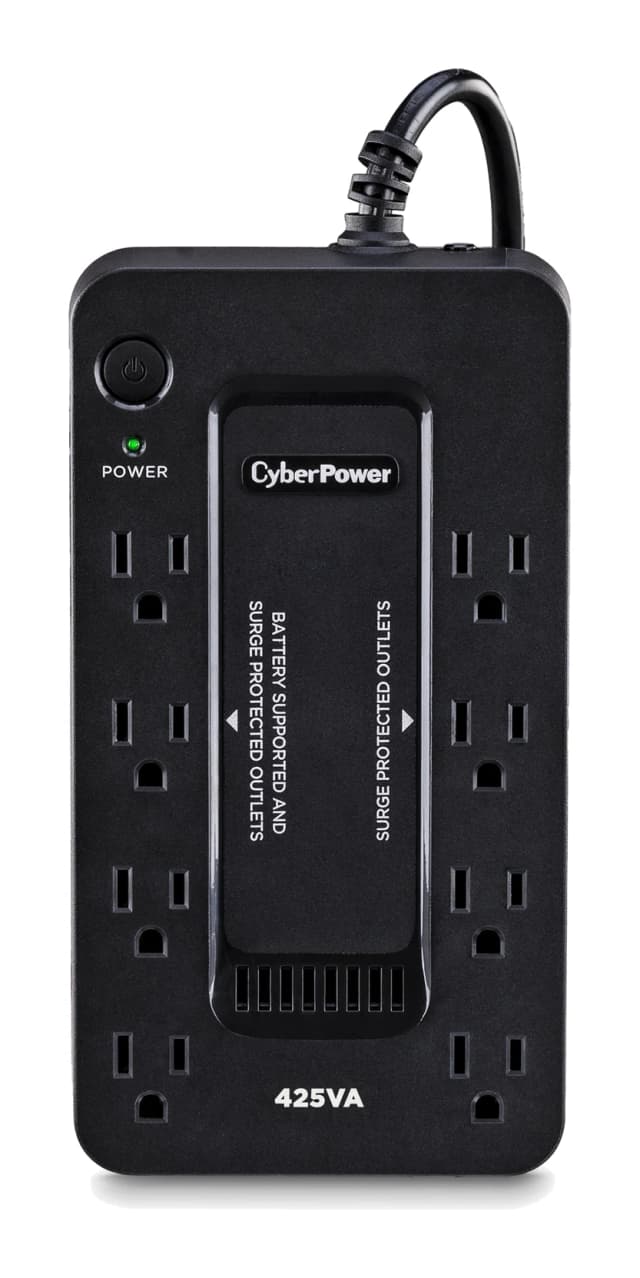
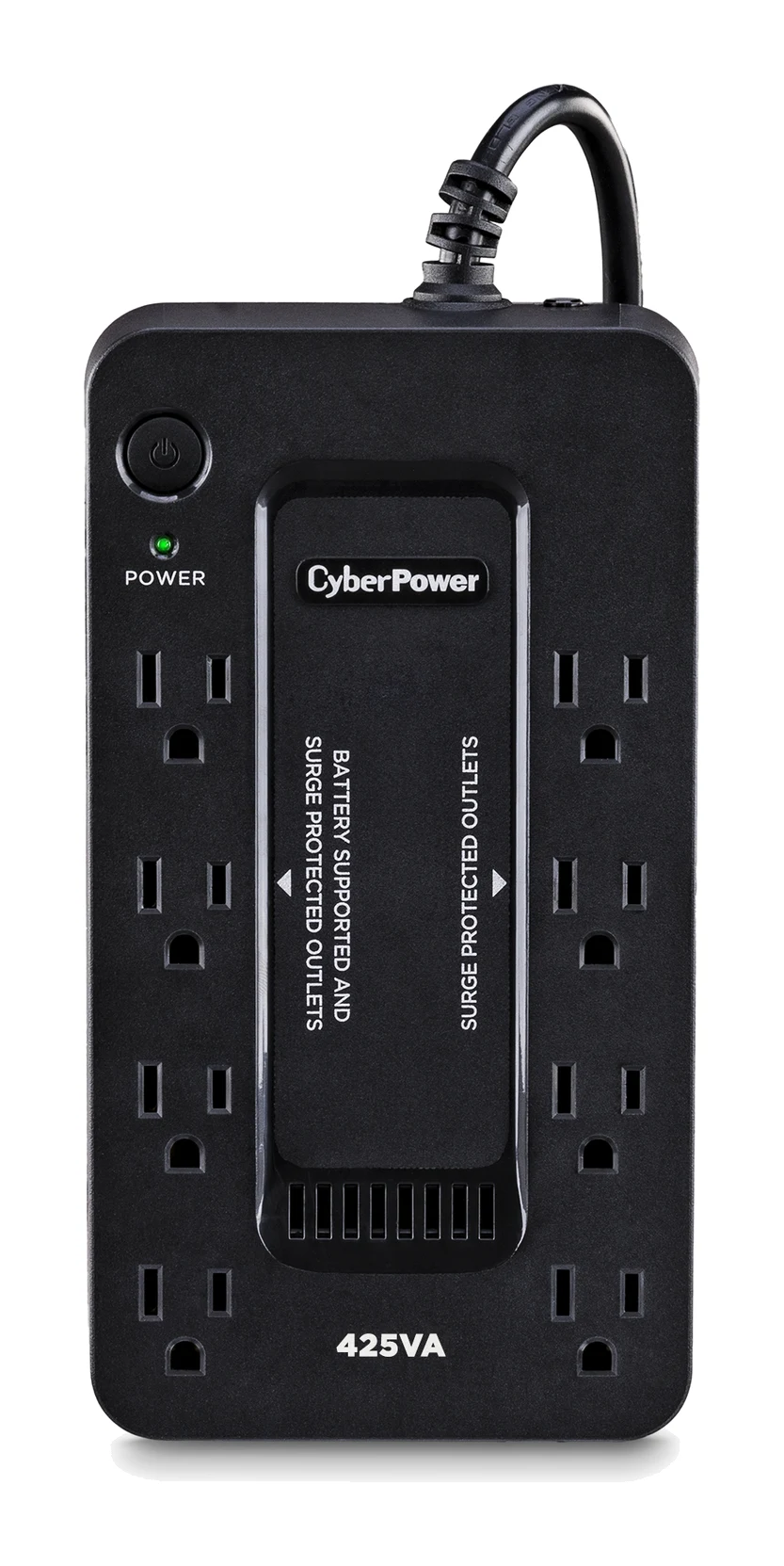
- Best ValueCyberPower ST425Why we picked it →
Frequently asked questions
Is the Tripp Lite SmartPro SMART1500LCDT worth it?
For a home office or small workstation, experts consider it a good fit. It averages 8.1/10 across 3 expert reviews. It offers voltage regulation, line-wide surge protection and a clear LCD. It is less suitable if you need long runtime on heavy loads or network management features.
How long does the SMART1500LCDT run on battery?
The specs list 2.3 min at full load (900W) and 10 min at half load (450W). It works best as a shutdown buffer rather than a way to keep heavy equipment running through a long outage.
Does the SMART1500LCDT have automatic voltage regulation?
Yes. AVR corrects low and high line voltage without using the battery. The AVR range is listed as 92V to 150V without battery, so many brownouts and overvoltage events don't drain the battery.
Does it protect Ethernet, phone and coax lines?
Yes. Besides the AC outlets, it has surge protection for phone/DSL, Ethernet and coax connections. Overall surge suppression is rated at 650 joules.
Can I replace the battery in the SMART1500LCDT?
Yes. The batteries are user-replaceable RBC51 cartridges, and the unit requires 2 of them. Reviewers see that as a plus for long-term ownership.
Does the SMART1500LCDT support automatic shutdown?
Yes. A USB port connects to a computer and enables auto-shutdown with the free PowerAlert software. Experts do describe the monitoring software as dated and clunky.
Sources
Specs are taken from the manufacturers' official pages; expert recommendations from the publications below.
- Tripp Lite SmartPro SMART1500LCDT: eaton.com, assets.tripplite.com, newegg.com
Related reviews & guides
Best UPS Battery Backups for Computers and Wi-Fi (2026)
Five UPS battery backups compared for PCs, routers and modems, from a pure sine wave pick for gaming rigs to compact budget units for small setups.
Published Oct 22, 2026CyberPower CP1500PFCLCD Review (2026): PC-Ready Backup
A look at the CyberPower CP1500PFCLCD: pure sine wave output, 12 outlets, a tilting colour LCD and a user-replaceable battery, with honest limits on runtime and transfer time.
Published Oct 28, 2026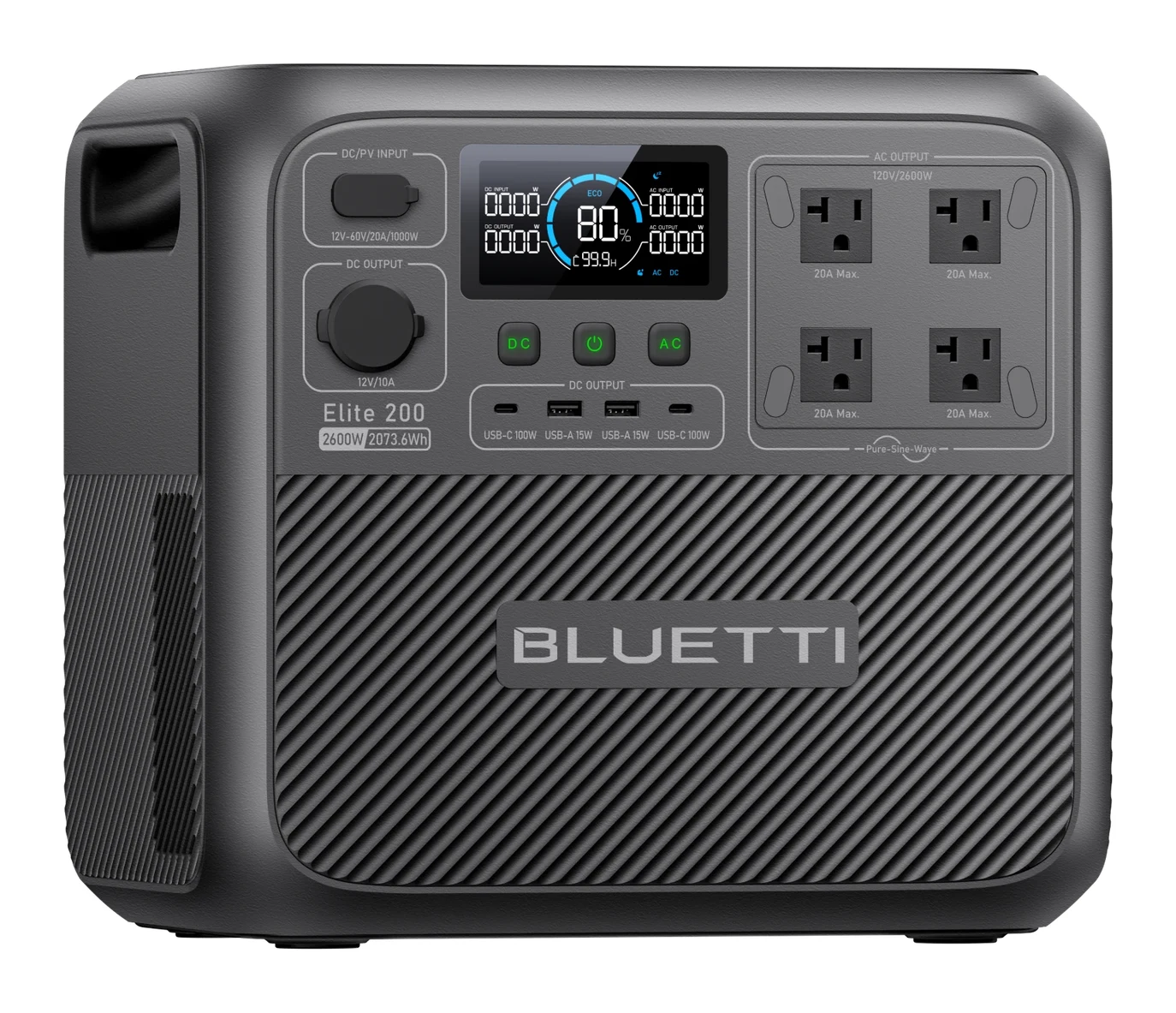
Best Home Backup Batteries for Power Outages 2026: Any Size
Five home backup batteries compared on capacity, output, recharge speed and UPS switchover, with a simple way to estimate how long each will run your essentials.
Published Oct 16, 2026