XREAL 1S Review (2026): Big Screen, Real Trade-Offs
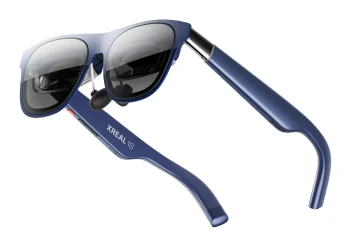
The XREAL 1S puts a Sony micro-OLED virtual screen of up to 500 inches on your face for movies, handheld gaming and travel. Here is what it does well, where reviewers push back and who should buy it.
Research-based · We earn from qualifying purchases
Our verdict
The XREL 1S suits travelers, movie fans and handheld gamers (Switch 2, Steam Deck) who want a big, sharp virtual screen at a lower price than the XREAL One line. Skip it if you need a wider field of view, crisp text for productivity, or wireless freedom.
The good
- Sharp, bright Sony micro-OLED picture with good clarity edge to edge
- Plug-and-play 3DoF anchoring from the X1 chip, no app or setup
- Real 3D mode converts 2D content to 3D better than expected
- Light 82 g frame stays comfortable and well balanced in long sessions
- Cheaper than the XREAL One and One Pro, with a better screen than the One
+2 more
- Light 82 g frame stays comfortable and well balanced in long sessions
- Cheaper than the XREAL One and One Pro, with a better screen than the One
The bad
- Frame runs warm, especially with Real 3D switched on
- Real 3D is capped at 30fps, a poor fit for fast gaming
- 52° field of view is narrower than the One Pro's
- Tethered USB-C, and birdbath optics show reflections and slightly soft text edges
+1 more
- Tethered USB-C, and birdbath optics show reflections and slightly soft text edges
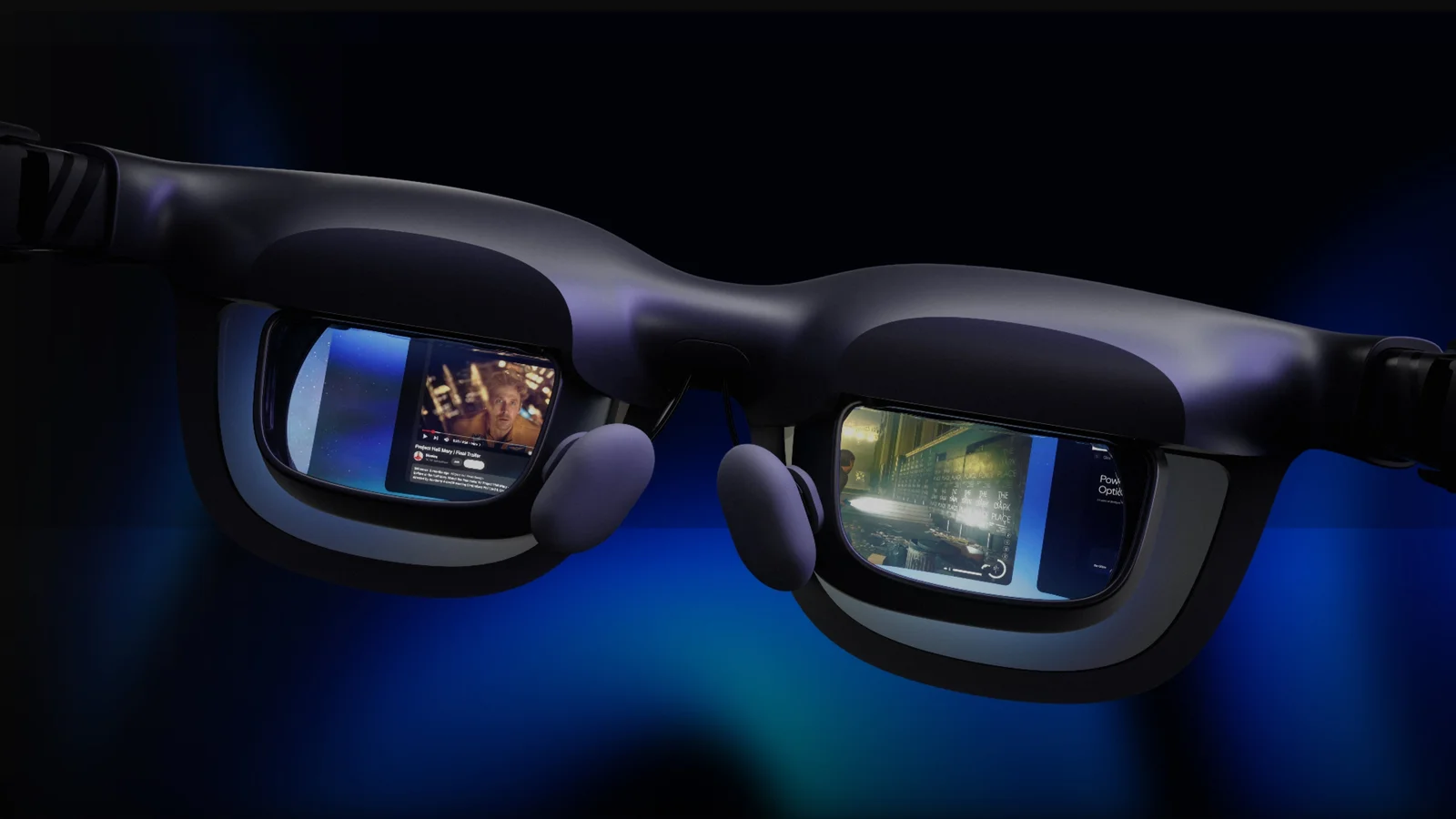
This XREAL 1S review looks at a pair of display glasses that turn any compatible USB-C device into a large virtual screen. Instead of a headset that blocks out the room, the 1S is a lightweight, sunglasses-style frame with a Sony micro-OLED display. It is aimed at people who want a big private screen on a plane, on the sofa or alongside a handheld console, and it sits in the mid-range part of the market.
This article is based on XREAL's published specifications and on what independent expert reviews report. It is not the result of hands-on testing.
XREAL 1S: specs at a glance
From the manufacturer- Weight
- 82 g
- Display
- Sony 0.68" Micro-OLED
- Tracking
- Native 3DoF (6DoF with XREAL Eye)
- Connection
- USB-C (DisplayPort Alt Mode)
- Resolution
- 3840 × 1200 (Binocular)
- Color gamut
- 108% sRGB
- Refresh rate
- Fixed 90Hz, up to 120Hz
- Field of view
- 52°
- Color accuracy
- ΔE < 3
- Contrast ratio
- 100000:1
- Peak brightness
- 700 nits
- Display distance
- 1m – 10m (Adjustable)
- Virtual screen size
- 31" – 500" (Adjustable)
- Motion-to-photon latency
- 3ms
Key features
- Virtual screen up to 500 inches for movies, games and work
- Native 3DoF anchoring from the X1 chip, with no app or setup
- Real 3D mode converts 2D content to 3D on the glasses
- Sony micro-OLED 1200p panels with up to 120Hz refresh
- Electrochromic dimming with 3 manual levels plus auto
- Open-ear speakers tuned by Bose, with a 4-mic array
- 82 g frame with adjustable temples and swappable nose pads
- TÜV Rheinland eye-comfort certification
What the XREAL 1S is and who it is for
The 1S is a tethered display accessory, not a standalone computer. It connects over USB-C using DisplayPort Alt Mode and shows whatever your phone, laptop or handheld sends it. XREAL says the virtual screen can be adjusted from 31" to 500", and the display distance can be set from 1m – 10m, so you can choose between a desk-monitor feel and a cinema-style view.
The pitch is clearest for travellers, movie fans and handheld gamers, including people who play on a Switch 2 or Steam Deck. It is less obviously suited to people who want to do a full day of text-heavy work, and later sections explain why.
Expert scores are positive. Tom's Guide rates it 4.5/5 and Ubergizmo gives it 8.8/10, which puts the average at 8.9/10 across 2 expert reviews. It is also recommended in 8 expert buying guides.
Design and build
At 82 g, the 1S is a light frame. Reviewers consistently describe it as comfortable and well balanced over long sessions, which matters a lot for something you wear while watching a full film. XREAL includes adjustable temples and swappable nose pads, so you can tune the fit to your face rather than accept one fixed shape.
The glasses carry TÜV Rheinland eye-comfort certification. That is a certification, not a guarantee that everyone will feel comfortable, but it is a useful signal for anyone worried about eyestrain on a screen that sits close to the eyes.
The main build-related criticism is heat. A common complaint is that the frame runs warm, especially when Real 3D is switched on. If you are sensitive to warmth on your face, expect it to be noticeable.
The display: where the 1S earns its score
The screen is the main reason to consider the 1S. It uses Sony 0.68" Micro-OLED panels with a binocular resolution of 3840 × 1200, described as 1200p panels, and a refresh rate of up to 120Hz (fixed 90Hz is also listed). Other published figures include:
- Peak brightness of 700 nits
- Contrast ratio of 100000:1
- Colour coverage of 108% sRGB
- Colour accuracy of ΔE < 3
- Motion-to-photon latency of 3ms
Those numbers fit with what reviewers praise: a sharp, bright picture with good clarity edge to edge. Micro-OLED is known for strong contrast, so dark scenes in films are where the 100000:1 contrast ratio should matter most. Low latency is useful for gaming and for keeping the image feeling stable when you move your head.
The field of view is 52°. That is enough for a large virtual screen, but a common criticism is that it is narrower than the One Pro's. If you want the image to fill as much of your vision as possible, that is a real consideration.
The 1S also uses birdbath optics. Reviewers note that this design shows reflections and slightly soft text edges. That is why the 1S is a better fit for video and games than for reading documents or working in spreadsheets for hours.
Features and what they mean day to day
Native 3DoF anchoring
The X1 chip provides native 3DoF anchoring. In practice, the virtual screen can stay fixed in space as you turn your head, rather than following your gaze. XREAL says this needs no app or setup, and reviewers single out the plug-and-play behaviour as a strength. For anyone who has found display glasses fiddly, this is a meaningful convenience. The spec sheet lists 6DoF with the XREAL Eye accessory for those who want more tracking, though that is a separate add-on.
Real 3D mode
Real 3D converts 2D content to 3D on the glasses. Reviewers say it works better than they expected, which makes it a fun extra for films and video. There are two caveats. Real 3D is capped at 30fps, so it is a poor fit for fast gaming. And it is one of the situations where the frame warms up. Think of it as a mode for watching, not for competitive play.
Electrochromic dimming
The lenses have electrochromic dimming with 3 manual levels plus an auto mode. This lets you darken the lenses for a more immersive picture in a bright room, or lighten them when you want to stay aware of your surroundings. It is a practical feature for a device meant to be used in different places, such as cabins, cafés and living rooms.
Audio and microphones
The open-ear speakers are tuned by Bose and come with a 4-mic array. Open-ear audio means you can still hear what is happening around you, which suits travel and shared spaces. The spec sheet doesn't give speaker power or other audio measurements, so treat the Bose tuning as a pointer to the intended sound character rather than a measured result. If you want more privacy or isolation, you would need your own headphones.
Connectivity and compatibility
The 1S connects over USB-C using DisplayPort Alt Mode, so your source device needs to support video output over USB-C. That makes it a natural match for handheld PCs and consoles that can output video this way, as well as many phones and laptops. The flip side is that it is tethered. If you want a cable-free experience, this is not the product for you, and reviewers list the wired connection as a drawback.
What experts like and what they criticise
Reviewers praise several things consistently:
- The picture: sharp, bright and clear edge to edge.
- The plug-and-play 3DoF anchoring, with no app or setup.
- Real 3D mode, which converts 2D content better than expected.
- The light frame, which stays comfortable and well balanced in long sessions.
- The positioning: it costs less than the XREAL One and One Pro, and reviewers say it has a better screen than the One.
The common criticisms are just as consistent:
- The frame runs warm, especially with Real 3D on.
- Real 3D is capped at 30fps, which makes it a poor fit for fast gaming.
- The 52° field of view is narrower than the One Pro's.
- It is tethered over USB-C, and the birdbath optics show reflections and slightly soft text edges.
The pattern is clear. The 1S is strong at what it is designed for, which is a bright, sharp virtual cinema, and weaker when pushed toward productivity or maximum immersion.
Who should buy the XREAL 1S
The 1S makes sense if you:
- Travel often and want a big private screen without carrying a monitor or TV.
- Watch a lot of films or video and want strong contrast and brightness.
- Play on a handheld such as a Switch 2 or Steam Deck and want a larger view.
- Want display glasses that work without installing an app or going through setup.
- Like the XREAL One line but want to spend less.
Who should skip it
Look elsewhere if you:
- Need a wider field of view. Reviewers point out that the One Pro's is wider.
- Plan to do a lot of text-heavy work, since the optics can give slightly soft text edges.
- Want a wireless experience, because the 1S is tethered.
- Mostly play fast games and hoped to use Real 3D, which is capped at 30fps.
- Are sensitive to warmth on the face during long sessions.
How it fits in the display-glasses category
Display glasses trade immersion and field of view against weight, price and convenience. In general terms, the 1S leans toward comfort, picture quality and a lower entry point rather than the widest possible view. The published specs and reviewer comments place it as a screen-first product for media and gaming, rather than a do-everything productivity tool. Because it connects over USB-C and relies on a source device, it also makes the most sense if you already own a handheld, phone or laptop that outputs video that way.
Verdict
The XREAL 1S is a focused and well-reviewed pair of display glasses. Its Sony micro-OLED panels, plug-and-play anchoring and light frame make it an easy recommendation for travellers, film fans and handheld gamers. The trade-offs are real: warmth, a 30fps cap on Real 3D, a narrower field of view than the One Pro and soft text edges. If your use is mostly video and games, the 1S is a mid-range option that costs less than the XREAL One line. If you want a wide field of view, cable-free use or comfortable all-day text work, it is worth considering other options.
Related buying guides
Not sure about the XREAL 1S? Consider these
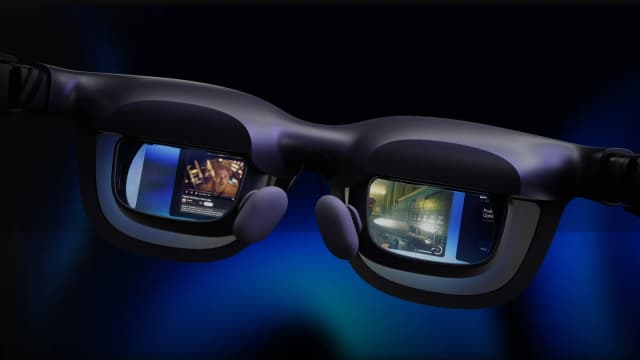
- Premium PickVITURE BeastWhy we picked it →
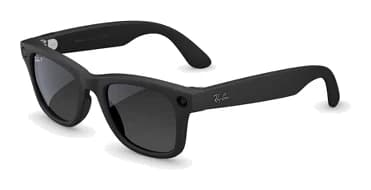
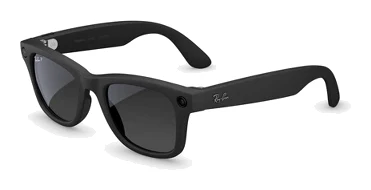
- Best ValueRay-Ban Meta (Gen 2)Why we picked it →
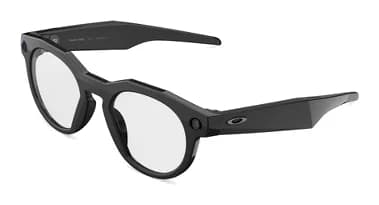
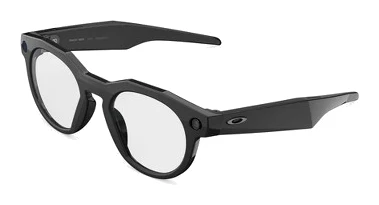
- Best BudgetOakley Meta HSTNWhy we picked it →
Frequently asked questions
Is the XREAL 1S worth it?
For travellers, movie fans and handheld gamers, expert reviews say yes. It averages 8.9/10 across 2 expert reviews and is recommended in 8 expert guides. It is less compelling if you need a wide field of view, crisp text for work or a wireless setup.
Does the XREAL 1S need an app or setup?
No. The native 3DoF anchoring comes from the X1 chip and XREAL says it needs no app or setup. Reviewers praise this plug-and-play behaviour.
How does the XREAL 1S connect to devices?
It connects over USB-C using DisplayPort Alt Mode. Your phone, laptop or handheld needs to support video output over USB-C. It is tethered, so there is no wireless option.
What is the field of view on the XREAL 1S?
The field of view is 52°. Reviewers note that this is narrower than the One Pro's, though the virtual screen can still be set anywhere from 31" to 500".
Is the XREAL 1S good for gaming?
Reviewers see it as a good fit for handheld gaming such as a Switch 2 or Steam Deck. The panels support up to 120Hz and motion-to-photon latency is listed at 3ms. However, Real 3D mode is capped at 30fps, so it is a poor fit for fast gaming.
Is the XREAL 1S good for work and reading text?
It is not the best fit. Reviewers say the birdbath optics show reflections and slightly soft text edges, so it is better suited to video and games than to long text-heavy productivity sessions.
Sources
Specs are taken from the manufacturers' official pages; expert recommendations from the publications below.
- XREAL 1S: xreal.com, gamingnexus.com, tomsguide.com, gamespace.com
Related reviews & guides
Best AI Smart Glasses 2026: Camera, Sport & Display Picks
Five smart glasses compared from manufacturer specs and expert reviews: AI camera glasses from Ray-Ban and Oakley, plus XREAL and VITURE display glasses for video and gaming.
Published Oct 20, 2026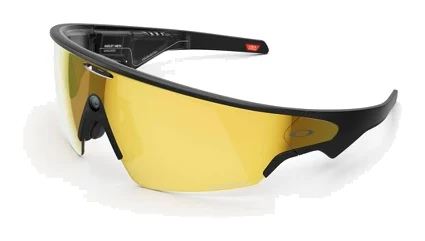
Oakley Meta Vanguard Review (2026): Built for Athletes
A look at the Oakley Meta Vanguard, sport smart glasses with a centered 12MP camera, open-ear audio and Garmin and Strava integration, based on specs and expert reviews.
Published Oct 25, 2026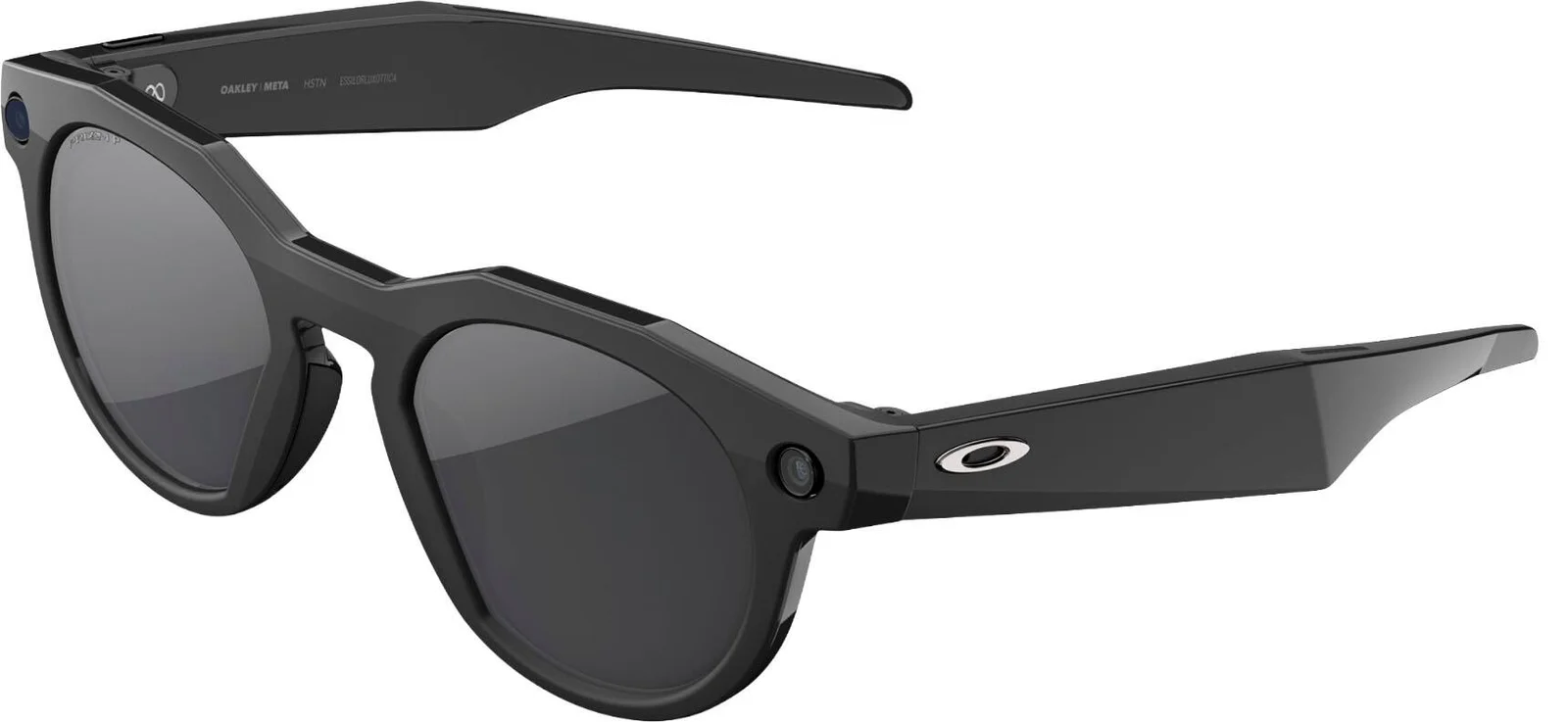
Oakley Meta HSTN Review (2026): Built for Active Wearers
The Oakley Meta HSTN puts a hands-free camera, open-ear audio and Meta AI into a sport-style frame. Here is who it suits and where experts see limits.
Published Oct 21, 2026