Amazon Fire HD 8 Kids (2024) Review: Tough First Tablet
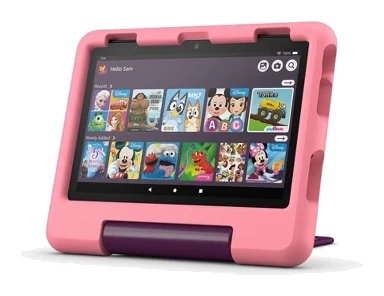
A kid-proof case, a 2-year replacement guarantee and detailed parental controls make this a sensible first tablet for young children. Here is what it does well and where it falls short.
Research-based · We earn from qualifying purchases
Our verdict
A well-protected, easy-to-manage tablet for young children, backed by a 2-year replacement guarantee and strong parental controls. Skip it if you want a sharp screen, Google Play apps or power for demanding tasks.
The good
- Rugged kid-proof case with built-in stand/handle included
- 2-year Worry-Free Guarantee replaces it free if it breaks
- Parental controls let you set time limits and prioritise learning apps
- Up to 13 hours of battery life
- MicroSD slot expands storage up to 1TB
+2 more
- Up to 13 hours of battery life
- MicroSD slot expands storage up to 1TB
The bad
- Low-resolution 1280 x 800 screen that is dim in sunlight
- Fire OS has a limited app selection and no Google Play
- Modest performance suits streaming and light games, not demanding apps
- Weak cameras and mediocre speakers
+1 more
- Weak cameras and mediocre speakers
This Amazon Fire HD 8 Kids (2024) review looks at a tablet built around one idea: hand a young child a screen without worrying about drops, endless scrolling or a bill for a cracked display. It is an 8 inch tablet that ships in a kid-proof case, comes with a 2-year Worry-Free Guarantee and is aimed at children aged 3-7. It suits parents who want a durable, controlled first tablet rather than a powerful one.
This review is based on manufacturer specs and what independent experts report, not on hands-on testing by us.
Amazon Fire HD 8 Kids (2024): specs at a glance
From the manufacturer- RAM
- 4GB
- Cameras
- 5MP rear, 2MP front
- Display
- 8 inch HD, 1280 x 800
- Release
- 2024
- Warranty
- 2-year Worry-Free Guarantee
- Processor
- Hexa-core, 2GHz
- Connectivity
- Wi-Fi
- Charging port
- USB-C (2.0)
- Recommended age
- 3-7
- Internal storage
- 64GB
- Operating system
- Fire OS 8
- Expandable storage
- up to 1TB microSD (sold separately)
- Battery life (Amazon rating)
- up to 13 hours
- Dimensions (Best Buy 32GB model listing)
- 7.95 x 5.394 x 0.372 inches
- Weight (Fire HD 8 Kids, as listed by CNN Underscored)
- 1.1 lb
Key features
- Kid-proof case with built-in stand/handle included
- 2-year Worry-Free Guarantee: Amazon replaces it free if it breaks
- Parental controls let you review activity, set time limits and prioritise learning apps
- Up to 13 hours of battery life
- 4GB RAM with a hexa-core processor for smoother everyday use
- Expandable storage up to 1TB via microSD (card sold separately)
- Includes an Amazon Kids+ trial of ad-free books, games, videos and apps (Staples lists 6 months)
- Screen made with strengthened aluminosilicate glass
Design and build: made to be dropped
The headline feature is the case. The tablet comes with a kid-proof case that has a built-in stand/handle, so there is nothing extra to buy for protection. For a young child, the handle and stand matter in practice. The tablet can be carried like a small suitcase, propped up for a video, and held without gripping bare glass. Reviewers consistently praise this rugged case.
Underneath, the screen is made with strengthened aluminosilicate glass. That is a reasonable base for something that will be handled by small hands, though the case is the main line of defence. CNN Underscored lists the Fire HD 8 Kids at 1.1 lb.
The charging port is USB-C (2.0), which means a common cable type already found in many households.
Amazon Fire HD 8 Kids (2024) review: the 2-year guarantee
The 2-year Worry-Free Guarantee is the most distinctive part of the package. Under it, Amazon replaces the tablet free if it breaks. Reviewers repeatedly single this out, and it is easy to see why. Children's tablets tend to get dropped, sat on and carried around, so a replacement promise changes the risk calculation. You are not just buying a tablet and a case. You are buying cover for the most likely way it will fail.
It is worth reading the exact terms before you buy, since the guarantee is only as useful as what it covers. As a headline feature, though, it is a clear reason people shortlist this model.
Parental controls and Kids+ content
The software side is built around parents staying in charge. The parental controls let you review activity, set time limits and prioritise learning apps. In daily use, that means you can decide how long a session can last and nudge your child toward educational material before games or videos. Reviewers highlight the time limits and learning prioritisation as a real strength.
The tablet also includes an Amazon Kids+ trial of ad-free books, games, videos and apps. The length of the trial varies by listing, and retailer Staples lists it as 6 months. After the trial, Kids+ is a separate subscription decision, so it is worth deciding whether you want it before the trial ends. The ad-free angle is a big part of the appeal for parents who dislike children being pushed toward purchases.
On the software platform itself, the tablet runs Fire OS 8. A common criticism is that Fire OS has a limited app selection and no Google Play. For a young child using curated content, that may not matter. If you expect to install a wide range of apps, it matters a great deal.
Performance: enough for the job
The tablet uses a hexa-core 2GHz processor with 4GB RAM. Amazon positions that combination as giving smoother everyday use, and for the audience this tablet is aimed at, that is the right ambition. Reviewers describe the performance as modest: it suits streaming and light games, not demanding apps. Think of it as a video, reading and simple-games device. It is not a machine for heavy multitasking or intensive software, and it is not trying to be.
Storage is 64GB internally, which is a decent amount for downloaded shows, books and games. If that fills up, you can expand it up to 1TB via microSD. The card is sold separately. Reviewers like the microSD slot, since offline video for trips is one of the main things parents ask a kids' tablet to do.
Battery and connectivity
Amazon rates the battery at up to 13 hours. As with any manufacturer figure, real-world use will vary with screen brightness and what is being played, but the rating is long enough to cover a full day of intermittent use or a long journey. Reviewers list battery life among the strengths.
Connectivity is Wi-Fi only. For a child's tablet that is usually fine, since it keeps use tied to home or a hotspot you control. If you want connectivity everywhere, you would need to plan around that.
Screen, cameras and speakers
This is where the compromises show. The display is 8 inch HD at 1280 x 800. A common criticism is that the low-resolution screen is dim in sunlight, so it is better suited to indoor use, back seats and bedrooms than to the garden or beach. The screen is low resolution, which reviewers count as a weakness.
The cameras are 5MP rear and 2MP front, and reviewers call them weak. The speakers are described as mediocre, so headphones are worth considering for quiet viewing, and a volume-limiting pair is a sensible match for a young child.
What experts like and what they criticise
The praise is consistent and focuses on protection and control:
- The rugged case with built-in stand/handle.
- The 2-year Worry-Free Guarantee.
- Parental controls with time limits and learning-app prioritisation.
- Up to 13 hours of battery life.
- The microSD slot for expandable storage.
The criticisms are just as consistent, and they are real:
- The 1280 x 800 screen is low resolution and dim in sunlight.
- Fire OS has a limited app selection and no Google Play.
- Performance is modest.
- The cameras are weak and the speakers mediocre.
None of this is surprising for a tablet in the mid-range part of the market that puts durability and control first. The criticisms are mostly about things that matter less to the target age group, with the app limitation being the one that may bite as a child grows.
Who should buy it, and who should skip it
It is recommended in 4 independent expert guides, which fits its role as a safe default for younger children.
Buy it if you want a durable first tablet for a child in the 3-7 range, value a replacement guarantee, and want to manage screen time and content from the start. The included case and guarantee mean fewer extras to buy.
Skip it if you want a sharp screen, access to Google Play apps, or enough power for demanding tasks. It is also a weaker fit if the tablet will mostly be used outdoors in bright light, or if you want it to be shared by the whole family as a general-purpose device. In that case, a tablet aimed at general use may suit better.
How it fits among kids' tablets
In general terms, children's tablets trade raw specifications for protection, parental oversight and bundled content. This model follows that formula closely: the value is in the case, the guarantee and the controls, not in the screen or the processor. When comparing options in this category, weigh how each handles drops, how much control parents get, and which app ecosystem your child will be using, rather than headline specs.
Verdict
The Fire HD 8 Kids (2024) does what a first tablet for a young child needs to do. It survives rough handling, it lets you set limits and steer toward learning apps, and it lasts a long time between charges. Its weaknesses, a dim low-resolution screen, no Google Play, modest performance and weak cameras, are the sort that matter less to a small child than to a teenager or an adult. If you accept those limits, it is an easy recommendation for parents who want a protected, well-managed tablet. If you want anything more demanding, look elsewhere.
Related buying guides
- Best Tablets for Kids 2026: Rugged, Portable & Long-Lasting
- Best Tablet for Drawing in 2026: Pen Pads vs Pen Displays
- Apple iPad mini (A17 Pro) Review (2026): Pocketable Power
- Amazon Fire HD 8 Kids Pro Review (2026): Grown-Up Case
- Amazon Fire HD 10 (2023) Review: Big Screen, Modest Power
- Samsung Galaxy Tab A11+ Review (2026): Years of Updates
- Wacom Cintiq 16 (DTK168K0A) Review (2026): Pen-Only Focus
- XP-Pen Artist 13.3 Pro Review (2026): Laminated but 1080p
Not sure about the Amazon Fire HD 8 Kids (2024)? Consider these
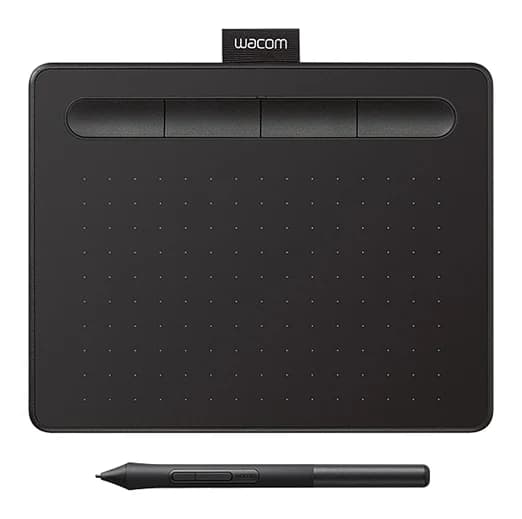
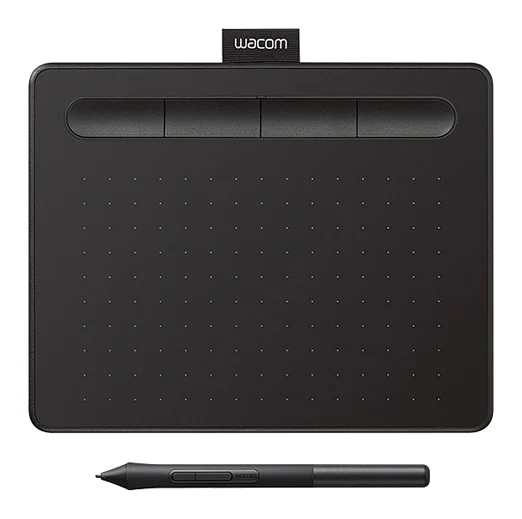
- Best OverallWacom Intuos SmallWhy we picked it →
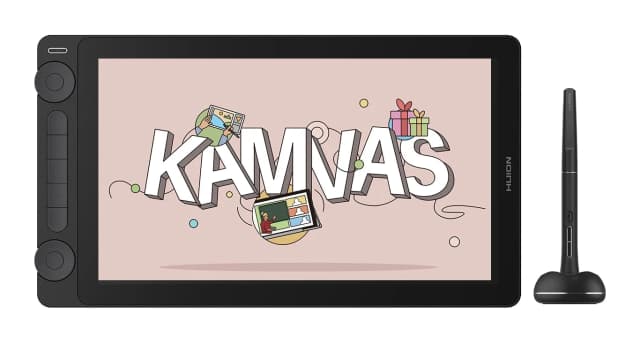
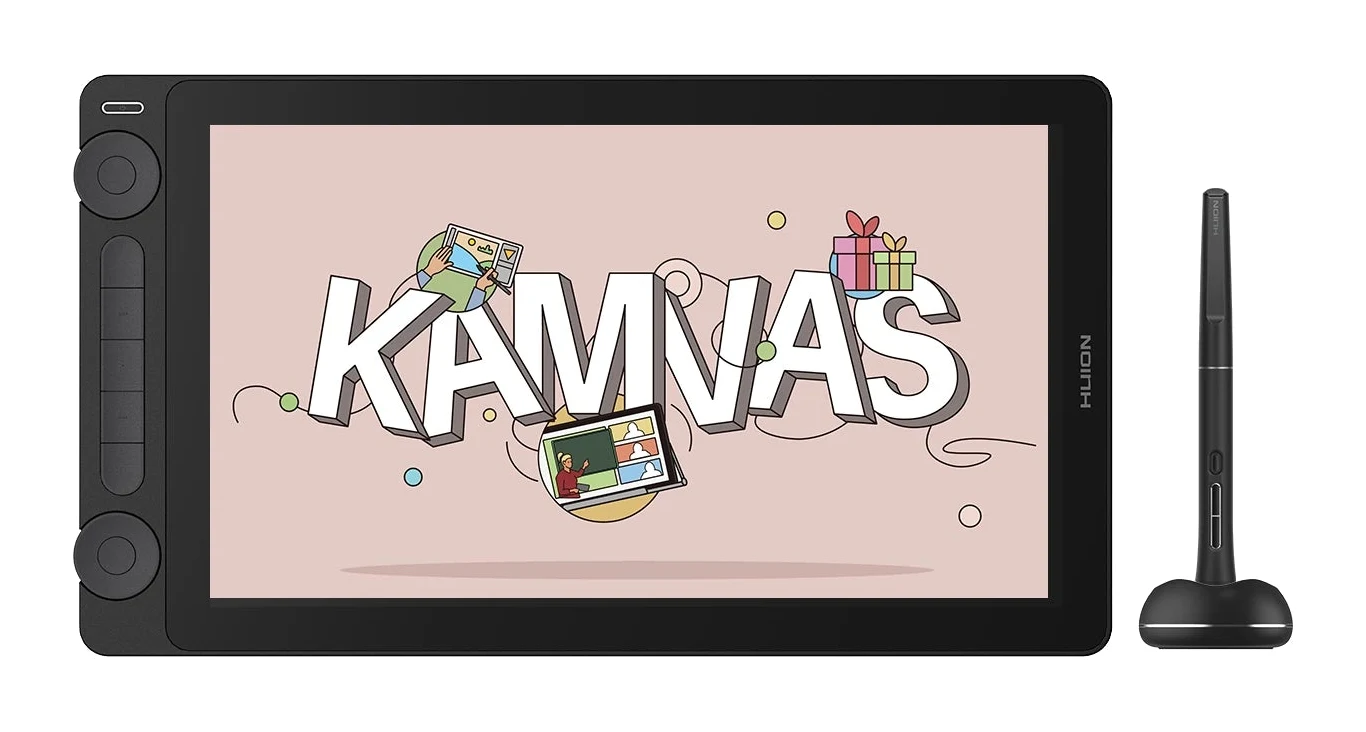
- Best ValueHuion Kamvas 13 Gen 3Why we picked it →
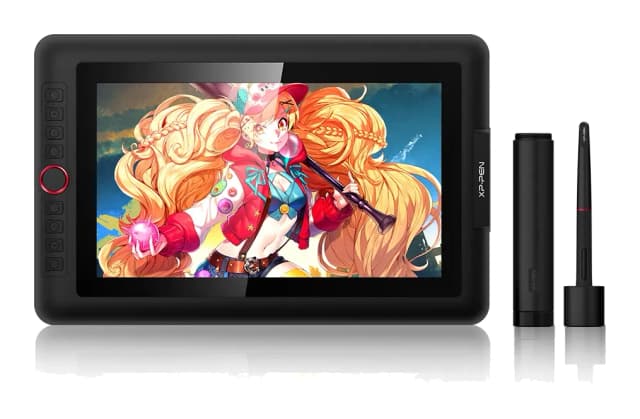
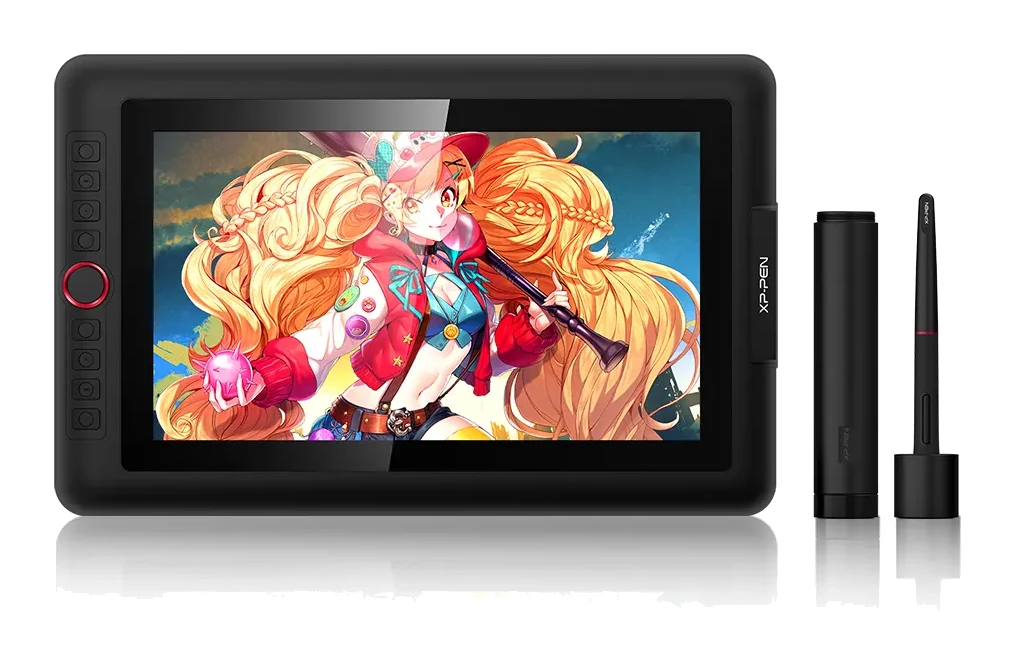
- Best BudgetXP-Pen Artist 13.3 ProWhy we picked it →
Frequently asked questions
Is the Amazon Fire HD 8 Kids (2024) worth it?
For parents of young children, reviewers say yes. The kid-proof case, 2-year Worry-Free Guarantee and parental controls are its strengths. It is less compelling if you want a sharp screen, Google Play apps or strong performance.
What age is the Fire HD 8 Kids (2024) for?
The recommended age is 3-7. Parental controls let you review activity, set time limits and prioritise learning apps.
Does the Fire HD 8 Kids (2024) have Google Play?
No. It runs Fire OS 8, and a common criticism is that the app selection is limited and there is no Google Play.
What does the 2-year Worry-Free Guarantee cover?
Amazon says it will replace the tablet free if it breaks during the 2-year guarantee period. Check Amazon's full terms before you buy to see exactly what is covered.
How long does the battery last?
Amazon rates the battery at up to 13 hours. Real-world time will vary with brightness and what your child is doing on it.
Can you add more storage to the Fire HD 8 Kids (2024)?
Yes. It has 64GB of internal storage and supports microSD cards up to 1TB. The card is sold separately.
Sources
Specs are taken from the manufacturers' official pages; expert recommendations from the publications below.
- Amazon Fire HD 8 Kids (2024): engadget.com, tabletpicnic.com, thetechshowdown.com, mumsnet.com
Related reviews & guides
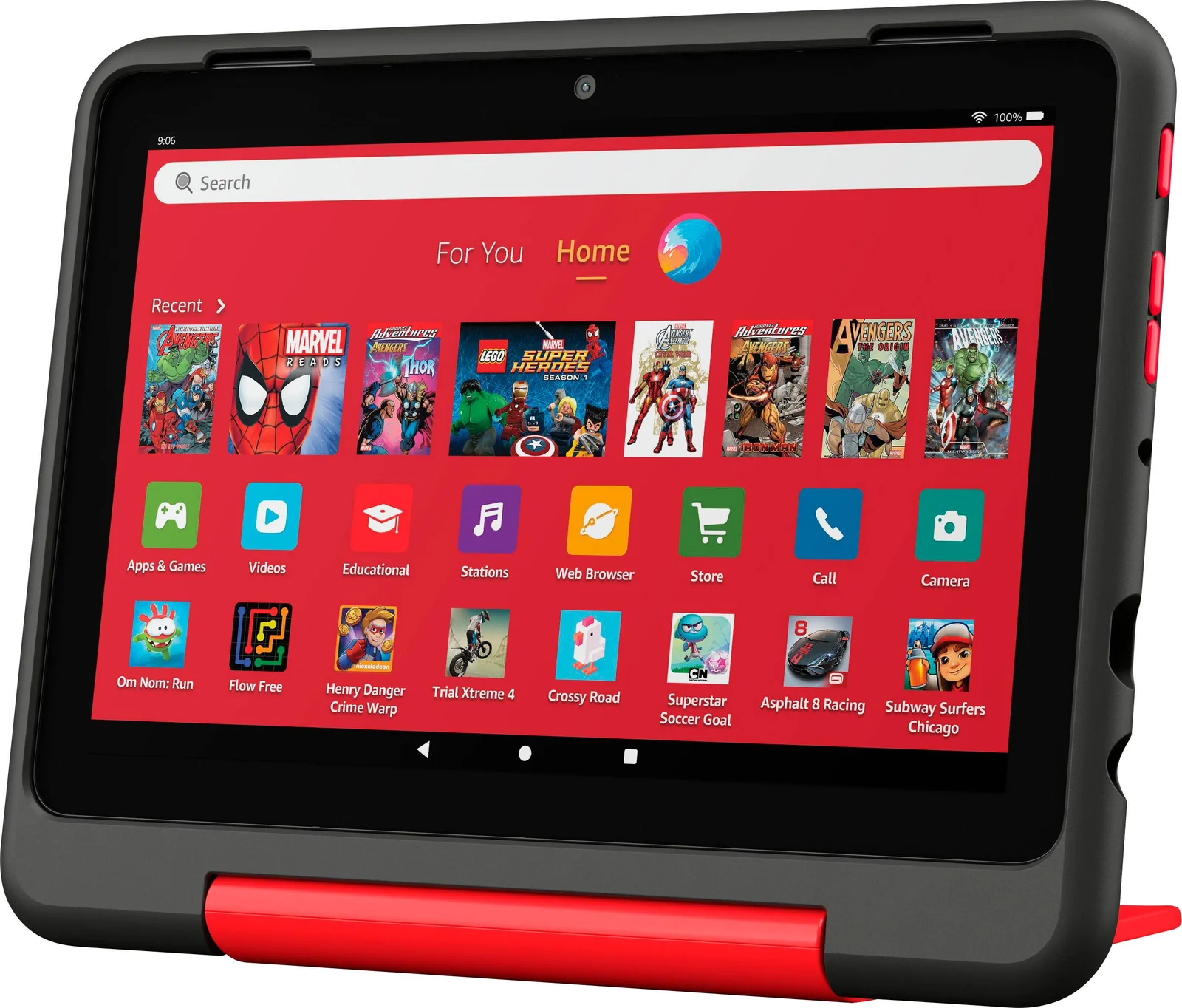
Amazon Fire HD 8 Kids Pro Review (2026): Grown-Up Case
A spec-based look at the Fire HD 8 Kids Pro: a slim case for kids aged 6-12, strong parental controls and long battery life, with a sluggish-multitasking trade-off.
Published Oct 28, 2026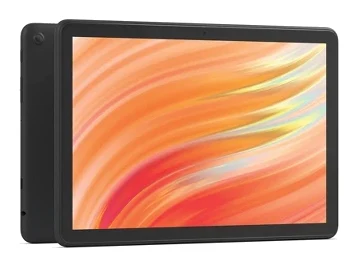
Amazon Fire HD 10 (2023) Review: Big Screen, Modest Power
A big-screen Fire tablet for streaming, reading and Alexa. We look at what the specs and expert reviews say about its screen, battery and limits.
Published Oct 29, 2026
Best Tablets for Kids 2026: Rugged, Portable & Long-Lasting
Our guide to the best tablets for kids compares five options on durability, parental controls, battery life, storage and screen size, from rugged Fire Kids models to compact and full-size iPads.
Published Oct 9, 2026