XP-Pen Artist 13.3 Pro Review (2026): Laminated but 1080p
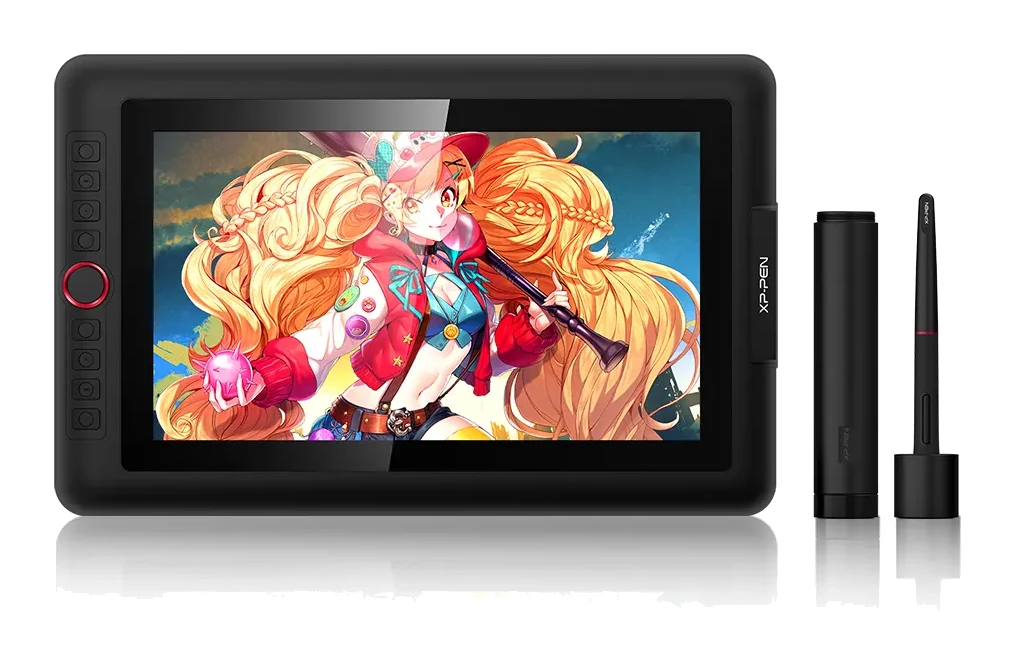
A look at the XP-Pen Artist 13.3 Pro, a portable laminated pen display with a battery-free stylus and wide colour gamut, and the cable and accessory compromises that come with it.
Research-based · We earn from qualifying purchases
Our verdict
The XP-Pen Artist 13.3 Pro is a responsive, colourful pen display that offers a cheaper route into drawing on-screen than Wacom. It suits hobbyists and aspiring digital artists, but those wanting a sharper screen, simpler cabling or sturdier accessories should look elsewhere.
The good
- Laminated 13.3-inch display keeps pen tip close to cursor with minimal parallax
- Responsive battery-free pen with 8,192 pressure levels and 60° tilt
- Wide gamut covers 123% sRGB and 91% Adobe RGB for colour work
- 8 shortcut keys plus a dial speed up zooming and brush sizing
- Slim 12.9mm body at about 1.15 kg is easy to travel with
+2 more
- 8 shortcut keys plus a dial speed up zooming and brush sizing
- Slim 12.9mm body at about 1.15 kg is easy to travel with
The bad
- 3-in-1 cable setup feels dated and fiddly compared with single USB-C
- Included stand, glove and some accessories feel flimsy
- Thick bezels, and a groove around the screen collects dust
- 1080p resolution and matte film limit fine detail sharpness
+1 more
- 1080p resolution and matte film limit fine detail sharpness
This XP-Pen Artist 13.3 Pro review looks at a pen display aimed at people who want to draw directly on a screen without stepping up to the most expensive names in the category. It sits in the mid-range part of the market and targets budget-minded digital artists who want a portable, colour-capable display. This review is based on the manufacturer's specifications and on what independent expert reviews report, not on our own hands-on testing.
XP-Pen Artist 13.3 Pro: specs at a glance
From the manufacturer- Tilt
- 60 Degrees
- Power
- DC 5V, 2A, 10W
- Weight
- approximately 1.15 kg
- Connection
- 3-in-1 cable (USB-C on the display end), 2 meters long
- Dimensions
- 390.4mm(L)*249.98mm(W)*12.9mm(H)
- Color gamut
- 88% NTSC, 123% sRGB, 91% Adobe RGB
- Report rate
- 220RPS (max)
- Screen size
- 13.3 inch
- Display area
- 293.76mm(H) x 165.24mm(V)
- Response time
- 14ms
- Shortcut keys
- 8 plus 1 roller wheel
- Viewing angle
- 178°
- Contrast ratio
- 1000:1
- Pen resolution
- 5080 LPI
- Pressure levels
- 8,192
- Display resolution
- 1920x1080 pixels
Key features
- Fully laminated 13.3-inch 1080p screen keeps the pen tip close to the cursor, with virtually no parallax
- Wide colour gamut: 88% NTSC, 123% sRGB, 91% Adobe RGB
- Battery-free PA2 stylus with 8,192 pressure levels and 60° tilt for shading
- 8 customizable shortcut keys plus a red dial for zooming and brush size
- Replaceable anti-glare film gives a paper-like feel and cuts reflections
- Slim 12.9mm body with a portable stand, pen case, 8 spare nibs and drawing glove in the box
- Works with Windows, macOS, Chrome OS and Linux, and with Photoshop, Krita, Clip Studio and other art software
Why people consider the XP-Pen Artist 13.3 Pro
A pen display lets you draw on the image itself instead of looking up at a monitor while your hand works on a separate tablet. That direct link is the main reason people choose one, and the Artist 13.3 Pro is built around it. It has a fully laminated 13.3-inch screen at 1920x1080 pixels, a battery-free stylus and a row of shortcut controls on the side of the body.
It also appeals to newcomers and hobbyists because it works with Windows, macOS, Chrome OS and Linux, and with art software such as Photoshop, Krita and Clip Studio. Independent reviewers describe it as a responsive, colourful way into on-screen drawing. The compromises are mostly in cabling, accessories and screen sharpness, which we cover below.
XP-Pen Artist 13.3 Pro Review: Design and Build
The body is slim at 12.9mm, and the listed dimensions are 390.4mm(L)*249.98mm(W)*12.9mm(H). It weighs approximately 1.15 kg. That makes it easy to slip into a bag, and reviewers single out its portability as a strength. The active display area is 293.76mm(H) x 165.24mm(V).
A common criticism is the bezels, which reviewers call thick. A groove around the screen also collects dust, so you may want to wipe it down now and then.
The accessories in the box are generous on paper. You get a portable stand, a pen case, 8 spare nibs and a drawing glove. Reviewers say the stand, the glove and some of the other extras feel flimsy. Treat them as a convenient starter kit. If you are particular about stand stability or ergonomics, you may eventually want to replace some of them.
The screen: laminated, colourful, but 1080p
Lamination and parallax
The headline feature is the fully laminated panel. Lamination removes the air gap between the glass and the display, which keeps the pen tip close to the cursor. XP-Pen says there is virtually no parallax. Reviewers praise this too. In practice it means your lines appear where the nib touches, so you spend less time compensating for an offset.
Colour
The listed colour gamut is 88% NTSC, 123% sRGB and 91% Adobe RGB. Reviewers praise the wide gamut for colour work. Other listed display figures are a 1000:1 contrast ratio, a 178° viewing angle and a 14ms response time.
Resolution and the matte film
The main limit is resolution. At 1080p on a 13.3-inch panel, fine detail is not as crisp as on sharper displays. Reviewers say the resolution and the matte film together limit sharpness. The replaceable anti-glare film gives a paper-like feel and cuts reflections. If you work at fine pixel level or zoom out to judge crisp edges, keep this in mind.
The pen and controls
The PA2 stylus is battery-free, so there is nothing to charge or replace. It supports 8,192 pressure levels and 60° of tilt for shading. The display lists a pen resolution of 5080 LPI and a maximum report rate of 220RPS. Higher pressure levels give smoother transitions between light and heavy strokes. Tilt support matters for shading and broad brush effects. Reviewers describe the pen as responsive.
The controls are practical. There are 8 customizable shortcut keys plus a red dial. The dial handles zooming and brush size, and the keys are customizable. Used well, these cut down on trips to the keyboard. Reviewers praise how much faster they make zooming and sizing brushes.
Connectivity and setup
This is the area reviewers criticise most. The display connects with a 3-in-1 cable, 2 meters long, with USB-C on the display end. Power is listed as DC 5V, 2A, 10W. Reviewers call the setup dated and fiddly compared with a single USB-C connection. A multi-part cable means more to plug in.
The upside is wide platform support. Windows, macOS, Chrome OS and Linux are all listed. That is useful if you move between machines or use an unusual setup. As with any pen display, check the ports on your computer before buying so you know whether you will need an adapter.
What experts like and what they criticise
Reviewers consistently praise four things:
- the laminated screen, which keeps the pen tip close to the cursor
- the responsive battery-free pen
- the wide colour gamut
- the shortcut keys and dial
The slim, travel-friendly body also gets credit.
A common criticism is the 3-in-1 cable, the flimsy stand and glove, the thick bezels and dust-collecting groove, and the 1080p resolution with matte film limiting fine detail. Nerd Techy scores the XP-Pen Artist 13.3 Pro 8.1/10. That is a solid score that matches the picture above: strong core drawing features, with a few practical compromises around them.
Who should buy it, and who should skip it
Buy it if you are a hobbyist or aspiring digital artist who wants to draw directly on a screen. It is a cheaper route into that than Wacom. It also suits you if you want good colour coverage, a pen that needs no battery, and a body light enough to carry around. The shortcut keys and dial make it comfortable for everyday illustration and editing.
Skip it if you want the sharpest possible image, since 1080p and a matte film will not satisfy detail-focused work. It is also not ideal if you want a simple one-cable setup, or if you expect sturdy accessories out of the box. If those points matter, look at other pen displays with higher resolution or simpler connectivity.
How it fits in the pen display category
In general terms, pen displays trade off screen quality, pen feel, cabling and price. The Artist 13.3 Pro puts its strengths in lamination, colour and pen response. The compromises are in resolution, cabling and accessory quality. It is best seen as an accessible, capable display for learning and hobby work, and for artists who prioritise how the pen feels over how sharp the screen is. We have no pen display buying guide to link to yet.
Verdict
The XP-Pen Artist 13.3 Pro does the important things well. The laminated screen keeps the pen close to the line you are drawing, the battery-free pen offers 8,192 pressure levels and 60° tilt, and the colour gamut is wide. The shortcut keys and dial add real convenience. The slim body makes it portable. Against that are the fiddly 3-in-1 cable, flimsy extras, thick bezels and a 1080p screen that limits fine detail. For budget-minded artists, those are reasonable compromises. If you want a more refined setup, it is worth looking elsewhere.
Related buying guides
- Best Tablet for Drawing in 2026: Pen Pads vs Pen Displays
- Best Tablets for Kids 2026: Rugged, Portable & Long-Lasting
- Apple iPad mini (A17 Pro) Review (2026): Pocketable Power
- Best E-Ink Writing Tablets 2026: Color, Paper Feel & Value
- Wacom Intuos Small Bluetooth Review (2026): Beginner Pick
- Wacom Cintiq 16 (DTK168K0A) Review (2026): Pen-Only Focus
- Amazon Fire HD 8 Kids Pro Review (2026): Grown-Up Case
- Amazon Fire HD 8 Kids (2024) Review: Tough First Tablet
Not sure about the XP-Pen Artist 13.3 Pro? Consider these
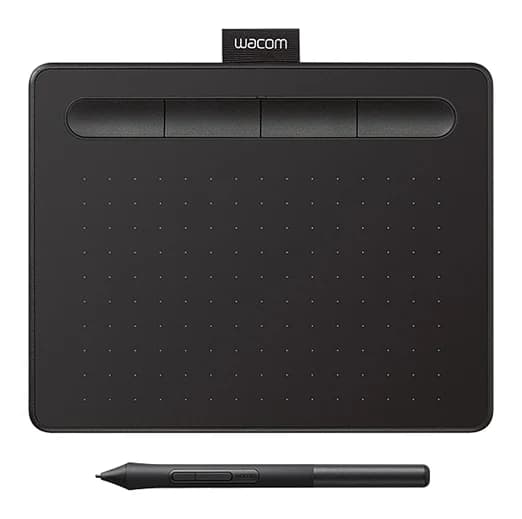
- Best OverallWacom Intuos SmallWhy we picked it →
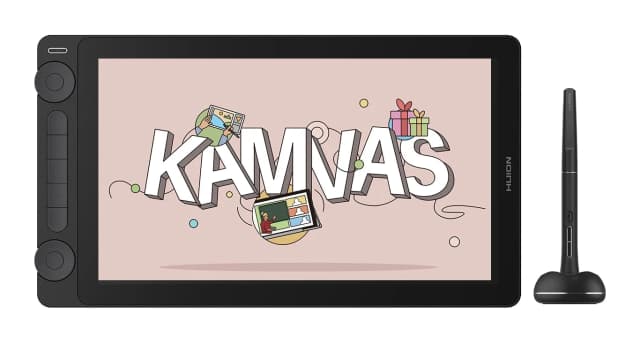
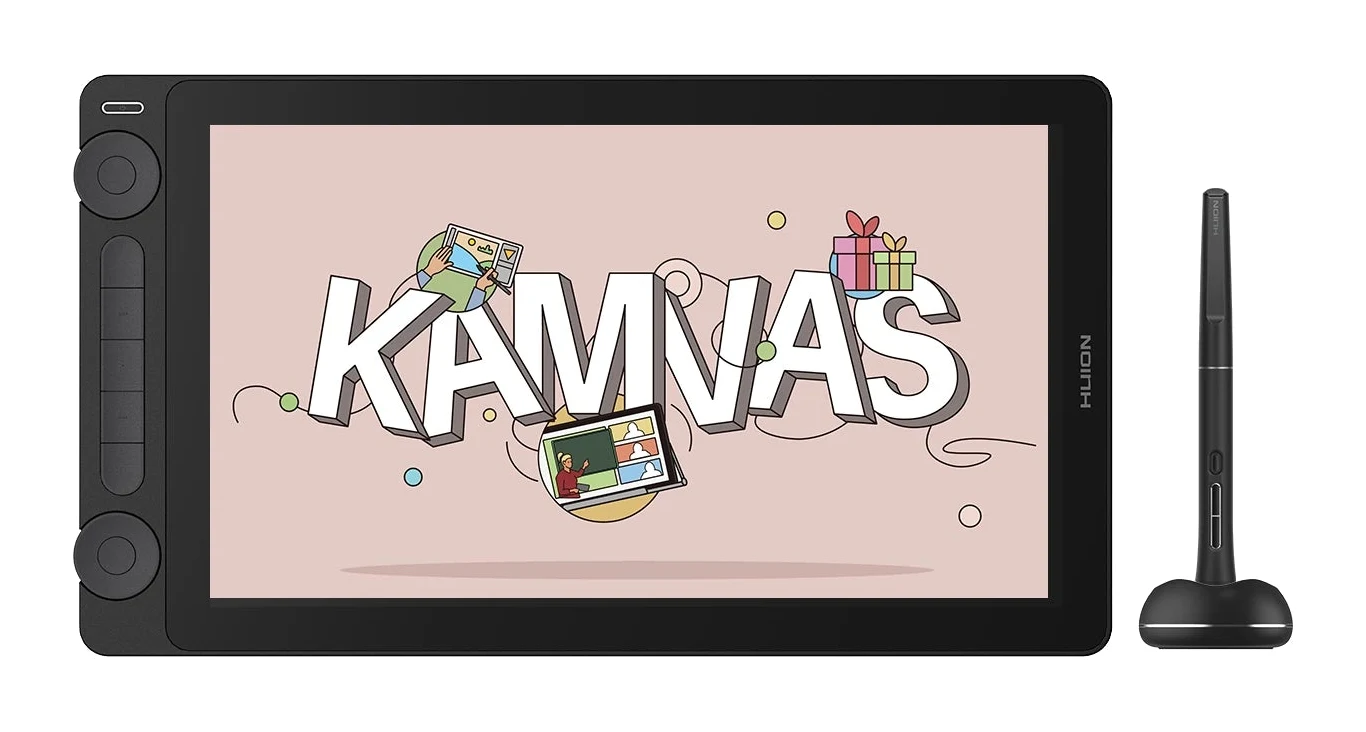
- Best ValueHuion Kamvas 13 Gen 3Why we picked it →
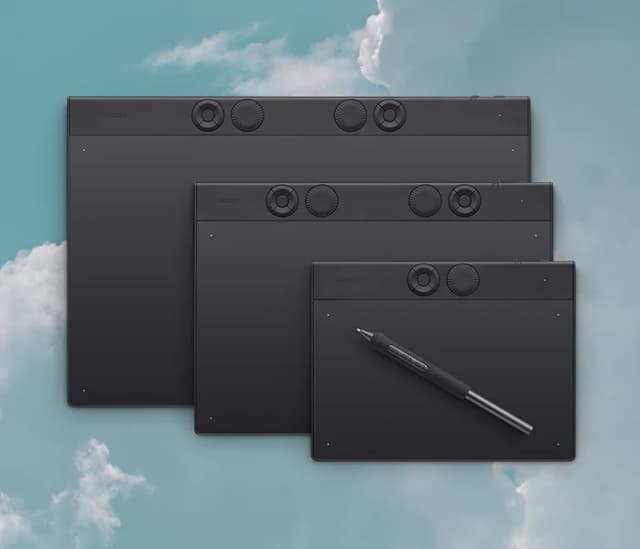
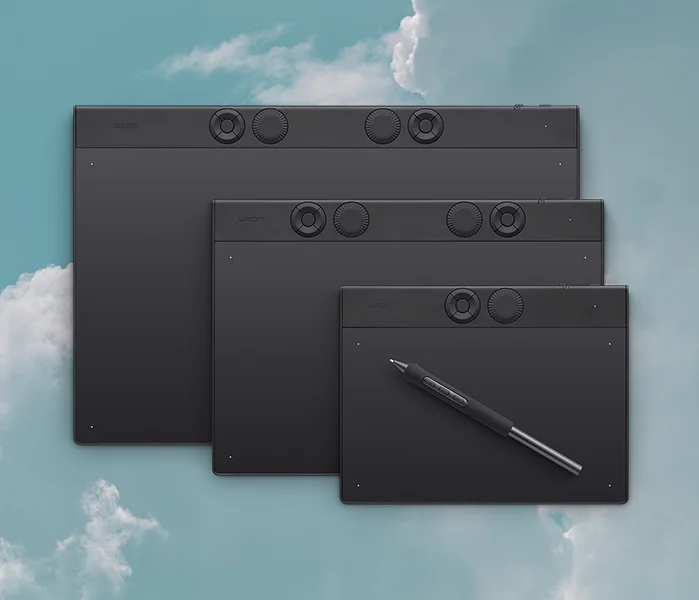
- Also GreatWacom Intuos Pro MediumWhy we picked it →
Frequently asked questions
Is the XP-Pen Artist 13.3 Pro worth it?
For hobbyists and aspiring digital artists, reviewers see it as a responsive, colourful pen display that offers a cheaper route into drawing on-screen than Wacom. It is less compelling if you want a sharper screen, simpler cabling or sturdier accessories.
Is the XP-Pen Artist 13.3 Pro laminated?
Yes. It has a fully laminated 13.3-inch 1080p screen that keeps the pen tip close to the cursor, with virtually no parallax.
Does the XP-Pen Artist 13.3 Pro work with Mac, Chromebook and Linux?
It works with Windows, macOS, Chrome OS and Linux. It is also listed as compatible with art software including Photoshop, Krita and Clip Studio.
Does the pen need batteries or charging?
No. The PA2 stylus is battery-free. It supports 8,192 pressure levels and 60° of tilt for shading.
How does the XP-Pen Artist 13.3 Pro connect to a computer?
It uses a 3-in-1 cable, 2 meters long, with USB-C on the display end. Reviewers find this setup dated and fiddly compared with a single USB-C connection.
What comes in the box with the XP-Pen Artist 13.3 Pro?
The listed contents include a portable stand, a pen case, 8 spare nibs and a drawing glove. Reviewers say the stand, the glove and some other accessories feel flimsy.
Sources
Specs are taken from the manufacturers' official pages; expert recommendations from the publications below.
- XP-Pen Artist 13.3 Pro: xp-pen.com, windowscentral.com, izptica.com
Related reviews & guides
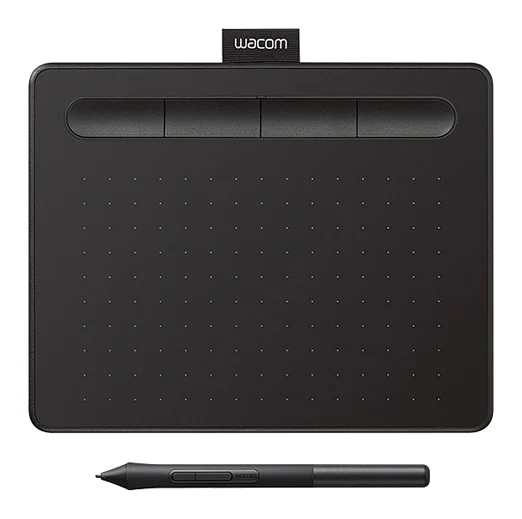
Best Tablet for Drawing in 2026: Pen Pads vs Pen Displays
Five drawing tablets from Wacom, Huion and XP-Pen, from a simple pen tablet to a premium pen display, compared on manufacturer specs and expert recommendations.
Published Oct 9, 2026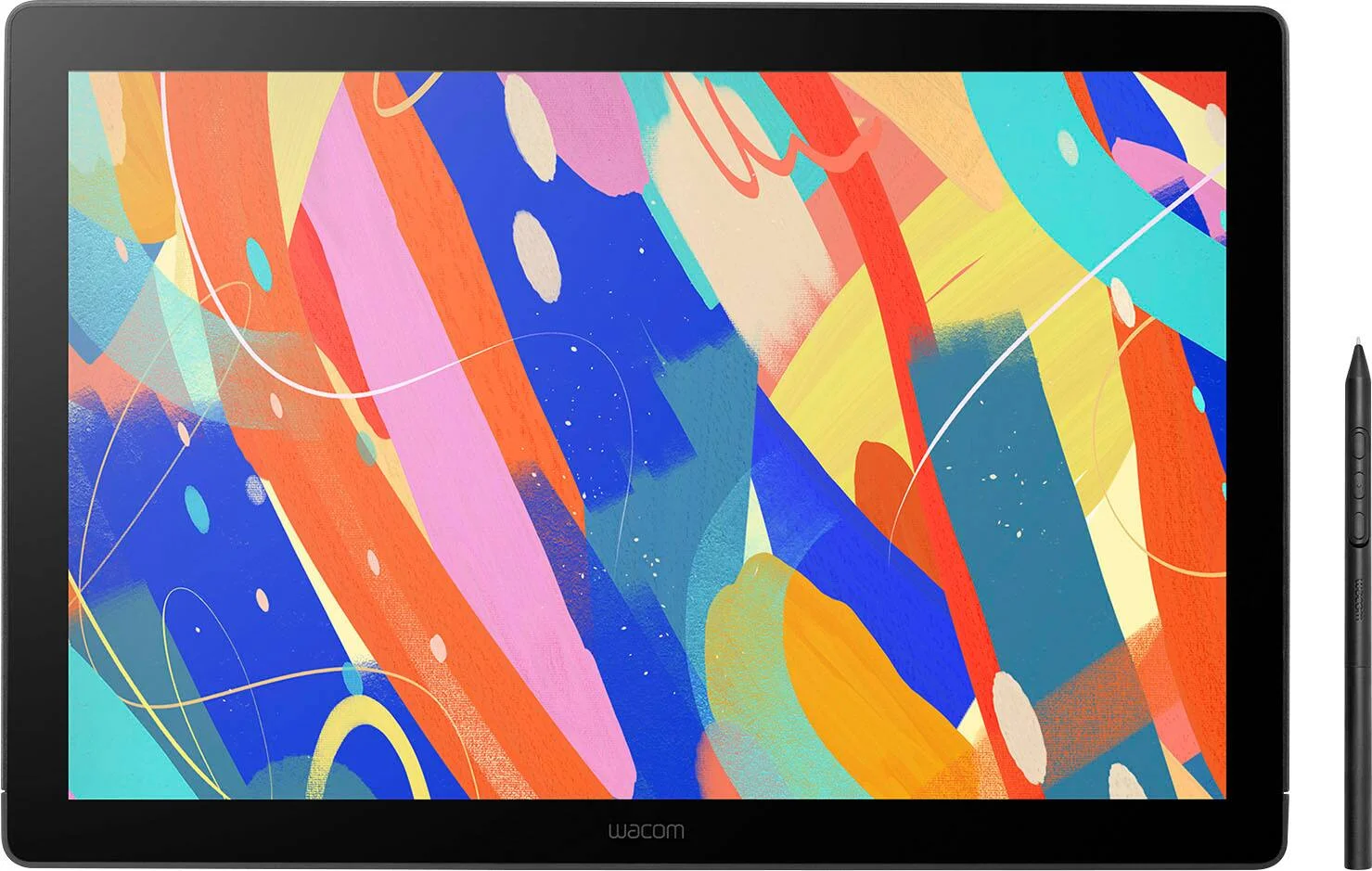
Wacom Cintiq 16 (DTK168K0A) Review (2026): Pen-Only Focus
A look at the Wacom Cintiq 16 (DTK168K0A): a slim, quiet pen display with a bonded etched-glass screen, Pro Pen 3 and wide color coverage, but no touch and no built-in shortcut keys.
Published Oct 28, 2026
Best Tablets for Kids 2026: Rugged, Portable & Long-Lasting
Our guide to the best tablets for kids compares five options on durability, parental controls, battery life, storage and screen size, from rugged Fire Kids models to compact and full-size iPads.
Published Oct 9, 2026