Wacom Cintiq 16 (DTK168K0A) Review (2026): Pen-Only Focus
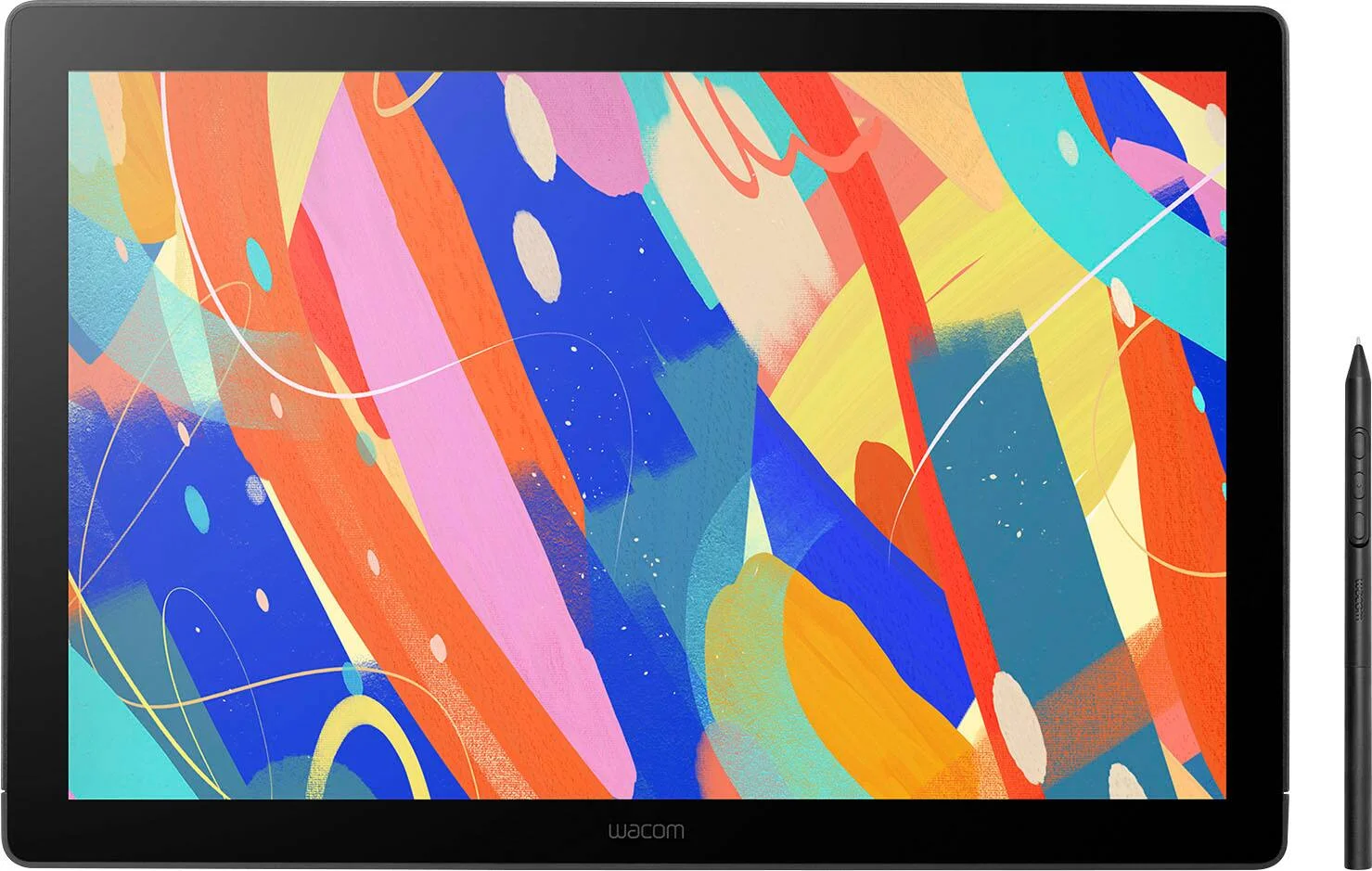
A look at the Wacom Cintiq 16 (DTK168K0A): a slim, quiet pen display with a bonded etched-glass screen, Pro Pen 3 and wide color coverage, but no touch and no built-in shortcut keys.
Research-based · We earn from qualifying purchases
Our verdict
The Cintiq 16 is a good fit for illustrators and photo editors who want a sharp, color-rich pen display with a natural pen feel at a mid-range price. Skip it if you want touch gestures, built-in shortcut keys, or a fully adjustable stand without extra purchases.
The good
- Sharp 2560 x 1600 16:10 IPS display suits detailed line work
- Battery-free Pro Pen 3 included, with tilt support and three programmable switches
- Bonded etched glass gives a pen-on-paper feel with minimal parallax
- Wide color coverage: 99% DCI-P3 and 100% sRGB
- Slim, fan-less body runs quietly and supports VESA arm mounting
+2 more
- Wide color coverage: 99% DCI-P3 and 100% sRGB
- Slim, fan-less body runs quietly and supports VESA arm mounting
The bad
- No multi-touch finger input
- No physical ExpressKeys, so you need on-screen controls or a separate remote
- Built-in legs give only a 20° angle, so the optional stand helps
- Mini HDMI cable is not included in the box
+1 more
- Mini HDMI cable is not included in the box
If you are searching for a Wacom Cintiq 16 (DTK168K0A) review, you are probably weighing a pen display against drawing directly on a tablet or sketching on a plain graphics pad. The Cintiq 16 sits in the mid-range part of the market. It is built for illustrators and photo editors who want to draw straight onto the image, with a sharp screen, wide color coverage and a battery-free pen in the box. It leaves out touch input and physical shortcut keys. This review is based on Wacom's manufacturer specs and on what independent expert reviews report, not on hands-on testing.
Wacom Cintiq 16 (DTK168K0A): specs at a glance
From the manufacturer- Pen
- Wacom Pro Pen 3, 8192 pressure levels, 60 degrees tilt, 5080 LPI
- Ports
- 1x mini HDMI (HDMI Type-C), 1x USB-C
- Touch
- No multi-touch
- Weight
- 2.0 kg / 4.5 lb
- Warranty
- 1 year
- Brightness
- 290cd/m2 (typ)
- Resolution
- 2560 x 1600 pixels (WQXGA, 16:10)
- Active area
- 345 x 215 mm / 13.6 x 8.5 in
- Color depth
- 8bit x RGB = 24bit
- Color gamut
- DCI-P3 99% (typ), sRGB 100% (typ)
- Screen size
- 16.0 in / 40.6 cm
- Contrast ratio
- 1400:1 (typ)
- Panel technology
- IPS, AG etched glass
- Response time (G2G)
- 12ms (typ)
- Dimensions (L x W x H)
- 259 x 384 x 15 mm / 10.2 x 15.1 x 0.6 in
Key features
- 2.5K (2560 x 1600) IPS display for sharp line work and detailed edits
- Wacom Pro Pen 3 included: battery-free, 8192 pressure levels, 3 programmable side switches
- Anti-glare optically bonded etched glass gives a pen-on-paper feel with near-zero parallax
- 99% DCI-P3 and 100% sRGB coverage for wide, vivid color
- Fan-less design for quiet operation and cooler surface temperatures
- Built-in fold-out legs give a 20° working angle out of the box
- 75x75 VESA mount support for monitor arms or the Wacom Adjustable Stand
- Slim, light body (15 mm thin) with USB-C connection, plus a pen holder that mounts to either side
What the Cintiq 16 is, and who it is for
The Cintiq 16 is a 16.0 in / 40.6 cm pen display. You connect it to a computer and draw directly on the screen. It is not a standalone tablet. It suits people who want a focused, quiet drawing surface for illustration and photo editing, and who are fine using the pen as their only input. It best suits illustrators wanting a quiet, color-accurate pen display without touch.
The flip side matters just as much. There is no multi-touch, no physical ExpressKeys and only a modest built-in stand. Whether those omissions bother you shapes the whole buying decision.
Design and build
The body is slim at 15 mm thick, with overall dimensions of 259 x 384 x 15 mm / 10.2 x 15.1 x 0.6 in. It weighs 2.0 kg / 4.5 lb.
The design is fan-less. Wacom lists quiet operation and cooler surface temperatures as benefits, and reviewers single out the quiet, slim body as a strength. For anyone who draws in a quiet room, or records or streams while working, the absence of fan noise is a practical advantage.
The working angle comes from built-in fold-out legs, which give a 20° angle out of the box. The legs give a single angle, so the optional stand helps if you want more. Two options widen the choices. The Cintiq 16 supports 75x75 VESA mounting, so you can fit a monitor arm. It also works with the Wacom Adjustable Stand. Either route adds cost, so factor that in if you want to draw at several angles.
A pen holder is included, and it mounts to either side of the display. The holder mounts to either side of the display.
The display
The screen is a 16.0 in IPS panel with a 2.5K resolution of 2560 x 1600 pixels (WQXGA, 16:10). On a screen this size, that resolution gives sharp line work and room to see fine detail while editing.
Color is a headline strength. The panel covers 99% DCI-P3 (typ) and 100% sRGB (typ). That is wide color coverage, and it matters most to people who finish work digitally or who retouch photos. Reviewers repeatedly praise the color coverage. Color depth is listed as 8bit x RGB = 24bit, so it is not a 10-bit panel, which is worth knowing if you work with very smooth gradients.
Other panel figures are:
- brightness of 290cd/m2 (typ)
- contrast ratio of 1400:1 (typ)
- response time of 12ms (typ)
These are the numbers of a working drawing display, not a gaming or HDR panel. The brightness figure is something to bear in mind if you work beside a bright window.
Etched glass and parallax
The surface is anti-glare, optically bonded etched glass. Wacom says this gives a pen-on-paper feel with near-zero parallax. Parallax is the gap between the pen tip and the line that appears under it, and bonding the glass to the panel keeps that gap very small. Reviewers praise the natural pen feel and the minimal parallax. The etched surface also cuts glare, which is useful in a room with overhead lighting.
The Wacom Pro Pen 3
The Wacom Pro Pen 3 is included, so there is no extra pen purchase to make. It is battery-free, which means no charging and no battery to replace. Its specs are:
- 8192 pressure levels
- 60 degrees tilt
- 5080 LPI
Tilt support is useful for shading and brush work in illustration software. The pen also has 3 programmable side switches, and you can set each to a shortcut you reach for often, such as undo or a tool swap. Reviewers praise the included pen, including its tilt support and the programmable switches.
Connectivity and day-to-day use
The Cintiq 16 has two ports: 1x mini HDMI (HDMI Type-C) and 1x USB-C. One practical point: the mini HDMI cable is not included in the box. If your computer does not give you a way to connect without it, budget for that cable before you start. Reviewers raise this as a common criticism, and it is easy to overlook.
The fuller day-to-day picture comes from the missing controls:
- No multi-touch. You cannot pinch, zoom or rotate with your fingers. The pen does all the work. If you like to zoom and pan with gestures, you will need keyboard shortcuts or the pen switches instead.
- No physical ExpressKeys. There are no built-in shortcut buttons, so you rely on the pen switches, on-screen controls, or a separate remote. Heavy shortcut users should plan for that.
Both points are limitations of this display, so check that they fit how you work. If finger input is a must, look at a pen display that supports touch, since the Cintiq 16 has no multi-touch.
What experts like and what they criticise
Reviewers consistently praise five things:
- The sharp 2560 x 1600 16:10 IPS display for detailed line work.
- The included battery-free Pro Pen 3, with tilt support and three programmable switches.
- The bonded etched glass, which gives a pen-on-paper feel with minimal parallax.
- The wide 99% DCI-P3 and 100% sRGB coverage.
- The slim, fan-less body, which runs quietly and supports VESA arm mounting.
The common criticisms are equally consistent: no multi-touch, no physical ExpressKeys, a 20° built-in angle that makes the optional stand attractive, and a mini HDMI cable that is not in the box.
Who should buy it
The Cintiq 16 is a good match if you:
- draw or paint and want to work directly on the image
- retouch photos and care about wide color coverage
- work in a quiet space and want a fan-less display
- are happy to use pen-only input
- plan to use a monitor arm, or are willing to add the Wacom Adjustable Stand
Who should skip it
Look elsewhere if you:
- want touch gestures such as pinch and rotate
- want built-in shortcut keys and do not want to buy a remote
- need a fully adjustable stand without extra purchases
- do not want to buy a mini HDMI cable on top of the display
How it fits in its category
In general terms, pen displays trade off screen size, resolution, color coverage and extras such as touch and shortcut keys. The Cintiq 16 puts its weight on the drawing surface itself: a sharp panel, good color coverage, a quality pen and a natural-feeling glass top. It gives up convenience features to do that. That is a sensible approach for people who care most about the drawing experience, and a frustrating one for people who want an all-in-one workstation.
Verdict
The Cintiq 16 (DTK168K0A) is a focused, well-specified pen display for illustrators and photo editors. The sharp 2560 x 1600 screen, bonded etched glass, included Pro Pen 3 and wide color coverage make a strong case for the core job, and the slim, fan-less body is pleasant to live with. The missing touch input, the lack of ExpressKeys, the limited 20° built-in angle and the absent mini HDMI cable are the costs. If those trade-offs fit how you work, it is an easy display to recommend. If not, it is worth looking at alternatives before committing.
Related buying guides
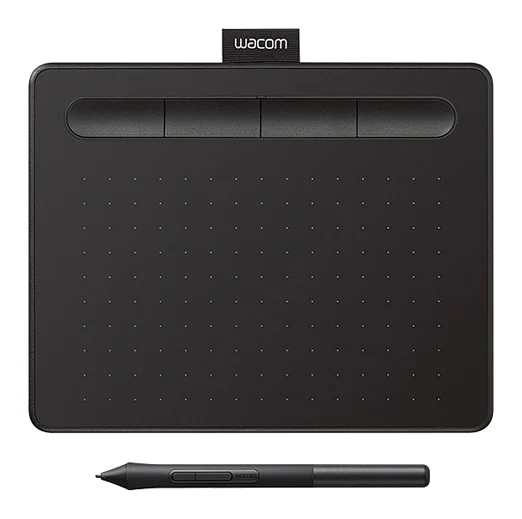
- Wacom Intuos Small Bluetooth Review (2026): Beginner Pick
- Best Tablet for Drawing in 2026: Pen Pads vs Pen Displays
- XP-Pen Artist 13.3 Pro Review (2026): Laminated but 1080p
- Best Tablets for Kids 2026: Rugged, Portable & Long-Lasting
- Amazon Fire HD 8 Kids (2024) Review: Tough First Tablet
- Apple iPad mini (A17 Pro) Review (2026): Pocketable Power
- Samsung Galaxy Tab A11+ Review (2026): Years of Updates
- Amazon Fire HD 8 Kids Pro Review (2026): Grown-Up Case
Not sure about the Wacom Cintiq 16 (DTK168K0A)? Consider these
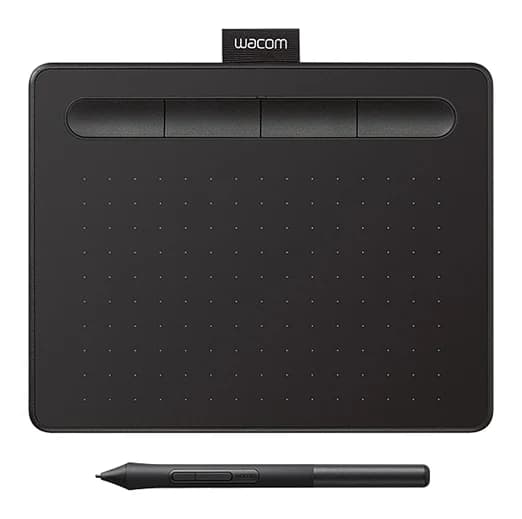
- Best OverallWacom Intuos SmallWhy we picked it →
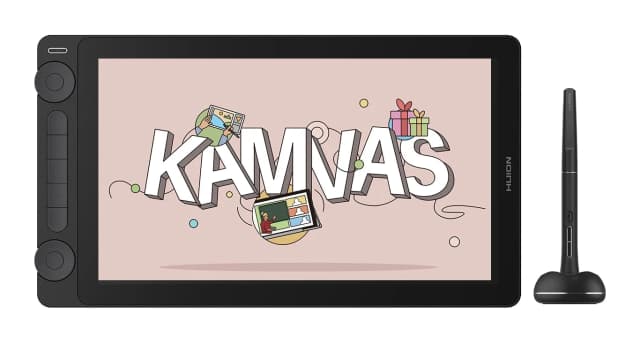
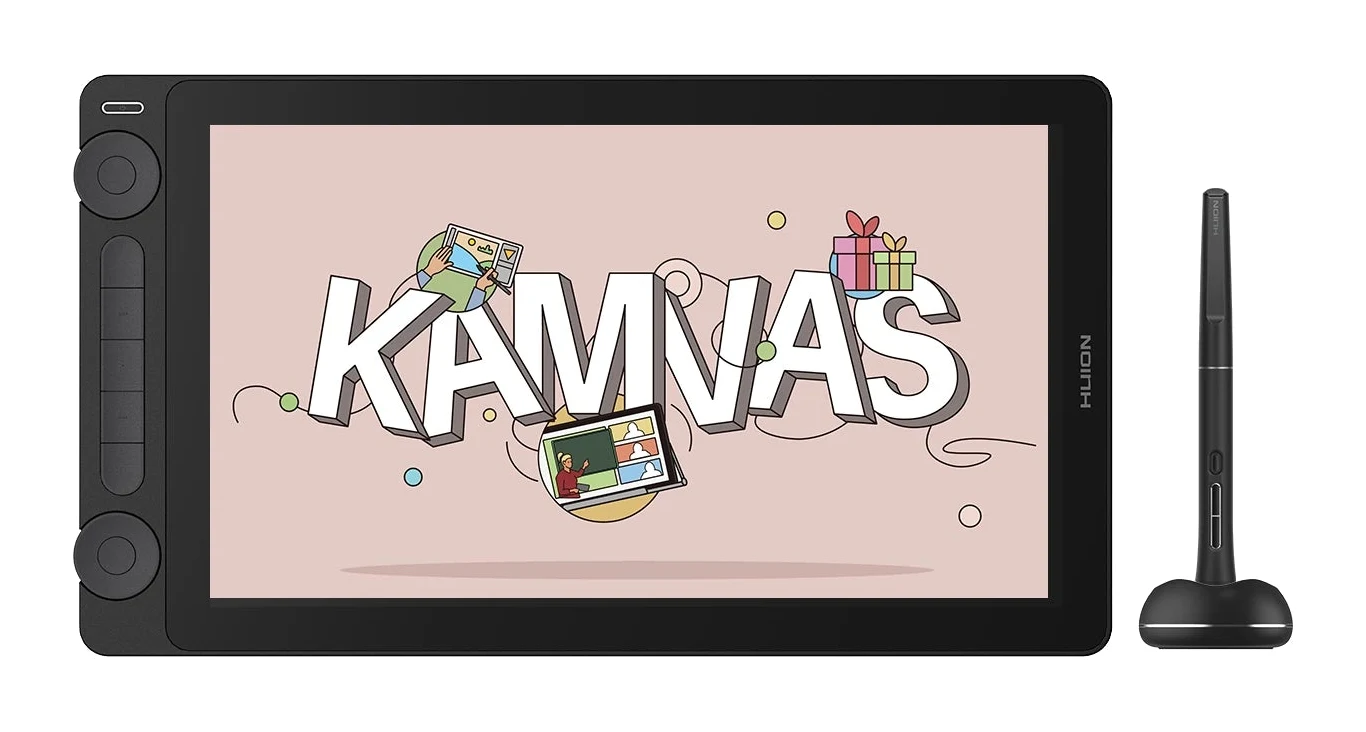
- Best ValueHuion Kamvas 13 Gen 3Why we picked it →
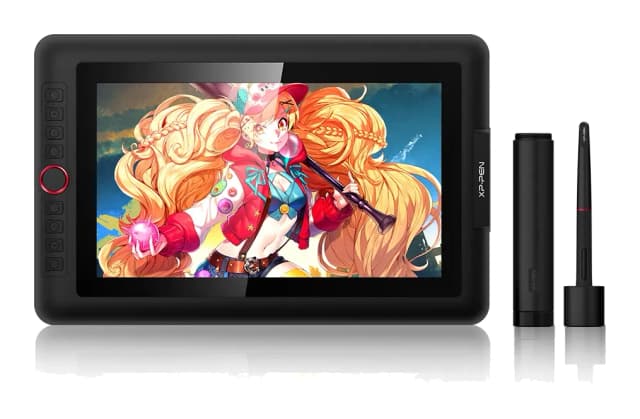
- Best BudgetXP-Pen Artist 13.3 ProWhy we picked it →
Frequently asked questions
Is the Wacom Cintiq 16 (DTK168K0A) worth it?
For illustrators and photo editors who want a sharp, color-rich pen display with a natural pen feel at a mid-range price, reviewers say yes. It is less appealing if you want touch gestures, built-in shortcut keys or a fully adjustable stand without extra purchases.
Does the Wacom Cintiq 16 support touch?
No. The specs list no multi-touch, so the pen is the only input. You cannot use finger gestures such as pinch-to-zoom.
Does the Cintiq 16 come with a pen?
Yes. The Wacom Pro Pen 3 is included. It is battery-free, offers 8192 pressure levels and 60 degrees tilt, and has 3 programmable side switches.
Does the Cintiq 16 have ExpressKeys?
No. It has no physical ExpressKeys, so you rely on the pen's programmable switches, on-screen controls or a separate remote for shortcuts.
What color coverage does the Wacom Cintiq 16 offer?
The panel is rated at 99% DCI-P3 (typ) and 100% sRGB (typ), with 8bit x RGB = 24bit color depth.
Can I mount the Cintiq 16 on a monitor arm?
Yes. It supports 75x75 VESA mounting, so it works with monitor arms or the Wacom Adjustable Stand. The built-in fold-out legs give a 20° working angle.
What cable do I need to connect the Cintiq 16?
The display has 1x mini HDMI (HDMI Type-C) and 1x USB-C ports. The mini HDMI cable is not included in the box, so you may need to buy one.
Sources
Specs are taken from the manufacturers' official pages; expert recommendations from the publications below.
- Wacom Cintiq 16 (DTK168K0A): estore.wacom.com, bhphotovideo.com, coolgraphicstuff.com, newegg.com
Related reviews & guides
Wacom Intuos Small Bluetooth Review (2026): Beginner Pick
A light, portable starter tablet with a battery-free pen. We look at where the small active area and Bluetooth connection help or hold you back.
Published Oct 28, 2026Best Tablet for Drawing in 2026: Pen Pads vs Pen Displays
Five drawing tablets from Wacom, Huion and XP-Pen, from a simple pen tablet to a premium pen display, compared on manufacturer specs and expert recommendations.
Published Oct 9, 2026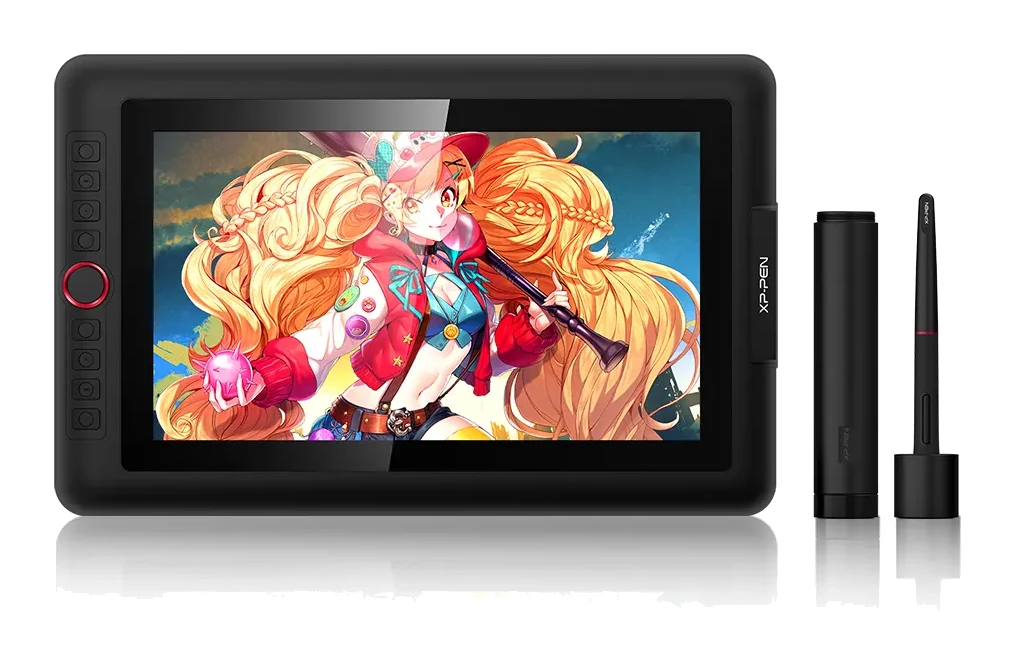
XP-Pen Artist 13.3 Pro Review (2026): Laminated but 1080p
A look at the XP-Pen Artist 13.3 Pro, a portable laminated pen display with a battery-free stylus and wide colour gamut, and the cable and accessory compromises that come with it.
Published Oct 28, 2026