Amazon Kindle Scribe (3rd Gen, 2025) Review: Reader First
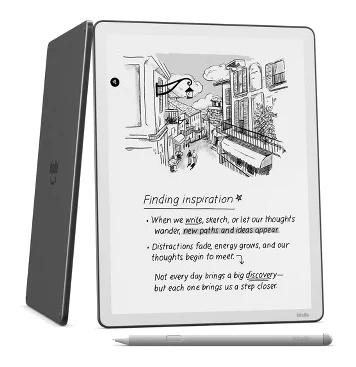
A look at the 2025 Kindle Scribe: a sharp, fast 11-inch E Ink tablet that reads better than it takes notes, based on Amazon's specs and what independent experts report.
Research-based · We earn from qualifying purchases
Our verdict
The Kindle Scribe is a fast, sharp, well-built E Ink tablet for Kindle readers who also want to handwrite notes and sync with cloud services. Buyers who need strong note-taking tools or a lower price should look at rivals or skip it.
The good
- Sharp 11-inch 300 ppi E Ink display reads and writes very well
- Quad-core processor gives snappy page turns and low pen lag
- Thin 5.4 mm, 400 g aluminum body feels sturdy
- Battery-free Premium Pen with eraser feels good to write with
- Google Drive and OneDrive import plus handwriting search add real utility
+2 more
- Battery-free Premium Pen with eraser feels good to write with
- Google Drive and OneDrive import plus handwriting search add real utility
The bad
- Annotating text is clunky and note-taking tools trail rivals
- Tall body is awkward to hold, and slim bezels invite accidental page turns
- No microSD slot, and system software uses much of the 32GB
This Amazon Kindle Scribe (3rd Generation, 2025) review looks at an 11-inch E Ink tablet that tries to be two things at once: a large-screen Kindle and a digital notebook. It suits Kindle readers who want a bigger, more premium screen and would like to handwrite notes, sync documents from the cloud and keep everything on a paper-like display. It sits in the mid-range part of the market.
This review is based on Amazon's published specifications and on what independent expert reviews report. We have not tested the device hands-on.
Amazon Kindle Scribe (3rd Generation, 2025): specs at a glance
From the manufacturer- Pen
- Premium Pen, battery-free, five replacement tips included
- Colour
- Graphite
- Weight
- 400g (without case and stylus)
- Display
- 11-inch E Ink Carta 1300, 300 ppi, 16-level grayscale
- Storage
- 32GB or 64GB (no microSD slot)
- Charging
- USB-C, empty to full in 2.5 hours with a 20W adapter (adapter not included)
- Processor
- Quad-core (undisclosed)
- Dimensions
- 189 x 245 x 5.4 mm (7.4 x 9.6 x 0.21 inches)
- Resolution
- 1980×2640
- Front light
- Warm and cool, with ambient light sensor
- Battery life
- Up to 12 weeks reading, up to 3 weeks writing
- Connectivity
- Wi-Fi 2.4GHz + 5GHz, Bluetooth 5.1
- Peak brightness
- 100 nits
- Water protection
- None
Key features
- 11-inch glare-free 300 ppi E Ink display for reading and handwriting
- Battery-free Premium Pen with built-in eraser and shortcut button
- Textured glass for a pen-on-paper writing feel
- Quad-core processor for fast page turns and low writing lag
- AI search across handwritten notes, plus Send to Alexa+
- Google Drive and Microsoft OneDrive import, with OneNote export
- Warm and cool front light with auto-brightness sensor
- Thin 5.4 mm, 400 g aluminum body with even bezels
What the Kindle Scribe is trying to be
The Scribe is built around an 11-inch E Ink Carta 1300 display with a 1980×2640 resolution and 300 ppi. It shows 16 levels of grayscale and has a glare-free finish. That puts the emphasis on reading comfort first, and the handwriting features sit on top of that.
The extras are where it differs from a standard e-reader. You get a battery-free Premium Pen with a built-in eraser and a shortcut button, AI search across handwritten notes, a Send to Alexa+ feature, and import from Google Drive and Microsoft OneDrive, with export to OneNote. Together these make it a reading device that can also handle light document work, rather than a full note-taking tablet.
Expert coverage is positive overall. It averages 8.6/10 across 2 expert reviews: Good e-Reader scores it 4.4/5 and Technerdo gives it 8.4/10. It is also recommended in 3 expert buying guides. Reviewers praise the screen, speed and build, and a common criticism is that the note-taking tools and the price hold it back.
Design and build
Amazon describes an aluminum body that is 5.4 mm thin and weighs 400 g without a case or stylus. The dimensions are 189 x 245 x 5.4 mm, with even bezels on all sides. Reviewers say the thin aluminum construction feels sturdy, which matters on a screen this large.
The design has a downside that experts raise. The body is tall, and reviewers find it awkward to hold for long reading sessions. The slim bezels also leave little room for your thumb, so accidental page turns are a common complaint. If you read one-handed in bed or on a commute, that is worth thinking about. A larger screen is better for documents and handwriting, but it makes the device less pocketable and less comfortable than a small e-reader.
There is no water protection, so you shouldn't treat it as a poolside or bath-time reader. The Graphite colour is the only finish listed.
The display and reading experience
The 300 ppi E Ink panel is the main reason to consider the Scribe. At 11 inches, text and page layouts have room to breathe. That helps with documents and page layouts that get cramped on smaller screens. Reviewers consistently say the display reads and writes very well.
The front light is warm and cool, with an ambient light sensor for auto-brightness. The light can be set warm or cool, and the sensor handles auto-brightness. Peak brightness is listed at 100 nits.
The quad-core processor is credited with fast page turns and low pen lag. Amazon doesn't disclose which chip it is, so there is no clock speed or chip name to quote. What matters in daily use is that reviewers describe the device as snappy. On large E Ink screens, slow page turns and laggy ink are a frequent annoyance, so this is a real strength.
Writing and note-taking
The Premium Pen is battery-free, so there is nothing to charge or replace. It has a built-in eraser and a shortcut button, and five replacement tips are included. The textured glass is meant to give a pen-on-paper feel, and reviewers say the pen feels good to write with.
This is also where the criticism begins. Experts say annotating text is clunky and that the note-taking tools trail rivals. That fits the way the Scribe is positioned: it is a Kindle that writes, not a notebook that reads. Reviewers say annotating text is clunky, so check that the note-taking tools meet your needs. If you want advanced organisation, heavy markup of documents or a full digital notebook workflow, reviewers suggest looking elsewhere.
There are useful touches. AI search across handwritten notes can save time when your notes pile up. Google Drive and OneDrive import let you bring documents onto the screen, and export to OneNote gets your notes into a wider workflow. Reviewers see the cloud integration and handwriting search as real utility, and they are among the better reasons to pick the Scribe over a plain e-reader.
Battery, storage and connectivity
Amazon quotes up to 12 weeks of reading and up to 3 weeks of writing on a charge. As with all battery claims, your results depend on brightness, Wi-Fi use and how much you write, but the gap between reading and writing tells you that heavy pen use costs more power. Charging is by USB-C, and Amazon lists empty to full in 2.5 hours with a 20W adapter. The adapter is not included, so you may need to supply your own.
Storage comes in 32GB or 64GB, and there is no microSD slot. Reviewers point out that the system software takes up a lot of the 32GB model. If you plan to keep many documents, handwritten notebooks and a large book library on the device, the 64GB version is the safer pick. Whichever you choose, you can't expand it later.
Connectivity is Wi-Fi on 2.4GHz and 5GHz bands, plus Bluetooth 5.1. Send to Alexa+ is listed among the features, which suits people who like to move between reading and listening.
What experts like and what they criticise
Praise
Reviewers praise the sharp 11-inch display for both reading and writing, and they call out the quad-core processor for snappy page turns and low pen lag. The thin aluminum body feels sturdy, the battery-free Premium Pen with eraser feels good to write with, and the Google Drive and OneDrive import and handwriting search add practical value.
Criticism
Price is one of the criticisms. Reviewers say that at this level it is hard to justify against an 11-inch iPad Air. Annotating text is described as clunky, and the note-taking tools trail those of rivals. The tall body is awkward to hold, the slim bezels invite accidental page turns, and the lack of a microSD slot combined with system software that uses much of the 32GB is a drawback on the smaller model.
Who should buy it, and who should skip it
Buy it if you are already invested in Kindle books and want a larger, sharper E Ink screen. It also makes sense if you want to handwrite notes now and then, or if you want to pull documents in from Google Drive or OneDrive and read them without the eye strain of a bright tablet. It is also a good fit if long battery life matters more to you than a feature-rich note app.
Skip it if note-taking is your main goal, because experts say the tools lag behind rivals. Skip it too if you want a device you can comfortably hold one-handed, if you need expandable storage, or if you want a device that does everything. If the price makes you wince, remember that reviewers explicitly compare it with a full tablet and find it hard to justify.
How it fits in the E Ink category
The Scribe is a mid-range, premium-feeling E Ink reader with handwriting added. In general terms, large-screen E Ink devices split into reader-first products and notebook-first products. The Scribe leans towards the first group: it has the display quality and library of a Kindle, with handwriting added in a way that is useful but not class-leading. Think about which of those two jobs you will do more often.
Amazon Kindle Scribe (3rd Generation, 2025) review: the verdict
The Kindle Scribe is a fast, sharp and sturdy 11-inch E Ink tablet. Its strengths are the display, the responsive processor, the pen and the cloud integrations. Its weaknesses are the note-taking tools, the awkward tall body, the storage limits and a price that invites comparison with full tablets. If you are a committed Kindle reader who wants to scribble and sync, it is an easy device to like. If note-taking is your priority, or you want a lower price, weigh up the alternatives before you buy.
Related buying guides
Not sure about the Amazon Kindle Scribe (3rd Generation, 2025)? Consider these
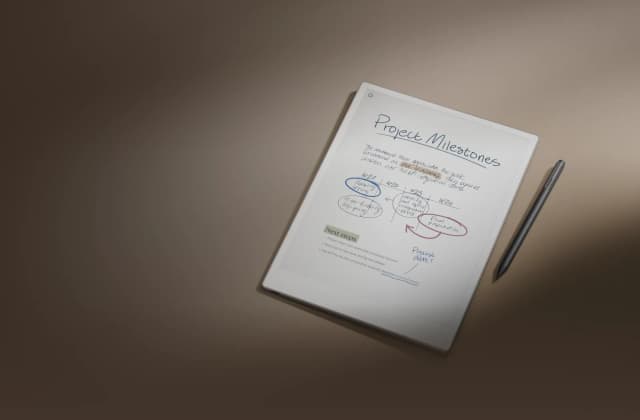
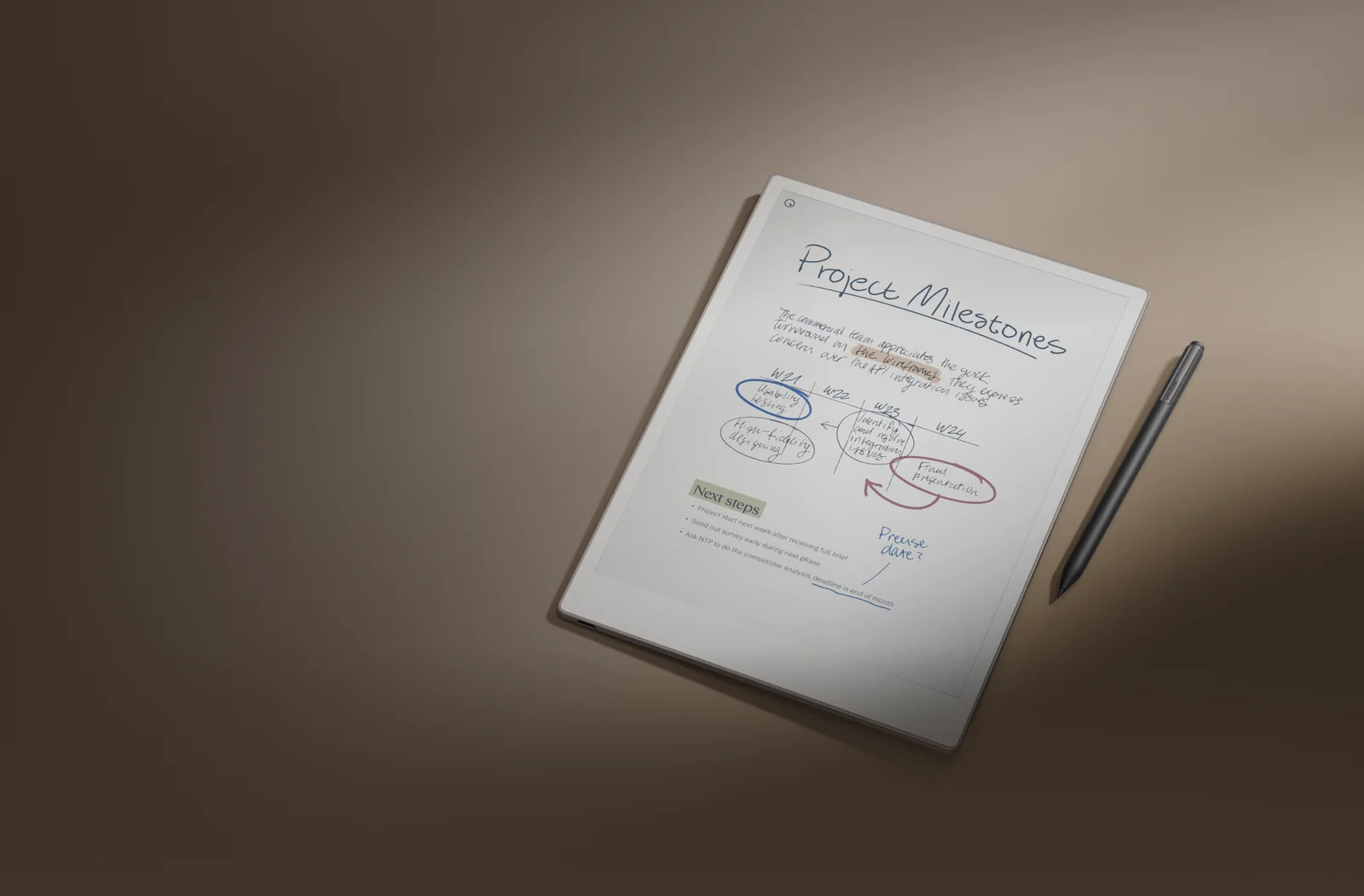
- Best OverallreMarkable Paper ProWhy we picked it →
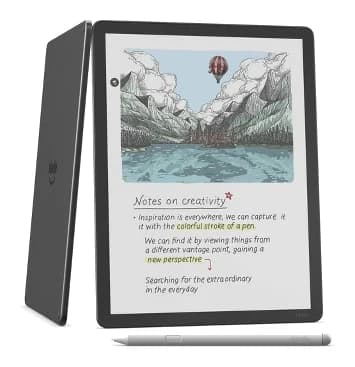
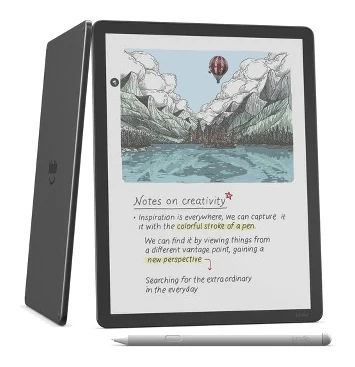
- Premium PickAmazon Kindle Scribe ColorsoftWhy we picked it →
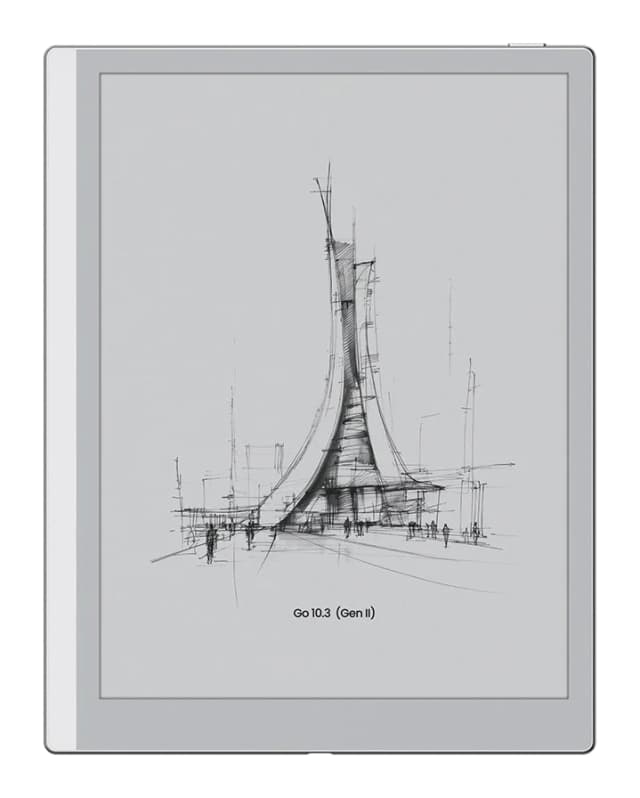
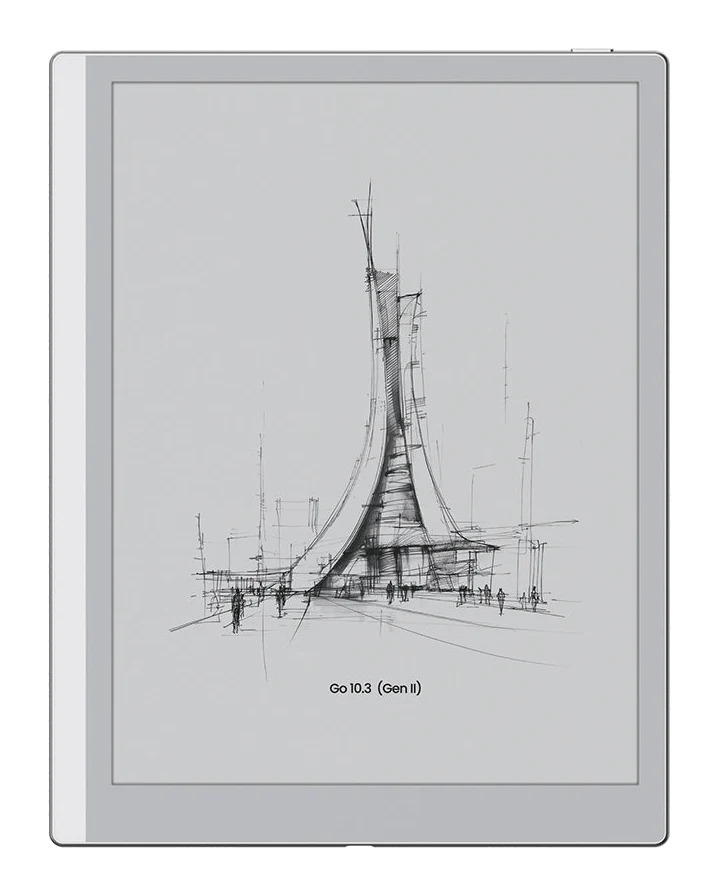
- Best BudgetOnyx Boox Go 10.3 (Gen II)Why we picked it →
Frequently asked questions
Is the Amazon Kindle Scribe (2025) worth it?
It is worth considering if you are a Kindle reader who wants a large, sharp E Ink screen with handwriting and cloud document import. Reviewers say it reads and writes very well, but they find the price hard to justify against an 11-inch iPad Air and say its note-taking tools trail rivals. It averages 8.6/10 across 2 expert reviews.
How good is the Kindle Scribe's display?
It is an 11-inch E Ink Carta 1300 display with 300 ppi, a 1980×2640 resolution and 16 levels of grayscale. It has a glare-free finish and a warm and cool front light with an ambient light sensor. Reviewers praise it for both reading and writing.
How long does the Kindle Scribe's battery last?
Amazon quotes up to 12 weeks of reading and up to 3 weeks of writing. Real-world results depend on brightness, wireless use and how much you write. It charges over USB-C, and Amazon lists empty to full in 2.5 hours with a 20W adapter, which is not included.
Does the Kindle Scribe have expandable storage?
No. It comes in 32GB or 64GB versions and has no microSD slot. Reviewers note that system software takes up much of the 32GB model, so heavy users may prefer the 64GB version.
Does the Kindle Scribe's pen need charging?
No. The Premium Pen is battery-free. It has a built-in eraser and a shortcut button, and five replacement tips are included.
Can the Kindle Scribe import documents from Google Drive or OneDrive?
Yes. It supports Google Drive and Microsoft OneDrive import, with export to OneNote. It also offers AI search across handwritten notes and a Send to Alexa+ feature.
Sources
Specs are taken from the manufacturers' official pages; expert recommendations from the publications below.
- Amazon Kindle Scribe (3rd Generation, 2025): tomsguide.com, tech.yahoo.com, goodereader.com, techradar.com
Related reviews & guides
Kobo Clara BW vs Amazon Kindle Paperwhite (2026)
The Kobo Clara BW is the budget, pocketable e-reader with built-in library borrowing. The Kindle Paperwhite (2024, 12th gen) has the bigger screen and longer battery life. Here is who should buy which.
Published Nov 4, 2026
Kindle Paperwhite (12th Gen, 2024) Review: Upgrade or Skip?
A look at the 2024 Kindle Paperwhite based on manufacturer specs and expert reviews: its 7-inch screen, battery, waterproofing, ergonomic niggles and who should upgrade.
Published Oct 19, 2026
Best E-Reader of 2026 for Bath, Beach and Bedtime Reading
Five e-readers from Kobo and Amazon compared on screen size, color, battery life, storage and expert recommendations, from a compact budget pick to a premium color Kindle.
Published Oct 17, 2026