Anycubic Kobra X Review (2026): Multicolor for Beginners
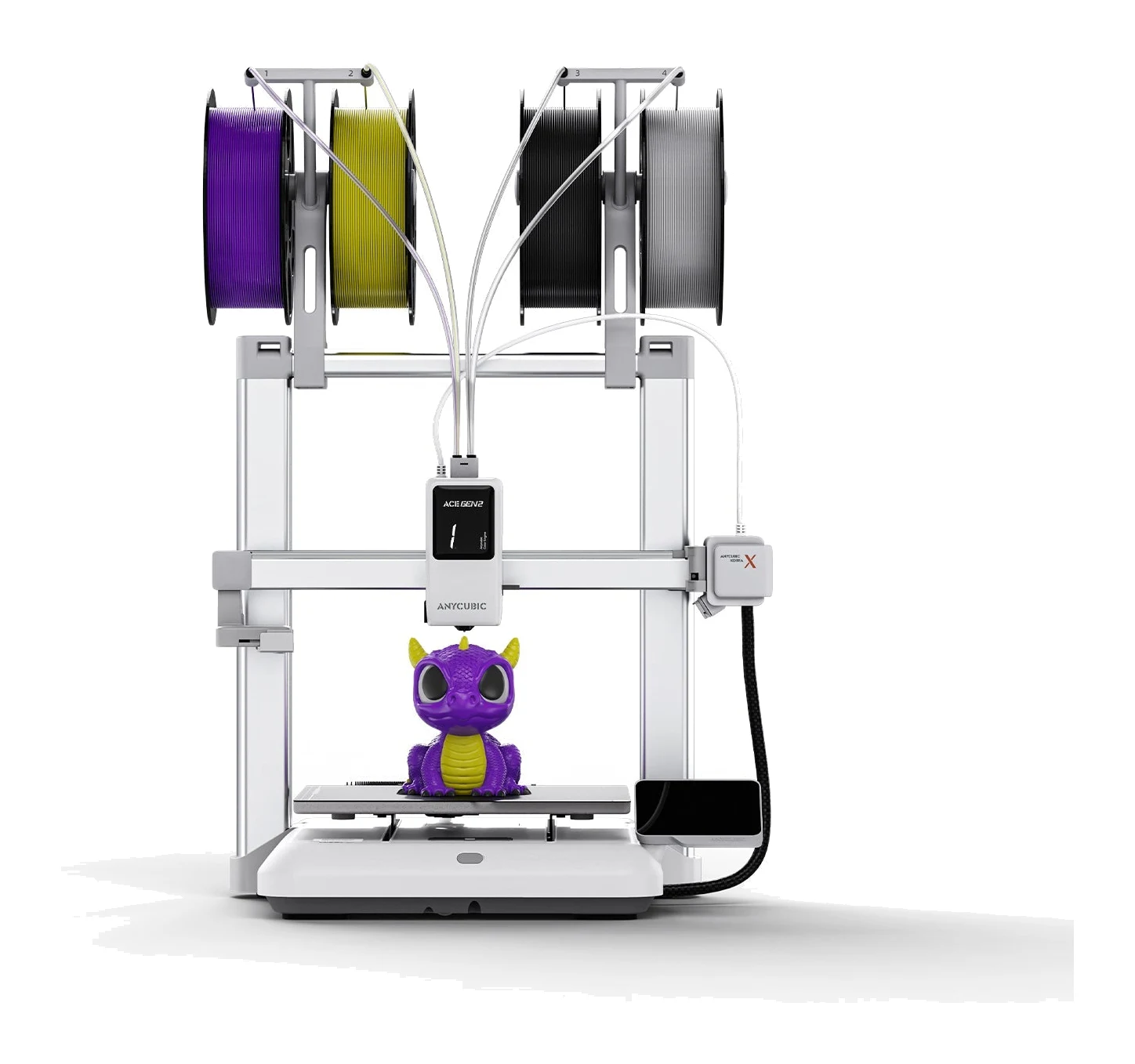
The Anycubic Kobra X puts a four-color system into the toolhead of a mid-range printer. Here's what the specs and expert reviews say about who it suits.
Research-based · We earn from qualifying purchases
Our verdict
The Kobra X is a strong pick for beginners and hobbyists who want affordable multicolor printing with fast color swaps and dependable leveling. Skip it if you need to print ABS or ASA, or if you want the most polished slicer and app experience.
The good
- Prints 4 colors out of the box with ACE Gen 2 built into the toolhead
- Shorter filament change length cuts purge waste and color-swap time
- Reliable 49-point LeviQ 3.0 auto-leveling gives a clean first layer
- Easy, quick setup that suits beginners
- Handles flexible TPU well and can pair soft and hard materials
+2 more
- Easy, quick setup that suits beginners
- Handles flexible TPU well and can pair soft and hard materials
The bad
- Still wastes noticeable filament on multicolor prints, less than claimed
- Open frame limits ABS and ASA, and spools sit exposed to moisture
- Slicer and app ecosystem is less mature than Bambu's, with some rough edges
- Going past 4 colors needs extra ACE 2 Pro hardware
+1 more
- Going past 4 colors needs extra ACE 2 Pro hardware
If you have wanted to try multicolor 3D printing but were put off by bulky add-ons and complicated setup, this Anycubic Kobra X review is for you. The Kobra X is a mid-range printer that builds its four-color system, called ACE Gen 2, into the toolhead, so you don't need a separate filament box to print in several colors from day one. It is aimed at beginners and hobbyists who want easy multicolor printing, mainly in PLA and TPU, without a steep learning curve.
This review is based on Anycubic's published specifications and what independent expert reviewers report. It is not based on hands-on testing.
Anycubic Kobra X: specs at a glance
From the manufacturer- Camera
- 720P 10FPS
- Colors
- 4 native, up to 19 with ACE 2 Pro
- Nozzle
- 0.4 mm hardened steel (0.25 / 0.6 / 0.8 mm optional)
- Extruder
- Direct drive
- Leveling
- LeviQ 3.0 auto-leveling, 49-point
- Build plate
- PEI spring steel
- Connectivity
- Wi-Fi, USB, LAN, app
- Print volume
- 260 x 260 x 260 mm
- Machine weight
- 9.5 kg
- Max print speed
- 600 mm/s
- Max acceleration
- 20,000 mm/s² (recommended 10,000 mm/s²)
- Machine dimensions
- 455.4 x 445.3 x 461.3 mm
- Noise (standard mode)
- ≤48 dB
- Max hotbed temperature
- 100°C
- Max nozzle temperature
- 300°C
- Recommended print speed
- 300 mm/s
Key features
- Prints 4 colors out of the box with the ACE Gen 2 system built into the toolhead, so no external filament box is needed
- Expands to 19 colors with ACE 2 Pro units
- Shorter filament change length cuts purge waste and print time
- LeviQ 3.0 auto-leveling aims for a reliable first layer
- Prints soft and hard materials together (PLA+TPU, PLA+PVA)
- AI detection for spaghetti failures and foreign objects, with a built-in camera
- Remote printing through the app, plus power-loss recovery
- Quick-release hardened steel nozzle that swaps without tools
Why people are considering the Anycubic Kobra X
Multicolor printing is the main draw. The Kobra X prints 4 colors out of the box, and the system can expand to 19 colors with ACE 2 Pro units if you want to go further later. Most buyers will start with the four colors built in.
Expert coverage backs up the interest. TechRadar scores it 4.5/5, and it appears in 3 independent expert buying guides. Reviewers consistently praise the easy setup, the dependable first layer and the shorter filament changes. A common criticism is that it still wastes filament on multicolor prints and that its software is less polished than the best-known rival ecosystem.
Anycubic Kobra X review: design and build
The Kobra X is an open-frame machine. It measures 455.4 x 445.3 x 461.3 mm and weighs 9.5 kg, so it is not a pocket-sized desktop toy, but it should fit on a normal workbench or sturdy shelf. The print volume is 260 x 260 x 260 mm.
The build plate is PEI spring steel. Flexible plates of this type are popular because you can remove a finished print by flexing the plate rather than scraping at it. The extruder is direct drive, which matters for flexible filaments. Having the drive gears close to the hotend generally gives better control over soft materials, and reviewers say the Kobra X handles TPU well.
The nozzle is a 0.4 mm hardened steel unit, with 0.25 mm, 0.6 mm and 0.8 mm options available. It is a quick-release design that swaps without tools. Hardened steel also means that abrasive filaments are less of a worry than with a plain brass nozzle. Being able to change nozzle size without tools is useful if you want fine detail on small models one day and faster, chunkier prints the next.
The main design trade-off is the open frame. Reviewers note it limits how well the printer copes with ABS and ASA, and that spools sit exposed to moisture. That is a real consideration, and we come back to it below.
The multicolor system: what it means day to day
Four colors without extra hardware
The ACE Gen 2 system sits in the toolhead, so you don't need an external filament box to get started. For a beginner, that means fewer parts to place, connect and troubleshoot. It also means you can load several colors and print a multicolor model on day one rather than treating it as a later upgrade.
If four colors turn out not to be enough, the path to 19 colors with ACE 2 Pro units is there. Reviewers do point out that going past 4 colors needs that extra hardware, so it is worth treating the Kobra X as a four-color machine unless you plan to expand.
Shorter filament changes, but still some waste
The Kobra X uses a shorter filament change length, which Anycubic says cuts purge waste and print time. Reviewers agree that color swaps are faster, but a common criticism is that the printer still wastes a noticeable amount of filament on multicolor prints, and that the saving is smaller than claimed. If you are printing lots of small, many-color objects, expect some waste to remain part of the process.
Mixing soft and hard materials
The printer supports printing soft and hard materials together, with PLA+TPU and PLA+PVA given as examples. That opens up ideas such as a rigid body with flexible grips, or support structures in a dissolvable material. Reviewers say it pairs soft and hard materials well, which fits the printer's strengths with TPU.
Leveling and first layer
Leveling is handled by LeviQ 3.0, a 49-point auto-leveling system. Reviewers praise it for giving a clean first layer, and that matters because first-layer problems are among the most common reasons for failed prints, especially for newcomers. Automating this step is a large part of what makes the Kobra X approachable.
Monitoring and recovery
A built-in camera (720P 10FPS) supports AI detection for spaghetti failures and foreign objects, and you can print remotely through the app. Power-loss recovery is also included. The camera spec is modest, so think of it as a way to keep an eye on a job and catch failures early rather than as a high-quality timelapse tool. Connectivity covers Wi-Fi, USB, LAN and the app, so you can send files whichever way suits your setup.
Performance and speed
The headline number is a maximum print speed of 600 mm/s, with maximum acceleration of 20,000 mm/s². Anycubic's recommended settings are lower: 300 mm/s print speed and 10,000 mm/s² acceleration. In practice, the recommended figures are the sensible reference point, since the maximums describe what the machine can do rather than what gives the best results on every model.
The nozzle reaches 300°C and the hotbed 100°C. That range suits the PLA and TPU the Kobra X is aimed at. Standard-mode noise is rated at ≤48 dB, which is worth knowing if the printer will live in a bedroom or home office, though any printer running for hours is a presence in the room.
We have no independent benchmark data to cite here beyond what reviewers report: they describe dependable leveling, easy setup and good TPU handling.
What experts like and what they criticise
What reviewers praise:
- The four-color system built into the toolhead, with no external box needed
- Faster color swaps thanks to the shorter filament change length
- A reliable first layer from the 49-point auto-leveling
- Quick, easy setup that suits beginners
- Good handling of flexible TPU, plus the ability to combine soft and hard materials
What reviewers criticise:
- Multicolor prints still waste a noticeable amount of filament, less of a saving than claimed
- The open frame limits ABS and ASA, and spools sit exposed to moisture
- The slicer and app ecosystem is less mature than Bambu's, with some rough edges
- Going beyond 4 colors requires ACE 2 Pro hardware
The software point deserves weight. If you value a very polished slicer and app experience above everything else, reviewers suggest the Kobra X has rough edges. Those are the kind of issues that can be tolerable for a hobbyist who likes to tinker, and more frustrating for someone who wants everything to just work.
Who should buy the Anycubic Kobra X
The Kobra X suits:
- Beginners who want affordable, easy multicolor printing with PLA and TPU
- Hobbyists who want fast color swaps and a dependable first layer without manual bed leveling
- Anyone who wants an upgrade path, since the system can grow to 19 colors with ACE 2 Pro units
- Makers who print flexible parts, given the direct-drive extruder and the good TPU handling reviewers report
Who should skip it
- ABS and ASA printers. With an open frame, reviewers say these materials are limited. If engineering-grade filaments are central to your work, look for an enclosed machine.
- Buyers who want the most refined software. The slicer and app ecosystem is less mature than Bambu's, and reviewers note some rough edges.
- Anyone expecting zero waste. The shorter filament change length helps, but reviewers say waste remains noticeable.
- People who already know they need many more than four colors and don't want to buy extra hardware to get there.
How it fits in the 3D printer market
The Kobra X sits in the mid-range part of the market, and its pitch is easy multicolor printing without an external add-on. The main trade-offs are an open frame and a software ecosystem that, according to reviewers, has not yet caught up with the most established multicolor rivals. For a first multicolor printer where cost and simplicity matter, that is a reasonable compromise. For a workhorse that has to handle a wide range of materials with minimal fuss, it asks for a little more patience.
Verdict
The Kobra X is an appealing way into multicolor 3D printing. Four colors built into the toolhead, a shorter filament change length, reliable leveling and an easy setup are the things reviewers keep coming back to, and TechRadar's 4.5/5 score reflects that. Its weak spots are equally consistent: remaining filament waste, an open frame that limits ABS and ASA, and software that is less mature than the best in the field. If your priorities are PLA and TPU, color and simplicity, it is a strong candidate. If you need enclosed-printer materials or the smoothest software experience, look elsewhere.
Related buying guides
Not sure about the Anycubic Kobra X? Consider these
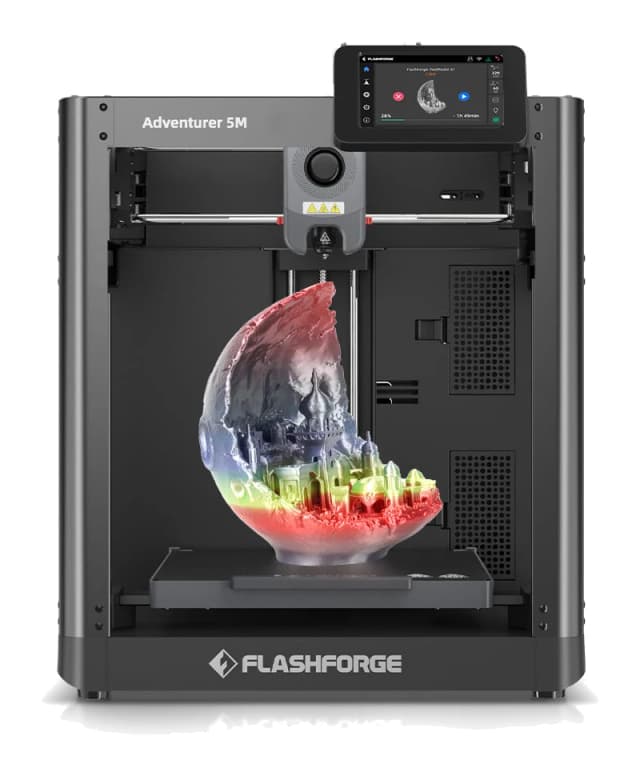
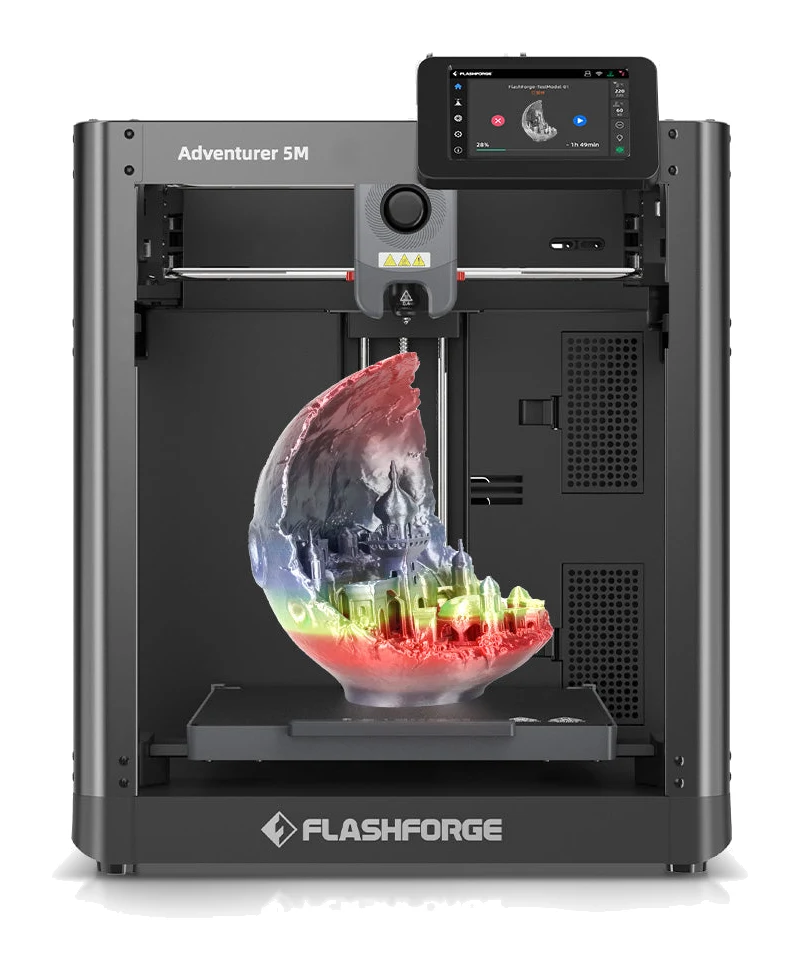
- Best OverallFlashforge Adventurer 5MWhy we picked it →
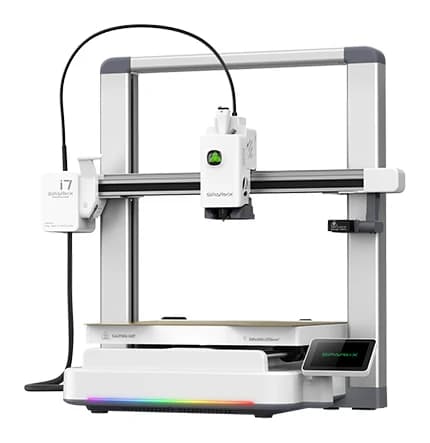
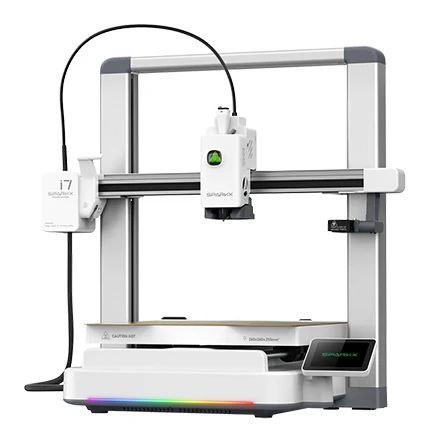
- Best ValueCreality SPARKX i7Why we picked it →
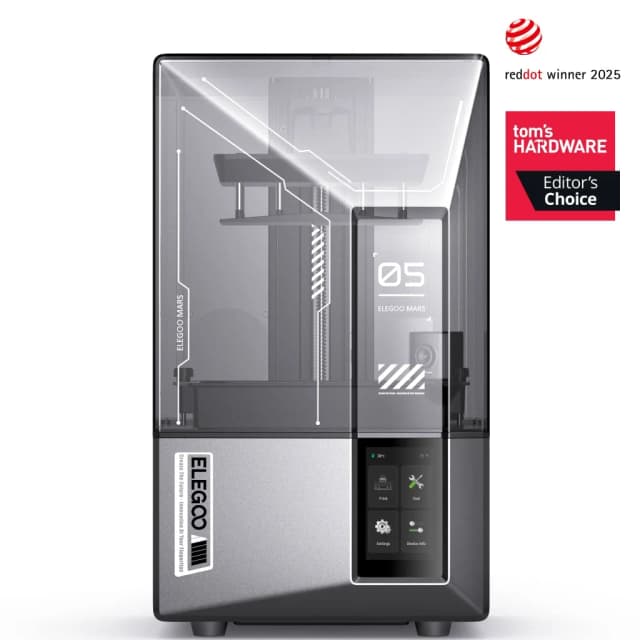
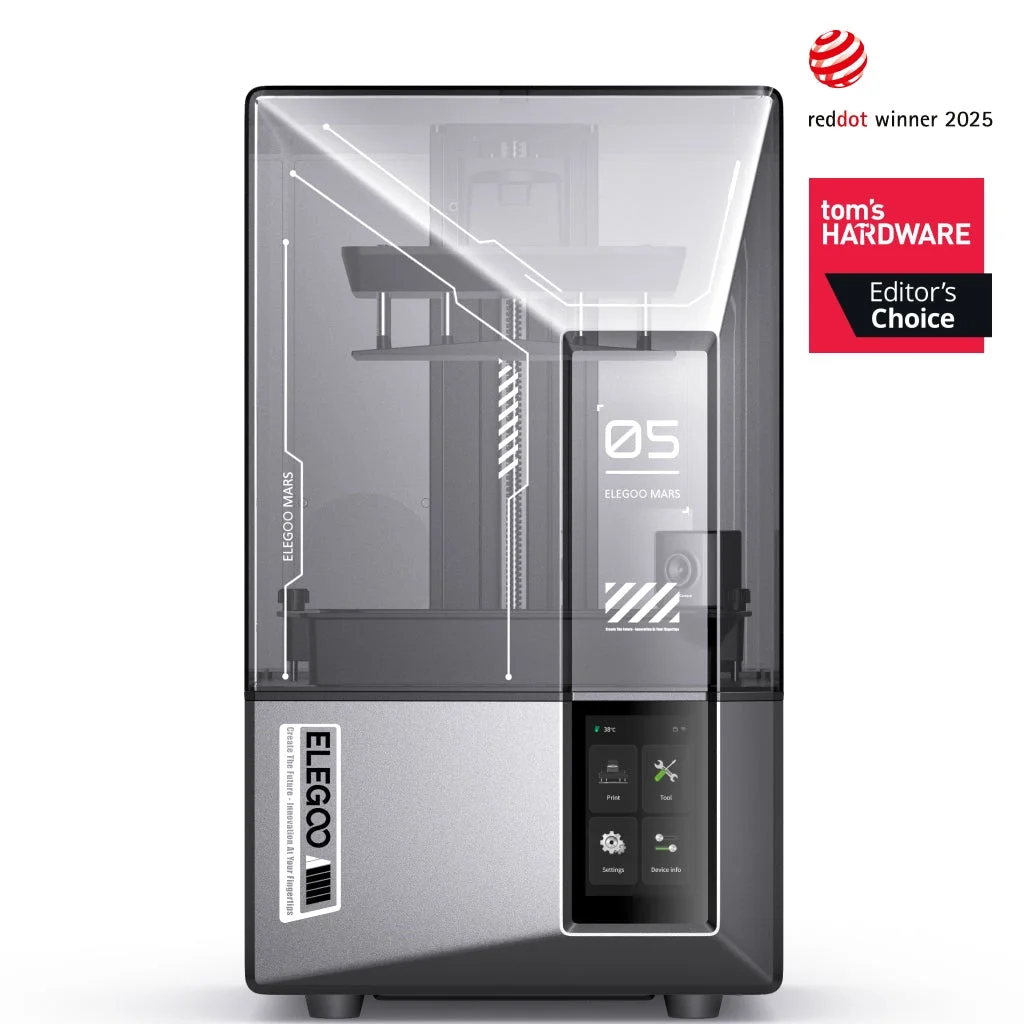
- Also GreatElegoo Mars 5 UltraWhy we picked it →
Frequently asked questions
Is the Anycubic Kobra X worth it?
For beginners and hobbyists who want easy multicolor printing with PLA and TPU, reviewers say yes. TechRadar scores it 4.5/5, and it is recommended in 3 expert guides. It is less suited to anyone who needs ABS or ASA, or who wants the most polished slicer and app.
How many colors can the Anycubic Kobra X print?
It prints 4 colors out of the box with the ACE Gen 2 system built into the toolhead. You can expand to 19 colors with ACE 2 Pro units, which are extra hardware.
Can the Anycubic Kobra X print TPU?
Yes. It has a direct-drive extruder, and reviewers say it handles flexible TPU well. It can also print soft and hard materials together, such as PLA+TPU and PLA+PVA.
Can the Kobra X print ABS or ASA?
Reviewers say the open frame limits ABS and ASA, so it is not the best choice if those materials matter to you. It is better suited to PLA and TPU.
How big is the Anycubic Kobra X print volume?
The print volume is 260 x 260 x 260 mm.
Does the Kobra X have auto-leveling and a camera?
Yes. It uses LeviQ 3.0 49-point auto-leveling and has a built-in camera (720P 10FPS) with AI detection for spaghetti failures and foreign objects. You can also print remotely through the app.
Sources
Specs are taken from the manufacturers' official pages; expert recommendations from the publications below.
- Anycubic Kobra X: store.anycubic.com, anycubic.com, tomshardware.com
Related reviews & guides
Best 3D Printers for Beginners 2026: Easy to Set Up
Five beginner-friendly 3D printers compared on setup, auto leveling, build volume and monitoring, drawn from manufacturer specs and independent expert recommendations.
Published Oct 11, 2026Flashforge Adventurer 5M Review (2026): Fast and Fuss-Free
A spec-based look at the Flashforge Adventurer 5M: a CoreXY printer with auto-leveling, quick-swap nozzles and networking, held back by its open frame.
Published Oct 25, 2026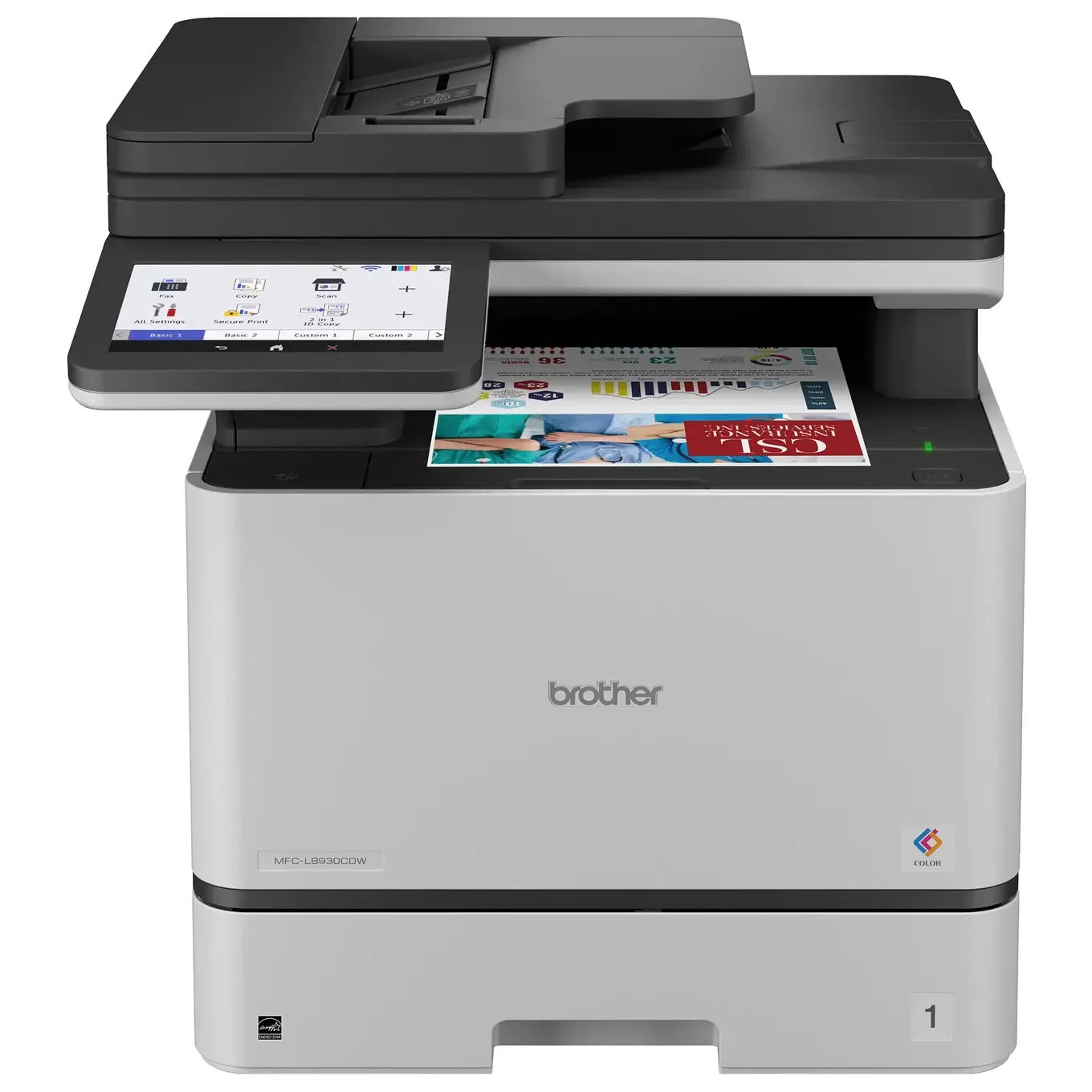
Best Printer for Home Office 2026: Five All-in-Ones Compared
Five home office all-in-ones compared on print speed, running costs, scanning and paper handling, from a fast color laser to a compact ink tank model.
Published Oct 17, 2026