ASUS ROG Xbox Ally X Review (2026): Power With Heft
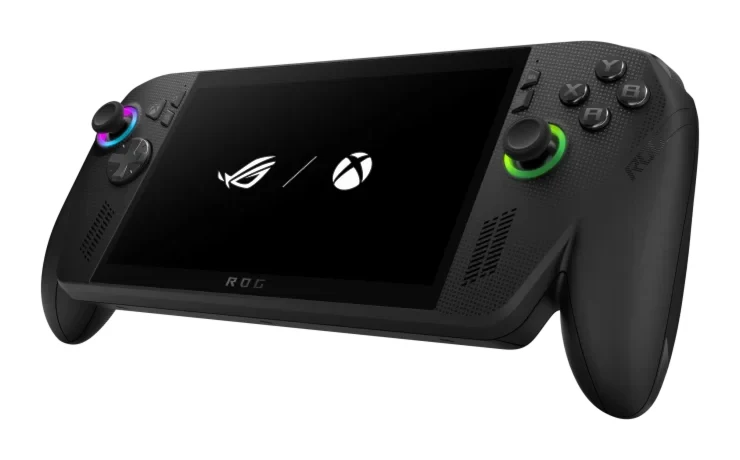
Our ASUS ROG Xbox Ally X review looks at a powerful Windows handheld with contoured grips, a big battery and an Xbox-style interface, and at the weight and software caveats that come with it.
Research-based · We earn from qualifying purchases
Our verdict
The ROG Xbox Ally X is a powerful, comfortable Windows handheld with a big battery and a console-like Xbox interface. It suits players who want top performance and Game Pass access, but those who prioritize low weight, an OLED screen, or a bug-free experience should look elsewhere.
The good
- Ryzen AI Z2 Extreme with 24GB RAM delivers top-tier handheld performance
- Contoured grips make long sessions comfortable
- 80Wh battery gives a clear endurance boost over the previous Ally X
- Smooth 7-inch 1080p 120Hz display with FreeSync Premium
- USB4 port supports docks and external displays
+2 more
- Smooth 7-inch 1080p 120Hz display with FreeSync Premium
- USB4 port supports docks and external displays
The bad
- Heavy and bulky at 715 g
- Windows 11 still brings occasional bugs and rough edges
- IPS LCD can feel dull or small next to OLED
- Only modestly faster than rival handhelds
+1 more
- Only modestly faster than rival handhelds
This ASUS ROG Xbox Ally X review is about a handheld that tries to combine two things PC gamers have wanted for a while: the flexibility of Windows 11 and the simplicity of a console interface. It pairs an AMD Ryzen AI Z2 Extreme chip with 24GB of LPDDR5X memory, wraps it in Xbox-inspired grips, and puts an Xbox full-screen experience on top of Windows. It is aimed at players who want a powerful, comfortable Xbox-style handheld and are happy to carry a bit of extra bulk to get it.
This review is based on ASUS's published specifications and on what independent expert reviews report. It is not based on our own hands-on testing.
ASUS ROG Xbox Ally X: specs at a glance
From the manufacturer- NPU
- AMD XDNA up to 50TOPS
- Ports
- 1x USB4 Type-C (Thunderbolt 4 compliant), 1x USB 3.2 Gen 2 Type-C, 1x UHS-II microSD reader, 1x 3.5mm combo audio jack
- Memory
- 24GB LPDDR5X
- Weight
- 715 g (1.58 lbs)
- Battery
- 80Wh
- Charger
- 65W Type-C AC adapter
- Display
- 7-inch FHD (1920 x 1080) IPS touchscreen, 16:9
- Storage
- 1TB PCIe 4.0 NVMe M.2 2280 SSD
- Security
- Fingerprint sensor, Microsoft Pluton
- Wireless
- Wi-Fi 6E + Bluetooth 5.4
- Processor
- AMD Ryzen AI Z2 Extreme, 2.0GHz (up to 5.0GHz), 8 cores, 16 threads
- Brightness
- 500 nits
- Dimensions
- 29.0 x 12.1 x 2.75 ~ 5.09 cm
- Refresh rate
- 120Hz with AMD FreeSync Premium
- Operating system
- Windows 11 Home
Key features
- Ryzen AI Z2 Extreme chip for smooth AAA gaming on the go
- Xbox-inspired contoured grips for long, comfortable sessions
- 7-inch 1080p 120Hz touchscreen with FreeSync Premium
- 80Wh battery for longer play between charges
- Xbox full-screen experience with Game Pass, Cloud Gaming and Remote Play
- Dual Smart Amp speakers with Dolby Atmos and HD haptics
- USB4 port (Thunderbolt 4 compliant) for docks and external displays
- Hall Effect analog triggers and two assignable back buttons
ASUS ROG Xbox Ally X review: design and build
The most obvious design choice is the grips. ASUS gives the Ally X contoured, Xbox-inspired handles, and reviewers praise the contoured grips as comfortable for long sessions. For a device you hold with both hands for extended periods, that matters as much as raw performance.
The flip side is size. The handheld weighs 715 g (1.58 lbs) and measures 29.0 x 12.1 x 2.75 ~ 5.09 cm. Reviewers repeatedly describe it as heavy and bulky, and that is the criticism you should weigh most carefully. If you plan to play in bed, on a train or for hours at a stretch, the weight is something you will notice. If you mostly play at a desk, on a sofa or docked, it matters far less.
The Ally X has Hall Effect analog triggers and two assignable back buttons. Hall Effect sensors use magnets rather than physical contact, which is generally chosen for smooth, consistent trigger travel. The back buttons give you extra inputs to assign.
Display and audio
The screen is a 7-inch Full HD (1920 x 1080) IPS touchscreen in a 16:9 shape, with a 120Hz refresh rate and AMD FreeSync Premium. Brightness is listed at 500 nits. On a handheld, variable refresh such as FreeSync Premium can help games feel smoother when frame rates fluctuate. Reviewers praise the display as smooth.
The common criticism is that this is an IPS LCD rather than an OLED. Some reviewers say it can feel dull or small next to OLED alternatives. If deep contrast and punchy colour are a priority for you, factor that in. If you care more about smooth motion and performance, the 120Hz panel does its job.
For sound, ASUS fits Dual Smart Amp speakers with Dolby Atmos support, and the device offers HD haptics. There is also a 3.5mm combo audio jack for wired headsets, plus Bluetooth 5.4 for wireless ones.
Performance: the Ryzen AI Z2 Extreme and 24GB of RAM
The processor is an AMD Ryzen AI Z2 Extreme with 8 cores and 16 threads, running at 2.0GHz and boosting up to 5.0GHz. It is backed by 24GB of LPDDR5X memory and a 1TB PCIe 4.0 NVMe M.2 2280 SSD. There is also an AMD XDNA NPU rated at up to 50TOPS, though that is more about AI-related workloads than about games.
ASUS positions the chip for smooth AAA gaming on the go, and reviewers agree that the Ally X delivers top-tier handheld performance. The generous memory is a part of that story, because on handheld PCs the CPU and graphics share a single memory pool.
One caveat is worth stating plainly. Reviewers also note that it is only modestly faster than rival handhelds. Reviewers rate its performance highly, but its lead over rival handhelds is modest. Your decision should rest on comfort, battery, software and screen as much as on speed.
The Xbox full-screen experience and Windows 11
The Ally X pairs Windows 11 with an Xbox full-screen experience. The device runs Windows 11 Home, with an Xbox full-screen experience that brings in Game Pass, Cloud Gaming and Remote Play. In day-to-day terms, that means a console-like front end for finding and launching games, while the full Windows desktop is still there when you need it.
That flexibility comes with the usual Windows trade-off. A common criticism is that Windows 11 still brings occasional bugs and rough edges on handhelds. If you want a device that behaves like a console every time you pick it up, bear this in mind. If you are comfortable with the occasional tweak or restart, the flexibility of a full Windows 11 handheld is an advantage.
Security is covered by a fingerprint sensor and Microsoft Pluton.
Battery and charging
Battery is one of the headline upgrades. The Ally X has an 80Wh battery, and reviewers say it gives a clear endurance boost over the previous Ally X. We are not going to quote hours here, because real-world runtime depends heavily on the game, the power mode and the screen settings, and the manufacturer facts do not give a figure. As a general rule, demanding AAA titles drain any handheld faster than lighter games.
Charging uses a 65W Type-C AC adapter.
Ports and expansion
The port selection includes a USB4 Type-C port that is Thunderbolt 4 compliant, a USB 3.2 Gen 2 Type-C port, a UHS-II microSD reader and the 3.5mm combo jack. The USB4 port is the standout, because it supports docks and external displays. That makes the Ally X workable as a hybrid: handheld on the move, plugged into a monitor and peripherals at home.
The microSD reader adds storage on top of the 1TB internal drive, which is useful because modern AAA games are large. Wireless is covered by Wi-Fi 6E and Bluetooth 5.4.
What experts like and what they criticise
Across five expert reviews, the Ally X averages 8.5/10. The individual scores are:
- Trusted Reviews: 4.5/5
- Tom's Guide: 4/5
- PC Gamer: 84/100
- CGMagazine: 8/10
- Xbox Tavern: 9/10
It has also been recommended in 1 expert buying guide.
The praise is consistent. Reviewers like the performance from the Ryzen AI Z2 Extreme and 24GB of RAM, the comfortable contoured grips, the larger battery, the smooth 120Hz display and the USB4 port for docks and external monitors.
The criticism is just as consistent. Reviewers call it heavy and bulky at 715 g, mention Windows 11's occasional bugs and rough edges, say the IPS screen can feel dull or small next to OLED, and note that it is only modestly faster than rival handhelds. None of these are deal-breakers for everyone, but the weight and the Windows experience are the two issues most likely to shape how much you enjoy owning it.
Who should buy it, and who should skip it
It suits you if:
- You want one of the most powerful handhelds around, with plenty of memory and storage.
- Long-session comfort matters to you, and you value proper grips over a slim profile.
- You already use Game Pass or Xbox's cloud and remote features, and want them in a handheld.
- You want to dock it to a monitor or TV through USB4 and use it as a flexible PC.
- Battery life is a priority, and you want a large capacity.
Consider something else if:
- You want the lightest and most pocketable handheld possible.
- An OLED screen is high on your list.
- You want a bug-free, console-like experience without any Windows quirks.
- You are looking for a big jump in speed over other current handhelds, since reviewers describe the gap as modest.
How it fits in the handheld market
The ROG Xbox Ally X sits in the mid-range part of the market among the products we compare. Within the Windows handheld category in general, the trade-off is usually between performance, battery, weight, screen type and software polish. The Ally X leans toward performance, comfort and battery, and pays for it in weight and a Windows-based experience. It does not try to be the lightest or the prettiest screen. Instead it aims to be a capable, comfortable all-rounder with a USB4 port for docks and external displays.
Verdict
The ROG Xbox Ally X is easy to recommend to a specific kind of player: someone who wants a powerful Windows handheld with real ergonomics, a large battery and Xbox-style software, and who will accept a heavy body and the odd Windows rough edge in return. An 8.5/10 average across five expert reviews reflects that. The case for it gets weaker if your priorities are low weight, an OLED panel or a flawless out-of-the-box experience.
Related buying guides
- Best Gaming Laptops 2026: Light, OLED & RTX 50 Power
- Best Handheld Gaming PCs 2026: Screens, Battery & Power
- Best Gaming Headset 2026: Comfort, Battery & Low Latency
- Best Gaming Monitor 2026: QD-OLED Speed, 4K & Ultrawide
- Xbox Wireless Controller Review (2026): Dependable Default
- Best Racing Wheels 2026: Direct Drive to Console-Ready
- Best Gaming Consoles 2026: TV, Handheld and Hybrid Play
- Best Gaming Chairs 2026: Comfort for Long Sessions
Not sure about the ASUS ROG Xbox Ally X? Consider these
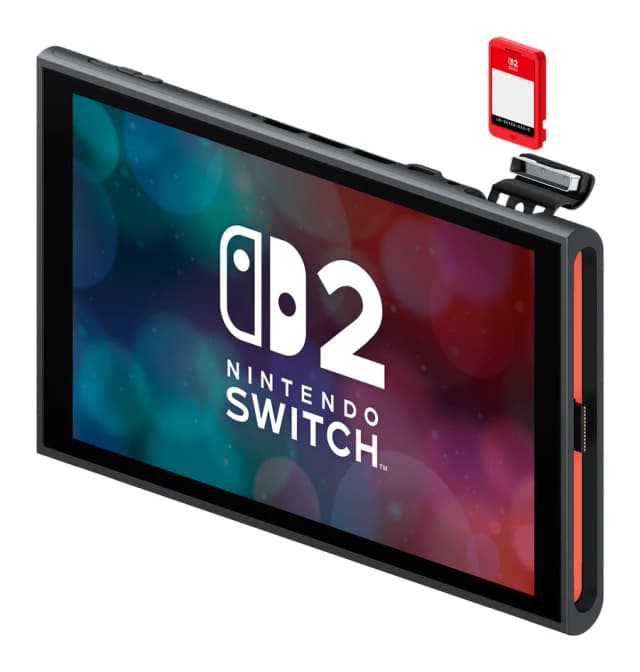
- Best OverallNintendo Switch 2Why we picked it →
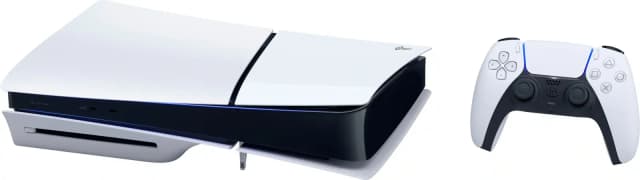
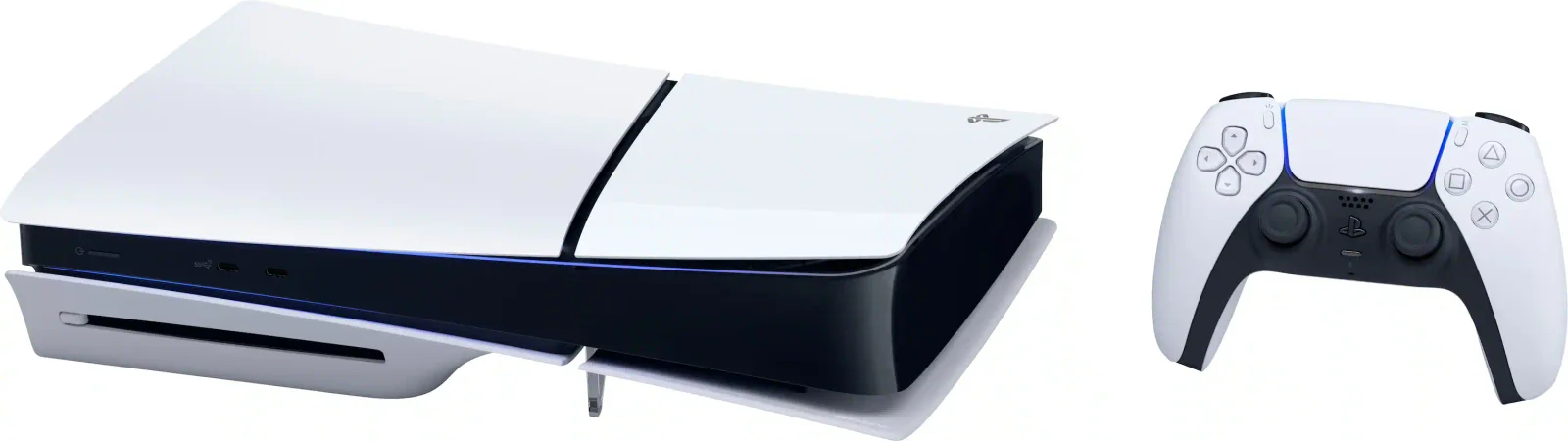
- Best BudgetPlayStation 5 SlimWhy we picked it →
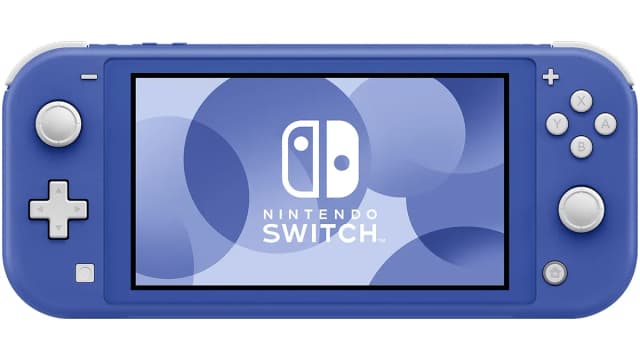
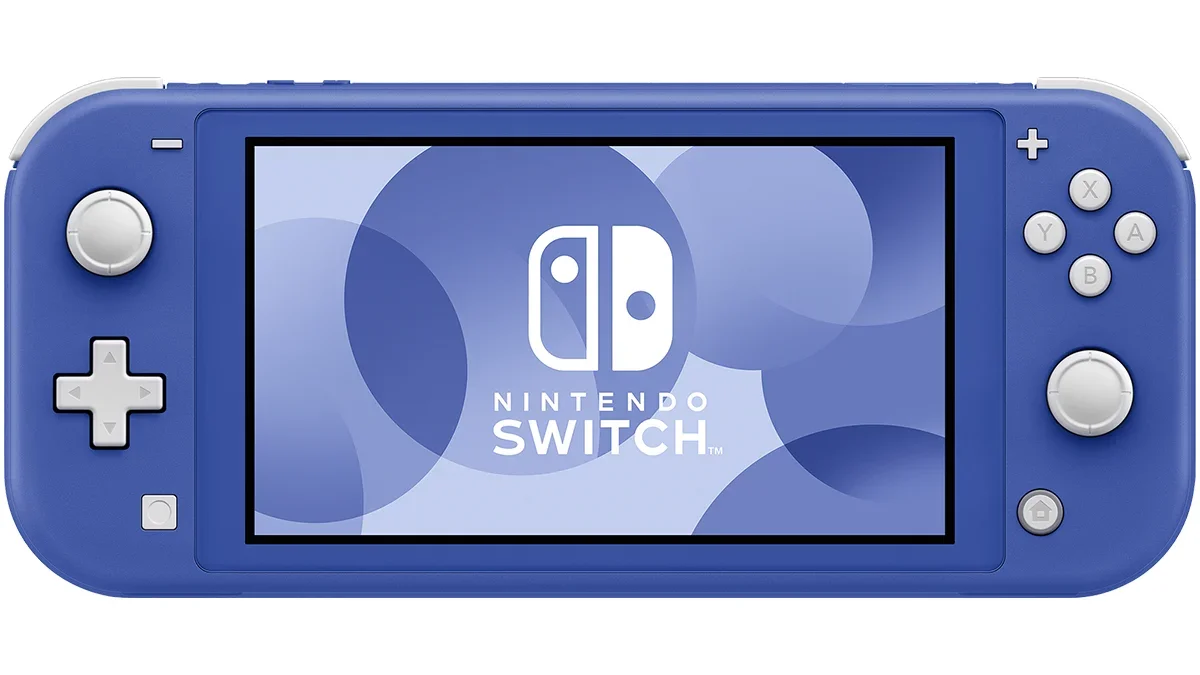
- Best ValueNintendo Switch LiteWhy we picked it →
Frequently asked questions
Is the ASUS ROG Xbox Ally X worth it?
Expert reviews are positive: it averages 8.5/10 across five reviews. Reviewers praise its performance, comfortable grips, 80Wh battery and 120Hz display. The main drawbacks are its 715 g weight, occasional Windows 11 bugs, an IPS screen rather than OLED, and performance that is only modestly ahead of rival handhelds.
Does the ROG Xbox Ally X support Game Pass?
Yes. It features an Xbox full-screen experience with Game Pass, Cloud Gaming and Remote Play.
What operating system does the ROG Xbox Ally X run?
It runs Windows 11 Home, with the Xbox full-screen experience layered on top. Reviewers note that Windows 11 can still bring occasional bugs and rough edges.
Can I connect the ROG Xbox Ally X to a monitor or dock?
Yes. It has a USB4 Type-C port that is Thunderbolt 4 compliant, which supports docks and external displays. It also has a second USB 3.2 Gen 2 Type-C port.
How heavy is the ROG Xbox Ally X?
It weighs 715 g (1.58 lbs), and reviewers commonly describe it as heavy and bulky. The contoured grips make it comfortable to hold for long sessions, but it is not a lightweight device.
Does the ROG Xbox Ally X have an OLED screen?
No. It has a 7-inch 1080p IPS touchscreen with a 120Hz refresh rate and AMD FreeSync Premium. Some reviewers say an IPS LCD can feel dull or small compared with OLED.
Sources
Specs are taken from the manufacturers' official pages; expert recommendations from the publications below.
- ASUS ROG Xbox Ally X: rog.asus.com, eshop.asus.com, retrocatalog.com
Related reviews & guides
Xbox Wireless Controller Review (2026): Dependable Default
A look at the Xbox Wireless Controller based on specs and expert reviews: a comfortable, widely compatible pad with 40-hour AA battery life, and some clear trade-offs.
Published Oct 21, 2026
Xbox Series X (1TB, Disc Drive) Review (2026): Quiet Power
A look at the disc-drive Xbox Series X: fast loading, Quick Resume, 4K Blu-ray and deep backward compatibility, set against tight storage and thin exclusives.
Published Oct 28, 2026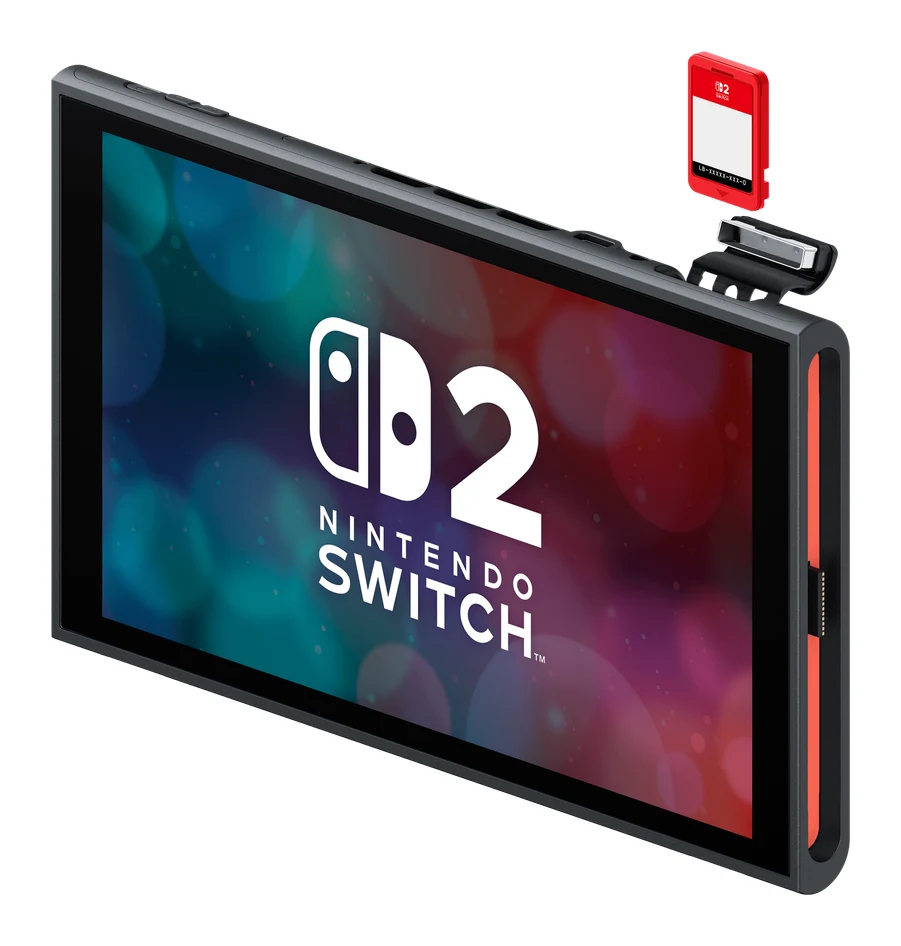
Best Gaming Consoles 2026: TV, Handheld and Hybrid Play
Five of the best gaming consoles for 2026, from the hybrid Nintendo Switch 2 to the PlayStation 5 Pro, compared on specs and expert recommendations.
Published Oct 27, 2026