CalDigit TS4 Review (2026): 18 Ports, One Cable
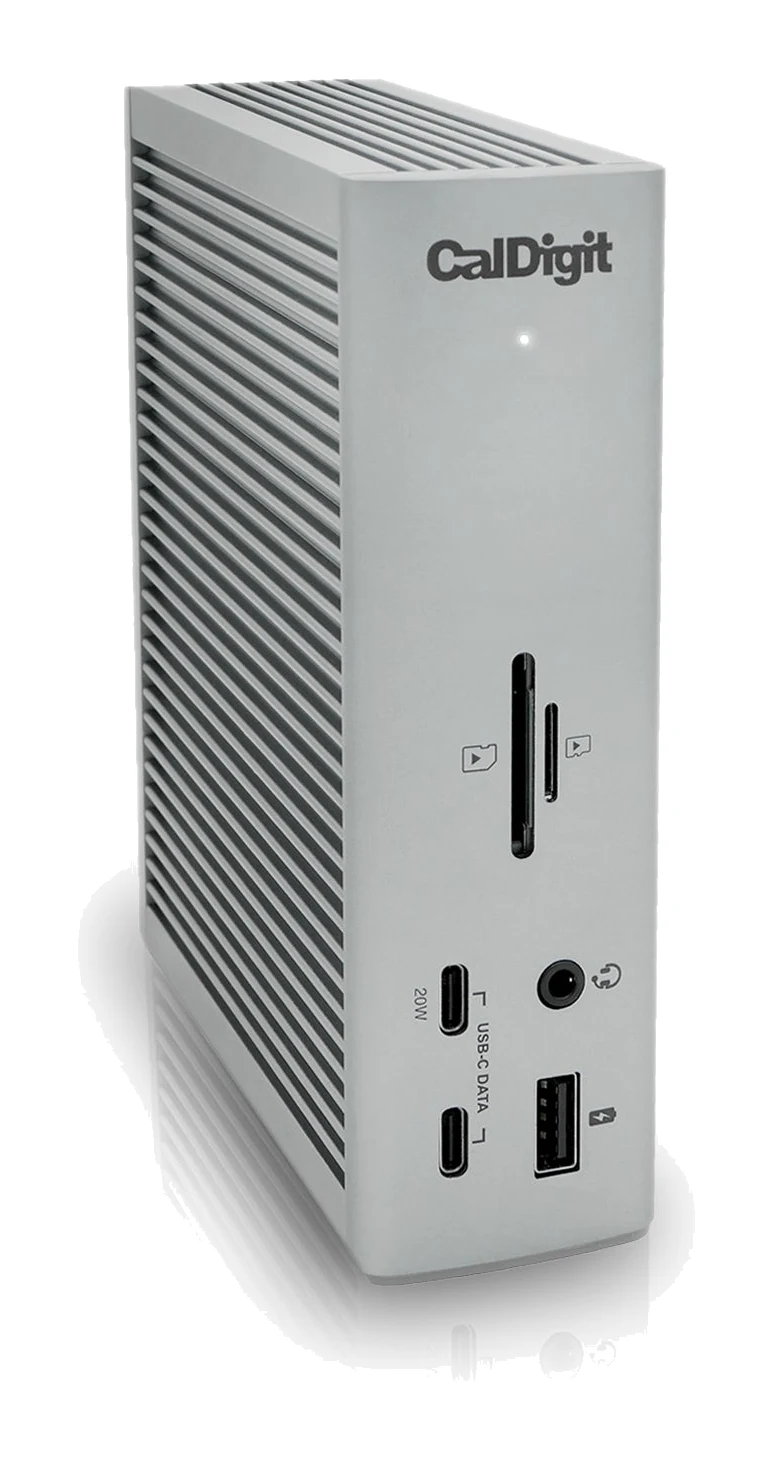
The CalDigit TS4 turns one Thunderbolt 4 cable into 18 ports, with strong laptop charging and card readers. Here is who it suits, where it falls short and who should skip it.
Research-based · We earn from qualifying purchases
Our verdict
The TS4 is a port-packed Thunderbolt 4 dock with strong laptop charging, fast networking and photographer-friendly card readers, all in a sturdy build. It suits desks that need lots of connections, but buyers on a budget or with HDMI-only monitors should look elsewhere.
The good
- 18 ports from a single Thunderbolt 4 cable
- Up to 98W charging to the host laptop
- Native DisplayPort 1.4 plus dual-display support
- Fast 2.5 Gigabit Ethernet and UHS-II SD/microSD readers
- Sturdy aluminum build that stays cool, with flexible vertical or flat placement
+2 more
- Fast 2.5 Gigabit Ethernet and UHS-II SD/microSD readers
- Sturdy aluminum build that stays cool, with flexible vertical or flat placement
The bad
- Expensive compared with most rival docks
- No HDMI port, so HDMI monitors need an adapter
- Built-in DisplayPort leaves only two downstream Thunderbolt 4 ports
- Large, bulky power brick
+1 more
- Large, bulky power brick
This CalDigit TS4 review looks at a Thunderbolt 4 dock built around a simple promise: plug one cable into your laptop and get 18 ports on your desk. It is aimed at photographers and power users who have outgrown the handful of ports on a modern laptop. It sits in the mid-range part of the market, although some reviewers still find it expensive next to most rival docks.
This article is based on CalDigit's manufacturer specifications and on what independent expert reviews report. It is not based on hands-on testing.
CalDigit TS4: specs at a glance
From the manufacturer- Audio
- 1 x front combo in/out (3.5mm), 1 x rear audio out (3.5mm), 1 x rear audio in (3.5mm)
- Weight
- 1.41 lbs (0.64kg)
- Ethernet
- 1 x 2.5 Gigabit Ethernet
- Warranty
- 2 Years
- Dimensions
- Height 5.55" (141.0mm) x Width 1.65" (42.0mm) x Length 4.46" (113.0mm)
- Total ports
- 18
- USB-A ports
- 5 x USB-A (10Gb/s)
- USB-C ports
- 3 x USB-C (10Gb/s)
- Card readers
- 1 x SD 4.0 (UHS-II), 1 x microSD 4.0 (UHS-II)
- Power supply
- 230W
- Video output
- 1 x DisplayPort 1.4
- Host charging
- Up to 98W
- Front USB-C port power
- 20W (remaining USB-C ports 7.5W, USB-A ports 7.5W)
- Thunderbolt 4/USB4 ports
- 3 x Thunderbolt 4 (40Gb/s), one of which is the host port
- Downstream Thunderbolt 4 port power
- 15W each
Key features
- 18 ports from a single Thunderbolt 4 cable
- Up to 98W charging to the host laptop
- Three Thunderbolt 4/USB4 ports at 40Gb/s, so you can daisy-chain devices
- 2.5 Gigabit Ethernet
- UHS-II SD and microSD card readers on the front
- Native DisplayPort 1.4 output, plus dual-display support
- Front 20W USB-C port suitable for MagSafe chargers
- Works standing up or lying flat, with a Kensington lock slot
CalDigit TS4 review: design and build
The TS4 can stand upright or lie flat. It measures 5.55" (141.0mm) tall, 1.65" (42.0mm) wide and 4.46" (113.0mm) long, and it weighs 1.41 lbs (0.64kg). Reviewers praise the sturdy aluminum construction and note that it stays cool in use. That matters for a dock that spends all day powering a laptop and several peripherals.
Placement is flexible. It can stand upright to save desk space or lie flat, for example under a monitor. A Kensington lock slot is built in, which is useful in a shared office, a studio or a co-working space where you want the dock tied down.
The main design criticism is the power brick. The dock is fed by a 230W power supply, and reviewers describe it as large and bulky. A tidy desk setup has to find a place for it, and it is not something you would want to carry around. The TS4 is a desk dock, not a travel one.
Ports and features in day-to-day use
The headline is the port count, and the mix is more useful than the number alone suggests. Here is what the 18 ports add up to in practice.
Thunderbolt 4 and USB ports
There are three Thunderbolt 4 ports at 40Gb/s, one of which connects to your laptop. That leaves two downstream Thunderbolt 4 / USB4 ports for fast external storage, other docks or more devices, and the spec supports daisy-chaining. On top of that you get five USB-A ports and three USB-C ports, all at 10Gb/s. That is enough to connect a keyboard, a mouse, a webcam, a few drives and a microphone without swapping cables.
A common criticism is that the built-in DisplayPort uses up one of the Thunderbolt ports. You end up with only two downstream Thunderbolt 4 ports, which could feel tight if you plan to chain several high-speed devices.
Card readers up front
Two card readers sit on the front: one SD 4.0 (UHS-II) and one microSD 4.0 (UHS-II). This is why the dock is pitched at photographers. You can ingest cards without hunting for a dongle, and the UHS-II standard is what you want if you are moving large files. Reviewers single out the SD and microSD readers as a strength.
The front also has a combo 3.5mm audio in/out jack. The rear adds separate 3.5mm audio out and audio in ports, so headphones, speakers and a microphone can each have a home.
Networking
The TS4 has a 2.5 Gigabit Ethernet port. If your router or switch supports that speed, it gives a wired connection with more headroom than standard gigabit Ethernet. If your network is gigabit-only, you will not see the extra speed until you upgrade it. Reviewers list the fast Ethernet among the dock's strengths.
Displays
The dock has a native DisplayPort 1.4 output and supports dual displays. There is no HDMI port, and this is one of the most consistent complaints. If your monitor is HDMI-only, you will need an adapter, which adds cost and one more thing on the desk. Check your monitor inputs before you buy. If you plan to run two screens, check how they will connect (DisplayPort, USB-C or an adapter) so you know what the dock can drive for your setup.
Charging and power delivery
Charging is a strong point. The dock can deliver up to 98W to the host laptop through the same cable that carries the data, so a compatible laptop can run from a single connection. Reviewers praise this.
The power for connected devices is more modest and worth reading carefully:
- The front USB-C port provides 20W and is suitable for MagSafe chargers.
- The remaining USB-C ports and all of the USB-A ports provide 7.5W each.
- The downstream Thunderbolt 4 ports provide 15W each.
In practice, the front USB-C port is the one to use for topping up a phone, and the rest are better suited to peripherals than to fast charging.
What experts like and what they criticise
Expert reviews agree on the strengths: the number of ports from one cable, the laptop charging, the native DisplayPort 1.4 and dual-display support, the 2.5 Gigabit Ethernet, the UHS-II card readers, and a sturdy aluminum build that stays cool.
The scores back this up. TechRadar gives it 5 out of 5, Tech Advisor also gives it 5 out of 5, and MacSources scores it 8.2/10. That averages 9.4/10 across 3 expert reviews. It is also recommended in 2 expert buying guides. That is a small sample, so read the average as a strong signal rather than an exhaustive consensus.
The criticisms are consistent too. It is expensive compared with most rival docks. There is no HDMI port. The built-in DisplayPort leaves only two downstream Thunderbolt 4 ports. And the power brick is large and bulky.
Who should buy the CalDigit TS4
The TS4 suits people with a fixed desk and a lot to plug in:
- Photographers who ingest SD and microSD cards regularly and want fast ports for drives.
- Power users with many peripherals, who benefit from the five USB-A ports, three USB-C ports and separate audio connections.
- Laptop users who want one-cable desks, since the dock handles up to 98W charging, networking, displays and accessories through a single connection.
- Wired-network users with a 2.5 Gigabit-capable router or switch.
Who should skip it
- Budget buyers. Reviewers describe it as expensive compared with most rival docks, and if you only need a few extra ports, you are paying for capacity you will not use.
- People with HDMI-only monitors. There is no HDMI port, so you will need an adapter.
- Anyone planning a long Thunderbolt chain. With only two downstream Thunderbolt 4 ports, the dock may run out of fast ports sooner than you expect.
- Travellers. The bulky power brick and the dock's desk-first design make it a poor fit for a laptop bag.
How it fits in its category
Thunderbolt 4 docks vary widely in how many ports they offer, how much power they deliver and what video outputs they include. The TS4 offers 18 ports, native DisplayPort, card readers and fast Ethernet. Reviewers note it is expensive compared with most rival docks and that its power brick is large and bulky. If you only need a couple of extra USB ports, a smaller hub is likely enough. If you want a permanent single-cable desk hub, the TS4 is the kind of dock to put on your shortlist.
It also comes with a 2-year warranty, which is some reassurance for a product you plan to leave at the centre of a desk setup.
Verdict
The TS4 does what a port-packed Thunderbolt 4 dock should. It turns one Thunderbolt 4 connection into a well-chosen set of ports, charges a laptop at up to 98W and puts UHS-II card readers within easy reach, all in a sturdy aluminum body. Its weaknesses are easy to check against your own setup: the price, the lack of HDMI, the two remaining downstream Thunderbolt 4 ports and the oversized power brick. If those do not bother you, expert reviews give you good reason to expect it to be a strong foundation for a one-cable desk.
Related buying guides
Not sure about the CalDigit TS4? Consider these
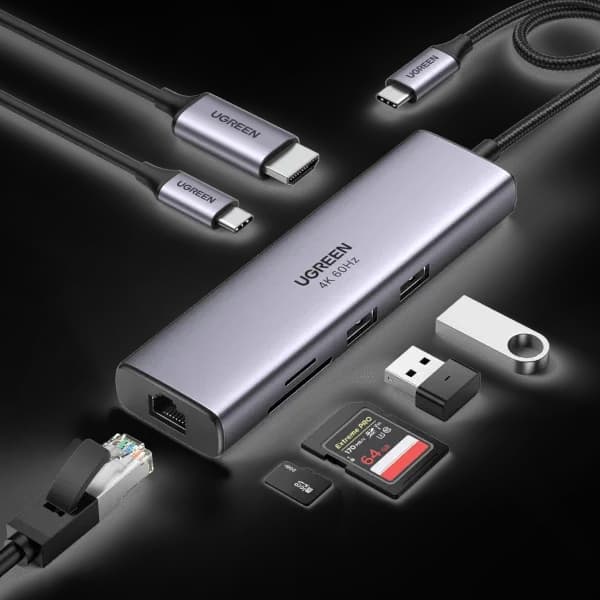
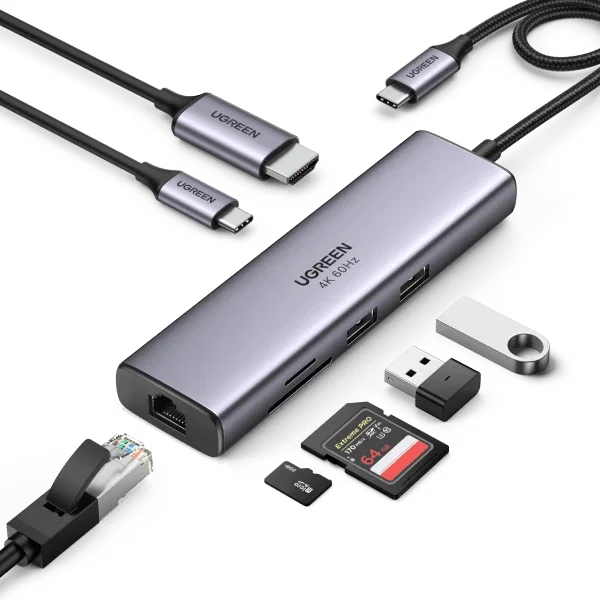
- Best ValueUGREEN Revodok Pro 7-in-1 Docking Station (Model 45365)Why we picked it →
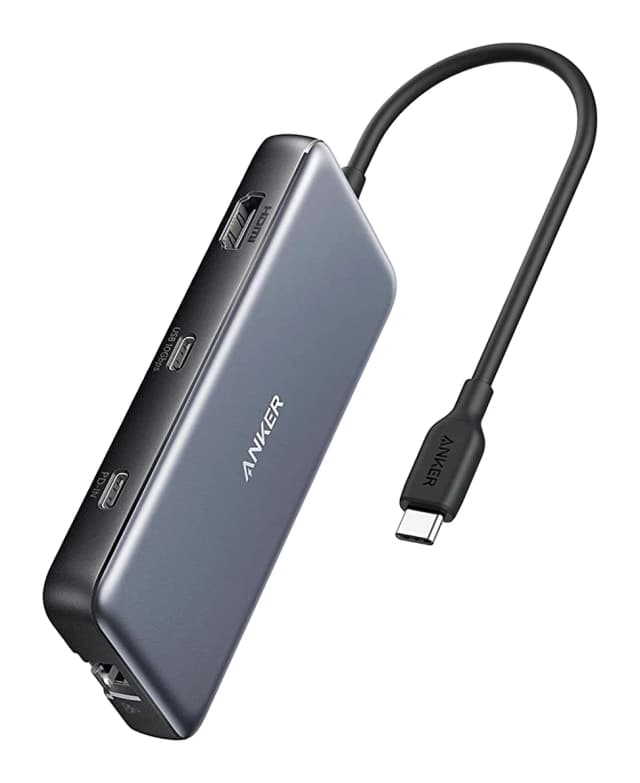
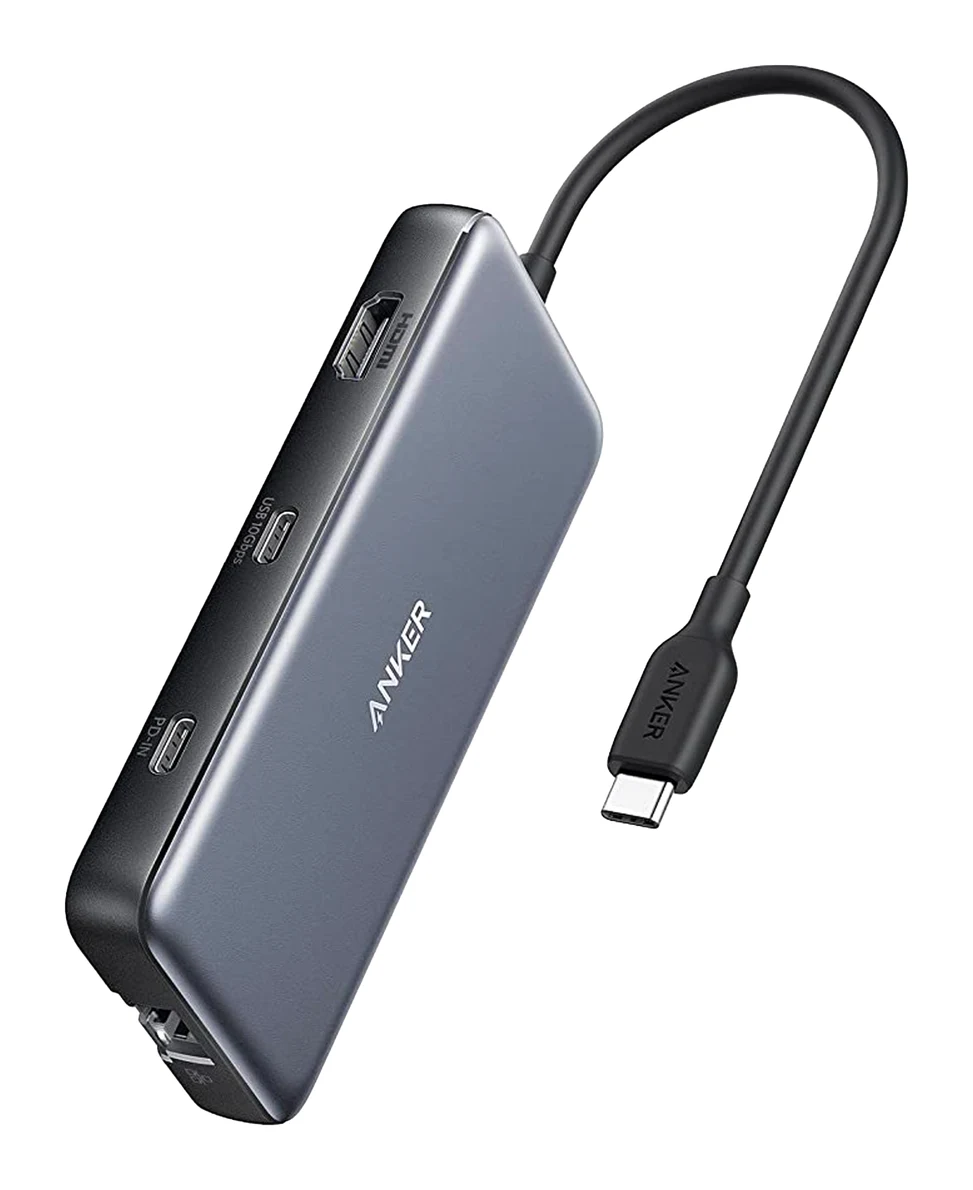
- Best BudgetAnker 555 USB-C Hub (8-in-1)Why we picked it →
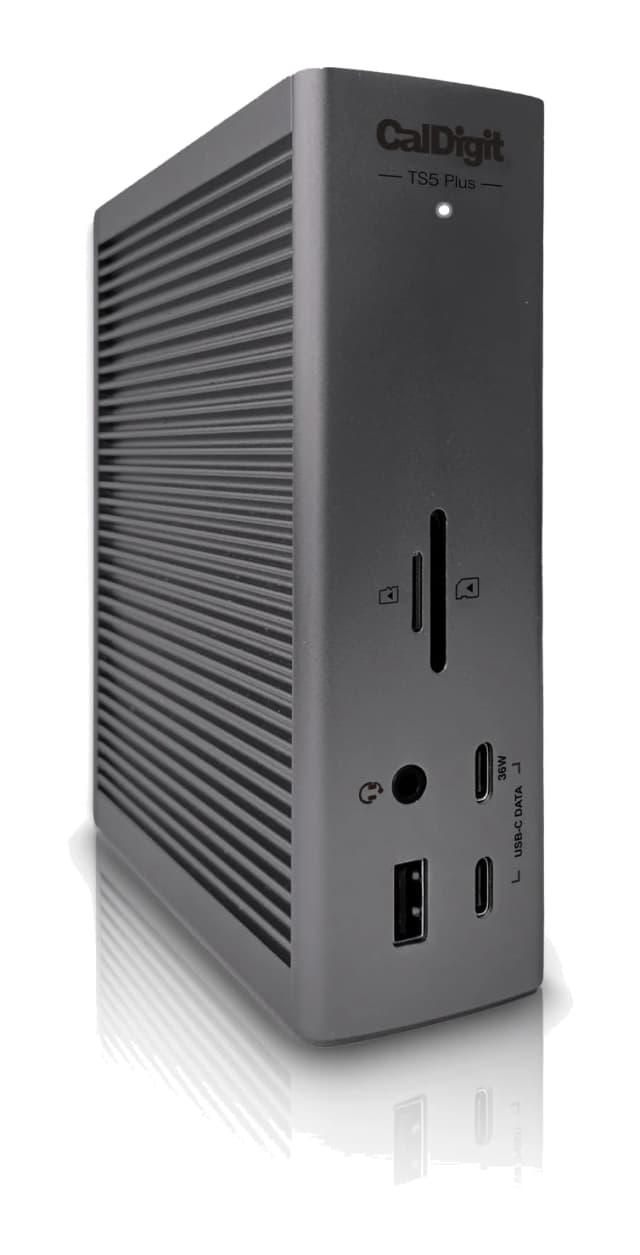
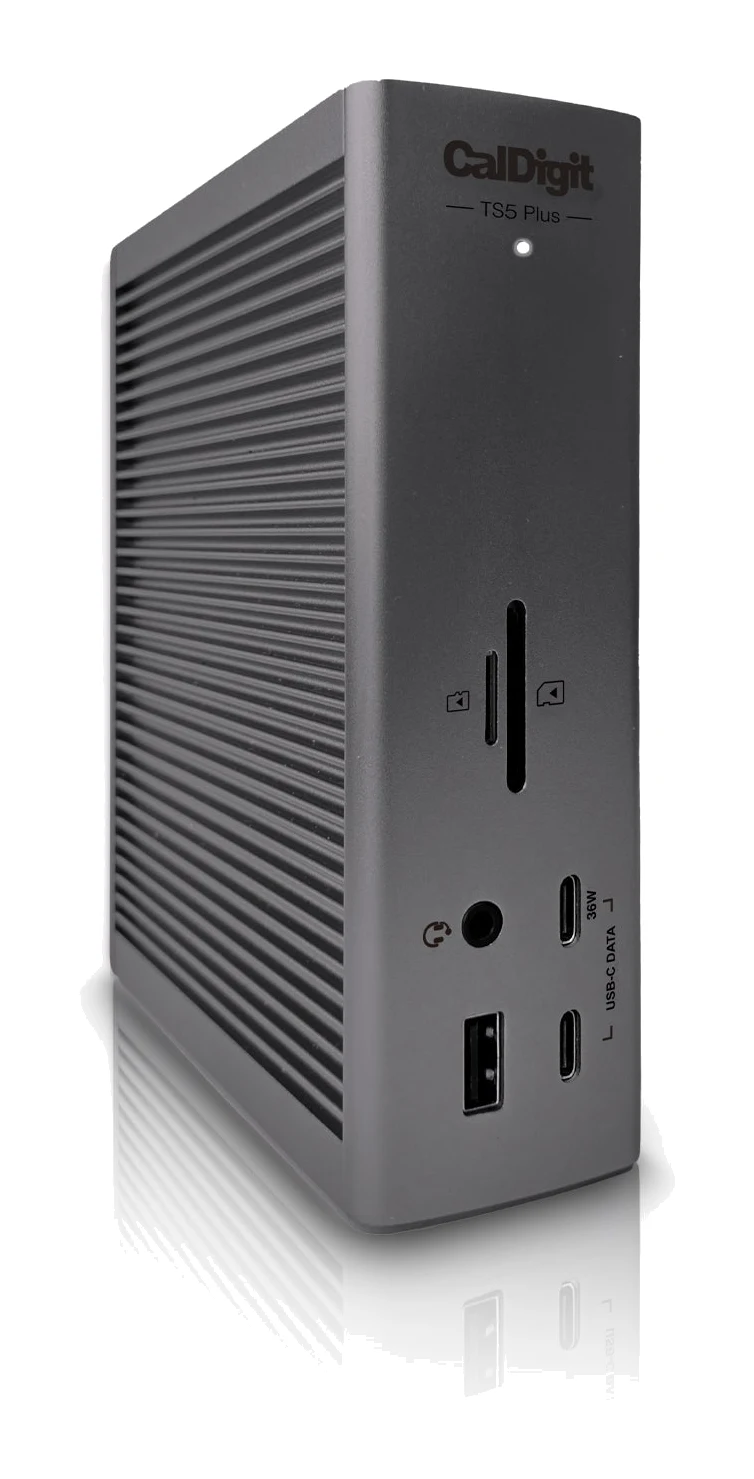
- Premium PickCalDigit TS5 PlusWhy we picked it →
Frequently asked questions
Is the CalDigit TS4 worth it?
It is worth considering if you need lots of ports on one cable, with strong laptop charging, UHS-II card readers and 2.5 Gigabit Ethernet. Reviewers praise those strengths, and it averages 9.4/10 across 3 expert reviews. The common criticism is that it is expensive compared with most rival docks, so it is harder to justify if you only need a few ports.
Does the CalDigit TS4 have HDMI?
No. The video output is a single native DisplayPort 1.4 port, so HDMI monitors need an adapter.
How much power does the TS4 deliver to a laptop?
It can deliver up to 98W to the host laptop through the Thunderbolt 4 cable. Its front USB-C port provides 20W and is suitable for MagSafe chargers. The other USB-C ports and the USB-A ports provide 7.5W each, and the downstream Thunderbolt 4 ports provide 15W each.
How many Thunderbolt 4 ports does the TS4 have?
It has three Thunderbolt 4 ports at 40Gb/s. One of them is the host port that connects to your laptop, which leaves two downstream Thunderbolt 4 ports for other devices. The dock supports daisy-chaining.
Does the CalDigit TS4 have SD card readers?
Yes. The front has one SD 4.0 (UHS-II) reader and one microSD 4.0 (UHS-II) reader, which is why it appeals to photographers.
Can the TS4 run two monitors?
CalDigit lists native DisplayPort 1.4 output and dual-display support. Because there is no HDMI port, check how each of your monitors will connect before buying.
Sources
Specs are taken from the manufacturers' official pages; expert recommendations from the publications below.
- CalDigit TS4: us.caldigit.com, bhphotovideo.com, techradar.com, 9to5mac.com
Related reviews & guides
Best USB-C Docking Stations for Laptops 2026: Any Desk
Five USB-C and Thunderbolt docks for laptops, from a budget single-monitor hub to a Thunderbolt 5 powerhouse, compared on displays, charging and ports.
Published Nov 10, 2026
Dell 27 Plus 4K USB-C Monitor S2725QC Review: One-Cable 4K
A 27-inch 4K IPS monitor with 120Hz, HDMI 2.1 and USB-C laptop charging. We look at what it does well, where experts say it falls short, and who it suits.
Published Nov 4, 2026
Dell UltraSharp U3225QE Review (2026): One-Cable Desk Hub
Our Dell UltraSharp U3225QE review covers the 4K IPS Black display, 140W Thunderbolt 4 docking and built-in KVM, plus the HDR and response-time weak spots.
Published Nov 4, 2026