Dell 27 Plus 4K USB-C Monitor S2725QC Review: One-Cable 4K
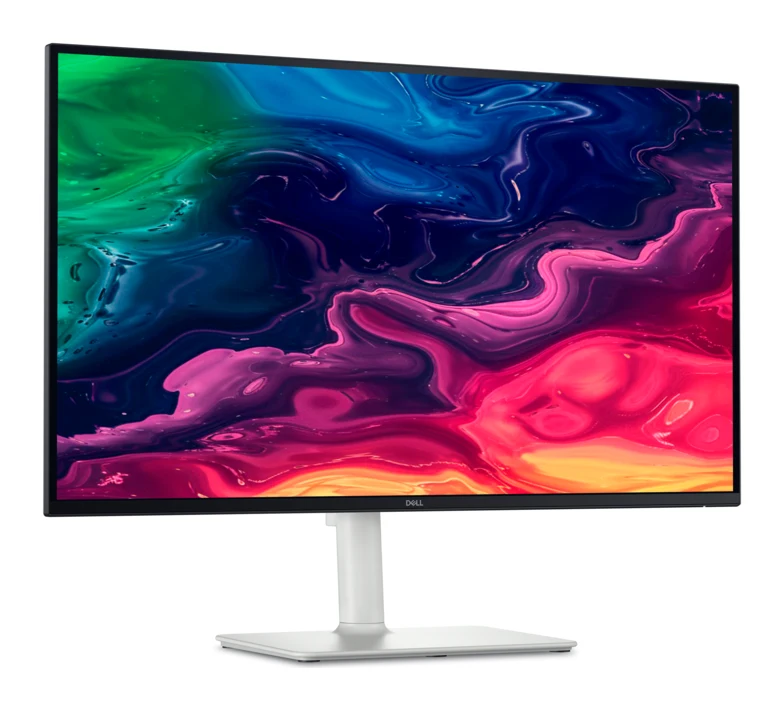
A 27-inch 4K IPS monitor with 120Hz, HDMI 2.1 and USB-C laptop charging. We look at what it does well, where experts say it falls short, and who it suits.
Research-based · We earn from qualifying purchases
Our verdict
A well-priced 4K monitor for home-office users and console gamers who want a one-cable USB-C laptop setup with smooth 120Hz motion. Skip it if you want deep blacks, real HDR or the clearest motion for competitive shooters.
The good
- Sharp 4K IPS panel gives crisp text and detail at 27 inches
- 120Hz refresh rate makes everyday use feel smoother than 60Hz
- Single USB-C cable carries video, data and up to 65W laptop charging
- HDMI 2.1 supports 4K 120Hz for modern game consoles
- Height, tilt, swivel and pivot stand adjusts to suit your desk
+2 more
- HDMI 2.1 supports 4K 120Hz for modern game consoles
- Height, tilt, swivel and pivot stand adjusts to suit your desk
The bad
- 1,500:1 contrast makes blacks look grayish, and HDR is weak
- Motion looks blurry, so it's not ideal for fast competitive gaming
- 350-nit brightness struggles against strong glare
- Stand can wobble and the built-in speakers are mediocre
+1 more
- Stand can wobble and the built-in speakers are mediocre
This Dell 27 Plus 4K USB-C Monitor S2725QC review looks at a monitor built around a simple idea: one sharp 27-inch 4K screen that connects to a laptop with a single cable and still has enough speed to suit a modern game console. It sits in the mid-range part of the market, and it is aimed squarely at home-office users who want a crisp, flexible display without paying for a professional-grade panel.
Based on the manufacturer's specs and what independent experts report, it does most of that job well. It also has some clear weaknesses in contrast, HDR and motion clarity, which matter more for some people than others.
Dell 27 Plus 4K USB-C Monitor S2725QC: specs at a glance
From the manufacturer- HDMI
- 2.1 (up to UHD 3840 x 2160, 120 Hz)
- Speakers
- 2 x 5 W
- Brightness
- 350 Nit
- Panel type
- IPS
- Resolution
- 3840 x 2160
- VESA mount
- 100 x 100
- Color gamut
- 99% sRGB (CIE 1931)
- Screen size
- 27"
- Refresh rate
- 120 Hz
- Adaptive sync
- AMD FreeSync Premium
- Response time
- 4 ms GTG (Extreme Mode), 5 ms GTG (Fast), 8 ms GTG
- USB-C upstream
- DisplayPort 1.4 Alt Mode, Power Delivery up to 65W
- Native contrast ratio
- 1,500:1
- Weight with stand (approximate)
- 6.71 kg
Key features
- Sharp 4K (3840 x 2160) IPS picture on a 27-inch screen
- Up to 120Hz refresh rate with AMD FreeSync Premium for smooth, tear-free motion
- Single USB-C cable carries video, data and up to 65W power to charge a laptop
- HDMI 2.1 ports support 4K 120Hz for modern game consoles
- Built-in dual 5W speakers
- Height, tilt, swivel and pivot adjustable stand
- ComfortView Plus low blue light with 4-star eye comfort certification
- Front USB-A and USB-C ports for quick plug-ins
Dell 27 Plus 4K USB-C Monitor S2725QC review: what you get
The headline is the panel: a 27-inch IPS screen with 3840 x 2160 resolution. At this size, 4K means text and fine detail look sharp, and reviewers praise the crisp text and detail. IPS panels also tend to hold their colours across wider viewing angles than many cheaper panel types, which helps if you share the screen or sit off-centre.
Around that panel, Dell has put a practical feature set:
- A USB-C port that carries video, data and up to 65W of power to a laptop
- A refresh rate of up to 120Hz with AMD FreeSync Premium
- HDMI 2.1 ports that support 4K at 120Hz
- Built-in dual 5W speakers
- A stand that adjusts for height, tilt, swivel and pivot
- ComfortView Plus low blue light, with a 4-star eye comfort certification
- Front USB-A and USB-C ports for quick plug-ins
It averages 8.3/10 across 2 expert reviews: 91mobiles scores it 8.8/10 and Home Office Research gives it 7.8/10.
Design and build
Dell doesn't dress this monitor up as a premium design piece, and the spec sheet focuses on function. The stand is the practical highlight. Height, tilt, swivel and pivot adjustment means you can set the screen at a comfortable eye level and angle rather than adapting your desk to the monitor. That makes it easier to find a comfortable position at your desk.
A common criticism, though, is that the stand can wobble. If your desk is not especially stable, or you tend to type heavily, that is worth keeping in mind. The monitor also has a 100 x 100 VESA mount pattern, so you can replace the stand with a monitor arm if wobble bothers you or you want to free up desk space. Dell lists the weight with stand at approximately 6.71 kg.
The front-facing USB-A and USB-C ports are a small but welcome touch. Plugging in a flash drive, a phone or a headset without reaching around the back is the kind of everyday convenience that is easy to underrate until you have it.
Features and what they mean day to day
One-cable laptop setup
The USB-C input supports DisplayPort 1.4 Alt Mode and Power Delivery up to 65W. In practice, that means a compatible laptop can send video to the monitor, exchange data and charge from the same cable. You come home or sit down at your desk, plug in once, and your laptop is charging and connected to the display and any devices attached to the monitor.
Reviewers praise the single USB-C cable that handles video, data and laptop charging. Check your laptop's power requirements, though. The monitor supplies up to 65W, so a laptop that draws more than that when under load may charge slowly or not keep up. It is worth checking your laptop's power requirements before you buy.
Eye comfort
ComfortView Plus is Dell's low blue light feature, and the monitor carries a 4-star eye comfort certification. If you spend most of your day reading and writing on screen, this is a sensible inclusion.
Speakers
The monitor has built-in dual 5W speakers. They are handy for video calls and casual audio when you don't want to set up anything else. Reviewers describe them as mediocre, so if you care about music or film sound, plan on external speakers or headphones.
Performance: sharpness, speed and contrast
Sharpness and colour
The 4K IPS panel is the strongest part of this monitor. Dell lists 99% sRGB colour coverage, which suits everyday work, web browsing and general media. Reviewers praise the crisp text and detail at 27 inches. That sharpness is the biggest upgrade for anyone coming from a lower-resolution screen.
Brightness is rated at 350-nit. That is adequate in a typical controlled-light room, but reviewers say it struggles against strong glare. If your desk faces a bright window, think about positioning or blinds.
Contrast and HDR
This is where the criticism is clearest. The native contrast ratio is 1,500:1, and reviewers say blacks look grayish as a result. They also describe HDR as weak. If you watch a lot of dark films in a dim room, or you want a screen that makes HDR content look dramatic, this monitor is not designed for that. For spreadsheets, documents and general browsing, the contrast limits are far less noticeable.
Refresh rate and gaming
The screen runs at up to 120Hz, with AMD FreeSync Premium for tear-free motion. Reviewers say the higher refresh rate makes everyday use feel smoother than 60Hz, which is a benefit even if you never play a game: scrolling and moving windows simply look more fluid.
The HDMI 2.1 ports support 4K at 120Hz, which is the key detail for people with a modern game console. You get a sharp picture and a high refresh rate over the same connection.
Response time is listed as 4 ms GTG in Extreme Mode, 5 ms GTG in Fast mode and 8 ms GTG in the standard setting. Even so, a common criticism is that motion looks blurry, which makes the monitor a weaker choice for fast competitive shooters. If you play casually, or mostly play single-player and cinematic games, that matters less. If you chase the clearest possible motion in competitive titles, other displays are better suited.
What experts like and what they criticise
Reviewers praise:
- The sharp 4K IPS panel and the crisp text and detail it gives at 27 inches
- The smoother feel of 120Hz in everyday use
- The single USB-C cable that handles video, data and laptop charging
- HDMI 2.1 support for 4K at 120Hz on consoles
- The adjustable stand
A common criticism is:
- Contrast that leaves blacks looking grayish, along with weak HDR
- Blurry motion that is not ideal for competitive gaming
- 350-nit brightness that struggles against strong glare
- A stand that can wobble, and mediocre built-in speakers
The pattern is consistent. The strengths are practical and relate to daily use. The weaknesses concern image quality at the extremes: dark scenes, bright rooms and fast motion.
Who should buy it, and who should skip it
Buy it if you work from home or in an office and want a sharp 4K screen that connects to a laptop with one cable. It also suits console players who want 4K at 120Hz on a monitor sized for a desk, and anyone who wants an adjustable stand without paying for a high-end display.
Skip it if you want deep blacks, impressive HDR or the clearest motion for competitive shooters. Also think twice if your room is bright, your desk is unstable, or you want good built-in audio. If your laptop needs more than 65W to charge properly, check that before buying.
How it fits against the rest of its category
This model leans toward convenience: the one-cable connection, the front ports and the flexible stand are the selling points, while contrast, HDR and motion clarity are where it gives ground.
Verdict
The Dell 27 Plus 4K USB-C Monitor S2725QC is a sensible, practical monitor for people who spend most of their time working on a laptop and want a sharp 4K screen with minimal cable clutter. The 120Hz refresh rate and HDMI 2.1 ports add flexibility for console gaming, and the adjustable stand and front ports suit daily use. It is not a monitor for people who prioritise contrast, HDR or fast-motion clarity, and the stand can wobble and the built-in speakers are mediocre. Judged as a home-office display with some gaming flexibility, it makes a strong case for itself.
Related buying guides
- Dell UltraSharp U2725QE Review (2026): One-Cable Desk
- Dell UltraSharp U3225QE Review (2026): One-Cable Desk Hub
- Best Monitors for Working From Home 2026: One-Cable Desks
- Best Portable Monitor 2026 for Laptops, Consoles & Travel
- LG 27US500-W UltraFine Review (2026): Sharp 4K, Basic Stand
- Lenovo ThinkVision M14t Gen 2 Review: Touch, Stylus, USB-C
- Arzopa Z3FC Review (2026): Sharp and Fast, Flat in the Dark
- Arzopa Z1FC Review (2026): Smooth 144Hz on the Go
- Acer Spin 714 vs Lenovo Chromebook Duet (2026)
Not sure about the Dell 27 Plus 4K USB-C Monitor S2725QC? Consider these
- Best OverallDell UltraSharp U2725QEWhy we picked it →
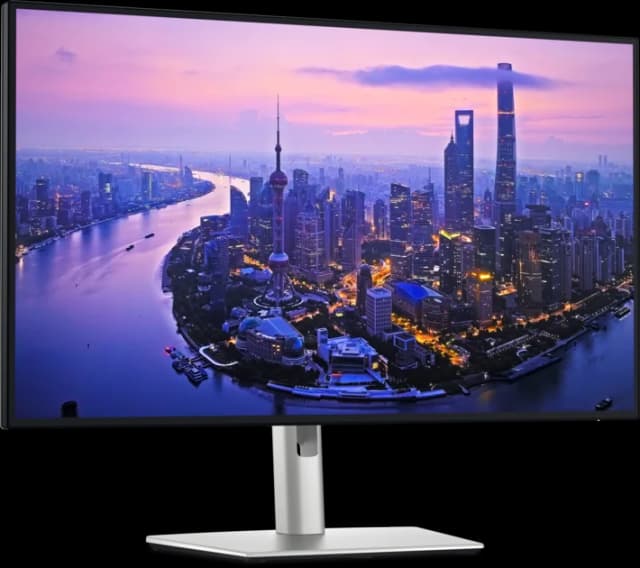
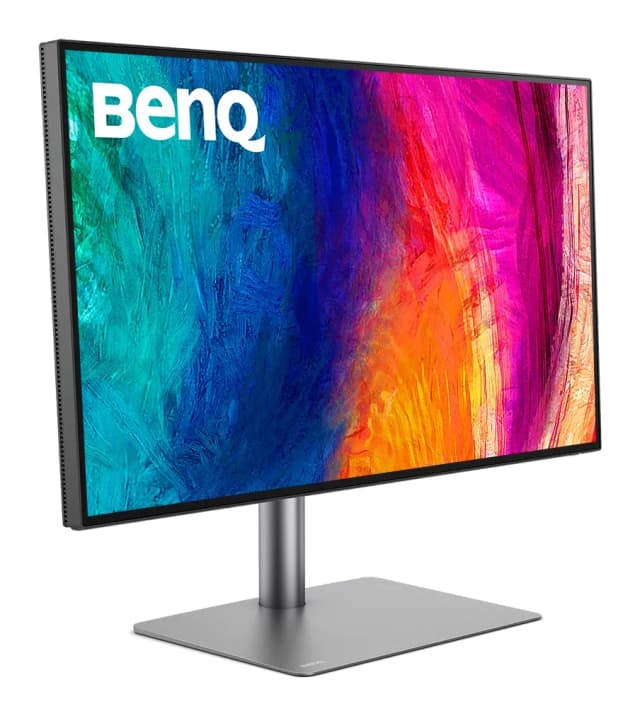
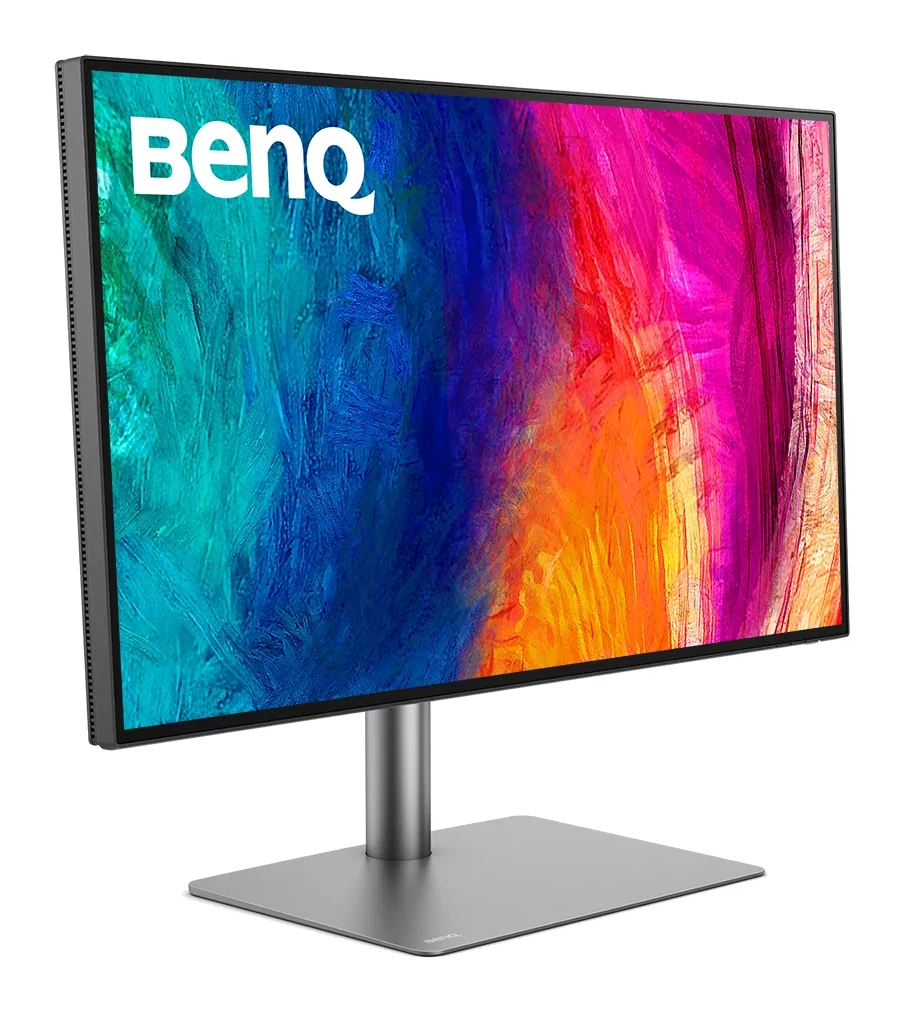
- Premium PickBenQ PD2730SWhy we picked it →
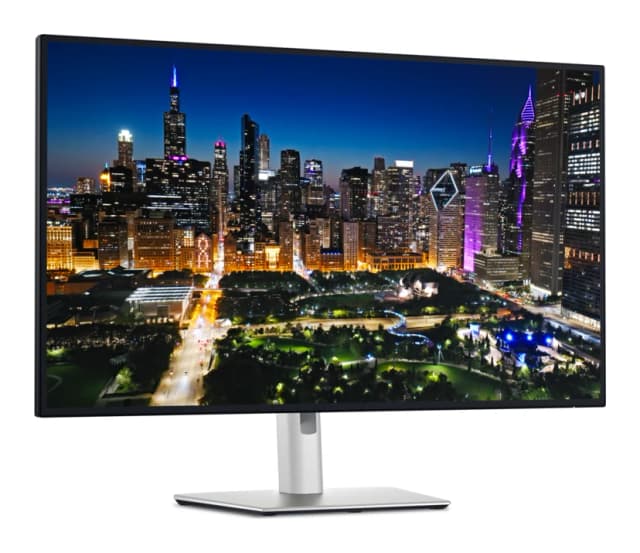
- Also GreatDell UltraSharp U3225QEWhy we picked it →
Frequently asked questions
Is the Dell S2725QC worth it?
It is a good fit for home-office users who want a sharp 4K IPS screen and one-cable laptop charging. It averages 8.3/10 across 2 expert reviews. It is less compelling if you want deep blacks, strong HDR or the clearest motion for competitive gaming.
Can the Dell S2725QC charge my laptop?
Yes, its USB-C port supports DisplayPort 1.4 Alt Mode and Power Delivery up to 65W, so one cable can carry video, data and power. Check that your laptop supports video over USB-C and doesn't need more than 65W.
Does the Dell S2725QC support 4K at 120Hz on a console?
Its HDMI 2.1 ports support up to 3840 x 2160 at 120 Hz, so a console that outputs 4K at 120Hz can use that mode. The screen also supports AMD FreeSync Premium.
Is the Dell S2725QC good for gaming?
It suits casual and console gaming thanks to 120Hz and HDMI 2.1. Reviewers say motion looks blurry, so it is not ideal for fast competitive shooters.
Does the Dell S2725QC have built-in speakers?
Yes, it has dual 5W speakers. Reviewers describe them as mediocre, so they are fine for casual use but not a substitute for external speakers or headphones.
Can I put the Dell S2725QC on a monitor arm?
Yes. It has a 100 x 100 VESA mount pattern, so it can be used with a compatible monitor arm. That is also an option if the stock stand wobbles for you.
Sources
Specs are taken from the manufacturers' official pages; expert recommendations from the publications below.
- Dell 27 Plus 4K USB-C Monitor S2725QC: dell.com, bestbuy.com, rtings.com
Related reviews & guides
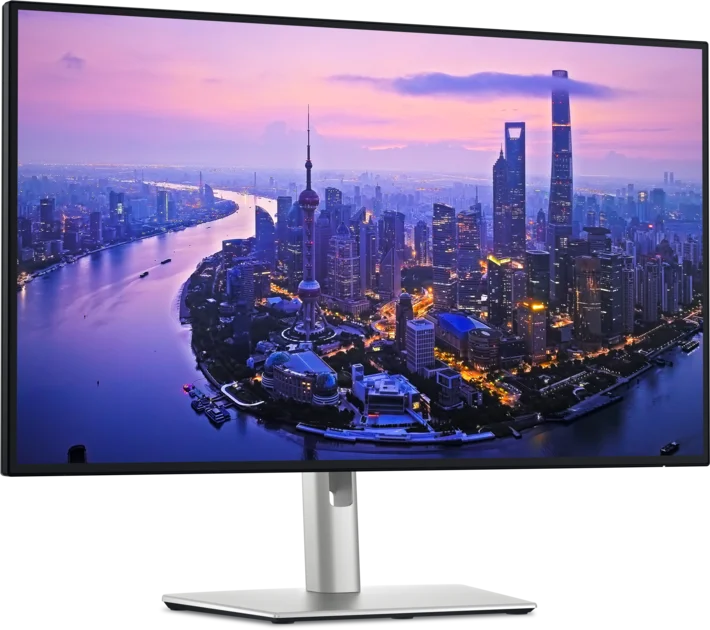
Dell UltraSharp U2725QE Review (2026): One-Cable Desk
A look at the Dell UltraSharp U2725QE, a 27-inch 4K IPS Black monitor with a Thunderbolt 4 hub, KVM and 2.5GbE, and who it suits.
Published Oct 22, 2026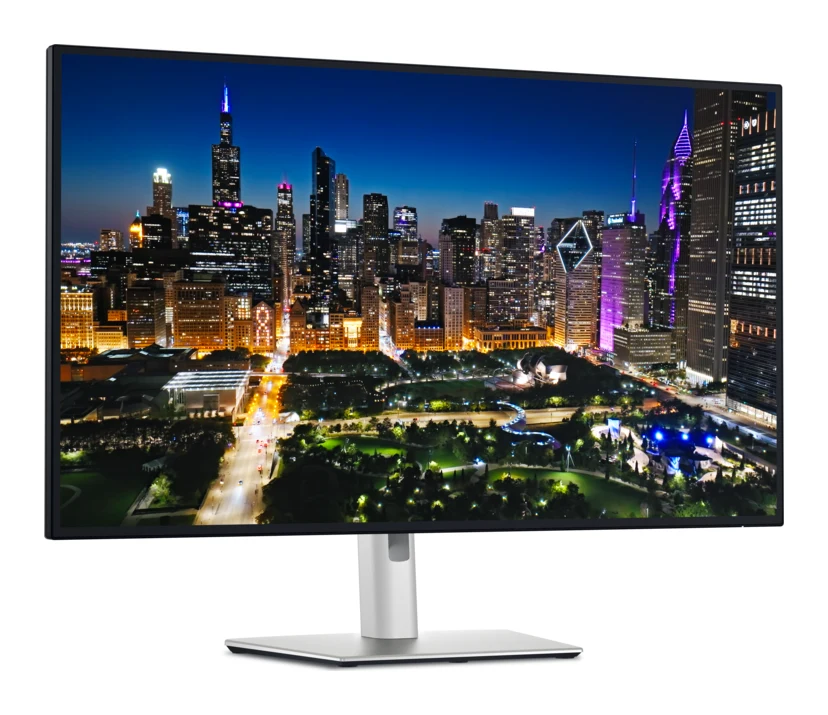
Dell UltraSharp U3225QE Review (2026): One-Cable Desk Hub
Our Dell UltraSharp U3225QE review covers the 4K IPS Black display, 140W Thunderbolt 4 docking and built-in KVM, plus the HDR and response-time weak spots.
Published Nov 4, 2026Best Monitors for Working From Home 2026: One-Cable Desks
Five home-office monitors compared on resolution, USB-C or Thunderbolt charging, KVM switching and eye comfort, using manufacturer specs and expert recommendations.
Published Oct 20, 2026