Lenovo ThinkVision M14t Gen 2 Review: Touch, Stylus, USB-C
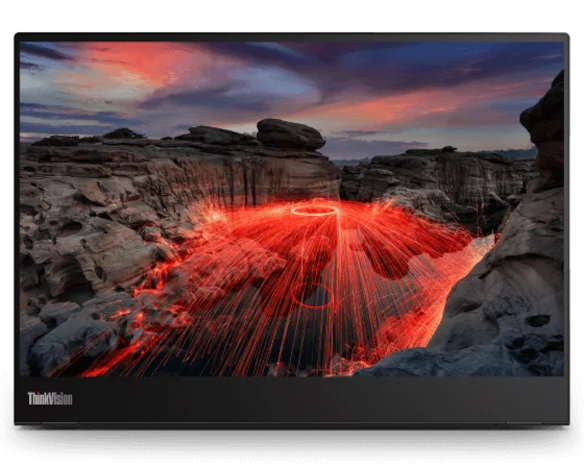
A 14-inch 16:10 portable monitor with 10-point touch, a bundled passive stylus and USB-C power delivery. Here is what the specs and expert reviews say, and who it suits.
Research-based · We earn from qualifying purchases
Our verdict
The M14t Gen 2 suits Windows laptop users who want a sharp, light second screen with touch and stylus input, and it connects over USB-C. Skip it if you need HDMI, bright-room or outdoor use, macOS touch support, or smooth gaming, and note that reviewers find it pricey for a portable monitor.
The good
- Sharp 14-inch 16:10 display at 2240x1400 with 100% sRGB coverage
- Weighs just 0.7 kg, and a protective bag is included
- Fold-out stand adjusts for tilt, pivot and height, plus VESA 100mm mounting
- 10-point touch with a passive stylus included in the box
- Two USB-C ports with up to 65W power delivery and pass-through charging
+2 more
- 10-point touch with a passive stylus included in the box
- Two USB-C ports with up to 65W power delivery and pass-through charging
The bad
- No HDMI input, no speakers and no HDR support
- Glossy screen with 300 cd/m² brightness struggles in bright rooms or outdoors
- Touch works fully only on Windows 10/11, not on macOS
- 60Hz panel with weak motion clarity makes it a poor choice for gaming
+1 more
- 60Hz panel with weak motion clarity makes it a poor choice for gaming
This Lenovo ThinkVision M14t Gen 2 review looks at a portable monitor that is more than a plain second screen. It is a 14-inch touch display with a passive stylus in the box, a fold-out stand and two USB-C ports. It is aimed at people who work on a Windows laptop and want extra screen space that can also be tapped, drawn on and carried in a bag. It sits in the mid-range part of the market, and this review is based on Lenovo's specs and what independent expert reviews report, not on hands-on testing.
Lenovo ThinkVision M14t Gen 2: specs at a glance
From the manufacturer- Panel
- IPS, WLED backlight
- Ports
- 2x USB-C (DisplayPort 1.2, USB PD 2.0, up to 65w PD)
- Touch
- 10-point capacitive
- Weight
- 0.7 kg (1.5 lbs)
- Warranty
- 3-year limited warranty
- Brightness
- 300 cd/m² (panel) / 270 cd/m² (set)
- Resolution
- 2240x1400
- Color gamut
- 100% sRGB
- Screen size
- 14 in
- Aspect ratio
- 16:10
- Refresh rate
- 60Hz
- Response time
- 6ms (Extreme mode) / 8ms (Typical mode)
- Contrast ratio
- 1500:1
- Dimensions (highest position)
- 314.8 x 96.4 x 235.3 mm (12.39 x 3.8 x 9.26 inches)
Key features
- Sharp 14-inch 16:10 IPS display at 2240x1400 (189 dpi)
- 10-point capacitive touch with a passive stylus in the box
- Two USB-C ports with DisplayPort 1.2 and up to 65W power delivery, with pass-through charging
- Fold-out stand with tilt, pivot and height adjustment, plus VESA 100mm mounting
- Thin and light at 0.7 kg, with a protective bag included
- 100% sRGB coverage, with Eyesafe 2.0 and TÜV low blue light certification
- Auto-rotation for portrait or landscape use
- Extreme mode cuts response time to 6 ms
Lenovo ThinkVision M14t Gen 2 review: what it is and who it is for
Most portable monitors do one thing: show a second desktop over a cable. The M14t Gen 2 adds touch and stylus input to that. That makes it most relevant to people who annotate documents, sketch ideas, sign things, or just want to tap and scroll on the second screen instead of reaching for a mouse.
It also stays a conventional external display. It connects over USB-C with DisplayPort 1.2, and it can pass power through to a laptop. Lenovo backs it with a 3-year limited warranty, which is a reassuring detail for something that will be packed and unpacked often.
Design and build
The headline physical spec is weight: 0.7 kg (1.5 lbs). For a 14-inch screen with a built-in fold-out stand, that is easy to slip into a laptop bag. Lenovo includes a protective bag, and reviewers single out both the low weight and the bag as strengths.
The stand is where the design is more flexible than a typical travel monitor. It adjusts for tilt, pivot and height. Height adjustment matters because a laptop screen and a second screen rarely line up, and being able to raise the panel makes a side-by-side setup less awkward. The screen also auto-rotates, so it can switch between portrait and landscape. Portrait suits long documents, web pages and code.
If you would rather get the screen off the desk, the monitor has VESA 100mm mounting. At its highest position it measures 314.8 x 96.4 x 235.3 mm (12.39 x 3.8 x 9.26 inches), so it needs a small footprint when set up.
The display
The panel is a 14-inch 16:10 IPS at 2240x1400, which works out to 189 dpi. The 16:10 shape gives you more vertical space than a 16:9 screen of similar width, which helps with documents, spreadsheets and chat windows. At this pixel density, text should look crisp, and reviewers praise the sharpness.
Colour coverage is listed at 100% sRGB, a sensible target for office work, web content and general creative tasks. The contrast ratio is 1500:1. Lenovo also lists Eyesafe 2.0 and TÜV low blue light certification, which are relevant if the screen will be on for long working sessions.
The limits are brightness and finish. The panel is rated at 300 cd/m² (270 cd/m² as set), and the screen is glossy. A common criticism is that this combination struggles in bright rooms and outdoors. If you work near a sunny window, in a café with strong light, or on a patio, expect reflections and a washed-out look. It is much better suited to controlled indoor lighting.
There is no HDR support either. For a productivity-focused portable screen that is less of a loss than it would be on a media display, but it is worth knowing.
Touch and stylus
The M14t Gen 2 has 10-point capacitive touch, and a passive stylus comes in the box. Having the stylus included means you can start writing or drawing without buying an accessory first.
The important caveat is software. Touch works fully only on Windows 10/11, not on macOS. If you use a Mac, you can still use the M14t Gen 2 as a USB-C second screen, but you would be paying for touch features you cannot fully use. That is why the best-for description here is Windows laptop users.
If stylus work is your main goal and you want a more drawing-oriented display, our XP-Pen Artist 13.3 Pro review covers a different kind of product, a pen display, which shows how that category differs.
Connectivity and power
The monitor has two USB-C ports. They support DisplayPort 1.2 and USB PD 2.0, with up to 65W power delivery, and the monitor supports pass-through charging. In practice, that means a single USB-C connection can carry video to the display, and a charger plugged into the monitor can feed power through to a compatible laptop. This helps keep cable clutter down on a desk or on the road.
Whether it works as a single-cable setup depends on your laptop having a USB-C port that supports video output. The spec is a good sign for modern USB-C laptops, but check your own machine's port capabilities before buying.
The omissions are clear. There is no HDMI input, so connecting a console, a mini PC or an older laptop without USB-C video output is not what this monitor is built for. There are also no speakers, so you will rely on your laptop or headphones for sound.
Performance and refresh rate
This is a 60Hz panel. Response time is listed at 6ms in Extreme mode and 8ms in Typical mode. For everyday work such as documents, browsing, email, video calls and note-taking, those figures are fine. Reviewers say motion clarity is weak, though, and that makes the M14t Gen 2 a poor choice for gaming. If fast motion matters to you, our Arzopa Z1FC review covers another portable monitor you can compare against.
What experts like and criticise
Expert opinion is positive overall. Across four published scores, the M14t Gen 2 averages 8.4/10. TechRadar gives it 4/5, PCWorld gives it 3.5/5, XDA Developers scores it 9/10 and CGMagazine gives it 9.5/10. The spread is worth noticing. The most reserved score is 3.5/5, and reviewers generally find the monitor pricey for a portable display.
What reviewers praise:
- The sharp 16:10 display with 100% sRGB coverage.
- The light weight and the included protective bag.
- The flexible stand, with tilt, pivot, height and VESA options.
- The included stylus and 10-point touch.
- Two USB-C ports with up to 65W power delivery and pass-through charging.
What reviewers criticise:
- No HDMI, no speakers and no HDR.
- A glossy 300 cd/m² screen that struggles in bright rooms or outdoors.
- Touch support that is limited to Windows 10/11.
- A 60Hz panel that is not suited to gaming.
The pattern is consistent. People who like it value its portability, build and touch features. The people who push back on it point to price and to the missing connections and features.
Who should buy it
The M14t Gen 2 makes the most sense for a Windows laptop user who:
- wants a sharp, light second screen for travel or a home desk;
- will actually use touch and a stylus for notes, markup or sketching;
- has a laptop with USB-C video output and likes the idea of one-cable setups and pass-through charging;
- mostly works indoors under controlled lighting.
Who should skip it
Look elsewhere if you:
- need an HDMI input;
- use a Mac and want touch to work fully;
- plan to use it in bright rooms or outdoors;
- want smooth motion for gaming;
- want built-in speakers or HDR.
If you do not need touch or a stylus, a simpler portable monitor may cover your needs. Our MSI PRO MP165 E6 review covers another portable monitor you can compare against.
How it fits in its category
Portable monitors generally split into a few groups: plain, light screens for office work, high-refresh models for gaming, and touch models for creative or note-taking use. The M14t Gen 2 belongs in the third group. Its appeal lies in touch, an included stylus, an adjustable stand and USB-C power flexibility, rather than in raw speed or brightness. That focus makes it a better fit for some people and a worse fit for others, and reviewers note that it is pricey for a portable monitor.
Verdict
The ThinkVision M14t Gen 2 is a well-equipped portable touch monitor for a specific kind of user. Its sharp 16:10 panel, low weight, adjustable stand, bundled stylus and USB-C power delivery make it a strong travel companion for a Windows laptop. The trade-offs are significant but easy to identify: no HDMI, no speakers, no HDR, a glossy screen that dislikes bright light, touch that is Windows-only and a 60Hz refresh rate. If the features you need are on the list of strengths, the M14t Gen 2 is a convincing choice. If they are not, a simpler portable screen is likely to serve you just as well.
Related buying guides
Not sure about the Lenovo ThinkVision M14t Gen 2? Consider these
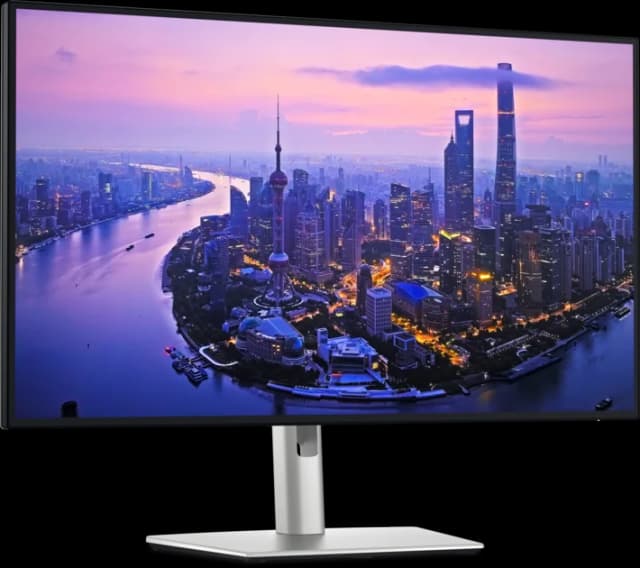
- Best OverallDell UltraSharp U2725QEWhy we picked it →
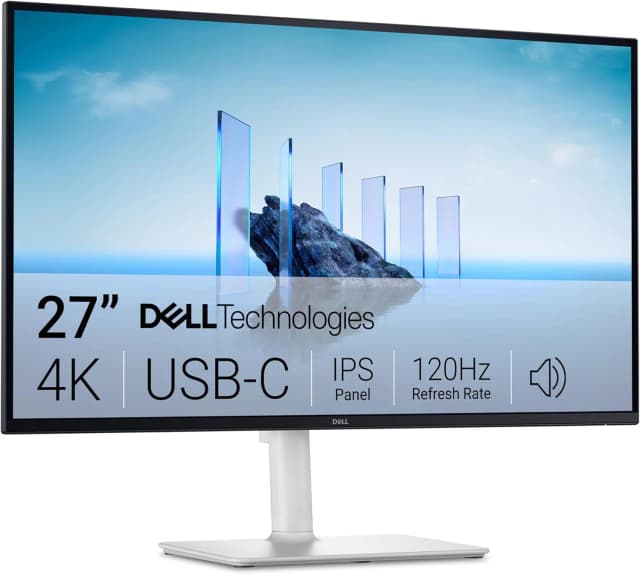
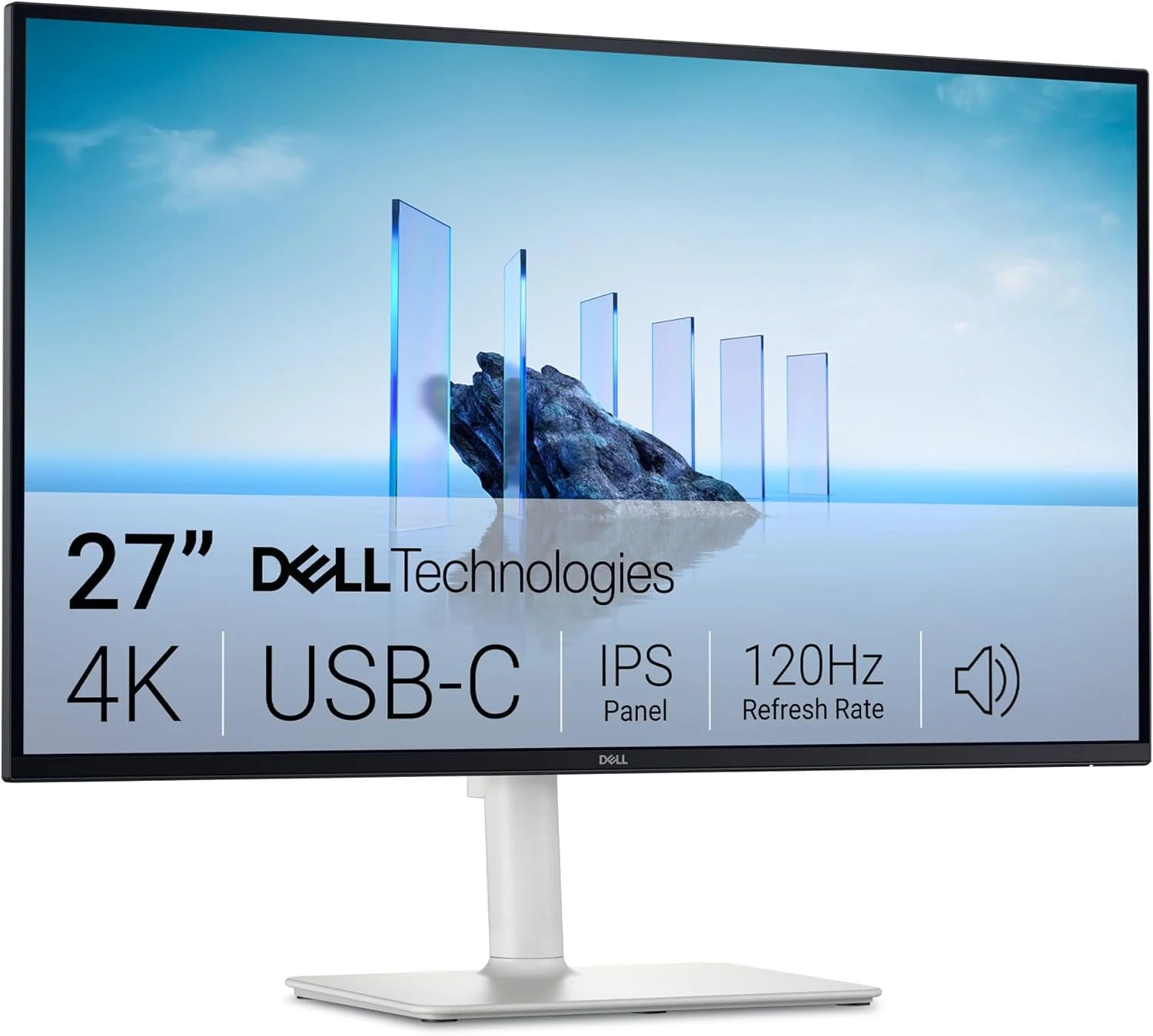
- Best ValueDell 27 Plus 4K USB-C Monitor S2725QCWhy we picked it →
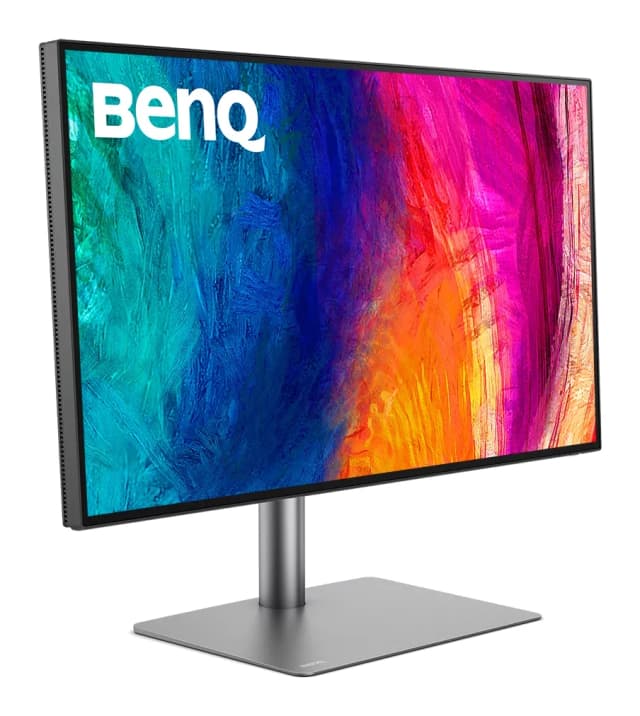
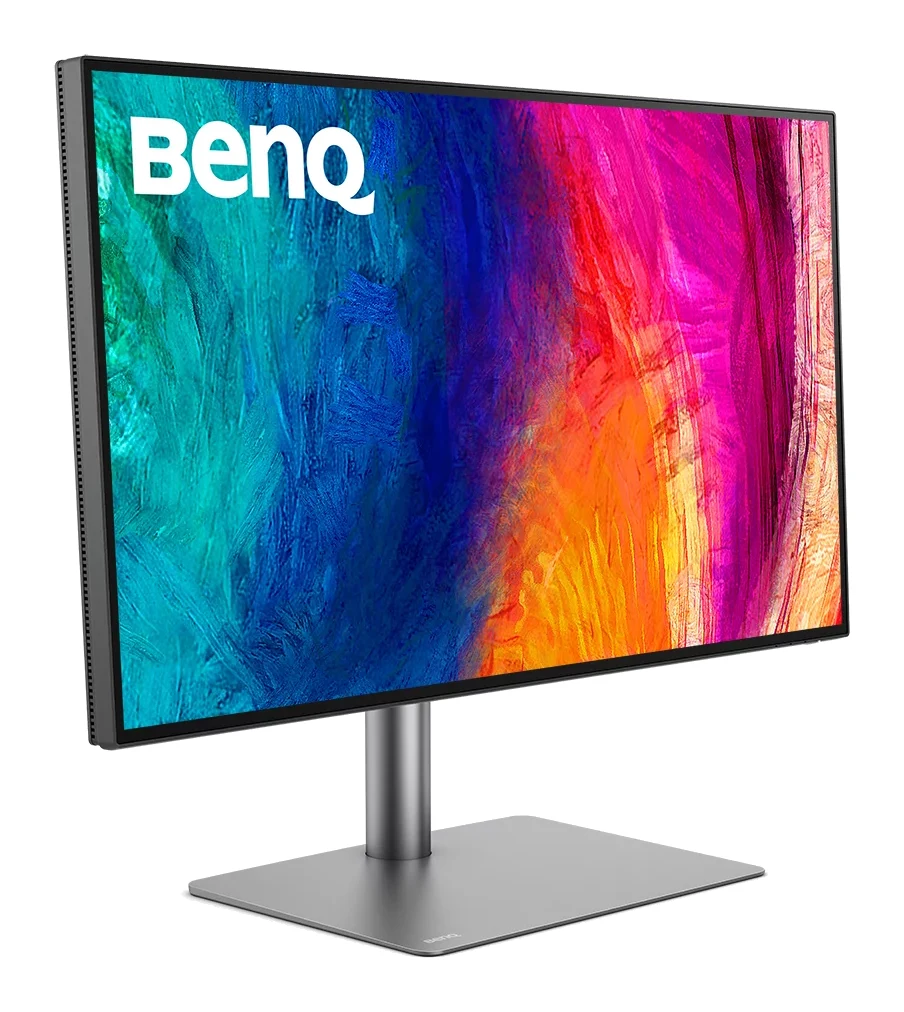
- Premium PickBenQ PD2730SWhy we picked it →
Frequently asked questions
Is the Lenovo ThinkVision M14t Gen 2 worth it?
It is worth considering if you use a Windows laptop and want a light second screen with touch and a stylus. It averages 8.4/10 across four expert reviews. Reviewers do find it pricey for a portable monitor, and it lacks HDMI, speakers and HDR, so it is less compelling if you will not use the touch features.
Does the ThinkVision M14t Gen 2 work with a Mac?
It can connect over USB-C as a second display, but touch works fully only on Windows 10/11, not on macOS. Mac users would not get the full benefit of the touch feature.
Does the M14t Gen 2 come with a stylus?
Yes. A passive stylus is included in the box, and the screen has 10-point capacitive touch.
Can the M14t Gen 2 charge my laptop?
It has two USB-C ports with up to 65W power delivery and pass-through charging, so it can pass power from a charger through to a compatible laptop. Check that your laptop supports USB-C video output and charging.
Does the ThinkVision M14t Gen 2 have HDMI or speakers?
No. It has no HDMI input and no speakers. Connection is through its two USB-C ports, which support DisplayPort 1.2.
Is the M14t Gen 2 good for gaming?
Reviewers say it is a poor choice for gaming. It is a 60Hz panel with weak motion clarity, though Extreme mode cuts response time to 6 ms. It is better suited to productivity, note-taking and creative work.
Sources
Specs are taken from the manufacturers' official pages; expert recommendations from the publications below.
- Lenovo ThinkVision M14t Gen 2: psref.lenovo.com, shi.com, cgmagonline.com, square-technology.com
Related reviews & guides
Best Portable Monitor 2026 for Laptops, Consoles & Travel
Five portable monitors compared on size, resolution, refresh rate, brightness, weight and ports, using manufacturer specs and independent expert recommendations.
Published Oct 17, 2026
Best Monitors for Working From Home 2026: One-Cable Desks
Five home-office monitors compared on resolution, USB-C or Thunderbolt charging, KVM switching and eye comfort, using manufacturer specs and expert recommendations.
Published Oct 20, 2026
LG 27US500-W UltraFine Review (2026): Sharp 4K, Basic Stand
A mid-range 27-inch 4K IPS monitor from LG with wide colour and eye-comfort features, but a tilt-only stand, 60Hz refresh and no USB-C. Here is who it suits.
Published Oct 19, 2026