Arzopa Z1FC Review (2026): Smooth 144Hz on the Go
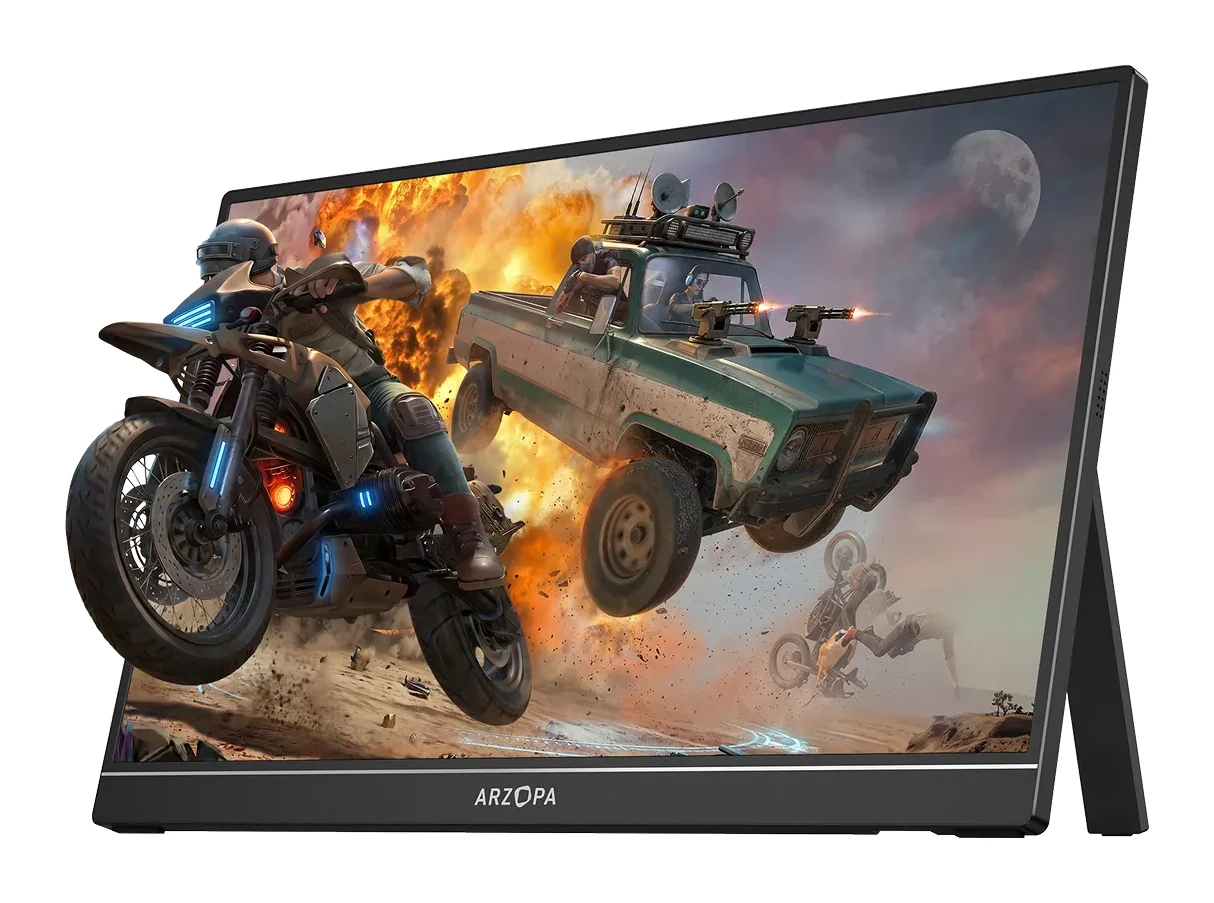
Our Arzopa Z1FC review looks at a slim 16.1-inch, 144Hz portable monitor: what the specs mean, what experts say, and who should buy it.
Research-based · We earn from qualifying purchases
Our verdict
The Arzopa Z1FC is a light, well-built portable monitor that brings 144Hz smoothness and flexible connectivity at a good value. It suits travelers and console or handheld gamers who work indoors, but skip it if you need a bright outdoor screen, strong built-in audio or competitive-grade response times.
The good
- 144Hz refresh rate makes motion visibly smoother than 60Hz portable screens
- Very light and thin at about 780g and 9.3mm, with sturdy aluminum body
- Large 16.1-inch Full HD IPS panel with decent color
- Two USB-C ports plus mini HDMI cover laptops, consoles and handhelds
- Simple plug-and-play setup, including single USB-C cable use
+2 more
- Two USB-C ports plus mini HDMI cover laptops, consoles and handhelds
- Simple plug-and-play setup, including single USB-C cable use
The bad
- 300-nit brightness washes out in bright light or outdoors
- Built-in 1W speakers are weak
- HDR10 support is not meaningful in practice
- Response time is only average, so it suits casual rather than competitive gaming
+1 more
- Response time is only average, so it suits casual rather than competitive gaming
This Arzopa Z1FC review looks at a portable monitor built around one idea: a big, thin second screen that moves more smoothly than the typical 60Hz travel display. It pairs a 16.1-inch Full HD IPS panel with a 144Hz refresh rate, and it sits in the mid-range part of the market. It is aimed at travelers and casual gamers who want a smooth, portable second screen for a laptop, console or handheld. This review is based on manufacturer specs and what independent experts report, not on hands-on testing.
Arzopa Z1FC: specs at a glance
From the manufacturer- HDR
- HDR10
- Ports
- 2x USB-C (USB 3.1, PD and DP) + 1x mini HDMI 2.0
- Weight
- 780g (1.72 lbs)
- Speakers
- 2*1W
- Brightness
- 300 nits
- Panel type
- IPS
- Resolution
- 1920x1080
- Color gamut
- 106% sRGB
- Rated power
- 10W
- Screen size
- 16.1"
- Refresh rate
- 144Hz
- Touch screen
- No
- Display color
- 8-bit
- Contrast ratio
- 1000:1
- Dimensions (W x H x D)
- 366*228*9.3mm
Key features
- 144Hz refresh rate for smoother motion than 60Hz portable screens
- Large 16.1-inch Full HD IPS panel with 106% sRGB color
- Very light and thin, about 780g and 9.3mm, so it slips into a laptop bag
- Two USB-C ports (PD power and DP output) plus mini HDMI 2.0 for laptops, consoles and handhelds
- Works with PS5, Xbox, Switch, Steam Deck, PCs and phones
- Built-in kickstand and dual 1W speakers
- Aluminum alloy body with HDR10 support
- 2-year standard warranty
Design and build
The Z1FC is thin and light for its size. It measures 3662289.3mm and weighs about 780g (1.72 lbs). That puts it in "slips into a laptop bag" territory rather than "needs its own case". For a 16.1-inch screen, that matters: the bigger the panel, the more a portable monitor gets in the way of a travel setup, and a thin profile is what keeps it practical.
The body is aluminum alloy, and reviewers specifically praise the sturdy build. Metal also tends to give a thin panel more rigidity than plastic, which is reassuring for something that will spend its life being packed and unpacked. A built-in kickstand means you don't need a separate stand or cover to prop it up on a desk, hotel table or tray.
The panel is not a touch screen. Treat it as a display that your other devices drive, not as a tablet-style input surface.
Features and what they mean day to day
144Hz refresh rate
The headline feature is the 144Hz refresh rate. Reviewers consistently note that motion looks visibly smoother than on 60Hz portable screens. The source device needs to be able to output a higher refresh rate to take advantage of it. If you only use a portable monitor for spreadsheets and email, you will notice this less. If you play on a PC or handheld, it is the main reason to pick this model.
Connectivity
The port selection is flexible. There are two USB-C ports (USB 3.1, with PD power and DP output) plus one mini HDMI 2.0 port. In practice:
- A laptop with a USB-C port that supports video output can drive the screen over a single cable, and reviewers highlight this simple plug-and-play setup.
- Devices without USB-C video output can use the mini HDMI connection instead.
- The listed compatibility covers PS5, Xbox, Switch, Steam Deck, PCs and phones, which makes this a screen you can share across several devices rather than tying it to one laptop.
The rated power is 10W, which is worth knowing if you plan to power it from a laptop or other portable source.
Panel and picture
The screen is a 1920x1080 IPS panel covering 106% sRGB, with 8-bit color and a 1000:1 contrast ratio. Full HD at this size is a sensible match for everyday work and gaming, and IPS generally means consistent color across viewing angles. Reviewers describe the color as decent, which is a fair summary of the specs: good enough for general use and entertainment, but not a pitch for professional color work.
The monitor lists HDR10 support, but reviewers say it is not meaningful in practice. With 300 nits of brightness and a 1000:1 contrast ratio, there simply isn't the headroom for HDR content to look like real HDR. Treat it as a compatibility checkbox, not a reason to buy.
Audio and warranty
The monitor has dual 1W speakers. They are there for convenience, and a common criticism is that they are weak. If you plan to watch video or play games without headphones, expect to rely on external audio. A 2-year standard warranty is included, which is a useful safety net for a product that gets carried around.
Performance in real use
Brightness
The biggest practical limit is the 300 nits of brightness. That is fine for indoor use, such as a desk, a hotel room or a living room, but reviewers say the picture washes out in bright light or outdoors. If you imagine working on a sunny terrace or in a bright train carriage, this is the spec to weigh most carefully.
Gaming
The 144Hz panel and console-friendly ports make the Z1FC appealing for gaming. But reviewers describe response time as only average. That is why it suits casual play, such as a console or handheld on the go, better than competitive shooters where every millisecond counts. The refresh rate helps with smoothness, but the screen is not positioned as a tournament display.
Setup
Setup is one of its strengths. Reviewers describe plug-and-play operation, including the option of running on a single USB-C cable. For travel and shared-desk use, being able to connect and go with minimal fuss counts for a lot.
What experts like and what they criticise
Expert coverage is positive overall. PCWorld scores the Z1FC 4 out of 5 and TweakTown gives it 90/100, and the Z1FC averages 8.5/10 across those 2 expert reviews.
Reviewers praise the smooth 144Hz motion, the light and thin aluminum body, the large Full HD IPS panel with decent color, the mix of two USB-C ports and mini HDMI, and the easy setup.
The criticisms are consistent and fairly specific:
- The 300 nits of brightness struggles in bright light or outdoors.
- The built-in speakers are weak.
- HDR10 support does not deliver a meaningful HDR experience.
- Response time is only average, so competitive gamers may want something faster.
None of these are hidden flaws, since they follow from the specs. The question is whether they affect how you plan to use it.
Who should buy the Arzopa Z1FC
The Z1FC makes sense if you:
- travel with a laptop and want a larger second screen that doesn't add much weight or bulk;
- play on a PS5, Xbox, Switch or Steam Deck and want a bigger, smoother screen than a handheld offers;
- mostly work indoors, where 300 nits is adequate;
- want a single-cable setup with a laptop that supports USB-C video output.
Who should skip it
Look elsewhere if you:
- need a screen for bright rooms or outdoor use;
- expect good sound from the built-in speakers;
- want an HDR experience that looks different from standard content;
- play competitive games where response time is the priority;
- want touch input, which the Z1FC does not offer.
How it fits in the portable monitor category
Portable monitors usually trade off size, weight, brightness and refresh rate. The Z1FC puts its weight on refresh rate, screen size and connectivity, and it is lighter on brightness and audio. That makes it a good fit for a particular kind of buyer, not a universal answer.
Arzopa Z1FC review verdict
The Z1FC is a sensible pick for people who want a big, light, smooth portable display and who will mostly use it indoors. Its strengths are its 144Hz refresh rate, thin aluminum build and flexible ports, and expert scores of 4/5 and 90/100 reflect that. Its weaknesses are modest brightness, weak speakers, a largely cosmetic HDR10 label and average response time. If those limits don't clash with how you work and play, it is a solid mid-range choice. If they do, a brighter or faster screen will serve you better.
Related buying guides
- Best Monitors for Working From Home 2026: One-Cable Desks
- LG 27US500-W UltraFine Review (2026): Sharp 4K, Basic Stand
- Arzopa Z3FC Review (2026): Sharp and Fast, Flat in the Dark
- Dell UltraSharp U2725QE Review (2026): One-Cable Desk
- Asus ZenScreen MB16ACV Review (2026): Simple Second Screen
- Lenovo ThinkVision M14t Gen 2 Review: Touch, Stylus, USB-C
- MSI PRO MP165 E6 Review (2026): Easy to Carry, Plain Panel
Not sure about the Arzopa Z1FC? Consider these
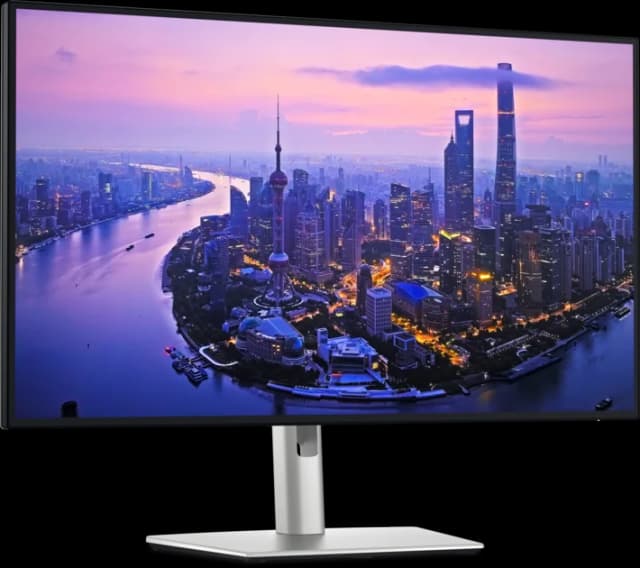
- Best OverallDell UltraSharp U2725QEWhy we picked it →
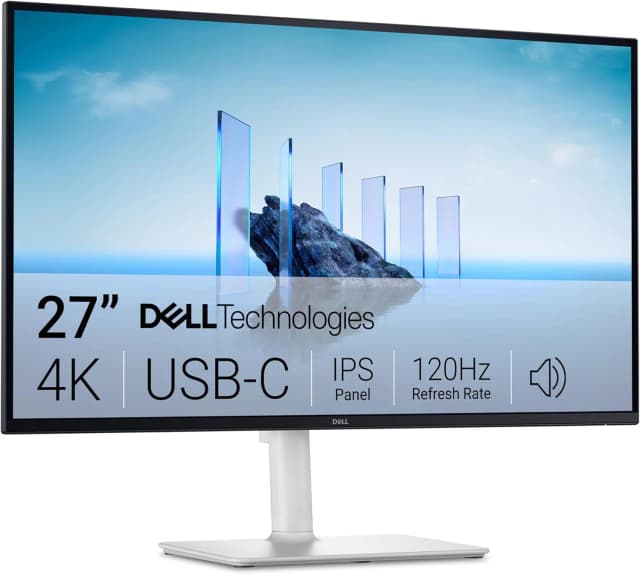
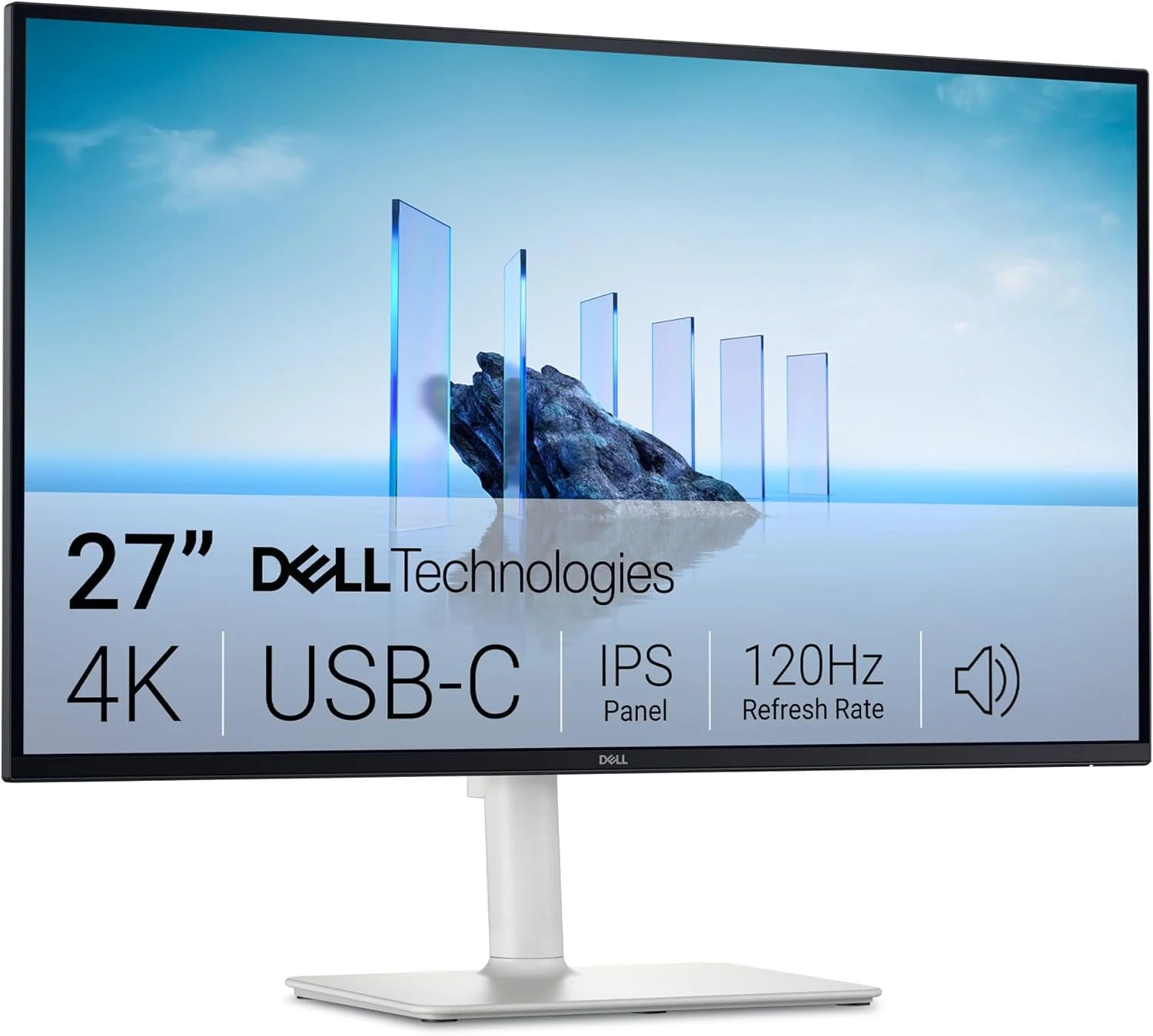
- Best ValueDell 27 Plus 4K USB-C Monitor S2725QCWhy we picked it →
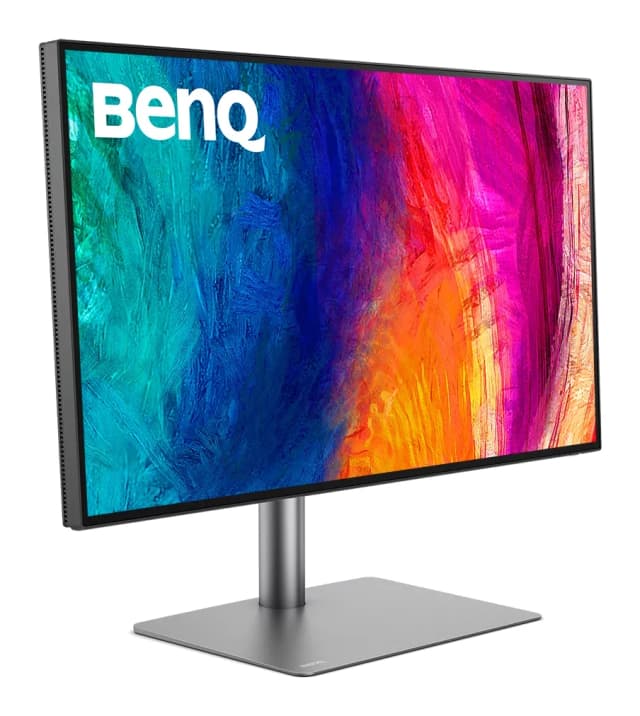
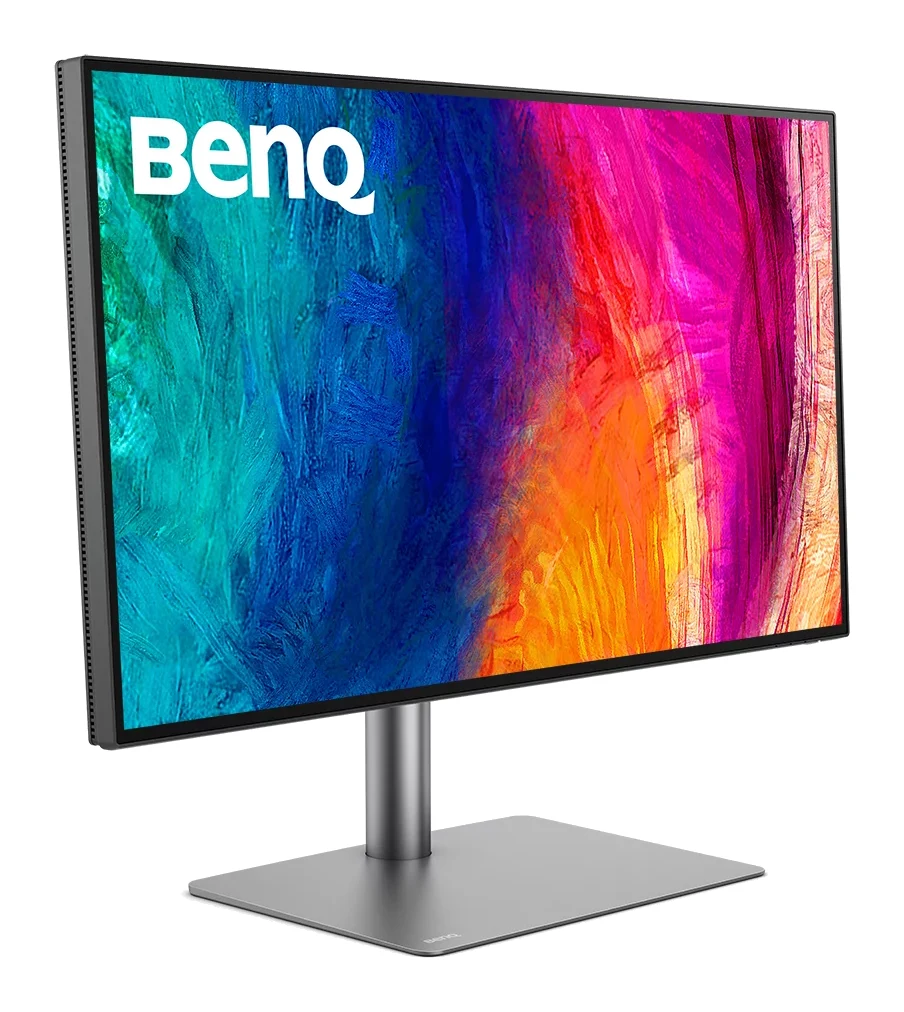
- Premium PickBenQ PD2730SWhy we picked it →
Frequently asked questions
Is the Arzopa Z1FC worth it?
For travelers and casual gamers who work indoors, reviewers say yes. It averages 8.5/10 across 2 expert reviews (PCWorld 4/5, TweakTown 90/100). Its 144Hz refresh rate, light aluminum body and flexible ports are the main draws. Brightness, speakers and response time are its weaker points.
Does the Arzopa Z1FC support PS5, Xbox, Switch and Steam Deck?
Yes. The listed compatibility includes PS5, Xbox, Switch, Steam Deck, PCs and phones, using the two USB-C ports (PD and DP) or the mini HDMI 2.0 port.
Is the Arzopa Z1FC good for gaming?
It suits casual gaming well thanks to the 144Hz refresh rate and console-friendly ports. Reviewers say response time is only average, so it is less suited to competitive play.
Can the Arzopa Z1FC work with one USB-C cable?
Yes, reviewers describe simple plug-and-play setup, including single USB-C cable use. The source device needs to support video output over USB-C.
Is the Arzopa Z1FC bright enough to use outdoors?
Probably not. It is rated at 300 nits, and reviewers say the picture washes out in bright light or outdoors. It is better suited to indoor use.
Does the Arzopa Z1FC have a touch screen or good speakers?
No touch screen. It has dual 1W speakers, which reviewers describe as weak, so headphones or external speakers are a better choice for audio.
Sources
Specs are taken from the manufacturers' official pages; expert recommendations from the publications below.
- Arzopa Z1FC: arzopa.com, global.arzopa.com
Related reviews & guides
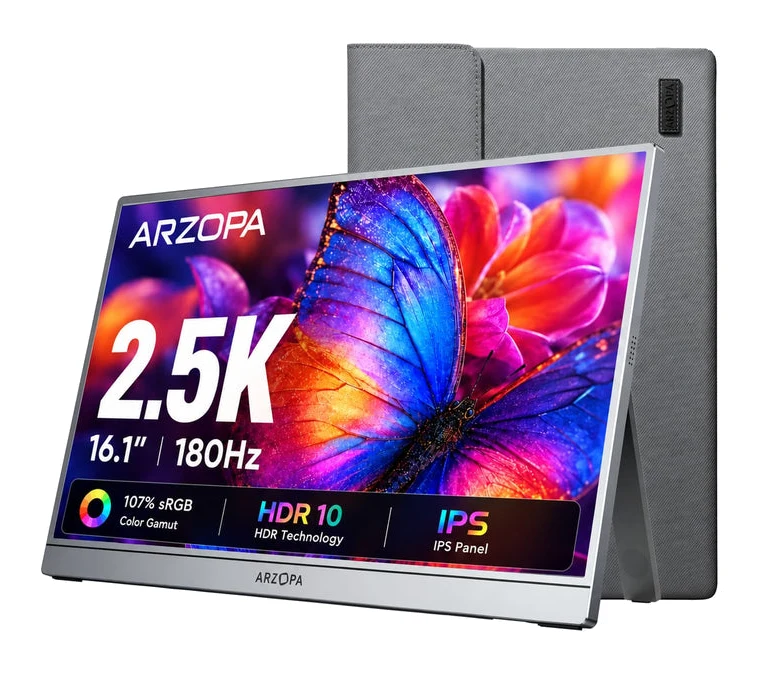
Arzopa Z3FC Review (2026): Sharp and Fast, Flat in the Dark
A portable monitor with a sharp 2560x1440 IPS panel, 180Hz refresh and a slim aluminum body. Here is what it does well and where it falls short.
Published Oct 28, 2026
Best Portable Monitor 2026 for Laptops, Consoles & Travel
Five portable monitors compared on size, resolution, refresh rate, brightness, weight and ports, using manufacturer specs and independent expert recommendations.
Published Oct 17, 2026
Best Monitors for Working From Home 2026: One-Cable Desks
Five home-office monitors compared on resolution, USB-C or Thunderbolt charging, KVM switching and eye comfort, using manufacturer specs and expert recommendations.
Published Oct 20, 2026