MSI PRO MP165 E6 Review (2026): Easy to Carry, Plain Panel
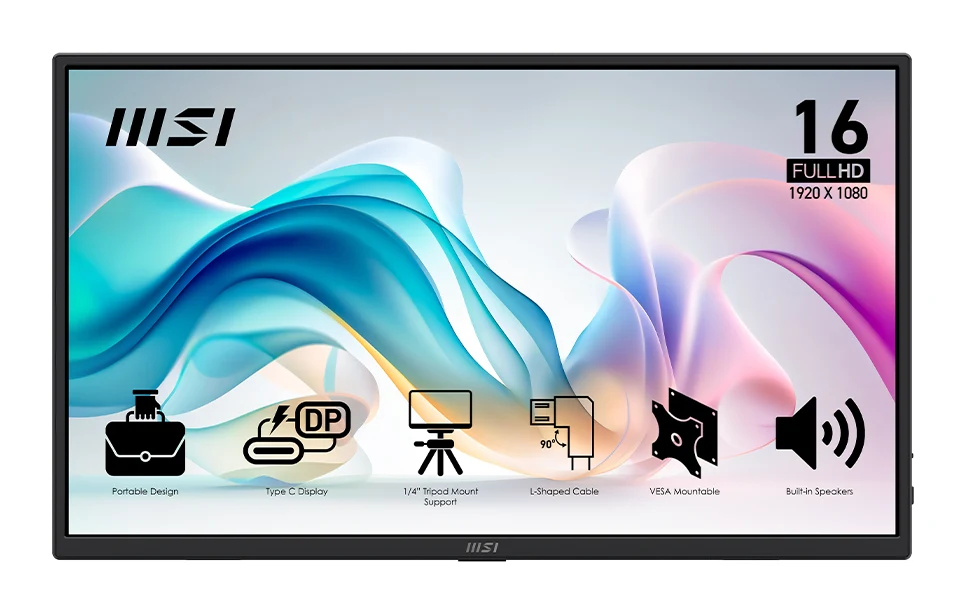
A light 15.6" portable monitor with USB-C, HDMI and flexible mounting. Experts like the portability and criticize the color, contrast and speakers.
Research-based · We earn from qualifying purchases
Our verdict
The MSI PRO MP165 E6 is a light, versatile portable monitor with flexible mounting and useful extras, at an affordable price for what it offers. It suits travelers and remote workers who want a simple second screen for documents and email, but anyone who cares about color accuracy, contrast or sound should look elsewhere.
The good
- Weighs just 0.78 kg and 0.55 inches thick, easy to pack
- Single-cable USB-C video plus an HDMI input
- Kickstand, tripod socket and 75mm VESA mount offer flexible setups
- Protective sleeve and L-shaped cables included in the box
- Anti-glare IPS panel with wide 178° viewing angles
+2 more
- Protective sleeve and L-shaped cables included in the box
- Anti-glare IPS panel with wide 178° viewing angles
The bad
- Weak color gamut and washed-out colors, poor for photo or video editing
- Poor contrast with a modest 1000:1 ratio and 250-nit brightness
- Quiet, tinny 1-watt speakers are only good for basic audio
- Plastic build feels flimsy to some reviewers, and menu buttons are stiff
+1 more
- Plastic build feels flimsy to some reviewers, and menu buttons are stiff
This MSI PRO MP165 E6 review looks at a 15.6" portable monitor built for people who want a second screen that travels as easily as a laptop. It is a 1920 x 1080 (FHD) IPS display that connects over USB-C or HDMI, and it sits in the mid-range part of the market. The pitch is portability and flexibility rather than picture quality, which shapes everything below. It suits travelers and remote workers who want a simple extra screen for documents and email.
MSI PRO MP165 E6: specs at a glance
From the manufacturer- HDR
- N/A
- Ports
- 1x HDMI 2.0b, 2x USB Type-C (DisplayPort 1.2a Alt mode, 15 W power)
- Weight
- 1.72 lbs (0.78 kg)
- Mounting
- 75mm VESA, 1/4" tripod socket
- Speakers
- 2 x 1-watt
- Brightness
- 250cd / m2
- Dimensions
- 14.04 x 8.28 x 0.55 inches
- Panel type
- IPS
- Resolution
- 1920 x 1080 (FHD)
- Screen size
- 15.6"
- Refresh rate
- 60Hz
- Response time
- 4ms (GTG)
- Viewing angle
- 178° (H) / 178°(V)
- Contrast ratio
- 1000:1
- Display colors
- 16.7 Million
Key features
- Weighs only 0.78 kg (1.72 lbs) and is 0.55 inches thick, so it packs easily with a laptop
- Single-cable USB-C video (DP 1.2a Alt mode) plus an HDMI input
- Built-in kickstand, 1/4" tripod socket and 75mm VESA mount
- Anti-glare IPS panel with 178° viewing angles
- EyesErgo eye-care tech: anti-flicker and low blue light
- L-shaped cables and a protective sleeve in the box
- Built-in speakers for basic audio on the go
- Display Kit software for adjusting color and display settings
This review is based on MSI's manufacturer specs and what independent expert reviews report. It is not hands-on testing.
MSI PRO MP165 E6 Review: Design and Build
The headline here is how little there is of it. The monitor weighs 1.72 lbs (0.78 kg) and measures 0.55 inches thick, with dimensions of 14.04 x 8.28 x 0.55 inches. Slipping it into a bag next to a laptop is the use case MSI is aiming at, and the light, thin body is listed among its strengths.
MSI also includes a few things that make carrying it easier. A protective sleeve and L-shaped cables come in the box. L-shaped connectors sit flatter against the edge of the screen, which helps in cramped spaces like a café table or an airplane tray. Cables and a sleeve are small extras, but they save you buying accessories.
The flip side is the construction. A common criticism is that the plastic build feels flimsy to some reviewers, and that the menu buttons are stiff.
Stands and mounting
For a portable monitor, the setup options are generous. There is a built-in kickstand for desk use, a 1/4" tripod socket, and a 75mm VESA mount. In practice that means you can prop it up on a table, put it on a tripod, or fit it to a monitor arm or bracket at a permanent desk. Reviewers praise this flexibility, and it widens the range of uses beyond just traveling.
Features and What They Mean Day to Day
Connectivity
The monitor has two USB Type-C ports, which support DisplayPort 1.2a Alt mode and list 15 W power, plus one HDMI 2.0b port. The main convenience is single-cable USB-C video. If your laptop supports video over USB-C, you connect one cable and the screen works as an extra display. The HDMI input covers devices without that support, so older laptops or other HDMI sources still work.
This is practical rather than exciting. You get the connections a portable second screen needs and nothing more. There are no extra input types or hub-style features in the published specs.
Eye-care and software
MSI includes its EyesErgo eye-care technology, which covers anti-flicker and low blue light. For long stretches of spreadsheets, email and documents, that is a sensible inclusion. The panel is anti-glare IPS, though its brightness is modest (covered below).
MSI's Display Kit software lets you adjust color and display settings.
Built-in speakers
There are two 1-watt speakers. Reviewers describe them as quiet and tinny, good only for basic audio. They are a fallback for when you have no headphones, not a reason to buy. For video calls or media, plan to use headphones or a separate speaker.
Display Quality: Where the Compromises Are
This is the part of the spec sheet that explains the price and the criticism. The panel is a 15.6" IPS with a 1920 x 1080 (FHD) resolution, a 60Hz refresh rate and a 4ms (GTG) response time. That suits the simple second-screen use of documents and email. The 178° (H) / 178°(V) viewing angles mean the image holds up when you look at it from the side.
Beyond that, the numbers are modest. Brightness is listed at 250cd / m2, contrast ratio is 1000:1, and the monitor displays 16.7 Million colors. HDR is listed as N/A. Reviewers are blunt about the outcome: a weak color gamut, washed-out colors and poor contrast. Because of that, they say it is a poor fit for photo or video editing.
The 60Hz refresh rate also makes it a document-and-office screen rather than a gaming one. The published specs do not position it for gaming, so I would not treat it as one.
What Experts Like and Criticize
Expert reviews are fairly consistent. Reviewers praise:
- the light, thin body that is easy to pack
- single-cable USB-C video alongside the HDMI input
- the flexible mounting options
- the sleeve and L-shaped cables in the box
- the anti-glare IPS panel and wide viewing angles
A common criticism is the picture itself: weak color gamut, washed-out colors, and poor contrast. The speakers draw complaints, as do the plastic build and stiff menu buttons.
The published scores reflect that mix. PCWorld scores it 4/5 and How-To Geek scores it 6/10. The monitor averages 7/10 across 2 expert reviews.
Who Should Buy the MSI PRO MP165 E6
This monitor makes sense if you:
- travel with a laptop and want a second screen that adds very little weight
- work remotely and mainly use documents, email and web apps
- want flexibility to use a kickstand, a tripod or a VESA mount
- want a sleeve and right-angle cables included
Who Should Skip It
Look elsewhere if you:
- edit photos or video, or otherwise need accurate or vivid color
- care about strong contrast or a bright image
- want good built-in sound
- want a sturdier-feeling build
- want a high refresh rate, since this panel is 60Hz
How It Fits in the Portable Monitor Category
It puts its effort into portability, connectivity and mounting, and the panel is the area where it gives ground. Treat it as a travel-friendly utility screen. If display quality is your priority, compare panel specs closely before buying.
Verdict
The MSI PRO MP165 E6 does what a travel monitor should: it is light, thin, easy to connect and flexible to set up, with useful extras in the box. Its weaknesses are just as clear, namely washed-out color, modest contrast and brightness, thin speakers and a plastic build. If you want a simple second screen for office work on the move, it is a sensible option. If you care about how the picture looks, the consensus from reviewers is that you should shop elsewhere.
Related buying guides
- Best Monitors for Working From Home 2026: One-Cable Desks
- LG 27US500-W UltraFine Review (2026): Sharp 4K, Basic Stand
- Dell UltraSharp U2725QE Review (2026): One-Cable Desk
- Arzopa Z3FC Review (2026): Sharp and Fast, Flat in the Dark
- Arzopa Z1FC Review (2026): Smooth 144Hz on the Go
- Asus ZenScreen MB16ACV Review (2026): Simple Second Screen
- Lenovo ThinkVision M14t Gen 2 Review: Touch, Stylus, USB-C
Not sure about the MSI PRO MP165 E6? Consider these
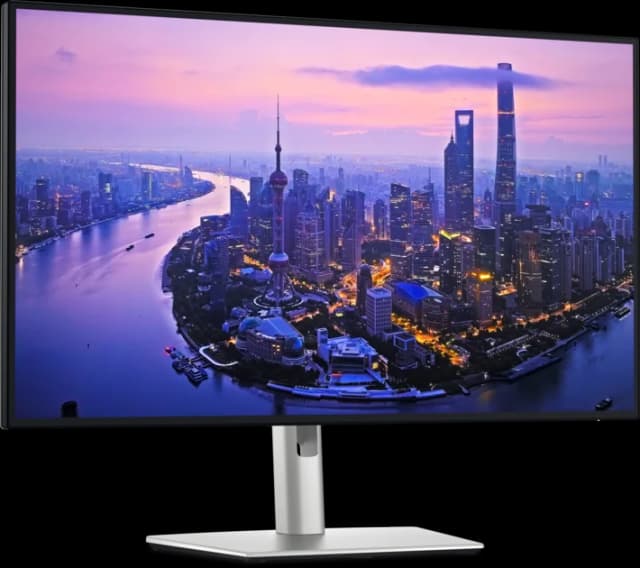
- Best OverallDell UltraSharp U2725QEWhy we picked it →
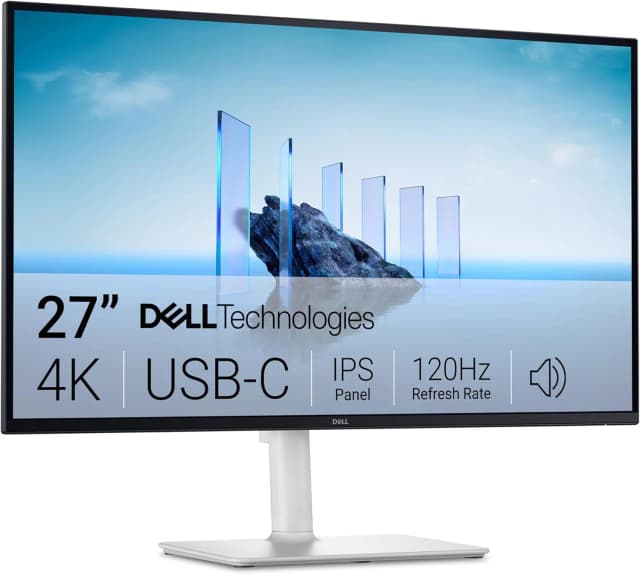
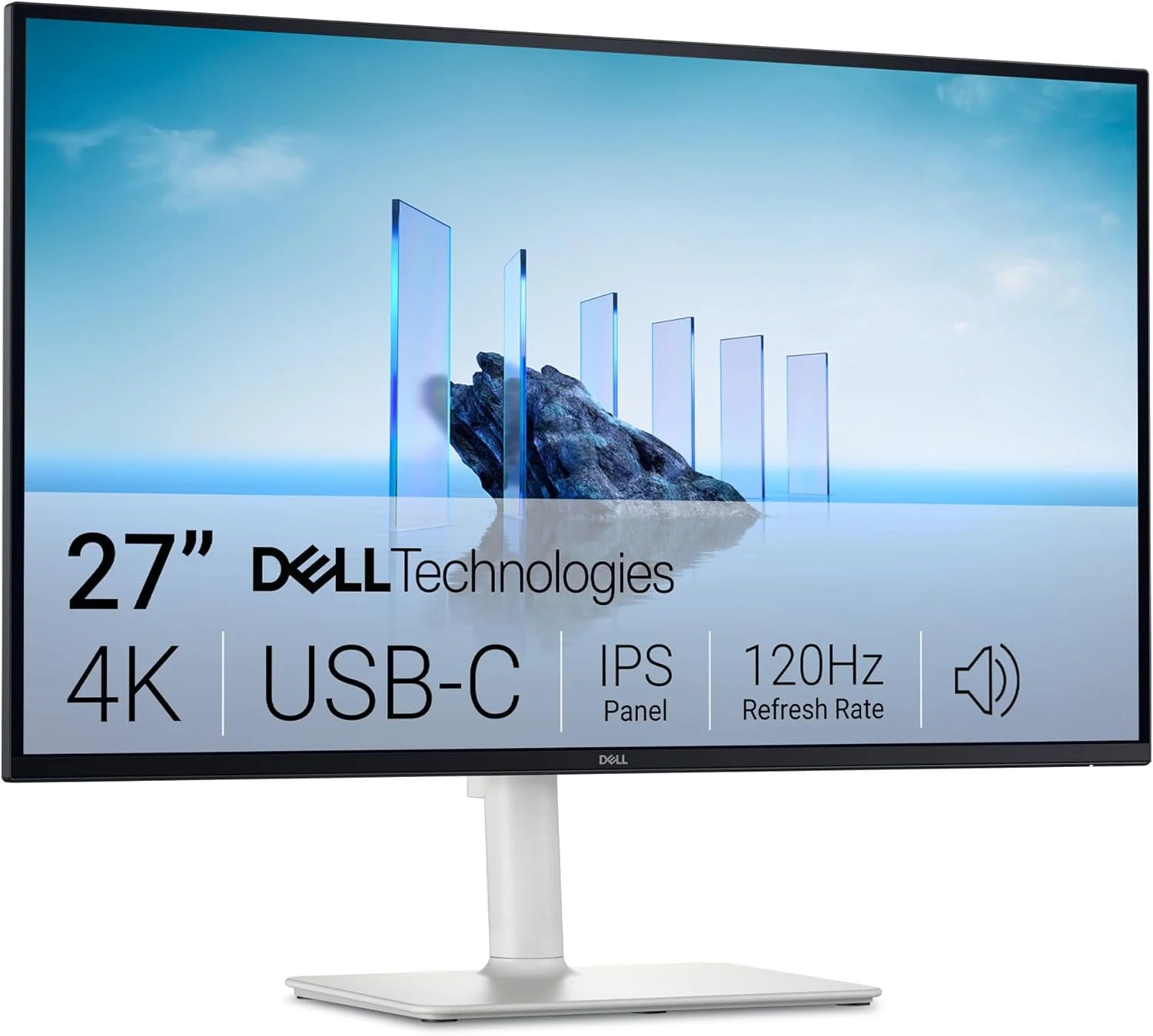
- Best ValueDell 27 Plus 4K USB-C Monitor S2725QCWhy we picked it →
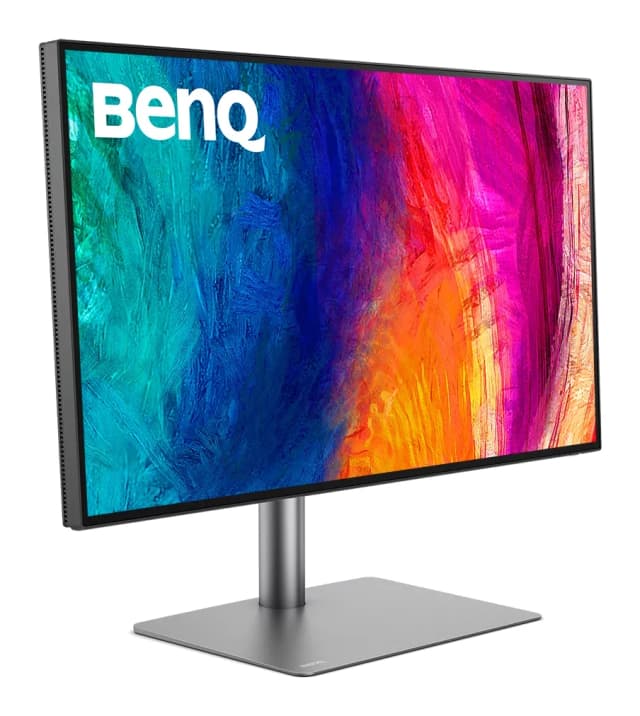
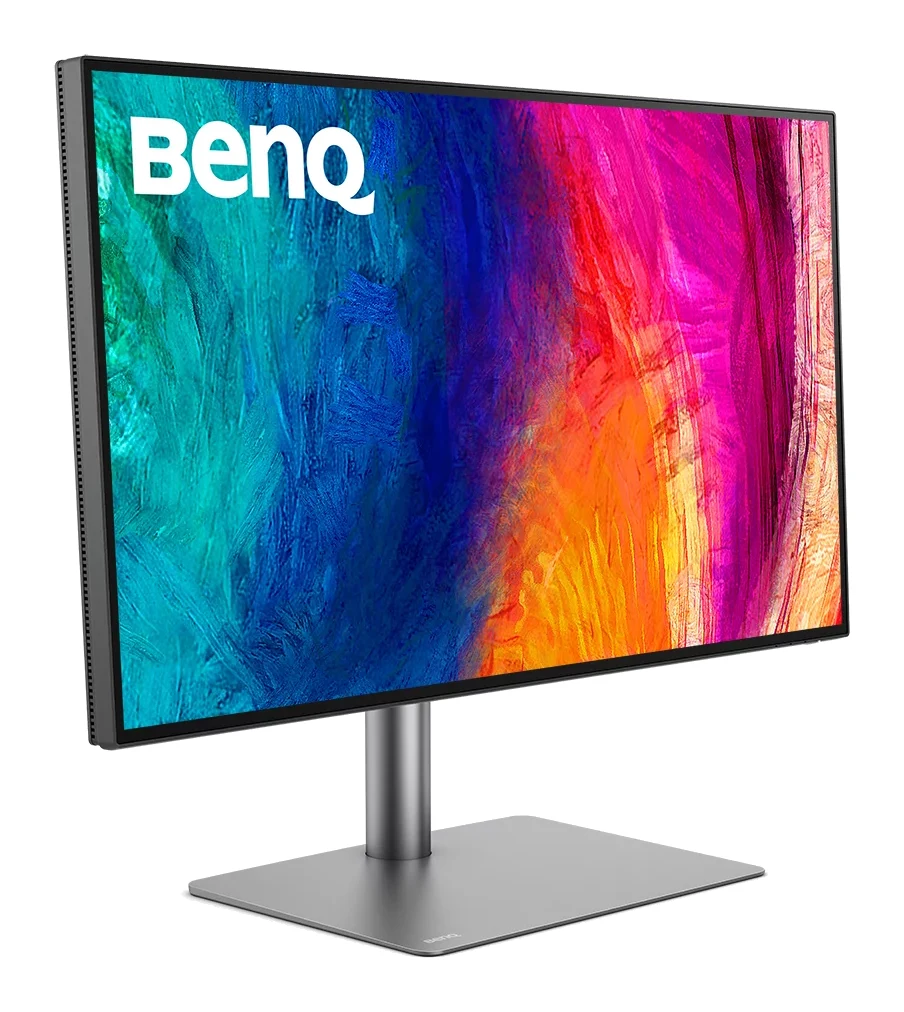
- Premium PickBenQ PD2730SWhy we picked it →
Frequently asked questions
Is the MSI PRO MP165 E6 worth it?
It is worth considering if you want a light, flexible second screen for documents and email while traveling. It averages 7/10 across 2 expert reviews. Reviewers criticize its color, contrast and speakers, so it is a weaker choice if picture quality matters.
Does the MSI PRO MP165 E6 work over USB-C?
Yes. It has two USB Type-C ports that support DisplayPort 1.2a Alt mode, so a compatible laptop can send video over a single cable. It also has an HDMI 2.0b input for devices without USB-C video.
Is the MSI PRO MP165 E6 good for photo or video editing?
Reviewers say no. They describe a weak color gamut and washed-out colors, which make it a poor choice for photo or video editing. It is better suited to office work.
How heavy is the MSI PRO MP165 E6?
It weighs 1.72 lbs (0.78 kg) and is 0.55 inches thick, so it packs easily with a laptop. A protective sleeve and L-shaped cables come in the box.
Can I mount the MSI PRO MP165 E6 on a stand or tripod?
Yes. It has a built-in kickstand, a 1/4" tripod socket and a 75mm VESA mount, so you can use it on a desk, a tripod or a compatible arm or bracket.
Does the MSI PRO MP165 E6 have speakers?
Yes, it has two 1-watt speakers. Reviewers describe them as quiet and tinny, good only for basic audio, so headphones or external speakers are a better option for media or calls.
Sources
Specs are taken from the manufacturers' official pages; expert recommendations from the publications below.
- MSI PRO MP165 E6: us-store.msi.com, tomshardware.com, techradar.com, pcworld.com
Related reviews & guides
Best Portable Monitor 2026 for Laptops, Consoles & Travel
Five portable monitors compared on size, resolution, refresh rate, brightness, weight and ports, using manufacturer specs and independent expert recommendations.
Published Oct 17, 2026
Best Monitors for Working From Home 2026: One-Cable Desks
Five home-office monitors compared on resolution, USB-C or Thunderbolt charging, KVM switching and eye comfort, using manufacturer specs and expert recommendations.
Published Oct 20, 2026
LG 27US500-W UltraFine Review (2026): Sharp 4K, Basic Stand
A mid-range 27-inch 4K IPS monitor from LG with wide colour and eye-comfort features, but a tilt-only stand, 60Hz refresh and no USB-C. Here is who it suits.
Published Oct 19, 2026