LG 27US500-W UltraFine Review (2026): Sharp 4K, Basic Stand
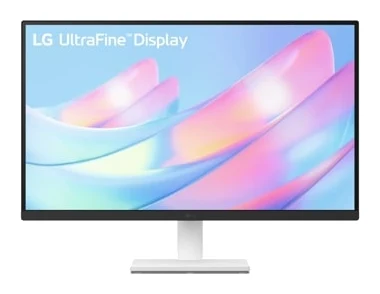
A mid-range 27-inch 4K IPS monitor from LG with wide colour and eye-comfort features, but a tilt-only stand, 60Hz refresh and no USB-C. Here is who it suits.
Research-based · We earn from qualifying purchases
Our verdict
A good fit for budget-minded buyers who want a sharp 4K IPS monitor for everyday work, browsing and media, ideally on a VESA arm to make up for the basic stand. Skip it if you need high refresh rates for competitive gaming, strong HDR, or USB-C connectivity.
The good
- Sharp 4K (3840 x 2160) IPS picture at 27 inches
- Wide 178° viewing angles from the IPS panel
- Up to 90% DCI-P3 gamut with 10-bit (8bit+FRC) colour
- Flicker Safe and Reader Mode help with eye comfort
- 2 HDMI ports plus DisplayPort 1.4, and 100 x 100 mm VESA support
+2 more
- Flicker Safe and Reader Mode help with eye comfort
- 2 HDMI ports plus DisplayPort 1.4, and 100 x 100 mm VESA support
The bad
- Tilt-only stand, with no height adjustment
- 60Hz maximum refresh rate is limiting for fast-paced gaming
- HDR10 is basic, with 300 cd/m² typical brightness and no local dimming
- No USB-C or USB ports; connections are HDMI and DisplayPort only
+1 more
- No USB-C or USB ports; connections are HDMI and DisplayPort only
This LG 27US500-W UltraFine 27-Inch 4K UHD Monitor review looks at a straightforward idea: a sharp 4K IPS screen for everyday work, browsing and media, from a mainstream brand, in the mid-range part of the market. It is aimed at people who want a sharp 4K IPS screen for everyday work, browsing and media.
This review is based on LG's manufacturer specs and on what independent expert reviews report. It is not based on hands-on testing.
LG 27US500-W UltraFine 27-Inch 4K UHD Monitor: specs at a glance
From the manufacturer- Ports
- 2x HDMI, 1x DisplayPort 1.4, headphone out
- Panel type
- IPS
- Resolution
- 3840 x 2160
- Screen size
- 27 inch
- Colour depth
- 1.07B colours, 10bit (8bit+FRC)
- Response time
- 5ms (GtG at Faster)
- Viewing angle
- 178º(R/L), 178º(U/D)
- Stand adjustment
- Tilt only
- Brightness (min.)
- 240 cd/m²
- Brightness (typ.)
- 300 cd/m²
- Weight with stand
- 5.5 kg
- Refresh rate (max)
- 60 Hz
- Colour gamut (typ.)
- DCI-P3 90% (CIE1976)
- Contrast ratio (typ.)
- 1000:1
Key features
- 4K UHD (3840 x 2160) IPS panel for sharp detail
- HDR10 with up to 90% DCI-P3 colour gamut
- 3-side virtually borderless design
- Reader Mode and Flicker Safe for eye comfort
- Black Stabilizer and Dynamic Action Sync for gaming visibility and low input lag
- LG Switch app for screen layouts and controls
- 2 HDMI ports plus DisplayPort 1.4
- 100 x 100 mm VESA mount support
LG 27US500-W UltraFine review: design and build
The monitor uses a 3-side virtually borderless design. That means thin bezels on the top and the two sides. The screen is 27 inch, and it weighs 5.5 kg with the stand attached.
The stand is where the design is simplest. It offers tilt only, and reviewers list the lack of height adjustment as a common criticism.
The way out is the 100 x 100 mm VESA mount support. If you already own a monitor arm, or you plan to buy one, the stand matters much less. Without an arm, treat the stand as the monitor's weakest physical point and factor that in.
The 4K IPS panel
The core of the product is a 4K UHD (3840 x 2160) IPS panel at 27 inches. Reviewers consistently praise the sharpness of the picture at this size.
IPS also brings wide viewing angles, listed at 178º in both directions (right/left and up/down).
Colour
LG lists up to 90% DCI-P3 colour gamut (typical, CIE1976) and 1.07B colours at 10bit (8bit+FRC). The 8bit+FRC detail means the panel uses frame rate control to approximate 10-bit colour.
Brightness, contrast and HDR
Brightness is listed at 300 cd/m² typical and 240 cd/m² minimum. Contrast is 1000:1 typical. The monitor supports HDR10, but reviewers call it basic. With 300 cd/m² typical brightness and no local dimming, don't expect the punch that makes HDR content look dramatically different.
Features and what they mean day to day
LG packs in several comfort and convenience features:
- Reader Mode and Flicker Safe: these are aimed at eye comfort during long sessions. Reviewers mention them as a plus.
- LG Switch app: it provides screen layouts and controls from your computer.
- Black Stabilizer and Dynamic Action Sync: these target gaming visibility and low input lag. Black Stabilizer and Dynamic Action Sync target gaming visibility and low input lag.
The gaming features target visibility and low input lag, but the refresh rate caps how far you can take it, as covered below.
Performance and connectivity
The response time is 5ms (GtG at Faster), and the maximum refresh rate is 60 Hz. For office work and video, that is fine. For fast-paced competitive games, reviewers flag 60Hz as limiting. If you play shooters or want very smooth motion, a high-refresh monitor is the better fit, as this model tops out at 60 Hz.
Ports are 2x HDMI, 1x DisplayPort 1.4 and a headphone out. The monitor has 2x HDMI and 1x DisplayPort 1.4 inputs.
The other side is that there is no USB-C and no USB ports at all. Connections are HDMI and DisplayPort only. If you want to plug in a modern laptop with a single cable that also carries power and data, or if you want the monitor to act as a USB hub, this model will not do it. You will need a laptop with a video output over HDMI or DisplayPort, or an adapter.
What experts like and what they criticise
The consensus among independent reviews is consistent. Reviewers praise:
- the sharp 4K picture at 27 inches
- the wide 178° viewing angles
- the colour coverage of up to 90% DCI-P3 with 10-bit (8bit+FRC) colour
- eye-comfort features such as Flicker Safe and Reader Mode
- the mix of 2 HDMI ports plus DisplayPort 1.4, along with VESA support
Common criticisms are:
- the tilt-only stand with no height adjustment
- the 60Hz maximum refresh rate for fast-paced gaming
- basic HDR10 with no local dimming
- no USB-C or USB ports
Those negatives are not minor if they match your needs. A stand with no height adjustment affects ergonomics every day, and missing USB-C changes how you connect a laptop.
Who should buy it, and who should skip it
Buy it if you want a sharp 4K IPS monitor for everyday work, browsing and media and you're budget-minded within the mid-range. It makes the most sense if you already have a VESA arm or plan to use one, since that makes up for the basic stand. It also suits people who connect over HDMI or DisplayPort and don't need USB connectivity from the monitor.
Skip it if you need high refresh rates for competitive gaming, strong HDR, or USB-C connectivity. Skip it too if you want a stand that adjusts for height and you don't want to spend more on a mount.
Verdict
The LG 27US500-W UltraFine is a focused, no-frills 4K monitor. The picture is the draw: 4K detail, wide IPS viewing angles, and a wide colour gamut with 10-bit (8bit+FRC) colour, plus eye-comfort features and useful inputs. The compromises are equally clear: a tilt-only stand, a 60Hz ceiling, basic HDR10 and no USB. If your use is everyday computing and media, and you can mount it on an arm, it is a sensible buy. If you want gaming speed, HDR impact or one-cable laptop docking, look elsewhere.
Related buying guides
- Best Portable Monitor 2026 for Laptops, Consoles & Travel
- Best Gaming Monitor 2026: QD-OLED Speed, 4K & Ultrawide
- Best Monitors for Working From Home 2026: One-Cable Desks
- Best microSD Cards for Cameras 2026: 4K Speed & Durability
- Best Webcams for Streaming and Work Calls 2026: 4K to Budget
- Dell UltraSharp U2725QE Review (2026): One-Cable Desk
- MSI PRO MP165 E6 Review (2026): Easy to Carry, Plain Panel
- Arzopa Z3FC Review (2026): Sharp and Fast, Flat in the Dark
Not sure about the LG 27US500-W UltraFine 27-Inch 4K UHD Monitor? Consider these
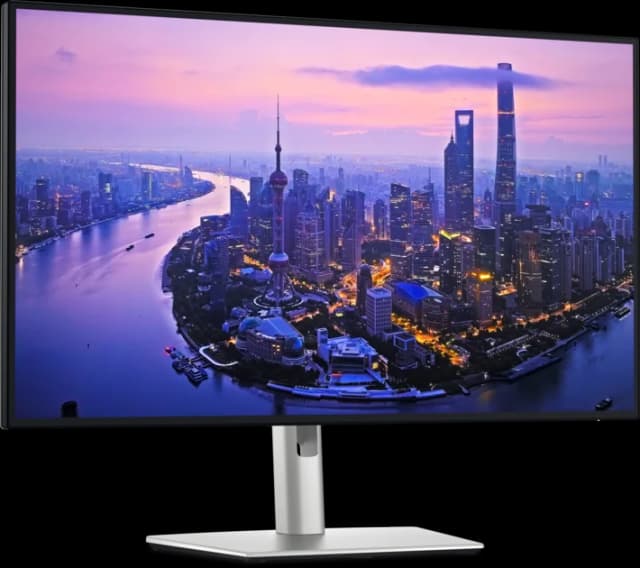
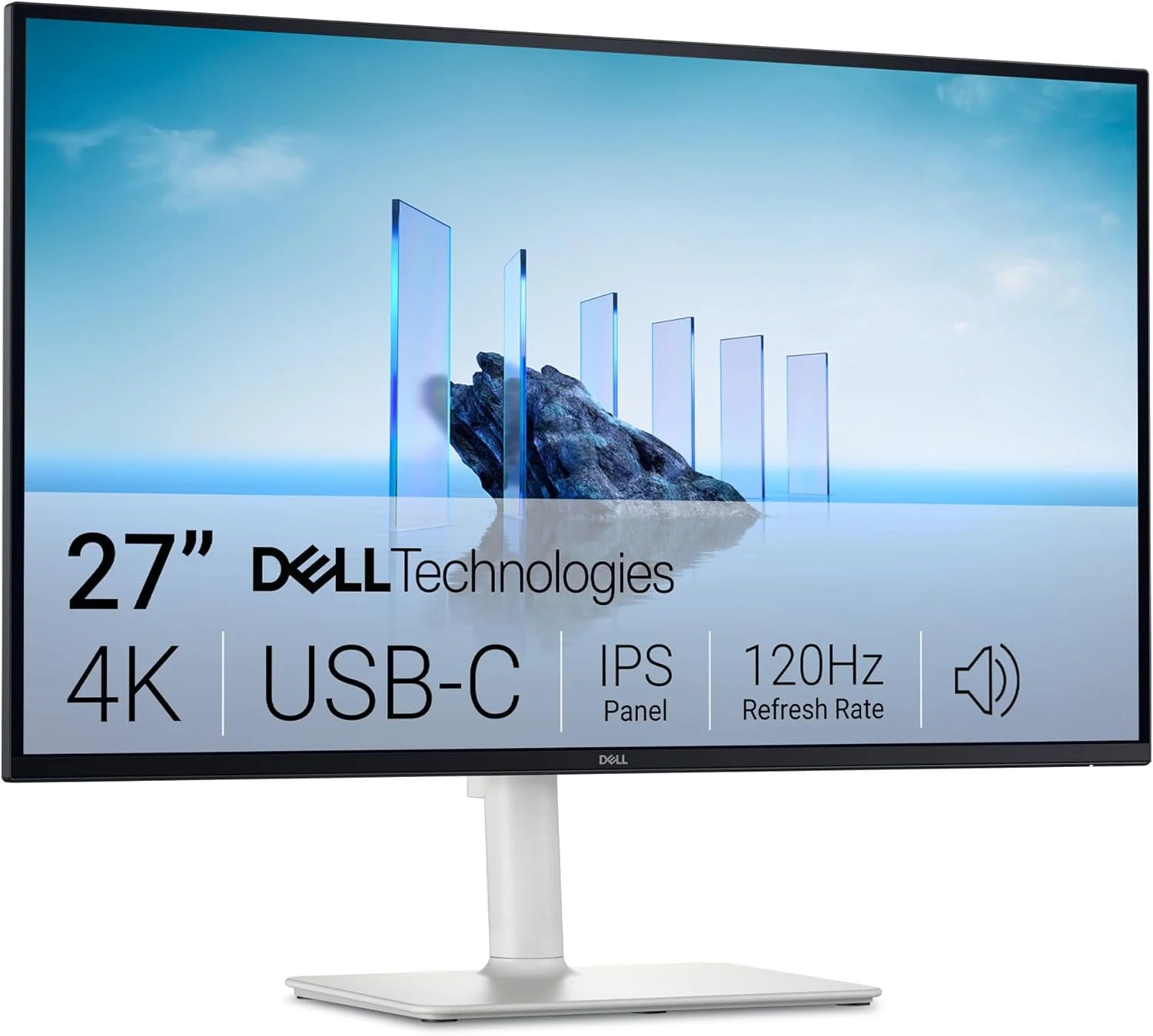
- Best OverallDell UltraSharp U2725QEWhy we picked it →
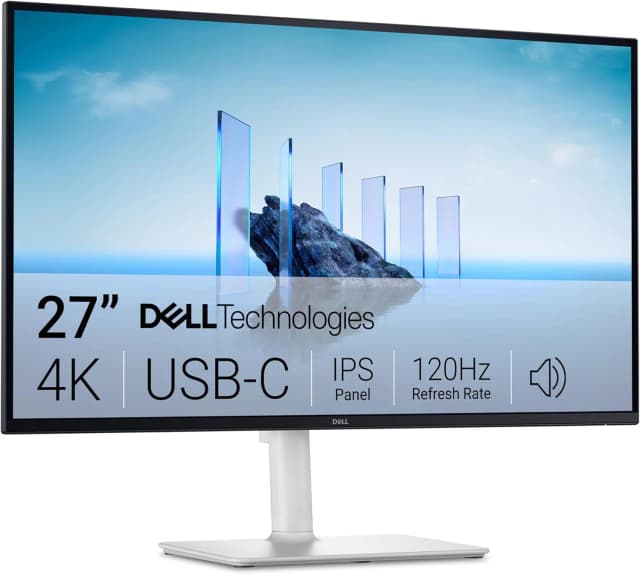
- Best ValueDell 27 Plus 4K USB-C Monitor S2725QCWhy we picked it →
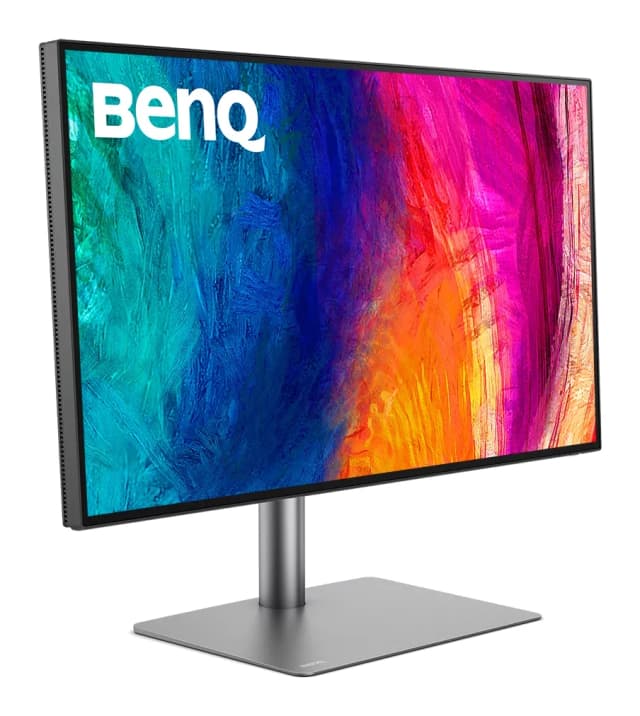
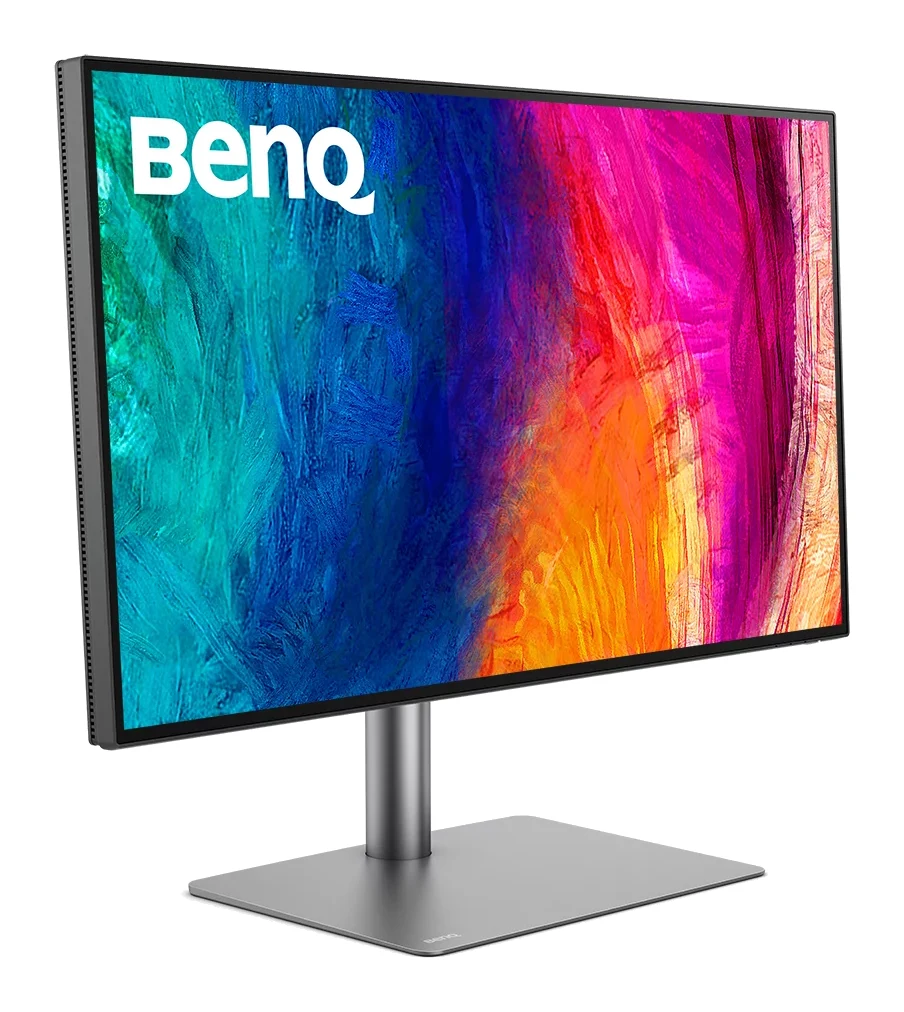
- Premium PickBenQ PD2730SWhy we picked it →
Frequently asked questions
Is the LG 27US500-W worth it?
It is worth considering if you want a sharp 4K IPS monitor for everyday work, browsing and media in the mid-range part of the market. It is less compelling if you need high refresh rates, strong HDR or USB-C, since it doesn't offer those.
Does the LG 27US500-W have USB-C?
No. It has no USB-C or USB ports. Connections are 2x HDMI, 1x DisplayPort 1.4 and a headphone out.
Is the LG 27US500-W good for gaming?
It has Black Stabilizer and Dynamic Action Sync, and a 5ms (GtG at Faster) response time. But the maximum refresh rate is 60 Hz, which reviewers call limiting for fast-paced gaming.
Can the LG 27US500-W be wall or arm mounted?
Yes. It supports 100 x 100 mm VESA mounting, which is handy because the included stand only tilts and doesn't adjust for height.
Does the LG 27US500-W support HDR?
It supports HDR10, but reviewers describe it as basic. Typical brightness is 300 cd/m² and there is no local dimming, so HDR content won't look dramatically different.
What colour gamut does the LG 27US500-W cover?
LG lists up to 90% DCI-P3 (typical, CIE1976), with 1.07B colours at 10bit (8bit+FRC) on a 4K IPS panel.
Sources
Specs are taken from the manufacturers' official pages; expert recommendations from the publications below.
- LG 27US500-W UltraFine 27-Inch 4K UHD Monitor: lg.com, pcmonitors.info, bhphotovideo.com
Related reviews & guides
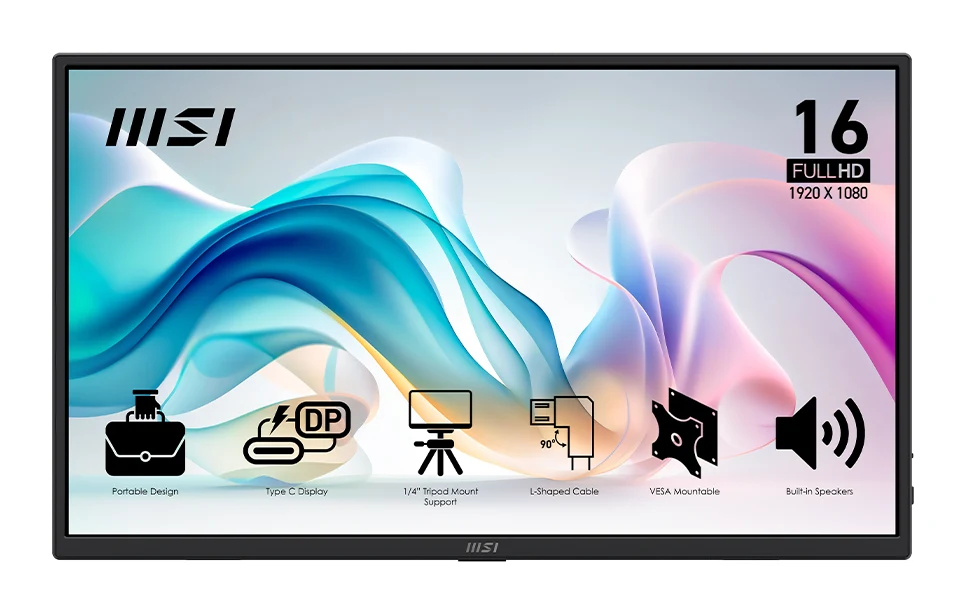
Best Portable Monitor 2026 for Laptops, Consoles & Travel
Five portable monitors compared on size, resolution, refresh rate, brightness, weight and ports, using manufacturer specs and independent expert recommendations.
Published Oct 17, 2026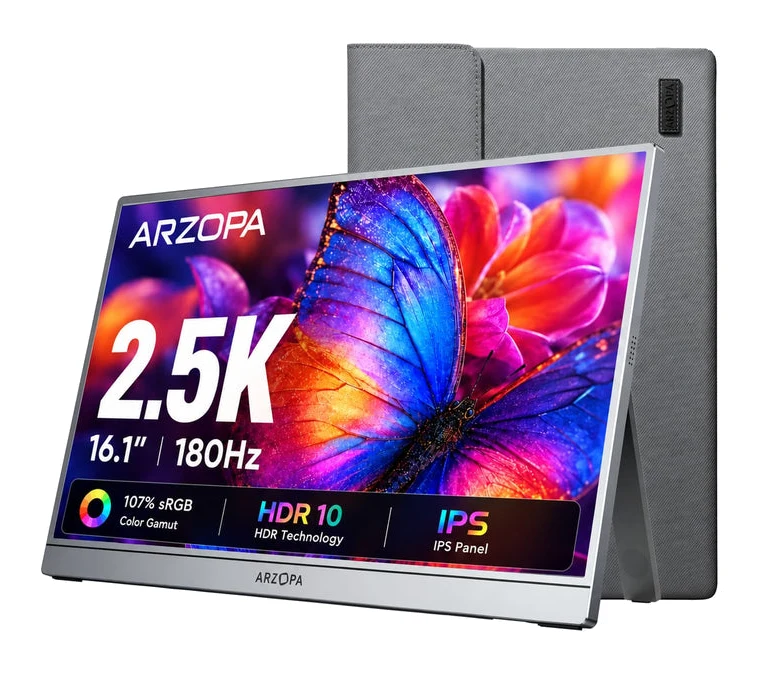
Arzopa Z3FC Review (2026): Sharp and Fast, Flat in the Dark
A portable monitor with a sharp 2560x1440 IPS panel, 180Hz refresh and a slim aluminum body. Here is what it does well and where it falls short.
Published Oct 28, 2026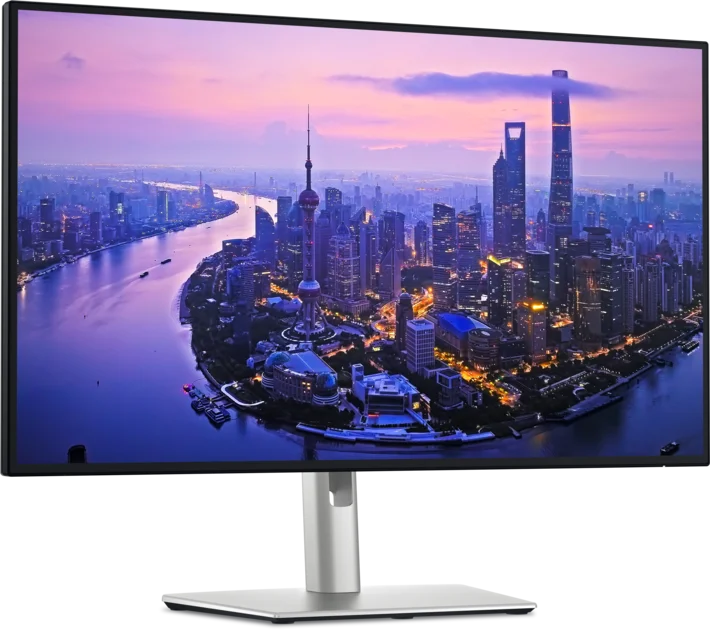
Best Monitors for Working From Home 2026: One-Cable Desks
Five home-office monitors compared on resolution, USB-C or Thunderbolt charging, KVM switching and eye comfort, using manufacturer specs and expert recommendations.
Published Oct 20, 2026