Arzopa Z3FC Review (2026): Sharp and Fast, Flat in the Dark
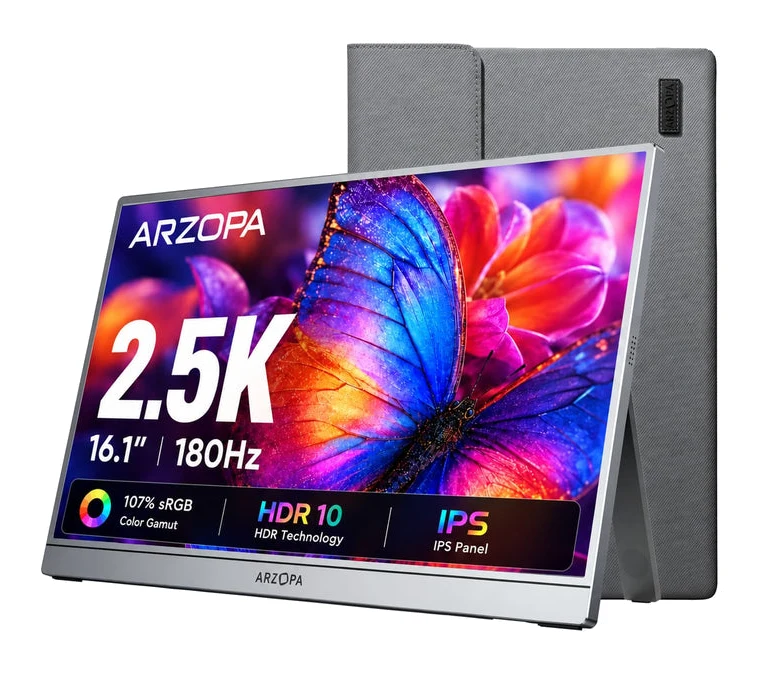
A portable monitor with a sharp 2560x1440 IPS panel, 180Hz refresh and a slim aluminum body. Here is what it does well and where it falls short.
Research-based · We earn from qualifying purchases
Our verdict
The Arzopa Z3FC suits travelers, remote workers and console or laptop gamers who want a sharp, fast, lightweight second screen with plug-and-play setup. Skip it if you need rich contrast for dark-room viewing, strong built-in audio, or touch input.
The good
- Sharp 2560x1440 IPS panel keeps text and detail crisp
- 180Hz refresh rate with FreeSync gives smooth motion
- Slim 9.3mm aluminum body weighs about 1.72 lbs, easy to pack
- 400-nit matte screen stays readable in bright rooms
- Two USB-C ports and mini HDMI cover laptops, phones and consoles
+2 more
- 400-nit matte screen stays readable in bright rooms
- Two USB-C ports and mini HDMI cover laptops, phones and consoles
The bad
- Built-in 2x1W speakers are average with little bass
- Limited viewing angles, and the picture shifts when viewed off-axis
- 1000:1 contrast looks flat in dark rooms, and HDR10 adds little
- No touchscreen and no built-in battery
+1 more
- No touchscreen and no built-in battery
This Arzopa Z3FC review looks at a portable monitor that tries to pair a sharp screen with a high refresh rate in a body light enough to slip into a laptop bag. It is a 16.1" IPS display with a 2560x1440 resolution, 180Hz refresh and FreeSync support, and it sits in the mid-range part of the market. It is aimed at people who want a second screen for travel, remote work or a console or laptop, rather than at anyone building a dark-room home cinema.
This review is based on the manufacturer's specifications and on what independent expert reviews report. We have not run our own hands-on tests.
Arzopa Z3FC: specs at a glance
From the manufacturer- HDR
- HDR10
- Ports
- 2x USB-C (USB 3.1, PD and DP output), 1x mini HDMI 2.0
- Speakers
- 2*1W
- Warranty
- 2-Year Standard Warranty
- Brightness
- 400 nits
- Net weight
- 1.72 lbs
- Panel type
- IPS
- Resolution
- 2560*1440
- Color gamut
- 107% sRGB
- Rated power
- 12.9W
- Screen size
- 16.1"
- Refresh rate
- 180Hz
- Touch screen
- No
- Adaptive sync
- FreeSync
- Display color
- 8-bit
- Contrast ratio
- 1000:1
- Dimensions (W x H x D)
- 366*228*9.3mm
Key features
- Sharp 2560x1440 (2.5K) IPS screen for crisp text and detail
- 180Hz refresh rate for smoother motion in games and everyday use
- AMD FreeSync support to reduce screen tearing
- 400-nit brightness with a matte, anti-glare finish
- Slim 9.3mm aluminum body that weighs about 1.72 lbs
- Two USB-C ports (power delivery and DP output) plus a mini HDMI 2.0 port
- Built-in kickstand that works in landscape and portrait
- Built-in 2x1W stereo speakers, and a travel sleeve and cables in the box
Arzopa Z3FC review: design and build
The headline design choice is how thin and light it is. The body measures 3662289.3mm and weighs 1.72 lbs, and it is made of aluminum. Reviewers repeatedly single out the slim, easy-to-pack body as a strength. For a screen this size, that matters because a portable monitor only helps if you are willing to carry it every day.
There is a built-in kickstand, and it works in both landscape and portrait. Landscape is the obvious choice for a laptop companion or a console. Portrait suits long documents, code, chat windows or a feed you want to keep in view beside your main screen. The stand is built in, so no separate stand is needed to prop it up.
The box also includes a travel sleeve and cables. That is a practical extra for a product meant to be moved around, since you can start using it without sourcing the basics yourself.
The matte, anti-glare finish is worth noting for a screen you will use in different places. A matte surface cuts reflections from windows and overhead lights, which helps in cafés, shared offices and hotel rooms where you don't control the lighting. There is no touchscreen, so this is a display only, with no touch input.
Features and what they mean day to day
Resolution and panel
The 2560x1440 (2.5K) IPS panel is the main reason to look at this monitor. On a 16.1" screen, that resolution gives text and fine detail a crisp look. Reviewers praise the sharpness of the image.
The panel covers 107% sRGB and is rated at 8-bit colour.
Refresh rate and FreeSync
The 180Hz refresh rate makes motion look smoother in games, and it also makes everyday things like scrolling and moving windows feel a little more fluid. AMD FreeSync support is there to reduce screen tearing when your graphics source can drive the screen at a variable rate. Reviewers say the combination gives smooth motion, which is a real advantage if you game on the go.
Brightness and HDR
The screen is rated at 400 nits. Combined with the matte finish, reviewers say it stays readable in bright rooms. That is a useful result for a screen that will often be used near windows or in less controlled spaces. The monitor lists HDR10 support, but reviewers find that it adds little in practice. Treat it as a checkbox feature rather than a reason to buy.
Ports and compatibility
The connectivity is flexible. There are two USB-C ports (USB 3.1, with power delivery and DP output) and a mini HDMI 2.0 port. In practice:
- A laptop with a suitable USB-C port can connect with a single cable.
- The port selection also covers phones.
- A console can connect through the mini HDMI port.
Reviewers like that the port selection covers laptops, phones and consoles. The rated power is 12.9W. The monitor has no built-in battery, so it has to draw power from a connected source. Plan for that when you use it away from a desk.
Speakers
There are built-in 2x1W stereo speakers. A common criticism is that the audio is average, with little bass. If sound matters to you, plan to use headphones or an external speaker.
Performance: what to expect from the screen
What you get here is a sharp, fast and bright-enough panel with some clear limits. Two weaknesses come up in expert feedback.
The first is contrast. The panel is rated at 1000:1, and reviewers say the picture looks flat in dark rooms. If you watch films in a dim room or play games with plenty of dark scenes, blacks will look more grey than inky. For documents, spreadsheets, web pages and bright game scenes, this matters much less.
The second is viewing angles. Reviewers note they are limited and that the picture shifts when you look at it off-axis. That is more noticeable on a portable screen than on a desktop one, because you may be propping it at an angle or sharing it with someone beside you.
One published score is available: PCWorld rates it 3/5.
What experts like and what they criticise
The praise clusters around the same points. Reviewers like the sharp 2560x1440 IPS panel, the 180Hz refresh rate with FreeSync, the slim 9.3mm aluminum body and the matte 400-nit screen that holds up in bright rooms. The connectivity gets credit too, since the two USB-C ports and mini HDMI cover most devices a mobile user is likely to own.
The criticism is just as consistent:
- The speakers are average, with little bass.
- Viewing angles are limited, and the picture shifts off-axis.
- Contrast is flat in dark rooms, and HDR10 adds little.
- There is no touchscreen and no built-in battery.
These points decide whether the monitor fits your habits. The contrast looks flat in dark rooms, and a monitor with no battery needs a power source.
Who should buy the Arzopa Z3FC
This monitor suits mobile workers and gamers who want a fast, portable second screen. It is a good fit if you:
- Travel or work from different locations and want a lightweight screen to expand your laptop.
- Want a sharp 2560x1440 image, particularly for text and detail.
- Play on a console or laptop and value a 180Hz refresh rate and FreeSync.
- Like the idea of a plug-and-play setup.
Who should skip it
Look elsewhere if you:
- Want rich contrast and deep blacks for watching films in a dark room.
- Need strong built-in audio and don't want to bring headphones or a speaker.
- Want touch input, which this model doesn't offer.
- Need a screen with a built-in battery for use away from any power source.
How it fits against other portable monitors
In general terms, the Z3FC leans toward sharpness, speed and portability rather than image depth. The spec sheet favours resolution and refresh rate, while the contrast, speakers and HDR are modest. If you are comparing portable screens of a similar size, see our MSI PRO MP165 E6 review to weigh up a different take on a carry-anywhere display. A useful way to compare any of them is to decide which matters more to you: a crisp, fast image or a richer one.
Verdict
The Arzopa Z3FC is a sensible choice for anyone who wants a sharp, fast and light second screen, and it makes clear trade-offs to get there. The 2560x1440 IPS panel, 180Hz refresh and FreeSync make it appealing for work and play on the move. The slim aluminum body, built-in kickstand and flexible ports make it easy to live with. The compromises are flat contrast in dark rooms, limited viewing angles, weak speakers and the absence of touch and a battery. If your priorities line up with its strengths, it is a worthwhile mid-range portable monitor. If you want cinematic contrast or built-in audio, it is not the right fit.
Related buying guides
- Arzopa Z1FC Review (2026): Smooth 144Hz on the Go
- LG 27US500-W UltraFine Review (2026): Sharp 4K, Basic Stand
- Best Monitors for Working From Home 2026: One-Cable Desks
- Dell UltraSharp U2725QE Review (2026): One-Cable Desk
- Asus ZenScreen MB16ACV Review (2026): Simple Second Screen
- Lenovo ThinkVision M14t Gen 2 Review: Touch, Stylus, USB-C
Not sure about the Arzopa Z3FC? Consider these
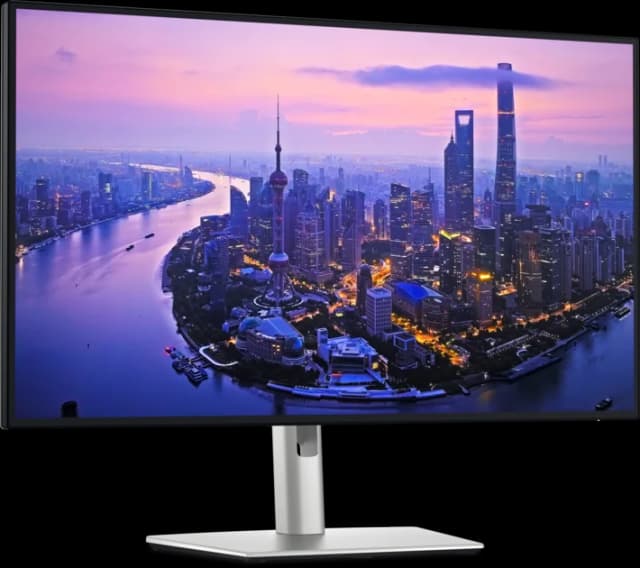
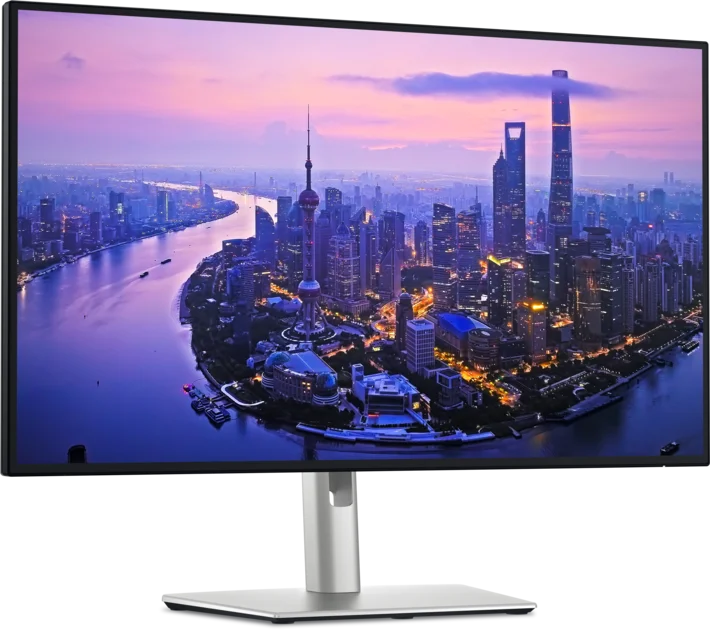
- Best OverallDell UltraSharp U2725QEWhy we picked it →
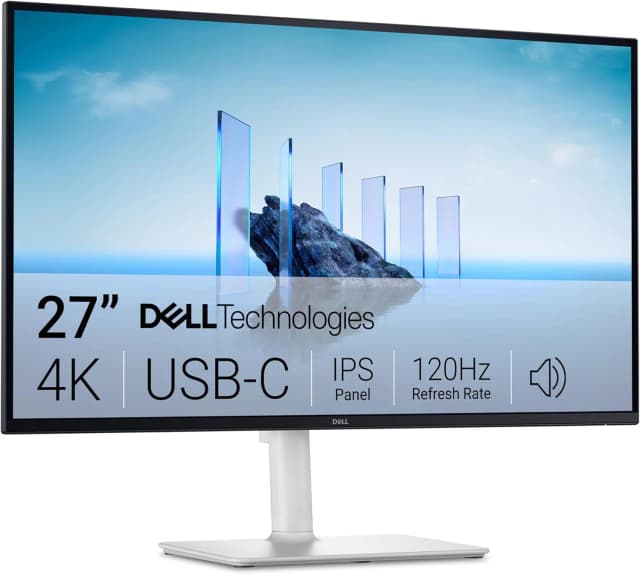
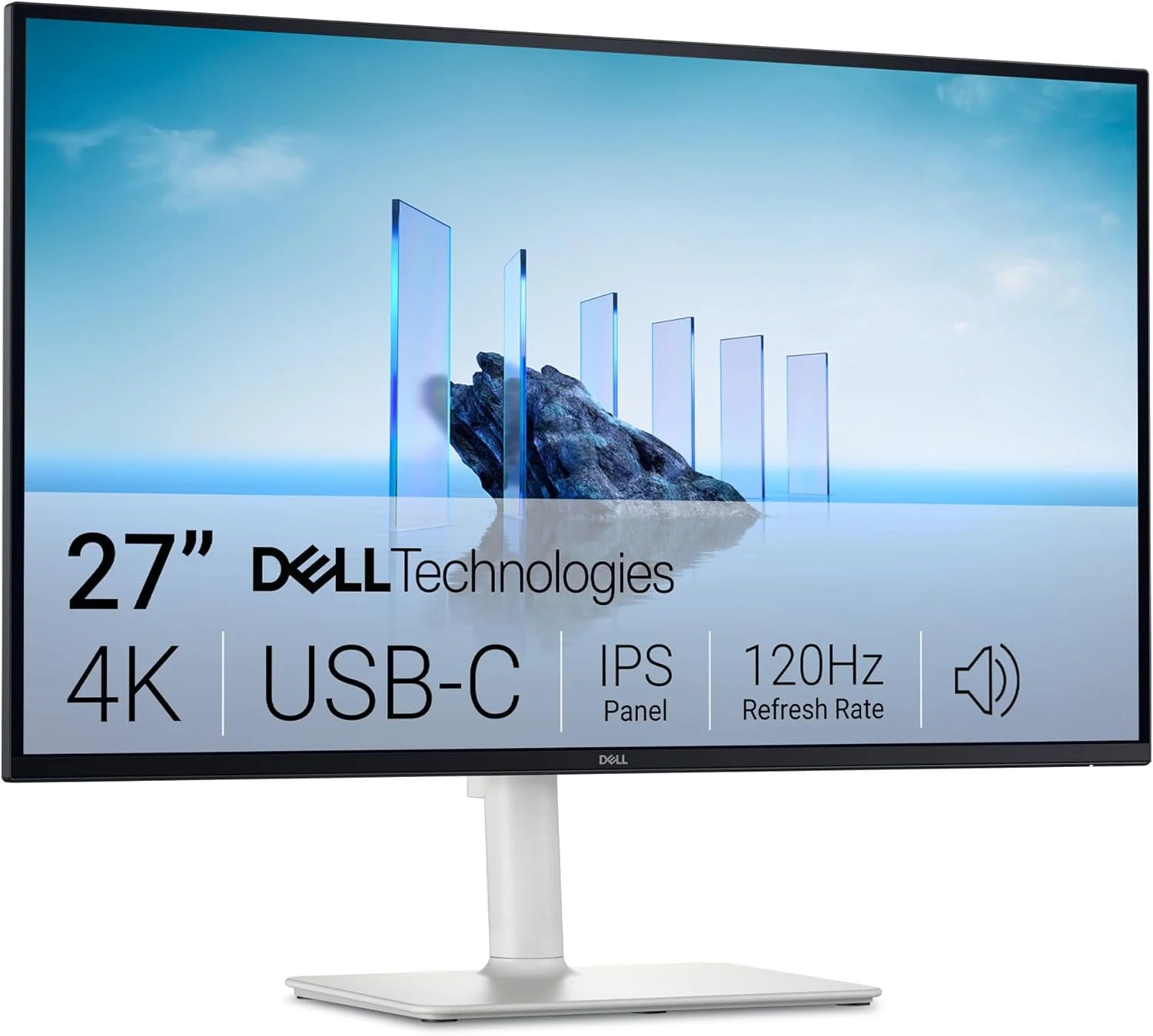
- Best ValueDell 27 Plus 4K USB-C Monitor S2725QCWhy we picked it →
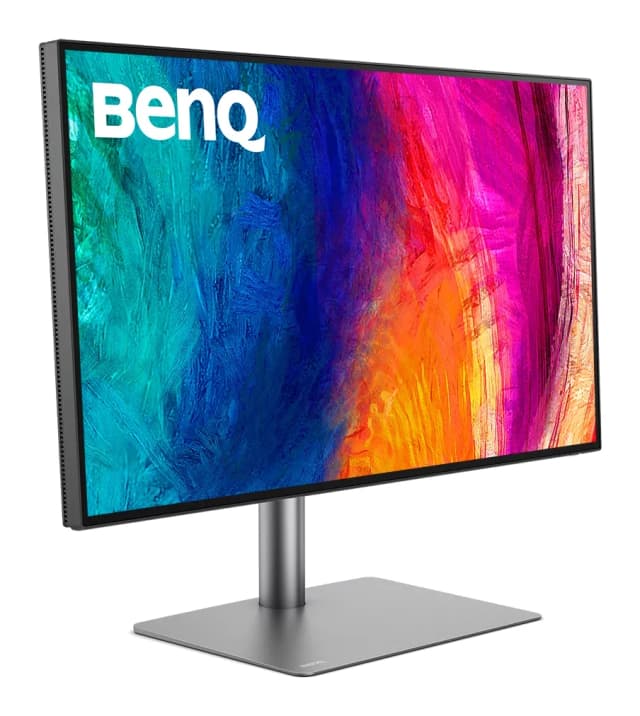
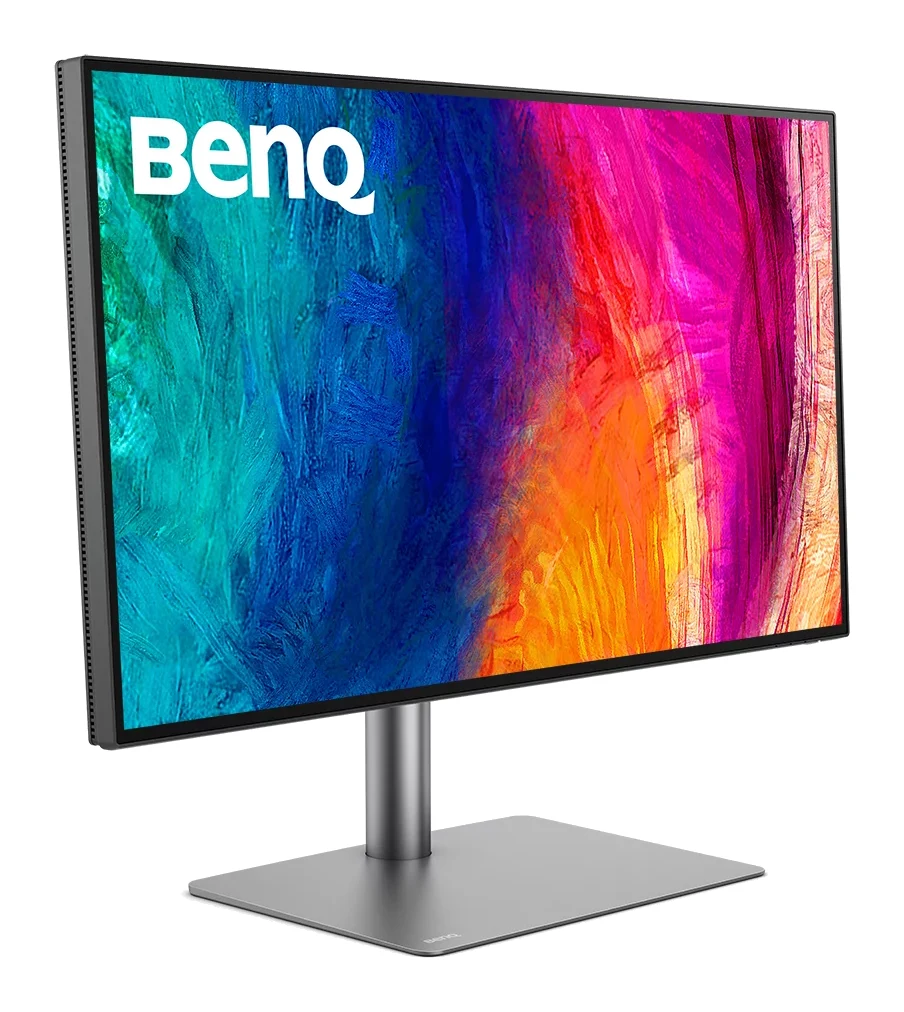
- Premium PickBenQ PD2730SWhy we picked it →
Frequently asked questions
Is the Arzopa Z3FC worth it?
It is worth considering if you want a sharp, fast and lightweight portable monitor for work, travel or gaming. Reviewers praise its 2560x1440 IPS panel, 180Hz refresh rate and slim body. It is less compelling if you care about dark-room contrast, audio quality or touch input.
Does the Arzopa Z3FC support FreeSync?
Yes. It supports AMD FreeSync, which is designed to reduce screen tearing. Together with the 180Hz refresh rate, it helps motion look smoother in games.
What ports does the Arzopa Z3FC have?
It has two USB-C ports (USB 3.1, with power delivery and DP output) and one mini HDMI 2.0 port. That covers laptops, phones and consoles.
Does the Arzopa Z3FC have a battery or a touchscreen?
No to both. It has no built-in battery, so it needs a power source, and it is not a touchscreen.
Are the Arzopa Z3FC speakers any good?
It has built-in 2x1W stereo speakers. Reviewers describe the audio as average, with little bass, so headphones or an external speaker are a better choice for music and films.
How portable is the Arzopa Z3FC?
It is quite portable. The aluminum body is 9.3mm thick and weighs 1.72 lbs. It has a built-in kickstand that works in landscape and portrait, and it comes with a travel sleeve and cables.
Sources
Specs are taken from the manufacturers' official pages; expert recommendations from the publications below.
- Arzopa Z3FC: arzopa.com, global.arzopa.com, fstoppers.com
Related reviews & guides
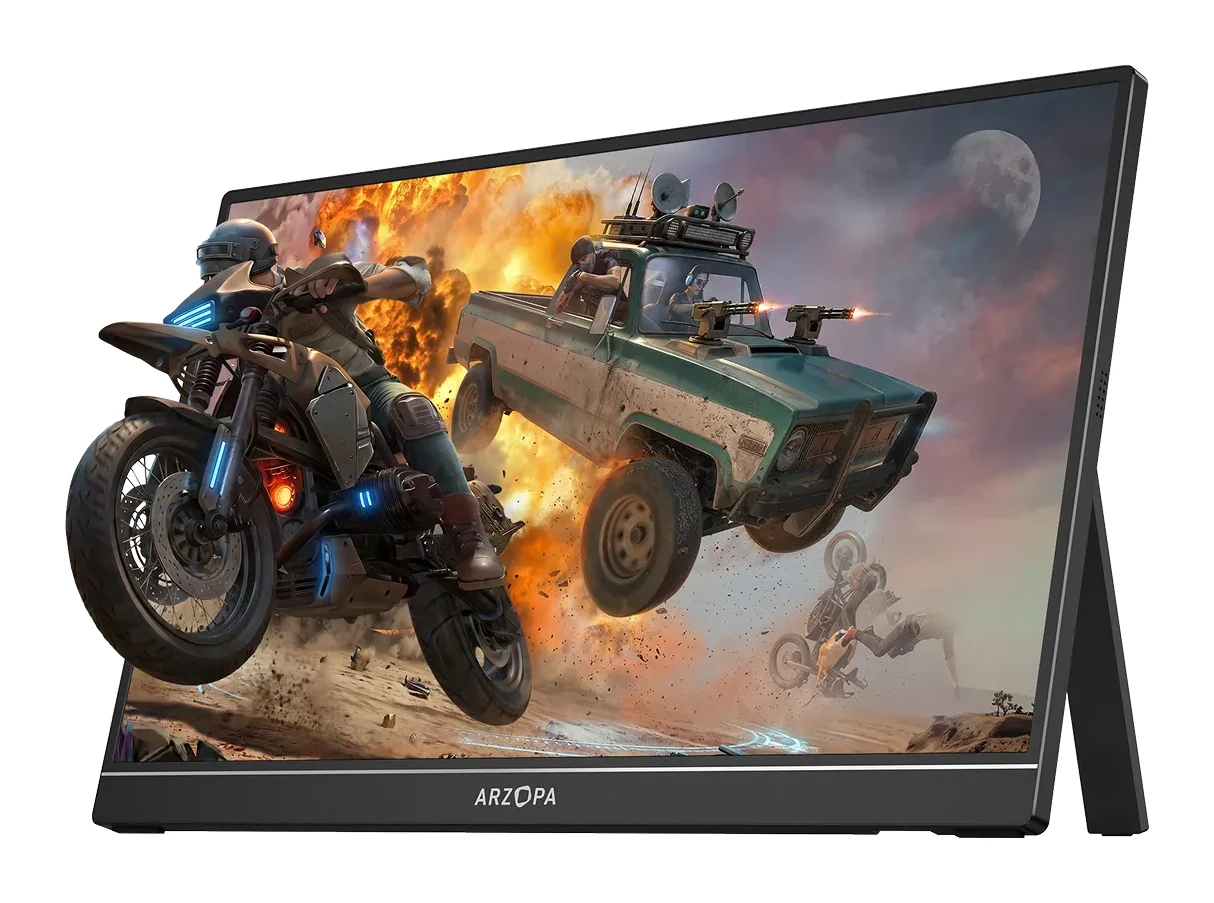
Arzopa Z1FC Review (2026): Smooth 144Hz on the Go
Our Arzopa Z1FC review looks at a slim 16.1-inch, 144Hz portable monitor: what the specs mean, what experts say, and who should buy it.
Published Oct 28, 2026
Best Portable Monitor 2026 for Laptops, Consoles & Travel
Five portable monitors compared on size, resolution, refresh rate, brightness, weight and ports, using manufacturer specs and independent expert recommendations.
Published Oct 17, 2026
LG 27US500-W UltraFine Review (2026): Sharp 4K, Basic Stand
A mid-range 27-inch 4K IPS monitor from LG with wide colour and eye-comfort features, but a tilt-only stand, 60Hz refresh and no USB-C. Here is who it suits.
Published Oct 19, 2026