Asus ZenScreen MB16ACV Review (2026): Simple Second Screen
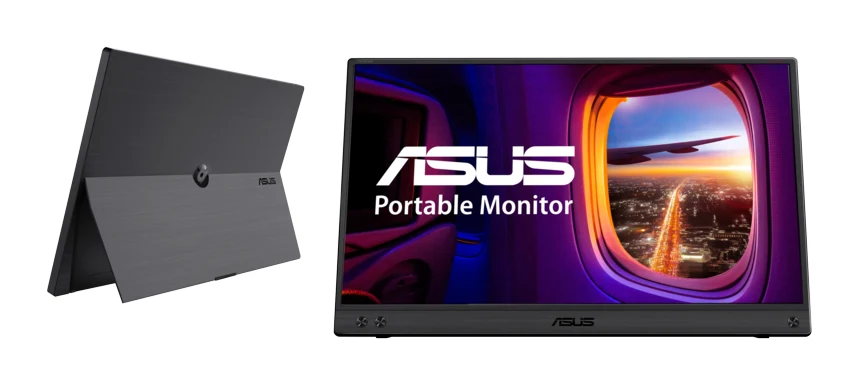
A slim, one-cable 15.6 inch portable monitor with eye-care certification. We cover what it does well, where the panel falls short, and who it suits.
Research-based · We earn from qualifying purchases
Our verdict
A good pick for travelers and remote workers who want a light, easy second screen for documents, email and general productivity over one cable. Skip it if you need a bright display for sunlit spaces, high refresh rates for gaming, or accurate colour for creative work.
The good
- Single USB-C cable carries both power and video
- Slim 1 cm, 0.9 kg body is easy to carry
- Anti-glare IPS panel with wide 178° viewing angles
- TÜV-certified flicker-free and low blue light eye care
- Hybrid-signal design also works with USB Type-A laptops via a driver
+2 more
- TÜV-certified flicker-free and low blue light eye care
- Hybrid-signal design also works with USB Type-A laptops via a driver
The bad
- 250-nit brightness struggles in bright rooms or sunlight
- 60Hz refresh and 800:1 contrast are poor for gaming or colour-critical work
- No speakers, and the single USB-C port means no hub or audio jack
- Kickstand has limited tilt range and feels plastic to some reviewers
+1 more
- Kickstand has limited tilt range and feels plastic to some reviewers
This Asus ZenScreen MB16ACV review looks at a portable monitor built around one idea: add a second screen to a laptop with as little fuss as possible. It is a 15.6 inch, 1920x1080 IPS panel that connects over a single USB-C cable, which carries both power and video. There is no separate power brick to pack.
People consider it for working away from a desk: hotel rooms, coworking spaces, a kitchen table. It suits travelers and remote workers who want an easy extra screen for documents, email and everyday productivity. This review is based on Asus's manufacturer specifications and what independent experts report, not hands-on testing.
Asus ZenScreen MB16ACV: specs at a glance
From the manufacturer- Tilt
- +15° ~ +35°
- Ports
- USB-C x 1 (DP Alt Mode & USB 3.2)
- Speakers
- No
- Warranty
- 3-Year Limited
- Net weight
- 0.9 kg (1.98 lbs)
- Panel size
- 15.6 inch
- Panel type
- IPS, anti-glare
- Resolution
- 1920x1080
- Response time
- 5ms(GTG)
- Viewing angle
- 178°/ 178°
- Display colors
- 260K
- Brightness (typ.)
- 250cd/㎡
- Power consumption
- 6.64 W
- Refresh rate (max)
- 60Hz
- Contrast ratio (typ.)
- 800:1
- Dimensions (W x H x D)
- 35.8 x 22.5 x 1.0 cm (14.09" x 8.86" x 0.39")
Key features
- Single USB-C cable carries both power and video
- Hybrid-signal design also works with USB Type-A laptops via a driver
- Fold-out kickstand supports landscape and portrait use
- Auto-rotate between landscape and portrait with DisplayWidget (Windows only)
- Anti-glare IPS panel with 178° viewing angles
- TÜV Rheinland-certified flicker-free and low blue light eye care
- Antibacterial ionic silver treatment
- ¼-inch tripod socket for tripods or table mounts
Asus ZenScreen MB16ACV review: design and build
Portability is the main selling point. The body measures 35.8 x 22.5 x 1.0 cm and weighs 0.9 kg. Reviewers consistently call that slim, light shape easy to carry, and it should slide into a laptop bag alongside the machine it extends.
A fold-out kickstand holds the screen upright, in landscape or portrait. Tilt runs from +15° ~ +35°. That is a modest range, and a common criticism is that the stand feels plastic to some reviewers. It will suit a flat desk or tray table, but you cannot expect the adjustability of a full-size monitor arm.
There is also a ¼-inch tripod socket. This lets you use a tripod or table mount instead of the kickstand, which helps if your workspace is awkward or you want the screen at a different height. Asus also applies an antibacterial ionic silver treatment, a small bonus for a device that gets handled and passed around.
Features and what they mean day to day
One-cable setup
The monitor has a single USB-C port that supports DP Alt Mode and USB 3.2. If your laptop's USB-C port can output video, you plug in one cable and the screen gets both its power and its picture. Power consumption is listed at 6.64 W. Reviewers rank this one-cable convenience among its biggest strengths.
The trade-off is that there is only one port. There is no hub function, no audio jack and no built-in speakers, so sound still comes from your laptop or headphones.
Works with USB Type-A laptops too
Many portable monitors assume a USB-C laptop with video output. The ZenScreen MB16ACV uses a hybrid-signal design that also works with USB Type-A laptops via a driver. That widens its appeal if you use an older or budget laptop without a video-capable USB-C port. You will need to install the driver, so it is not quite plug-and-play in that case.
Landscape, portrait and auto-rotate
The kickstand supports landscape and portrait use. With Asus's DisplayWidget software, the screen can auto-rotate between the two. That feature is Windows only, so Mac users should expect to change orientation manually. Portrait mode is handy for reading long documents, scrolling email or keeping a chat window beside your main work.
Eye-care features
The display is TÜV Rheinland-certified flicker-free and low blue light, and reviewers praise these eye-care credentials. If you spend long hours on a second screen, this is a practical reason to consider it. The anti-glare finish also helps reduce reflections.
Display and performance: what the panel can and can't do
The panel is an anti-glare IPS with 1920x1080 resolution and 178°/ 178° viewing angles. That means the picture stays consistent if you view it off-axis or share the screen with a colleague. Response time is 5ms(GTG), which is fine for documents, spreadsheets, web pages and video calls.
The limits are clear from the specs, and reviewers raise them too:
- Brightness: typical brightness is 250-nit. A common criticism is that this struggles in bright rooms or sunlight, so it is better suited to indoor use away from windows.
- Refresh rate: the maximum is 60Hz. That is fine for office work but is not aimed at gaming.
- Contrast and colour: the typical contrast ratio is 800:1 and the display lists 260K colors. Reviewers describe this as poor for colour-critical work, so photo editors and designers should look elsewhere.
In short, this is a productivity panel. It is sharp enough and comfortable for everyday tasks, but it makes no attempt to be a gaming or creative display.
What experts like and what they criticise
What reviewers praise most is the simplicity: a single cable for power and video, a slim and light body, and a panel that looks consistent from wide angles. The TÜV-certified eye-care features and the hybrid-signal support for USB Type-A laptops also come up as strengths.
The criticisms are clear too. Reviewers point to the 250-nit brightness, and to the 60Hz refresh and 800:1 contrast, which hold it back for gaming or colour work. Reviewers also note the lack of speakers, the single port with no hub or audio jack, and a kickstand with limited tilt that feels plastic to some. None of these is a dealbreaker for the intended use, but they define where the monitor stops being a good fit.
Who should buy it, and who should skip it
Buy it if:
- You travel or work remotely and want a light second screen for documents, email and general productivity.
- You like the idea of a single cable and no extra power adapter.
- You have a USB Type-A laptop and want a portable monitor that can work with it via a driver.
- You spend long hours on screen and value certified flicker-free, low blue light eye care.
- You want a 3-Year Limited warranty on a portable display.
Skip it if:
- You often work in sunlit spaces and need a bright panel.
- You want higher refresh rates for gaming.
- You do colour-critical work such as photo or video editing.
- You need built-in speakers, extra ports or a headphone jack.
- You want a sturdy stand with a wide range of angles. A tripod or table mount through the ¼-inch socket can help, but it is an extra to buy.
How it fits in the portable monitor category
The ZenScreen MB16ACV is mid-range in price among the products we compare. It leans toward portability, convenience and eye comfort rather than display specs. That makes it a sensible choice for office-style work, and a weaker one if panel performance is your priority.
Our Arzopa Z1FC review covers another portable screen you could compare. If you mainly want something light to carry, see our MSI PRO MP165 E6 review for another easy-to-carry option. Comparing a couple of models is worthwhile before you buy.
Verdict
The Asus ZenScreen MB16ACV does what a portable work monitor should: it is thin, light, easy to connect and comfortable to look at for long sessions. Its anti-glare IPS panel, wide viewing angles, flexible orientation and eye-care certification all serve that purpose, and the hybrid-signal support gives it reach beyond USB-C-only laptops.
It asks for compromises in exchange. Brightness is modest, refresh and contrast are basic, there are no speakers, and the stand is limited. If your needs are documents, email and general productivity on the road, it is a solid, uncomplicated choice. If you need a bright screen, fast refresh or accurate colour, look for a different portable monitor.
Related buying guides
Not sure about the Asus ZenScreen MB16ACV? Consider these
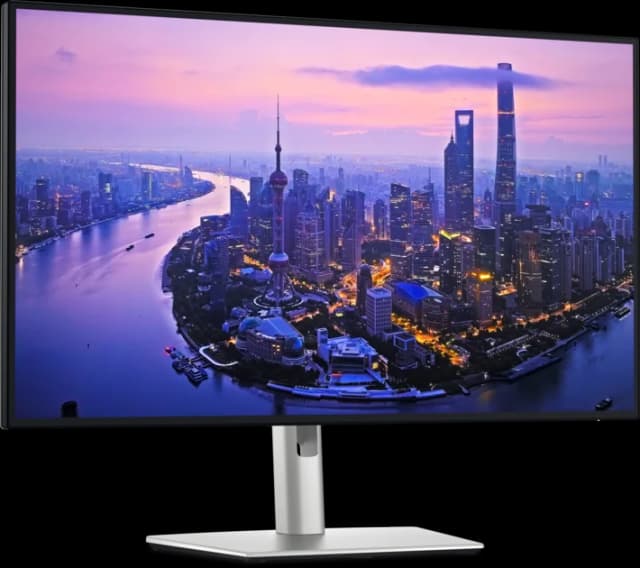
- Best OverallDell UltraSharp U2725QEWhy we picked it →
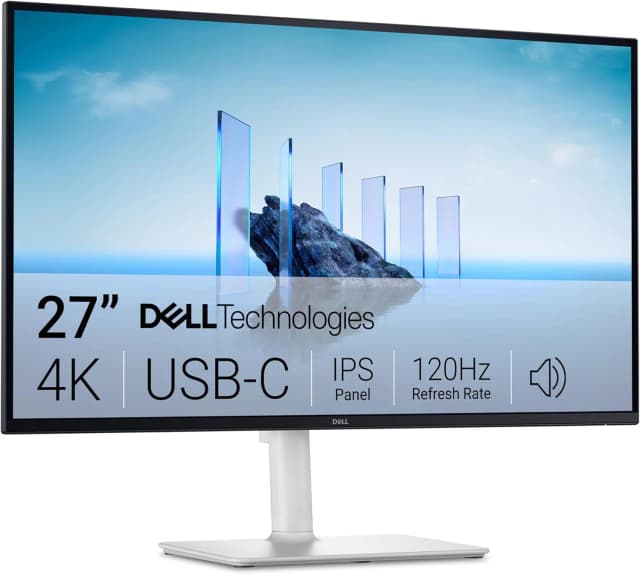
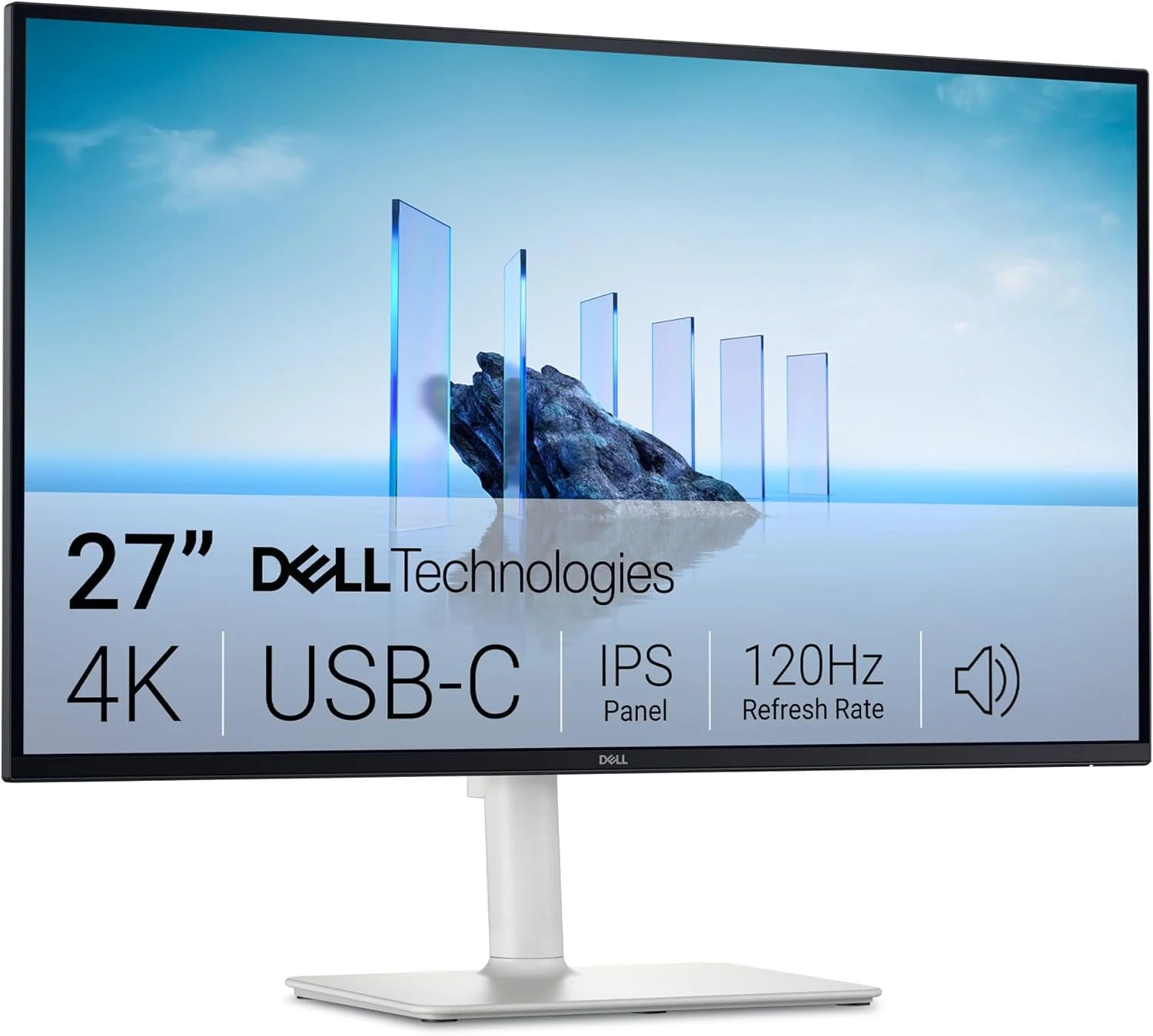
- Best ValueDell 27 Plus 4K USB-C Monitor S2725QCWhy we picked it →
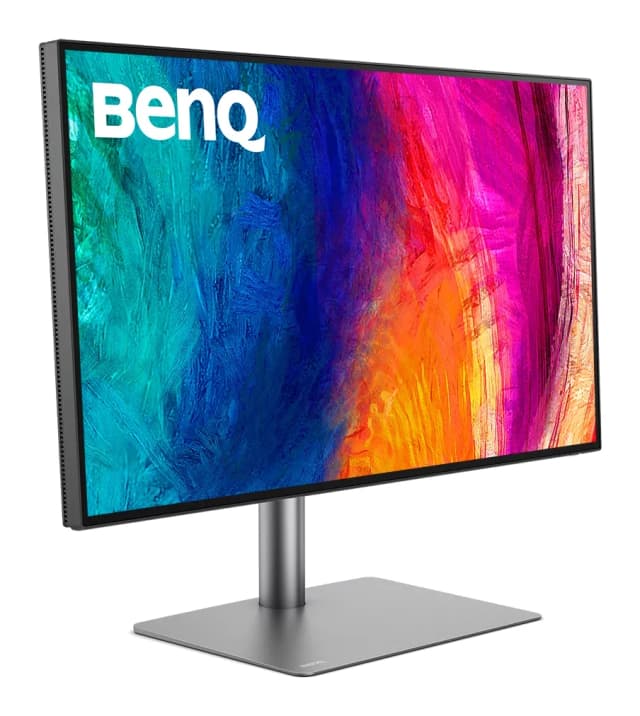
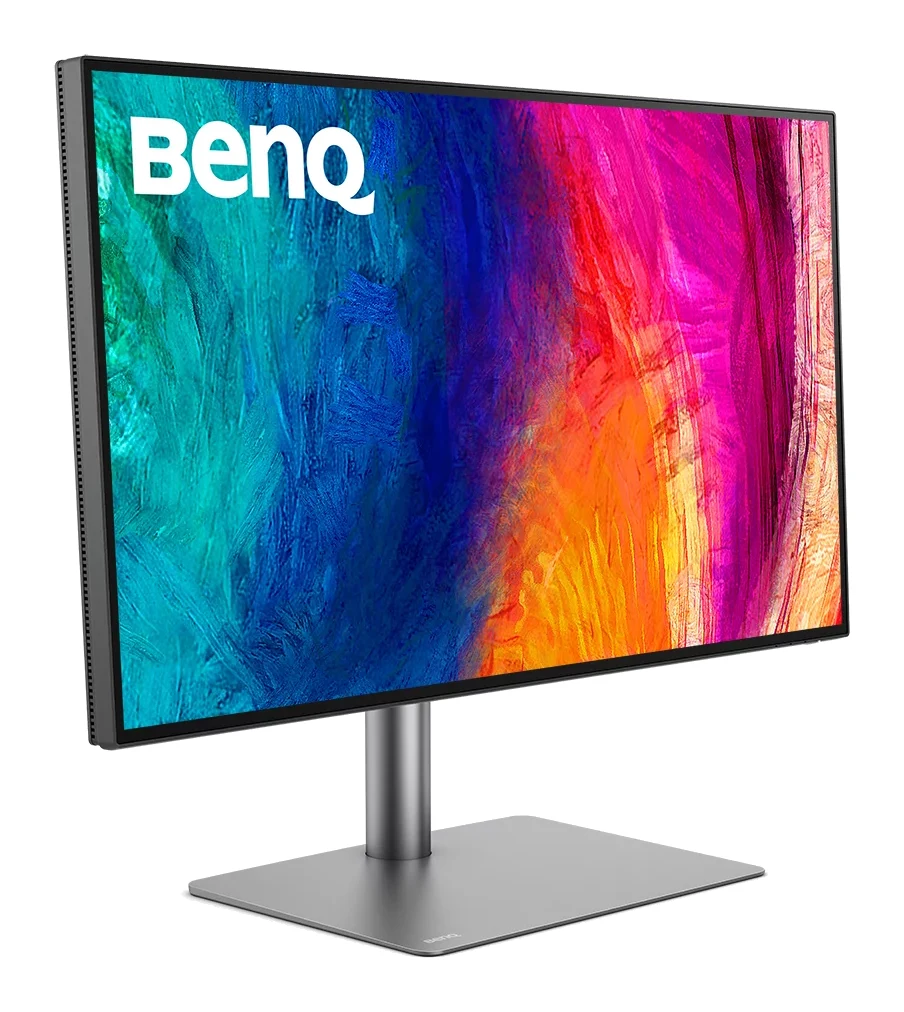
- Premium PickBenQ PD2730SWhy we picked it →
Frequently asked questions
Is the Asus ZenScreen MB16ACV worth it?
It is worth considering if you want a light, simple second screen for documents, email and general productivity. It is less suitable if you need a bright panel, high refresh rates for gaming or accurate colour for creative work.
Does the Asus ZenScreen MB16ACV work with one cable?
Yes. A single USB-C cable carries both power and video, as long as your laptop's USB-C port supports video output (DP Alt Mode). The monitor has one USB-C port, supporting DP Alt Mode and USB 3.2.
Does the ZenScreen MB16ACV work with USB Type-A laptops?
Yes. Its hybrid-signal design also works with USB Type-A laptops via a driver, so you need to install the driver first.
Does the Asus ZenScreen MB16ACV have speakers?
No. It has no built-in speakers, and its single USB-C port means there is no audio jack or hub. Sound has to come from your laptop or headphones.
Is the ZenScreen MB16ACV good for gaming?
Not really. It has a 60Hz maximum refresh rate and an 800:1 typical contrast ratio, which reviewers describe as poor for gaming. It is better suited to office-style work.
Can the ZenScreen MB16ACV be used in portrait mode?
Yes. The fold-out kickstand supports landscape and portrait use. Auto-rotate between the two with DisplayWidget works on Windows only.
Sources
Specs are taken from the manufacturers' official pages; expert recommendations from the publications below.
- Asus ZenScreen MB16ACV: asus.com, bestbuy.com, macys.com
Related reviews & guides
Best Portable Monitor 2026 for Laptops, Consoles & Travel
Five portable monitors compared on size, resolution, refresh rate, brightness, weight and ports, using manufacturer specs and independent expert recommendations.
Published Oct 17, 2026
Best Monitors for Working From Home 2026: One-Cable Desks
Five home-office monitors compared on resolution, USB-C or Thunderbolt charging, KVM switching and eye comfort, using manufacturer specs and expert recommendations.
Published Oct 20, 2026
LG 27US500-W UltraFine Review (2026): Sharp 4K, Basic Stand
A mid-range 27-inch 4K IPS monitor from LG with wide colour and eye-comfort features, but a tilt-only stand, 60Hz refresh and no USB-C. Here is who it suits.
Published Oct 19, 2026