Dell UltraSharp U2725QE Review (2026): One-Cable Desk
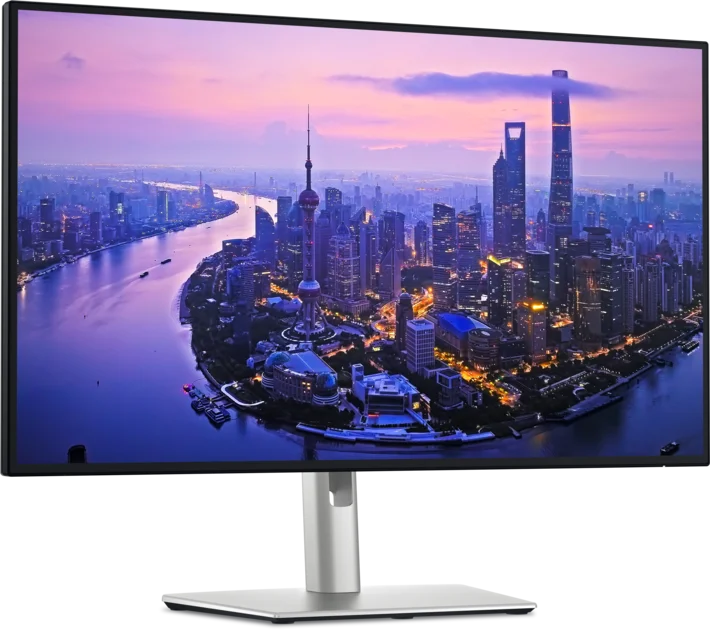
A look at the Dell UltraSharp U2725QE, a 27-inch 4K IPS Black monitor with a Thunderbolt 4 hub, KVM and 2.5GbE, and who it suits.
Research-based · We earn from qualifying purchases
Our verdict
The U2725QE is a strong one-cable productivity monitor for laptop users and creative professionals who want sharp 4K, accurate color and a full hub with KVM. Gamers and anyone wanting convincing HDR should look elsewhere.
The good
- IPS Black panel with 3000:1 contrast gives deeper blacks than typical IPS
- Sharp 4K at 163 PPI with smooth 120 Hz scrolling
- Thunderbolt 4 hub with 140 W charging runs a laptop over one cable
- Built-in KVM and 2.5GbE simplify two-computer desks
- Wide color coverage and good factory accuracy for creative work
+2 more
- Built-in KVM and 2.5GbE simplify two-computer desks
- Wide color coverage and good factory accuracy for creative work
The bad
- Slow response time and overdrive overshoot make it a poor gaming monitor
- HDR is limited by edge-lit dimming with few zones
- Some reviewers saw uneven backlight and panel uniformity
- Included cables are short and there are no speakers or webcam
+1 more
- Included cables are short and there are no speakers or webcam
This Dell UltraSharp U2725QE review looks at a 27" 4K monitor built around a simple idea: plug one cable into your laptop and get the display, charging, networking and peripherals all at once. Dell calls it the UltraSharp 27 4K Thunderbolt Hub Monitor, and it is aimed at laptop users and creative professionals who want a tidy, capable desk rather than a screen for fast games.
This review is based on Dell's manufacturer specifications and on what independent expert reviews report. It is not hands-on testing.
Dell UltraSharp U2725QE (UltraSharp 27 4K Thunderbolt Hub Monitor): specs at a glance
From the manufacturer- HDR
- VESA DisplayHDR 600
- Panel
- IPS Black
- Warranty
- 3 Year
- Brightness
- 450 cd/m2 SDR, 600 cd/m2 peak HDR
- Networking
- 1 RJ45 2.5GbE
- Resolution
- 3840 x 2160 (4K UHD)
- Color gamut
- DCI-P3 99%, Display P3 99%, sRGB 100%, BT.709 100%
- Screen size
- 27"
- Refresh rate
- up to 120 Hz
- Video inputs
- 1 DisplayPort 1.4, 1 HDMI 2.1, 1 Thunderbolt 4 upstream
- Pixel density
- 163 PPI
- Response time
- 5ms GTG (Fast), 8ms GTG
- Color accuracy
- Delta E <1.5 (Average)
- Contrast ratio
- 3000:1
- Power delivery
- up to 140 W EPR (Thunderbolt 4 upstream)
- Stand adjustments
- 150 mm height, tilt -5° to 21°, swivel -45° to 45°, pivot -90° to 90°
- Weight with stand
- 7.06 kg
Key features
- IPS Black panel with 3000:1 contrast for deeper blacks
- 4K (3840 x 2160) at up to 120 Hz for sharp, smooth scrolling
- Thunderbolt 4 hub with up to 140 W power delivery, so one cable charges your laptop
- Built-in KVM to share one keyboard and mouse across two computers
- 2.5GbE Ethernet and a pop-out quick-access panel with USB-C and USB-A ports
- Thunderbolt 4 downstream port for daisy-chaining a second monitor
- ComfortView Plus eye-comfort tech and an ambient light sensor
- Height, tilt, swivel and pivot stand, plus VESA 100 x 100 mount
Dell UltraSharp U2725QE review: design and build
The U2725QE is a 27" monitor, and it weighs 7.06 kg with its stand. The stand covers the adjustments most desks need: 150 mm of height adjustment, tilt from -5° to 21°, swivel from -45° to 45° and pivot from -90° to 90°. Pivot rotation is included if you want to turn the screen upright. If you would rather use an arm, there is a VESA 100 x 100 mount.
There is a practical touch in the pop-out quick-access panel, which carries USB-C and USB-A ports, so you can plug in a drive, a headset dongle or a phone cable without reaching behind the screen. Dell backs the monitor with a 3 Year warranty.
Two omissions are worth knowing about. Reviewers note there are no built-in speakers and no webcam, so a video-call setup needs separate gear. They also say the cables in the box are short, so you may want a longer Thunderbolt or USB-C cable depending on where your computer sits.
Features and what they mean day to day
One cable for the whole desk
The headline feature is the Thunderbolt 4 upstream port with up to 140 W EPR power delivery. Connect a compatible laptop and the same cable carries video and data to the monitor while charging the laptop. Check what your laptop's charger and ports support first, since the monitor can only supply what the laptop will accept. For anyone moving a laptop on and off a desk daily, this cuts the routine to a single plug.
Built-in KVM for two computers
The monitor has a built-in KVM, which lets you share one keyboard and mouse across two computers. That suits a setup with a work laptop and a personal desktop, since you avoid doubling up on peripherals or swapping cables. If you are choosing what to plug in, our guide to the best wireless keyboard and mouse combo is a useful companion.
Networking and daisy-chaining
A 2.5GbE RJ45 port gives the connected computer a wired network connection through the monitor. That gives a laptop a wired connection over the same cable. A Thunderbolt 4 downstream port also allows you to daisy-chain a second monitor, which keeps a dual-screen desk to one cable run back to the laptop.
Comfort features
Dell includes ComfortView Plus eye-comfort technology and an ambient light sensor. Both are aimed at making the screen more comfortable to use.
Display performance
Sharpness and smoothness
The resolution is 3840 x 2160 (4K UHD) on a 27" panel, which works out to 163 PPI. That is a dense, crisp image for text, spreadsheets, design tools and photo editing. The refresh rate goes up to 120 Hz, and reviewers praise the smooth scrolling it delivers.
IPS Black contrast
The panel is IPS Black with a 3000:1 contrast ratio. Reviewers say this gives deeper blacks than a typical IPS panel.
Color and brightness
Color coverage is broad: DCI-P3 99%, Display P3 99%, sRGB 100% and BT.709 100%. Average color accuracy is listed as Delta E <1.5. Reviewers highlight the wide color coverage and good factory accuracy for creative work. Brightness is 450 cd/m2 in SDR, with a 600 cd/m2 peak in HDR.
HDR
The monitor carries VESA DisplayHDR 600 certification, but a common criticism is that HDR is limited. Reviewers point to edge-lit dimming with few zones, which restricts how convincing bright highlights can look next to dark areas. Treat HDR here as a bonus, not a main reason to buy.
Response time and gaming
The listed response time is 5ms GTG (Fast) and 8ms GTG. Reviewers describe the response as slow and report overdrive overshoot, which is why they call it a poor gaming monitor. The 120 Hz refresh rate helps with general smoothness, but this is a productivity display first.
Connectivity at a glance
Beyond Thunderbolt 4, the monitor has one DisplayPort 1.4 input and one HDMI 2.1 input. That lets a desktop, console or second laptop connect without Thunderbolt. The practical benefit is flexibility: the Thunderbolt hub features suit a laptop, while the other inputs let you attach extra devices.
What experts like and what they criticise
The U2725QE averages 9/10 across 2 expert reviews. Windows Central and The AU Review each give it 4.5 out of 5. It is also recommended in 4 expert buying guides.
Reviewers consistently praise:
- the deeper blacks from the IPS Black panel;
- the sharp 4K image with smooth 120 Hz scrolling;
- the one-cable Thunderbolt 4 hub with 140 W charging;
- the KVM and 2.5GbE, which simplify two-computer desks;
- the wide color coverage and good factory accuracy.
The common criticisms are:
- slow response and overdrive overshoot, which hurt gaming;
- HDR held back by edge-lit dimming with few zones;
- uneven backlight and panel uniformity, seen by some reviewers;
- short included cables and no speakers or webcam.
Some reviewers saw uneven backlight and panel uniformity.
Who should buy it, and who should skip it
Buy it if you work from a laptop and want a clean one-cable desk. It also makes sense if you switch between two computers, if you do photo, design or other creative work that benefits from accurate color, or if you simply spend long days in documents and spreadsheets and value a sharp screen.
Skip it if gaming is a priority, since reviewers flag slow response and overshoot. Also skip it if you want convincing HDR, or if you need built-in speakers or a webcam. If you already have a dock you love and only need a display, you would be paying for hub features you may not use.
How it fits in the wider monitor market
The U2725QE is a mid-range option. It combines 4K at up to 120 Hz, IPS Black contrast, wide color coverage and a full Thunderbolt 4 hub with KVM in one display. If you want a gaming or HDR-focused display, look at models designed for those jobs.
Verdict
The Dell UltraSharp U2725QE is a focused productivity monitor, and its strengths line up well with its audience. The 4K panel is sharp, the IPS Black contrast and color coverage suit creative work, and the Thunderbolt 4 hub with 140 W charging, KVM and 2.5GbE removes a lot of desk clutter. The trade-offs are just as clear: it is not a gaming monitor, HDR is modest, and some reviewers noticed backlight uniformity issues. For laptop users who want one cable and one tidy desk, it is easy to recommend. Gamers and anyone wanting convincing HDR should look elsewhere.
Related buying guides
- Best Monitors for Working From Home 2026: One-Cable Desks
- Best Portable Monitor 2026 for Laptops, Consoles & Travel
- LG 27US500-W UltraFine Review (2026): Sharp 4K, Basic Stand
- Best Tablet for Drawing in 2026: Pen Pads vs Pen Displays
- Best Ergonomic Mice 2026: Vertical or Palm Grip, Any Budget
- MSI PRO MP165 E6 Review (2026): Easy to Carry, Plain Panel
Not sure about the Dell UltraSharp U2725QE (UltraSharp 27 4K Thunderbolt Hub Monitor)? Consider these
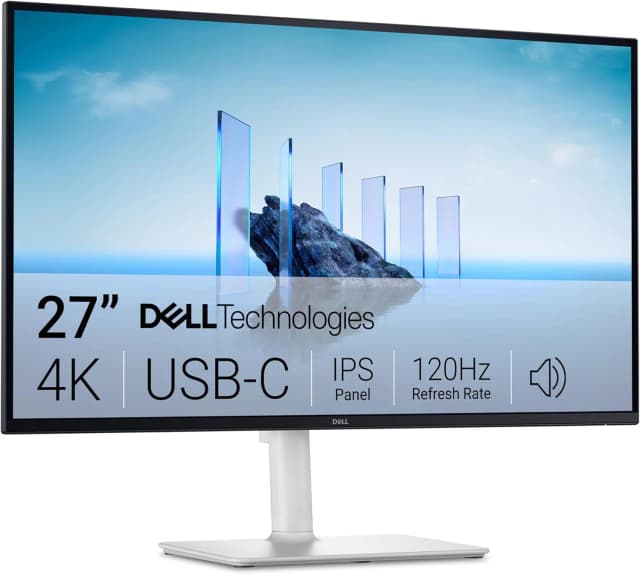
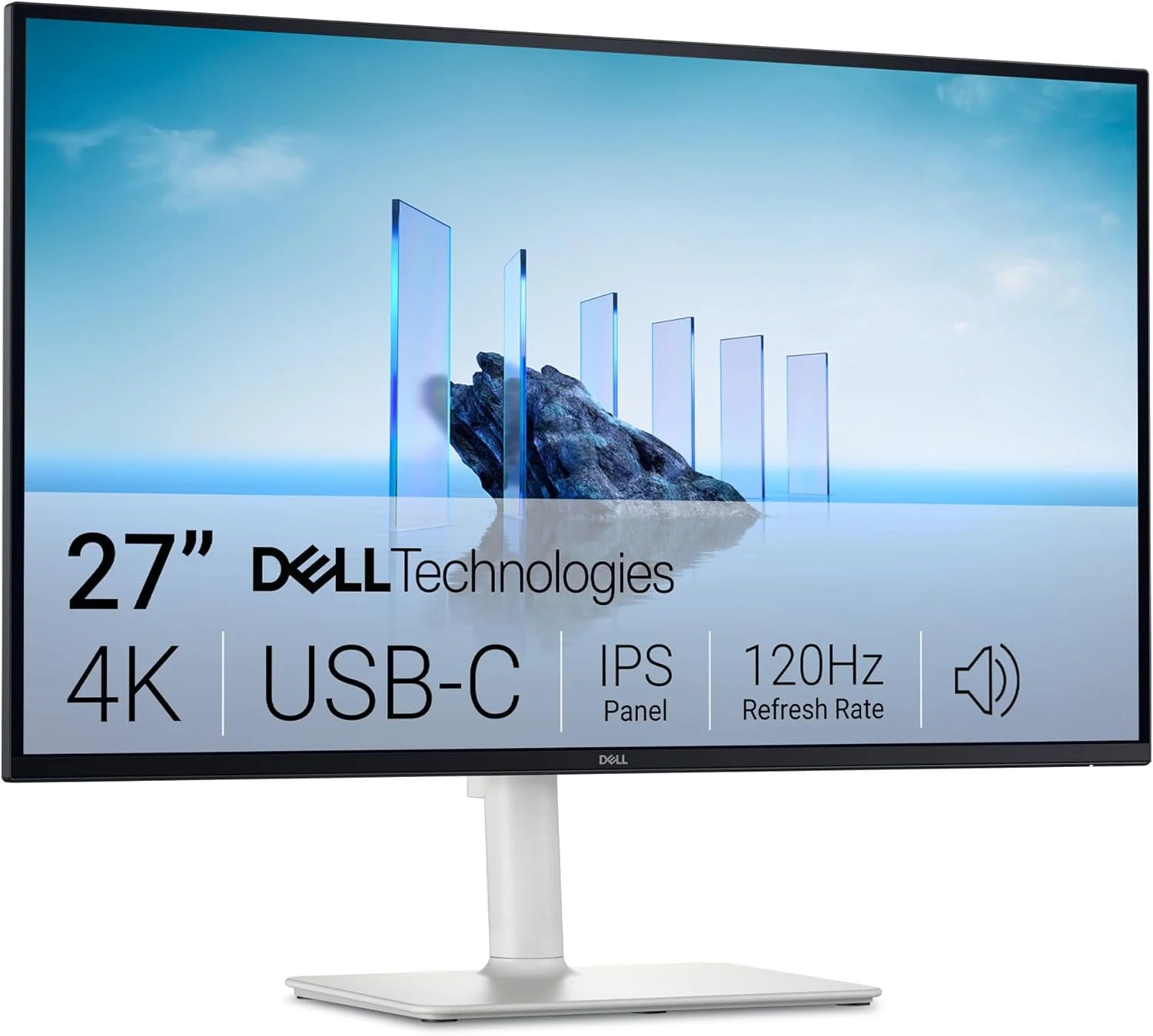
- Best ValueDell 27 Plus 4K USB-C Monitor S2725QCWhy we picked it →
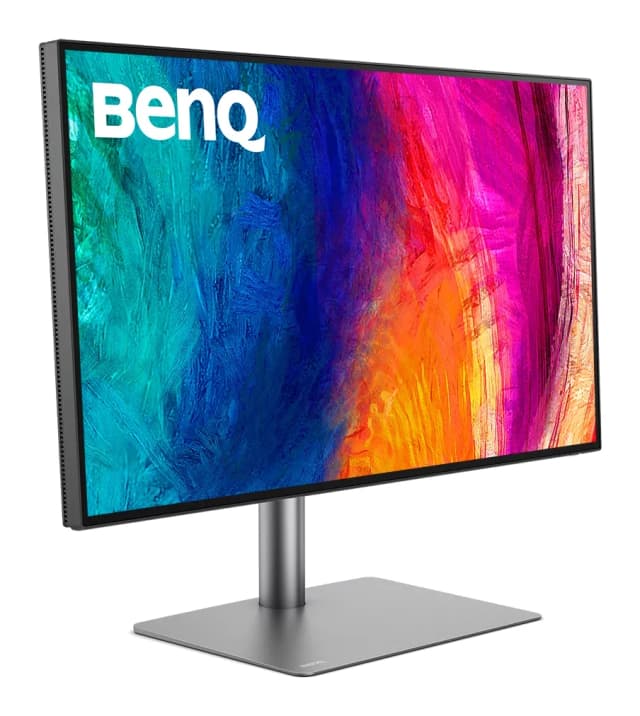
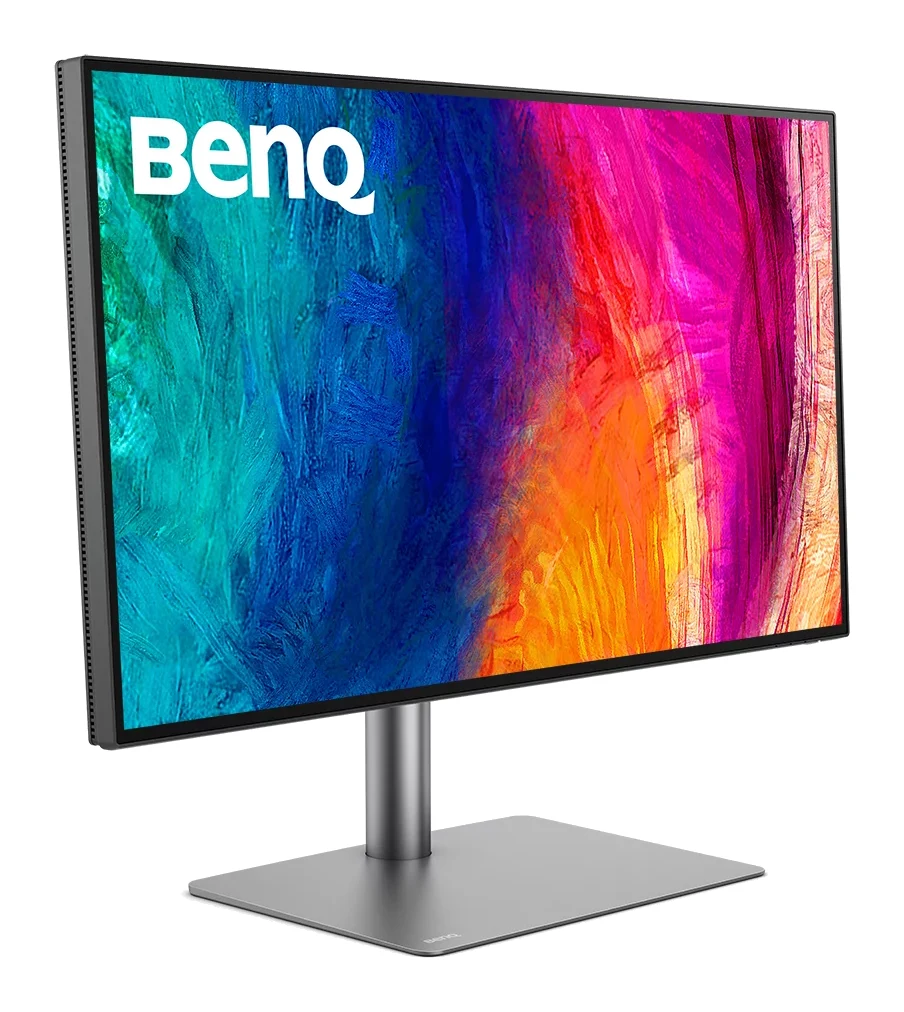
- Premium PickBenQ PD2730SWhy we picked it →
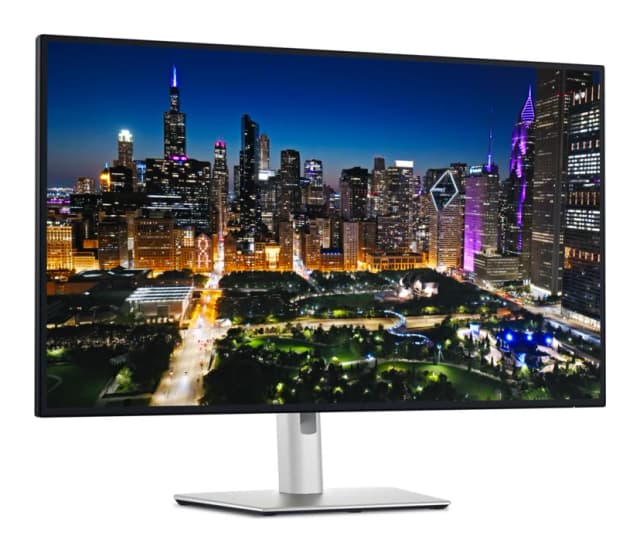
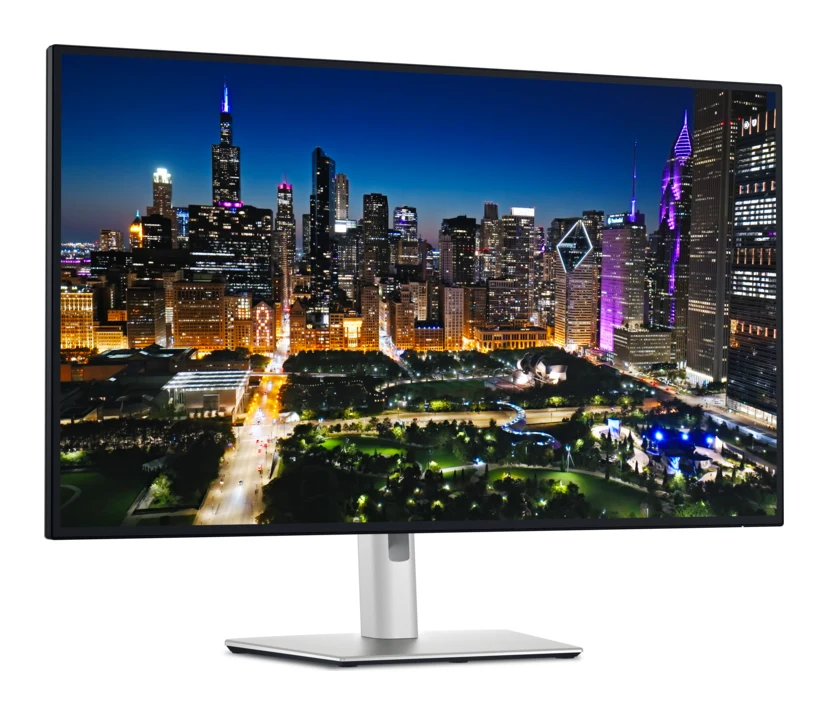
- Also GreatDell UltraSharp U3225QEWhy we picked it →
Frequently asked questions
Is the Dell UltraSharp U2725QE worth it?
For laptop users and creative professionals, reviewers say yes. It averages 9/10 across 2 expert reviews, and the Thunderbolt 4 hub, KVM, 4K sharpness and color coverage are its main strengths. It is a weaker choice for gaming or HDR viewing.
Can the U2725QE charge my laptop?
Yes. The Thunderbolt 4 upstream port supports up to 140 W EPR power delivery, so a compatible laptop can charge and connect to the monitor over one cable. The laptop must support that power level and the connection.
Is the Dell U2725QE good for gaming?
Not really. It runs at up to 120 Hz, but reviewers describe the response time as slow and report overdrive overshoot, which is why they call it a poor gaming monitor.
Does the Dell U2725QE have a KVM switch?
Yes. The built-in KVM lets you share one keyboard and mouse across two computers, which suits a setup with a work laptop and a second machine.
Does the U2725QE support HDR?
It is VESA DisplayHDR 600 certified with a 600 cd/m2 peak in HDR. Reviewers say HDR is limited by edge-lit dimming with few zones, so HDR is a modest extra here rather than a main reason to buy.
Does the Dell U2725QE have speakers or a webcam?
No. Reviewers note there are no built-in speakers or webcam, so you will need separate audio and camera gear for calls.
Sources
Specs are taken from the manufacturers' official pages; expert recommendations from the publications below.
- Dell UltraSharp U2725QE (UltraSharp 27 4K Thunderbolt Hub Monitor): dell.com, ebay.com, techaeris.com, windowscentral.com
Related reviews & guides
Best Monitors for Working From Home 2026: One-Cable Desks
Five home-office monitors compared on resolution, USB-C or Thunderbolt charging, KVM switching and eye comfort, using manufacturer specs and expert recommendations.
Published Oct 20, 2026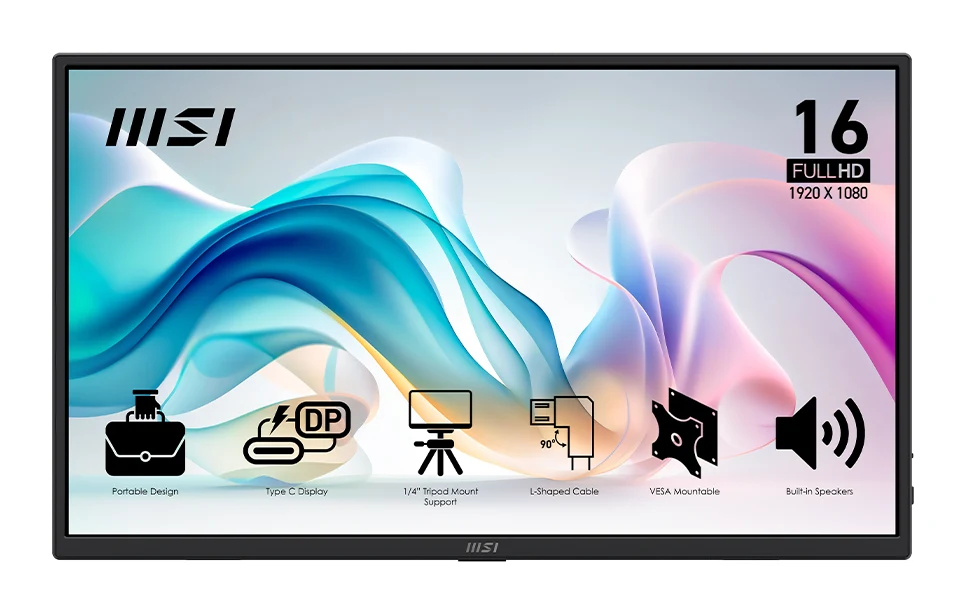
Best Portable Monitor 2026 for Laptops, Consoles & Travel
Five portable monitors compared on size, resolution, refresh rate, brightness, weight and ports, using manufacturer specs and independent expert recommendations.
Published Oct 17, 2026
LG 27US500-W UltraFine Review (2026): Sharp 4K, Basic Stand
A mid-range 27-inch 4K IPS monitor from LG with wide colour and eye-comfort features, but a tilt-only stand, 60Hz refresh and no USB-C. Here is who it suits.
Published Oct 19, 2026