Canon SELPHY QX20 Review (2026): Sticker Prints on the Go
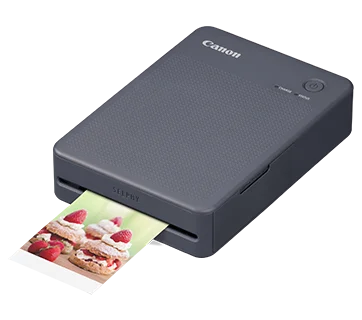
A pocketable dye-sublimation printer that turns phone photos into dry, sticker-backed prints. Here is what the specs and expert reviews say about the Canon SELPHY QX20.
Research-based · We earn from qualifying purchases
Our verdict
The Canon SELPHY QX20 suits people who want sharp, dry, sticker-backed prints from their phone in a bag-friendly package, especially for scrapbooks and journals. Skip it if you print in volume or are sensitive to running costs, since consumables are pricey and each charge only covers about 20 prints.
The good
- Excellent print quality for a portable, with accurate color and smooth gradations
- Prints both square and card-size sticker formats from one device
- Borderless printing on three sides, with room for a handwritten note
- Fast for dye-sub at about 40 seconds per print
- Pocketable body of about 1 lb with built-in USB-C rechargeable battery
+2 more
- Fast for dye-sub at about 40 seconds per print
- Pocketable body of about 1 lb with built-in USB-C rechargeable battery
The bad
- Ink and paper sets are expensive to keep refilling
- Only about 20 prints per charge
- Switching formats means swapping both paper and ink cassette
- App is basic, with few editing tools and no sheet or ink level display
+1 more
- App is basic, with few editing tools and no sheet or ink level display
This Canon SELPHY QX20 review looks at a small dye-sublimation printer built for one job: turning photos from your phone into sticker-backed prints you can stick into a journal, scrapbook or planner. It is aimed at phone photographers who want physical prints they can carry anywhere, not at anyone who needs to churn out photos in bulk. This review is based on Canon's published specifications and what independent experts report, not on hands-on testing by us.
Canon SELPHY QX20: specs at a glance
From the manufacturer- App
- SELPHY Photo Layout v4.0 or later (iOS, Android)
- Wi-Fi
- 802.11 b/g (2.4 GHz), Direct Connection
- Weight
- Approx. 16 oz. / 1.0 lb
- Battery
- Built-in, not user replaceable
- USB port
- USB Type-C, for charging only
- Borderless
- On 3 sides
- Dimensions
- Approx. 4.0" (W) x 1.3" (H) x 5.7" (D)
- Print time
- approximately 40 seconds
- Charge time
- about 80 minutes
- Print sizes
- Square 2.7" x 2.7" and Card 2.1" x 3.4"
- Printing method
- Dye-sublimation thermal transfer
- Print resolution
- 287x287 dpi, 256 shades/color (16.8 million colors)
- Prints per charge
- 20
- Compatible paper/ink sets
- XS-20L, XC-20L, XC-60L
Key features
- Prints on both square (2.7" x 2.7") and card-size (2.1" x 3.4") sticker paper
- Borderless printing on three sides, with room to write a note at the bottom
- About 40 seconds per print, faster than earlier models
- Dye-sublimation prints come out dry, marker-ready and water resistant, rated for up to 100 years
- Built-in rechargeable battery that charges over USB-C
- Connects to iOS and Android over Wi-Fi with a QR code, and the SELPHY Photo Layout app adds filters, stickers and layouts
- Compact body of about 1 lb, roughly clutch-bag size, with an integrated paper tray
- Sold in three colors (dark gray, white and terracotta red)
What the Canon SELPHY QX20 is
The QX20 is a compact, battery-powered photo printer that connects to your phone wirelessly. It prints on sticker paper in two formats: square at 2.7" x 2.7" and card-size at 2.1" x 3.4". It sits in the mid-range part of the market, and it is recommended in four independent expert buying guides.
The appeal is simple. Instead of a stack of loose glossy photos, you get small prints that peel and stick. The printer is portable enough to bring along to a trip, a party or a crafting session, and you can print on the spot.
Design and build
Canon describes the body as roughly clutch-bag size, and the weight is about 1 lb. That puts it in the category of things you can drop in a bag without thinking about it, rather than a printer you set up on a desk and leave there. Reviewers single out the pocketable form as one of its strengths.
The paper tray is integrated, so there is no separate loose tray to carry or lose. The printer comes in three colors: dark gray, white and terracotta red, which suits a gadget meant to be seen and used socially as well as tucked away.
The battery is built in and cannot be replaced by the user. Charging is through a USB-C port, which is for charging only. You cannot use it to send photos from a computer over USB, because the port is for charging only.
Features and what they mean day to day
Two sticker formats
Printing both square and card-size stickers from a single device is a real selling point. Reviewers praise being able to switch between the two. The catch is that switching formats means swapping both the paper and the ink cassette, so it is not something you do mid-print on a whim. Canon lists three compatible paper and ink sets: XS-20L, XC-20L and XC-60L.
Borderless with room for a note
Prints are borderless on three sides, with room left at the bottom to write a note. In practice that gives you a photo that fills the sticker, plus a built-in spot for a date, caption or name. For journaling and scrapbooking, that small design choice is more useful than it sounds.
Dry, durable prints
Because the QX20 uses dye-sublimation thermal transfer, prints come out dry rather than damp or smudgy. Canon says they are marker-ready and water resistant, and rates them for up to 100 years. That marker-ready surface is what makes the note area practical: you can write directly on it.
Wi-Fi and the app
The printer connects to iOS and Android devices over Wi-Fi, and you pair by scanning a QR code. Wi-Fi support is 802.11 b/g on 2.4 GHz, plus a Direct Connection mode. The companion SELPHY Photo Layout app (version 4.0 or later) adds filters, stickers and layouts before you print.
A common criticism from reviewers is that the app is basic. Editing tools are limited, and there is no display of how much paper or ink is left. If you like to edit photos in detail, you will probably want to finish them in another app first and only use SELPHY for printing and simple layouts.
Performance, print quality and battery
Print quality
The print engine is rated at 287x287 dpi with 256 shades per color, which Canon describes as 16.8 million colors. The print engine uses dye-sublimation, and reviewers consistently praise the output. Their comments centre on accurate color and smooth gradations, which is high praise for a portable printer.
Speed
Each print takes approximately 40 seconds. Canon positions that as faster than earlier models, and reviewers also call it fast for dye-sub. It is not instant, but if you are printing a handful of photos at a gathering, it is quick enough that nobody is left waiting long.
Battery life
This is the area where you need to plan. Canon's rating, as reported by reviewers, is 20 prints per charge, and a full recharge takes about 80 minutes, again as reported by reviewers. Reviewers list the 20 prints per charge as a drawback, so plan around it if you print a lot. The printer charges over USB-C.
Running costs
A common criticism from reviewers is the cost of consumables. Ink and paper sets are expensive to keep refilling. The printer itself sits in the mid-range tier, but a common criticism is that ink and paper sets are expensive to keep refilling. If you plan to print often, factor that in before you buy.
What experts like and what they criticise
On the numbers, the QX20 averages 8/10 across 2 expert reviews. Digital Camera World and Tech Advisor each give it 4 out of 5.
What reviewers praise:
- Print quality that is excellent for a portable printer, with accurate color and smooth gradations.
- The ability to print both square and card-size stickers from one device.
- Borderless printing on three sides, with space for a handwritten note.
- A print time of about 40 seconds, which is fast for dye-sublimation.
- A pocketable body with a built-in USB-C rechargeable battery.
What reviewers criticise:
- Ink and paper sets are expensive to keep refilling.
- Only about 20 prints per charge.
- Changing formats means swapping both paper and ink cassette.
- A basic app, with few editing tools and no sheet or ink level display.
The praise is about the output and portability, and the criticism is about running it day to day. That is a fairly typical profile for a compact photo printer: lovely prints, but you pay for them in consumables and convenience.
Who should buy the Canon SELPHY QX20
The QX20 suits phone photographers who want portable sticker prints for scrapbooks and journals. It is a good fit if:
- You like sticking small photos into notebooks, planners or albums.
- You want prints that are dry and ready to handle straight away.
- You value a printer that is small enough to carry rather than one that lives on a shelf.
- You mainly print from a phone and are happy with simple layouts and filters.
- You print in short bursts rather than in large batches.
Who should skip it
Skip it if you print in volume or care a lot about cost per print. Consumables are pricey, and each charge only covers about 20 prints. It is also a weaker choice if you want to print from a computer over USB, since the USB-C port is for charging only, or if you want a rich editing toolkit built into the app. If you swap often between square and card-size formats, the paper-and-cassette swap will get tedious.
How it fits in its category
Compact photo printers generally trade running costs and convenience for portability and print quality. The QX20 fits that pattern: it focuses on quality, sticker-backed prints and a small body, and it accepts limits on battery life and app features. If you want a printer for occasional, special prints rather than everyday volume, that trade-off makes sense. If you want cheap, high-volume printing, a different type of printer will probably serve you better.
Verdict
The Canon SELPHY QX20 is a focused, well-regarded pocket printer. It earns its place through print quality, a useful pair of sticker formats and a body that is easy to carry. Its weak points are the cost of keeping it supplied, the modest number of prints per charge and a basic app. If your idea of photo printing is a few special stickers for a journal or scrapbook, it is an easy one to recommend. If you want to print in quantity, look elsewhere.
Related buying guides
Not sure about the Canon SELPHY QX20? Consider these
- Best OverallInstax mini Link 3Why we picked it →
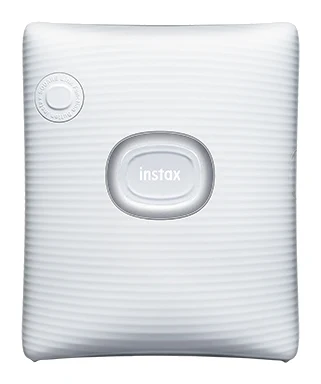
- Best ValueFujifilm instax SQUARE LinkWhy we picked it →
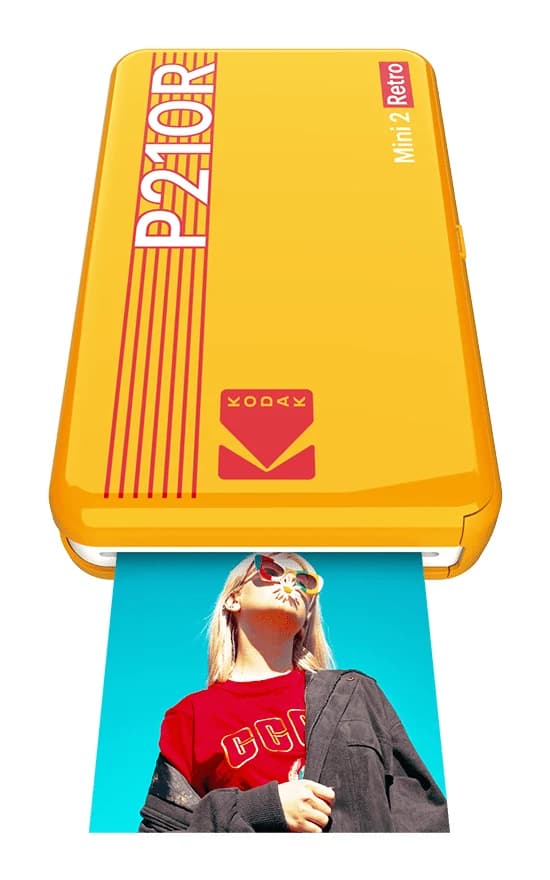
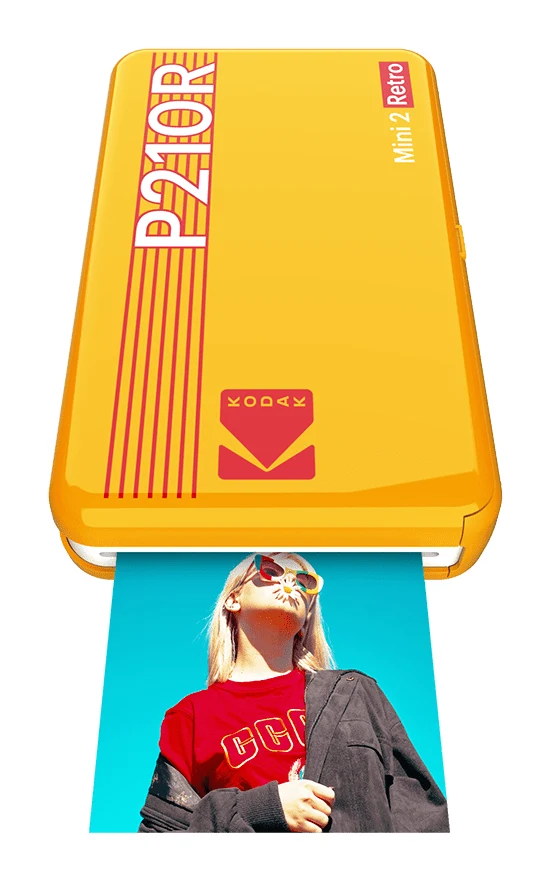
- Also GreatKODAK Mini 2 Retro P210RWhy we picked it →
Frequently asked questions
Is the Canon SELPHY QX20 worth it?
It is worth it if you want sharp, dry, sticker-backed prints from your phone for scrapbooks and journals. Experts praise its print quality and portability and it averages 8/10 across 2 expert reviews. It is less appealing if you print in volume, because ink and paper sets are expensive to keep refilling.
What print sizes does the Canon SELPHY QX20 support?
It prints on square sticker paper at 2.7" x 2.7" and card-size sticker paper at 2.1" x 3.4". Switching between the two means swapping both the paper and the ink cassette.
How many prints does the QX20 get per charge?
Canon's rating, as reported by reviewers, is 20 prints per charge. Reviewers report about 80 minutes for a full recharge over USB-C.
Does the Canon SELPHY QX20 work with iPhone and Android?
Yes. It connects to iOS and Android over Wi-Fi, and you pair using a QR code. The SELPHY Photo Layout app (version 4.0 or later) adds filters, stickers and layouts.
Are the prints waterproof and long-lasting?
Canon says dye-sublimation prints come out dry, marker-ready and water resistant, rated for up to 100 years.
Can I print to the QX20 from a computer over USB?
No. The USB Type-C port is for charging only. You print wirelessly from a phone using Wi-Fi.
Sources
Specs are taken from the manufacturers' official pages; expert recommendations from the publications below.
- Canon SELPHY QX20: usa.canon.com, alisonwinterroth.com, digitalcameraworld.com, cameralabs.com
Related reviews & guides
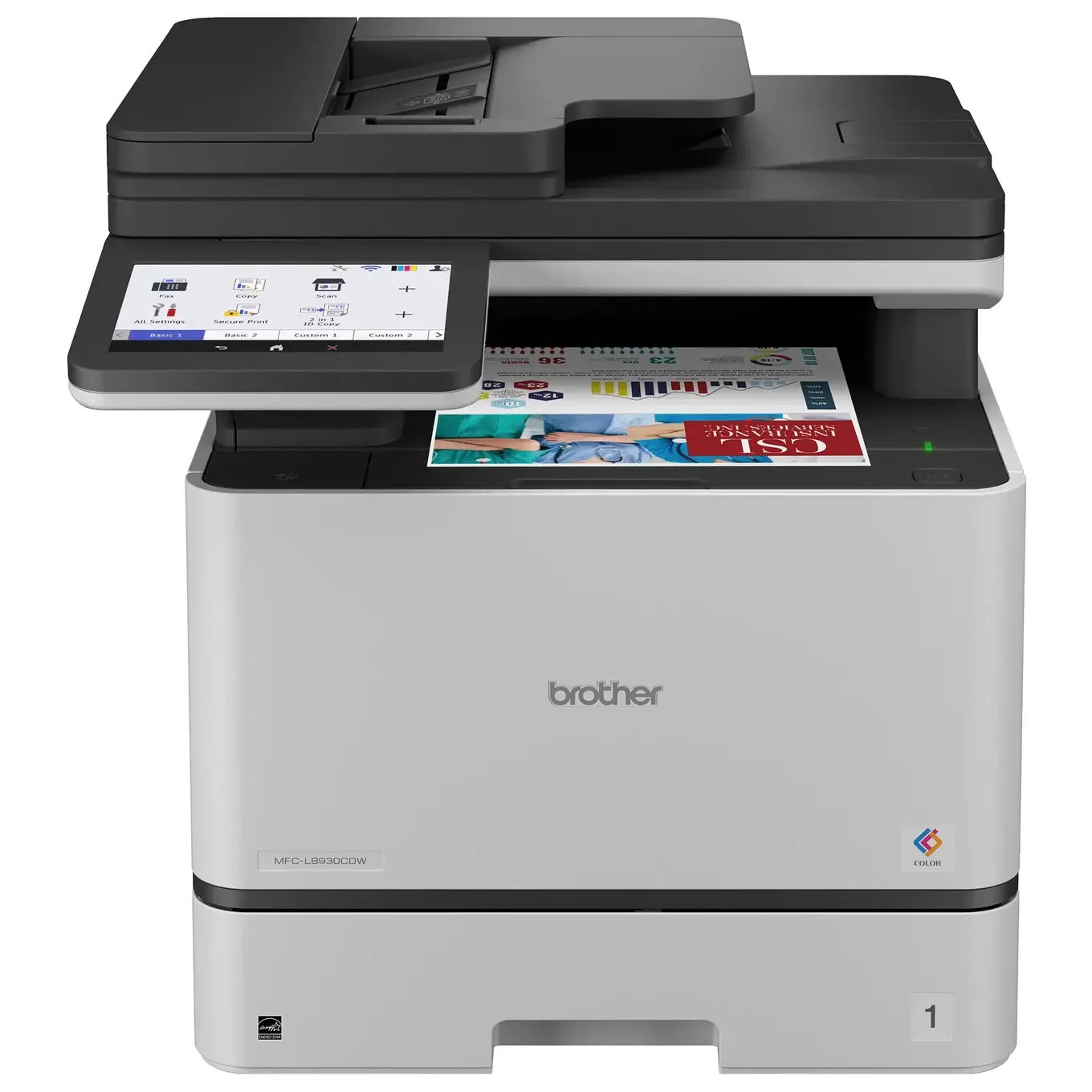
Best Printer for Home Office 2026: Five All-in-Ones Compared
Five home office all-in-ones compared on print speed, running costs, scanning and paper handling, from a fast color laser to a compact ink tank model.
Published Oct 17, 2026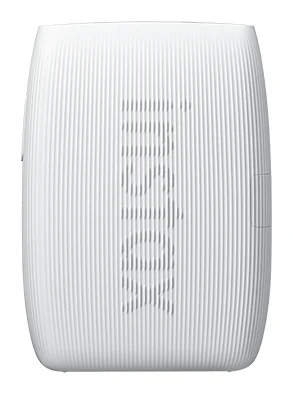
Best Portable Photo Printers 2026: Instax, Kodak, Polaroid
Five portable photo printers compared on print size, speed, battery life and trade-offs, from Instax instant film to Kodak and Polaroid dye-sublimation prints, including the Polaroid's sticky-back photos.
Published Oct 25, 2026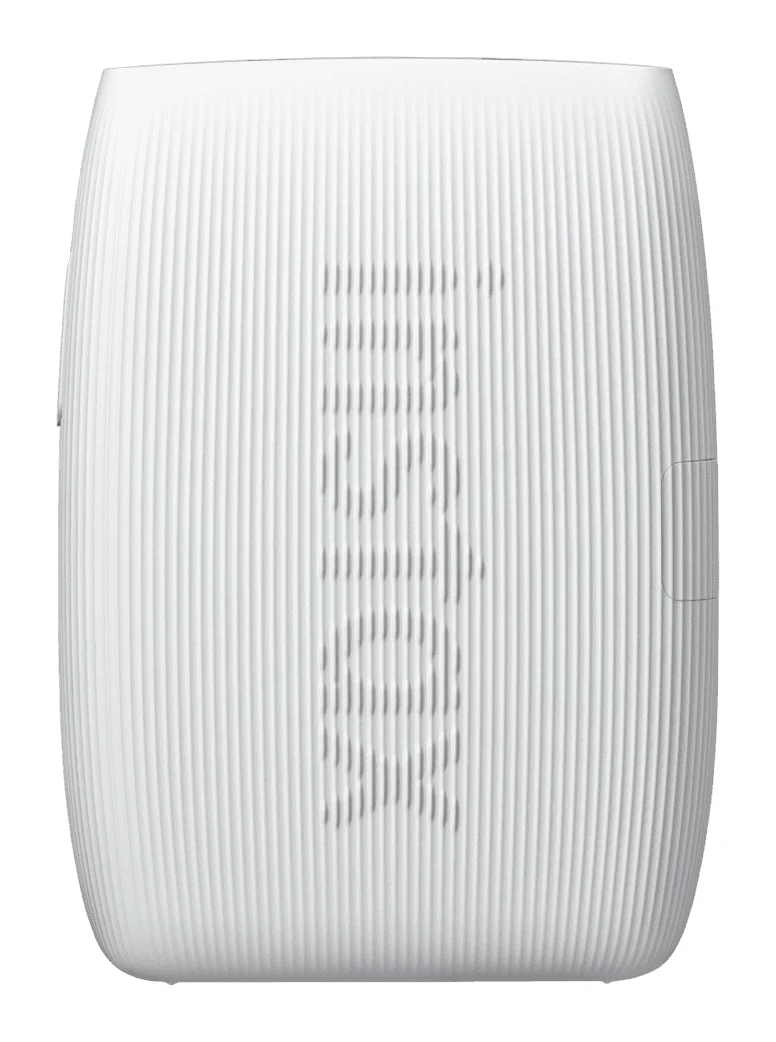
Fujifilm Instax mini Link 3 Review: Fun Pocket Printer
A pocketable Bluetooth printer that turns phone photos into real instax mini prints. We look at the specs, app features and what experts say about the Link 3.
Published Oct 27, 2026