Fujifilm Instax mini Link 3 Review: Fun Pocket Printer
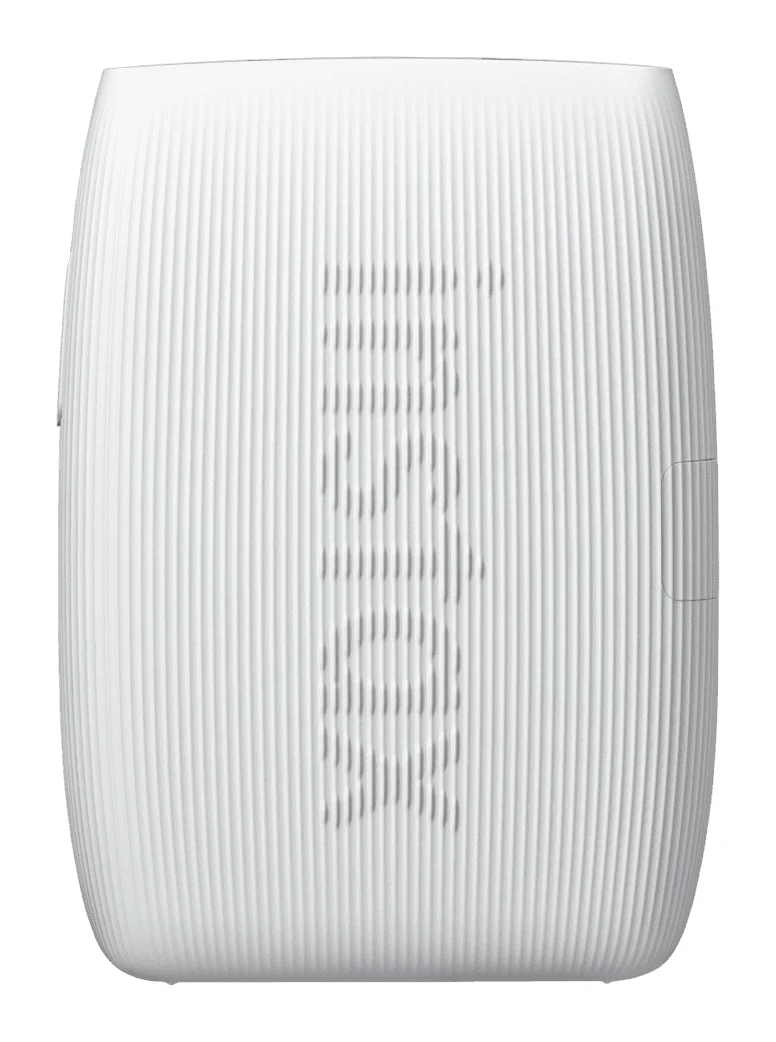
A pocketable Bluetooth printer that turns phone photos into real instax mini prints. We look at the specs, app features and what experts say about the Link 3.
Research-based · We earn from qualifying purchases
Our verdict
The Instax mini Link 3 is a pocketable, easy-to-use phone printer that suits casual users who want fun, colourful instant prints and a playful app. Skip it if you want low per-print costs or larger prints, or if you already own a Mini Link 2 and don't need USB-C.
The good
- Prints phone photos onto real instax mini film over Bluetooth
- Compact and light at 210 g, easy to carry
- About 100 prints per charge, with USB-C recharging
- Video print and Click to Collage add variety to the app
- Simple Bluetooth pairing and helpful LED battery and print indicators
+2 more
- Video print and Click to Collage add variety to the app
- Simple Bluetooth pairing and helpful LED battery and print indicators
The bad
- Instax film is sold separately and costs a lot per print
- Small 62 × 46 mm prints limit detail and collages
- AR effects feel gimmicky to many reviewers
- Only a small upgrade over the Mini Link 2
+1 more
- Only a small upgrade over the Mini Link 2
This Fujifilm Instax mini Link 3 review looks at a small phone printer that turns the photos already on your handset into physical instax mini prints. It is priced in the mid-range tier of the products we compared, and it is aimed at casual phone photographers who want something fun and portable rather than a serious photo-printing tool. This review is based on Fujifilm's published specs and what independent experts report, not on hands-on testing.
Fujifilm Instax mini Link 3: specs at a glance
From the manufacturer- Film
- instax mini instant film (sold separately)
- Weight
- 210 g (excluding film cartridge)
- Battery
- Lithium-ion battery (internal type: not removable)
- Interface
- Bluetooth Ver. 5.1
- Dimensions
- 90.0 mm × 37.3 mm × 125.0 mm (excluding projecting parts)
- Image size
- 62 mm × 46 mm
- Charging time
- Approximately 1.5 to 2.0 hours
- Printing time
- Approximately 15 sec.
- Recording method
- 3-color exposure with OLED
- Exposure gradation
- RGB gradation of 256 colors
- Supplied accessory
- USB Type-C cable (30 cm)
- Exposure resolution
- 12.5 dots/mm (318 dpi, 80 μm dot pitch)
- Exposure pixel count
- 800 × 600 dots
- Printable image format
- JPEG, PNG, HEIF, DNG
- Prints per full charge
- Approximately 100
Key features
- Prints phone photos onto real instax mini film over Bluetooth
- About 15 sec print time, with continuous printing
- About 100 prints per charge, USB-C rechargeable
- Video print: pick a frame from a clip and print it
- Click to Collage photo-booth mode in the app
- AR effects with instax AiR Studio
- Rich and Natural colour modes, plus frames, filters and stickers in the app
- Three LEDs show battery level and print status; comes in Sage Green, Clay White and Rose Pink
What the Instax mini Link 3 is
The Link 3 is a Bluetooth printer. You pair it with your phone, choose a picture in the companion app, and it exposes the image onto real instax mini instant film. The film is a separate purchase. The printer does not take photos itself, so every print starts as a file on your phone.
The appeal is simple. The feature list leans playful.
Design and build
The Link 3 weighs 210 g (excluding the film cartridge). Its dimensions are 90.0 mm × 37.3 mm × 125.0 mm (excluding projecting parts). It is compact and light at 210 g, which makes it easy to carry.
It comes in Sage Green, Clay White and Rose Pink. Three LEDs on the body show battery level and print status. The LED battery and print indicators are listed among its pros.
The battery is a lithium-ion type that is not removable. It is recharged over USB-C.
Features and what they mean day to day
Bluetooth connection and file support
The Link 3 connects over Bluetooth Ver. 5.1. Simple Bluetooth pairing is listed among its strengths. It accepts JPEG, PNG, HEIF and DNG files.
Print speed and continuous printing
A print takes about 15 sec, and the printer supports continuous printing.
Video print and Click to Collage
Two of the more distinctive app features are video print and Click to Collage. Video print lets you pick a frame from a clip and print it. Click to Collage is a photo-booth style mode in the app, and it adds some variety beyond printing single photos. Both features add variety to the app, although the small print size limits detail and collages (more on that below).
Colour modes, frames and effects
The app offers Rich and Natural colour modes, plus frames, filters and stickers.
There are also AR effects through instax AiR Studio. A common criticism is that the AR effects feel gimmicky. Think of them as an optional extra rather than a reason to buy.
Print quality, battery and charging
The printer uses a 3-color exposure method with OLED and an RGB gradation of 256 colors. The exposure pixel count is 800 × 600 dots, at 12.5 dots/mm (318 dpi, 80 μm dot pitch). Prints come out at 62 mm × 46 mm, which is the instax mini image size.
The small 62 mm × 46 mm image limits detail and collages. If you want detailed prints, the small 62 mm × 46 mm image size limits how much detail you get.
The Link 3 is listed as offering about 100 prints per charge, with USB-C recharging. Fujifilm quotes approximately 100 prints per full charge, and it is listed among the pros. Recharging is over USB-C, and a 30 cm USB Type-C cable is supplied. Charging takes approximately 1.5 to 2.0 hours.
Strengths and common criticisms
Pocket-lint scores the Link 3 9/10. Based on the specs and features, its main strengths are:
- It prints phone photos onto real instax mini film over Bluetooth, with simple pairing.
- It is compact and light enough to carry easily.
- About 100 prints per charge, with USB-C recharging.
- Video print and Click to Collage give the app some range.
- The LEDs for battery level and print status are helpful.
Common criticisms include:
- Running costs. Instax film is sold separately and costs a lot per print. Film is a cost on top of the printer itself.
- Small prints. The 62 mm × 46 mm image size limits detail and collages.
- Gimmicky AR. Many reviewers feel the AR effects don't add much.
- A modest step forward. The Link 3 is described as only a small upgrade over the Mini Link 2.
The per-print cost is worth weighing honestly. The printer itself is mid-range, but the film is sold separately, and a common criticism is that it costs a lot per print. If you only print occasionally, it will matter less.
Who should buy it
The Link 3 suits casual phone photographers who want portable, fun instant prints. It makes sense if:
- You take most of your photos on a phone and want an easy way to turn favourites into physical prints.
- You want something small enough to bring to events, trips or gatherings.
- You enjoy playing with an app: colour modes, frames, stickers, collages and frames pulled from video.
- You prefer USB-C charging and about 100 prints per charge.
Who should skip it
This is not the right pick if:
- Cost per print is a priority. Instax film is sold separately and costs a lot per print.
- You want larger or more detailed prints. The prints are a small 62 mm × 46 mm, which limits detail and collages.
- You already own a Mini Link 2. The Link 3 is described as only a small upgrade over the Mini Link 2, so if you already own one and don't need USB-C, it is hard to justify switching.
- You want a camera. This is a printer only, and it relies on your phone for every image.
How it fits in its category
The Link 3 is a portable, fun printer: small prints, about 100 prints per charge and an app with playful extras. We don't have a buying guide to link to for this category, so we'll keep this general.
Verdict
The Fujifilm Instax mini Link 3 is a pocketable, easy-to-use phone printer. It's light and easy to pair, and it manages about 100 prints per charge. The app adds variety with video print and Click to Collage. Its limits come from the format: small prints, a high per-print film cost and AR extras that reviewers find gimmicky. For casual users who want a bit of tangible fun from their phone photos, it is a good fit, and Pocket-lint scores it 9/10. For anyone who prints often, wants detail or already has the previous model, it is harder to justify.
Related buying guides
- Best Portable Photo Printers 2026: Instax, Kodak, Polaroid
- Best Printer for Home Office 2026: Five All-in-Ones Compared
- Canon SELPHY QX20 Review (2026): Sticker Prints on the Go
- Best 3D Printers for Beginners 2026: Easy to Set Up
- Best Mini PC in 2026: Small, Quiet Desktops for Work
- Best Graphics Cards for Gaming PCs 2026: Top 5 Picks
- Best Prebuilt Gaming PCs 2026: Ready to Play or Upgrade
Not sure about the Fujifilm Instax mini Link 3? Consider these
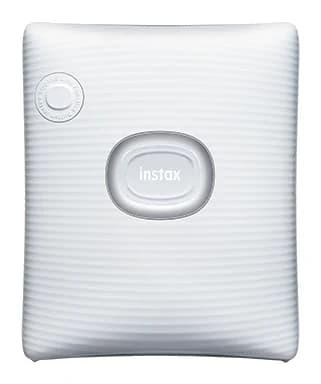
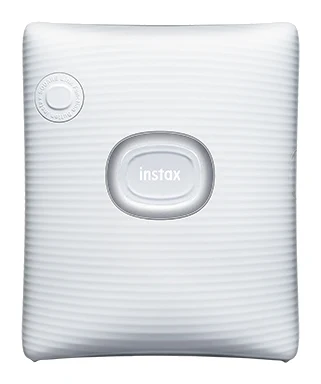
- Best ValueFujifilm instax SQUARE LinkWhy we picked it →
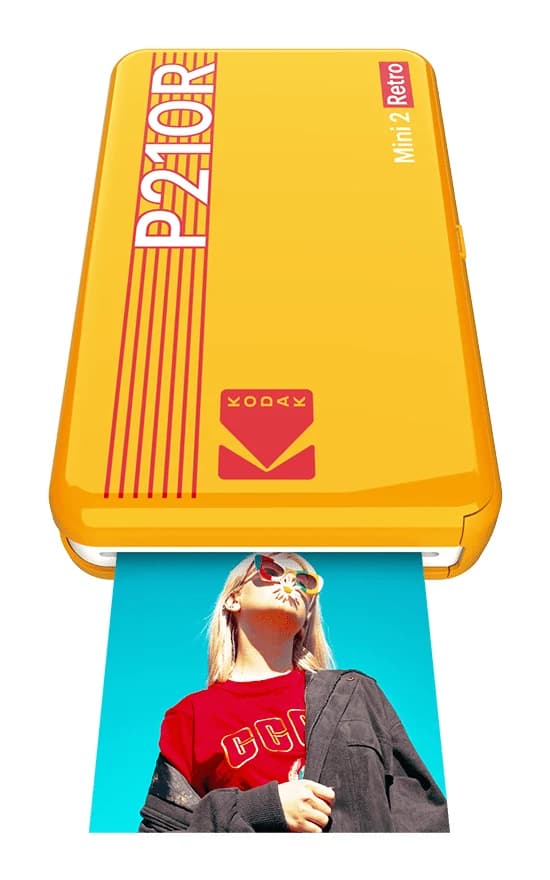
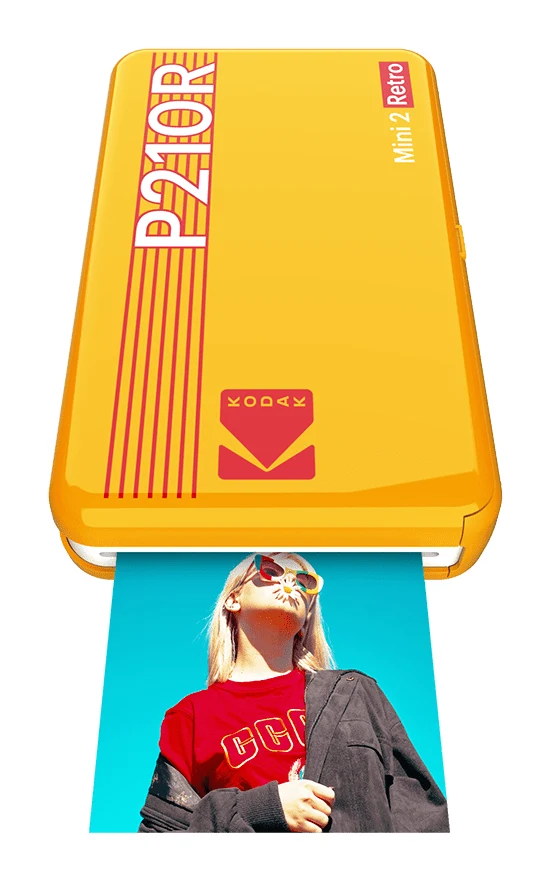
- Also GreatKODAK Mini 2 Retro P210RWhy we picked it →
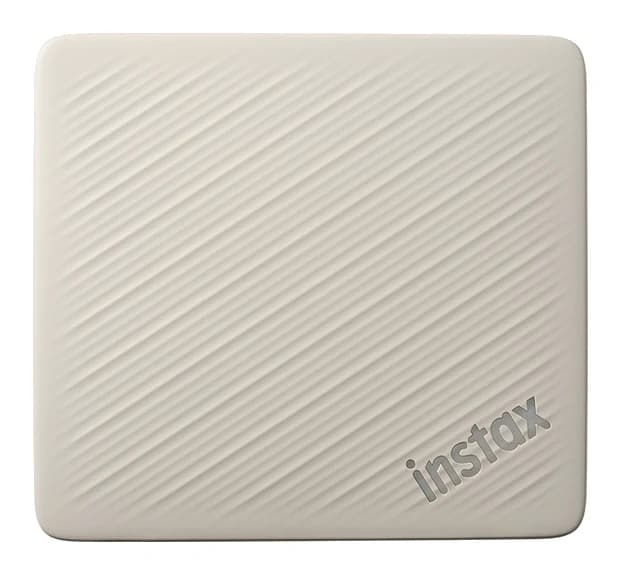
- Premium PickFujifilm Instax Link Wide 2Why we picked it →
Frequently asked questions
Is the Fujifilm Instax mini Link 3 worth it?
It is worth it for casual phone photographers who want portable, fun instant prints and an app with extras like video print and Click to Collage. It is less compelling if you print a lot, since instax film is sold separately and costs a lot per print, or if you already own a Mini Link 2.
How many prints can the Instax mini Link 3 make per charge?
Fujifilm quotes approximately 100 prints per full charge. It recharges over USB-C, and a full charge takes approximately 1.5 to 2.0 hours.
How long does it take to print a photo?
A print takes about 15 sec, and the printer supports continuous printing, so prints can follow one another.
What film does the Instax mini Link 3 use?
It uses instax mini instant film, which is sold separately. Prints have an image size of 62 mm × 46 mm.
How does the Instax mini Link 3 connect to a phone?
It connects over Bluetooth Ver. 5.1 and prints from the companion app. It supports JPEG, PNG, HEIF and DNG image formats.
Is the Instax mini Link 3 a big upgrade over the Mini Link 2?
It is described as only a small upgrade over the Mini Link 2, so if you already own that model and don't need USB-C, it is hard to justify switching.
Sources
Specs are taken from the manufacturers' official pages; expert recommendations from the publications below.
- Fujifilm Instax mini Link 3: instaxus.com, instax.com, fujifilm.com
Related reviews & guides
Best Portable Photo Printers 2026: Instax, Kodak, Polaroid
Five portable photo printers compared on print size, speed, battery life and trade-offs, from Instax instant film to Kodak and Polaroid dye-sublimation prints, including the Polaroid's sticky-back photos.
Published Oct 25, 2026
Best Printer for Home Office 2026: Five All-in-Ones Compared
Five home office all-in-ones compared on print speed, running costs, scanning and paper handling, from a fast color laser to a compact ink tank model.
Published Oct 17, 2026
Canon SELPHY QX20 Review (2026): Sticker Prints on the Go
A pocketable dye-sublimation printer that turns phone photos into dry, sticker-backed prints. Here is what the specs and expert reviews say about the Canon SELPHY QX20.
Published Oct 26, 2026