Cove DIY Home Security System Review (2026): No Contracts
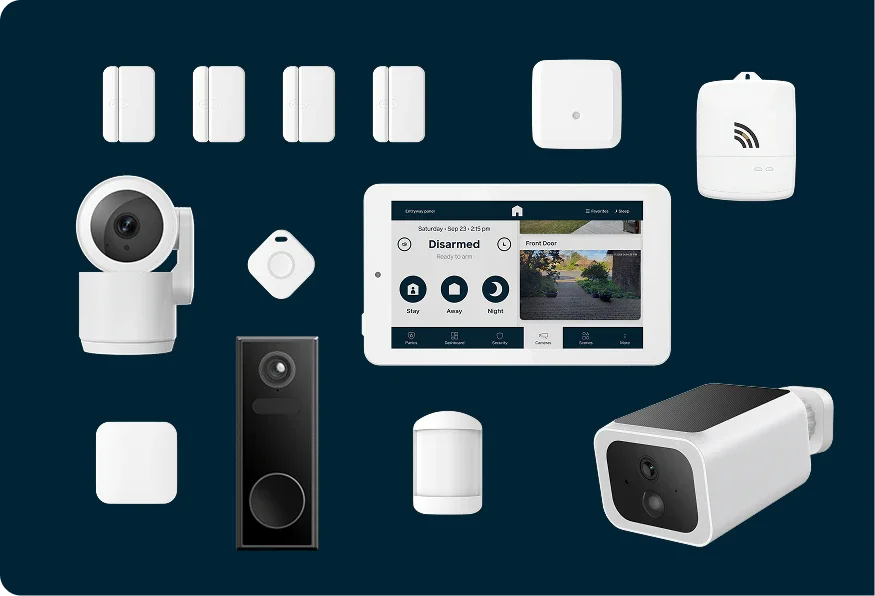
A build-your-own, contract-free alarm with cellular and battery backup. Here's how the Cove DIY Home Security System looks on paper and what experts say about it.
Research-based · We earn from qualifying purchases
Our verdict
Cove suits households that want a simple, contract-free DIY alarm with dependable cellular and battery backup and are happy to pay for professional monitoring. Skip it if you want self-monitoring, broad smart home integrations, or camera features without a higher-tier plan.
The good
- Guided on-panel setup with peel-and-stick sensors makes DIY installation easy
- 24/7 professional monitoring with no long-term contracts
- Ethernet, 4G cellular and a 24-hour hub battery keep it running in outages
- Build-your-own kit means you pay only for the sensors you need
- Wide add-on range: door, window, glass-break, motion, smoke/CO, flood and cameras
+2 more
- Build-your-own kit means you pay only for the sensors you need
- Wide add-on range: door, window, glass-break, motion, smoke/CO, flood and cameras
The bad
- Professional monitoring is mandatory; there is no self-monitoring option
- Cameras and cloud video storage require the pricier Plus or Premium plans
- Narrower equipment range and fewer smart home integrations than some rivals
- Some reviewers reported faulty equipment and a difficult install
+1 more
- Some reviewers reported faulty equipment and a difficult install
If you want a monitored alarm without signing a long contract or paying for a technician visit, this Cove DIY home security system review is for you. Cove sells a build-your-own kit that starts with a hub and a touchscreen alarm panel. You then add only the sensors and cameras your home needs. It's aimed at renters and homeowners who want easy, contract-free, professionally monitored security, and it sits in the mid-range part of the market.
This review is based on Cove's published specifications and on what independent expert reviews report. It is not based on hands-on testing.
Cove DIY Home Security System: specs at a glance
From the manufacturer- Hub weight
- 29.5 oz (including battery)
- Maximum users
- 50
- Hub dimensions
- 8.75" x 9" x 1.5"
- Hub connectivity
- Ethernet and 4G cellular
- Alarm panel screen
- 7" diagonal, 1024 x 600 pixels
- Hub backup battery
- 24 hours minimum
- Indoor camera video
- 2K video, night vision, 2-way talk
- Motion sensor range
- 30 ft. x 50 ft.
- Alarm panels per hub
- Up to 4
- Wireless security zones
- Up to 96
- Alarm panel wireless range
- ~300 feet in open air
- Alarm panel backup battery life
- 4 hours
- Door/window sensor battery life
- Five (5) years
Key features
- Build-your-own kit that starts with a hub and touchscreen panel, so you add only the sensors and cameras you need
- Guided setup on the alarm panel; Cove's site gives a 30-minute average install time, and sensors use peel-and-stick adhesive
- 24/7 professional monitoring with no contracts
- Hub connects over ethernet and 4G cellular, with a 24-hour backup battery for power outages
- Add-on range covers door, window, glass-break and motion sensors, smoke/CO and flood detectors, key fobs, medical buttons, and indoor, outdoor and doorbell cameras
- Optional Plus and Premium plans add camera support, cloud video storage and a longer warranty; Premium adds AI smart alerts (people, packages)
- Works with Google Assistant and Alexa, according to reviewers
What the Cove DIY Home Security System is
The core idea is modular. The hub and alarm panel are the brain of the system, and everything else is optional. Cove's range of add-ons covers:
- door and window sensors
- glass-break and motion sensors
- smoke/CO and flood detectors
- key fobs and medical buttons
- indoor, outdoor and doorbell cameras
That means a small apartment can run on a handful of entry sensors, while a larger house can grow the system zone by zone. Reviewers single out this build-your-own approach as a strength, since you only pay for the hardware you need.
The catch is that Cove is a monitored-only system. Professional monitoring is mandatory, and there is no self-monitoring option. If you only want a siren and phone alerts with no monthly service, this isn't that product.
Design and build
The useful design details are physical and practical. The hub measures 8.75" x 9" x 1.5" and weighs 29.5 oz including its battery. The alarm panel has a 7" diagonal touchscreen at 1024 x 600 pixels.
The sensors use peel-and-stick adhesive. That is the main reason the system suits renters: there's no drilling and nothing to patch when you move out. Cove rates the door/window sensor battery at Five (5) years, so you shouldn't be swapping cells often.
One thing the spec sheet doesn't cover is how robust the hardware feels in everyday use. A common criticism from reviewers is that some of them reported faulty equipment, so treat that as a reason to check the return terms before you commit to a large kit.
Setup and features day to day
Guided installation
Setup is run from the alarm panel itself, which walks you through pairing sensors and placing them. Cove's site gives a 30-minute average install time. That is Cove's own figure, so your result will depend on how many sensors you have and how your home is laid out. Reviewers praise the guided on-panel process, and the peel-and-stick sensors keep the physical work simple.
It's worth noting that some reviewers reported a difficult install. If you'd rather not do it yourself, optional professional installation is available through a HelloTech partner, as reported by SafeHome.
Monitoring and plans
Cove offers 24/7 professional monitoring with no contracts. You choose from three tiers: Basic, Plus and Premium. The tiers matter more than they first appear:
- Basic covers the monitored alarm itself.
- Plus and Premium add camera support, cloud video storage and a longer warranty.
- Premium also adds AI smart alerts for people and packages.
If you plan to use cameras, factor in the higher plan from the start. Reviewers flag that cameras and cloud video storage require the pricier Plus or Premium plans, so the cheapest tier won't cover a camera-heavy setup.
Cameras and sensors
The indoor camera is specified with 2K video, night vision and 2-way talk. Cove also lists outdoor and doorbell cameras, though its spec sheet doesn't give their resolution or field of view. The motion sensor is rated for a 30 ft. x 50 ft. coverage area, which gives you a rough idea of how many you'll need for open-plan rooms.
Smart home support
According to reviewers, the system works with Google Assistant and Alexa. A common criticism, however, is that Cove offers a narrower equipment range and fewer smart home integrations than some rivals. If you want your alarm to sit at the centre of an elaborate smart home, check that the specific integrations you need are supported before buying.
Connectivity, power and capacity
This is where the Cove makes its strongest case. The hub connects over both ethernet and 4G cellular, so the alarm can still reach the monitoring centre if your home internet fails. It also has a hub backup battery rated at 24 hours minimum, and the alarm panel has its own backup battery with 4 hours of life. Reviewers consistently praise the combination of ethernet, cellular and battery backup for keeping the system running during outages.
Cove lists these capacity limits:
- up to 96 wireless security zones
- up to 4 alarm panels per hub
- up to 50 users
- alarm panel wireless range of ~300 feet in open air
That last figure is an open-air number. Walls, floors and appliances will reduce it in a real house, so don't plan around the full distance.
What experts like and what they criticise
Expert reviewers are broadly positive but not unanimous. The Cove DIY Home Security System averages 7.7/10 across 4 expert reviews. Security.org scores it 8.7/10, Cybernews gives it 4 out of 5, Reviews.org gives it 4 out of 5, and SafeWise gives it 3 out of 5. It is also recommended in one expert buying guide.
What reviewers praise:
- the easy, guided DIY installation with peel-and-stick sensors
- the lack of long-term contracts alongside 24/7 professional monitoring
- the resilience of the ethernet, 4G and battery setup
- the ability to buy only the sensors you need
- the wide range of add-ons
What they criticise:
- mandatory professional monitoring with no self-monitoring option
- cameras and cloud storage locked behind higher plans
- a narrower equipment range and fewer smart home integrations than some rivals
- reports from some reviewers of faulty equipment and a difficult install
The spread between 8.7/10 and 3 out of 5 is worth noticing. Reviewers' main criticisms centre on mandatory monitoring, plan-gated cameras and fewer smart home integrations.
Who should buy it, and who should skip it
Buy it if you want a simple, contract-free alarm that you can install yourself. It's a particularly good fit if you rent and want adhesive sensors, or if you live somewhere where internet or power outages are a concern. The cellular connection and long hub battery address those worries directly. It also suits people who like to start small and add sensors later.
Skip it if you want to self-monitor and avoid a monthly service fee. Skip it too if cameras are the main reason you're buying, since those features sit behind the higher-tier plans. And look elsewhere if you need a wide range of third-party smart home integrations, because reviewers say the ecosystem is narrower than some rivals.
How it fits in the DIY security category
DIY security has split into two camps. Some systems let you monitor everything yourself for little or no ongoing cost. Others bundle professional monitoring and dependable backup connectivity into a more traditional alarm experience. Cove sits firmly in the second camp, and it keeps the DIY installation and the no-contract flexibility that people like about the first. Its trade-off is a smaller catalogue and fewer integrations than some competitors, along with the requirement to pay for monitoring. We don't have a dedicated buying guide for this category yet, so compare the monitoring tiers and equipment list against your own checklist.
Verdict
The Cove DIY Home Security System is a sensible choice for people who want an alarm that's easy to set up, backed by professional monitoring, and not tied to a contract. Its ethernet, 4G cellular and 24-hour hub battery are the strongest parts of the package. The limits are just as clear: mandatory monitoring, camera features gated by plan, and a smaller ecosystem than some rivals. With an expert average of 7.7/10, it's a solid, if not universal, pick. If your priorities match what it does well, it deserves a place on your shortlist.
Related buying guides
- Arlo Home Security System SS1501 Review: DIY With Catches
- Best Indoor Security Cameras 2026 for Privacy-Minded Homes
- Best Outdoor Security Cameras 2026: Solar & No-Fee Options
- Best Security Camera Without Subscription 2026: Pay Once
- Best Matter Hub 2026: Thread and Zigbee for Every Home
- Best Smart Thermostats 2026: Matched to Your Wiring & Home
Not sure about the Cove DIY Home Security System? Consider these
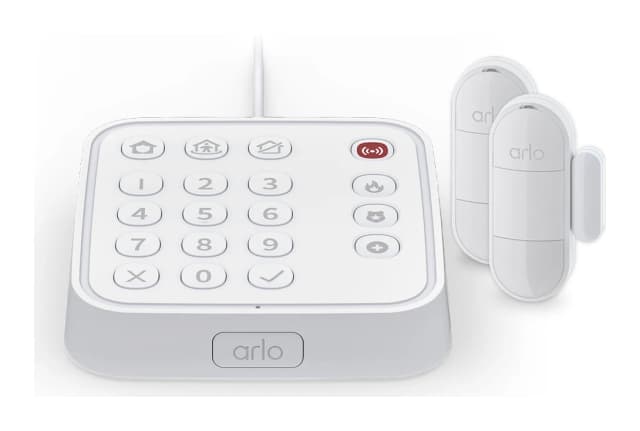
- Best OverallArlo Home Security SystemWhy we picked it →
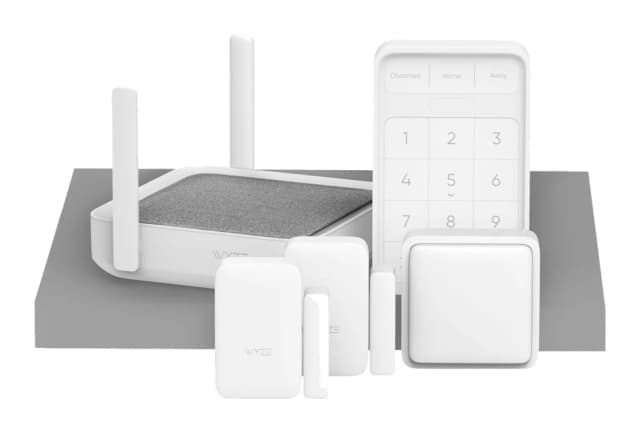
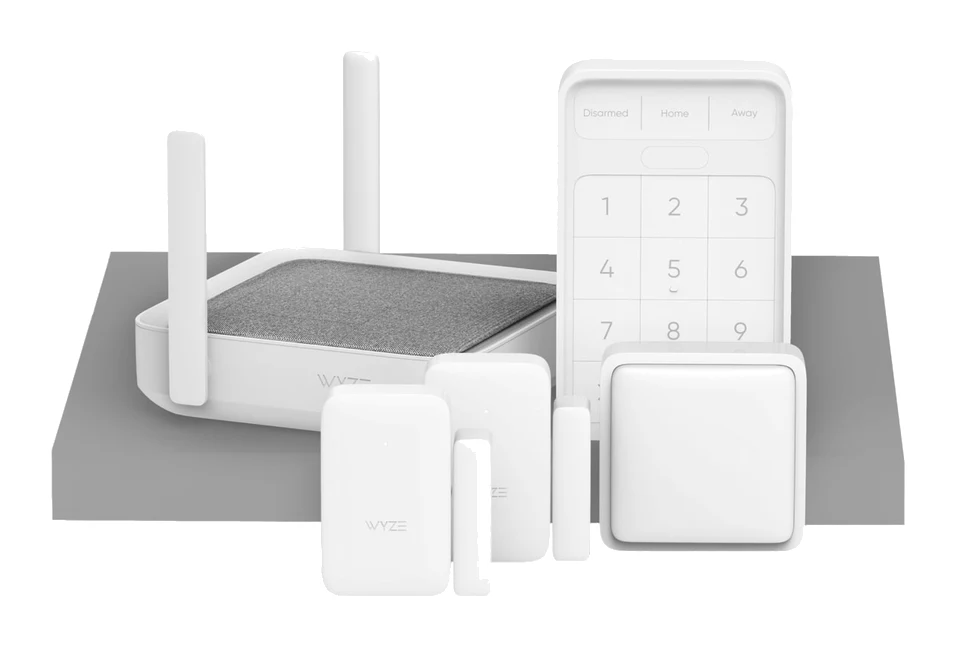
- Best ValueWyze Home Monitoring Core Starter KitWhy we picked it →
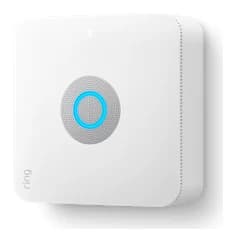
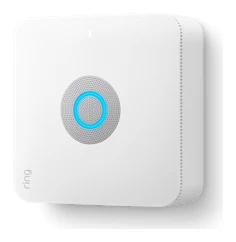
- Premium PickRing Alarm ProWhy we picked it →
Frequently asked questions
Is the Cove DIY Home Security System worth it?
It can be if you want a contract-free, professionally monitored alarm that you install yourself. It averages 7.7/10 across 4 expert reviews. It's less compelling if you want self-monitoring, camera features on the cheapest plan, or a wide range of smart home integrations.
Does Cove require a contract?
No. Cove offers 24/7 professional monitoring with no contracts. Professional monitoring itself is mandatory, though, because there is no self-monitoring option.
Does the Cove system work if the power or internet goes out?
Cove's hub connects over ethernet and 4G cellular and has a 24-hour minimum backup battery. The alarm panel has its own backup battery rated at 4 hours. Together these are designed to keep the system running through outages.
Does Cove work with Alexa and Google Assistant?
According to reviewers, yes, it works with both Google Assistant and Alexa. A common criticism is that it has fewer smart home integrations than some rivals, so check that the specific features you need are supported.
Can I install the Cove system myself?
Yes. Setup is guided from the alarm panel and the sensors use peel-and-stick adhesive. Cove's site gives a 30-minute average install time. Some reviewers reported a difficult install, and optional professional installation is available through a HelloTech partner.
Do I need a higher plan to use Cove cameras?
Yes. Camera support and cloud video storage require the Plus or Premium plans. Premium also adds AI smart alerts for people and packages.
Sources
Specs are taken from the manufacturers' official pages; expert recommendations from the publications below.
- Cove DIY Home Security System: covesmart.com, safehome.org, security.org, safewise.com
Related reviews & guides
Best DIY Home Security Systems 2026: Easy Setup, No Contract
Four DIY home security systems compared on sensors, outage backup, monitoring options and smart home support, with a pick for renters, budget buyers and Ring households.
Published Oct 25, 2026Arlo Home Security System SS1501 Review: DIY With Catches
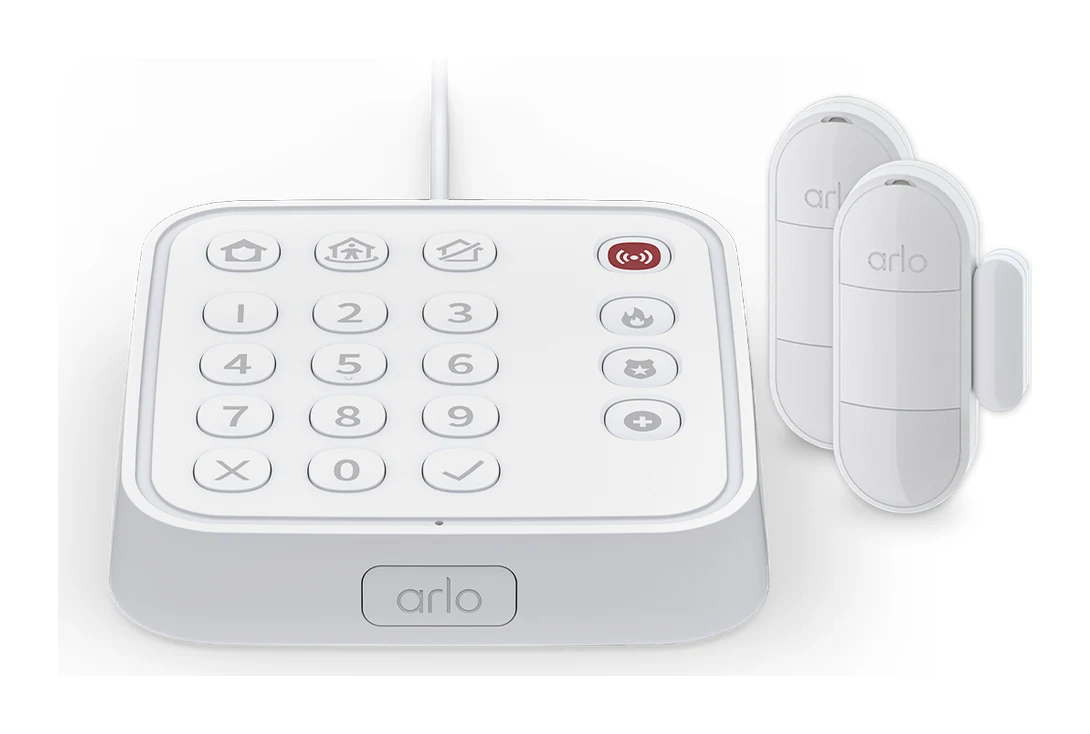
A look at the Arlo SS1501 kit: a plug-in keypad hub with five all-in-one sensors, easy DIY setup, and the subscription catches experts flag.
Published Oct 28, 2026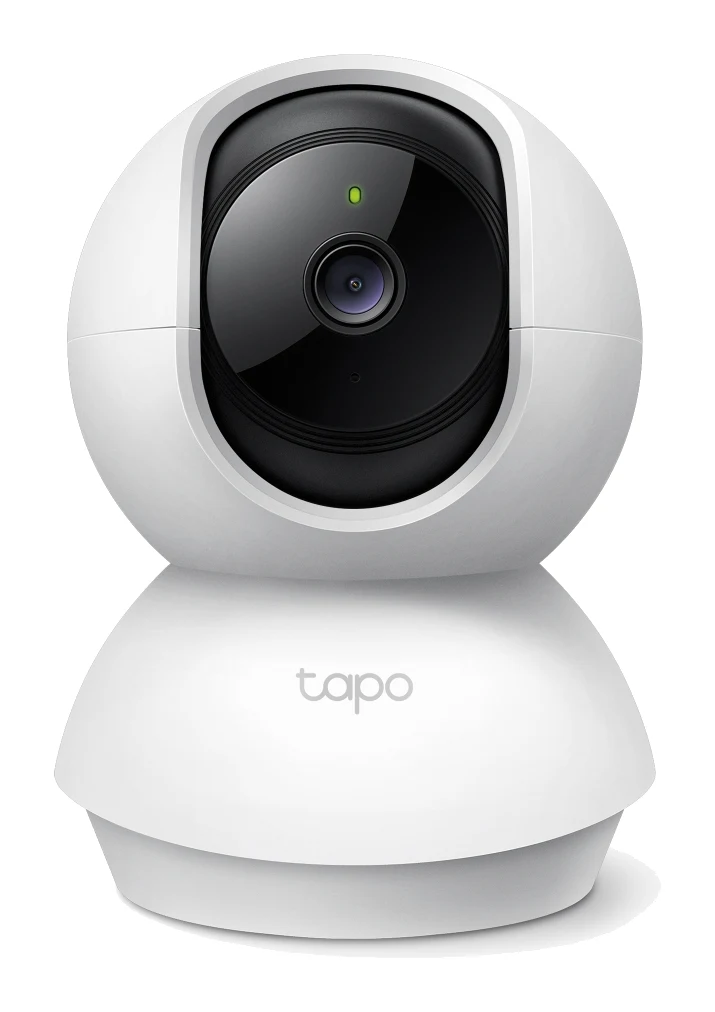
Best Indoor Security Cameras 2026 for Privacy-Minded Homes
The best indoor security cameras for 2026, compared on resolution, privacy features, storage and Wi-Fi support, from a budget pan/tilt cam to a premium 2K Nest.
Published Oct 9, 2026