Creality Falcon2 Pro Review (2026): Enclosed Diode Power
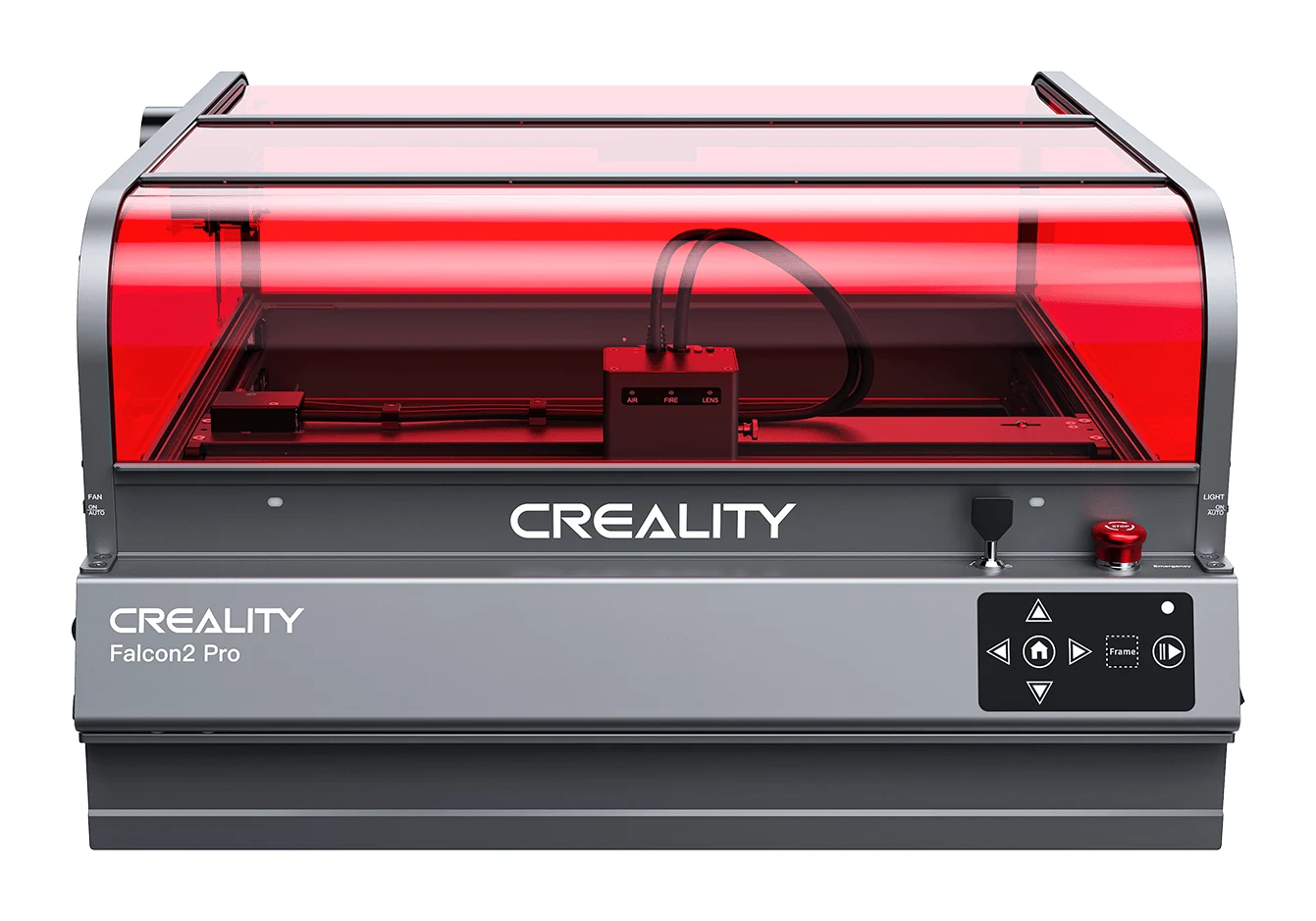
An enclosed, camera-equipped diode laser with real cutting power. Our Creality Falcon2 Pro review covers the design, features, trade-offs and who should buy it.
Research-based · We earn from qualifying purchases
Our verdict
The Falcon2 Pro suits hobbyists and small-shop makers who want an enclosed, safe diode laser with real cutting power and easy setup. Buyers who want autofocus, top speed or a more polished software experience should look elsewhere.
The good
- Strong cutting power; 60W version cuts 22mm basswood in one pass
- Enclosed Class 1 design with air assist keeps smoke and charring down
- Built-in camera makes positioning material on the bed easy
- Included 1.6W module handles fine photo engraving on 40W and 60W
- Pull-out debris drawer and extensive safety monitoring
+2 more
- Included 1.6W module handles fine photo engraving on 40W and 60W
- Pull-out debris drawer and extensive safety monitoring
The bad
- Manual focus only, with no autofocus
- Slower than some competing laser engravers
- Camera calibration can be fiddly and may drift
- Cover and slats feel flimsy, and enclosure seal isn't perfect
+1 more
- Cover and slats feel flimsy, and enclosure seal isn't perfect
This Creality Falcon2 Pro review is for makers who like the idea of a laser cutter and engraver but don't want an open-frame machine throwing light and smoke around the room. The Falcon2 Pro is a diode laser sold in 22W, 40W and 60W versions, built into a fully enclosed body with a camera, air assist and a long list of safety features. It sits in the mid-range part of the market, and it is aimed at hobbyists and small-shop makers who want a safe, easy-to-live-with machine that can still cut thick wood.
This review is based on Creality's published specifications and what independent expert reviews report. It is not hands-on testing.
Creality Falcon2 Pro: specs at a glance
From the manufacturer- Software
- Falcon Design Space, LightBurn, LaserGRBL
- OS support
- Windows/MacOS
- Laser source
- Diode laser
- Product size
- 664*570*328.4mm
- Input voltage
- 100-240V~ 50-60Hz
- Laser spot (60W)
- 0.08*0.15mm
- Laser wavelength
- 455±5nm
- Net weight (60W)
- 19.51kg
- Laser safety class
- Class 1 (FDA)
- Machine power (max)
- 120W / 240W / 360W (22W / 40W / 60W)
- Engraving area (60W)
- 400mm*400mm
- Operating temperature
- 5℃-35℃
- Optical power options
- 22W / 40W+1.6W / 60W+1.6W
- Engraving area (22W/40W)
- 400mm*415mm
Key features
- Choice of 22W, 40W or 60W laser modules; the 60W cuts 22mm basswood in one pass
- Fully enclosed FDA Class 1 safety design with a light-filtering transparent cover
- Built-in camera for auto-positioning and real-time preview of material layout
- Included 1.6W laser module for fine photo engraving (on the 40W and 60W versions)
- Integrated air assist for cleaner cuts with less charring
- Safety monitoring for flame, airflow and lens, plus lid-open stop and tilt/drop stop
- Pull-out debris drawer for easy cleanup
- Works with LightBurn, LaserGRBL and Falcon Design Space, with TF card offline use
Design and build: an enclosed diode laser
The main design decision is the enclosure. The Falcon2 Pro carries an FDA Class 1 laser safety rating and uses a transparent cover that filters the laser light. In practice that means you can watch a job run through the lid. A Class 1 enclosure is also the main reason to pick this machine over an open-frame diode laser, which usually needs separate eye protection and more care about where you put it.
The machine measures 664570328.4mm. The 60W version weighs 19.51kg, so it is a bench or dedicated-table machine rather than something you carry around. The operating temperature range is 5℃-35℃, which matters if your workshop is a cold garage or a hot shed. It runs from 100-240V~ 50-60Hz, so the same machine works across mains standards.
A pull-out debris drawer is built in for cleanup. Anyone who has picked cut-off scraps and ash out of a laser bed will appreciate it.
Build quality is where reviewers are least enthusiastic. A common criticism is that the cover and slats feel flimsy, and that the enclosure seal isn't perfect. An enclosed machine only does its job if it contains smoke and light well, so it's worth keeping in mind that the enclosure is not described as airtight.
Laser power options and what they mean
Creality sells the Falcon2 Pro with a choice of laser modules, and the choice shapes the whole experience.
- 22W: the entry configuration. It has a maximum machine power of 120W.
- 40W+1.6W: a mid configuration with a maximum machine power of 240W.
- 60W+1.6W: the top configuration, with a maximum machine power of 360W.
The headline figure is that the 60W version cuts 22mm basswood in one pass. For a diode laser, single-pass cutting of thick wood is the strongest argument for the machine, and reviewers praise its cutting power. Fewer passes mean less time and less chance of the material shifting or the cut wandering between passes.
The laser wavelength is 455±5nm, and the 60W laser spot measures 0.08*0.15mm. The small spot size is what supports detailed engraving, although the finest photo work is handled by a separate module (see below).
The engraving area is 400mm400mm on the 60W version and 400mm415mm on the 22W and 40W versions. That is enough for sizeable signs, boards and batches of smaller items.
The extra 1.6W module for photos
The 40W and 60W versions include a 1.6W laser module for fine photo engraving. Having both a high-power module for cutting and a low-power module for detail in the box is practical. It means you don't need to buy a second tool if you want to cut a frame and engrave a photo to go in it. Reviewers specifically praise this addition. Note that it applies to the 40W and 60W versions, not the 22W.
Features and day-to-day use
Built-in camera
The camera is designed for auto-positioning and a real-time preview of the material layout on the bed. Instead of guessing where a design will land on an offcut, you can see it and place it. Reviewers say the camera makes positioning material on the bed easy.
There is a catch. A common criticism is that camera calibration can be fiddly and may drift. Expect to recheck alignment now and then rather than treating it as set-and-forget.
Air assist and cleaner cuts
Integrated air assist helps produce cleaner cuts with less charring. Together with the enclosure, reviewers say it keeps smoke and charring down. For wood work, that cuts down on the scorched edges and sooty residue that make finishing a chore.
Safety monitoring
Beyond the Class 1 enclosure, the Falcon2 Pro includes monitoring for flame, airflow and lens. There is also a lid-open stop and a tilt/drop stop. That is a thorough set of safeguards for a hobby-level machine, and it is a large part of the appeal for people setting up a laser in a home workshop. It does not replace sensible habits: you still shouldn't leave a running laser unattended, and you should be aware of ventilation.
Software and offline use
The machine works with LightBurn, LaserGRBL and Falcon Design Space, on Windows or MacOS. Offline use is possible through a TF card, so you don't need a computer connected for the whole job. If you already use LightBurn, you can stay in a familiar workflow. Reviewers' wider comments suggest buyers who want a more polished software experience may be left wanting.
Manual focus only
A common criticism is that focusing is manual, with no autofocus. Setting focus by hand is routine for many diode lasers, but it adds a step whenever you change material thickness. If you plan to switch between different materials often, that is worth factoring in.
What experts like and what they criticise
The Falcon2 Pro averages 9.1/10 across 2 expert reviews. Top Engravers rates it 4.8/5, and Laser Engraver Expert scores it 8.7/10. That is a strong showing, although it is a small sample, so it is best taken as a good sign rather than a definitive ranking.
What reviewers praise:
- Cutting power, particularly the 60W version's single-pass cut through 22mm basswood.
- The enclosed Class 1 design and air assist, which keep smoke and charring down.
- Camera-based positioning that makes laying out material easy.
- The included 1.6W module for fine photo engraving on the 40W and 60W versions.
- The pull-out debris drawer and the extensive safety monitoring.
What reviewers criticise:
- Manual focus only, with no autofocus.
- Speed: it is slower than some competing laser engravers.
- Camera calibration that can be fiddly and may drift.
- A cover and slats that feel flimsy, and an enclosure seal that isn't perfect.
The pattern is consistent: the machine is strong on power and safety, and the compromises are in finish, convenience and speed.
Who should buy the Falcon2 Pro
The Falcon2 Pro suits makers who want a safe, enclosed laser that cuts thick wood. In particular:
- Hobbyists setting up at home, who value the Class 1 enclosure, air assist and the safety cut-outs.
- Small-shop makers who need real cutting power for signs, boards and products, especially on the 60W version.
- People who want cutting and photo engraving in one box, thanks to the included 1.6W module on the 40W and 60W versions.
- Anyone who dislikes guesswork when placing material, since the camera shows the layout.
Who should skip it
- Buyers who want autofocus. Focus is manual only.
- Anyone who prioritises top speed. Reviewers note it is slower than some competing laser engravers, so high-volume production may feel slow.
- Those who want a polished software experience. It works with LightBurn, LaserGRBL and Falcon Design Space, but buyers who want a more polished software experience should look elsewhere.
- People expecting a premium-feeling enclosure. The cover and slats are described as flimsy, and the seal isn't perfect.
If you only want light engraving and have no need for cutting, the 22W version is the base option, though the 40W and 60W versions are the ones that include the 1.6W photo module.
How it fits in the diode laser category
Diode lasers are the accessible end of the laser-cutting world: compact, relatively affordable, and suited to wood and similar materials. The Falcon2 Pro combines an enclosed Class 1 body with a camera and a choice of 22W, 40W or 60W modules. The trade-off for that convenience and safety is speed and a few finish issues rather than raw capability. Many open-frame machines skip the enclosure; this one does not, and that is its identity.
Verdict: a safe, capable diode laser with some rough edges
The Falcon2 Pro does the important things well. It cuts thick wood, particularly in its 60W form, it keeps smoke, charring and stray light under control, and it makes placing material straightforward with its camera. The trade-offs are a manual-focus workflow, speed that trails some rivals, a camera that can need recalibrating, and a body that doesn't feel as solid as its capabilities. For hobbyists and small-shop makers who put safety and cutting power first, it is an easy machine to recommend. If you want autofocus, maximum speed or slicker software, look elsewhere.
Related buying guides
Not sure about the Creality Falcon2 Pro? Consider these
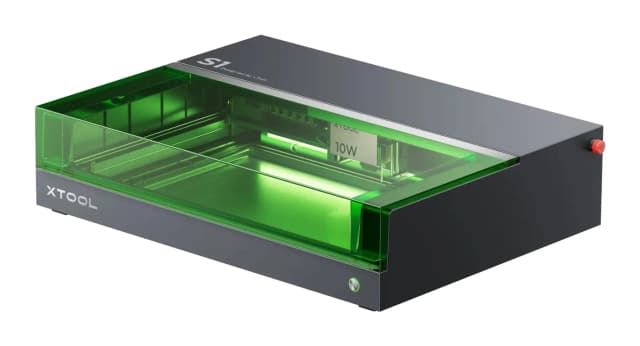
- Best OverallxTool S1 Enclosed Diode Laser CutterWhy we picked it →
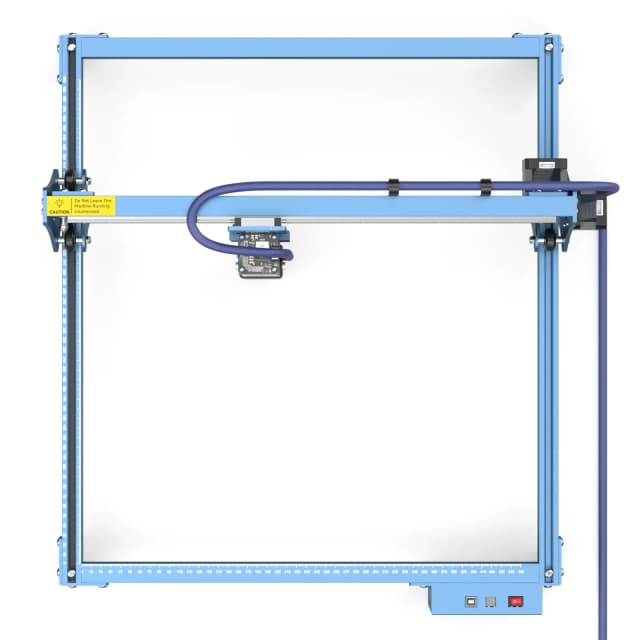
- Best ValueSculpfun S10Why we picked it →
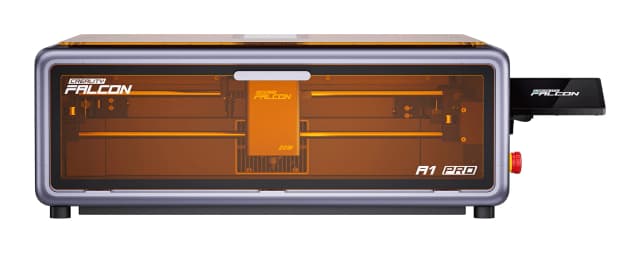
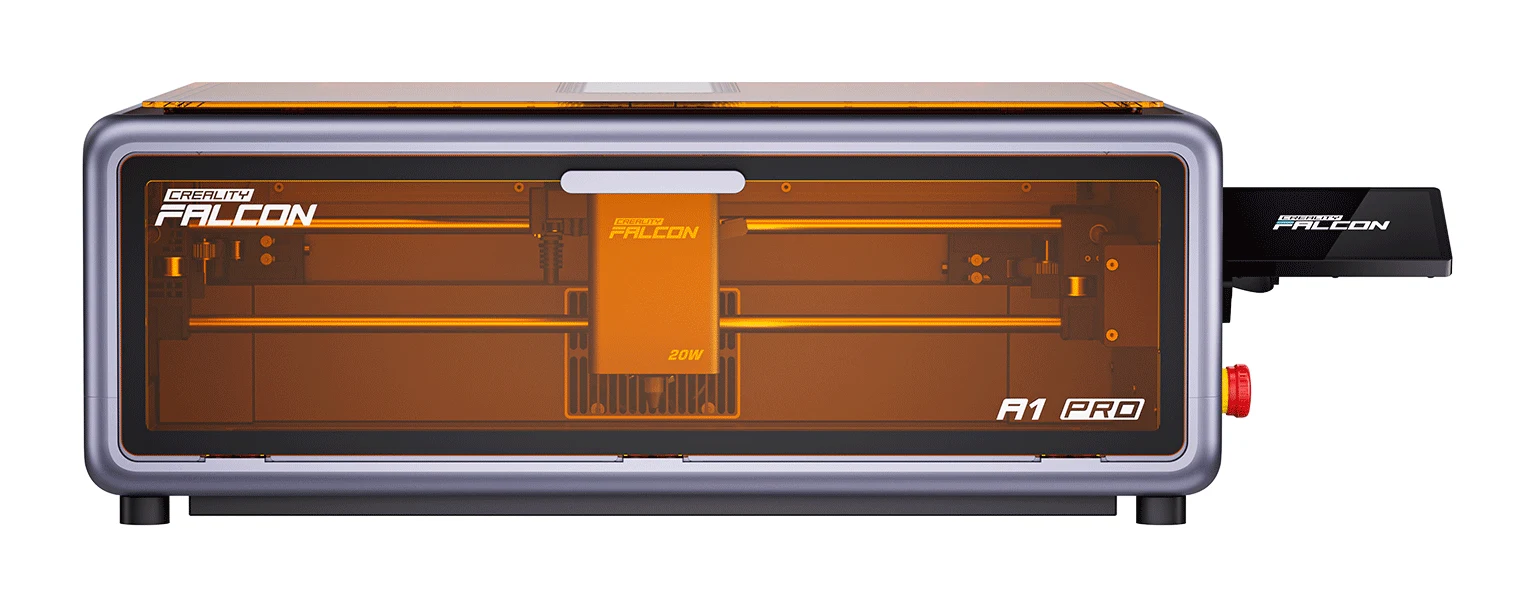
- Premium PickCreality Falcon A1 Pro 20W Dual-laser EngraverWhy we picked it →
Frequently asked questions
Is the Creality Falcon2 Pro worth it?
For makers who want an enclosed, safe diode laser with real cutting power, reviewers think so: it averages 9.1/10 across 2 expert reviews. It's less compelling if you need autofocus, top speed or a more solid-feeling enclosure.
What can the Falcon2 Pro cut?
The 60W version cuts 22mm basswood in one pass, which is the headline cutting figure. The 22W and 40W versions have lower power, so thick material will be more demanding on them.
Does the Falcon2 Pro have autofocus?
No. Focus is manual only, which is one of the most common criticisms from reviewers.
Is the Falcon2 Pro safe to use at home?
It has a fully enclosed FDA Class 1 design with a light-filtering transparent cover. It also monitors flame, airflow and lens, and has a lid-open stop and a tilt/drop stop. Reviewers note the enclosure seal isn't perfect, so ventilation and supervision still matter.
Which software does the Falcon2 Pro work with?
It works with LightBurn, LaserGRBL and Falcon Design Space on Windows or MacOS. It also supports offline use from a TF card.
Which Falcon2 Pro power version should I choose?
Choose 22W, 40W or 60W. The 40W and 60W versions include a 1.6W module for fine photo engraving, and the 60W is the one that cuts 22mm basswood in one pass. Pick based on how thick the material is that you want to cut.
Sources
Specs are taken from the manufacturers' official pages; expert recommendations from the publications below.
- Creality Falcon2 Pro: creality.com, crealityfalcon.com, microcenter.com
Related reviews & guides
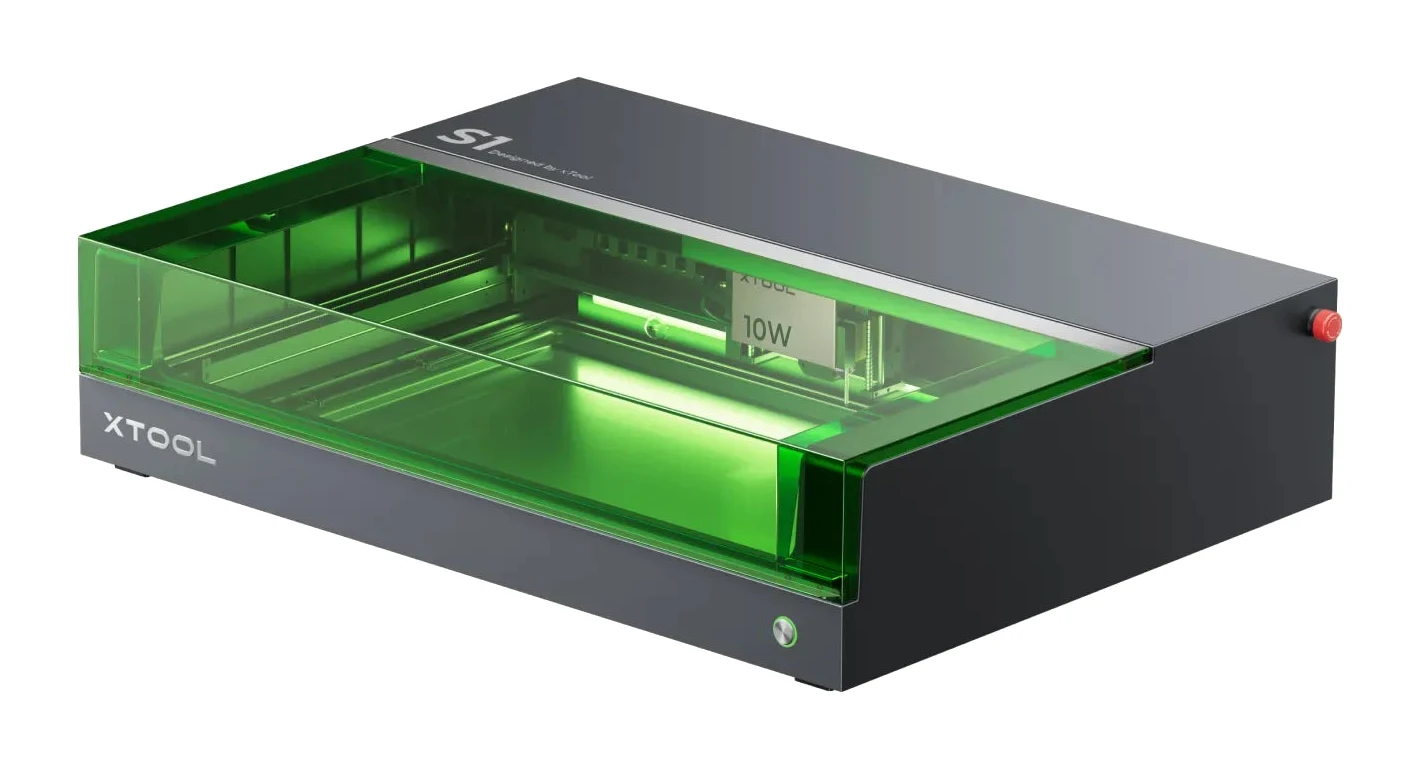
xTool S1 Review (2026): Enclosed Laser Without a Camera
The xTool S1 is a fully enclosed, Class 1 diode laser with swappable modules, auto-focus and layered safety. Here is who it suits and where it falls short.
Published Oct 28, 2026Best Laser Engravers for Beginners 2026: Safe, Easy Starts
Five beginner-friendly laser engravers compared on safety, work area, software and upgrade paths, from the enclosed xTool S1 to the plug-and-play Glowforge Aura.
Published Oct 25, 2026
Segway Ninebot E3 Pro Review (2026): Comfort Over Speed
The Segway Ninebot E3 Pro puts ride comfort, stable handling and a long feature list ahead of top speed and braking power. Here is what the specs and expert reviews say.
Published Nov 6, 2026