Garmin Dash Cam Mini 3 Review (2026): Small and Glare-Free
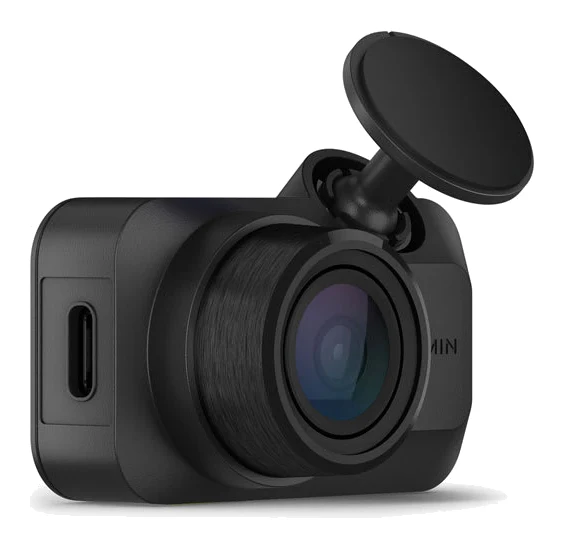
A key-sized 1080p dash cam with a built-in polarizer, voice control and an app-based workflow. Here is what the specs and expert reviews say, and who should skip it.
Research-based · We earn from qualifying purchases
Our verdict
The Mini 3 suits drivers who want a discreet, easy-to-live-with dash cam with low-glare footage and reliable voice control. Those who want higher resolution, built-in GPS or parking mode without extra costs should look elsewhere, and the cheaper Mini 2 is only slightly behind.
The good
- Key-sized 30 g body hides neatly behind the rear-view mirror
- Built-in Clarity Polarizer noticeably cuts windshield glare and reflections
- Quick, easy installation with a simple, polished Garmin Drive app
- Voice control reliably saves video and toggles audio recording
- Sharp, stable 1080p video with good colour and a 140-degree view
+2 more
- Voice control reliably saves video and toggles audio recording
- Sharp, stable 1080p video with good colour and a 140-degree view
The bad
- 1080p feels dated; plates are harder to read at distance or at night
- No built-in GPS, though it can take GPS data from a compatible Garmin
- Parking Guard needs a separate Constant Power Cable and a Vault subscription
- No screen, so you need the app to review footage
+1 more
- No screen, so you need the app to review footage
This Garmin Dash Cam Mini 3 review looks at a camera built around one idea: be small enough that you forget it is there. It is a key-sized, screenless 1080p dash cam that tucks behind the rear-view mirror, records automatically and leaves the reviewing to your phone. It is aimed at drivers who want a discreet, set-and-forget camera rather than a feature-packed one.
Garmin Dash Cam Mini 3: specs at a glance
From the manufacturer- Mount
- Adhesive only, not magnetic
- Power
- Supercapacitor, no battery
- Weight
- 30 g
- Display
- No
- Storage
- microSD card sold separately, 8 to 512 GB, Class 10 or faster
- Wireless
- 2.4 GHz Wi-Fi
- In the box
- Low profile adhesive mount, vehicle power cable (13 ft), dual-USB power adapter
- Built-in GPS
- No
- Field of view
- 140 degrees (diagonal)
- Parking Guard
- Needs the Constant Power Cable (sold separately) and a Vault subscription
- Video resolution
- 1080p, up to 30 FPS
- Dimensions (W x H x D)
- 5.21 x 3.16 x 2.03 cm
- Voice control languages
- English, German, French, Spanish, Italian, Swedish
- Operating temperature range
- -20° to 60°C (-4° to 140°F)
Key features
- Key-sized body that hides behind the rear-view mirror
- Built-in Clarity Polarizer cuts windshield glare
- 1080p HD video with a 140-degree field of view
- Hands-free voice control to save video and start or stop audio recording
- Automatic incident detection saves protected clips
- Garmin Drive app for reviewing video, since the camera has no screen
- Optional Vault subscription adds cloud storage, Live View and Parking Guard alerts
- Syncs with up to 4 Garmin dash cams, and can take GPS data from a GPS-enabled one
Why people consider the Mini 3
The Mini 3 is key-sized and hides behind the rear-view mirror. It weighs 30 g and measures 5.21 x 3.16 x 2.03 cm.
It has been recommended in 2 independent expert buying guides, and across 4 published expert reviews it averages 7.8/10. The individual scores are TechRadar 4.5/5, Tom's Guide 4/5, TechGearLab 65/100 and DashCamTalk 7.5/10. That is a solid but not glowing spread, and the reasons for it are worth understanding before you buy.
Garmin Dash Cam Mini 3 review: design and build
The small size is the headline, and it shapes everything else. There is no display, so you use the Garmin Drive app to review video. Garmin supplies a low profile adhesive mount in the box. The mount is adhesive only, not magnetic.
Power is handled by a supercapacitor rather than a battery. The operating temperature range of -20° to 60°C (-4° to 140°F) is a useful detail for a device that lives against a sun-baked windshield or sits through a cold night.
In the box you get a vehicle power cable (13 ft) and a dual-USB power adapter. Reviewers describe installation as quick and easy.
Features and what they mean day to day
Clarity Polarizer
The Mini 3 has a built-in Clarity Polarizer that cuts windshield glare. Reflections off the dashboard bounce onto the inside of the windshield and can wash out footage. A polarizer is designed to cut that glare, and reviewers praise it for reducing windshield glare and reflections. It is built in, so there is nothing extra to buy or clip on.
Video quality
The camera records 1080p video at up to 30 FPS with a 140-degree (diagonal) field of view. Reviewers describe the footage as sharp and stable with good colour, and they like the 140-degree view. The caveat comes up in the criticism section below: 1080p is a ceiling that some reviewers find dated.
Voice control
Hands-free voice control lets you save a video clip or start and stop audio recording without touching anything. Voice control lets you save video without touching the camera. Reviewers say it works reliably. Supported languages are English, German, French, Spanish, Italian and Swedish.
Incident detection
When the camera detects an incident it automatically saves a protected clip, so footage of a collision is not overwritten by later recording. Combined with voice-triggered saves, you have both automatic and manual ways to keep what matters.
The Garmin Drive app
Because there is no screen, the Garmin Drive app is how you review video and manage the camera. Reviewers call it simple and polished. The camera connects over 2.4 GHz Wi-Fi. The trade-off is plain: if you like glancing at a display to check what the camera sees, you will not get that here.
Syncing with other Garmin cameras
The Mini 3 can sync with up to 4 Garmin dash cams, which suits anyone building a multi-camera setup. It can also take GPS data from a GPS-enabled Garmin dash cam. That matters because the Mini 3 itself has no built-in GPS.
Storage, subscriptions and add-ons
The camera records to a microSD card that is sold separately. Garmin specifies cards from 8 to 512 GB, Class 10 or faster, so budget for a card when you buy.
The optional Vault subscription adds cloud storage, Live View and Parking Guard alerts. This is where costs can creep in. Parking Guard needs both the Constant Power Cable (sold separately) and a Vault subscription. If parking protection is high on your list, you are buying a camera plus a cable plus a subscription, and that should be factored into your decision. If you only want a driving camera, you can ignore all of this and the Mini 3 works without it.
What experts like and what they criticise
Reviewers consistently praise a handful of things:
- The key-sized body that hides behind the mirror
- The Clarity Polarizer and its effect on glare and reflections
- A quick installation and a clean, polished app
- Voice control that reliably does what you ask
- Sharp, stable 1080p footage with good colour and a 140-degree view
The criticisms are just as consistent. A common complaint is that 1080p feels dated, with number plates harder to read at distance or at night. That is the most important caveat for anyone whose main goal is capturing identifying detail after an incident. Reviewers also note that there is no built-in GPS, that Parking Guard needs extra hardware and a subscription, and that the lack of a screen means you depend on the app to review footage.
The spread of scores reflects this. The 4.5/5 from TechRadar and 4/5 from Tom's Guide are enthusiastic, while TechGearLab's 65/100 is more reserved. DashCamTalk's 7.5/10 sits in between. The pattern fits a camera that is excellent at being unobtrusive and easy, and less compelling on raw specification.
Who should buy it, and who should skip it
Buy it if you want a camera that disappears into the car, you value low-glare footage, and you are happy managing everything through a phone. It also suits drivers who like hands-free voice control and who plan to run it as a straightforward driving recorder. If you already own a GPS-enabled Garmin dash cam, the sync option makes it a neat addition.
Skip it if you want higher resolution than 1080p, built-in GPS, or a parking mode that does not need a separate cable and a subscription. Anyone who wants a screen on the camera itself should also look elsewhere. The cheaper Mini 2 is only slightly behind the Mini 3.
How it fits in the dash cam category
The Mini 3 is a compact, minimal dash cam. Think of it as a camera chosen for how little attention it demands. If your priority is maximum detail or all-in-one parking protection, you will be shopping a different style of product. If your priority is a neat install and an easy ownership experience, this is the sort of camera that fits.
Verdict
The Garmin Dash Cam Mini 3 does what it sets out to do: record sharp, stable footage from a body small enough to forget about, with a polarizer that helps with windshield glare and voice control that works. The compromises are clear and well documented. It records at 1080p, has no built-in GPS and no screen, and parking protection costs extra. If those limits do not bother you, it is an easy dash cam to live with, and an average of 7.8/10 across 4 expert reviews says it is a well-regarded one.
Related buying guides
- REDTIGER F7NP Review (2026): 4K Dash Cam With Caveats
- DJI Mini 5 Pro vs DJI Neo (2026): Camera vs Simplicity
- Best 65-Inch TV 2026: OLED and Mini LED for Gaming
- Best Budget TVs in 2026: Gaming to Small Rooms
- REDTIGER F7NP vs Garmin Dash Cam Mini 3 (2026): 4K or Tiny?
- DJI Flip Review (2026): A Safer Drone for Vloggers
- GoPro HERO13 Black Review (2026): Rugged but Incremental
Not sure about the Garmin Dash Cam Mini 3? Consider these
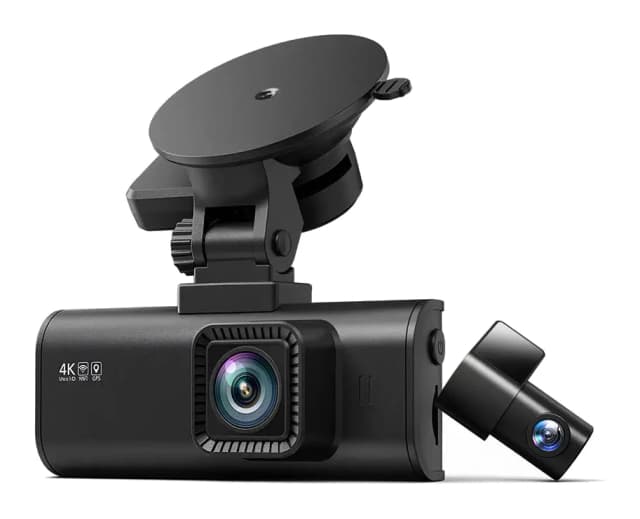
- Best OverallREDTIGER F7NPWhy we picked it →
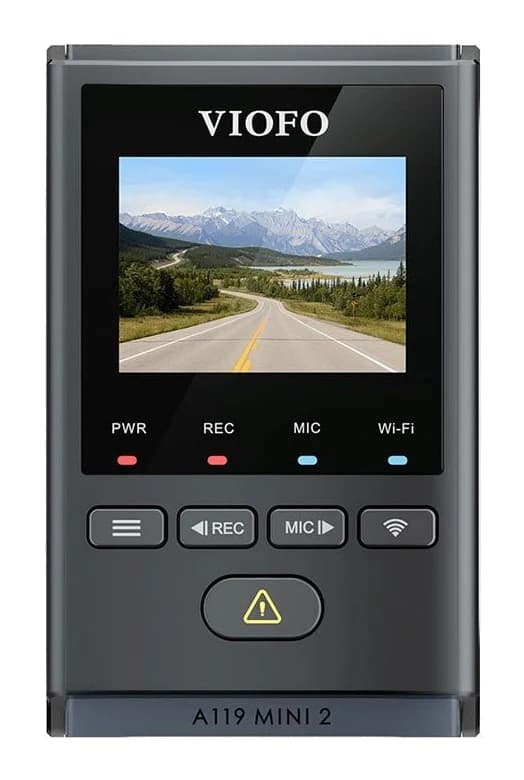
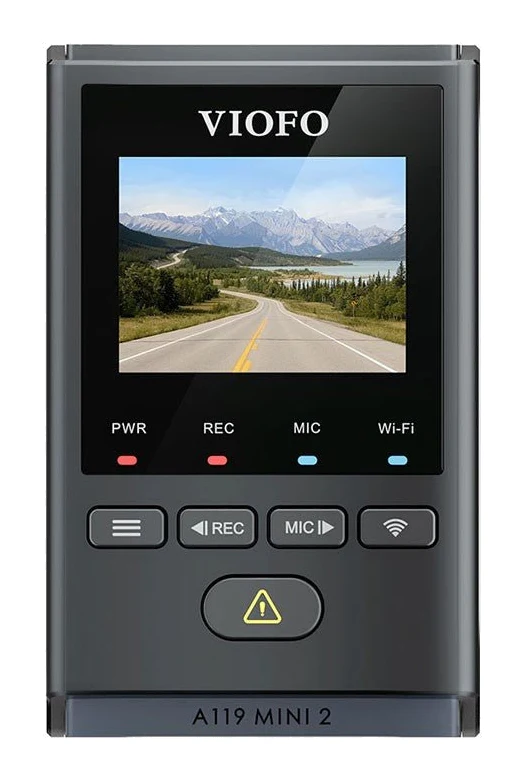
- Best BudgetViofo A119 Mini 2Why we picked it →
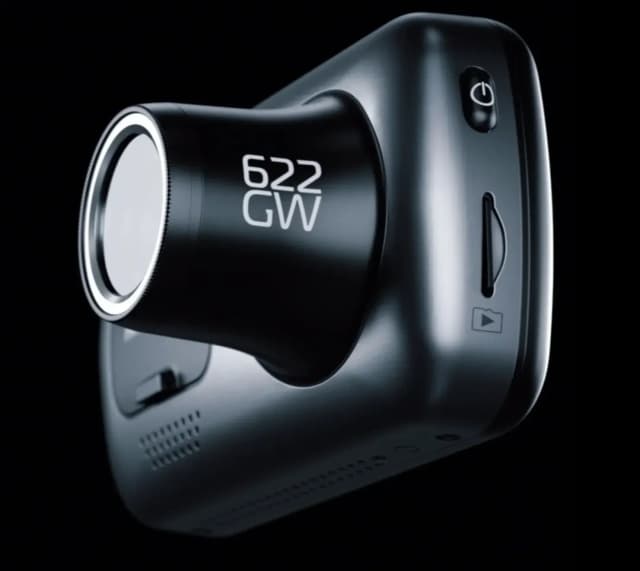
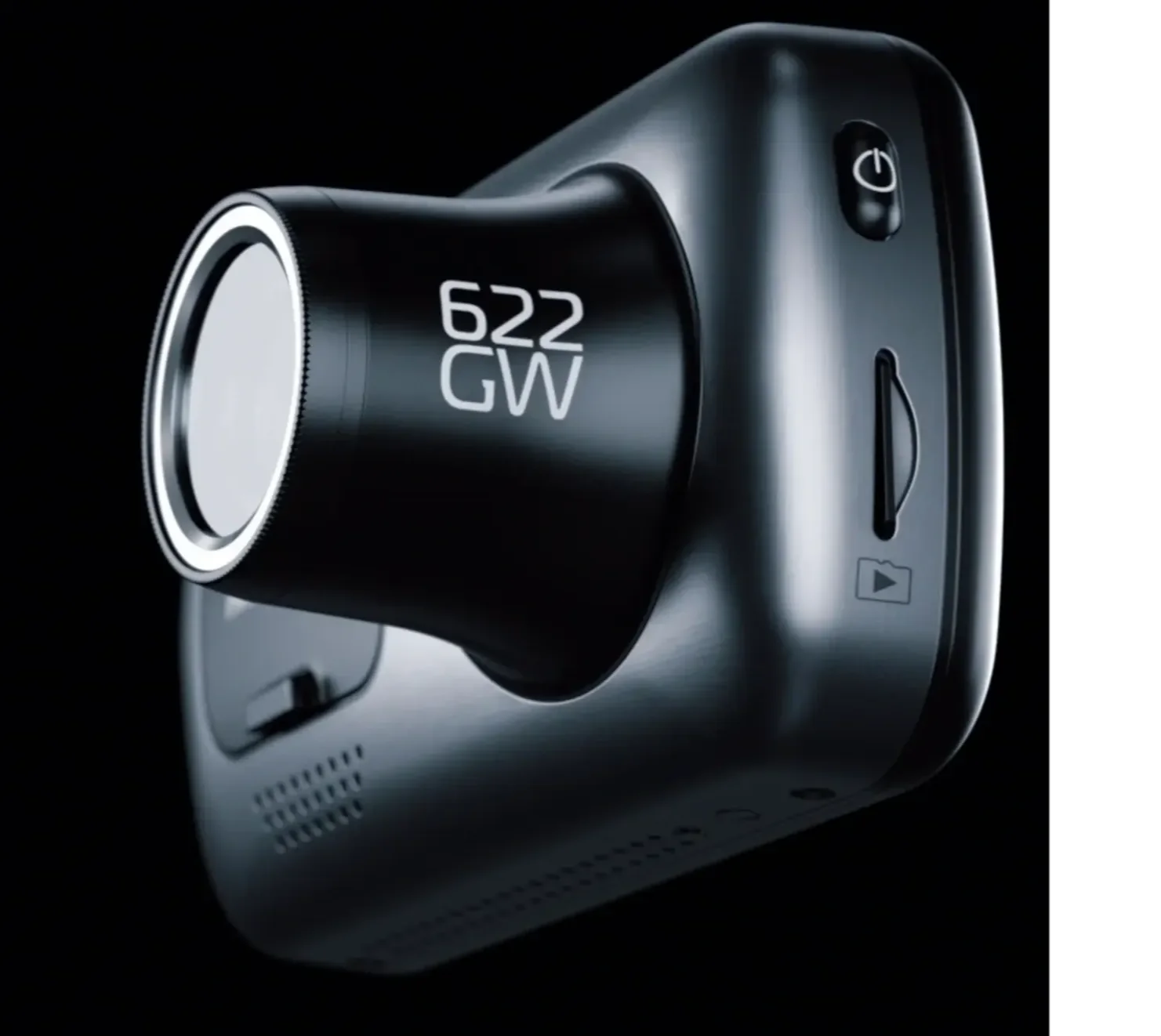
- Also GreatNextbase 622GWWhy we picked it →
Frequently asked questions
Is the Garmin Dash Cam Mini 3 worth it?
It is worth considering if you want a very small, discreet dash cam with low-glare footage and reliable voice control. It averages 7.8/10 across 4 expert reviews. It is less suited to drivers who want higher than 1080p resolution, built-in GPS or parking mode without extra costs.
Does the Garmin Dash Cam Mini 3 have GPS?
No, it has no built-in GPS. It can take GPS data from a GPS-enabled Garmin dash cam if you sync the two.
Does the Garmin Dash Cam Mini 3 have a screen?
No. It has no display, so you use the Garmin Drive app to review video and manage the camera.
Does the Mini 3 have a parking mode?
Parking Guard is available, but it needs the Constant Power Cable (sold separately) and a Vault subscription. Without those, the camera works as a driving recorder.
What memory card does the Garmin Dash Cam Mini 3 need?
It uses a microSD card, sold separately. Garmin specifies 8 to 512 GB, Class 10 or faster.
What video quality does the Garmin Dash Cam Mini 3 record?
It records 1080p video at up to 30 FPS with a 140-degree (diagonal) field of view. Reviewers like the sharpness and colour but say plates can be harder to read at distance or at night.
Sources
Specs are taken from the manufacturers' official pages; expert recommendations from the publications below.
- Garmin Dash Cam Mini 3: garmin.com, techgearlab.com, digitalcameraworld.com, frameandfocal.com
Related reviews & guides
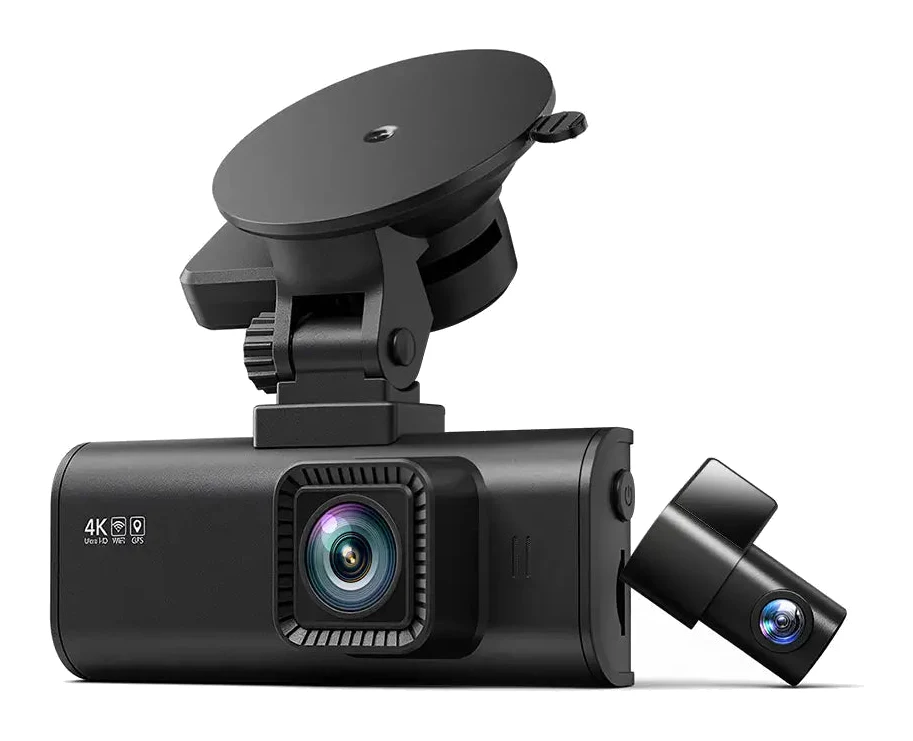
REDTIGER F7NP vs Garmin Dash Cam Mini 3 (2026): 4K or Tiny?
The REDTIGER F7NP gives you 4K front and 1080P rear recording, built-in GPS and a screen at a budget tier. The Garmin Dash Cam Mini 3 trades all that for a tiny, hidden design and a polished app.
Published Nov 15, 2026Best Dash Cam for 2026: 4K Clarity, Night Vision & Parking
We narrowed our list to five dash cams. Here are the best dash cam options for 2026, from 4K dual-channel recording to tiny, discreet designs.
Published Oct 17, 2026REDTIGER F7NP Review (2026): 4K Dash Cam With Caveats
A mid-range front-and-rear dash cam with a 4K front camera, GPS and 5.8GHz WiFi. Here is what the specs and independent reviewers say about the REDTIGER F7NP.
Published Nov 9, 2026