GEEKOM A6 Review (2026): Small, Solid, Upgradeable
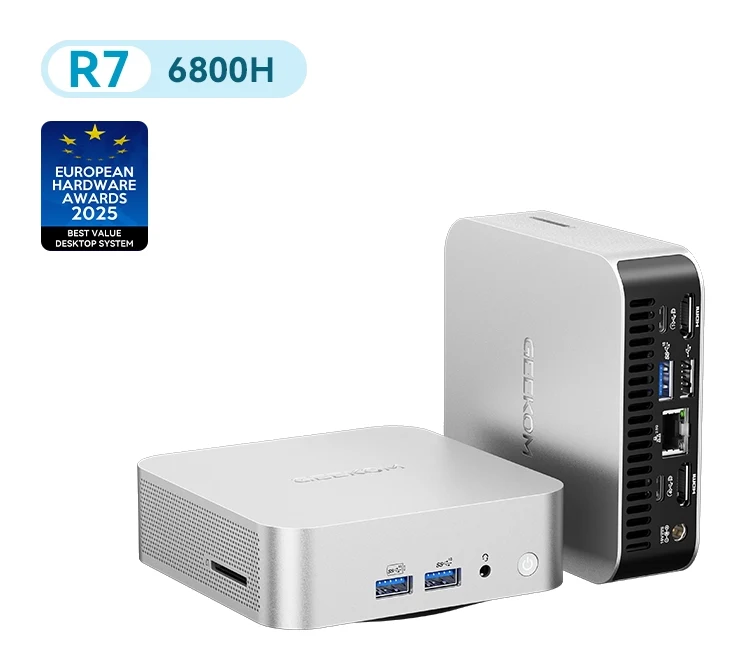
A compact aluminium mini PC with a Ryzen 7 6800H, upgradeable DDR5 and NVMe storage, USB4 and dual HDMI. Here is what it does well and where it falls short.
Research-based · We earn from qualifying purchases
Our verdict
The GEEKOM A6 suits anyone who wants a small, well-built desktop for office work, multitasking, photo editing and light 1080p gaming, with room to upgrade later. Skip it if you need demanding gaming or 4K video editing, or if you are sensitive to fan noise under load.
The good
- Premium aluminium build that feels well above its price
- Very compact chassis with VESA mount included
- USB4, dual HDMI 2.0, SD slot and 2.5G Ethernet
- Ryzen 7 6800H handles office, multitasking and photo editing well
- Upgradeable DDR5 RAM and PCIe 4.0 NVMe storage
+2 more
- Ryzen 7 6800H handles office, multitasking and photo editing well
- Upgradeable DDR5 RAM and PCIe 4.0 NVMe storage
The bad
- Fans can get noisy under heavy load
- Radeon 680M and older Ryzen limit demanding gaming and 4K editing
- Case is awkward to open for upgrades
- No USB-C port on the front
+1 more
- No USB-C port on the front
This GEEKOM A6 review looks at a mini PC aimed at people who want a proper Windows desktop without the tower. It pairs an AMD Ryzen 7 6800H with Radeon 680M integrated graphics, DDR5 memory and PCIe 4.0 NVMe storage in a small aluminium case. It's built for home and office users who want a compact, upgradeable everyday machine, and it sits in the mid-range part of the market.
This article is based on the manufacturer's specifications and on what independent expert reviews report. It isn't based on hands-on testing.
GEEKOM A6: specs at a glance
From the manufacturer- CPU
- AMD Ryzen 7 6800H, 8 cores / 16 threads, up to 4.7GHz, TDP up to 45W
- Wi-Fi
- Wi-Fi 6E
- Memory
- DDR5 SO-DIMM, up to 64 GB
- Storage
- M.2 2280 PCIe 4.0 ×4, up to 2 TB
- Ethernet
- 10/100/1000/2500 Mbps RJ45 × 1
- Graphics
- AMD Radeon 680M
- Warranty
- 3-year
- Bluetooth
- Bluetooth v5.2
- Dimensions
- 112.4 × 112.4 × 37 mm
- Card reader
- SD card reader
- Power adapter
- 19V (120W)
- Configurations
- 16GB or 32GB RAM; 512GB or 1TB SSD
- Operating system
- Windows 11 Pro
- Rear and front ports
- 3 × USB 3.2 Gen 2 Type-A, 1 × USB 3.2 Gen 2 Type-C, 1 × USB 2.0 Type-A, 1 × USB 4.0 Type-C, 2 × HDMI 2.0, 1 × 3.5 mm headphone jack
Key features
- Ryzen 7 6800H with 8 cores and 16 threads, boosting up to 4.7GHz, for multitasking and creative work
- Radeon 680M integrated graphics for 1080p casual gaming and media work
- DDR5 memory you can upgrade, with up to 64GB supported
- M.2 2280 PCIe 4.0 NVMe storage, with up to 2TB supported
- Runs up to four 4K displays or one 8K display through USB4 and dual HDMI 2.0
- USB4, 2.5G Ethernet, Wi-Fi 6E and Bluetooth 5.2
- Aluminium chassis about 4.4 inches square, with VESA mount included
- Windows 11 Pro pre-installed and a 3-year warranty
GEEKOM A6 review: design and build
The A6 uses an aluminium chassis that measures about 4.4 inches square. Its listed dimensions are 112.4 × 112.4 × 37 mm, so it takes very little desk space. A VESA mount is included, so you can fix it to the back of a monitor and leave the desk clear.
Reviewers praise the premium aluminium build. A common observation is that the metal case feels well above what you'd expect for the price tier.
There is a trade-off. Reviewers say the case is awkward to open when you want to upgrade the memory or storage. The A6 is upgradeable, but plan on a bit of patience, as reviewers say the case is awkward to open.
Performance: what the Ryzen 7 6800H gives you
The heart of the A6 is the AMD Ryzen 7 6800H, with 8 cores and 16 threads, boosting up to 4.7GHz, with a TDP of up to 45W. The manufacturer positions it for multitasking and creative work. Reviewers say it handles office tasks, multitasking and photo editing well.
It's not a workstation, though. A common criticism is that the older Ryzen chip and the integrated graphics limit demanding gaming and 4K editing. If your work revolves around those, this isn't the machine for you.
Graphics and gaming
The Radeon 680M integrated graphics are pitched at 1080p casual gaming and media work. That is a sensible expectation. It's a way to play lighter games at 1080p, not a replacement for a gaming rig. If you know you want demanding games, this is not the right machine, as reviewers say the graphics limit demanding gaming.
Fan noise
A common criticism from reviewers is that the fans can get noisy under heavy load. If you plan to push the chip hard, or you are sensitive to fan noise under load, this matters.
Memory and storage
The A6 uses DDR5 SO-DIMM memory that you can upgrade, with up to 64GB supported. Storage is an M.2 2280 PCIe 4.0 ×4 NVMe drive, with up to 2TB supported. The manufacturer page lists configurations with 16GB or 32GB of RAM and 512GB or 1TB of SSD storage, so you can pick the starting point that suits you.
Upgradeable memory and storage extend the life of a small PC. You can start with a modest setup and add capacity later, instead of paying for the largest configuration on day one. Reviewers praise the upgradeable DDR5 memory and PCIe 4.0 NVMe storage. Just remember the point above about opening the case.
Ports, displays and connectivity
The A6 offers a broad set of ports. The full list covers:
- 3 × USB 3.2 Gen 2 Type-A
- 1 × USB 3.2 Gen 2 Type-C
- 1 × USB 2.0 Type-A
- 1 × USB 4.0 Type-C
- 2 × HDMI 2.0
- 1 × 3.5 mm headphone jack
- An SD card reader
Wired networking is a 2.5G Ethernet port. Wireless is Wi-Fi 6E and Bluetooth 5.2.
The USB4 port and dual HDMI 2.0 outputs are what make the A6 flexible for multi-screen setups. The manufacturer says it can run up to four 4K displays or one 8K display.
The A6 includes an SD card reader. On the downside, reviewers note there's no USB-C port on the front. If you often plug in phones, drives or other USB-C devices, you may find yourself reaching round the back, or using a hub.
Software, power and warranty
The A6 comes with Windows 11 Pro pre-installed. It's powered by a 19V (120W) adapter. GEEKOM backs it with a 3-year warranty.
What experts like and what they criticise
The A6 has a strong critical reception. It averages 8.4/10 across 5 expert reviews. Tom's Guide, TechRadar and Windows Central each give it 4.5/5. PCGamesN scores it 7/10 and GBAtemp scores it 8/10.
What reviewers praise:
- The premium aluminium build
- The very compact chassis with the VESA mount included
- A rich port selection that includes USB4, dual HDMI 2.0, an SD slot and 2.5G Ethernet
- Strong performance for office work, multitasking and photo editing
- Upgradeable DDR5 memory and PCIe 4.0 NVMe storage
What they criticise:
- Fan noise under heavy load
- Limits for demanding gaming and 4K editing
- An awkward case when you want to upgrade
- No front USB-C port
The two lists are consistent. Reviewers rate the A6 well for everyday work, and their criticisms centre on demanding gaming, 4K editing, fan noise, the case and the missing front USB-C port.
Who should buy the GEEKOM A6
The A6 suits you if you want a small, well-built desktop for:
- Office work and multitasking
- Photo editing
- Light 1080p gaming
- A multi-monitor desk, using USB4 and the two HDMI 2.0 ports
- A PC you can upgrade later, with DDR5 memory and a PCIe 4.0 NVMe drive
It's also a good option if you want to mount the PC behind a monitor with the included VESA bracket, or if you prefer a metal case to a plastic one.
Who should skip it
Skip the A6 if you want demanding gaming or 4K video editing, as the integrated graphics and older Ryzen chip are limits that reviewers commonly raise. Also think twice if fan noise bothers you, since the fans can get loud under load.
How it fits in the mini PC category
The A6 is a small desktop built around everyday work. It offers everyday performance, a small footprint and integrated graphics that suit light gaming rather than demanding work. Its features include the aluminium body, USB4, 2.5G Ethernet, the SD reader and upgradeable parts.
Verdict
The GEEKOM A6 is a well-built, flexible small PC that is good at the everyday jobs most people buy a desktop for. Experts like the metal build, the port selection and the upgrade path. They are less keen on the fan noise, the case and the lack of a front USB-C port. Match it to office work, multitasking, photo editing and casual 1080p play, and it's a strong choice. If you need more graphics muscle, look elsewhere.
Related buying guides
- GEEKOM A5 2027 Edition Review (2026): Quiet Office Mini PC
- Best Graphics Cards for Gaming PCs 2026: Top 5 Picks
- Apple Mac mini (M4 Pro, 2024) Review: Small, Fast, Port-Rich
- Best Prebuilt Gaming PCs 2026: Ready to Play or Upgrade
- Beelink SER9 Pro (Ryzen 7 H 255) Review: Small, Quiet
- GMKtec NucBox M6 Ultra Review (2026): A Well-Connected Mini PC
- NVIDIA GeForce RTX 5080 Founders Edition Review (2026)
Not sure about the GEEKOM A6? Consider these
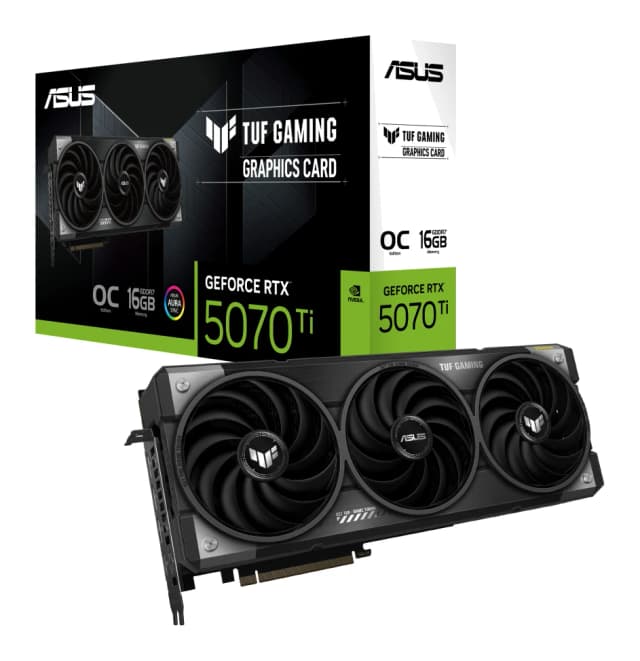
- Best OverallASUS TUF Gaming GeForce RTX 5070 Ti 16GB GDDR7 OC EditionWhy we picked it →
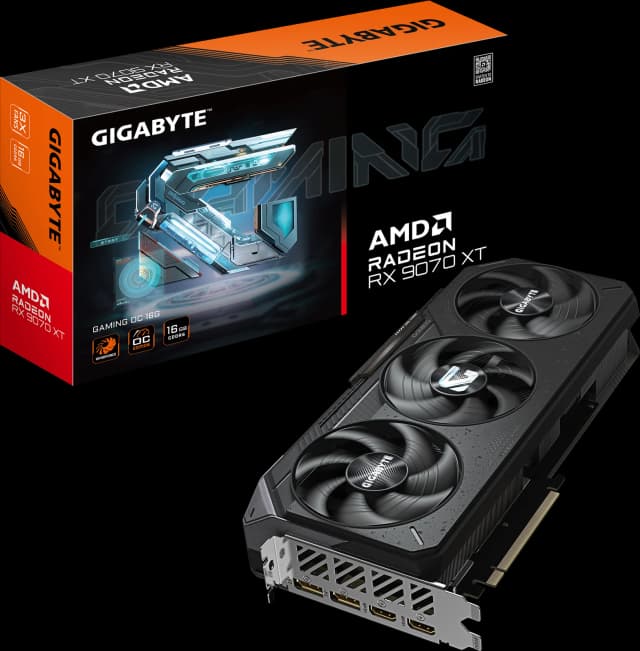
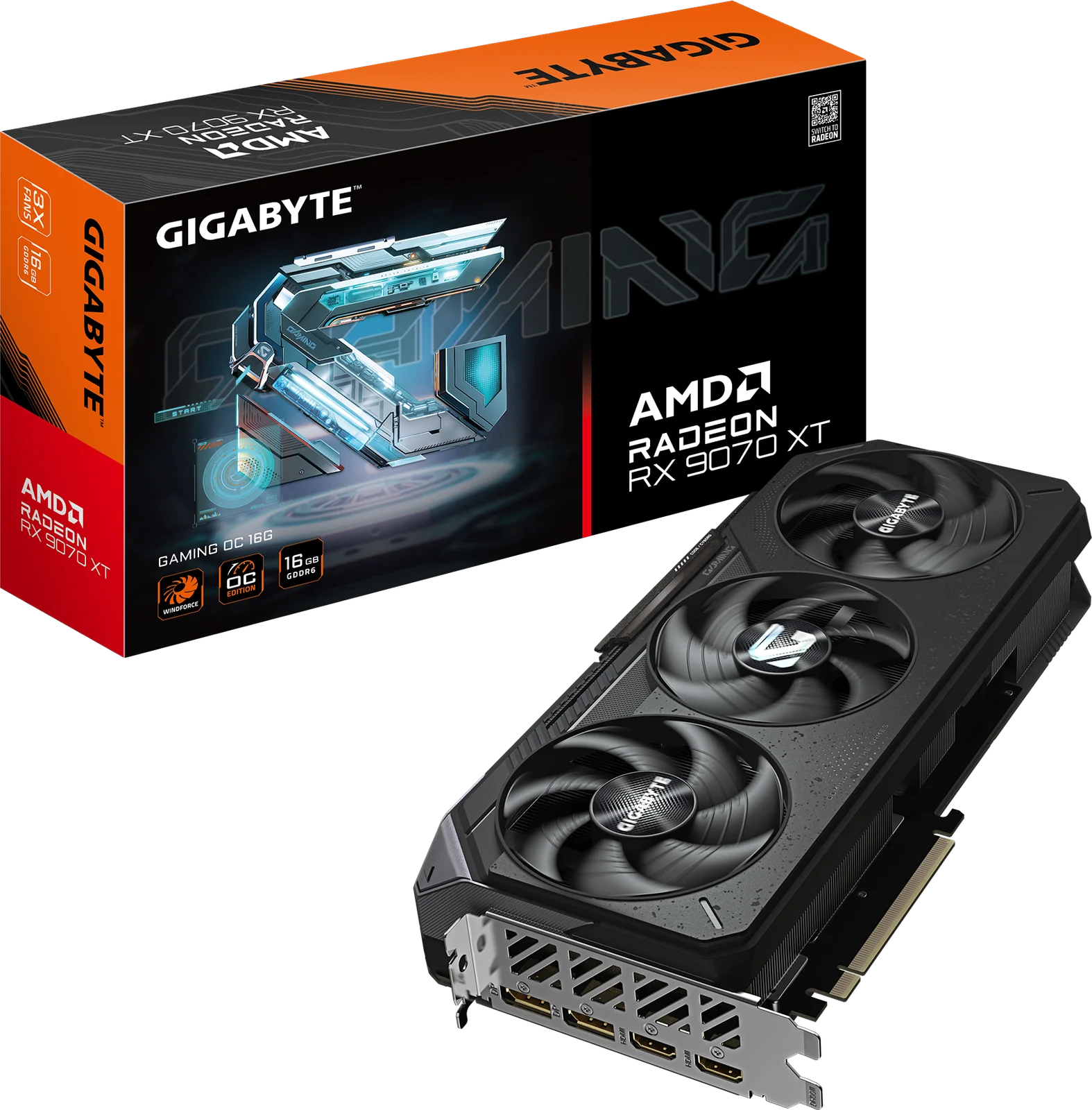
- Best ValueGIGABYTE Radeon RX 9070 XT Gaming OC 16GWhy we picked it →
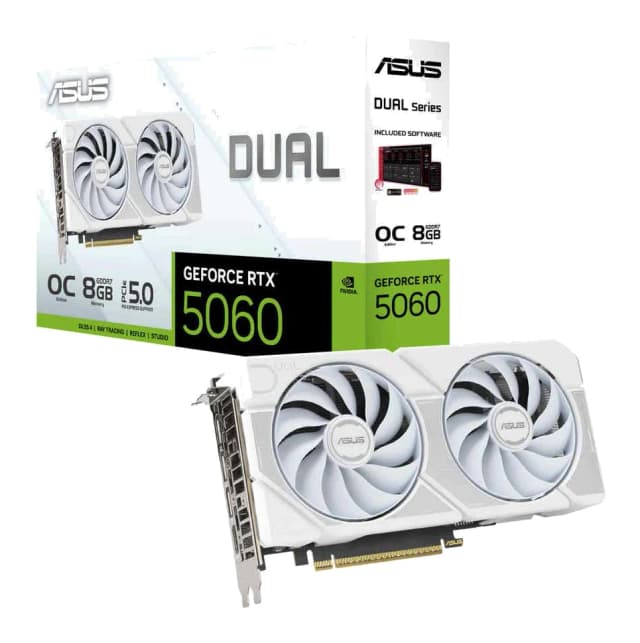
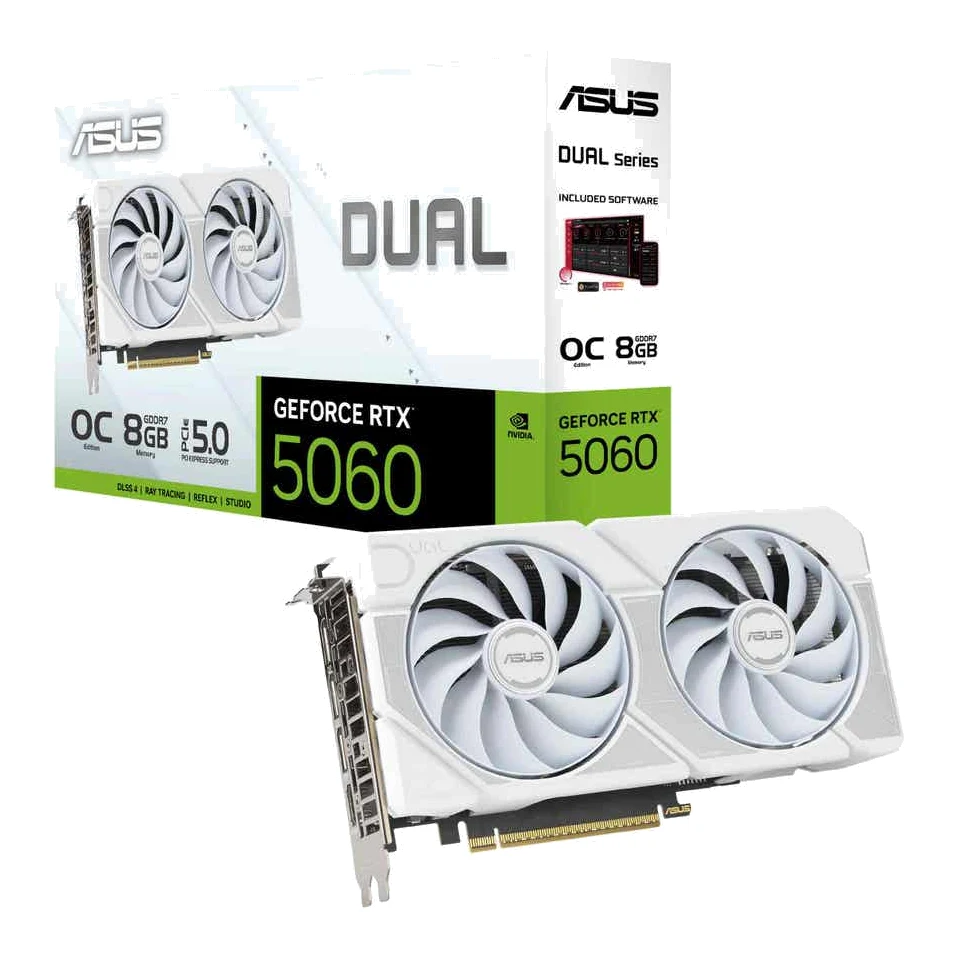
- Best BudgetASUS Dual GeForce RTX 5060 8GB GDDR7 OC EditionWhy we picked it →
Frequently asked questions
Is the GEEKOM A6 worth it?
For home and office use, reviewers think so. It averages 8.4/10 across 5 expert reviews, with praise for its aluminium build, ports and upgradeability. It's less suited to demanding gaming or 4K video editing.
Can the GEEKOM A6 play games?
It has Radeon 680M integrated graphics, which the manufacturer positions for 1080p casual gaming. Reviewers say the graphics and older Ryzen chip limit demanding gaming.
Can you upgrade the RAM and storage in the GEEKOM A6?
Yes. It uses DDR5 SO-DIMM memory with up to 64GB supported, and an M.2 2280 PCIe 4.0 NVMe drive with up to 2TB supported. Reviewers note that the case is awkward to open.
How many monitors can the GEEKOM A6 run?
The manufacturer says it can run up to four 4K displays or one 8K display through USB4 and dual HDMI 2.0.
Does the GEEKOM A6 come with Windows?
Yes, Windows 11 Pro is pre-installed. It also comes with a 3-year warranty.
Is the GEEKOM A6 loud?
A common criticism from reviewers is that the fans can get noisy under heavy load. This is most relevant if you plan to push the processor hard.
Sources
Specs are taken from the manufacturers' official pages; expert recommendations from the publications below.
- GEEKOM A6: geekompc.com, geekom.co.uk, techradar.com, tomsguide.com
Related reviews & guides
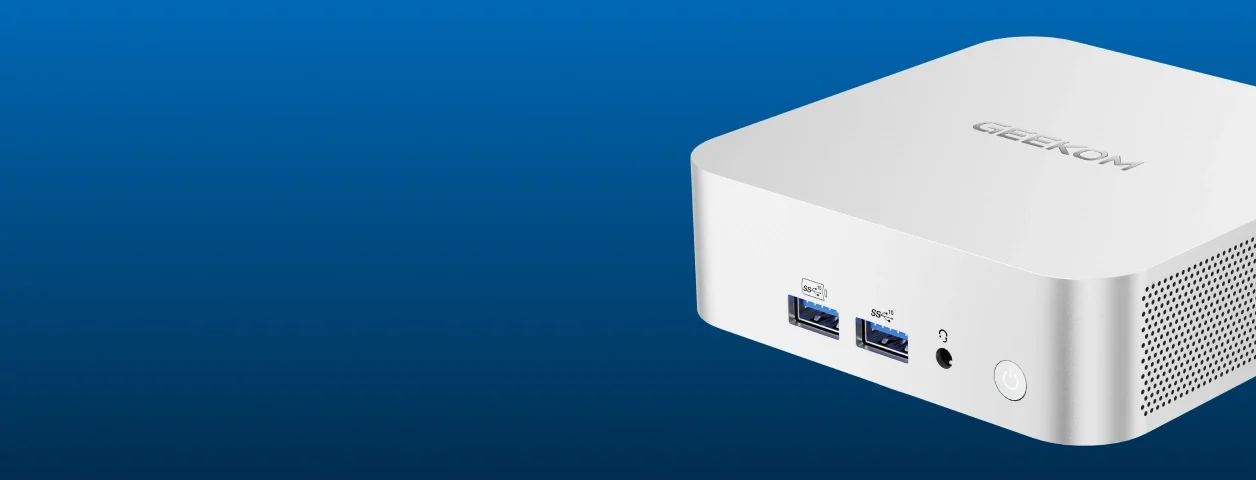
GEEKOM A5 2027 Edition Review (2026): Quiet Office Mini PC
A look at the GEEKOM A5 2027 Edition: a compact, upgradable Ryzen 7 mini PC for quiet office work and multi-monitor desks, plus the limits to know about.
Published Oct 25, 2026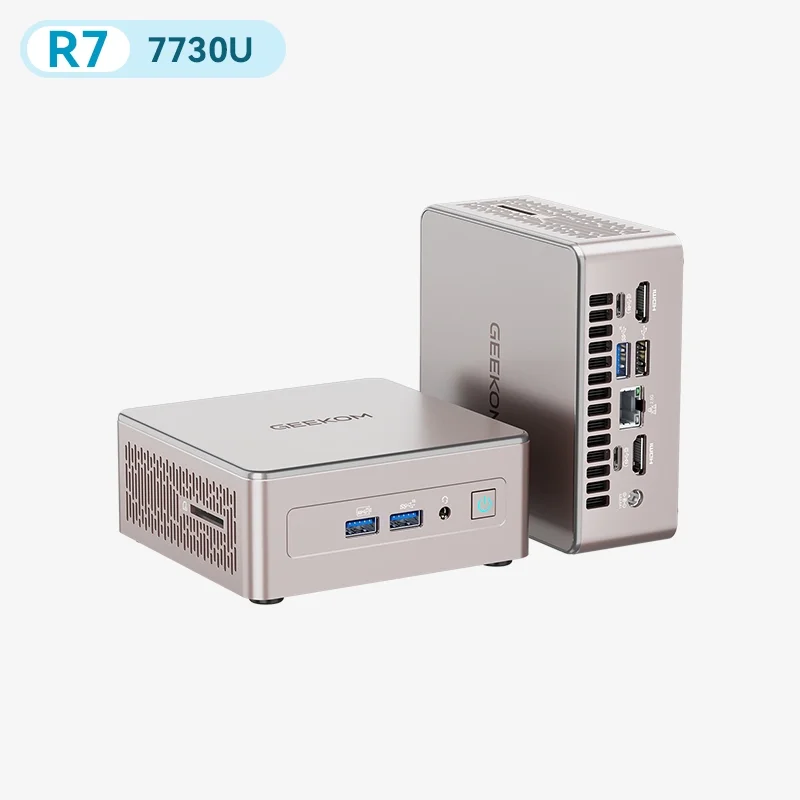
Best Mini PC in 2026: Small, Quiet Desktops for Work
Five compact desktops compared on manufacturer specs and independent expert recommendations, from a quiet all-rounder to budget machines with big upgrade headroom.
Published Oct 17, 2026
Best Graphics Cards for Gaming PCs 2026: Top 5 Picks
Five graphics cards for gaming PCs, from a compact budget RTX 5060 to a high-end RTX 5070 Ti, compared on VRAM, memory bandwidth, power draw and expert recommendations.
Published Oct 27, 2026