Apple Mac mini (M4 Pro, 2024) Review: Small, Fast, Port-Rich
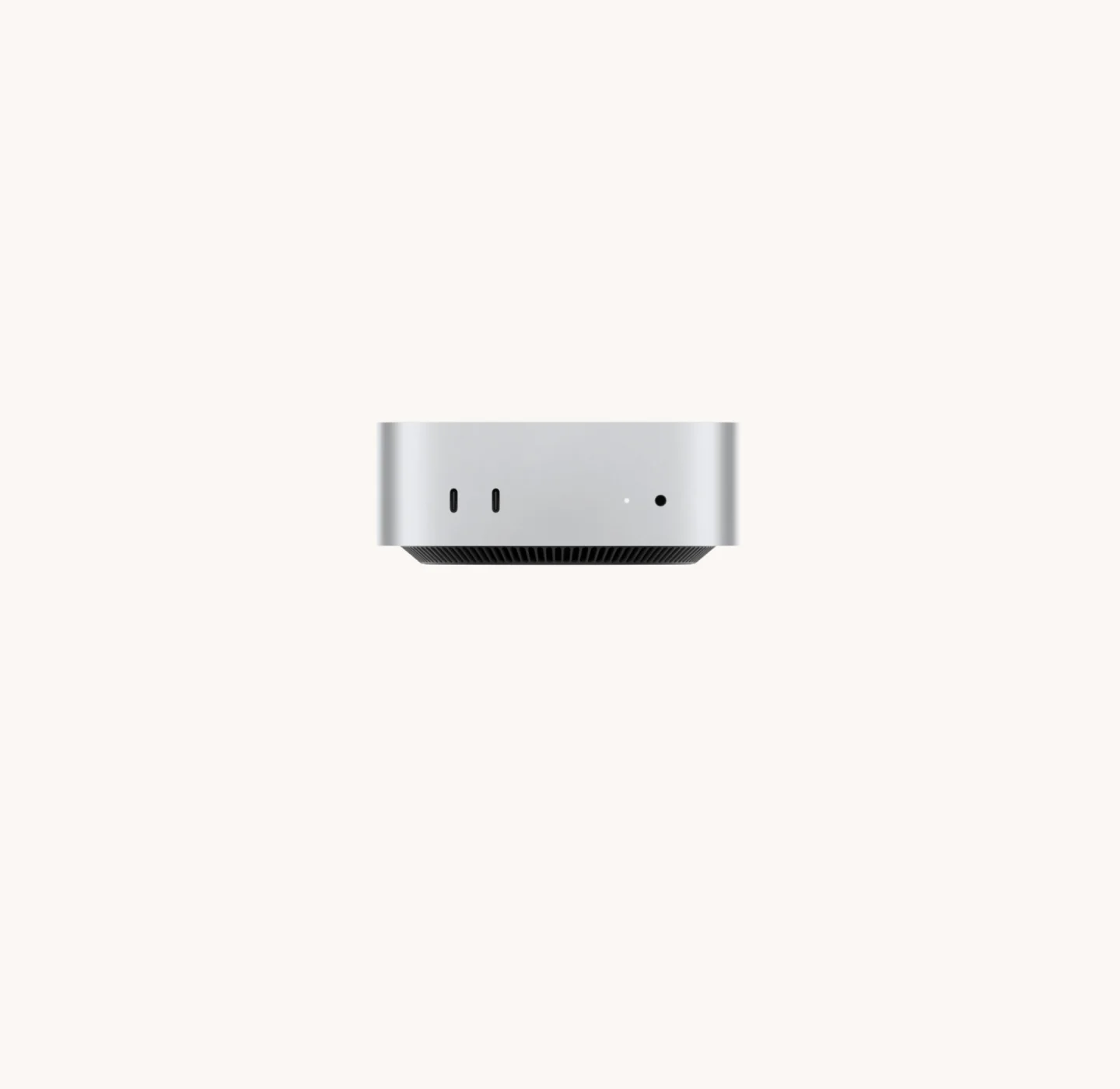
The Apple Mac mini with M4 Pro packs a 12-core CPU, Thunderbolt 5 and multi-display support into a 5 x 5 inch case. Here's who it suits and where it falls short.
Research-based · We earn from qualifying purchases
Our verdict
Best for creative professionals, video editors and AI-minded users who want a very fast, compact desktop with fast I/O and multi-display support. Skip it if you need USB-A or an SD slot, want to upgrade RAM or storage later, or don't want to pay Apple's steep configuration prices.
The good
- Very fast 12-core M4 Pro CPU in a 5 x 5 inch case
- Three Thunderbolt 5 ports at up to 120Gb/s, plus HDMI
- Drives up to three 6K displays at 60Hz
- 24GB base memory with 273GB/s bandwidth suits heavy workloads
- Front USB-C ports and headphone jack; 10Gb Ethernet configurable
+2 more
- 24GB base memory with 273GB/s bandwidth suits heavy workloads
- Front USB-C ports and headphone jack; 10Gb Ethernet configurable
The bad
- RAM and storage upgrades are very expensive
- Memory and storage cannot be upgraded after purchase
- Fan becomes audible under heavy loads
- No USB-A ports or SD card reader; power button sits underneath
+1 more
- No USB-A ports or SD card reader; power button sits underneath
The Apple Mac mini (M4 Pro, 2024) review question is simple: how much desktop can you fit into a box that measures just 5 x 5 inches? This Mac mini is built around the Apple M4 Pro chip. It is aimed at people who want pro-level CPU and GPU speed, fast external connections and several displays without a big tower on the desk. Think creative professionals, video editors and anyone who wants to run AI workloads on-device. This review is based on Apple's specifications and what independent expert reviews report, not our own hands-on testing.
Apple Mac mini (M4 Pro, 2024): specs at a glance
From the manufacturer- GPU
- 16-core (20-core configurable)
- Chip
- Apple M4 Pro
- Weight
- 0.73 kg (1.6 pounds)
- Storage
- 512GB base; 1TB, 2TB, 4TB or 8TB configurable
- Wireless
- Wi-Fi 6E (802.11ax), Bluetooth 5.3
- CPU (base)
- 12-core (8 performance, 4 efficiency)
- Dimensions
- 12.7 cm x 12.7 cm x 5.0 cm (5.0 x 5.0 x 2.0 inches)
- Rear ports
- Three Thunderbolt 5 (USB-C, up to 120Gb/s), HDMI, Gigabit Ethernet (configurable to 10Gb Ethernet)
- Front ports
- Two USB-C (up to 10Gb/s), 3.5mm headphone jack
- CPU (upgrade)
- 14-core (10 performance, 4 efficiency)
- Neural Engine
- 16-core
- Unified memory
- 24GB base; 48GB or 64GB configurable
- Memory bandwidth
- 273GB/s
- Maximum continuous power
- 155W
Key features
- M4 Pro chip gives pro-level CPU and GPU speed in a tiny case
- Thunderbolt 5 ports (up to 120Gb/s) for fast external storage and displays
- Drives up to three 6K displays at 60Hz
- 273GB/s memory bandwidth for AI and heavy workloads
- Hardware-accelerated ray tracing and a 16-core Neural Engine for on-device Apple Intelligence
- Front USB-C ports and headphone jack for easy access
- HDMI port plus Gigabit Ethernet, configurable to 10Gb Ethernet
- Only 5 x 5 inches, so it is easy to place, mount or rack
Design and build: a desktop you can put almost anywhere
The Mac mini measures 12.7 cm x 12.7 cm x 5.0 cm (5.0 x 5.0 x 2.0 inches) and weighs 0.73 kg (1.6 pounds). That is small enough to sit beside a monitor, tuck onto a shelf or mount under a desk. The small 5 x 5 inch case also makes it easy to mount or rack.
Small size comes with a few layout quirks. The power button sits underneath the case, which is a listed drawback. There are also no USB-A ports and no SD card reader, so older accessories and camera cards will need an adapter or hub. If your desk is full of legacy peripherals, plan for that before buying.
On the plus side, the front panel carries two USB-C ports (up to 10Gb/s) and a 3.5mm headphone jack. Those are easy to reach for a drive, a headset or a quick file transfer, without crawling behind the machine.
Performance: what the M4 Pro chip brings
The core of this model is the Apple M4 Pro. The base configuration has a 12-core CPU (8 performance, 4 efficiency) and a 16-core GPU. You can step up to a 14-core CPU (10 performance, 4 efficiency) and a 20-core GPU if your workload justifies it. Reviewers praise the CPU speed relative to the size of the case, and that is the headline reason to choose this model.
The chip also includes hardware-accelerated ray tracing and a 16-core Neural Engine. In day-to-day terms, the Neural Engine is there for on-device Apple Intelligence features and other machine-learning tasks. Hardware-accelerated ray tracing is also part of the chip's graphics capabilities.
Memory and storage
The base model has 24GB of unified memory, with 48GB or 64GB available as configuration options. Memory bandwidth is 273GB/s. That bandwidth is a big part of why this machine suits heavy workloads and AI tasks, because the CPU, GPU and Neural Engine all draw on the same pool of memory. A larger memory pool leaves more headroom for big video projects, large datasets or bigger local AI models.
Storage starts at 512GB, with 1TB, 2TB, 4TB or 8TB configurable. Here is the catch that experts return to repeatedly: memory and storage cannot be upgraded after purchase, and Apple's upgrade pricing is a common criticism. The practical advice is to decide on your configuration at the outset. If you suspect you will outgrow 512GB, consider a larger tier or plan on fast external storage, which the ports below make easy.
Noise and sustained load
The chip is capable, but it lives in a very small case. A common criticism is that the fan becomes audible under heavy loads. If you intend to render video or push the machine hard for long stretches, factor in some fan noise. The listed maximum continuous power is 155W.
Connectivity and displays: where it shines
This is the strongest part of the Mac mini's case. The rear has three Thunderbolt 5 (USB-C) ports rated up to 120Gb/s, plus HDMI and Gigabit Ethernet. Ethernet can be configured to 10Gb Ethernet, which is helpful for fast network storage or a studio setup. Wireless is Wi-Fi 6E (802.11ax) and Bluetooth 5.3.
Thunderbolt 5 matters for two main reasons. First, it supports very fast external storage, which is a practical way around the fixed internal drive. Second, it works with high-resolution displays. The Mac mini can drive up to three 6K displays at 60Hz, which makes it appealing for multi-monitor editing, timelines, coding or monitoring dashboards.
If you already own fast external drives, a good display or a Thunderbolt dock, this machine slots in easily.
What experts like and what they criticise
The Mac mini M4 Pro averages 8.9/10 across 5 expert reviews. Scores published by the reviewers are:
- Macworld: 4/5
- Digital Camera World: 5/5
- Notebookcheck: 87/100
- MacRumors: 4.5/5
- Engadget: 90/100
Reviewers praise the speed of the 12-core M4 Pro CPU in such a tiny case, the generous set of Thunderbolt 5 ports plus HDMI, the ability to run up to three 6K displays at 60Hz, and the 24GB base memory with 273GB/s bandwidth. The front USB-C ports, headphone jack and the option of 10Gb Ethernet also get positive mentions.
The criticisms are just as consistent. Upgrades to RAM and storage are very expensive. Neither can be changed after purchase. The fan is audible under heavy loads. And the lack of USB-A ports and an SD card reader, along with the underside power button, are everyday annoyances. These are not trivial footnotes: for some buyers, the upgrade pricing and fixed configuration will be the deciding factor.
Who should buy the Mac mini M4 Pro
This model makes sense if you:
- Are a creative professional or video editor who wants a fast desktop without a large tower.
- Need several high-resolution displays from one machine.
- Want fast external storage or networking through Thunderbolt 5 or 10Gb Ethernet.
- Are interested in running AI tasks on-device and want the memory bandwidth to support them.
- Have limited desk space, or want to mount or rack the computer.
Who should skip it
Look elsewhere if you:
- Rely on USB-A accessories or an SD card reader and don't want to buy adapters.
- Want to upgrade memory or storage later on, since both are fixed at purchase.
- Are sensitive to fan noise during sustained heavy work.
- Don't want to pay Apple's steep prices for RAM and storage upgrades.
How it fits in the small-desktop category
What defines the Mac mini in general terms is the combination of Apple silicon, Thunderbolt 5 and multi-display support in a very small case. Its memory and storage are fixed at purchase, which is a common criticism. If you want to see how it sits alongside other compact machines, including options aimed at gaming or general office work, see our guide to the best mini PC.
Verdict: a very capable small desktop with a configuration catch
The Apple Mac mini (M4 Pro, 2024) is a fast, compact desktop, and its 8.9/10 expert average reflects that. It is fast, well connected and flexible enough to drive a serious multi-monitor desk from a case that measures just 5 x 5 inches. The trade-offs are clear: expensive upgrades, no way to expand memory or storage later, some fan noise under load, and a port selection that leaves out USB-A and SD. Buyers who choose their configuration carefully and can work with USB-C will get a lot from it. Those who need legacy ports or flexibility should look at other options first.
Related buying guides
- Samsung Portable SSD T9 Review (2026): Fast, Port-Picky
- Apple AirPods Pro 3 Review (2026): ANC, Fit and Health
- Best Prebuilt Gaming PCs 2026: Ready to Play or Upgrade
- Lenovo Legion Tower 5i Gen 10 (Intel) Review: Upgrade-Ready
- NVIDIA GeForce RTX 5080 Founders Edition Review (2026)
- Best Laptops for Video Editing 2026: Power, Screens, Ports
- Beelink SER9 Pro (Ryzen 7 H 255) Review: Small, Quiet
Not sure about the Apple Mac mini (M4 Pro, 2024)? Consider these
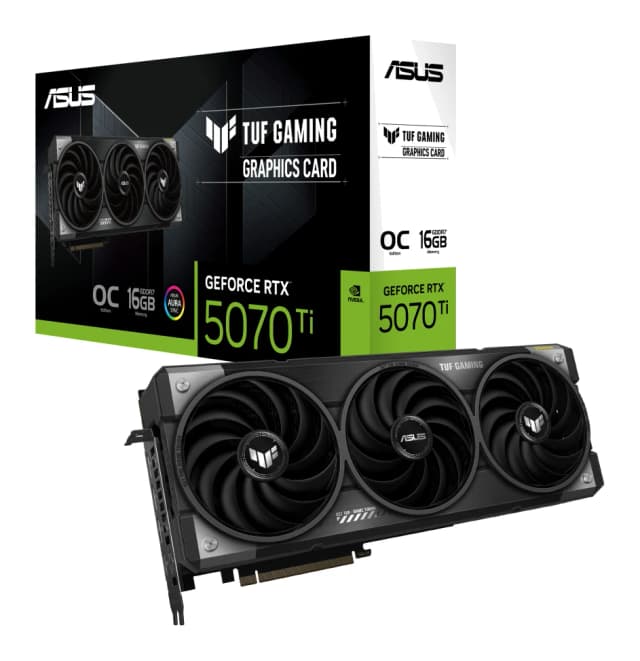
- Best OverallASUS TUF Gaming GeForce RTX 5070 Ti 16GB GDDR7 OC EditionWhy we picked it →
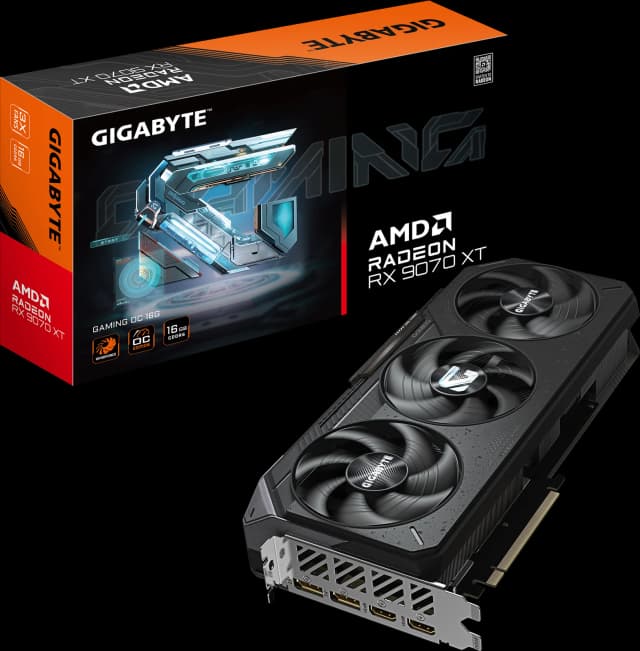
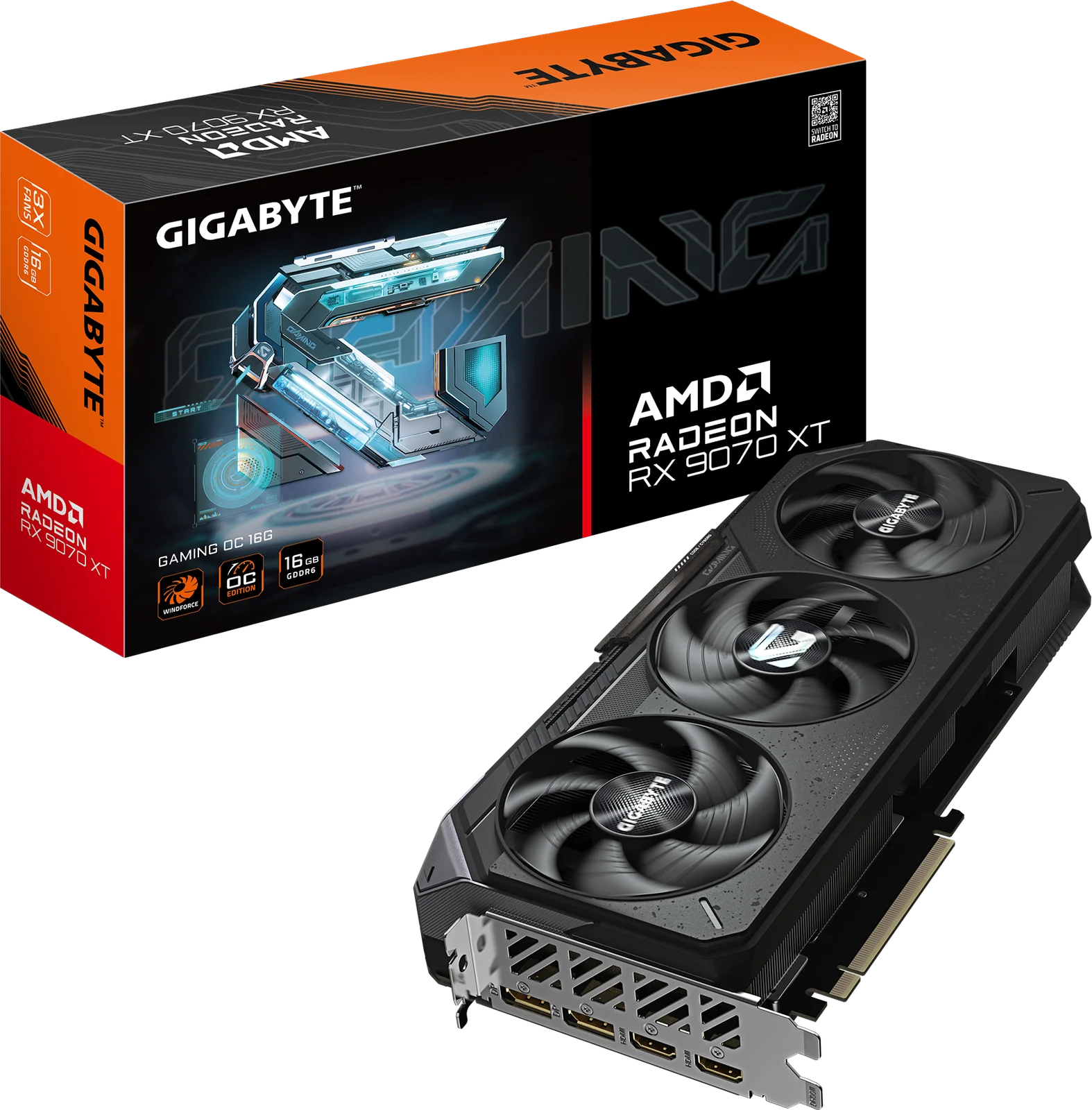
- Best ValueGIGABYTE Radeon RX 9070 XT Gaming OC 16GWhy we picked it →
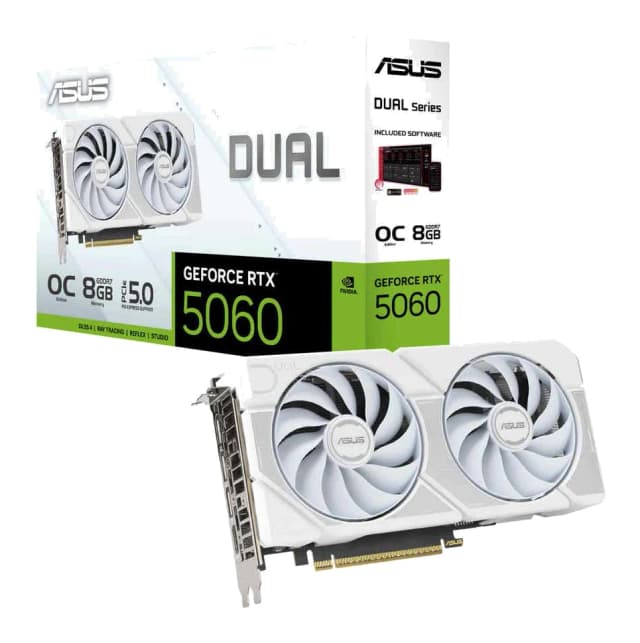
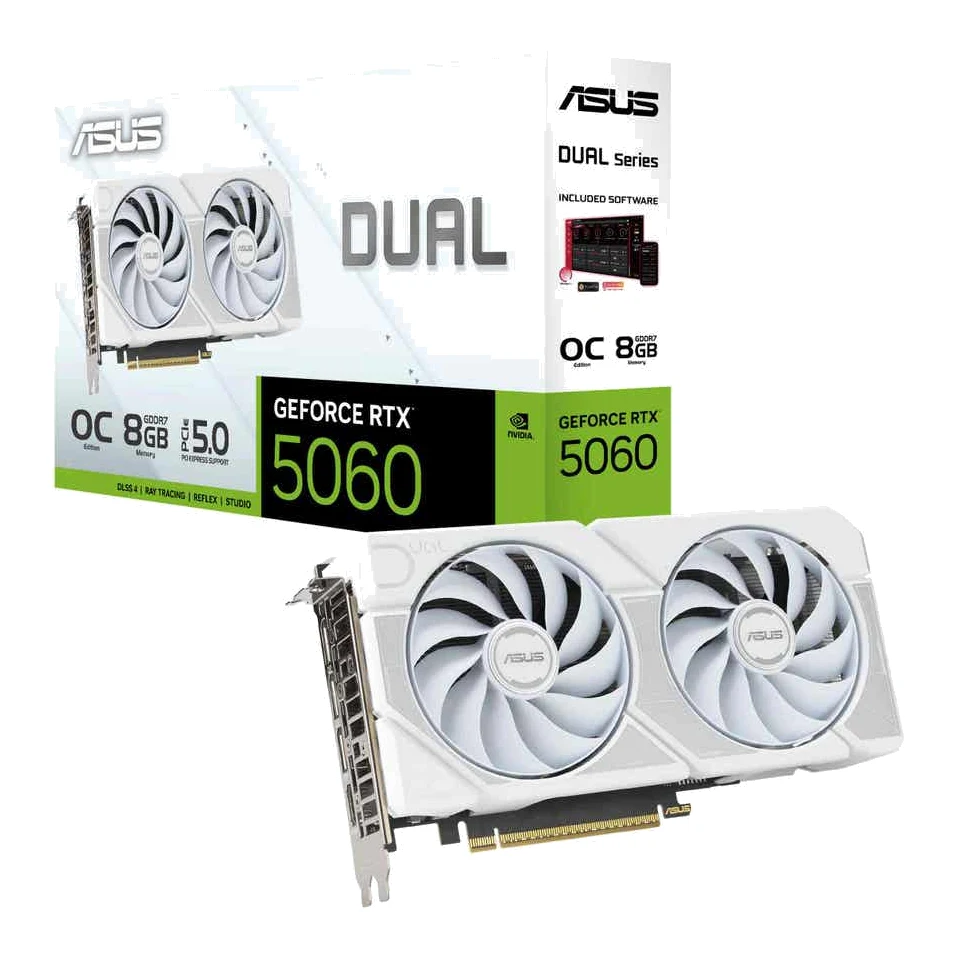
- Best BudgetASUS Dual GeForce RTX 5060 8GB GDDR7 OC EditionWhy we picked it →
Frequently asked questions
Is the Apple Mac mini M4 Pro worth it?
For creative professionals, video editors and AI-minded users who want a fast, compact desktop with strong connectivity, experts think so: it averages 8.9/10 across 5 expert reviews. It is less compelling if you want to upgrade RAM or storage later, since neither can be changed after purchase, or if you don't want to pay Apple's steep configuration prices.
How many displays can the Mac mini M4 Pro run?
It can drive up to three 6K displays at 60Hz. It has three Thunderbolt 5 ports and an HDMI port on the back for connecting them.
Can you upgrade the RAM or storage on the Mac mini M4 Pro?
No. Memory and storage cannot be upgraded after purchase, so you need to choose your configuration up front. Memory starts at 24GB with 48GB or 64GB configurable, and storage starts at 512GB with 1TB, 2TB, 4TB or 8TB configurable. Fast external drives over Thunderbolt 5 are one way to add capacity later.
What ports does the Mac mini M4 Pro have?
On the rear it has three Thunderbolt 5 (USB-C) ports at up to 120Gb/s, HDMI and Gigabit Ethernet, which is configurable to 10Gb Ethernet. On the front there are two USB-C ports (up to 10Gb/s) and a 3.5mm headphone jack. There are no USB-A ports and no SD card reader.
Is the Mac mini M4 Pro loud?
A common criticism from reviewers is that the fan becomes audible under heavy loads. If you plan on sustained demanding work, expect some fan noise.
Does the Mac mini M4 Pro support Wi-Fi 6E and Bluetooth?
Yes. It supports Wi-Fi 6E (802.11ax) and Bluetooth 5.3, and it also has Gigabit Ethernet, configurable to 10Gb Ethernet, for wired connections.
Sources
Specs are taken from the manufacturers' official pages; expert recommendations from the publications below.
- Apple Mac mini (M4 Pro, 2024): apple.com, everymac.com, support.apple.com
Related reviews & guides
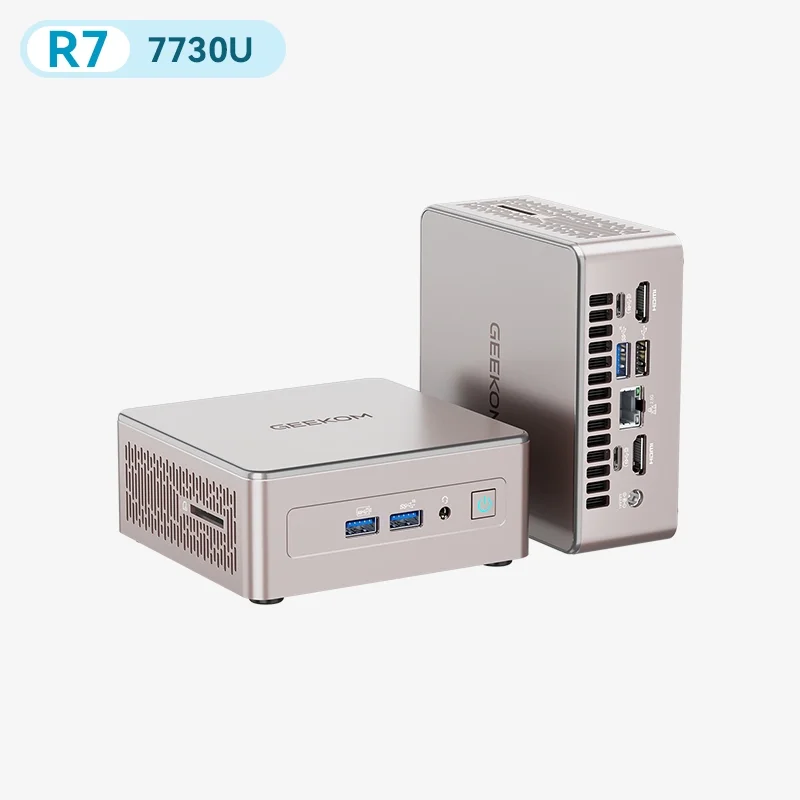
Best Mini PC in 2026: Small, Quiet Desktops for Work
Five compact desktops compared on manufacturer specs and independent expert recommendations, from a quiet all-rounder to budget machines with big upgrade headroom.
Published Oct 17, 2026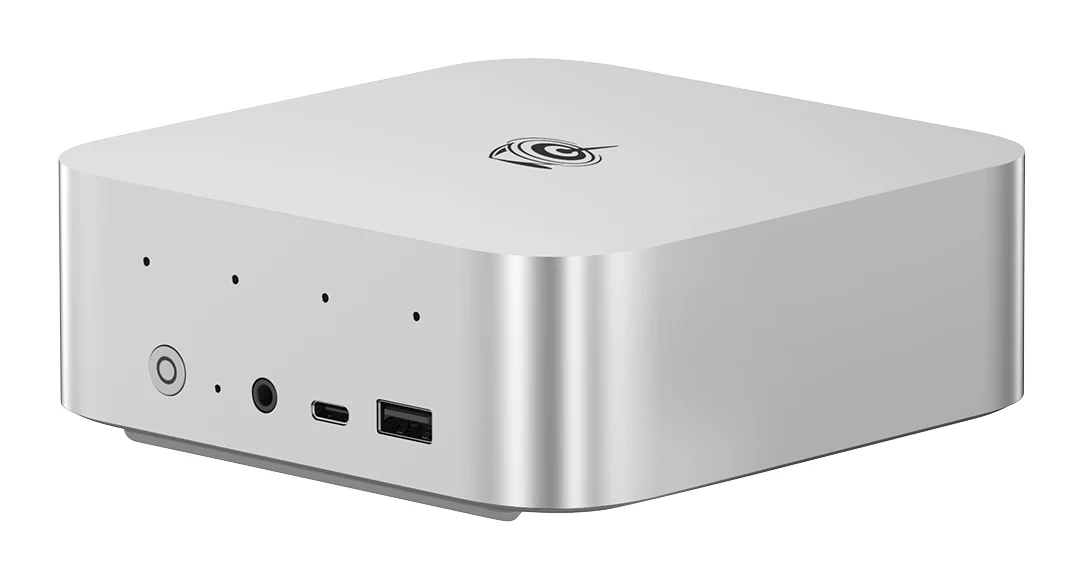
Beelink SER9 Pro (Ryzen 7 H 255) Review: Small, Quiet
A compact metal mini PC with dual M.2 slots, triple 4K output and a Radeon 780M. We look at who the Beelink SER9 Pro suits, and where soldered memory and missing OCuLink hold it back.
Published Oct 27, 2026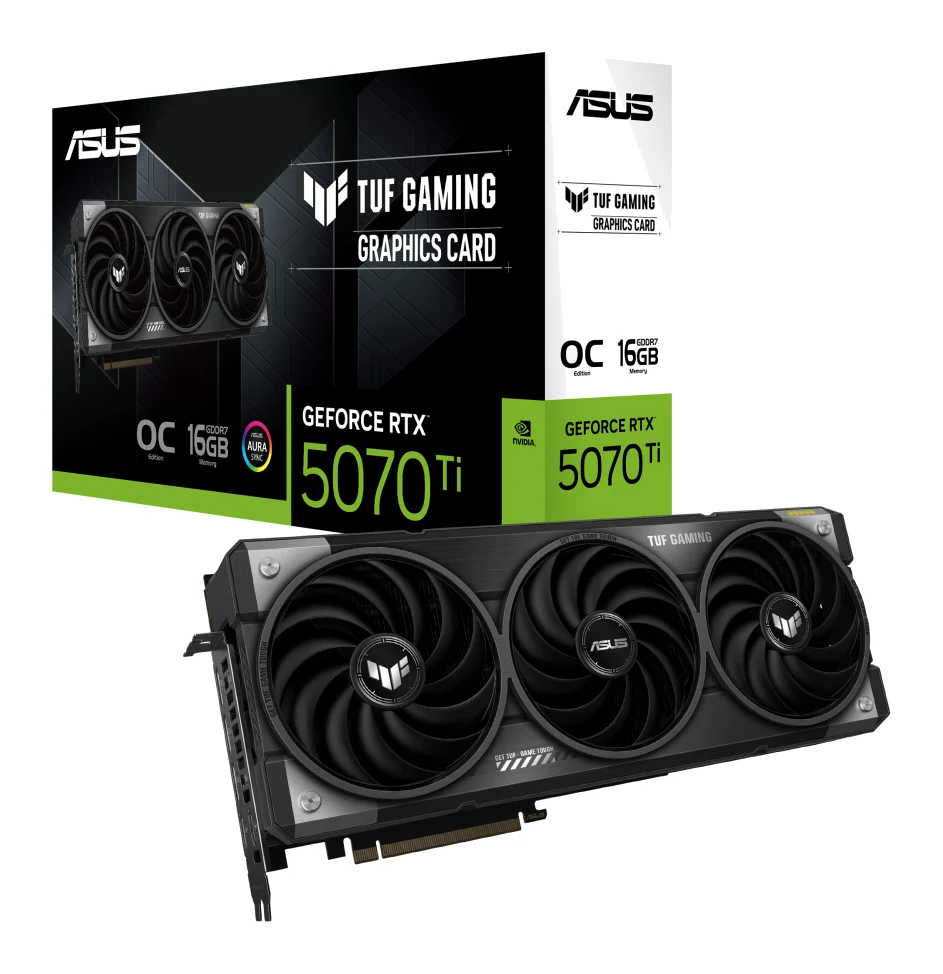
Best Graphics Cards for Gaming PCs 2026: Top 5 Picks
Five graphics cards for gaming PCs, from a compact budget RTX 5060 to a high-end RTX 5070 Ti, compared on VRAM, memory bandwidth, power draw and expert recommendations.
Published Oct 27, 2026