Samsung Portable SSD T9 Review (2026): Fast, Port-Picky
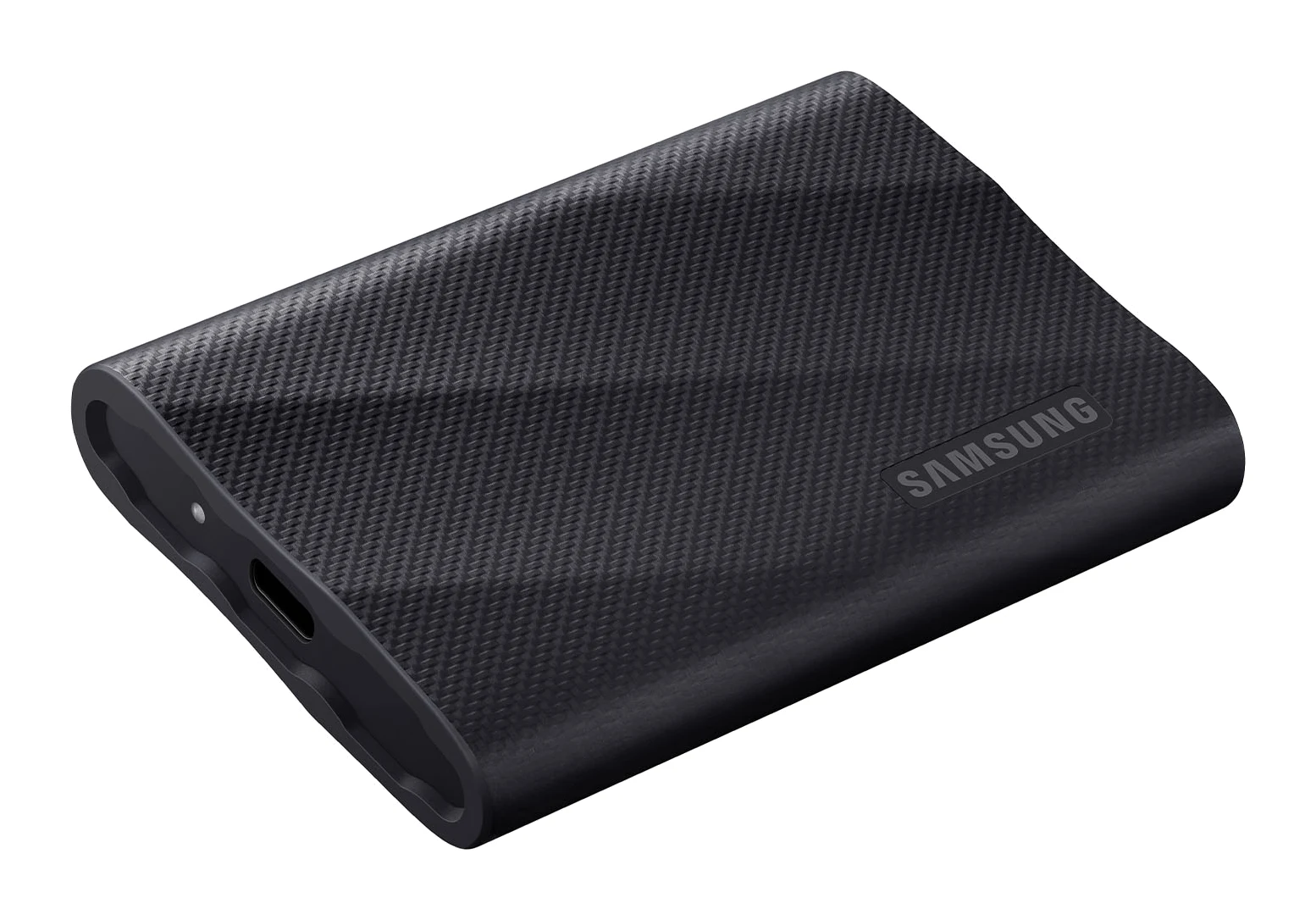
A look at the Samsung Portable SSD T9 based on Samsung's specs and independent expert reviews: 20Gbps speeds, a drop-rated body, encryption and one big catch.
Research-based · We earn from qualifying purchases
Our verdict
Buy the T9 if you have a 20Gbps port and want a rugged, fast, encrypted portable drive for large files, backed by strong expert reviews. Skip it if your devices lack that port or you want the lowest price, as speeds drop on slower ports and cheaper drives exist.
The good
- Up to 2,000 MB/sec sequential speeds over USB 3.2 Gen 2x2
- Rubberized body rated for drops up to 3m
- Dynamic Thermal Guard helps limit overheating slowdowns
- AES 256-bit hardware encryption with password protection
- Includes USB-C to C and USB-C to A cables, plus five-year warranty
+2 more
- AES 256-bit hardware encryption with password protection
- Includes USB-C to C and USB-C to A cables, plus five-year warranty
The bad
- Full speed needs an uncommon 20Gbps USB 3.2 Gen 2x2 port
- Reviewers found it pricey next to rivals and Samsung's T7 range
- Larger and heavier than some competing portable drives
This Samsung Portable SSD T9 review looks at a drive built for people who move large files around and want the transfer to finish quickly. It is a pocket-sized external SSD that uses USB 3.2 Gen 2x2 (20Gbps) and carries a rubber-covered body, hardware encryption and a five-year warranty. It sits in the mid-range part of the market, and expert reviewers are broadly positive, with one significant caveat about the port it needs.
This article is based on Samsung's published specifications and on what independent expert reviews report. We have not run our own tests on the drive.
Samsung Portable SSD T9: specs at a glance
From the manufacturer- Weight
- 122 grams
- Humidity
- 5% to 95% non-condensing
- Warranty
- Five (5) Year Limited Warranty
- Interface
- USB 3.2 Gen 2x2 (20Gbps)
- Capacities
- 1TB, 2TB, 4TB
- Dimensions
- 88 x 60 x 14mm
- Encryption
- AES 256-bit hardware encryption
- Drop Resistance
- Up to 3m
- Sequential Read
- Up to 2,000 MB/sec
- Sequential Write
- Up to 1,950 MB/sec (1TB, 2TB); up to 2,000 MB/sec (4TB)
- Operating Temperature
- 0°C to 60°C
- Shock (Non-Operating)
- 1,500G, duration: 0.5ms, 3 axis
- Backward Compatibility
- USB 3.2, USB 3.1, USB 3.0 and USB 2.0
- Non-Operating Temperature
- -40°C to 85°C
Key features
- USB 3.2 Gen 2x2 (20Gbps) for sequential speeds up to 2,000 MB/sec
- Rubber-covered body survives drops up to 3m (9.8 ft)
- Dynamic Thermal Guard limits slowdowns from overheating
- AES 256-bit hardware encryption with password protection
- Pocket-sized at 122 grams in 1TB, 2TB and 4TB capacities
- USB-C to C and USB-C to A cables in the box
- Works with PCs, Macs, Android phones, tablets and game consoles
- Samsung Magician software for health checks and firmware updates
Who the Samsung T9 is for
The T9 is aimed at anyone who regularly shifts big files between a computer and a portable drive and has hardware that can use the fast interface. It also suits people who want one drive for several devices, since Samsung lists compatibility with PCs, Macs, Android phones, tablets and game consoles. Add encryption and a tough exterior, and it reads as a drive meant to be carried around rather than left on a desk.
The drive is not for everyone, though. Its headline speed depends on a 20Gbps USB 3.2 Gen 2x2 port, which reviewers describe as uncommon. If your laptop or desktop lacks one, you will not see what the drive is capable of. We cover that in more detail below.
Samsung Portable SSD T9 review: design and build
The T9 measures 88 x 60 x 14mm and weighs 122 grams, so it is easy to slip into a bag or pocket. Samsung offers it in 1TB, 2TB and 4TB capacities. That range covers anything from a working set of project files to a sizeable archive.
The most distinctive part of the design is the rubber-covered body, which Samsung rates to survive drops of up to 3m (9.8 ft). The non-operating shock rating is listed as 1,500G, duration: 0.5ms, 3 axis. For a drive that will travel in bags, get tossed on desks and be plugged in and out, that kind of protection is a practical benefit rather than a gimmick. Reviewers single out the rubberized body as one of its strengths.
Samsung also lists an operating temperature range of 0°C to 60°C and a non-operating range of -40°C to 85°C, along with a humidity tolerance of 5% to 95% non-condensing. Those figures suggest a drive designed to cope with varied conditions, though they are manufacturer ratings rather than anything we have verified.
One point to weigh is size. A common criticism from reviewers is that the T9 is larger and heavier than some competing portable drives. At 122 grams it is still highly portable, but if absolute minimum bulk is your priority, it is worth keeping in mind.
Speed and the 20Gbps catch
The T9 uses USB 3.2 Gen 2x2 (20Gbps), and Samsung quotes sequential read speeds of up to 2,000 MB/sec. Sequential write is listed as up to 1,950 MB/sec on the 1TB and 2TB models and up to 2,000 MB/sec on the 4TB. These are the headline numbers, and reviewers praise the speeds.
Sequential speeds matter most when you copy large individual files or whole folders of big files, because that is the workload where the drive can keep its throughput high. For lots of small files, real-world results differ from sequential figures, so treat the quoted numbers as a best case.
The catch is the interface. To reach those speeds, the drive needs a USB 3.2 Gen 2x2 port on the host device. A common criticism from reviewers is that full speed needs an uncommon 20Gbps USB 3.2 Gen 2x2 port. The T9 is backward compatible with USB 3.2, USB 3.1, USB 3.0 and USB 2.0, so it will still work on ordinary ports. Speeds drop on slower connections, however, and at that point you are paying for performance you cannot use.
The practical advice is simple: check your computer's ports before you buy. If you already have a 20Gbps port, the T9 makes sense. If you do not, a cheaper drive may serve you just as well.
Thermal management
Fast drives generate heat, and sustained transfers can trigger throttling. Samsung includes Dynamic Thermal Guard, which it says limits slowdowns from overheating. Reviewers list this among the drive's strengths. Over a long copy of a large file set, this feature is meant to help the drive hold its pace rather than fall off partway through.
Security, software and what's in the box
The T9 offers AES 256-bit hardware encryption with password protection. If you carry work files, personal documents or anything sensitive, this means that losing the drive does not automatically mean losing control of the contents. It is a worthwhile feature on a drive designed to travel.
Samsung's Magician software handles health checks and firmware updates. That gives you a way to keep an eye on the drive's condition and stay current on firmware without hunting for separate tools.
In the box you get both a USB-C to C cable and a USB-C to A cable. That helps with compatibility, since you can connect to newer USB-C ports and older USB-A ports without buying anything extra. Reviewers also praise the inclusion of both cables and the five-year warranty (Samsung lists it as a Five (5) Year Limited Warranty), which adds some reassurance for a drive you plan to keep for years.
Day-to-day use across devices
Because Samsung lists support for PCs, Macs, Android phones, tablets and game consoles, one drive can cover a lot of ground. The two cables make it easier to move between a laptop, a phone and other gear. Just remember that the top speed only applies when both the drive and the host support the 20Gbps interface. Elsewhere it will run at whatever the slower port allows.
The larger capacities, particularly 2TB and 4TB, suit people who want a central place for big libraries or backups. The 1TB model is the sensible choice for lighter use, though in all cases the quoted speeds are listed as up to.
What experts like and what they criticise
The expert response is strong. The T9 averages 8.6/10 across 6 expert reviews. Individual scores include PCGamesN at 9/10, XDA Developers at 9/10, CGMagazine at 8.5/10 and Dong Knows Tech at 8.1/10. TechRadar gives it 4/5, and PCWorld gives it 4.5/5. It is also recommended in one independent expert buying guide.
What reviewers praise:
- Fast sequential speeds of up to 2,000 MB/sec over USB 3.2 Gen 2x2.
- The rubberized body rated for drops up to 3m.
- Dynamic Thermal Guard, which helps limit overheating slowdowns.
- AES 256-bit hardware encryption with password protection.
- The two included cables and the five-year warranty.
What they criticise:
- Full speed needs an uncommon 20Gbps USB 3.2 Gen 2x2 port.
- Reviewers found it pricey next to rivals and Samsung's T7 range.
- It is larger and heavier than some competing portable drives.
The pricing complaint matters because the T9 is not positioned as the cheapest option. You are paying for the faster interface, the tough body and the extra features, so the value case depends on whether you will actually use them.
Who should buy it, and who should skip it
Buy the T9 if:
- Your computer has a 20Gbps USB 3.2 Gen 2x2 port and you move large files regularly.
- You want a rugged drive that can take drops and travel.
- Hardware encryption and password protection matter for the data you carry.
- You want both USB-C and USB-A cables included and a five-year warranty.
Skip it if:
- Your devices lack a 20Gbps port, since speeds drop on slower connections and you will not benefit from the faster interface.
- You want the lowest possible price, because reviewers found it pricey next to rivals and Samsung's T7 range.
- You want the smallest, lightest drive possible, as it is larger and heavier than some competitors.
How it fits in the external SSD market
External SSDs vary widely in interface speed, durability, security features and price. The T9 leans toward the performance and protection end: fast interface, rugged body and encryption. That comes with a higher cost than basic drives and a dependency on the right port. If you are still deciding between options, see our guide to the best external SSDs for a wider look at other options.
Verdict
The Samsung Portable SSD T9 is a strong choice for people with the right hardware. The speed, drop rating, thermal management, encryption and bundled cables make a convincing package, and the expert response, an average of 8.6/10, reflects that. The drawbacks are real, though: the port requirement, the price relative to alternatives and the extra bulk. If your setup includes a 20Gbps port and you want a tough, secure drive for big files, the T9 is an easy one to consider. If it does not, you can probably get what you need for less elsewhere.
Related buying guides
- Apple Mac mini (M4 Pro, 2024) Review: Small, Fast, Port-Rich
- Best Portable Monitor 2026 for Laptops, Consoles & Travel
- Best Tablets for Kids 2026: Budget, Portable & Long-Lasting
- Best microSD Cards for Cameras 2026: 4K Speed & Durability
- Best NAS Devices for Home 2026: Backup, Media & Growth
- Corsair EX400U 2TB Review (2026): USB4 Speed, Magnetic Ring
- Best Laptops for Video Editing 2026: Power, Screens, Ports
- Best Portable Photo Printers 2026: Instant, Sticker & Wide
Not sure about the Samsung Portable SSD T9? Consider these
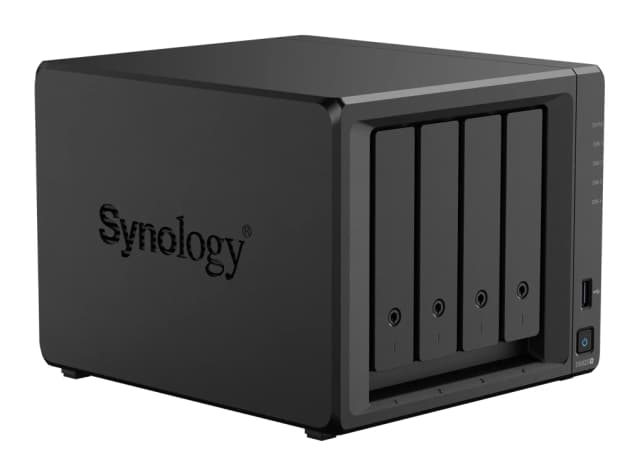
- Best OverallSynology DiskStation DS925+Why we picked it →
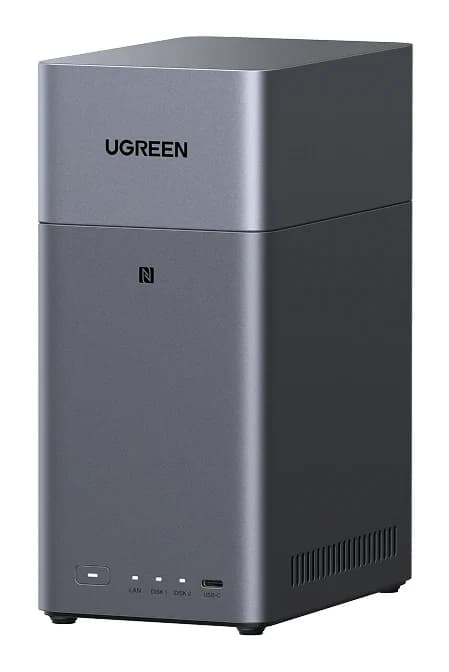
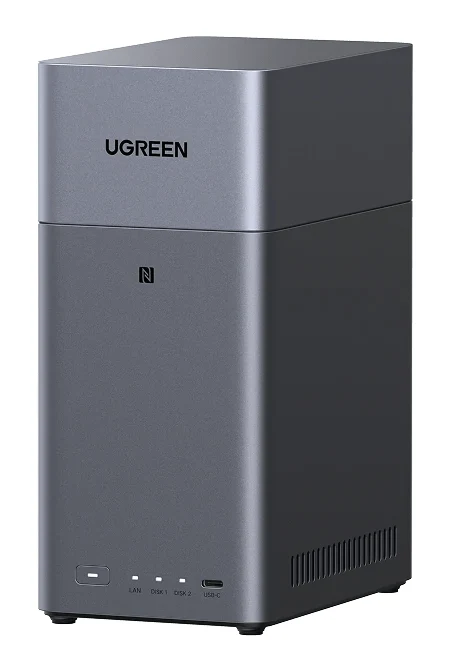
- Best ValueUGREEN NASync DH2300Why we picked it →
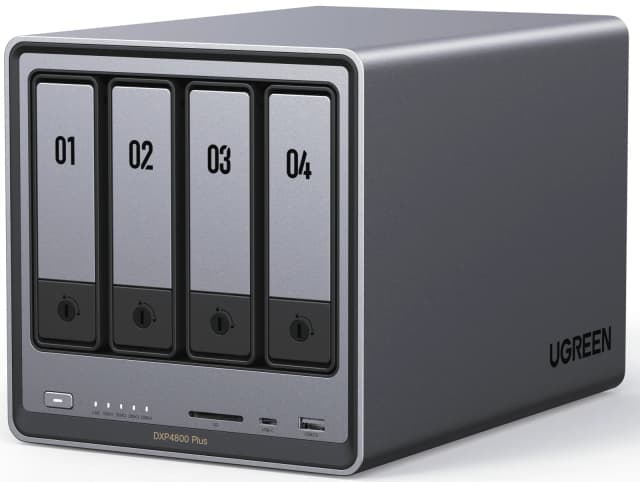
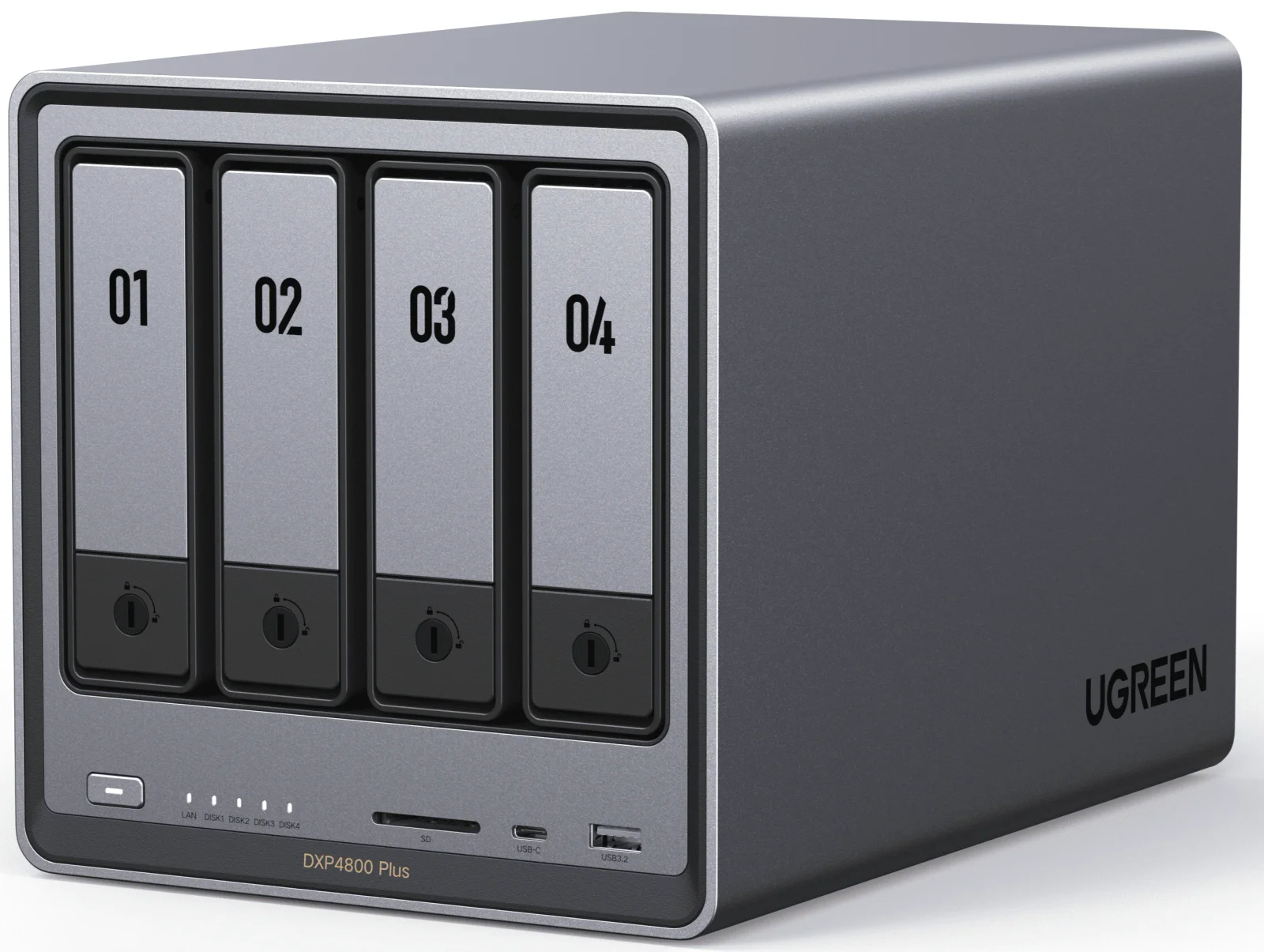
- Also GreatUGREEN NASync DXP4800 PlusWhy we picked it →
Frequently asked questions
Is the Samsung Portable SSD T9 worth it?
It is worth it if you have a 20Gbps USB 3.2 Gen 2x2 port and want a fast, rugged, encrypted drive. Expert reviews average 8.6/10 across 6 scores. If your devices lack that port, speeds drop and reviewers found it pricey next to rivals and Samsung's T7 range, so a cheaper drive may suit you better.
How fast is the Samsung T9?
Samsung lists sequential read speeds of up to 2,000 MB/sec. Sequential write is up to 1,950 MB/sec on the 1TB and 2TB models and up to 2,000 MB/sec on the 4TB. These are best-case figures and need a USB 3.2 Gen 2x2 (20Gbps) port.
Does the Samsung T9 work with older USB ports?
Yes. It is backward compatible with USB 3.2, USB 3.1, USB 3.0 and USB 2.0, and it ships with both USB-C to C and USB-C to A cables. Speeds drop on slower ports, though.
Is the Samsung T9 drop-proof?
Samsung rates the rubber-covered body to survive drops of up to 3m (9.8 ft). That is a manufacturer rating, so it is sensible to treat it as added protection rather than a guarantee.
Does the Samsung T9 have encryption?
Yes. It offers AES 256-bit hardware encryption with password protection, so the contents are protected if you lose the drive.
What devices does the Samsung T9 work with?
Samsung lists compatibility with PCs, Macs, Android phones, tablets and game consoles. For the fastest speeds, the host device needs a 20Gbps USB 3.2 Gen 2x2 port.
Sources
Specs are taken from the manufacturers' official pages; expert recommendations from the publications below.
- Samsung Portable SSD T9: samsung.com, download.semiconductor.samsung.com
Related reviews & guides
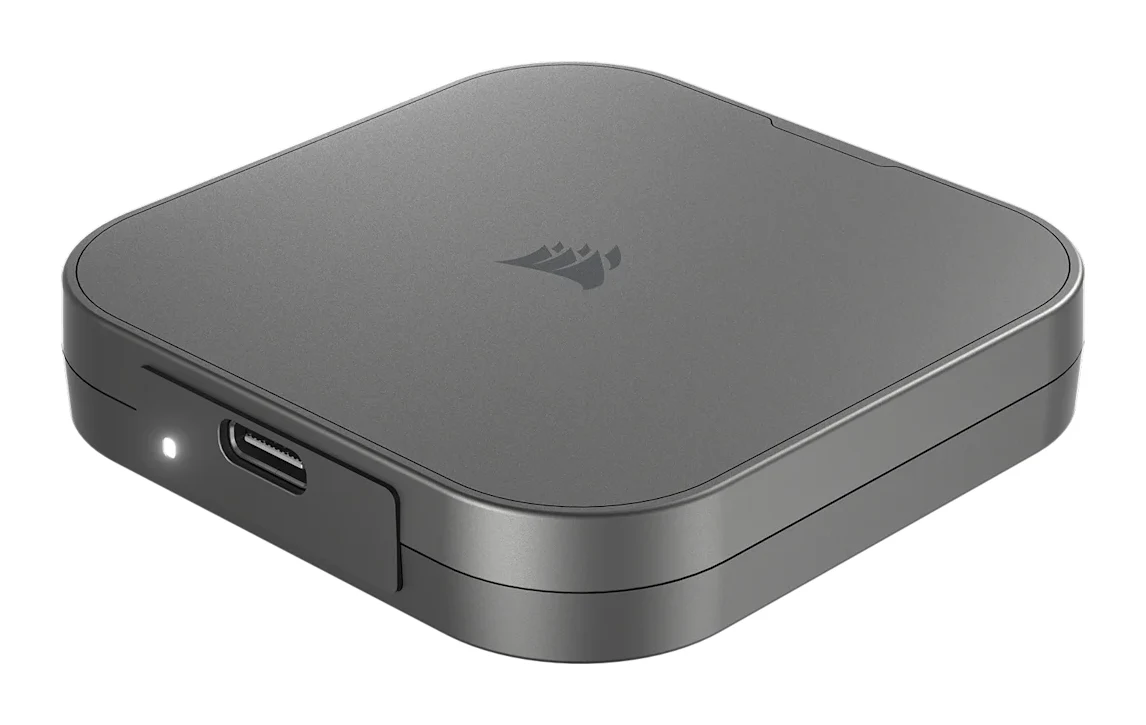
Best External SSDs of 2026: USB4, Rugged & Encrypted Picks
We compared five external SSDs to find the best of 2026. See how Corsair, Samsung, WD and SanDisk stack up on speed, durability, encryption and warranty.
Published Oct 8, 2026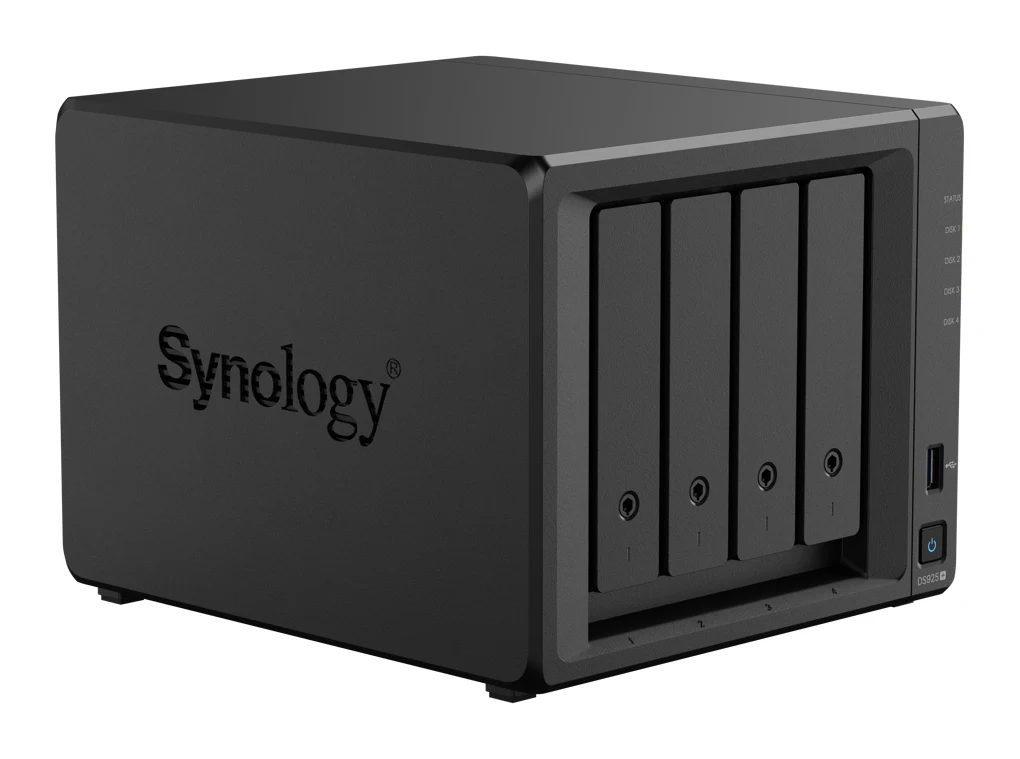
Best NAS Devices for Home 2026: Backup, Media & Growth
Five home NAS picks from Synology and UGREEN, compared on bays, networking, memory, noise and who each one suits, from first-time backup to 10GbE media servers.
Published Oct 25, 2026
Best microSD Cards for Cameras 2026: 4K Speed & Durability
Four microSD cards for action cameras, drones and DSLR or mirrorless cameras, compared on write speed, V30 rating, capacity range, waterproofing and warranty, based on manufacturer specs.
Published Oct 14, 2026