Best NAS Devices for Home 2026: Backup, Media & Growth
Five home NAS picks from Synology and UGREEN, compared on bays, networking, memory, noise and who each one suits, from first-time backup to 10GbE media servers.
21 products compared · Research-based · Affiliate links
We earn a commission from qualifying purchases made through our links, at no extra cost to you. It never decides our picks. How we make money
Which one should you buy?
Our picks by what matters to you · details below ↓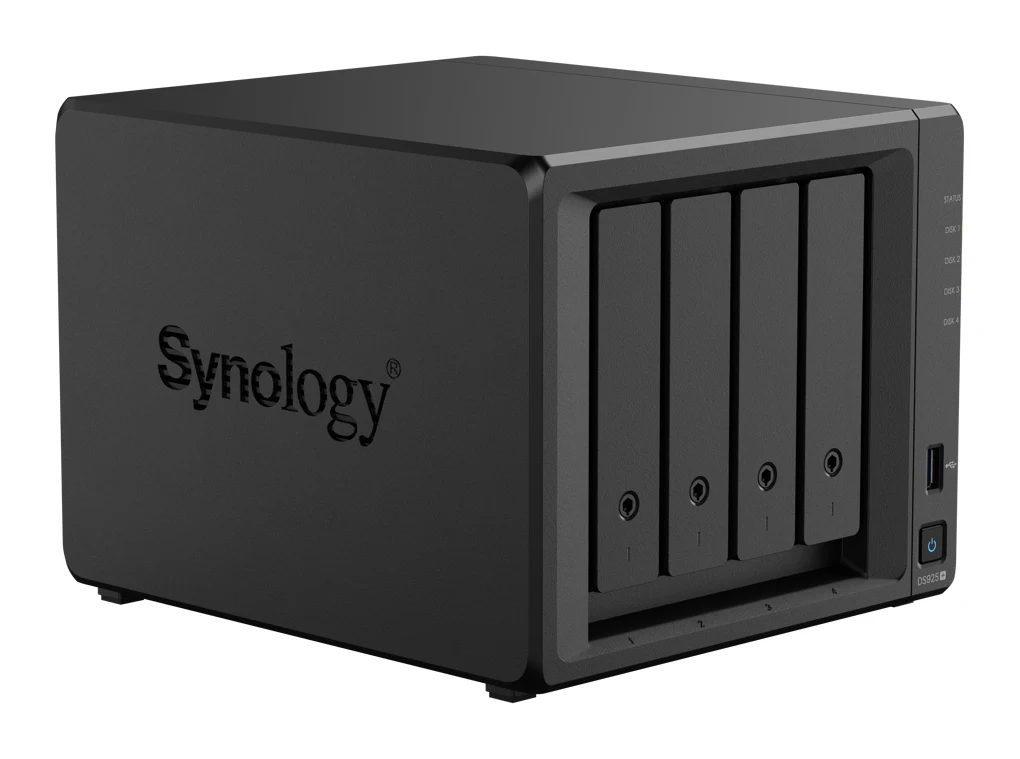
Best for: Home users wanting a reliable, expandable NAS
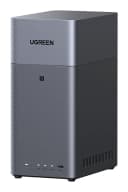
Check price on Amazon- Best ValueUGREEN NASync DH2300Best for: First-time NAS buyers on a tight budgetCheck price
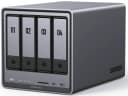
- Also GreatUGREEN NASync DXP4800 PlusBest for: Power users needing 10GbE and 4K transcodingCheck price
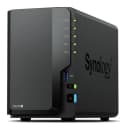
- Best BudgetSynology DiskStation DS225+Best for: Budget buyers wanting simple, quiet, dependable home storageCheck price
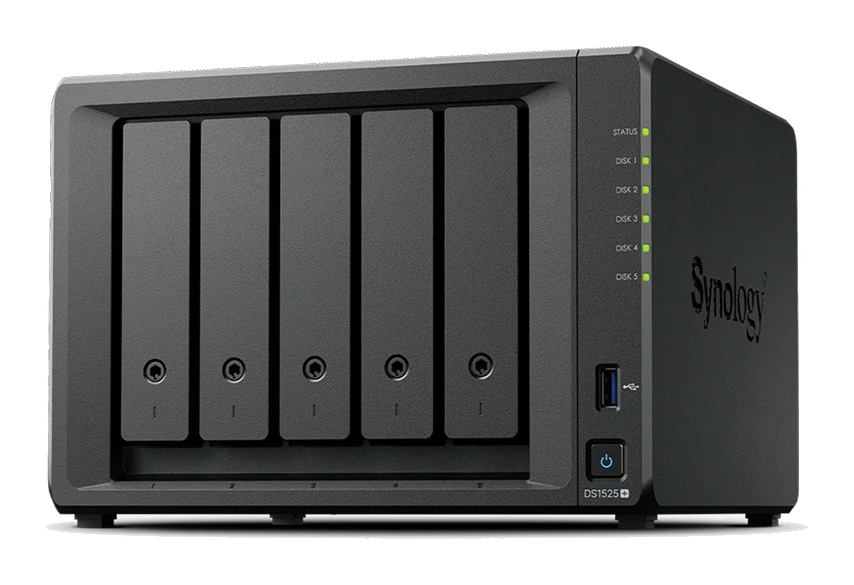
- Premium PickSynology DiskStation DS1525+Best for: Heavy users planning large, growing storage arraysCheck price
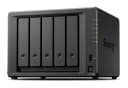
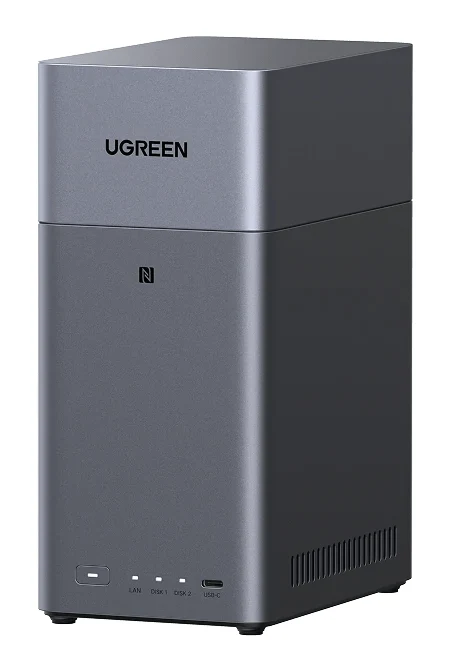
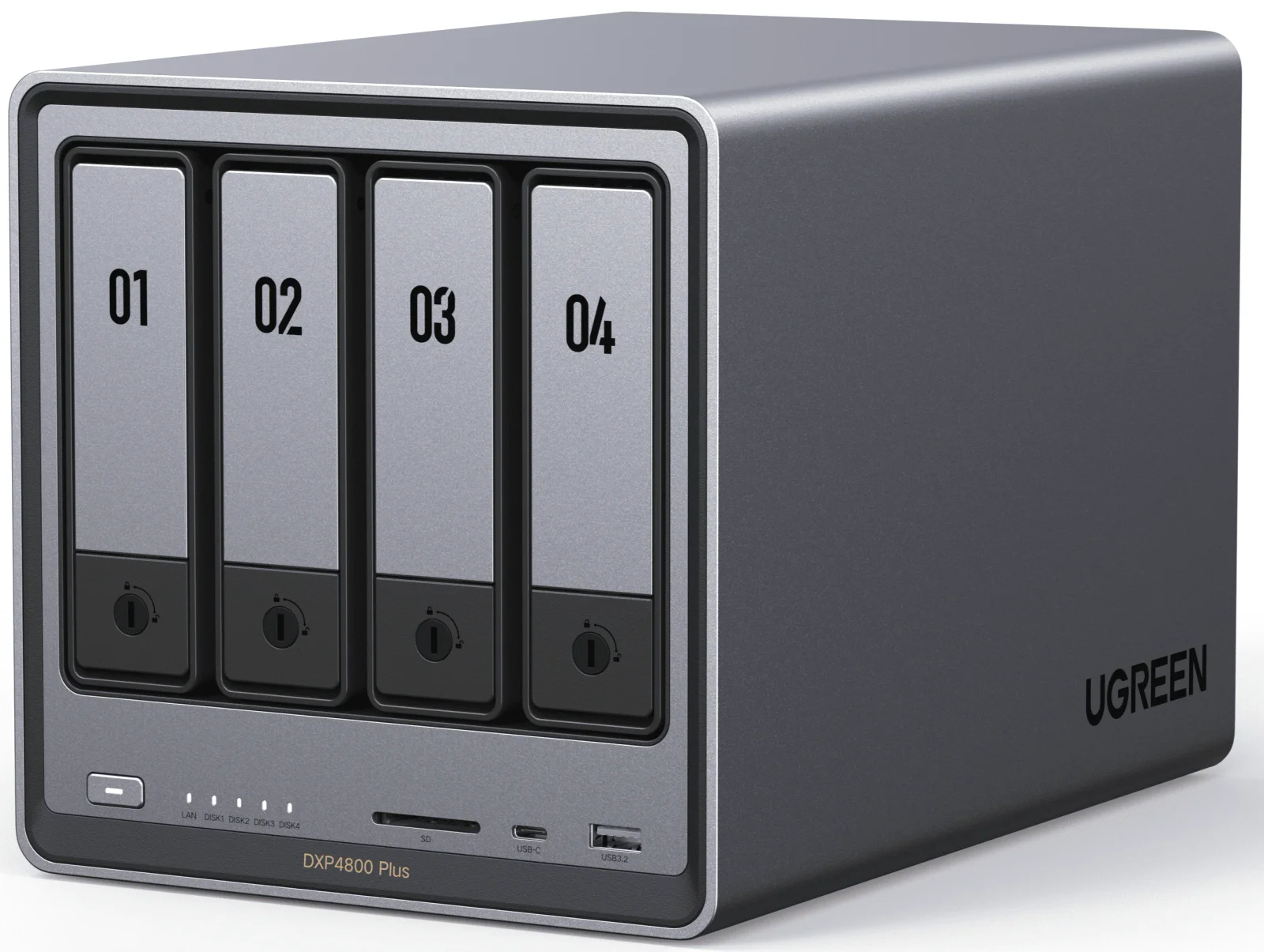
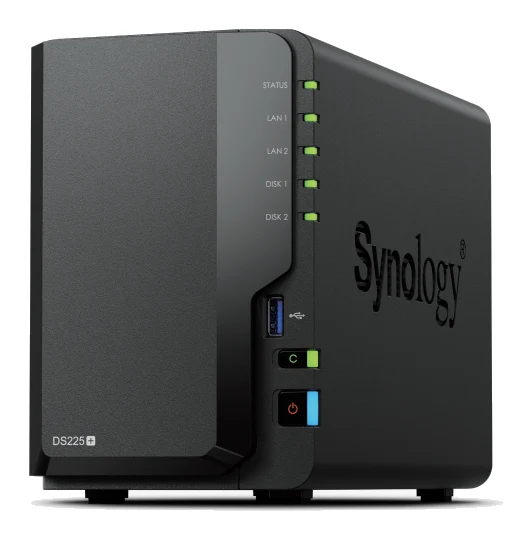
Choosing among the best NAS devices for home use comes down to how many drives you need, how fast your network is, and how much you want to tinker. This guide compares five network-attached storage boxes from Synology and UGREEN. It is based on manufacturer specs and independent expert recommendations, not hands-on testing.
Best NAS Devices for Home at a Glance
| Pick | Label | Bays | Networking | Price tier | Best for | Buy |
|---|---|---|---|---|---|---|
| Synology DiskStation DS925+ | Best Overall | 4 | Dual 2.5GbE | Premium | Reliable, expandable home storage | Check price |
| UGREEN NASync DH2300 | Best Value | 2 | 1GbE | Budget | First-time NAS buyers | Check price |
| UGREEN NASync DXP4800 Plus | Also Great | 4 SATA + 2 M.2 NVMe | 10GbE + 2.5GbE | Premium | 10GbE and 4K transcoding | Check price |
| Synology DiskStation DS225+ | Best Budget | 2 | 2.5GbE + 1GbE | Budget | Quiet, simple backup | Check price |
| Synology DiskStation DS1525+ | Premium Pick | 5 | Dual 2.5GbE, optional 10GbE | Premium | Large, growing arrays | Check price |
Synology DiskStation DS925+: Best Overall for Reliable, Expandable Storage
Best for: Home users wanting a reliable, expandable NAS
The DS925+ balances speed, expandability and data integrity, with ECC memory, NVMe caching and room to grow to nine drives. It suits buyers who want a long-lived, reliable home NAS with mature software.
Read our full Synology DiskStation DS925+ review →- Processor
- AMD Ryzen V1500B 2.2 GHz Quad-Core
- RAM
- 4 GB DDR4 ECC SODIMM
- Ports
- 2x 2.5GbE RJ-45, 2x USB 3.2 Gen 1, 1x USB Type-C
- Warranty
- 3 years limited hardware warranty
- Network Ports
- 2 x RJ-45 2.5GbE LAN
- Number of Bays
- 4
Reasons to buy
- Dual 2.5GbE with link aggregation support
- Four hot-swap bays, expandable to nine with DX525
- Two M.2 NVMe slots for SSD caching
- ECC memory, expandable up to 32GB
- Quiet at 20.5 dB(A) with low hibernation power
Reasons to avoid
- Ships with only 4 GB RAM; upgrade needed for heavy multitasking
- Premium price tier
- No 10GbE port
- Dong Knows Tech
- 8.0
- XDA Developers
- 7.0
- TechRadar
- 10.0
- CGMagazine
- 8.0
- NAS Compares
- 8.2
The DS925+ is our best overall pick because it balances speed, expandability and data integrity. It has four hot-swap bays, ECC memory and two M.2 NVMe slots. It suits home users who want a reliable NAS that can grow with them.
Keep reading about Synology DiskStation DS925+
Networking is dual 2.5GbE with link aggregation support. Internal storage reaches 80 TB raw, or 180 TB with the optional DX525 expansion unit, which takes the system to nine drives. The two M.2 NVMe slots handle SSD caching and storage pools. It runs on an AMD Ryzen V1500B quad-core processor and supports up to 32GB of ECC memory. Synology's DSM 7.x software covers backup and surveillance, and the unit comes with a 3 years limited hardware warranty.
Operation is quiet at 20.5 dB(A). Power draw is 37.91 watts during access and 12.33 watts in HDD hibernation. It is recommended in 12 independent expert guides. TechRadar gave it 5 out of 5, and its expert scores average 8.3 out of 10.
The main trade-off
It ships with only 4 GB of RAM, so heavier multitasking calls for a memory upgrade. There is no 10GbE port, and it sits in the premium price tier.
UGREEN NASync DH2300: Best Value for First-Time Buyers
Best for: First-time NAS buyers on a tight budget
The DH2300 is an affordable, easy entry into home NAS, with 4K HDMI playback and AI photo organization. It is a fit for newcomers who mostly need backup and media storage.
- Processor
- Rockchip RK3576 (A72+A53 8-Core, 2.2GHz)
- RAM
- 4GB LPDDR4X
- Ports
- 1x 1GbE RJ45 LAN, 1x USB-C 3.2 Gen 1 (5Gbps), 2x USB-A 3.2 Gen 1 (5Gbps), 1x HDMI 2.0 (4K 60Hz)
- Warranty
- —
- Network Ports
- 1x 1GbE
- Number of Bays
- 2
Reasons to buy
- Compact 2-bay design suits home backup and personal cloud
- 4K HDMI output for direct TV playback
- AI photo indexing recognizes faces, text and objects
- Low 10-15W power draw for 24/7 use
- Beginner-friendly setup for first-time NAS owners
Reasons to avoid
- Single 1GbE port limits network transfer speeds
- Only two bays, with RAID 0/1 and JBOD
- Maximum 64TB storage
- TechRadar
- 9.0
- TweakTown
- 8.1
- Cult of Mac
- 9.0
- Cubed3
- 9.0
The DH2300 is the best value pick because it makes a home NAS easy and affordable. It is a compact 2-bay diskless unit built for home backup and personal cloud storage. It is aimed at newcomers on a tight budget.
Keep reading about UGREEN NASync DH2300
It includes a 4K HDMI output (HDMI 2.0, 4K 60Hz) for playing media straight to a TV or display. AI-powered photo indexing uses a 6 TOPS NPU to recognize faces, text and objects. Power draw is a low 10-15W, which suits a box that runs around the clock. The beginner-friendly interface keeps first-time setup simple. Reviewers have rated it well: TechRadar, Cult of Mac and Cubed3 each gave it 4.5 out of 5, and TweakTown gave it 4.05 out of 5.
The main trade-off
The single 1GbE port limits network transfer speeds. With two bays, you get JBOD, RAID 0 and RAID 1 options. Maximum storage is 64TB. If you expect your library to grow quickly or need fast transfers, look at the larger models below.
UGREEN NASync DXP4800 Plus: Also Great for 10GbE and 4K Transcoding
Best for: Power users needing 10GbE and 4K transcoding
The DXP4800 Plus offers 10GbE, a capable Intel CPU and generous RAM headroom for media servers and virtualization. It suits power users who want high performance and fast networking.
- Processor
- Intel Pentium Gold 8505 (12th Gen, 5 cores/6 threads, 4.4 GHz max)
- RAM
- 8GB DDR5 (expandable to 64GB)
- Ports
- 1x 10GbE, 1x 2.5GbE, 3x USB 3.2, 2x USB 2.0, 1x USB-C 10Gbps, 1x HDMI 4K, SD 3.0
- Warranty
- 2 years
- Network Ports
- 1x 10GbE + 1x 2.5GbE
- Number of Bays
- 4 SATA + 2 M.2 NVMe
Reasons to buy
- 10GbE plus 2.5GbE networking for very fast transfers
- Pentium Gold 8505 with graphics handles 4K transcoding
- DDR5 RAM expandable to 64GB
- Two PCIe 4.0 M.2 slots for caching or storage
- Four SATA bays plus NVMe, up to 144TB raw
Reasons to avoid
- Premium price tier
- Higher power draw than smaller NAS units
- Warranty is 2 years, shorter than Synology's 3
- TechPowerUp
- 10.0
- KitGuru
- 7.5
- AVForums
- 8.0
- TechReviewer.de
- 8.9
The DXP4800 Plus earns its place as an also-great pick for power users who want fast networking and plenty of headroom. It pairs 10GbE with 2.5GbE, plus an Intel Pentium Gold 8505 processor with integrated graphics for 4K video transcoding. It is recommended in 10 independent expert guides.
Keep reading about UGREEN NASync DXP4800 Plus
It has four SATA bays and two M.2 NVMe PCIe 4.0 slots, for up to 144TB raw (4x 32TB HDD plus 2x 8TB NVMe). The NVMe slots can be used for SSD caching or extra fast storage. It comes with 8GB of DDR5 RAM, expandable to 64GB, which helps with multitasking and virtualization. Ports include HDMI 4K, a USB-C 10Gbps port and an SD 3.0 slot. Among the five picks here, it is the only one with a 10GbE port built in.
Expert scores are strong: TechPowerUp gave it 5 out of 5, and TechReviewer.de gave it 8.9 out of 10.
The main trade-off
Power draw is 42.36W during drive access and 18.12W in drive hibernation, higher than the smaller units. It is in the premium price tier. The 2 years warranty is shorter than the 3 years on the Synology models in this guide.
Synology DiskStation DS225+: Best Budget for Quiet, Simple Backup
Best for: Budget buyers wanting simple, quiet, dependable home storage
The DS225+ brings Synology's polished DSM software and quiet, efficient operation in a small two-bay box. It's a sensible choice for simple backup and light streaming.
- Processor
- Intel Celeron J4125 quad-core (2.0 base / 2.7 turbo GHz)
- RAM
- 2 GB DDR4 non-ECC
- Ports
- 1x 2.5GbE RJ-45, 1x 1GbE RJ-45, 2x USB 3.2 Gen 1
- Warranty
- 3-year hardware warranty
- Network Ports
- 1x 2.5GbE, 1x 1GbE
- Number of Bays
- 2
Reasons to buy
- Compact 2-bay design with hot-swappable drives
- 2.5GbE port alongside 1GbE
- Very quiet at 19.6 dB(A)
- Low power use, just 6.08W in hibernation
- DSM includes 50+ integrated applications
Reasons to avoid
- Only 2 GB non-ECC RAM
- Celeron J4125 suits only light media streaming
- Two bays limit capacity and RAID options
- How-To Geek
- 7.0
- Trusted Reviews
- 7.0
- dongknows
- 8.3
- Truthful Reviews
- 7.0
The DS225+ is the best budget pick for people who want simple, quiet and dependable home storage. It is a compact 2-bay box with hot-swappable drive support and Synology's polished DSM software. It is also the most widely recommended pick here, with 14 independent expert guides.
Keep reading about Synology DiskStation DS225+
It has a 2.5GbE port alongside a 1GbE port. Its Intel Celeron J4125 offers hardware transcoding for light media streaming. Noise is very low at 19.6 dB(A), and power use is 16.98W under load and 6.08W in hibernation. DSM includes 50+ integrated applications. It supports up to 40TB raw storage with RAID 0/1 and Synology Hybrid RAID, and it carries a 3-year hardware warranty. Reviewer scores are solid: How-To Geek gave it 7 out of 10, and dongknows gave it 8.3 out of 10.
The main trade-off
It has only 2 GB of non-ECC RAM. The Celeron J4125 suits only light media streaming, and two bays limit both capacity and RAID options. Choose it for backup and light streaming rather than heavy workloads.
Synology DiskStation DS1525+: Premium Pick for Large, Growing Arrays
Best for: Heavy users planning large, growing storage arrays
The DS1525+ is built for growth, with five bays, ECC memory and a path to 15 drives and 10GbE. It fits users with large libraries or business-style backup needs.
- Processor
- AMD Ryzen V1500B (4-core/8-thread, 2.2 GHz)
- RAM
- 8GB DDR4 ECC SODIMM (expandable to 32GB)
- Ports
- 2 × 2.5GbE RJ-45, 2 × USB 3.2 Gen 1, 2 × USB-C (for expansion)
- Warranty
- 3 years
- Network Ports
- 2 × RJ-45 2.5GbE
- Number of Bays
- 5 × 3.5"/2.5" SATA HDD or SSD + 2 × M.2 2280 NVMe
Reasons to buy
- Five bays expandable to 15 with two DX525 units
- Dual 2.5GbE with optional 10GbE upgrade slot
- Ryzen V1500B with 8GB ECC RAM, expandable to 32GB
- Dual M.2 NVMe slots without using drive bays
- 3-year warranty and mature DSM backup tools
Reasons to avoid
- Premium price tier
- Larger and heavier than 2- and 4-bay models
- 10GbE requires purchasing an optional upgrade card
- dongknows.com
- 8.6
- NAS Compares
- 7.2
- CGMagazine
- 8.5
- iFeelTech
- 8.0
The DS1525+ is the premium pick for heavy users planning large, growing storage arrays. It has five bays and can expand to 15 bays with two DX525 expansion units, for up to 360TB raw storage. It also has a clear path to faster networking.
Keep reading about Synology DiskStation DS1525+
It comes with dual 2.5GbE ports and a PCIe Gen3 x2 network upgrade slot for an optional 10GbE card. The AMD Ryzen V1500B quad-core processor is paired with 8GB of DDR4 ECC RAM, expandable to 32GB. Two M.2 2280 NVMe slots handle caching or storage without using drive bays. Internal capacity is 120TB across the five bays. DSM 7.x provides comprehensive backup and file serving, and the warranty is 3 years. It is recommended in 10 independent expert guides. CGMagazine gave it 4.25 out of 5, and dongknows.com gave it 4.3 out of 5.
The main trade-off
It is larger and heavier than the 2- and 4-bay models, and it sits in the premium price tier. The 10GbE option requires buying an upgrade card. For a small household with modest storage needs, it is more NAS than you need.
Compare our picks side by side
The specs most of our picks share, from each maker’s spec page (— = not published). Expert score = the average of published expert reviews, which rate each product for its price. Scroll sideways on small screens.
| Spec | Synology DiskStation DS925+ | UGREEN NASync DH2300 | UGREEN NASync DXP4800 Plus | Synology DiskStation DS225+ | Synology DiskStation DS1525+ |
|---|---|---|---|---|---|
| Best for | Best Overall | Best Value | Also Great | Best Budget | Premium Pick |
| Expert score | 8.2 | 8.8 | 8.6 | 7.3 | 8.1 |
| Price vs. these picks | Higher | Lower | Higher | Lower | Higher |
| Processor | AMD Ryzen V1500B 2.2 GHz Quad-Core | Rockchip RK3576 (A72+A53 8-Core, 2.2GHz) | Intel Pentium Gold 8505 (12th Gen, 5 cores/6 threads, 4.4 GHz max) | Intel Celeron J4125 quad-core (2.0 base / 2.7 turbo GHz) | AMD Ryzen V1500B (4-core/8-thread, 2.2 GHz) |
| RAM | 4 GB DDR4 ECC SODIMM | 4GB LPDDR4X | 8GB DDR5 (expandable to 64GB) | 2 GB DDR4 non-ECC | 8GB DDR4 ECC SODIMM (expandable to 32GB) |
| Ports | 2x 2.5GbE RJ-45, 2x USB 3.2 Gen 1, 1x USB Type-C | 1x 1GbE RJ45 LAN, 1x USB-C 3.2 Gen 1 (5Gbps), 2x USB-A 3.2 Gen 1 (5Gbps), 1x HDMI 2.0 (4K 60Hz) | 1x 10GbE, 1x 2.5GbE, 3x USB 3.2, 2x USB 2.0, 1x USB-C 10Gbps, 1x HDMI 4K, SD 3.0 | 1x 2.5GbE RJ-45, 1x 1GbE RJ-45, 2x USB 3.2 Gen 1 | 2 × 2.5GbE RJ-45, 2 × USB 3.2 Gen 1, 2 × USB-C (for expansion) |
| Warranty | 3 years limited hardware warranty | — | 2 years | 3-year hardware warranty | 3 years |
| Network Ports | 2 x RJ-45 2.5GbE LAN | 1x 1GbE | 1x 10GbE + 1x 2.5GbE | 1x 2.5GbE, 1x 1GbE | 2 × RJ-45 2.5GbE |
| Number of Bays | 4 | 2 | 4 SATA + 2 M.2 NVMe | 2 | 5 × 3.5"/2.5" SATA HDD or SSD + 2 × M.2 2280 NVMe |
| Maximum Storage | 80 TB raw (internal); 180 TB with DX525 expansion | 64TB | 144TB (4x 32TB HDD + 2x 8TB NVMe) | 108 TB per volume | 360TB raw with 2 × DX525 expansion units |
| Storage Capacity | 4 bays | eMMC 32GB system drive | Up to 144TB raw (4x HDD + 2x NVMe) | Up to 40 TB raw storage | 120TB (5 bays internal) |
| Where to buy | Check price | Check price | Check price | Check price | Check price |
How to Choose the Best NAS Devices for Home Use
Bays and growth
Start with how much data you have now and how fast it grows. Two bays suit backup and personal cloud needs, as with the DH2300 and DS225+. The 4-bay DS925+ and DXP4800 Plus give more room. The 5-bay DS1525+ can scale to 15 bays.
Network speed
A 1GbE port is fine for backups and light use but limits transfers. The DS225+ adds 2.5GbE, the DS925+ has dual 2.5GbE, and the DXP4800 Plus brings 10GbE. The DS1525+ can add 10GbE through an optional card. Your router, switch and computers also need to support the speed to benefit.
Media and photos
If you stream to a TV, check HDMI output and transcoding. The DH2300 has 4K HDMI output and AI photo indexing. The DXP4800 Plus has integrated graphics for 4K transcoding. The DS225+ handles light streaming only.
Memory, noise and power
ECC memory protects data integrity and is found on the DS925+ and DS1525+. Both can be expanded to 32GB of ECC memory; the DS925+ ships with 4 GB and the DS1525+ with 8GB. If the NAS sits in a living space, noise matters. The DS225+ is listed at 19.6 dB(A) and the DS925+ at 20.5 dB(A). For a box that runs 24/7, power use matters too.
How We Picked
We compared the five picks using manufacturer specifications and independent expert recommendations. We looked at how many expert guides recommend each model and at the scores published by named reviews. We also weighed networking, expandability, memory and power draw against each pick's price tier. This guide is not based on hands-on testing. Prices change, so use the check price buttons for current offers.
Bottom Line
For most households, the Synology DiskStation DS925+ is the safest all-round choice, with ECC memory, NVMe caching and room to grow to nine drives. The UGREEN NASync DH2300 is the easiest and most affordable way in, and the Synology DS225+ is a quiet, efficient budget option for backup and light streaming. If you want 10GbE and 4K transcoding, the UGREEN DXP4800 Plus is the performance pick. If you expect a very large library, the Synology DS1525+ offers the most room to expand.
Ready to buy?
 Best OverallSynology DiskStation DS925+Check price
- Best ValueUGREEN NASync DH2300Check price
- Also GreatUGREEN NASync DXP4800 PlusCheck price
- Best BudgetSynology DiskStation DS225+Check price
- Premium PickSynology DiskStation DS1525+Check price
Related buying guides
- Samsung Portable SSD T9 Review (2026): Fast, Port-Picky
- Best External SSDs of 2026: USB4, Rugged & Encrypted Picks
- Best microSD Cards for Cameras 2026: 4K Speed & Durability
- Corsair EX400U 2TB Review (2026): USB4 Speed, Magnetic Ring
- Best Monitors for Working From Home 2026: One-Cable Desks
- Best E-Ink Writing Tablets 2026: Color, Paper Feel & Value
- Best Portable Photo Printers 2026: Instant, Sticker & Wide
- Best Printer for Home Office 2026: Low Ink Costs & Speed
Frequently asked questions
Which NAS is best for beginners?
The UGREEN NASync DH2300 is the best fit for first-time buyers. It has a beginner-friendly interface and a compact 2-bay design for home backup and personal cloud storage. It also adds 4K HDMI output for playing media on a TV.
Which NAS here has the most room to expand?
The Synology DiskStation DS1525+: up to 15 bays and 360TB raw storage with two DX525 expansion units. It has five bays out of the box. The DS925+ also expands, from four bays to nine with one DX525.
Which NAS has 10GbE networking?
The UGREEN NASync DXP4800 Plus has a 10GbE port built in, alongside a 2.5GbE port. The Synology DS1525+ can add 10GbE through an optional upgrade card in its PCIe slot.
Which NAS is the quietest?
The Synology DiskStation DS225+: 19.6 dB(A). The DS925+ is close behind at 20.5 dB(A). Noise figures are not listed for the other picks in this guide.
Which NAS uses the least power?
The figures are not directly comparable. The Synology DiskStation DS225+ lists 6.08W in hibernation and 16.98W under load, while the UGREEN DH2300 lists a single 10-15W range, which the manufacturer positions for 24/7 use. The DXP4800 Plus draws more, at 42.36W during drive access.
Sources
Specs are taken from the manufacturers' official pages; expert recommendations from the publications below.
- Synology DiskStation DS925+: synology.com, bhphotovideo.com, synology.forum, manuals.plus
- UGREEN NASync DH2300: ai.ugreen.com, techpowerup.com, tweaktown.com, microcenter.com
- UGREEN NASync DXP4800 Plus: ai.ugreen.com, techpowerup.com, mariushosting.com, cloudzat.com
- Synology DiskStation DS225+: synology.com, kb.synology.com, bhphotovideo.com
- Synology DiskStation DS1525+: synology.com, global.download.synology.com, dongknows.com, bhphotovideo.com
More buying guides
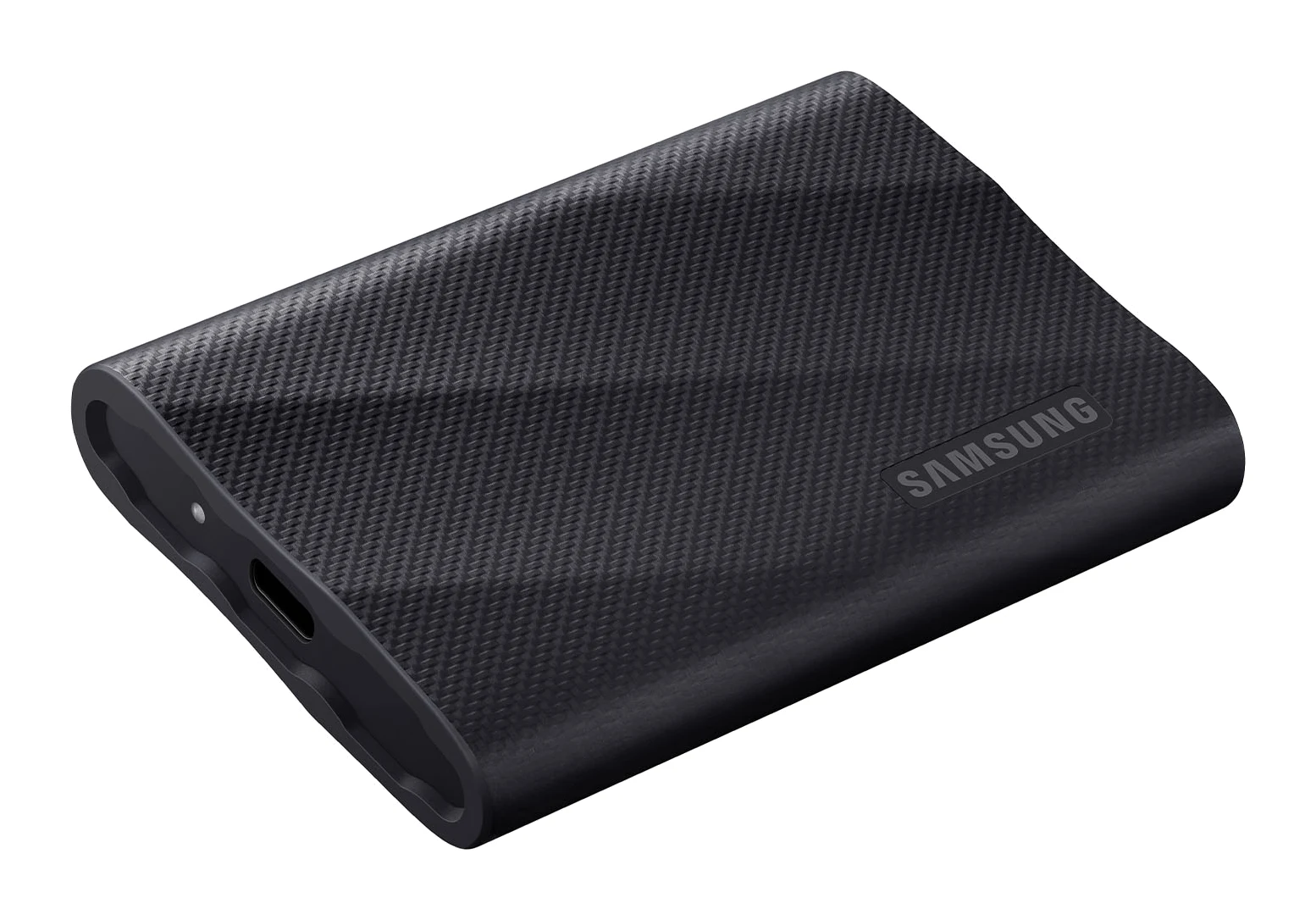
Samsung Portable SSD T9 Review (2026): Fast, Port-Picky
A look at the Samsung Portable SSD T9 based on Samsung's specs and independent expert reviews: 20Gbps speeds, a drop-rated body, encryption and one big catch.
Published Oct 19, 2026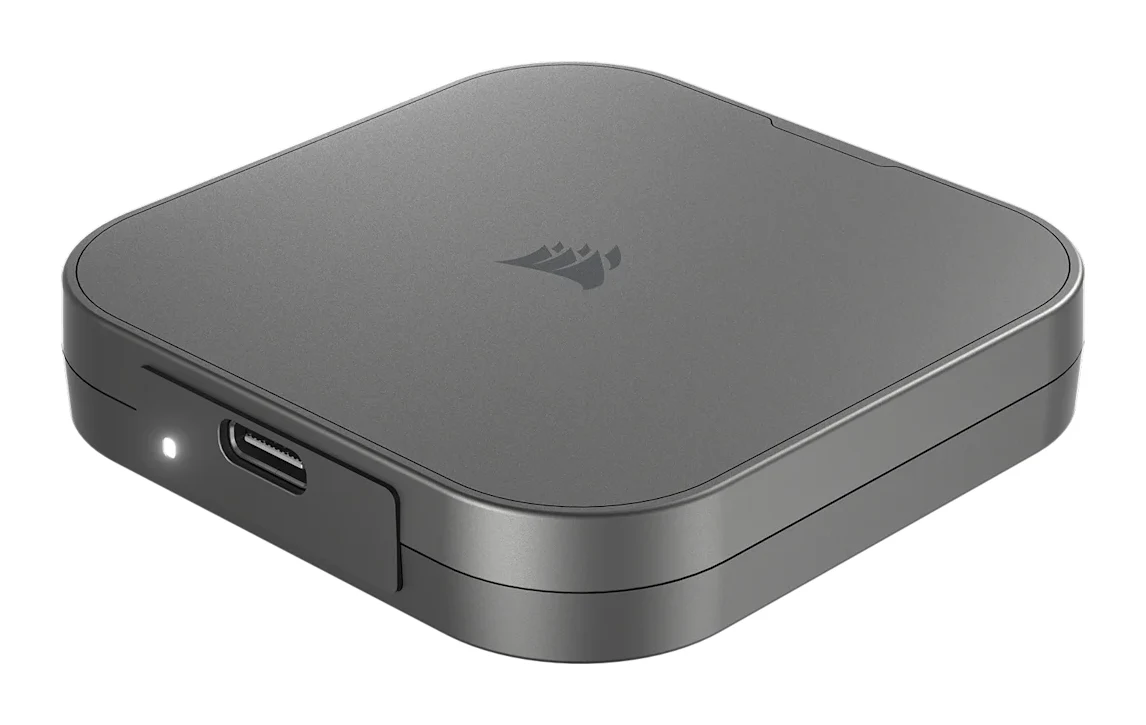
Best External SSDs of 2026: USB4, Rugged & Encrypted Picks
We compared five external SSDs to find the best of 2026. See how Corsair, Samsung, WD and SanDisk stack up on speed, durability, encryption and warranty.
Published Oct 8, 2026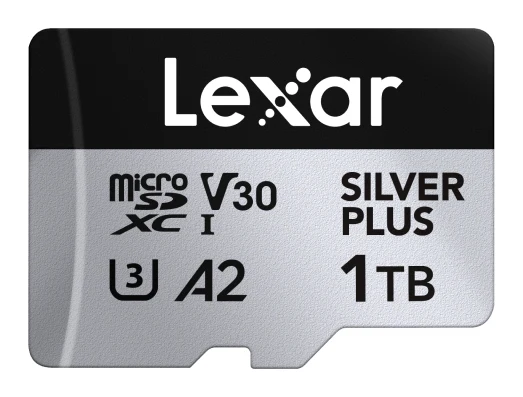
Best microSD Cards for Cameras 2026: 4K Speed & Durability
Four microSD cards for action cameras, drones and DSLR or mirrorless cameras, compared on write speed, V30 rating, capacity range, waterproofing and warranty, based on manufacturer specs.
Published Oct 14, 2026