GIGABYTE RX 9070 XT Gaming OC Review (2026): Cool and Quiet
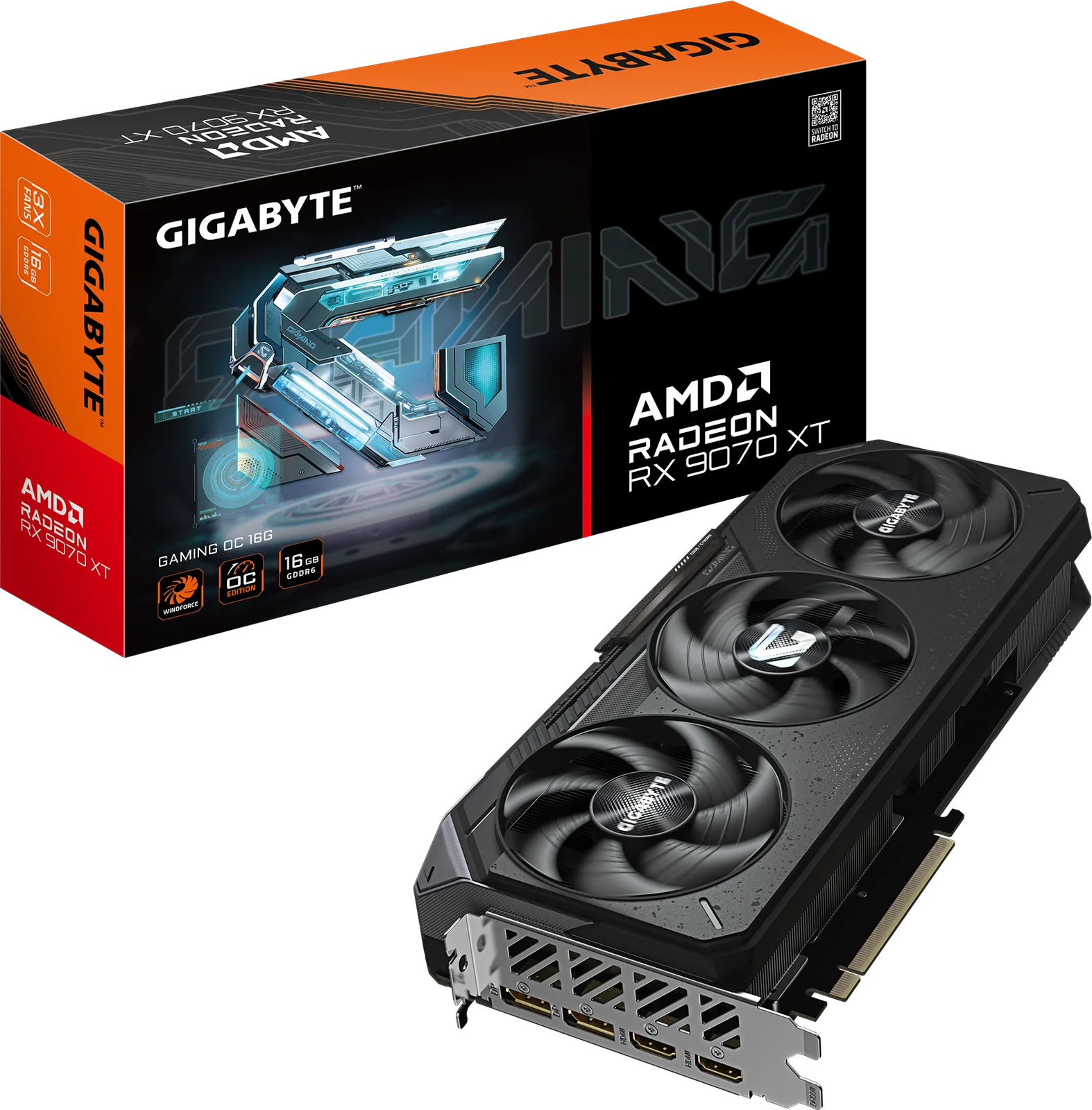
A factory-overclocked RX 9070 XT with a triple-fan WINDFORCE cooler and 16GB of VRAM. We look at who it suits, what reviewers criticise, and what your case and PSU need.
Research-based · We earn from qualifying purchases
Our verdict
This is a well-cooled, factory-overclocked RX 9070 XT that suits gamers targeting strong 1440p or capable 4K play with plenty of VRAM. Skip it if you have a small case or modest PSU, or if best-in-class ray tracing is your priority.
The good
- Factory overclock with boost clock up to 3060 MHz
- Strong 1440p performance and capable 4K gaming
- Triple-fan WINDFORCE cooler runs cool and quiet under load
- 16GB GDDR6 on a 256-bit bus gives ample VRAM
- Dual BIOS switch lets you choose Performance or Silent mode
+2 more
- 16GB GDDR6 on a 256-bit bus gives ample VRAM
- Dual BIOS switch lets you choose Performance or Silent mode
The bad
- High power draw: three 8-pin connectors and 850W PSU recommended
- Ray tracing still trails Nvidia's RTX 5070 Ti
- Large 288 mm card needs generous case clearance
This GIGABYTE Radeon RX 9070 XT Gaming OC 16G review covers a custom version of AMD's RDNA 4 RX 9070 XT, built for people who want strong 1440p performance and capable 4K gaming. GIGABYTE adds a factory overclock, its triple-fan WINDFORCE cooler and a dual BIOS switch on top of the base GPU. It sits in the mid-range part of the graphics card market. It is aimed at gamers who care as much about thermals and noise as raw frame rates.
This review is based on GIGABYTE's published specifications and what independent expert reviews report. It is not based on hands-on testing.
GIGABYTE Radeon RX 9070 XT Gaming OC 16G: specs at a glance
From the manufacturer- GPU
- AMD Radeon RX 9070 XT (RDNA 4)
- Memory
- 16GB GDDR6
- Outputs
- DisplayPort 2.1a *2, HDMI 2.1b *2
- Card Size
- L=288 W=132 H=56 mm
- Interface
- PCI-E 5.0
- Game Clock
- up to 2520 MHz (Reference card: 2400 MHz)
- Memory Bus
- 256 bit
- Boost Clock
- up to 3060 MHz (Reference card: 2970 MHz)
- Max Displays
- 4
- Memory Clock
- 20 Gbps
- Max Resolution
- 7680x4320
- Recommended PSU
- 850W
- Power Connectors
- 8 pin*3
- Stream Processors
- 4096
Key features
- Factory overclock to a 3060 MHz boost clock for extra frame rates out of the box
- 16GB GDDR6 on a 256-bit bus for high-resolution textures
- WINDFORCE cooling with Hawk fans and server-grade thermal conductive gel
- Dual BIOS switch (Performance / Silent)
- DisplayPort 2.1a and HDMI 2.1b for next-gen displays, up to 4 monitors
- AMD FSR 4 upscaling and frame generation support
- RGB lighting with GIGABYTE Control Center sync
- Reinforced structure with metal backplate
Design and build
The Gaming OC is a big card. It measures 288 mm long, 132 mm wide and 56 mm thick (L=288 W=132 H=56 mm). A common criticism from reviewers is that it needs generous case clearance. Check the maximum GPU length and the width of the slot area in your case before ordering. Compact and small-form-factor builds are the obvious risk.
GIGABYTE lists a reinforced structure with a metal backplate. There is also RGB lighting that syncs through GIGABYTE Control Center. If you prefer a plain, dark build you can presumably leave the lighting alone, but the spec sheet doesn't describe how much of it can be switched off.
Cooling and noise
Cooling is a highlight of this model. The WINDFORCE system uses three Hawk fans and server-grade thermal conductive gel. Reviewers praise the triple-fan cooler for running cool and quiet under load, which is the main strength to weigh against the card's size.
Dual BIOS: Performance or Silent
A physical dual BIOS switch lets you choose between Performance and Silent modes. Performance mode is the option for getting the most speed from the card. Silent mode is there for a quieter system, for example in a bedroom or living-room PC. GIGABYTE's materials don't publish a noise figure for either mode, so we can't put a number on the difference. The switch lets you decide how to balance speed and acoustics.
Performance: what the specs mean for games
The card uses the AMD Radeon RX 9070 XT GPU on the RDNA 4 architecture, with 4096 stream processors. GIGABYTE's factory overclock lifts the boost clock to up to 3060 MHz, compared with 2970 MHz on the reference card. The game clock is up to 2520 MHz, against 2400 MHz for the reference design. In practice, this means slightly higher frame rates out of the box without any manual tuning. The gap over a reference card is a modest step rather than a different performance class.
Reviewers consistently describe the card's 1440p performance as strong and its 4K gaming as capable. That is the level of performance this card is positioned for.
Upscaling and ray tracing
The card supports AMD FSR 4 upscaling and frame generation. Ray tracing is where reviewers hold the card back. A common criticism is that ray tracing still trails Nvidia's RTX 5070 Ti. If you play mostly ray-traced titles and want the best possible result there, weigh that carefully. For mostly rasterised games, it matters less.
Memory
The card carries 16GB of GDDR6 on a 256-bit bus, with the memory running at 20 Gbps. Reviewers like the amount of VRAM. The 16GB of VRAM on a 256-bit bus is there for high-resolution textures.
Connectivity and display support
The outputs are two DisplayPort 2.1a ports and two HDMI 2.1b ports. The card can drive up to 4 displays and supports a maximum resolution of 7680x4320. That is plenty for a multi-monitor desk, or for pairing a main gaming display with a TV. Those ports also match newer high-refresh and high-resolution monitors. The interface is PCI-E 5.0, so it will sit in a current motherboard's graphics slot without trouble.
Power requirements
The power requirements are the other practical consideration. The card uses three 8-pin power connectors, and GIGABYTE recommends an 850W PSU. Reviewers list this high power draw among the main drawbacks. If you are upgrading an older system with a modest power supply, factor a PSU upgrade into the cost. You'll also need three separate 8-pin cables, so check that your supply has enough connectors.
What experts like and what they criticise
The praise is consistent. Reviewers highlight:
- the factory overclock, with a boost clock of up to 3060 MHz
- strong 1440p performance and capable 4K gaming
- a triple-fan cooler that runs cool and quiet under load
- the generous 16GB of GDDR6 on a 256-bit bus
- the flexibility of the Performance/Silent BIOS switch
Digital Citizen scores it 4.5/5.
The criticisms are also consistent:
- high power draw, with three 8-pin connectors and an 850W PSU recommended
- ray tracing that still trails Nvidia's RTX 5070 Ti
- the physical size of the card
- street prices that often sit well above the reference MSRP
The last point matters for a mid-range card. Check live pricing before you commit. The value case depends on what you actually pay compared with the reference-priced version of the same GPU.
Who should buy it
This card makes sense if you:
- play at 1440p and want headroom, or want a capable 4K card
- care about a cool, quiet GPU and like having a Silent BIOS option
- have a mid-tower or larger case with room for a 288 mm card
- have, or are willing to buy, a PSU that meets the 850W recommendation
- want 16GB of VRAM and modern display outputs
Who should skip it
Look elsewhere if you:
- have a small case that can't take a card this long and thick
- are running a modest PSU and don't want to upgrade it
- put ray tracing performance above everything else
- can only find it at a street price far above the reference MSRP
How it fits in the graphics card market
In general terms, the RX 9070 XT Gaming OC 16G is a mid-range, factory-overclocked RX 9070 XT with a triple-fan cooler. The factory overclock is a modest bonus alongside the cooler, the BIOS switch and the memory capacity. It is not a budget card, and it is not for compact builds. It is a sensible fit for a full-size gaming PC where you want a quieter, cooler Radeon.
GIGABYTE Radeon RX 9070 XT Gaming OC 16G review: the verdict
This is a strong, well-cooled option for 1440p and 4K gaming, backed by 16GB of VRAM and modern outputs. Its trade-offs are clear: a large body, high power demands and ray tracing that reviewers say trails Nvidia's RTX 5070 Ti. If your case and PSU can handle it and the price is reasonable, it is an easy card to recommend. If either is a problem, address that first. Use the live price buttons to see current pricing before you buy.
Related buying guides
Not sure about the GIGABYTE Radeon RX 9070 XT Gaming OC 16G? Consider these
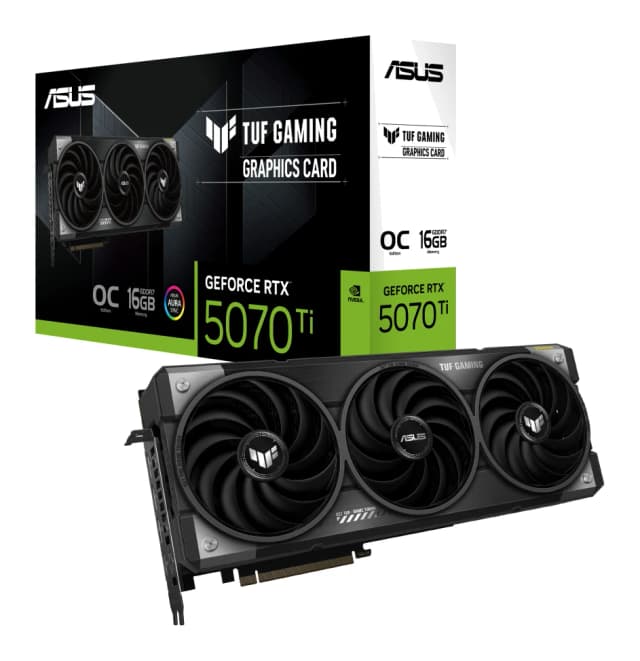
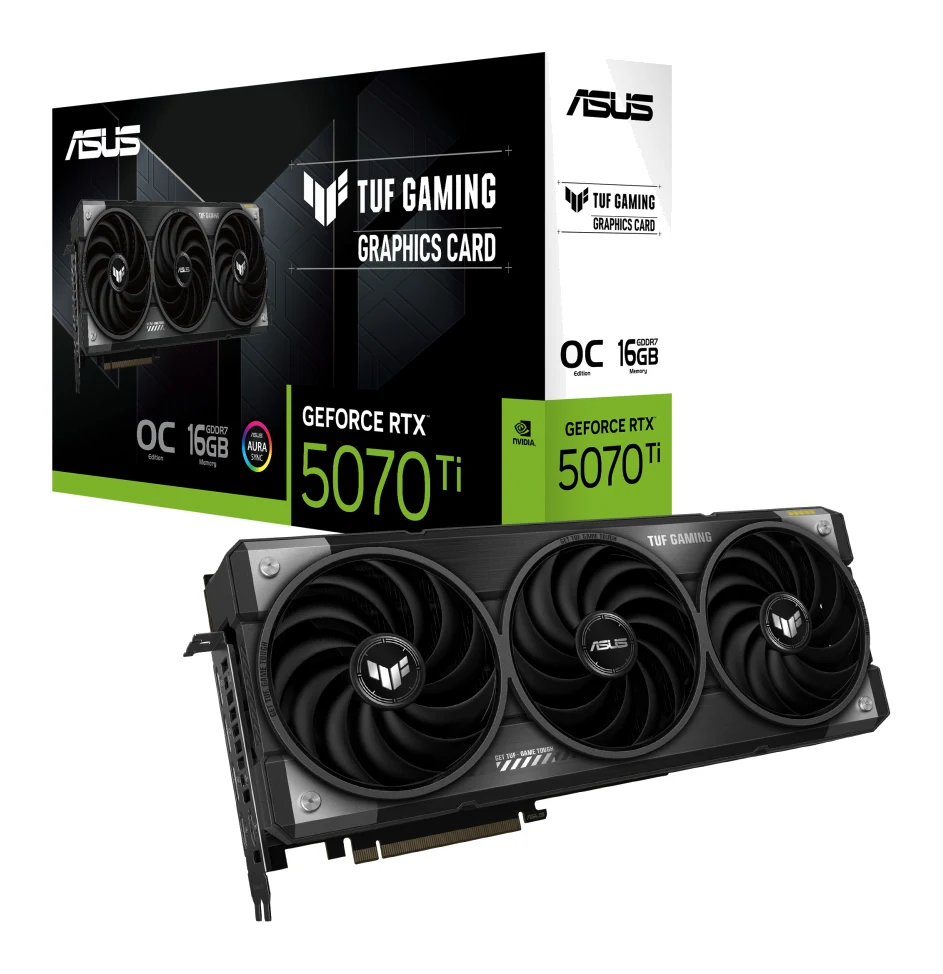
- Best OverallASUS TUF Gaming GeForce RTX 5070 Ti 16GB GDDR7 OC EditionWhy we picked it →
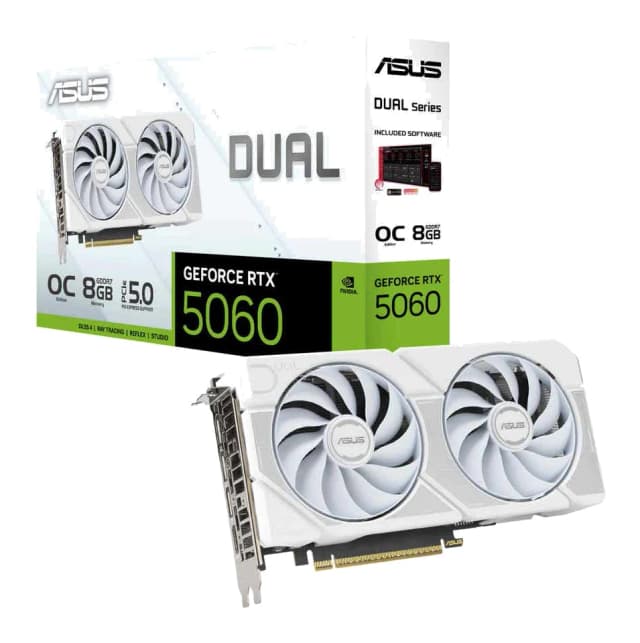
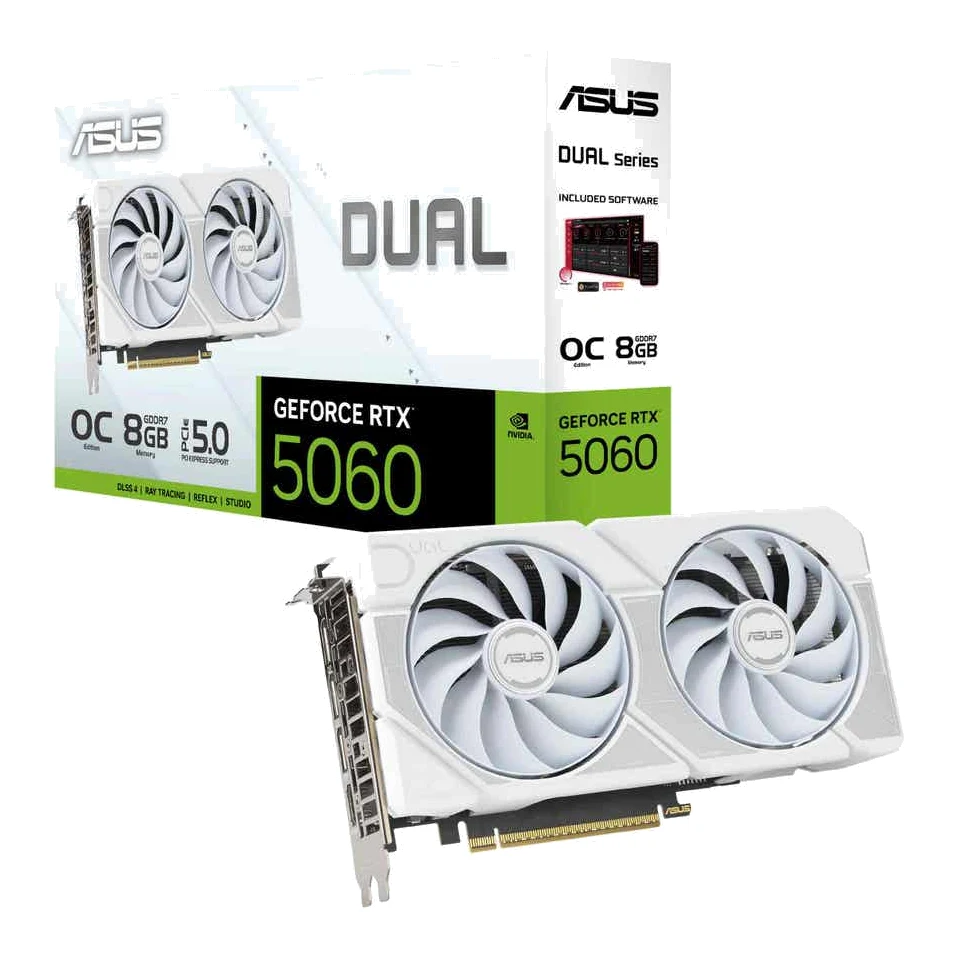
- Best BudgetASUS Dual GeForce RTX 5060 8GB GDDR7 OC EditionWhy we picked it →
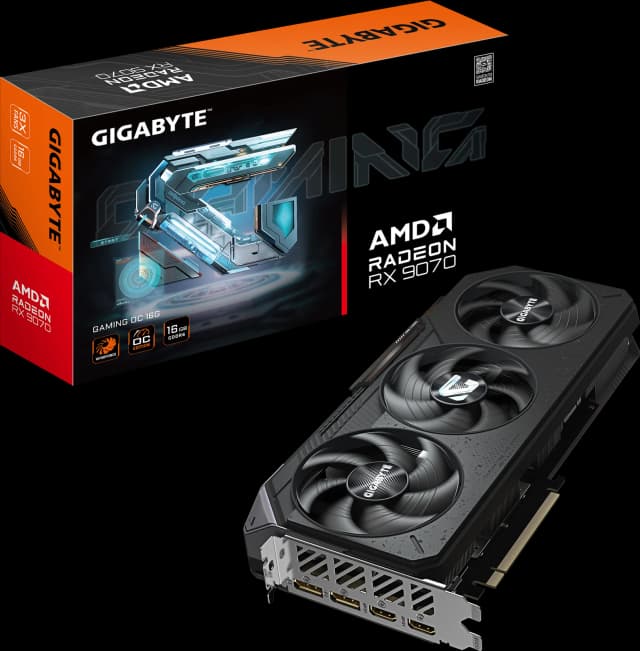
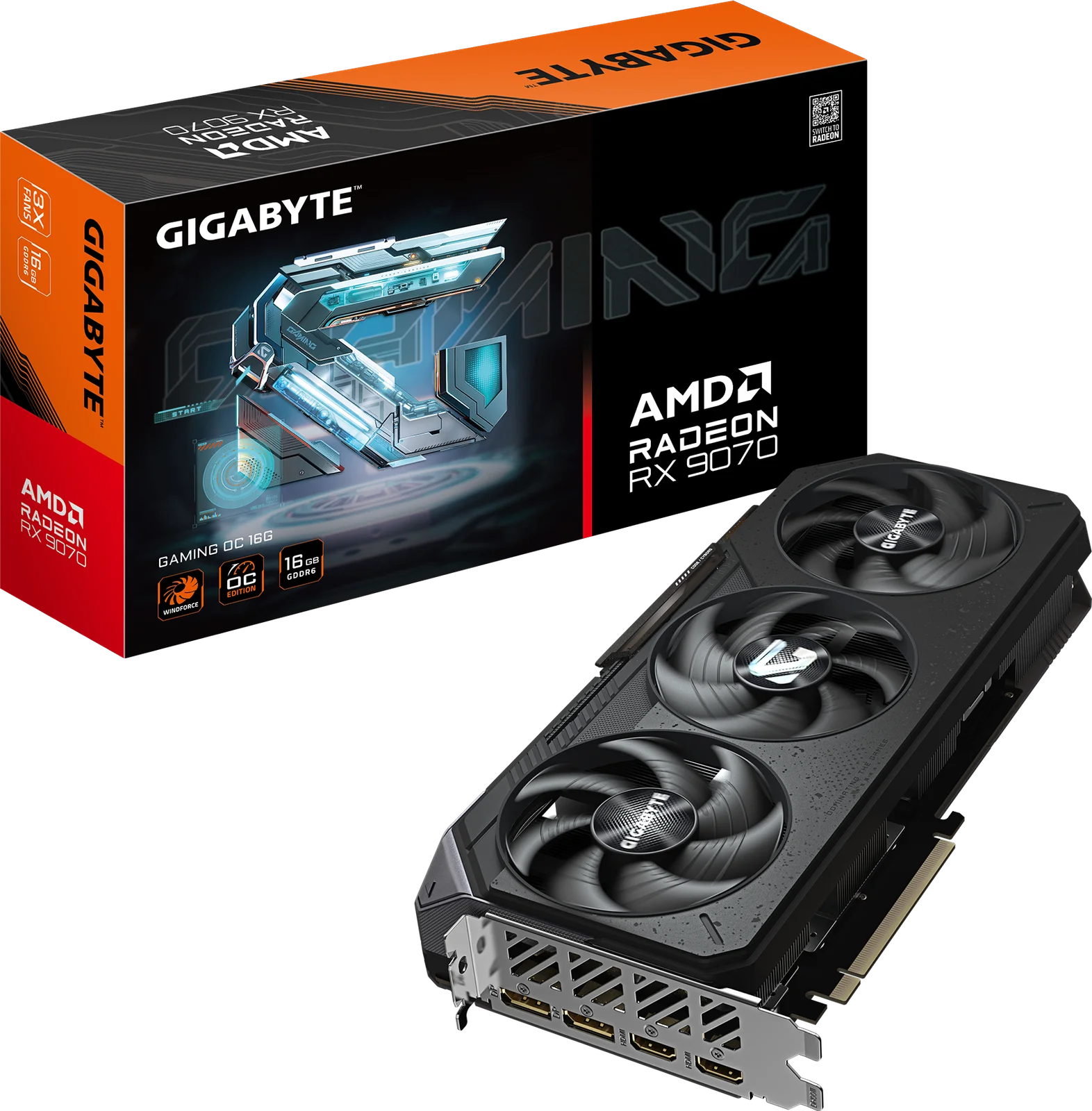
- Also GreatGIGABYTE Radeon RX 9070 Gaming OC 16GWhy we picked it →
Frequently asked questions
Is the GIGABYTE Radeon RX 9070 XT Gaming OC 16G worth it?
Reviewers praise its strong 1440p performance, capable 4K gaming, quiet triple-fan cooler and 16GB of VRAM. It is worth considering if you have the case space and power supply for it, and if its street price isn't far above the reference MSRP.
What power supply does the RX 9070 XT Gaming OC need?
GIGABYTE recommends an 850W PSU. The card has three 8-pin power connectors, so your supply needs enough cables for all three.
How big is the GIGABYTE RX 9070 XT Gaming OC?
The card measures 288 mm long, 132 mm wide and 56 mm thick. Reviewers note it needs generous case clearance, so check your case's GPU length limit first.
Does the RX 9070 XT Gaming OC support FSR 4?
Yes. GIGABYTE lists AMD FSR 4 upscaling and frame generation support.
How many monitors can it run?
It supports up to 4 displays through two DisplayPort 2.1a and two HDMI 2.1b ports, with a maximum resolution of 7680x4320.
Is ray tracing a weakness on this card?
A common criticism is that ray tracing still trails Nvidia's RTX 5070 Ti. If ray-traced games are your top priority, that is worth weighing.
Sources
Specs are taken from the manufacturers' official pages; expert recommendations from the publications below.
- GIGABYTE Radeon RX 9070 XT Gaming OC 16G: gigabyte.com, bestbuy.com, gpu-monkey.com
Related reviews & guides
Best Graphics Cards for Gaming PCs 2026: Top 5 Picks
Five graphics cards for gaming PCs, from a compact budget RTX 5060 to a high-end RTX 5070 Ti, compared on VRAM, memory bandwidth, power draw and expert recommendations.
Published Oct 27, 2026ASUS TUF RTX 5070 Ti OC Review (2026): Quiet but Costly
A look at the ASUS TUF Gaming RTX 5070 Ti OC Edition: a big, tough, quiet-running card for 1440p and capable 4K gaming, with a value catch.
Published Oct 27, 2026
NVIDIA GeForce RTX 5080 Founders Edition Review (2026)
A look at the RTX 5080 Founders Edition: strong 4K gaming, DLSS 4 Multi Frame Generation and a slim 2-slot cooler, plus the limits experts point out.
Published Oct 25, 2026