GMKtec G10 (NucBox G10) Review (2026): Old CPU, Handy Ports
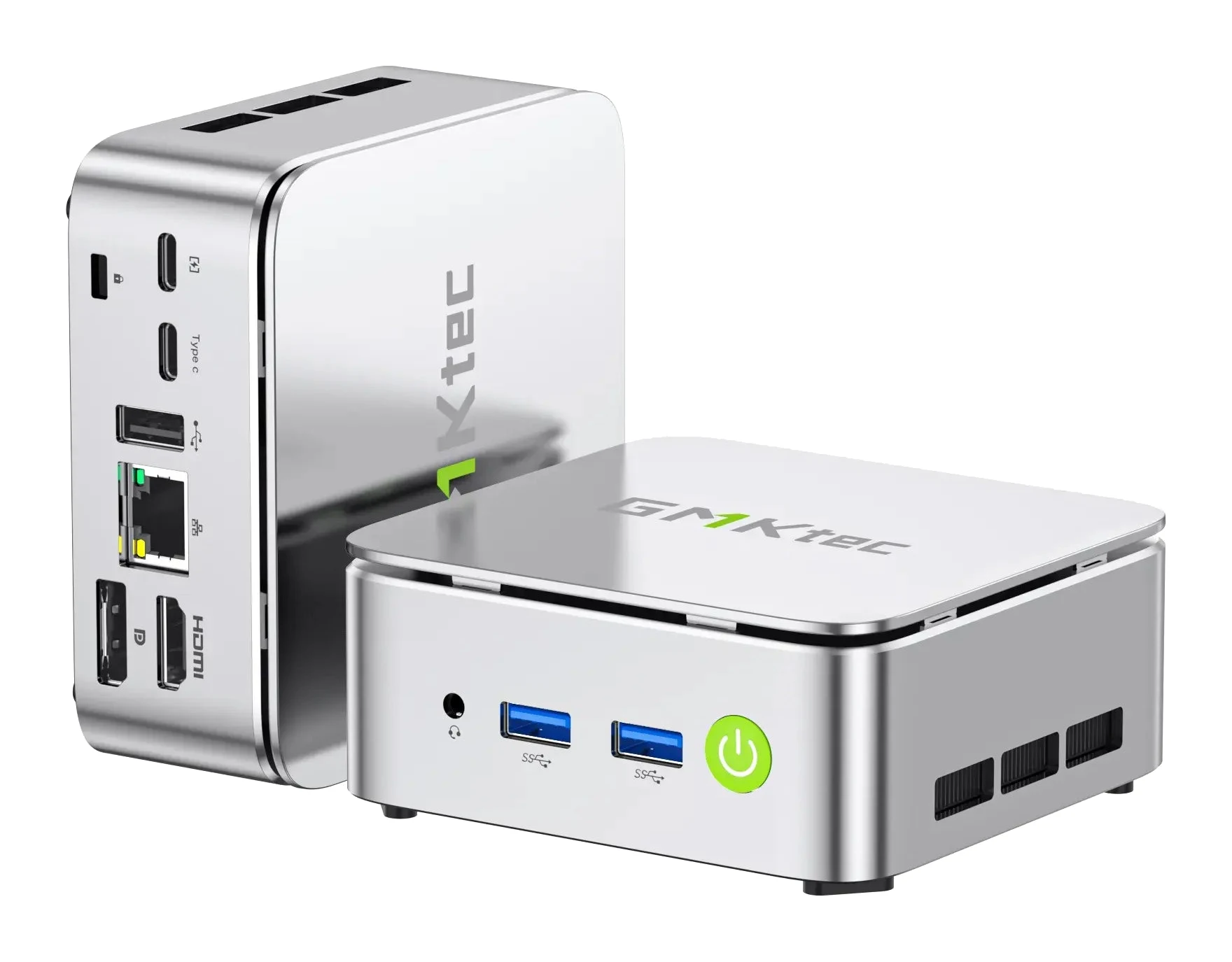
A compact Ryzen 5 mini PC with Vega 8 graphics, triple-screen output and a 2.5G-compatible LAN port. Here is who it suits and where its age shows.
Research-based · We earn from qualifying purchases
Our verdict
The G10 is a compact, upgradeable mini PC with good graphics for its class, a 2.5G LAN port and triple-monitor support, which suits office work, streaming, 4K playback and light home-server duty. Skip it if you want demanding games, 4K video editing or a modern CPU and wireless stack.
The good
- Radeon Vega 8 graphics outperform entry Intel N-series chips
- Triple-screen output via HDMI 2.1, DisplayPort 1.4 and USB-C
- Two SO-DIMM and two M.2 slots make RAM and storage upgrades easy
- 2.5G-compatible LAN suits NAS, home-server and Proxmox use
- Compact body powered by a USB-C PD charger, with Windows 11 Pro
+2 more
- 2.5G-compatible LAN suits NAS, home-server and Proxmox use
- Compact body powered by a USB-C PD charger, with Windows 11 Pro
The bad
- Ryzen 5 3500U is a dated 2019-era Zen+ chip
- Only Wi-Fi 5 and Bluetooth 5.0
- Default Balanced mode is slow; Performance mode needs a BIOS change
- Fan gets audible in Performance mode
+1 more
- Fan gets audible in Performance mode
If you want a small desktop for budget multi-monitor office work or a light home server, this GMKtec G10 (NucBox G10) review covers what the machine offers and where it falls short. It is a compact mini PC built around an AMD Ryzen 5 3500U with Radeon Vega 8 graphics. It is aimed at people who want budget multi-monitor office use or a light home-server build, not a gaming or video-editing rig.
This review is based on manufacturer specs and what independent experts report, not hands-on testing by us.
GMKtec G10 (NucBox G10): specs at a glance
From the manufacturer- CPU
- AMD Ryzen 5 3500U, 4 cores / 8 threads, 12nm, up to 3.7GHz, 4MB L3
- GPU
- Radeon Vega 8, 8 cores, up to 1200 MHz
- Audio
- 3.5mm CTIA jack
- Power
- Type-C charger, 19V/3.42A
- Memory
- 2×DDR4 SO-DIMM, 2400 MT/s, 16GB/32GB options, up to 64GB
- CPU TDP
- 25W (max 35W)
- Storage
- 2×M.2 2280 PCIe 3.0×4, 512GB/1TB options, expandable up to 16TB (2×8TB)
- Ethernet
- Gigabit LAN port supporting 2.5G/1G/100M/10M (Realtek 8125BG)
- Wireless
- Wi-Fi 5 (up to 866.7 Mbps), Bluetooth 5.0
- USB ports
- 2×USB 3.2 Gen1 (5Gbps), 1×USB 2.0, 1×USB-C (DP + USB3.2 Gen1 + PD), 1×USB-C (PD only)
- Dimensions
- 103 × 98 × 42 mm
- Video output
- HDMI 2.1 (4K60Hz), DP 1.4 (4K60Hz), USB-C (DP 1.4 4K@30Hz)
- Operating system
- Windows 11 Pro
Key features
- Ryzen 5 3500U with Radeon Vega 8 graphics beats entry Intel N-series chips in graphics tests
- Triple-screen output over HDMI 2.1, DisplayPort 1.4 and USB-C
- Two SO-DIMM slots (up to 64GB DDR4) and two M.2 2280 slots (up to 16TB) for upgrades
- 2.5G-compatible LAN suits NAS, home-server and Proxmox use
- Powers from a USB-C PD charger (19V/3.42A)
- Windows 11 Pro preinstalled
- VESA mount and HDMI cable in the box
- BIOS Performance mode raises the power limit for more sustained speed
What the GMKtec G10 is, and why people look at it
Mini PCs appeal because they take a fraction of the desk space of a tower and still run a full desktop operating system. The G10 follows that formula. It ships with Windows 11 Pro preinstalled, so it is ready to use out of the box, and it includes a VESA mount and an HDMI cable. The VESA mount lets you tuck it behind a monitor.
What sets it apart is a practical mix: graphics that outperform entry Intel N-series chips, three video outputs, two RAM slots, two M.2 storage slots and a LAN port that supports 2.5G. The catch is the processor. The Ryzen 5 3500U is a dated 2019-era Zen+ chip.
Design and build
The G10 measures 103 × 98 × 42 mm, so it is a small box that fits on a shelf, under a monitor or on a VESA bracket. Power comes from a USB-C PD charger rated at 19V/3.42A.
There are two USB 3.2 Gen1 (5Gbps) ports and one USB 2.0 port. There are also two USB-C ports: one carries DisplayPort, USB 3.2 Gen1 and power delivery, and the other is power delivery only. A 3.5mm CTIA jack handles headsets. The split between the two USB-C ports matters. Only one of the two USB-C ports carries video and data (DP + USB 3.2 Gen1 + PD); the other is power delivery only, so check which port you plug into.
Features and what they mean day to day
Triple-screen output
Video comes from HDMI 2.1 (4K60Hz), DisplayPort 1.4 (4K60Hz) and USB-C (DP 1.4 4K@30Hz). That means three displays at once. For spreadsheets, browser tabs, dashboards and chat windows, three screens from a box this small is a real draw. The USB-C output tops out at 4K@30Hz, while HDMI 2.1 and DisplayPort 1.4 both support 4K60Hz.
Upgradeable memory and storage
There are two DDR4 SO-DIMM slots running at 2400 MT/s, with 16GB and 32GB configurations offered and support up to 64GB. Two M.2 2280 PCIe 3.0×4 slots take storage, with 512GB and 1TB options and expansion up to 16TB (2×8TB). The two SO-DIMM and two M.2 slots make RAM and storage upgrades easy.
2.5G-compatible LAN
The Ethernet port, based on a Realtek 8125BG controller, supports 2.5G, 1G, 100M and 10M speeds. This makes the G10 a candidate for a NAS, a small Proxmox host or another light home-server job. The 2.5G-compatible LAN is listed as a plus for NAS, home-server and Proxmox use.
Windows 11 Pro
Windows 11 Pro is preinstalled. That means the machine is ready to use out of the box.
Performance: what the specs suggest
The Ryzen 5 3500U has 4 cores and 8 threads, runs up to 3.7GHz and is built on a 12nm process with 4MB of L3 cache. Its TDP is 25W (max 35W). The verdict places the G10 in office work, streaming and 4K playback.
The Radeon Vega 8 graphics have 8 cores running up to 1200 MHz. They outperform entry Intel N-series chips in graphics tests. That suits the office work, streaming and 4K playback the G10 is aimed at. It does not turn the G10 into a machine for demanding games or 4K video editing, and the verdict is clear that buyers wanting those should look elsewhere.
Balanced versus Performance mode
There is a wrinkle to know about. By default the G10 runs in Balanced mode, which is slow. A BIOS Performance mode raises the power limit for more sustained speed, but it requires a BIOS change, and the fan becomes audible when it is active. If you plan to keep the G10 on a desk within earshot, weigh that trade-off.
Connectivity
Wireless is Wi-Fi 5 (up to 866.7 Mbps) with Bluetooth 5.0. It works, but it is a limitation: the G10 only offers Wi-Fi 5 and Bluetooth 5.0.
What experts like and what they criticise
The plus points are the Vega 8 graphics, the three-display support, the simple RAM and storage upgrades, the 2.5G-compatible LAN and the compact USB-C-powered body with Windows 11 Pro. TechRadar scores it 4/5, and it is recommended in one expert guide.
The criticisms are clear from the specs. The Ryzen 5 3500U is a dated 2019-era Zen+ chip. Wireless is limited to Wi-Fi 5 and Bluetooth 5.0. The default Balanced mode is slow, and the faster Performance mode needs a BIOS change and brings audible fan noise. None of these is a surprise given the platform, but together they define who the G10 is for.
Who should buy it
- Office and multi-monitor users who want three screens from a very small box for documents, browsing and calls.
- Home-lab and NAS tinkerers who value the 2.5G-compatible LAN and two M.2 slots, for example for Proxmox or a small file server.
- People who want to upgrade over time, since both RAM and storage can grow well beyond the starting configuration.
- Casual media users who want streaming and 4K playback from a compact machine.
Who should skip it
Skip the G10 if you want to play demanding games, edit 4K video or have a modern CPU and wireless stack that will feel current for years. Gamers who want real graphics power should look elsewhere. Also think twice if you will sit next to the machine in Performance mode and are sensitive to fan noise.
Strengths and weak points at a glance
Its triple-screen output, 2.5G-compatible LAN and two SO-DIMM plus two M.2 slots are its strengths, while the dated CPU and Wi-Fi 5/Bluetooth 5.0 are its weak points.
Verdict
The GMKtec G10 (NucBox G10) is a sensible pick when your needs match its strengths: several monitors, light server work, everyday office tasks and room to upgrade. Its age shows in the CPU and wireless, and its faster Performance mode needs a BIOS change and brings audible fan noise. If your expectations stay in the office, streaming and home-lab range, it is a capable and flexible little box. If they stretch to gaming or editing, aim higher.
Related buying guides
- GMKtec NucBox M6 Ultra Review (2026): A Well-Connected Mini PC
- Apple Mac mini (M4 Pro, 2024) Review: Small, Fast, Port-Rich
- Best Graphics Cards for Gaming PCs 2026: Top 5 Picks
- Best Prebuilt Gaming PCs 2026: Ready to Play or Upgrade
- GEEKOM A5 2027 Edition Review (2026): Quiet Office Mini PC
- GEEKOM A6 Review (2026): Small, Solid, Upgradeable
- Beelink SER9 Pro (Ryzen 7 H 255) Review: Small, Quiet
Not sure about the GMKtec G10 (NucBox G10)? Consider these
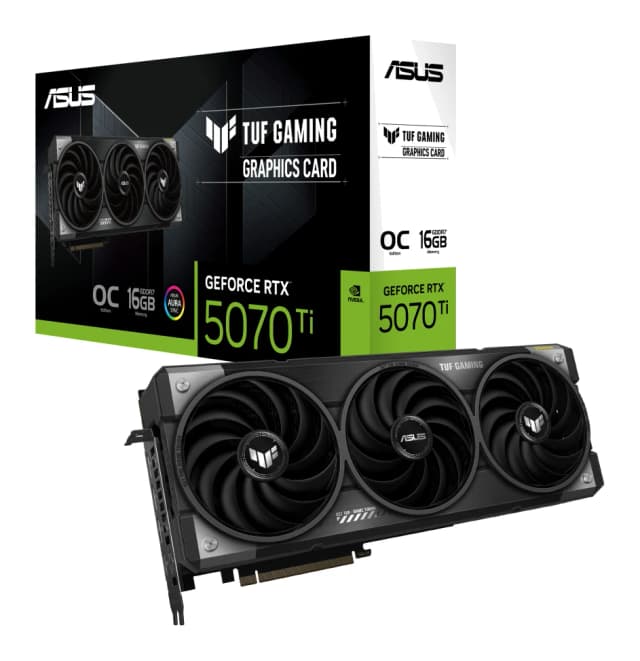
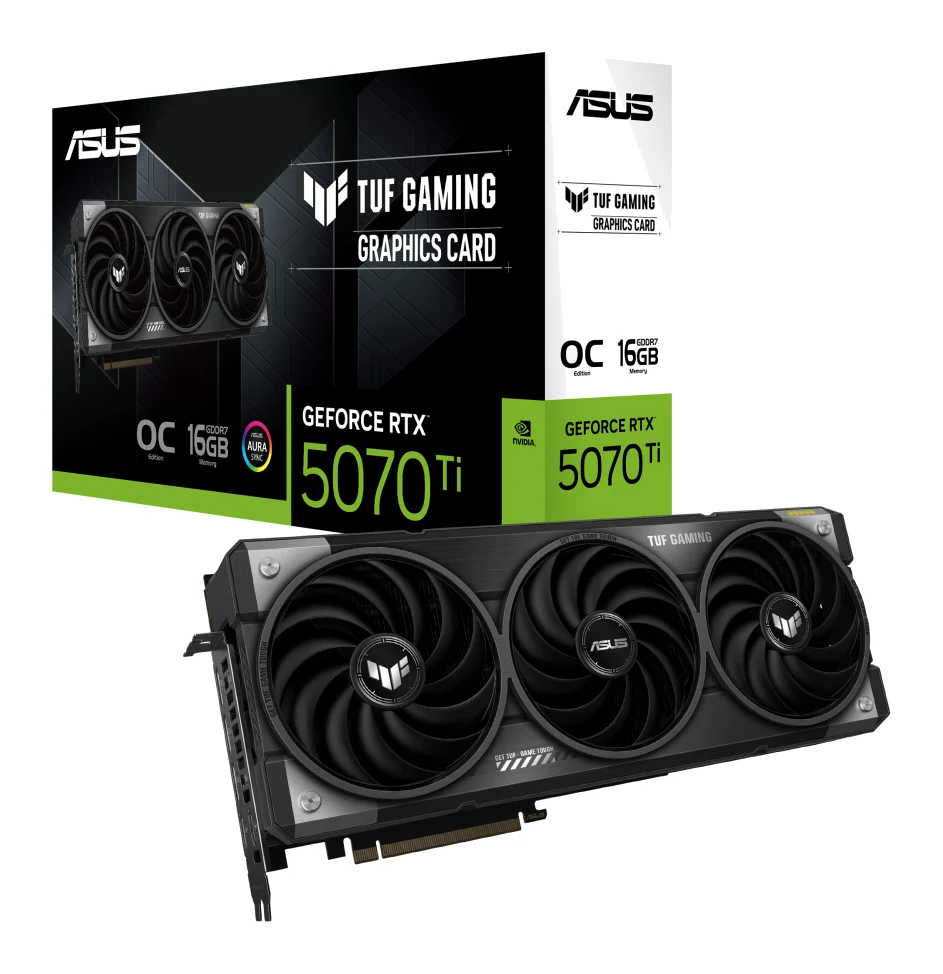
- Best OverallASUS TUF Gaming GeForce RTX 5070 Ti 16GB GDDR7 OC EditionWhy we picked it →
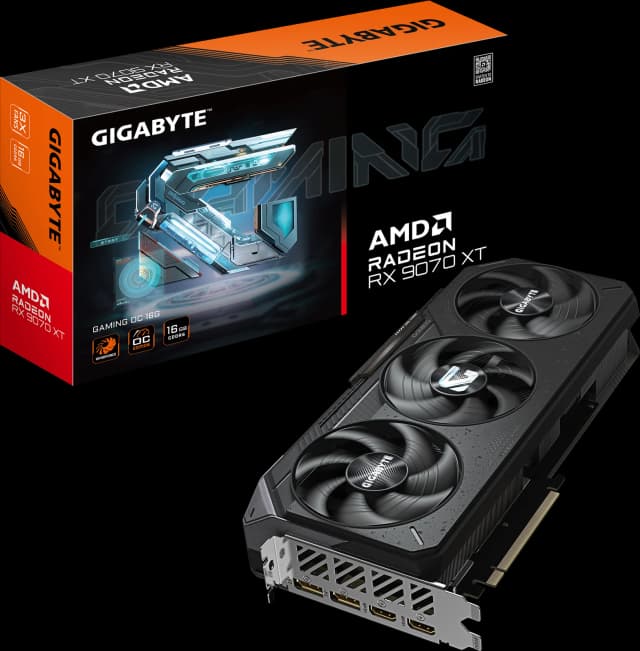
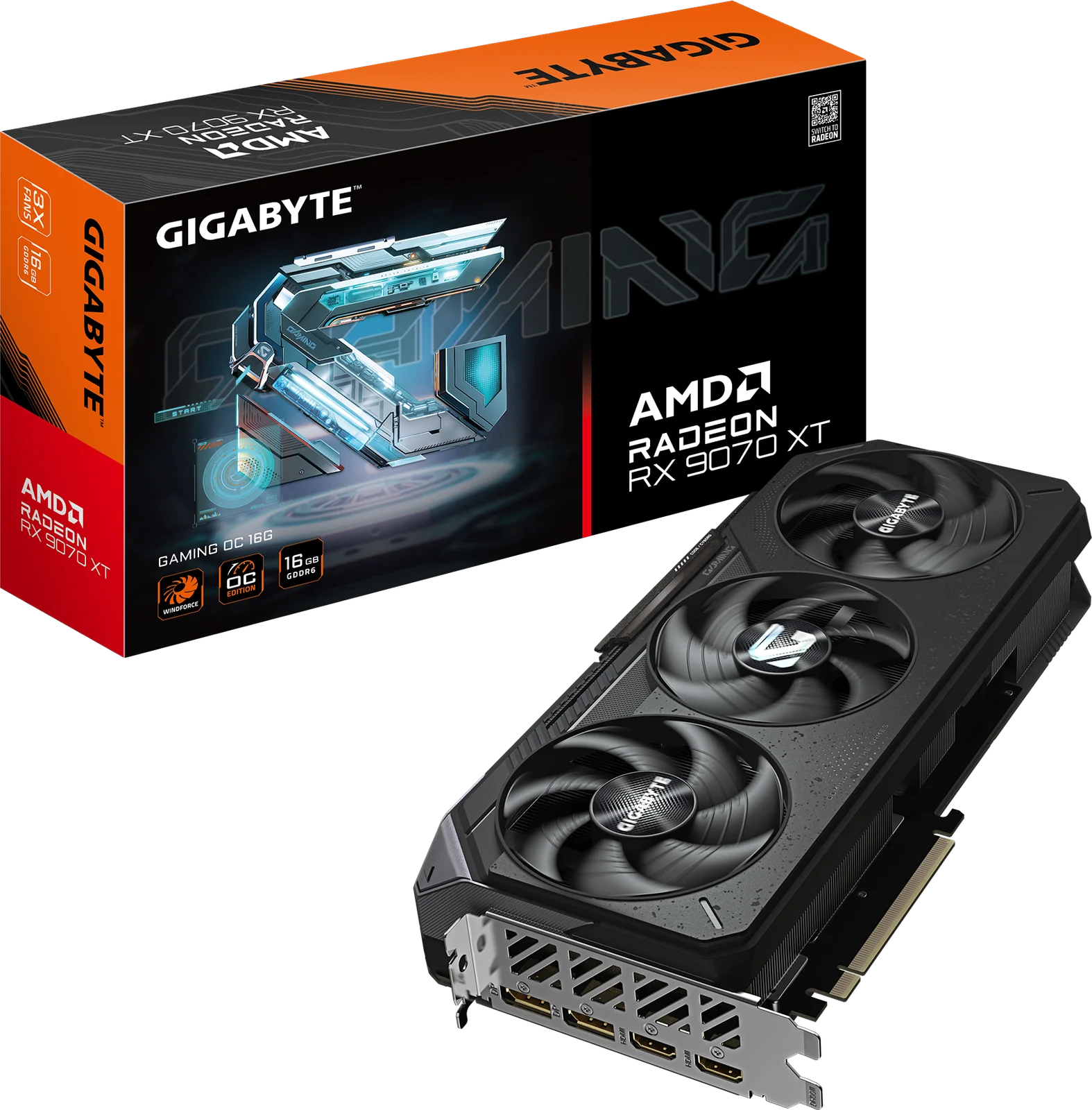
- Best ValueGIGABYTE Radeon RX 9070 XT Gaming OC 16GWhy we picked it →
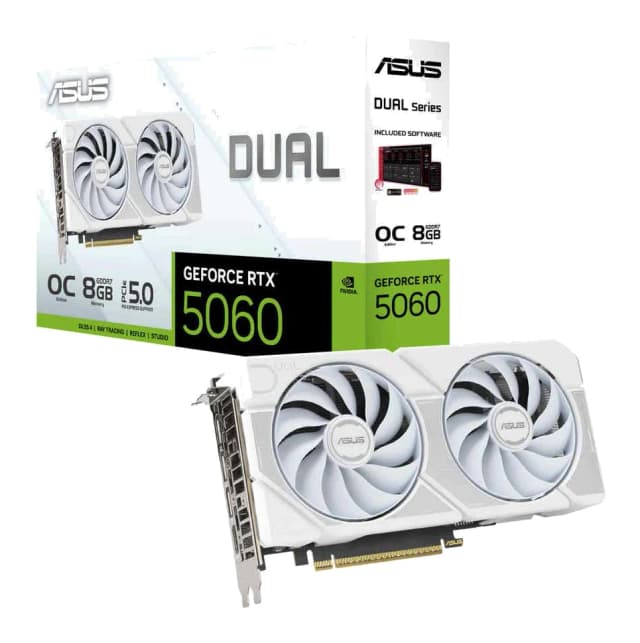
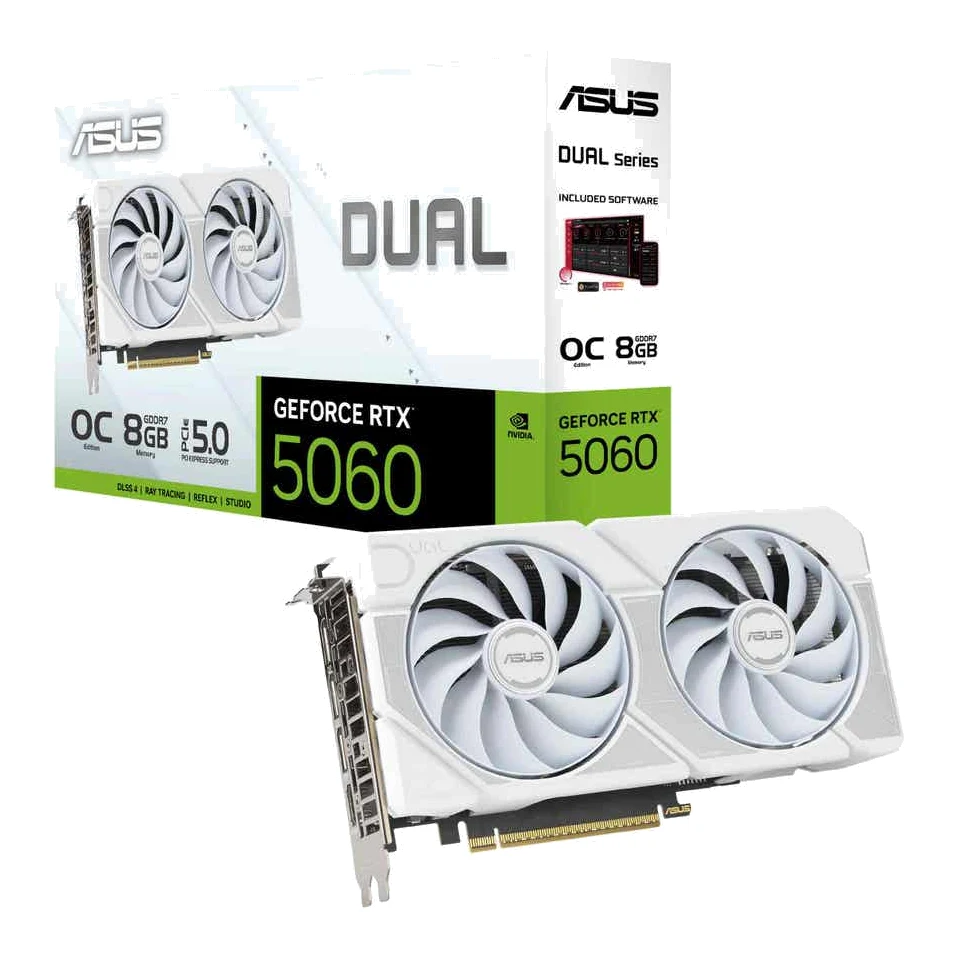
- Best BudgetASUS Dual GeForce RTX 5060 8GB GDDR7 OC EditionWhy we picked it →
Frequently asked questions
Is the GMKtec G10 worth it?
It is worth considering if you want a compact, upgradeable mini PC for office work, streaming, 4K playback, multi-monitor setups or light home-server use. It is a poorer fit for demanding games, 4K video editing or anyone who wants a modern CPU and wireless stack.
How many monitors can the GMKtec G10 drive?
It supports triple-screen output over HDMI 2.1 (4K60Hz), DisplayPort 1.4 (4K60Hz) and USB-C (DP 1.4 4K@30Hz).
Can I upgrade the RAM and storage on the G10?
Yes. It has two DDR4 SO-DIMM slots supporting up to 64GB and two M.2 2280 PCIe 3.0×4 slots that allow storage expansion up to 16TB (2×8TB).
Is the GMKtec G10 good for a home server or NAS?
Its 2.5G-compatible LAN suits NAS, home-server and Proxmox use, and the two M.2 slots add storage flexibility. It suits light home-server duty.
Does the G10 support Wi-Fi 6?
No. It has Wi-Fi 5 (up to 866.7 Mbps) and Bluetooth 5.0.
Does the GMKtec G10 come with Windows?
Yes, Windows 11 Pro is preinstalled. A VESA mount and an HDMI cable are included in the box.
Sources
Specs are taken from the manufacturers' official pages; expert recommendations from the publications below.
- GMKtec G10 (NucBox G10): gmktec.com, techradar.com, windowsforum.com, layer3labs.io
Related reviews & guides
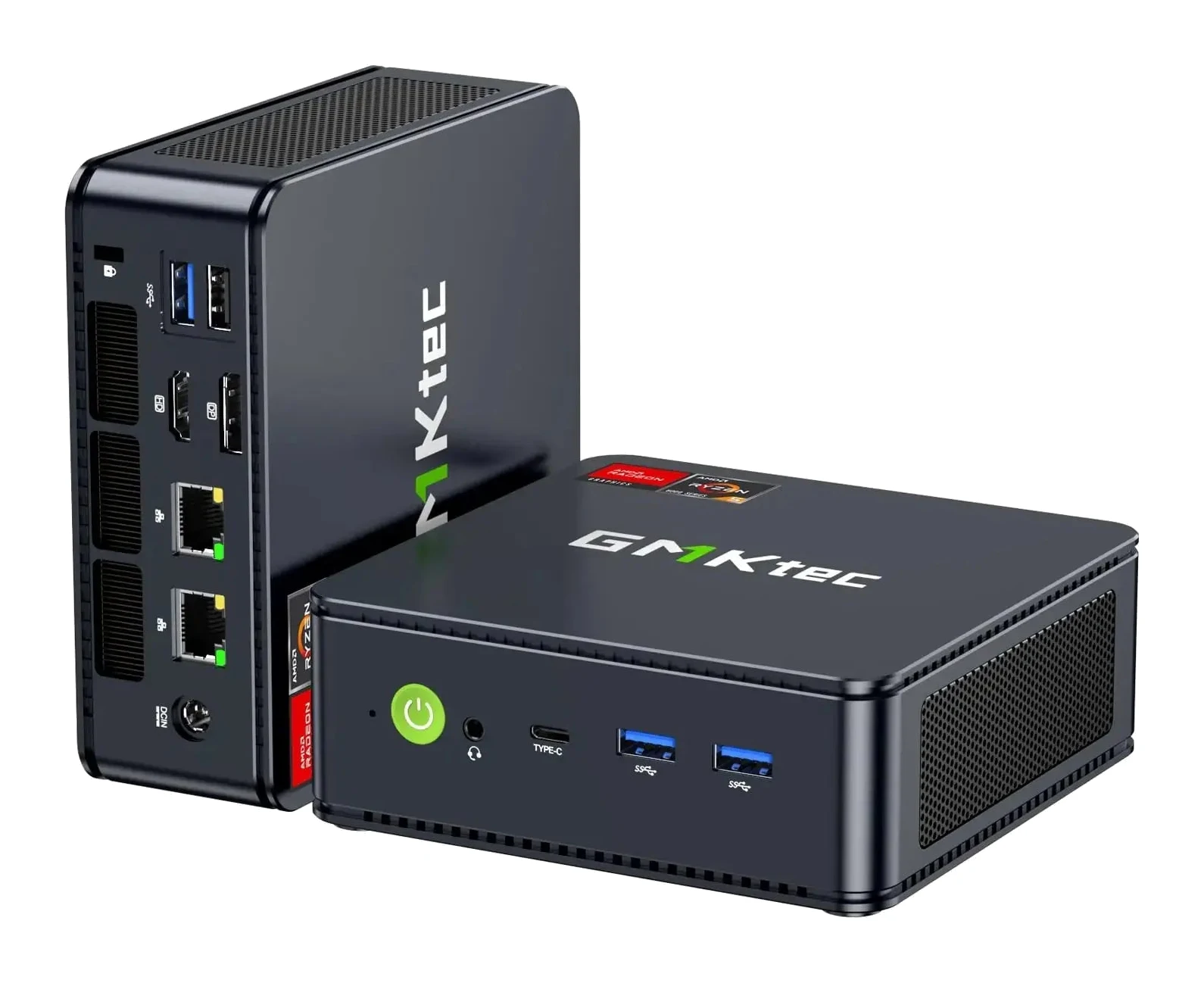
GMKtec NucBox M6 Ultra: Connectivity & Performance
A mid-range mini PC with a Ryzen 5 7640HS, USB4, dual 2.5G Ethernet and two slots each for memory and SSDs. Here is what the specs and expert reviews say.
Published Oct 27, 2026
Best Mini PC in 2026: Small, Quiet Desktops for Work
Five compact desktops compared on manufacturer specs and independent expert recommendations, from a quiet all-rounder to budget machines with big upgrade headroom.
Published Oct 17, 2026
Apple Mac mini (M4 Pro, 2024) Review: Small, Fast, Port-Rich
The Apple Mac mini with M4 Pro packs a 12-core CPU, Thunderbolt 5 and multi-display support into a 5 x 5 inch case. Here's who it suits and where it falls short.
Published Oct 19, 2026