Keychron Q1 Max Review (2026): Heavyweight Wireless 75%
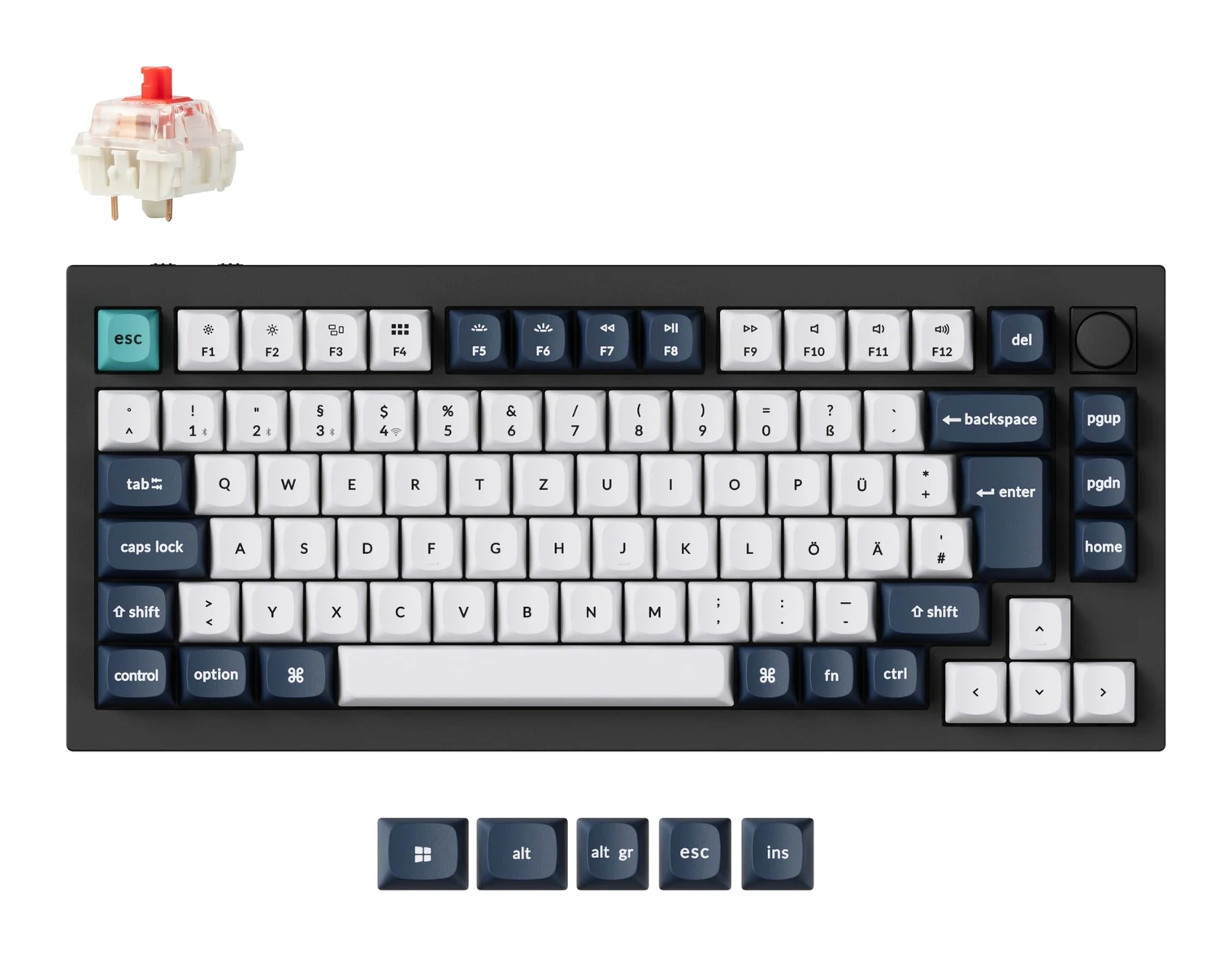
A premium, very heavy aluminum 75% keyboard with gasket mount, hot-swap switches, QMK/VIA and three ways to connect. Here is who it suits and who should skip it.
Research-based · We earn from qualifying purchases
Our verdict
The Keychron Q1 Max suits typists and enthusiasts who want a premium, heavy aluminum 75% board with deep sound, full QMK/VIA customization and flexible wireless. Skip it if you need a portable keyboard, an adjustable angle or a low-cost option.
The good
- Full CNC aluminum body feels premium and solid
- Gasket mount with acoustic foam gives a deep, muted typing sound
- QMK/VIA support for remapping keys and building macros
- Connects via 2.4 GHz, Bluetooth or USB-C wired
- Up to 180 hours of wireless use with backlight off
+2 more
- Connects via 2.4 GHz, Bluetooth or USB-C wired
- Up to 180 hours of wireless use with backlight off
The bad
- Very heavy at about 1.7 kg, so not portable
- Reviewers find it expensive
- Fixed 5.2° typing angle with no adjustable feet
- Bluetooth polling is only 90 Hz, so it suits typing more than gaming
+1 more
- Bluetooth polling is only 90 Hz, so it suits typing more than gaming
This Keychron Q1 Max review looks at a wireless 75% mechanical keyboard built for people who care how a board sounds, how solid it feels and how far they can customize it. It pairs a full aluminum body with a gasket-mount design, hot-swappable switch sockets and QMK/VIA support. It is aimed at typists and keyboard enthusiasts rather than anyone who wants something light to toss in a bag. This review is based on the manufacturer's specifications and what independent expert reviews report, not on our own hands-on testing.
Keychron Q1 Max: specs at a glance
From the manufacturer- MCU
- ARM Cortex-M4 32-bit STM32F402 (256KB Flash)
- Mount
- Gasket mount
- Plate
- PC
- Layout
- 75%, ANSI, with knob
- Weight
- 1724 g ± 10 g (Fully Assembled version)
- Battery
- 4000 mAh
- Keycaps
- KSA double-shot PBT, not shine-through
- Switches
- Gateron Jupiter Red / Brown / Banana, hot-swappable
- Backlight
- South-facing RGB LED
- Dimensions
- 145 x 327.5mm
- Connectivity
- 2.4 GHz / Bluetooth 5.1 / Type-C wired
- Polling rate
- 1000 Hz (2.4 GHz & wired) / 90 Hz (Bluetooth)
- Typing angle
- 5.2°
- Body material
- Aluminum
- Compatible system
- macOS/Windows/Linux
- Wireless working time
- Up to 180 hours (backlit off); up to 100 hours (RGB, lowest brightness)
Key features
- Connects by 2.4 GHz, Bluetooth 5.1 (up to 3 devices) or USB-C wired
- 1000 Hz polling over 2.4 GHz and wired
- Full CNC aluminum body with a gasket-mount design
- Layers of acoustic foam for a muted, deep typing sound
- QMK/VIA support to remap keys and build macros
- Hot-swappable sockets for 3-pin and 5-pin MX-style switches
- Gateron Jupiter switches (Red, Brown or Banana) with a volume knob
- Mac/Windows toggle, with extra keycaps for both systems
Why people consider the Keychron Q1 Max
The Q1 Max is built like an enthusiast board. Its appeal comes from combining a heavy metal chassis, a sound-focused internal design, and flexible wireless connectivity that also supports wired use.
It uses a 75% ANSI layout with a knob. That keeps the arrow keys and a compact function area while shedding the numpad, so it takes up less desk width than a full-size board. The overall footprint is 145 x 327.5mm. The target buyer, in one line, is someone who types a lot, wants a premium feel and likes tweaking their setup.
Keychron Q1 Max review: design and build
The headline feature is the full CNC aluminum body. The full CNC aluminum body feels premium and solid. The fully assembled version weighs 1724 g ± 10 g, which is very heavy. That weight makes it far from portable. If you want something to carry between a desk and a backpack every day, this is the wrong shape and mass.
Inside, it uses a gasket-mount design with a PC plate, and layers of acoustic foam are included to give a muted, deep typing sound. Gasket mounting is a popular approach in enthusiast keyboards because it isolates the plate and switches from the rigid case. Reviewers praise the resulting sound as deep and muted, which fits the foam described in the spec sheet.
The keycaps are KSA double-shot PBT. They are not shine-through, so the legends don't light up from the backlight. The backlight itself is a south-facing RGB LED.
One drawback is the typing angle. The board has a fixed 5.2° angle and no adjustable feet. For many people that will be fine, but if you like to tilt your keyboard higher or lower to suit your wrists and desk height, you can't do it here.
Features and what they mean day to day
Three ways to connect
The Q1 Max connects over 2.4 GHz, Bluetooth 5.1 or a wired USB-C connection. Bluetooth supports up to 3 devices, so you can pair a laptop, a tablet and a phone and switch among them. The 2.4 GHz mode and the cable both run at 1000 Hz polling. Having all three modes means you don't have to choose between a wireless desk setup and a plugged-in one.
The compatible systems are macOS, Windows and Linux. There is also a Mac/Windows toggle, and the keyboard ships with extra keycaps for both systems. For anyone who moves between a Mac and a PC, the toggle and the extra keycaps for both systems make switching easier.
QMK/VIA customization
QMK/VIA support is a major selling point. It lets you remap keys and build macros, so you can tailor the layout to how you work. The board runs an ARM Cortex-M4 32-bit STM32F402 MCU with 256KB of flash.
Hot-swappable switches and the knob
The sockets are hot-swappable and accept 3-pin and 5-pin MX-style switches. That means you aren't locked in to the factory choice: you can change switches without soldering as your preferences evolve. The board is offered with Gateron Jupiter switches in Red, Brown or Banana versions, plus a volume knob built into the layout. The hot-swap design means you can change switches without replacing the rest of the board.
Performance, battery and connectivity
Typing sound and feel
The design priorities here are clear from the specs: gasket mount, PC plate and acoustic foam. Reviewers describe the typing sound as deep and muted, and that is the main experience this keyboard is built to deliver. The specific feel will depend on the switch you pick, and the hot-swap sockets let you change it later.
Battery life
The battery is 4000 mAh. Wireless working time is listed at up to 180 hours with the backlight off, and up to 100 hours with RGB at the lowest brightness. The 180-hour figure is the manufacturer's rating with the backlight off. Those are manufacturer figures, and the backlight setting affects them, but the headline is that you can go a long time between charges, especially if you leave the lighting off. If you do use the RGB, the lowest-brightness figure is the one to plan around.
Gaming versus typing
Polling is the one place where you need to match the mode to your use. Over 2.4 GHz and wired, the board runs at 1000 Hz. Over Bluetooth it drops to 90 Hz. This makes the board better suited to typing than to gaming over Bluetooth. If you do want to play games on it, use the 2.4 GHz receiver or the cable.
What experts like and what they criticise
The Q1 Max scores well with the reviewers whose scores we have. It averages 9/10 across 3 expert reviews: Trusted Reviews scores it 4.5/5, KitGuru gives it 9/10 and AppleInsider rates it 4.5/5. It is also recommended in one expert buying guide.
Reviewers praise:
- The premium, solid feel of the CNC aluminum body.
- The deep, muted sound from the gasket mount and acoustic foam.
- QMK/VIA support for remapping and macros.
- The flexibility of 2.4 GHz, Bluetooth and wired USB-C connections.
- The long wireless battery life with the backlight off.
A common criticism is that the keyboard is very heavy at about 1.7 kg, which rules out casual portability. Reviewers also find it expensive. The fixed 5.2° typing angle, without adjustable feet, is another drawback, and so is the 90 Hz Bluetooth polling rate, which makes it a better fit for typing than for gaming.
Who should buy it, and who should skip it
Buy it if you type for long stretches and want a premium, heavy aluminum 75% board with a deep, muted sound. It also suits people who want full QMK/VIA control, hot-swappable switches and the option of using Bluetooth with up to 3 devices, a 2.4 GHz receiver or a cable. The Mac/Windows toggle and the extra keycaps for both systems make it a sensible choice if you work across operating systems.
Skip it if you need a portable keyboard, want an adjustable typing angle, or are shopping for a low-cost option. Also think twice if you plan to game mostly over Bluetooth, given the 90 Hz polling there.
How it fits in its category
In general terms, enthusiast keyboards trade portability and price for build quality, sound and customization. The Q1 Max sits clearly on that side of the trade: a heavy metal case, a gasket-mounted internal structure and open-source firmware support, with the convenience of wireless added. That makes it a specialist choice rather than a universal one, and it is best judged on whether you value those priorities.
Verdict
The Keychron Q1 Max is a convincing option for typists and enthusiasts who want a substantial wireless 75% keyboard. Its aluminum build, gasket-mount sound, QMK/VIA customization and three connection modes are its strengths, and it averages 9/10 across three expert reviews. The drawbacks are equally clear: it is heavy, reviewers find it expensive, the typing angle is fixed, and Bluetooth polling is limited. If those don't bother you, the 9/10 expert average suggests it is a strong choice. If you need portability or flexibility in height, look elsewhere.
Related buying guides
- Keychron V1 Ultra 8K Review (2026): Speed Meets Battery
- Best Wireless Keyboard and Mouse Combo 2026: Budget to Pro
- Keychron K2 HE Review (2026): Wood-Trimmed Hall Effect
- Best Quiet Keyboard for Office in 2026: Calm Typing at Work
- Logitech MK540 Advanced Review (2026): Quiet Desk Workhorse
- NuPhy Node75 Low-Profile Review (2026): Slim, Cushioned 75%
- Razer Huntsman V3 Pro Tenkeyless Review: Built for Speed
- Logitech G915 X LIGHTSPEED TKL Review: Slim and Solid
Not sure about the Keychron Q1 Max? Consider these
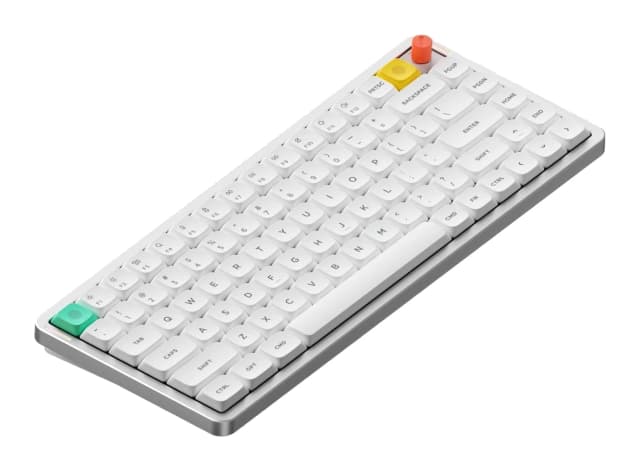
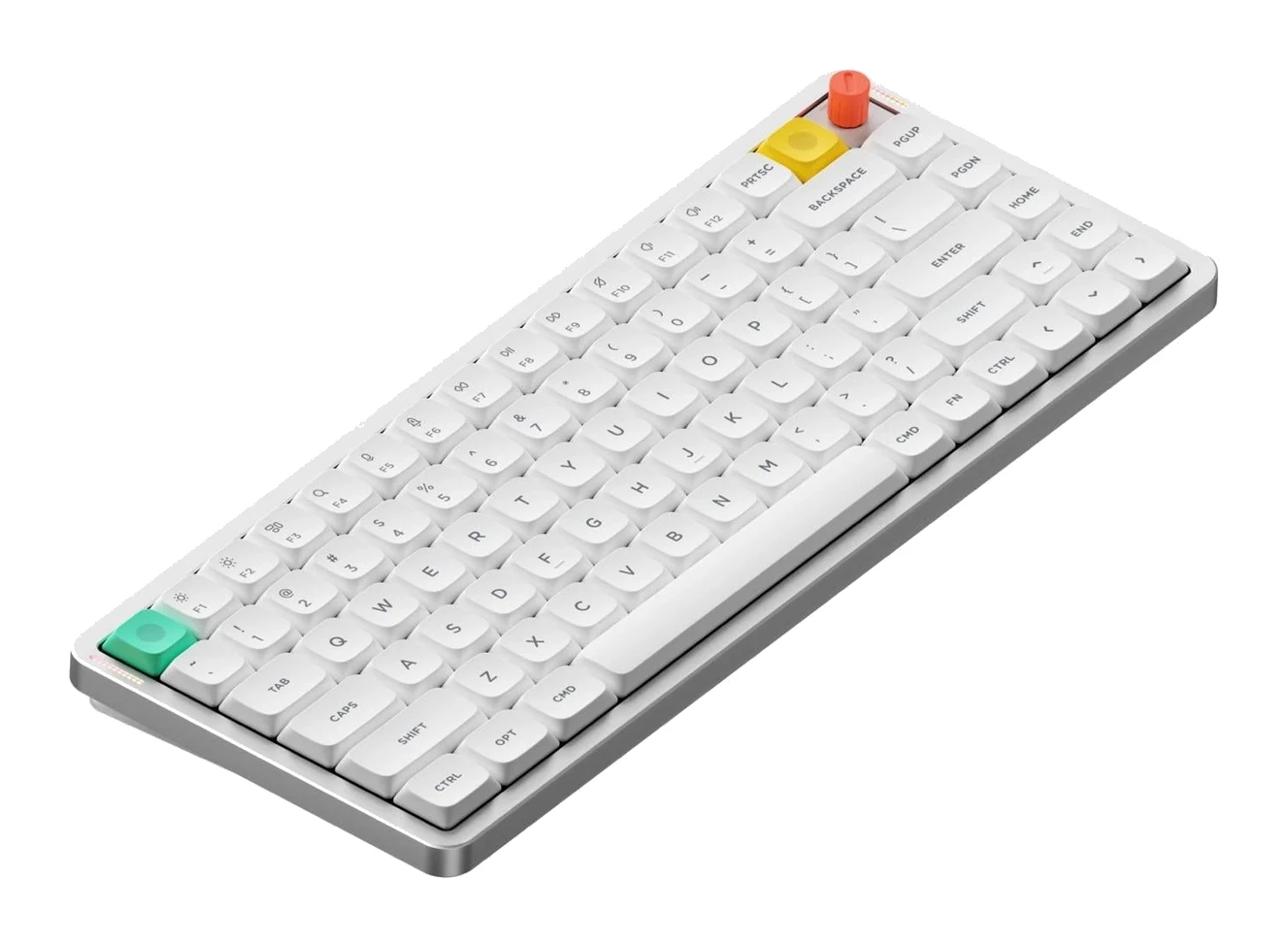
- Best OverallNuPhy Air75 V3Why we picked it →
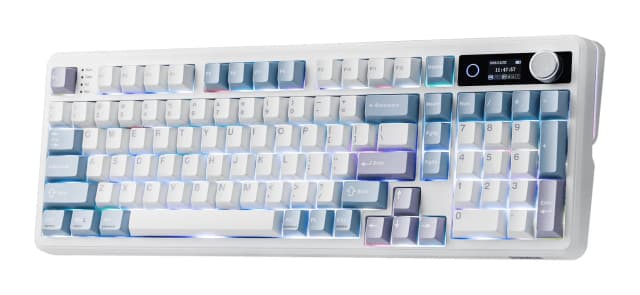
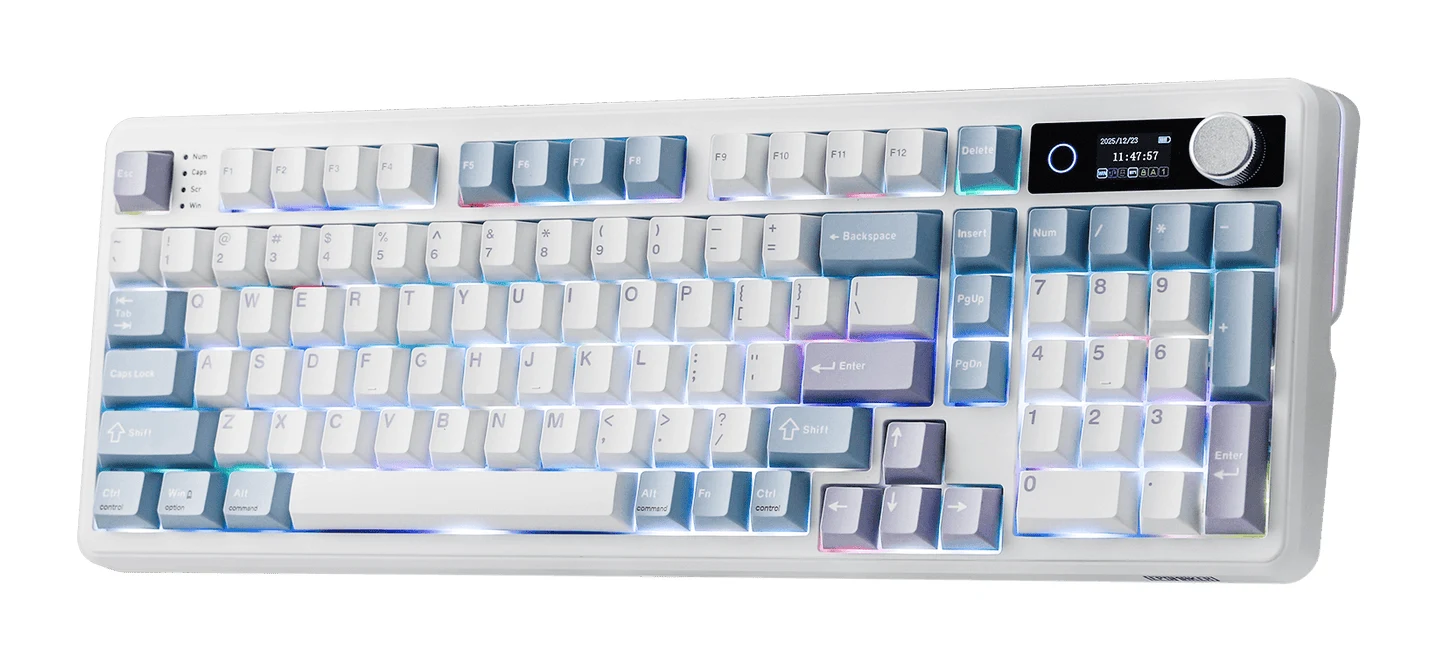
- Best ValueEPOMAKER TH99 ProWhy we picked it →
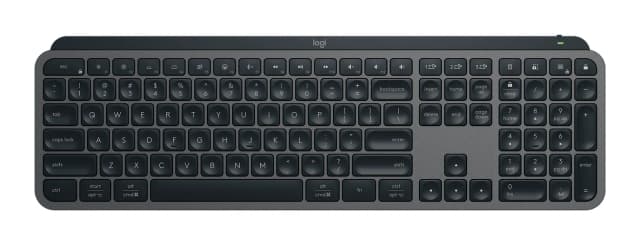
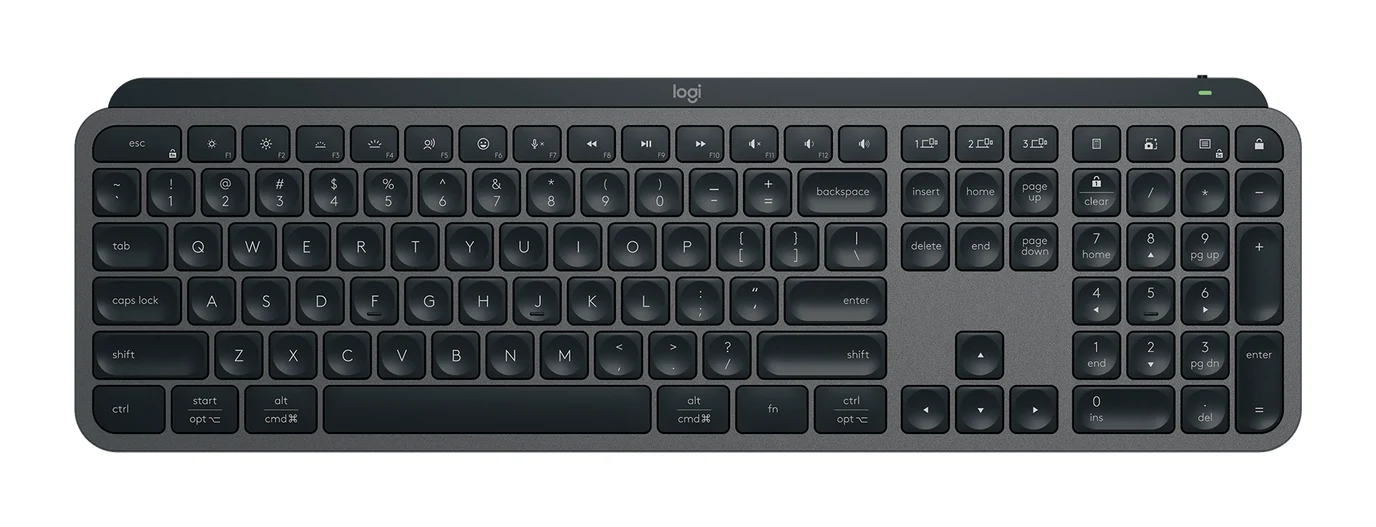
- Also GreatLogitech MX Keys SWhy we picked it →
Frequently asked questions
Is the Keychron Q1 Max worth it?
For typists and enthusiasts who want a heavy aluminum 75% board with a deep, muted sound, QMK/VIA customization and wireless flexibility, experts rate it highly: it averages 9/10 across 3 expert reviews. Reviewers do find it expensive, so it is less compelling if you want a low-cost or portable keyboard.
Is the Keychron Q1 Max wireless?
Yes. It connects over 2.4 GHz, Bluetooth 5.1 (up to 3 devices) or a wired USB-C connection.
How long does the Keychron Q1 Max battery last?
The manufacturer lists up to 180 hours of wireless working time with the backlight off, and up to 100 hours with RGB at the lowest brightness. The battery is 4000 mAh.
Does the Keychron Q1 Max support QMK and VIA?
Yes. QMK/VIA support lets you remap keys and build macros.
Can you swap the switches on the Keychron Q1 Max?
Yes. It has hot-swappable sockets for 3-pin and 5-pin MX-style switches. It is offered with Gateron Jupiter Red, Brown or Banana switches.
Is the Keychron Q1 Max good for gaming?
It polls at 1000 Hz over 2.4 GHz and wired connections, but only 90 Hz over Bluetooth. That makes it better suited to typing than gaming, particularly on Bluetooth.
Does the Keychron Q1 Max work with Mac and Windows?
Yes. It is compatible with macOS, Windows and Linux, has a Mac/Windows toggle and includes extra keycaps for both systems.
Sources
Specs are taken from the manufacturers' official pages; expert recommendations from the publications below.
- Keychron Q1 Max: keychron.com, keychron-store.com
Related reviews & guides
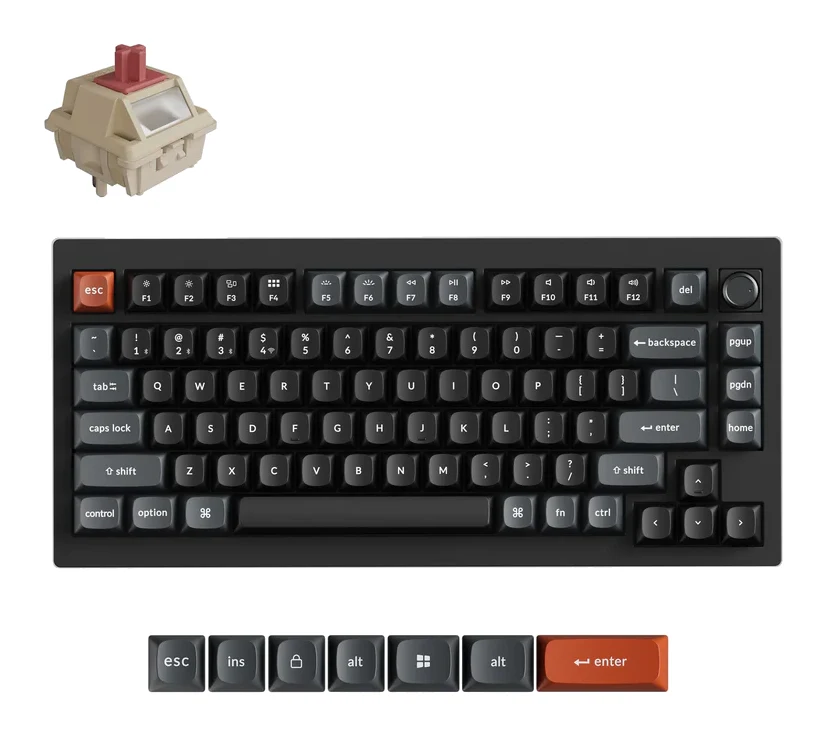
Keychron V1 Ultra 8K Review (2026): Speed Meets Battery
A look at the Keychron V1 Ultra 8K, a tri-mode 75% gasket-mount keyboard with 8000 Hz polling, long battery life and a plastic case, based on specs and expert reports.
Published Oct 26, 2026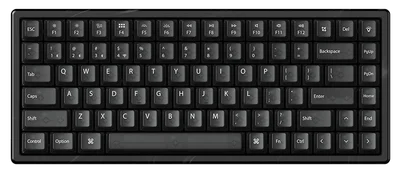
Keychron K2 HE Review (2026): Wood-Trimmed Hall Effect
A wireless 75% Hall-effect keyboard with adjustable actuation, Rapid Trigger and an aluminum-and-wood build. Here is what the specs and expert reviews say about the K2 HE.
Published Oct 26, 2026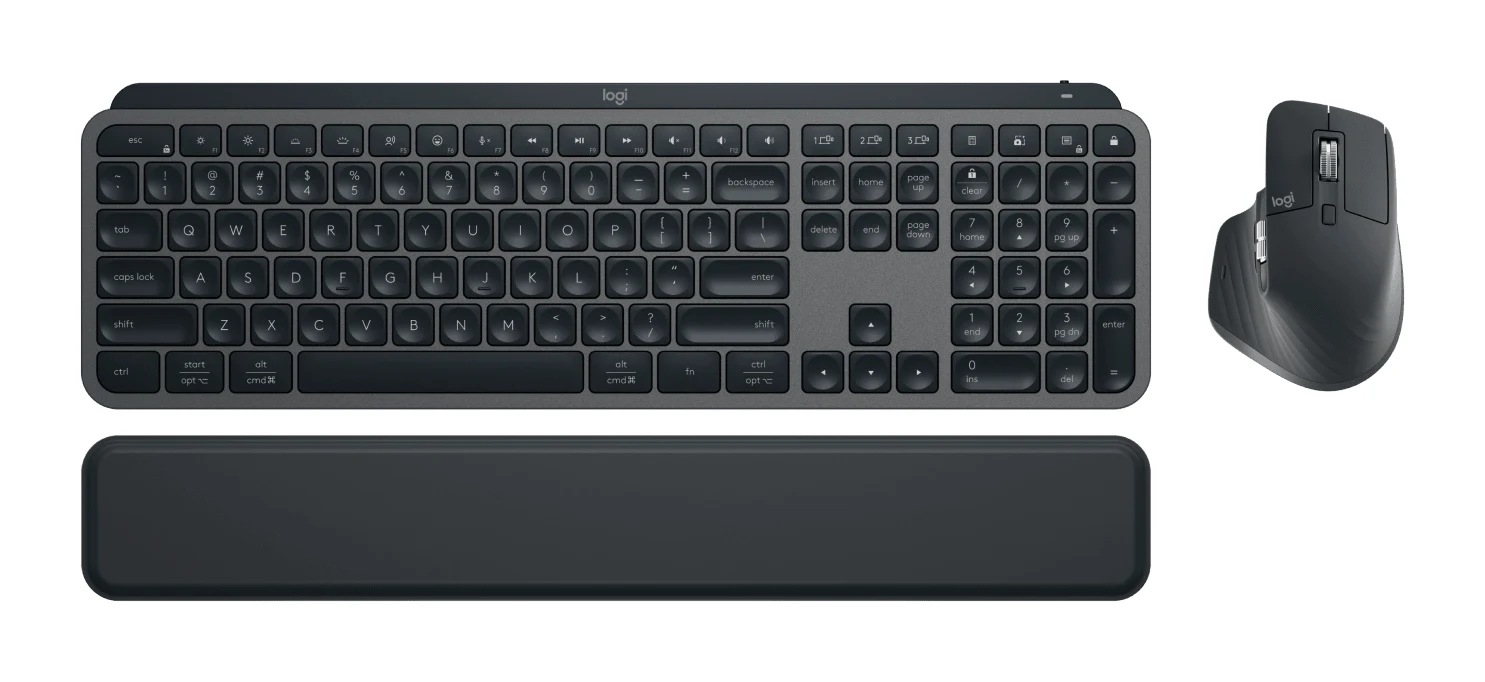
Best Wireless Keyboard and Mouse Combo 2026: Budget to Pro
Five Logitech keyboard and mouse combos compared on connectivity, noise, comfort and battery life, from a budget everyday set to a premium multi-device setup.
Published Oct 22, 2026