Logitech MK540 Advanced Review (2026): Quiet Desk Workhorse
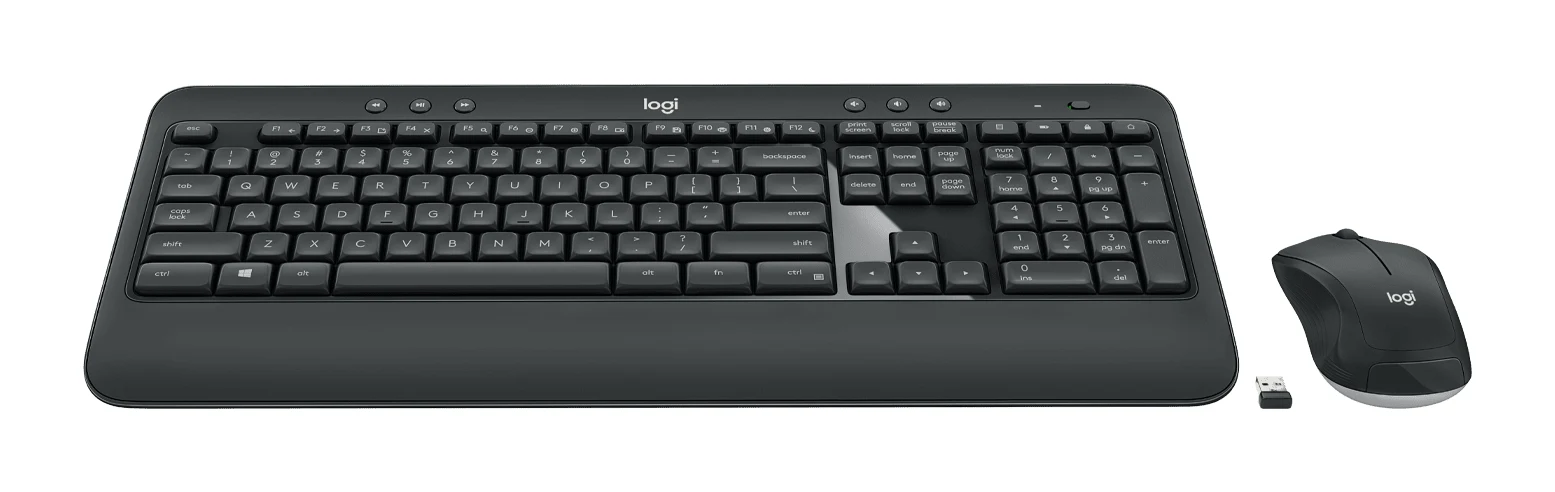
A full-size, quiet and long-lasting wireless keyboard and mouse combo for Windows and Chrome OS desks. Here is who it suits, and who should look elsewhere.
Research-based · We earn from qualifying purchases
Our verdict
The MK540 Advanced is a comfortable, quiet, long-lasting full-size combo for a home or office desk running Windows or Chrome OS. Skip it if you use a Mac, need a backlit keyboard, or want something compact to travel with.
The good
- Quiet yet tactile typing feel suits shared spaces
- Full-size layout with number pad and integrated palm rest
- Very long battery life: up to 36 months keyboard
- One Unifying receiver connects both keyboard and mouse
- Spill-resistant keyboard with abrasion-resistant key printing
+2 more
- One Unifying receiver connects both keyboard and mouse
- Spill-resistant keyboard with abrasion-resistant key printing
The bad
- Too bulky to carry around comfortably
- Limited macOS support; built for Windows and Chrome OS
- Basic mouse with slightly cheap-feeling buttons
- No backlighting and not rechargeable; needs AA batteries
+1 more
- No backlighting and not rechargeable; needs AA batteries
This Logitech MK540 Advanced review looks at a wireless keyboard and mouse bundle aimed at people who spend long days at a desk and want something comfortable, quiet and low-maintenance. It sits in the mid-range part of the market. The pitch is a full-size layout, a single USB receiver for both devices and battery life measured in months rather than weeks. It is built around Windows and Chrome OS, so it is aimed at a particular kind of buyer.
This review is based on manufacturer specs and what independent experts report, not on our own hands-on testing. It is recommended in 4 expert guides, and PCWorld scores it 4.5 out of 5.
Logitech MK540 Advanced: specs at a glance
From the manufacturer- Warranty
- 1 year limited
- Tilt angles
- Natural, 4° flat and 8° tilt
- Backlighting
- No
- Connectivity
- 2.4 GHz wireless via Logitech Unifying USB receiver
- Mouse weight
- 3 oz / 73.5 g
- Compatibility
- Windows 7, 8, 10 or later; Chrome OS
- Keyboard size
- Full-size, 107 keys, 10-key number pad
- Mouse battery
- 1x AA, up to 18 months
- Mouse tracking
- Optical, 1000 DPI, 3 buttons
- Wireless range
- 10 meters (33 ft)
- Keyboard weight
- 1 lb / 633 g
- Keyboard battery
- 2x AA, up to 36 months
- Mouse dimensions
- 4.4 x 2.4 x 1.5" / 111.5 x 61.8 x 39.2 mm
- Batteries included
- 3x AA alkaline, pre-installed
- Keyboard dimensions
- 18 x 7.6 x 0.9" / 457.3 x 193.5 x 24 mm
Key features
- One tiny Unifying USB receiver connects both keyboard and mouse
- Keyboard batteries last up to 36 months, mouse up to 18 months
- Full-size keyboard with number pad and integrated palm rest
- Keys tuned for accuracy and reduced noise
- Spill-resistant keyboard (tested to 60ml) with abrasion-resistant key printing
- Ambidextrous mouse with soft rubber side grips
- Media, calculator and battery-check hotkeys, plus Fn keys you can customise in Logitech Options
- Adjustable tilt legs for a more comfortable typing angle
Who the MK540 Advanced is for
The best fit is someone setting up a home office, a shared workspace or a general-purpose desk who wants a no-fuss combo. The keyboard has a number pad and an integrated palm rest, and the mouse is ambidextrous. It is also a sensible choice if you type a lot, enter figures or work in spreadsheets, because the full-size layout includes a 10-key number pad.
It is a poor fit for Mac users, for anyone who wants backlit keys, and for anyone who wants a compact set to throw in a bag. We cover each of those below.
Logitech MK540 Advanced review: design and build
The keyboard is full-size, with 107 keys and a dedicated 10-key number pad. It measures 18 x 7.6 x 0.9" / 457.3 x 193.5 x 24 mm and weighs 1 lb / 633 g. That is a lot of keyboard for a desk. It gives you room for your wrists, with the integrated palm rest, and a full-size 107-key layout with a 10-key number pad. The trade-off is portability. A common criticism from reviewers is that it is too bulky to carry around comfortably, so treat it as a keyboard that lives on one desk.
The keyboard is spill-resistant, tested to 60ml, and the key printing is abrasion-resistant. Spill resistance is not a substitute for care, but it helps with a coffee-adjacent workspace.
The keyboard also has adjustable tilt legs. The listed angles are natural, 4° flat and 8° tilt, so you can match the slope to how you sit and type.
The mouse is ambidextrous, with soft rubber side grips, so left- and right-handed users get the same shape. It weighs 3 oz / 73.5 g and measures 4.4 x 2.4 x 1.5" / 111.5 x 61.8 x 39.2 mm. Reviewers describe it as a basic mouse, and a common criticism is that the buttons feel slightly cheap. It does the job but is not the highlight of the bundle.
Typing feel and everyday features
The keys are tuned for accuracy and reduced noise. Reviewers praise a quiet yet tactile typing feel, which suits shared spaces. If you are sensitive to loud clacky keyboards, this is where the MK540 Advanced makes its case.
The keyboard also has a few practical extras:
- Media hotkeys for controlling playback without switching windows.
- A calculator key for quick sums, which pairs well with the number pad.
- A battery-check hotkey for checking battery status.
- Customisable Fn keys, which you can set up in Logitech Options.
None of this is exotic, but it is the kind of thing that makes a keyboard feel finished. The customisable Fn keys let you adapt it to your own workflow rather than living with fixed shortcuts.
Connectivity and battery life
Both devices connect through one tiny Logitech Unifying USB receiver, using 2.4 GHz wireless. Plug the receiver in and both devices work through that one port, which is handy if you have few USB ports. The listed wireless range is 10 meters (33 ft).
Battery life is a headline strength. The keyboard runs on 2x AA batteries and is rated for up to 36 months, while the mouse uses 1x AA and is rated for up to 18 months. The 3x AA alkaline batteries come pre-installed, so you can start using it straight away. These are manufacturer figures, and real life depends on how you use it, but the rating means you will swap batteries rarely.
The flip side is that it is not rechargeable. Reviewers flag that it needs AA batteries, which will bother anyone who prefers to plug in a cable and forget about it.
The mouse tracking is optical at 1000 DPI with 3 buttons. Reviewers describe it as a basic mouse.
Compatibility: the big caveat
The MK540 Advanced is listed as compatible with Windows 7, 8, 10 or later, and Chrome OS. Reviewers note that macOS support is limited. If you work on a Mac, this is the main reason to look at something else. For Windows and Chromebook users the compatibility is straightforward.
There is no backlighting either. In a dim room you will be typing by the light of the screen and your own touch-typing ability. For a daytime desk this is fine, but if you often work late in the dark, it counts against the keyboard.
What experts like and what they criticise
The praise is consistent. Reviewers like the quiet yet tactile typing feel, the full-size layout with number pad and palm rest, the very long battery life, the one-receiver convenience, and the spill-resistant keyboard with abrasion-resistant key printing. PCWorld scores it 4.5 out of 5.
The criticisms are just as consistent:
- It is too bulky to carry around comfortably.
- macOS support is limited, since it is built for Windows and Chrome OS.
- The mouse is basic, with buttons that feel slightly cheap.
- There is no backlighting, and it is not rechargeable, so it needs AA batteries.
These are not hidden flaws. They follow from what the product is: a big, simple, battery-powered combo.
Who should buy it, and who should skip it
Buy it if:
- You use Windows or Chrome OS and want a comfortable full-size setup for one desk.
- You value quiet typing in a shared or open space.
- You want to set it up once and not think about batteries for a long time.
- You regularly use a number pad.
- You want a single receiver for both keyboard and mouse.
Skip it if:
- You use a Mac as your main computer.
- You need backlit keys.
- You want a compact, portable keyboard.
- You want a rechargeable set.
- You want a more refined mouse, since the one included is basic.
The warranty is 1 year limited.
How it fits in its category
In general terms, wireless keyboard and mouse combos split into compact, travel-friendly sets, feature-rich or backlit sets, and straightforward full-size desk bundles. The MK540 Advanced falls into the last group. It focuses on comfort, quiet operation and battery life rather than extras such as backlighting or rechargeable cells. If those extras matter most to you, look at other types of keyboard. If you want a dependable desk combo, it is a sensible choice.
Verdict
The Logitech MK540 Advanced does a narrow job well. It is a comfortable, quiet, long-lasting full-size combo for a Windows or Chrome OS desk, with a good set of everyday conveniences and practical touches such as spill resistance. Its weak points are clear and mostly follow from its design: it is bulky, lacks backlighting, uses AA batteries and has a basic mouse. For Mac users it is the wrong choice. For the buyer it is aimed at, a Windows or Chrome OS desk user who wants something that just works, it is an easy one to recommend.
Related buying guides
- Best Quiet Keyboard for Office in 2026: Calm Typing at Work
- Best Mechanical Keyboards 2026 for Typing and Gaming
- Logitech G915 X LIGHTSPEED TKL Review: Slim and Solid
- Best Wireless Keyboard and Mouse Combo 2026: Budget to Pro
- Keychron Q1 Max Review (2026): Heavyweight Wireless 75%
- Keychron K2 HE Review (2026): Wood-Trimmed Hall Effect
- Keychron V1 Ultra 8K Review (2026): Speed Meets Battery
Not sure about the Logitech MK540 Advanced? Consider these
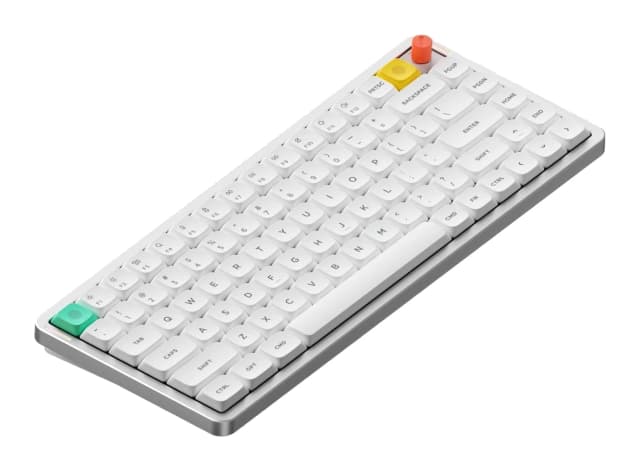
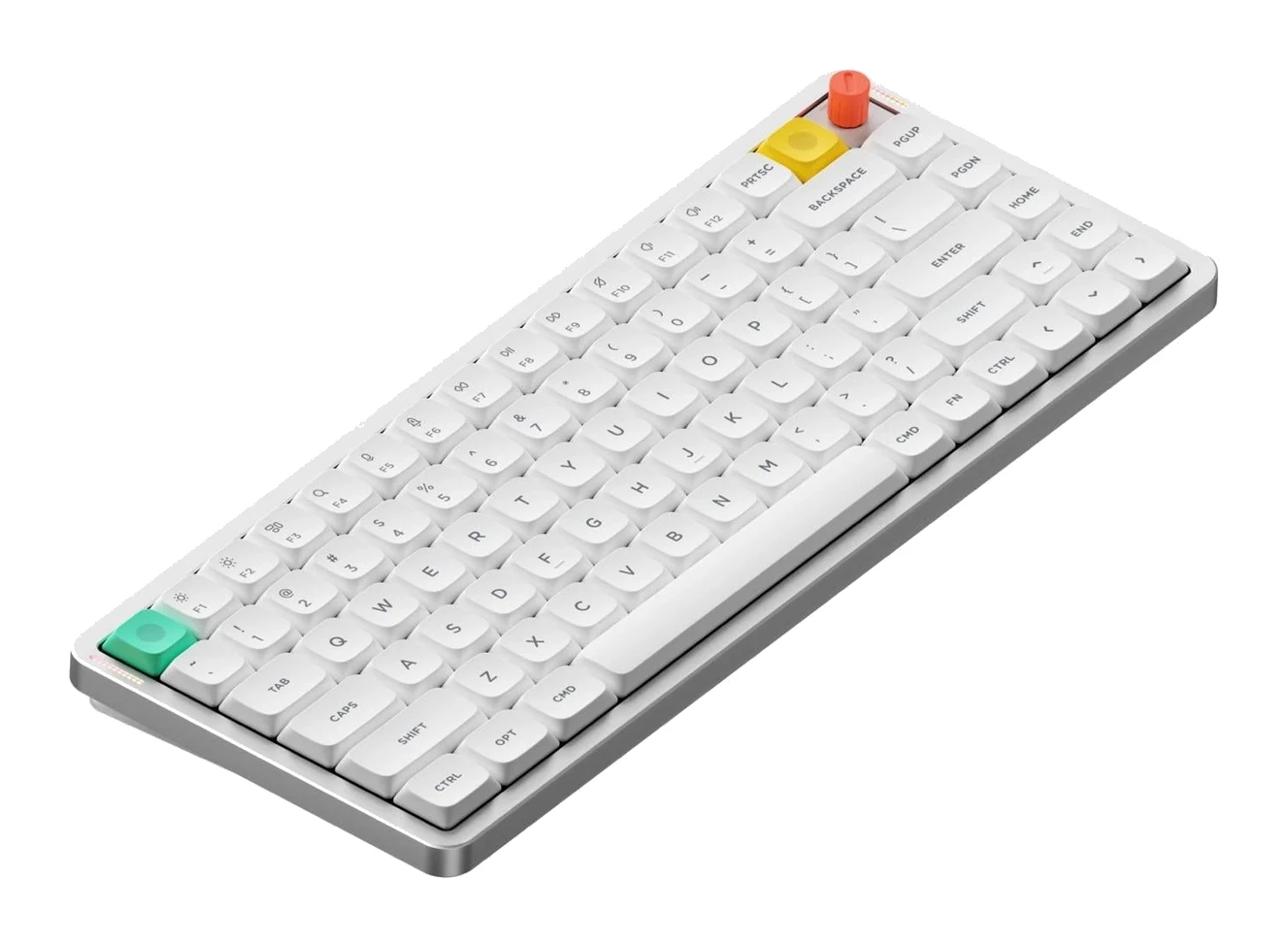
- Best OverallNuPhy Air75 V3Why we picked it →
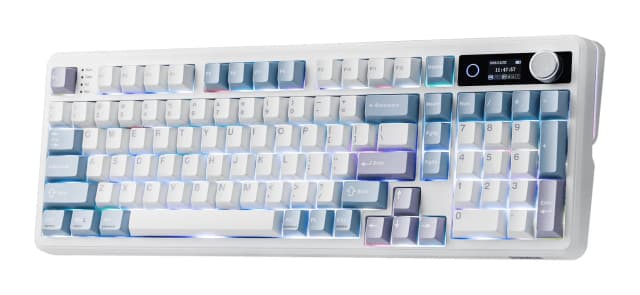
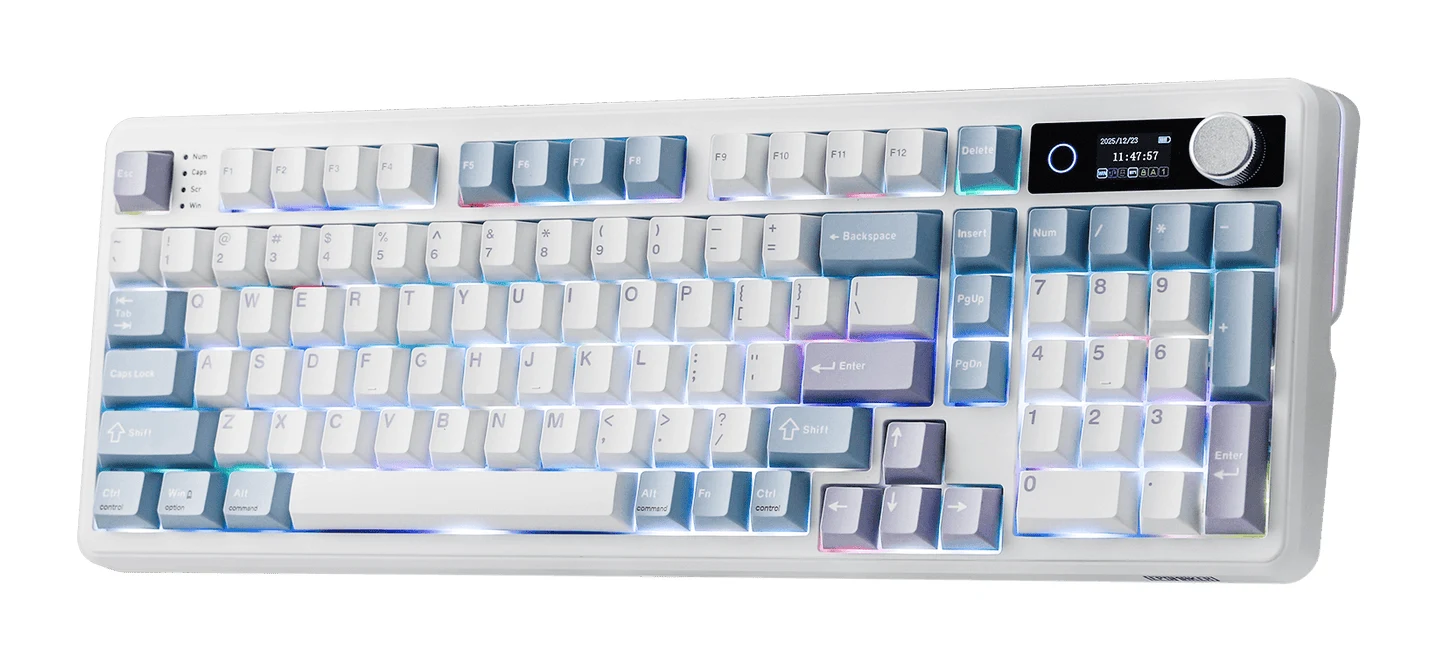
- Best ValueEPOMAKER TH99 ProWhy we picked it →
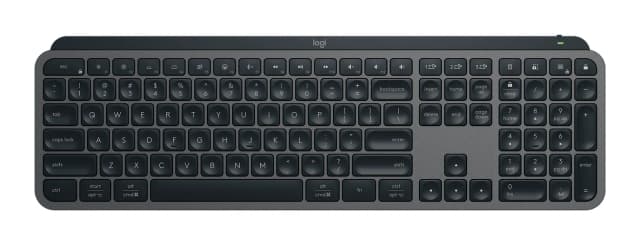
- Also GreatLogitech MX Keys SWhy we picked it →
Frequently asked questions
Is the Logitech MK540 Advanced worth it?
For Windows or Chrome OS desk users who want a quiet, comfortable full-size combo with very long battery life, reviewers think so. It is recommended in 4 expert guides, and PCWorld scores it 4.5 out of 5. It is less suited to Mac users, anyone who needs backlighting, or anyone who wants something compact.
Does the Logitech MK540 Advanced work with Mac?
It is listed as compatible with Windows 7, 8, 10 or later, and Chrome OS. Reviewers note that macOS support is limited, so Mac users should look elsewhere.
How does the MK540 Advanced connect?
Both the keyboard and the mouse connect over 2.4 GHz wireless through one Logitech Unifying USB receiver. The listed wireless range is 10 meters (33 ft).
How long do the batteries last?
Logitech rates the keyboard (2x AA) at up to 36 months and the mouse (1x AA) at up to 18 months. The 3x AA alkaline batteries are pre-installed. The set is not rechargeable.
Is the MK540 Advanced keyboard backlit?
No. It has no backlighting, which is a common criticism from reviewers.
Is the keyboard spill-resistant?
Yes. It is spill-resistant, tested to 60ml, and the key printing is abrasion-resistant. That is protection against minor accidents, not a license to be careless with drinks.
Sources
Specs are taken from the manufacturers' official pages; expert recommendations from the publications below.
- Logitech MK540 Advanced: logitech.com, staples.com, walmart.com, cdw.com
Related reviews & guides
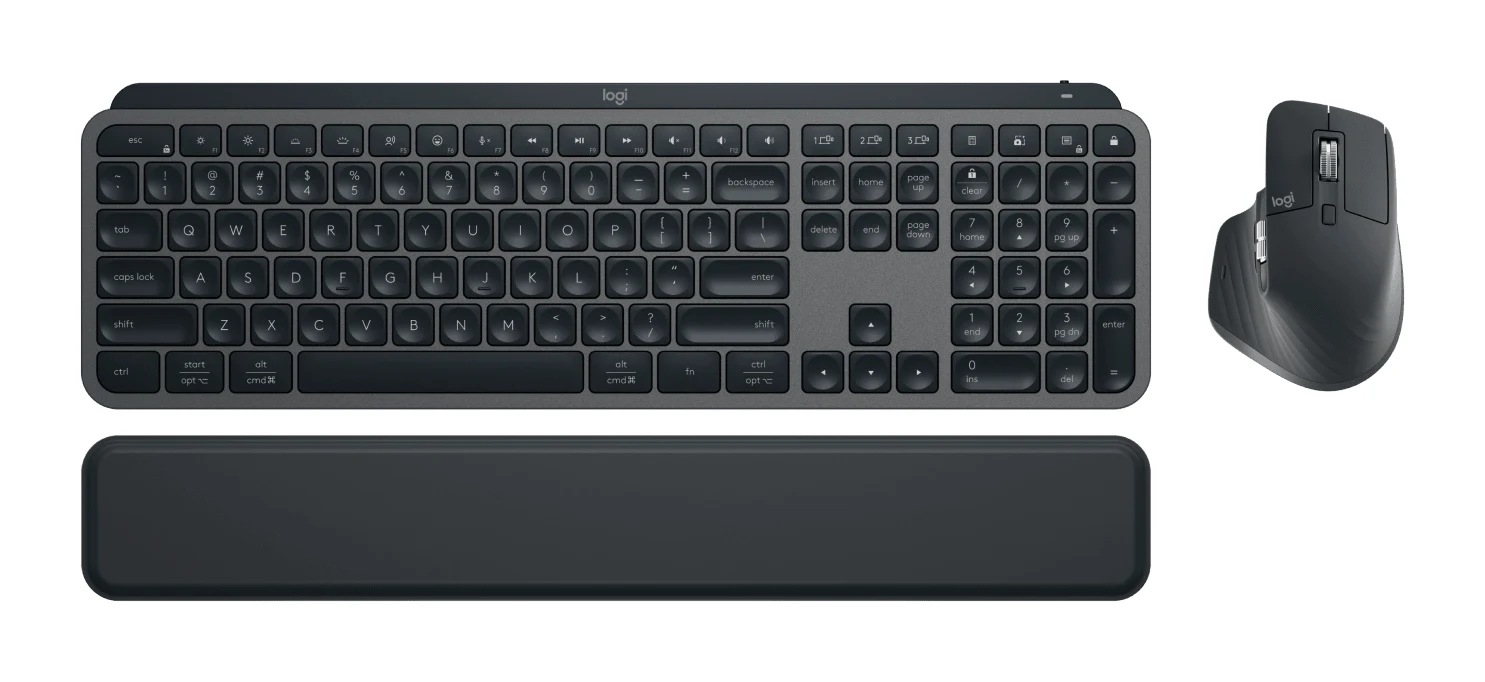
Logitech MX Keys S Combo Review (2026): Polished Desk Duo
A bundle of the MX Keys S keyboard, MX Master 3S mouse and palm rest, aimed at people who type all day and switch between computers. Here is what the specs and expert reviews say.
Published Oct 27, 2026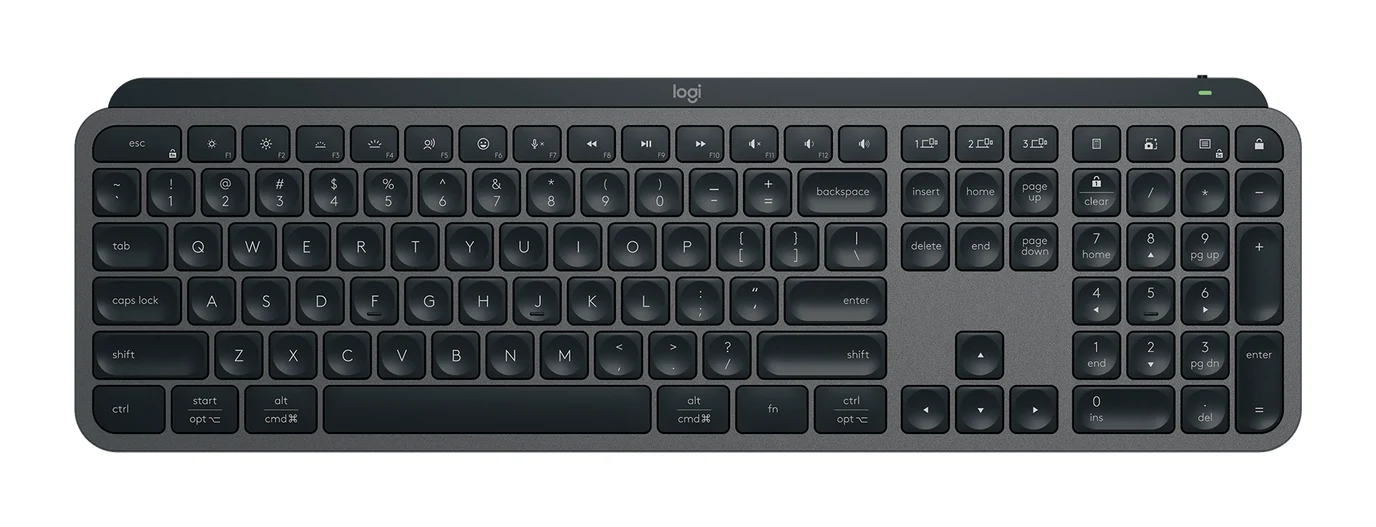
Logitech MX Keys S Review (2026): Quiet, Not Mechanical
A full-size, quiet wireless keyboard built for office users who switch between computers. Here is what the MX Keys S offers, where reviewers find fault, and who should skip it.
Published Oct 27, 2026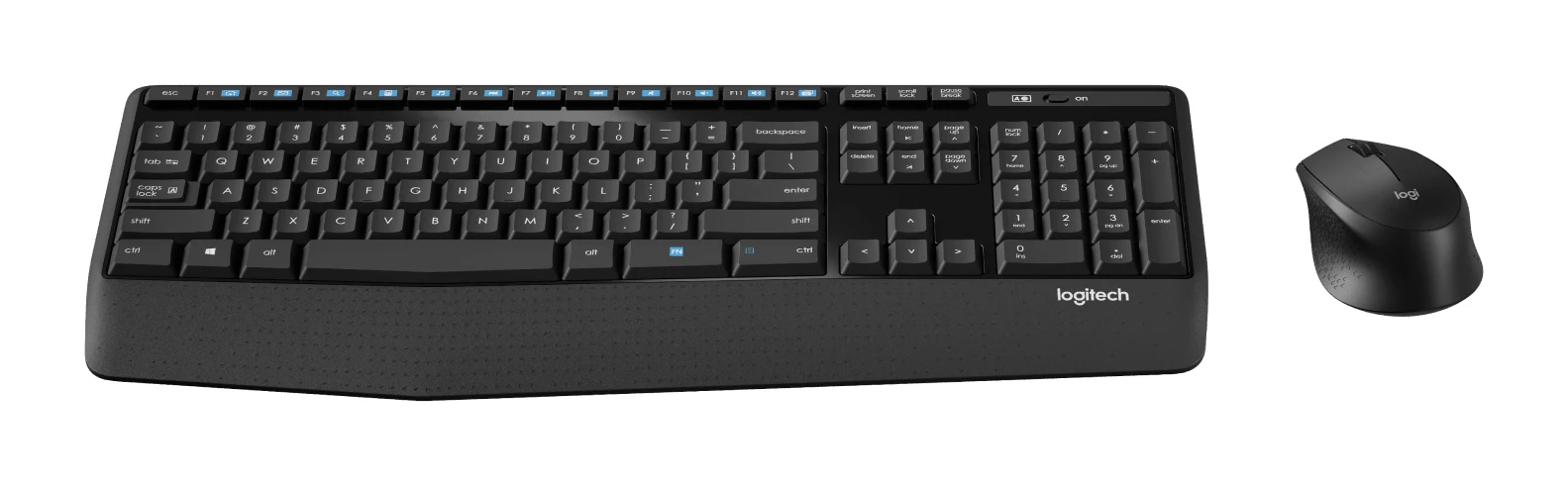
Logitech MK345 Comfort Combo Review (2026): Simple, Quiet
A full-size, quiet, low-maintenance desk combo with a palm rest and very long battery life. Here's what the specs and independent reviewers say, and who should look elsewhere.
Published Oct 27, 2026