Logitech MX Keys S Combo Review (2026): Polished Desk Duo
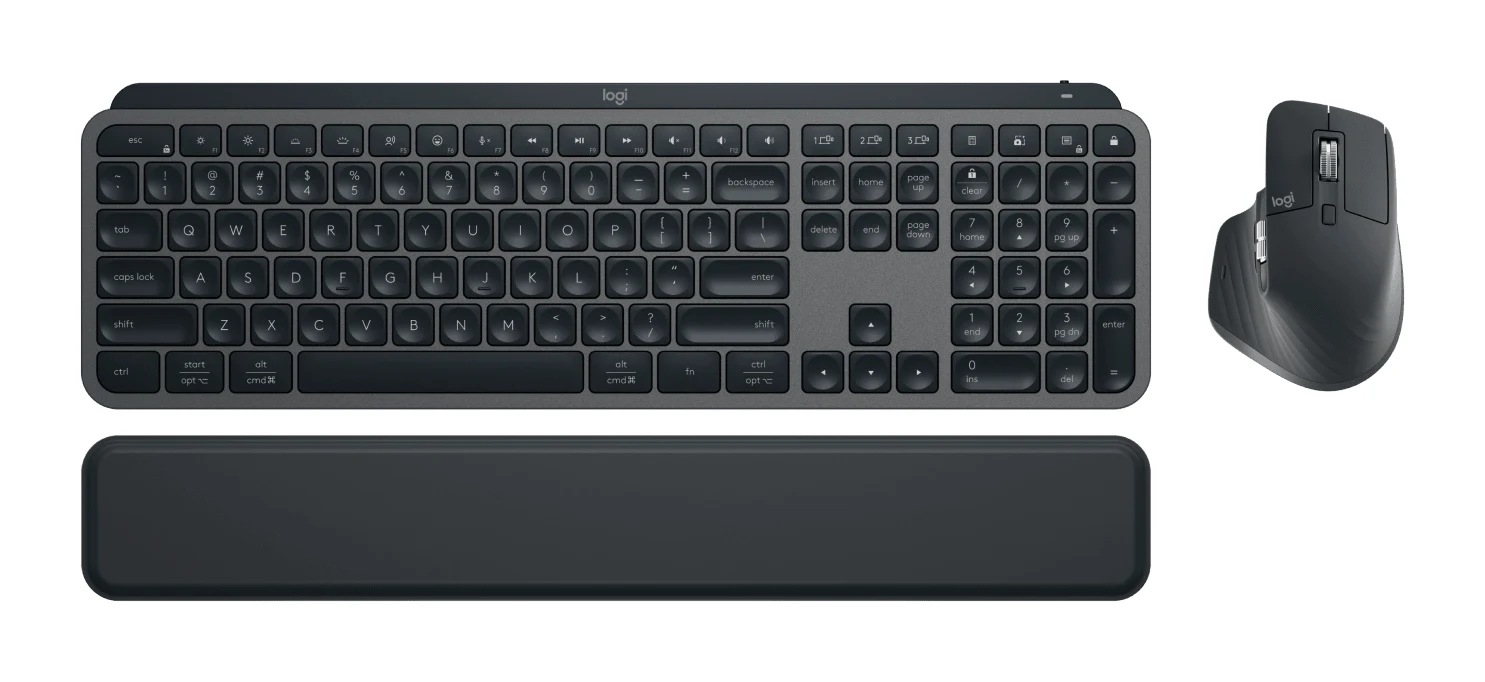
A bundle of the MX Keys S keyboard, MX Master 3S mouse and palm rest, aimed at people who type all day and switch between computers. Here is what the specs and expert reviews say.
Research-based · We earn from qualifying purchases
Our verdict
This is a polished, comfortable productivity bundle for people who type and work across several computers or operating systems. Skip it if you want a lightweight, metal-built keyboard, a left-handed or gaming mouse, or you dislike frequent charging with backlight on.
The good
- Comfortable, accurate, quiet typing from low-profile dished keys
- Smart backlight turns on as hands approach and adapts to room light
- MX Master 3S has a fast MagSpeed wheel and quiet clicks
- Pairs with up to 3 devices across Windows, macOS, Linux and mobile
- Palm rest included, and the bundle costs less than buying parts separately
+2 more
- Pairs with up to 3 devices across Windows, macOS, Linux and mobile
- Palm rest included, and the bundle costs less than buying parts separately
The bad
- Premium price, with only modest savings over buying parts separately
- Keyboard is heavy, all plastic, and some report creaking
- Keyboard lasts about 10 days with backlight on
- Logi Options+ can be slow and buggy; mouse is right-handed only
+1 more
- Logi Options+ can be slow and buggy; mouse is right-handed only
This Logitech MX Keys S Combo review looks at a desk bundle built around one idea: make long typing and mouse sessions comfortable, and make it easy to move between computers. The box holds the MX Keys S keyboard, the MX Master 3S mouse, an MX Palm Rest and a Logi Bolt USB receiver. It sits in the mid-range part of the market, and it suits office workers who juggle several machines and care more about typing comfort than about weight or a metal chassis. This review is based on manufacturer specs and what independent experts report, not on hands-on testing.
Logitech MX Keys S Combo: specs at a glance
From the manufacturer- Colors
- Graphite (920-011889), Black (920-012274)
- Included
- MX Keys S keyboard, MX Master 3S mouse, MX Palm Rest, Logi Bolt receiver
- Warranty
- 1-Year Limited Hardware Warranty
- Connectivity
- Bluetooth Low Energy or Logi Bolt USB receiver
- Mouse sensor
- Darkfield, 200 to 8000 dpi
- Mouse weight
- 4.97 oz (141 g)
- Multi-device
- Up to 3 devices
- Mouse buttons
- 7
- Keyboard weight
- 28.57 oz (810 g)
- Keyboard battery
- 1500 mAh Li-ion polymer, USB-C charging
- Mouse dimensions
- 4.92 in x 3.32 in x 2.01 in (124.9 x 84.3 x 51 mm)
- Mouse battery life
- Up to 70 days
- Keyboard dimensions
- 16.94 in x 5.18 in x 0.81 in (430.2 x 131.63 x 20.5 mm)
- Keyboard battery life
- Up to 10 days with backlight on; up to 5 months with backlight off
Key features
- Spherically-dished low-profile keys for fast, fluid, quieter typing
- Smart illumination backlight that turns on as your hands approach and adapts to room light
- MagSpeed scroll wheel with 1,000 lines per second scrolling
- 8K DPI Darkfield mouse sensor that tracks even on glass
- Pairs with up to 3 devices over Bluetooth LE or the included Logi Bolt USB receiver
- Smart Actions in Logi Options+ automate repetitive tasks with one keystroke
- MX Palm Rest included for wrist comfort
- Works across Windows, macOS, Linux, ChromeOS, iPadOS and Android, with Flow to move between computers
What you get in the box
The combo is a complete work setup rather than a single peripheral. You get the keyboard, the MX Master 3S mouse, the palm rest and the Logi Bolt receiver, and the combo can also connect over Bluetooth Low Energy. It comes in Graphite or Black.
Reviewers generally point out that the bundle costs less than buying the parts separately. They also note that the saving is modest, so the case for the combo rests on whether you want all three pieces, not on a big discount. If you already own a mouse you like, it's worth weighing that before buying.
Design and build
The keyboard uses spherically-dished, low-profile keys, designed for fast, fluid and quieter typing. Reviewers praise typing that is comfortable, accurate and quiet, which matters in shared offices and for anyone who types for hours.
The physical package is a different story. The keyboard measures 16.94 in x 5.18 in x 0.81 in (430.2 x 131.63 x 20.5 mm) and weighs 28.57 oz (810 g). A common criticism is that the keyboard is heavy and all plastic, with some owners reporting creaking. If you want a lightweight board to carry around, or a metal-built one, this is not it.
The included MX Palm Rest is there for wrist comfort. If you are building out a whole workspace, our guide to the best office chairs covers the seating side.
The MX Master 3S mouse measures 4.92 in x 3.32 in x 2.01 in (124.9 x 84.3 x 51 mm) and weighs 4.97 oz (141 g). It has 7 buttons. One limitation to know about: reviewers note that it is right-handed only, so left-handed users should look elsewhere.
Features and what they mean day to day
Smart illumination
The backlight turns on as your hands approach and adapts to the light in the room. That means the keys light up as you reach for them, whatever the lighting in the room. Reviewers praise this, though the battery section below explains the trade-off.
MagSpeed scroll wheel
The mouse's MagSpeed wheel scrolls at 1,000 lines per second. That helps with long documents, spreadsheets and code. Reviewers also praise the wheel and the quiet clicks, which fits the keyboard's quieter character.
Tracking
The mouse has an 8K DPI Darkfield sensor, with a range of 200 to 8000 dpi, and it tracks even on glass. That is handy if your desk is glass or you work in places with awkward surfaces. This is an office mouse, though, and the verdict is clear that it is not aimed at gamers.
Multi-device and cross-platform use
Multi-device use is one of the combo's main features. The combo pairs with up to 3 devices over Bluetooth LE or the included Logi Bolt USB receiver. They work across Windows, macOS, Linux, ChromeOS, iPadOS and Android, and Flow lets you move between computers. If your day involves several computers or devices, you can keep one keyboard and mouse and switch between them rather than reaching for different peripherals.
Smart Actions and Logi Options+
Smart Actions in Logi Options+ let you automate repetitive tasks with one keystroke. That is useful for people with routine workflows. A common criticism, however, is that Logi Options+ can be slow and buggy. Since customisation runs through that software, it is worth knowing before you count on it.
Battery and connectivity
The keyboard has a 1500 mAh Li-ion polymer battery and charges over USB-C. Its battery life is up to 10 days with the backlight on, or up to 5 months with the backlight off. That gap is the thing to understand. If you leave the smart backlight active, you will be charging roughly every 10 days at best, and reviewers call this out as a drawback. If you type in a well-lit room and turn the backlight off, charging becomes an occasional chore.
The mouse is easier to live with, at up to 70 days of battery life.
For connections, you have the choice of Bluetooth Low Energy or the Logi Bolt receiver. Bluetooth saves a USB port, while the receiver is there if you prefer a dedicated link or your computer has no Bluetooth. The combo comes with a 1-Year Limited Hardware Warranty.
What experts like and what they criticise
The combo averages 8.5/10 across 3 expert reviews: XDA Developers scores it 9/10, Mezha 8.5/10 and CGMagazine 8/10. It has also been recommended in 7 expert guides.
What reviewers praise:
- Comfortable, accurate and quiet typing from the low-profile dished keys
- The smart backlight that wakes as your hands approach and adjusts to the room
- The MX Master 3S's fast MagSpeed wheel and quiet clicks
- Pairing with up to 3 devices across Windows, macOS, Linux and mobile
- The included palm rest
What reviewers criticise:
- The premium price, with only modest savings over buying the parts separately
- A heavy, all-plastic keyboard, with some reports of creaking
- The keyboard's battery life of about 10 days with the backlight on
- Logi Options+ being slow and buggy, and a mouse that is right-handed only
Who should buy it
The combo fits people who spend most of their day typing and moving between machines. Office workers who split time between a work computer and a personal one, or between Windows and macOS, will get the most from the 3-device pairing and Flow. It also suits anyone who wants a quieter keyboard and mouse and values wrist comfort.
It makes sense if you want the whole set in one purchase. Buying the keyboard, mouse and palm rest together is simpler, and the bundle is cheaper than the parts bought separately.
Who should skip it
Skip it if you want a lightweight keyboard or a metal-built one. Skip it if you are left-handed, since the mouse is right-handed only, or if you want a gaming mouse. Anyone who dislikes charging devices will also find the backlit battery life of about 10 days annoying, although turning the backlight off stretches it to up to 5 months. If you already own a mouse you are happy with, the modest saving from the bundle may not justify the premium price.
How it fits in its category
Its appeal is in the details: the dished keys, the adaptive backlight, the scroll wheel and the ability to hop between computers. Its drawbacks are price, weight and software that can be slow and buggy. If you are furnishing a full workspace, our look at the Herman Miller Embody covers a premium chair for the same kind of long working day.
Verdict
The Logitech MX Keys S Combo is a well-rounded work bundle that does what it is meant to do: make typing quiet and comfortable and make switching between devices painless. Its 8.5/10 expert average and 7 expert-guide recommendations back that up. The compromises are real, though. It is heavy, mostly plastic, needs frequent charging with the backlight on, and depends on software that some people find frustrating. If you work across several computers and want a comfortable, quiet setup, it is an easy recommendation. If you prize low weight, metal construction or a left-handed or gaming mouse, look elsewhere.
Related buying guides
Not sure about the Logitech MX Keys S Combo? Consider these
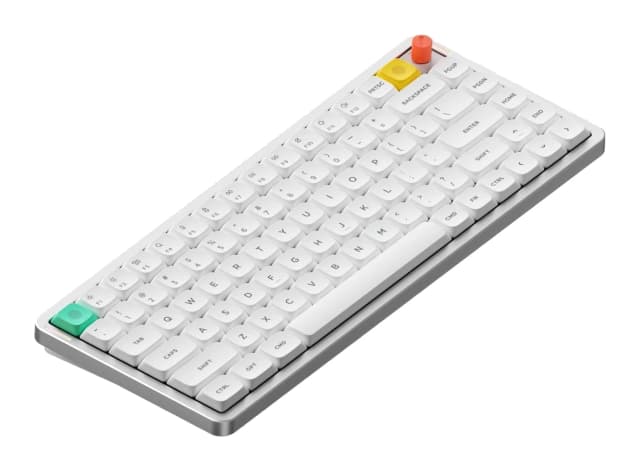
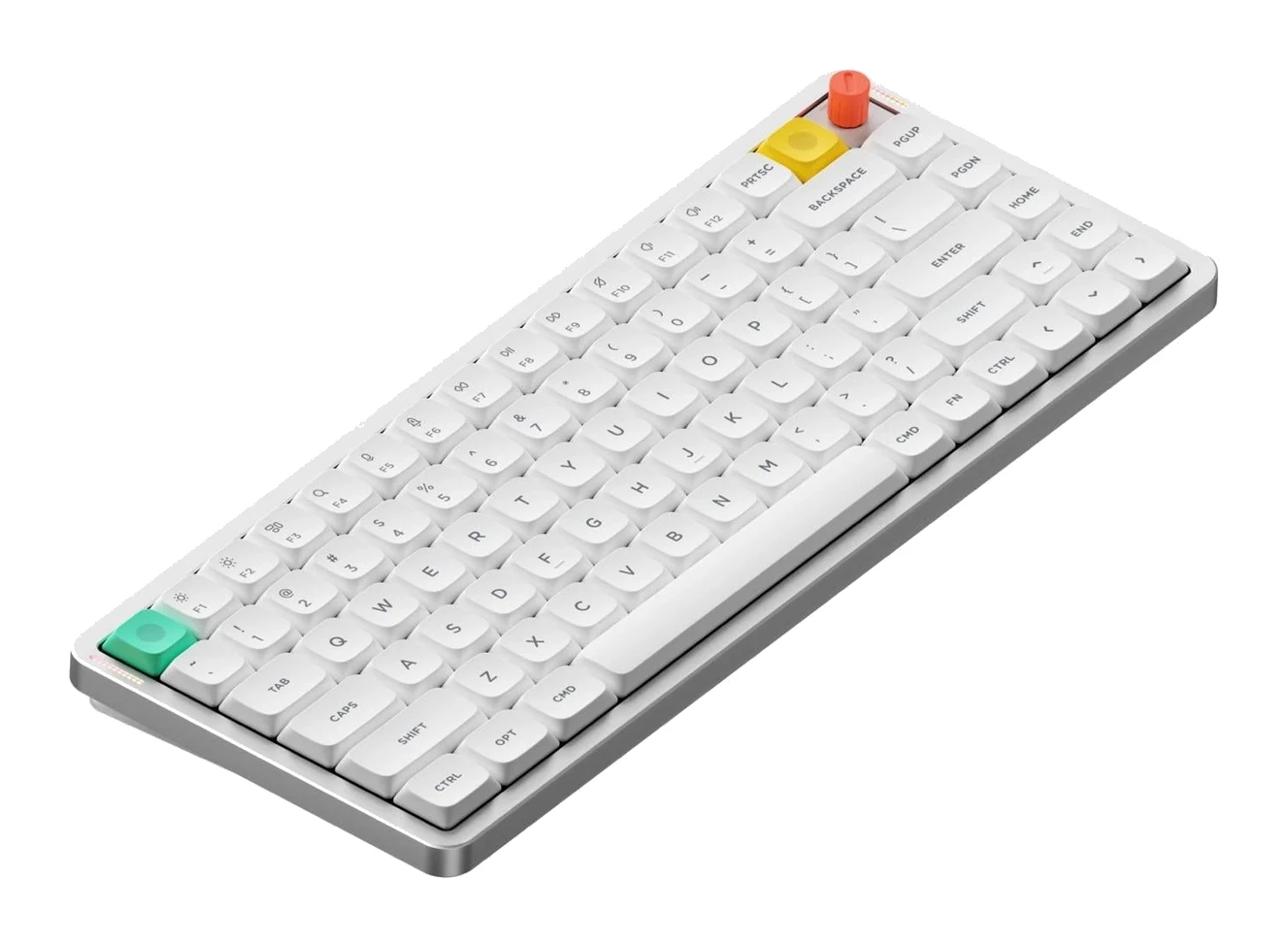
- Best OverallNuPhy Air75 V3Why we picked it →
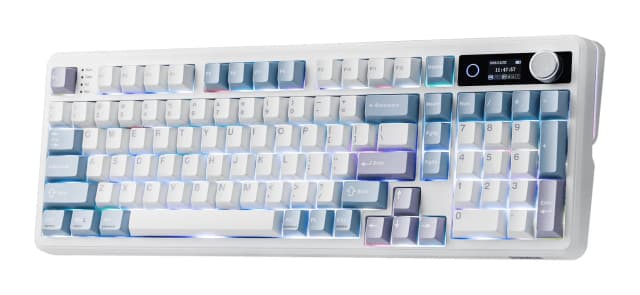
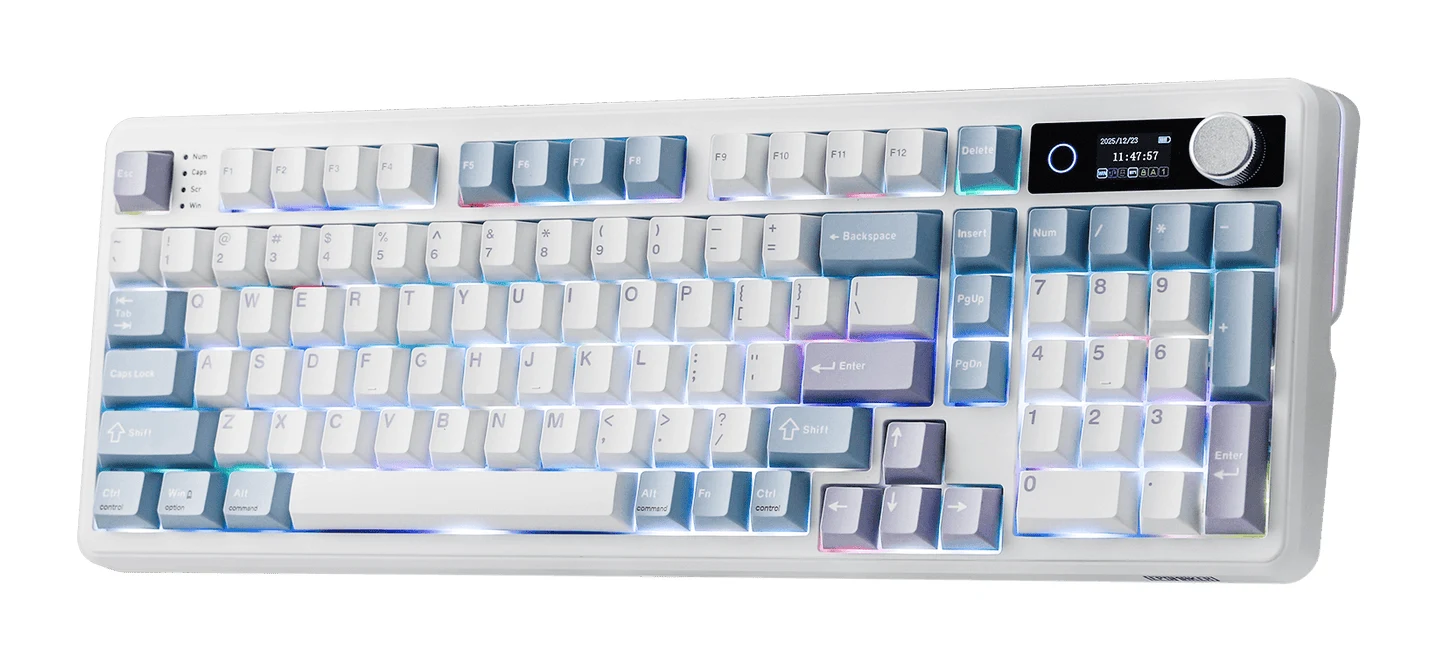
- Best ValueEPOMAKER TH99 ProWhy we picked it →
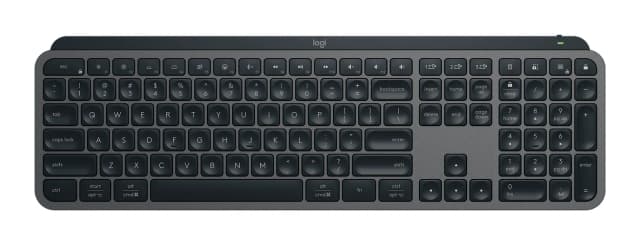
- Also GreatLogitech MX Keys SWhy we picked it →
Frequently asked questions
Is the Logitech MX Keys S Combo worth it?
For people who type a lot and work across several computers, it is a good fit. It averages 8.5/10 across 3 expert reviews. The bundle costs less than buying the parts separately, but the savings are modest, so it is best if you want all three pieces.
What is included in the Logitech MX Keys S Combo?
The box includes the MX Keys S keyboard, the MX Master 3S mouse, an MX Palm Rest and a Logi Bolt receiver. It is available in Graphite or Black.
How long does the MX Keys S keyboard battery last?
Up to 10 days with the backlight on, or up to 5 months with the backlight off. The keyboard has a 1500 mAh Li-ion polymer battery and charges over USB-C. The MX Master 3S mouse lasts up to 70 days.
Does the MX Keys S Combo work with Mac, Windows and Linux?
Yes. It works across Windows, macOS, Linux, ChromeOS, iPadOS and Android, and you can pair up to 3 devices over Bluetooth LE or the included Logi Bolt USB receiver. Flow lets you move between computers.
Is the MX Master 3S mouse suitable for left-handed users?
No. Reviewers note that the mouse is right-handed only, so left-handed users should consider a different mouse.
Is the MX Keys S Combo good for gaming?
It is designed for productivity rather than gaming. The mouse has an 8K DPI Darkfield sensor and a fast MagSpeed wheel, but the verdict says to skip it if you want a gaming mouse.
Sources
Specs are taken from the manufacturers' official pages; expert recommendations from the publications below.
- Logitech MX Keys S Combo: logitech.com, staples.com, walmart.com
Related reviews & guides
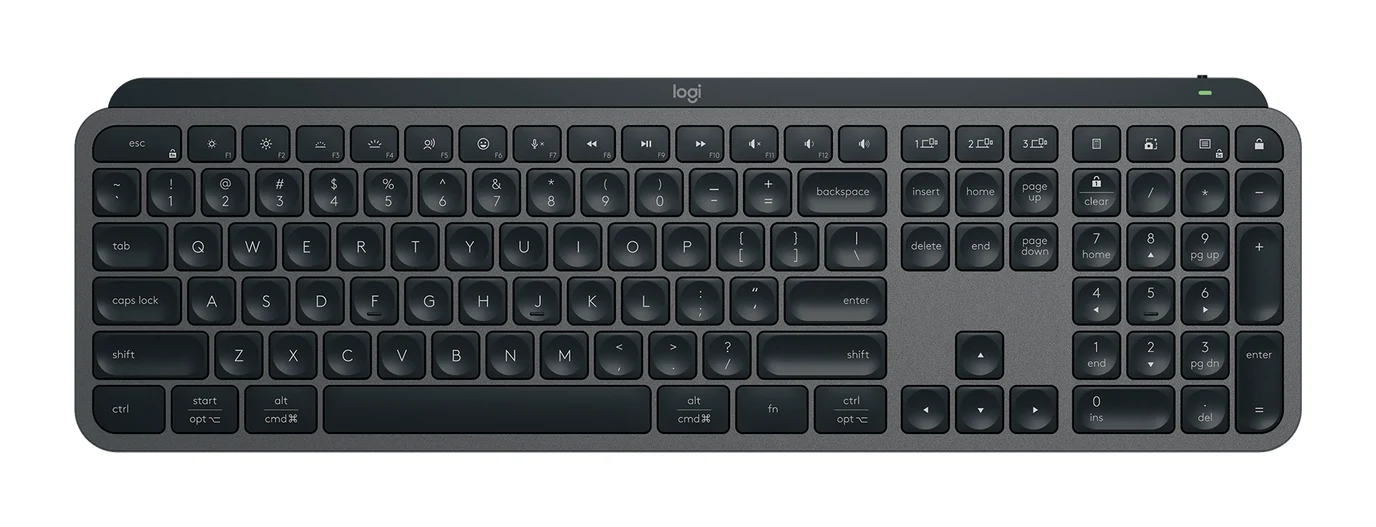
Logitech MX Keys S Review (2026): Quiet, Not Mechanical
A full-size, quiet wireless keyboard built for office users who switch between computers. Here is what the MX Keys S offers, where reviewers find fault, and who should skip it.
Published Oct 27, 2026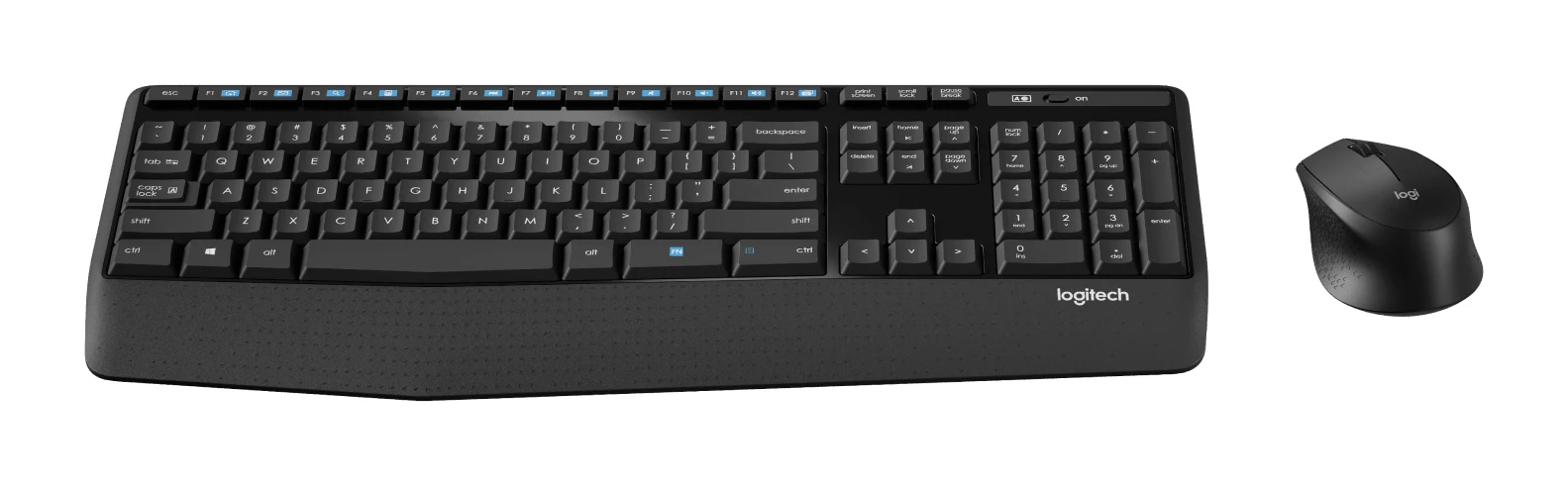
Logitech MK345 Comfort Combo Review (2026): Simple, Quiet
A full-size, quiet, low-maintenance desk combo with a palm rest and very long battery life. Here's what the specs and independent reviewers say, and who should look elsewhere.
Published Oct 27, 2026Best Wireless Keyboard and Mouse Combo 2026: Budget to Pro
Five Logitech keyboard and mouse combos compared on connectivity, noise, comfort and battery life, from a budget everyday set to a premium multi-device setup.
Published Oct 22, 2026