Logitech MK295 Silent Wireless Combo Review: Quiet Basics
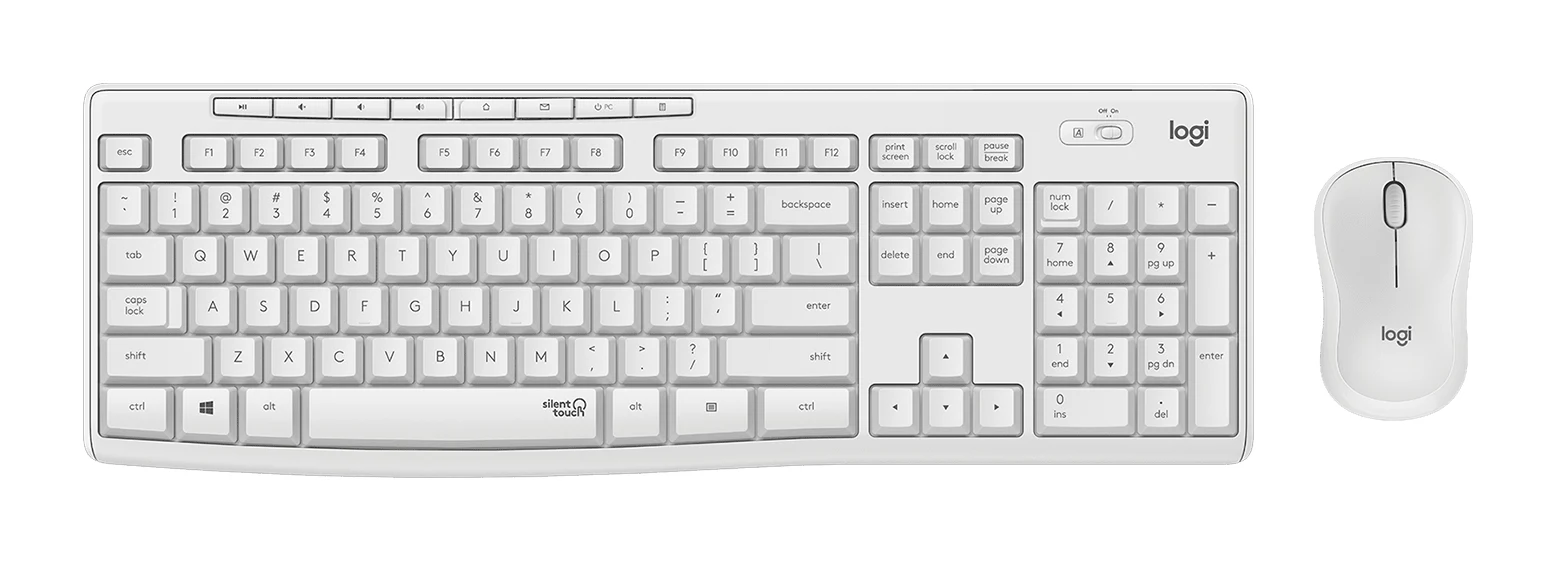
A plain, quiet, plug-and-play keyboard and mouse set for Windows and Chrome OS desks. Here is what the specs and expert reviews say about who it suits.
Research-based · We earn from qualifying purchases
Our verdict
A good pick for shared offices, home workspaces and anyone who wants quiet, low-maintenance, plug-and-play typing with a full numpad. Skip it if you need Bluetooth, Mac compatibility, backlit keys, or a larger, more premium-feeling mouse.
The good
- SilentTouch design makes typing and clicking very quiet
- Full-size keyboard with numpad and 8 shortcut keys
- One tiny USB receiver covers both keyboard and mouse
- Long battery life: up to 36 months keyboard, 18 months mouse
- Spill-resistant keyboard with adjustable tilt legs
+2 more
- Long battery life: up to 36 months keyboard, 18 months mouse
- Spill-resistant keyboard with adjustable tilt legs
The bad
- Compact mouse feels small for larger hands
- Budget-feeling plastics; keys can feel stiff
- No Bluetooth, no Mac support, no backlighting
- Shortcut keys can't be remapped
+1 more
- Shortcut keys can't be remapped
This Logitech MK295 Silent Wireless Combo review looks at a keyboard and mouse set built around one idea: doing the everyday job without the clatter. It pairs a full-size keyboard with a compact mouse and one small USB receiver, and it is aimed at people who share a space or simply dislike noisy peripherals. It suits quiet-minded Windows users who want a simple, full-size desktop setup. It is a poor fit if you want Bluetooth, Mac support or a premium feel.
This review is based on Logitech's specifications and on what independent expert reviews report. It is not based on hands-on testing.
Logitech MK295 Silent Wireless Combo: specs at a glance
From the manufacturer- Colors
- Graphite, Off-white
- Warranty
- 1 year
- OS support
- Windows 7/8/10 or later, Chrome OS
- Connectivity
- 2.4 GHz wireless, USB-A Nano receiver (non-Unifying)
- Mouse weight
- 74 g with 1 AA battery
- Mouse battery
- 1x AA, up to 18 months
- Wireless range
- 10 m / 33 ft
- Keyboard weight
- 495 g with 2 AAA batteries
- Keyboard battery
- 2x AAA, up to 36 months
- Mouse dimensions
- 3.9 x 2.4 x 1.5 in (99 x 60 x 39 mm)
- Mouse report rate
- 125 Hz
- Keyboard dimensions
- 17.4 x 5.9 x 0.7 in (441 x 149 x 18 mm)
- Mouse sensor resolution
- 1000 DPI
- Key travel (standard keys)
- 3.2 mm
Key features
- SilentTouch tech cuts keyboard and mouse noise by over 90% (vs Logitech MK270)
- Full-size keyboard with numpad and 8 shortcut keys
- Tiny 2.4 GHz Nano USB receiver, plug-and-play, 10 m range
- Up to 36-month keyboard and 18-month mouse battery life
- Spill-resistant keyboard with height-adjustable tilt legs
- Contoured, ambidextrous compact mouse
- On/off switches on keyboard and mouse to save battery
- Works with Windows and Chrome OS
Why people consider the MK295
The headline feature is SilentTouch. Logitech says the technology cuts keyboard and mouse noise by over 90% compared with the Logitech MK270. That figure is the manufacturer's own comparison, but it explains why the set turns up in recommendations for shared offices and home workspaces. Reviewers consistently praise how quiet the typing and clicking are. Three independent expert guides recommend it.
The rest of the package is deliberately ordinary. You get a full-size keyboard with a numpad, a mouse, a tiny receiver and long-lasting batteries.
Design and build
The keyboard is full-size, with a numpad and 8 shortcut keys. At 17.4 x 5.9 x 0.7 in (441 x 149 x 18 mm), it takes up a normal desktop footprint rather than a compact one. It weighs 495 g with 2 AAA batteries. It has height-adjustable tilt legs, so you can change the typing angle to suit your desk and posture. It is also spill-resistant, a small but practical safeguard for a keyboard that will probably live next to a coffee mug.
Key travel on the standard keys is 3.2 mm. A common criticism from reviewers is that the plastics feel budget and the keys can feel stiff. This is worth knowing if you type for long stretches.
The mouse is contoured and ambidextrous, so left- and right-handed users get the same shape. It is compact, at 3.9 x 2.4 x 1.5 in (99 x 60 x 39 mm), and weighs 74 g with 1 AA battery. Reviewers say it feels small for larger hands.
The set comes in Graphite or Off-white.
Features and what they mean day to day
Quiet operation
The SilentTouch design applies to both the keyboard and the mouse, which matters. A silent keyboard paired with a clicky mouse would only solve half the problem. This makes it a good fit for shared offices and home workspaces.
Full-size layout with shortcut keys
The numpad is the main reason to choose a full-size set. It helps with spreadsheets, accounting work and any task heavy on numbers. The 8 shortcut keys add quick access to common functions. A common criticism, however, is that these keys can't be remapped. You get what Logitech assigned, so if you hoped to bind them to your own workflow, this is not the set for that.
One receiver for both devices
Connectivity is 2.4 GHz wireless through a tiny USB-A Nano receiver, and one receiver covers both the keyboard and the mouse. It is plug-and-play and the listed wireless range is 10 m / 33 ft, which covers a typical desk setup. The receiver is listed as non-Unifying.
The flip side is that there is no Bluetooth. If your laptop has limited USB-A ports, or you want to switch the set between devices without a dongle, that is a real limitation.
On/off switches
Both the keyboard and the mouse have on/off switches. They are simple, but they let you save battery when you are away from the desk for a while.
Battery life and performance
Battery life is a genuine strength. Logitech lists up to 36 months for the keyboard on 2 AAA batteries and up to 18 months for the mouse on 1 AA battery. Those are manufacturer maximums and real life depends on use, but the point is that you will rarely think about charging. There is no cable to forget, though you will eventually need spare AA and AAA cells.
The mouse has 1000 DPI sensor resolution and a 125 Hz report rate.
Compatibility
The OS support is Windows 7/8/10 or later and Chrome OS. Reviewers flag the absence of Mac support as a drawback. There is also no backlighting, so typing in a dark room means relying on your own touch-typing skills or a desk lamp. If either matters to you, look elsewhere.
What experts like and what they criticise
Reviewers praise:
- how quiet the typing and clicking are
- the full-size keyboard with its numpad and shortcut keys
- the single tiny receiver for both devices
- the long battery life
- the spill-resistant keyboard with adjustable tilt legs
A common criticism is:
- a compact mouse that feels small for larger hands
- plastics that feel budget, and keys that can feel stiff
- no Bluetooth, no Mac support and no backlighting
- shortcut keys that can't be remapped
The two lists describe the same product from different angles. It is a quiet, low-maintenance set that does not try to feel premium or flexible.
Who should buy it
The MK295 makes sense if you:
- work in a shared office, a shared home or a quiet environment where noise matters
- use Windows or Chrome OS and want a full-size keyboard with a numpad
- want something you can plug in and forget, with batteries that last for years rather than weeks
- need a straightforward replacement for a worn-out desktop keyboard and mouse
Who should skip it
Look elsewhere if you:
- use a Mac, or need to connect to a mix of devices over Bluetooth
- want backlit keys
- have larger hands and want a bigger, more premium-feeling mouse
- want to remap shortcut keys to your own workflow
- want keys that don't feel stiff or budget
How it fits in its category
The MK295 focuses on quiet operation and simplicity, and it lacks Bluetooth, Mac support and backlighting. That focus is its strength for the right buyer. It is also why it won't suit someone who expects a feature-rich set. We don't have a keyboard buying guide to link to yet, so compare it on the points above: noise, layout, connection type and operating system.
Verdict
The Logitech MK295 Silent Wireless Combo does what it promises. It is quiet, easy to set up and built to run for a long time on a single set of batteries, with a full numpad for number-heavy work. Its weaknesses are just as clear: a mouse that is small for larger hands, budget-feeling plastics, no Bluetooth, no Mac support and no backlighting. If your priority is a calm, no-fuss Windows or Chrome OS desk, it is a sound choice. If you want flexibility or a more premium feel, it is not.
Related buying guides
- Best Wireless Keyboard and Mouse Combo 2026: Budget to Pro
- Logitech MX Keys S Combo Review (2026): Polished Desk Duo
- Logitech MX Keys S Review (2026): Quiet, Not Mechanical
- Logitech MK345 Comfort Combo Review (2026): Simple, Quiet
- Logitech MK540 Advanced Review (2026): Quiet Desk Workhorse
- Best Quiet Keyboard for Office in 2026: Calm Typing at Work
- Logitech G915 X LIGHTSPEED TKL Review: Slim and Solid
Not sure about the Logitech MK295 Silent Wireless Combo? Consider these
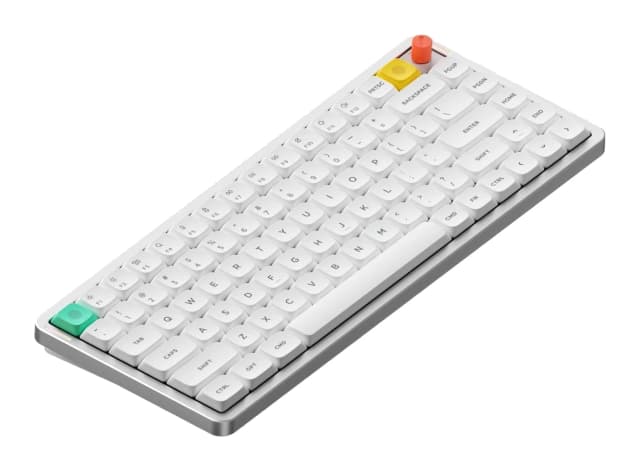
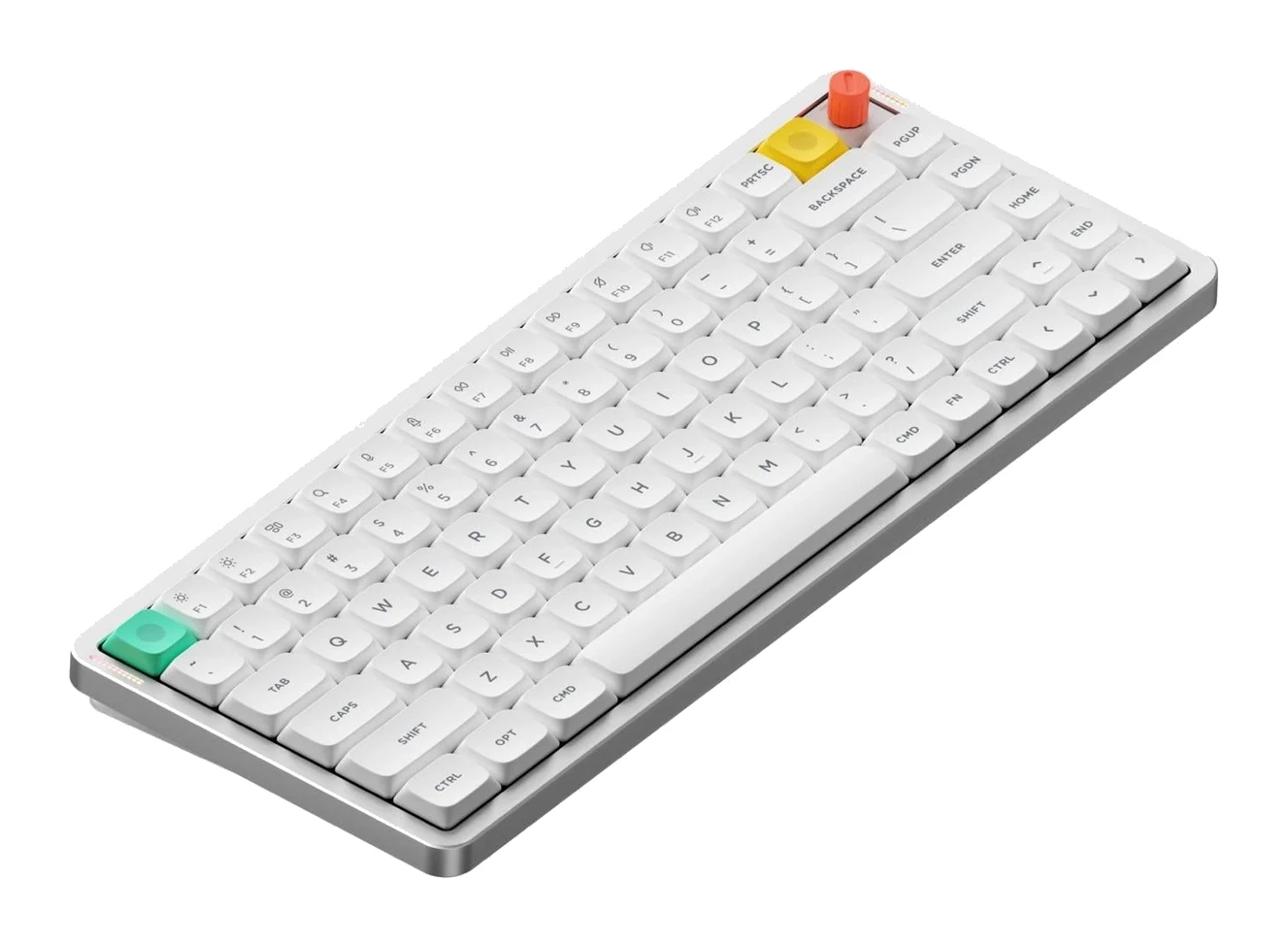
- Best OverallNuPhy Air75 V3Why we picked it →
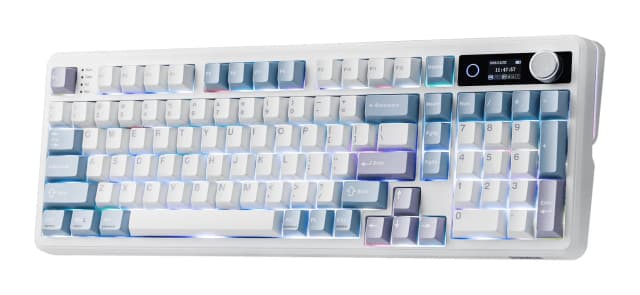
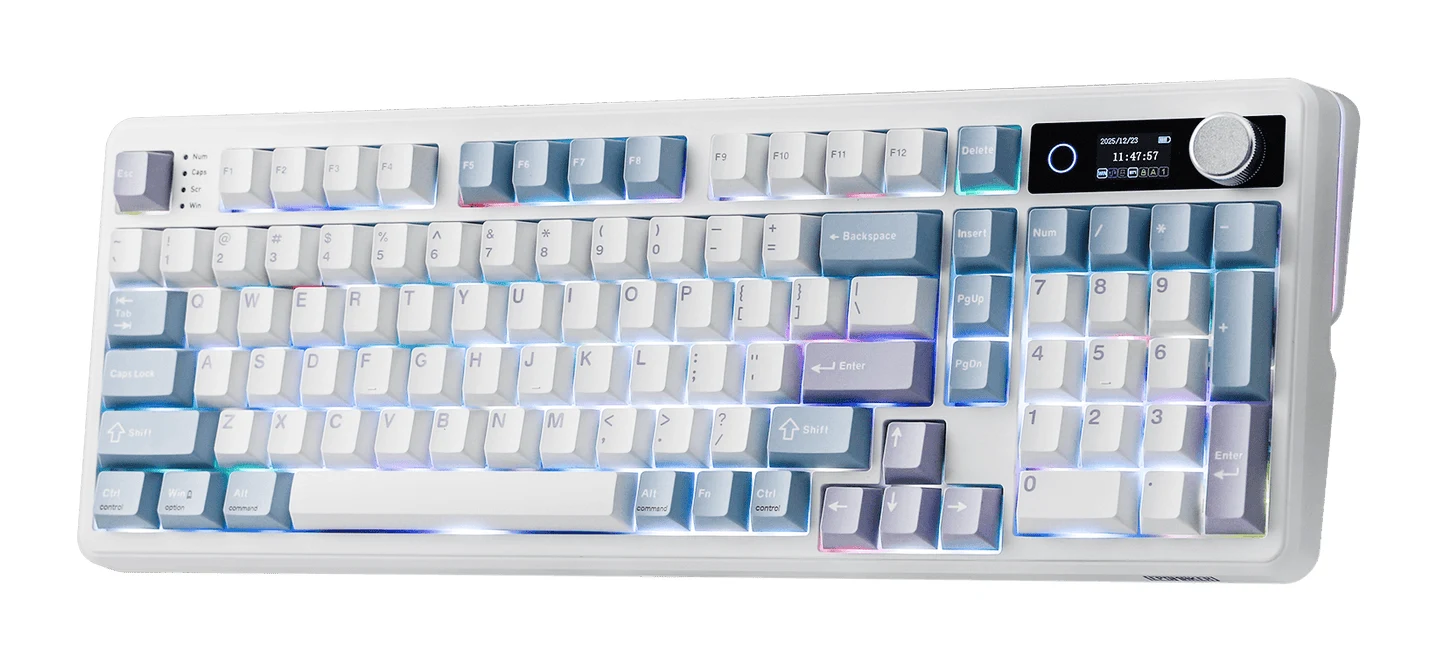
- Best ValueEPOMAKER TH99 ProWhy we picked it →
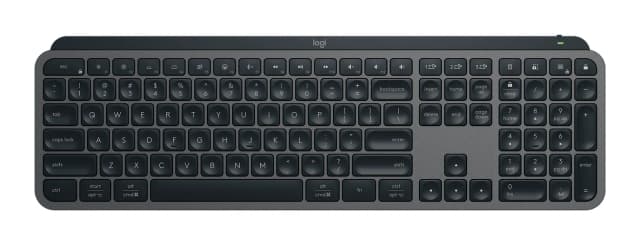
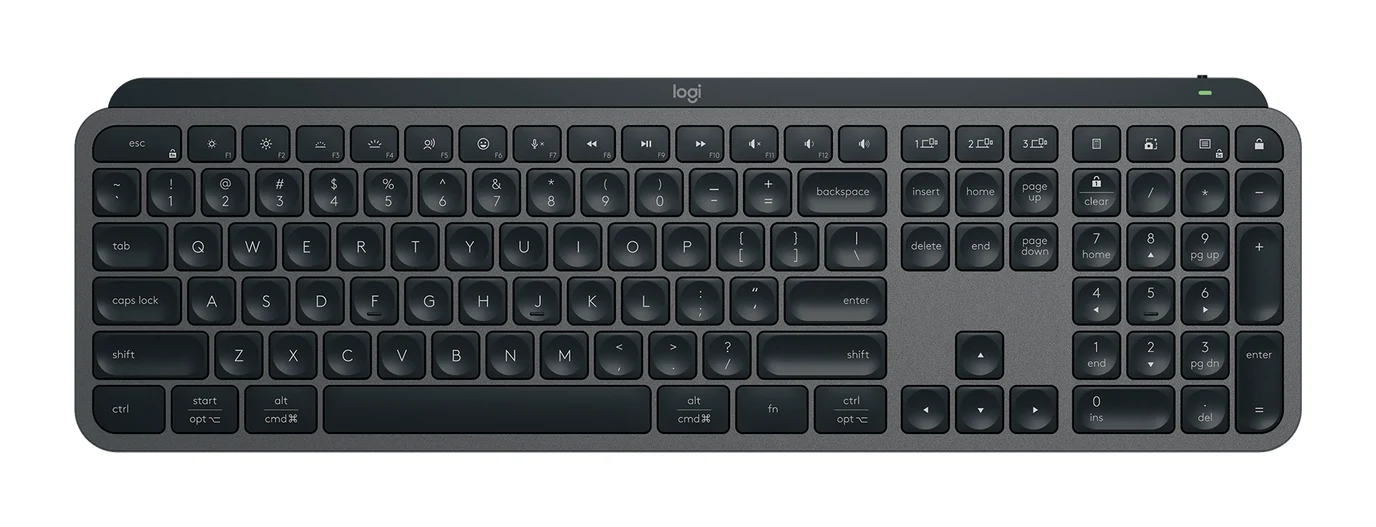
- Also GreatLogitech MX Keys SWhy we picked it →
Frequently asked questions
Is the Logitech MK295 worth it?
It is worth considering if you want a quiet, plug-and-play, full-size Windows or Chrome OS setup with long battery life. It is less compelling if you need Bluetooth, Mac support, backlit keys or a larger mouse.
How quiet is the Logitech MK295?
Logitech says SilentTouch technology cuts keyboard and mouse noise by over 90% compared with the Logitech MK270. Reviewers also praise how quiet the typing and clicking are.
Does the Logitech MK295 work with Mac?
No. The listed operating system support is Windows 7/8/10 or later and Chrome OS, and reviewers note the lack of Mac support as a drawback.
Does the MK295 have Bluetooth?
No. It connects over 2.4 GHz wireless using a USB-A Nano receiver, and one receiver covers both the keyboard and the mouse.
How long do the MK295 batteries last?
Logitech lists up to 36 months for the keyboard on 2 AAA batteries and up to 18 months for the mouse on 1 AA battery. Actual life depends on how you use it.
Can I remap the shortcut keys on the MK295?
No. Reviewers note that the 8 shortcut keys can't be remapped.
Sources
Specs are taken from the manufacturers' official pages; expert recommendations from the publications below.
- Logitech MK295 Silent Wireless Combo: logitech.com, bhphotovideo.com, support.logi.com, fullcompass.com
Related reviews & guides
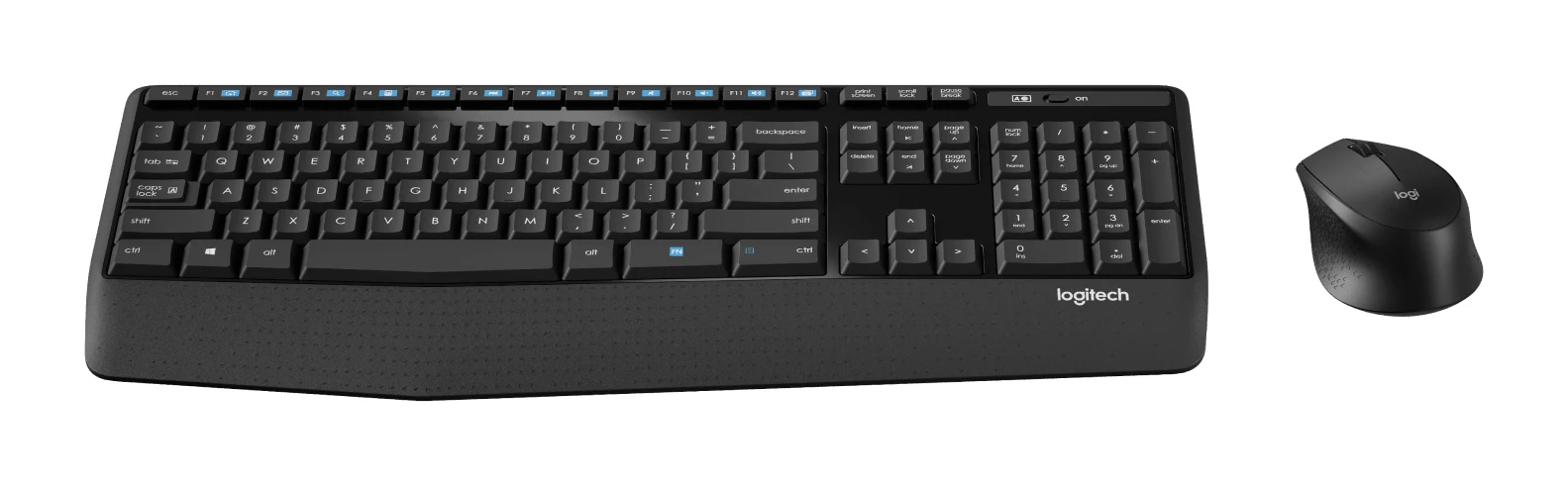
Logitech MK345 Comfort Combo Review (2026): Simple, Quiet
A full-size, quiet, low-maintenance desk combo with a palm rest and very long battery life. Here's what the specs and independent reviewers say, and who should look elsewhere.
Published Oct 27, 2026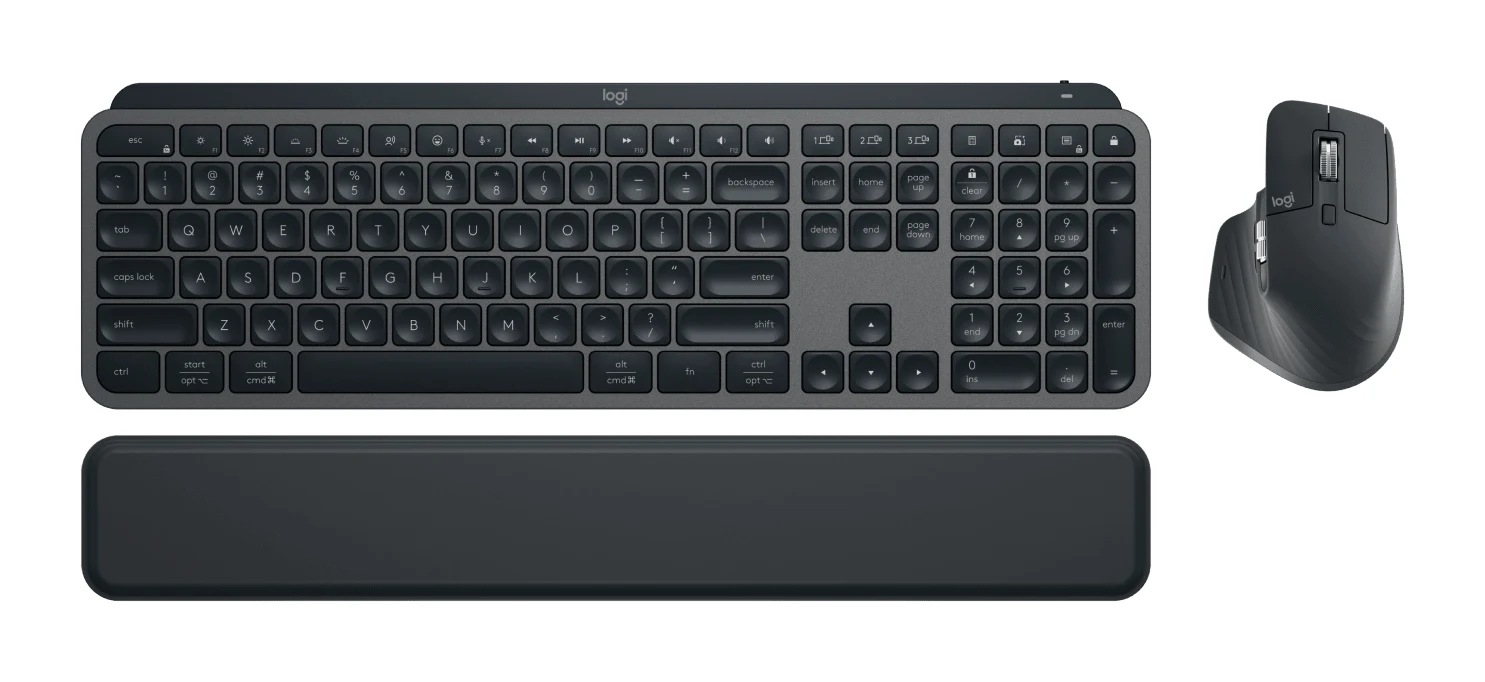
Best Wireless Keyboard and Mouse Combo 2026: Budget to Pro
Five Logitech keyboard and mouse combos compared on connectivity, noise, comfort and battery life, from a budget everyday set to a premium multi-device setup.
Published Oct 22, 2026Logitech MX Keys S Combo Review (2026): Polished Desk Duo
A bundle of the MX Keys S keyboard, MX Master 3S mouse and palm rest, aimed at people who type all day and switch between computers. Here is what the specs and expert reviews say.
Published Oct 27, 2026