Logitech MK345 Comfort Combo Review (2026): Simple, Quiet
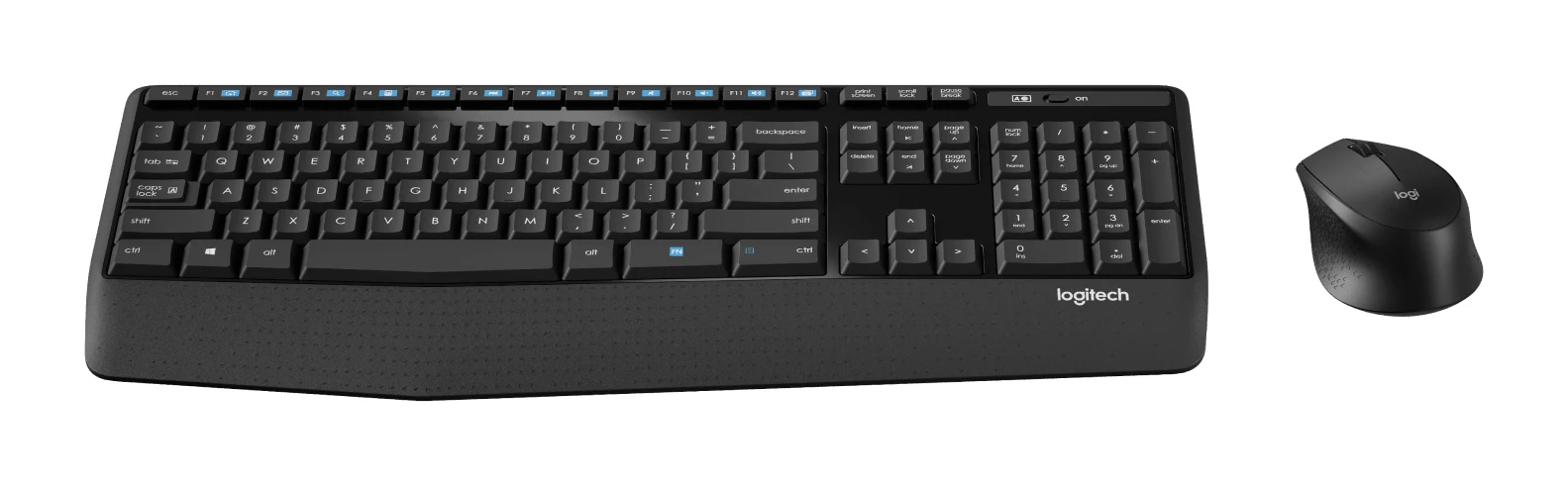
A full-size, quiet, low-maintenance desk combo with a palm rest and very long battery life. Here's what the specs and independent reviewers say, and who should look elsewhere.
Research-based · We earn from qualifying purchases
Our verdict
The MK345 is a comfortable, quiet, long-lasting desktop combo that suits home and office typing where simple plug-and-play matters more than extras. Skip it if you need Bluetooth, a backlit keyboard, a left-handed mouse, or a roomier mouse for large hands.
The good
- Full-size keyboard with number pad and generous integrated palm rest
- Very long battery life: 36 months keyboard, 18 months mouse
- Quiet typing with media keys for mute, volume and play
- Simple plug-and-play 2.4 GHz setup with range up to 10 meters
- Spill-resistant keyboard with adjustable tilt legs; batteries included
+2 more
- Simple plug-and-play 2.4 GHz setup with range up to 10 meters
- Spill-resistant keyboard with adjustable tilt legs; batteries included
The bad
- No Bluetooth, so the USB receiver occupies a USB-A port
- No backlight, which makes typing harder in dim rooms
- Mouse is right-handed only and can feel small for larger hands
- Some users report occasional lag or connection drops
+1 more
- Some users report occasional lag or connection drops
This Logitech MK345 Comfort Wireless Keyboard and Mouse Combo review looks at one of the more straightforward desk setups you can buy: a full-size keyboard with a number pad, a contoured right-handed mouse, and a single USB receiver that handles both. It sits in the mid-range part of the market, and it has been recommended in 5 expert buying guides. It is aimed at people who want a comfortable, low-maintenance combo for the home or office and don't need extras.
This review is based on Logitech's published specs and on what independent expert reviews report. It is not based on hands-on testing.
Logitech MK345 Comfort Wireless Keyboard and Mouse Combo: specs at a glance
From the manufacturer- Color
- Black
- Warranty
- 1-year limited
- Backlight
- No
- Bluetooth
- No (USB receiver only)
- Connectivity
- 2.4 GHz wireless via USB receiver
- Mouse sensor
- Optical, 1000 dpi
- Mouse weight
- 3 oz (86.4 g)
- Compatibility
- Windows 10/11 or later, Chrome OS
- Mouse buttons
- 3
- Wireless range
- up to 10 meters (33 feet)
- Keyboard weight
- 21 oz (603 g)
- Mouse dimensions
- 4.1 x 2.7 x 1.5 in (105.4 x 67.9 x 38.4 mm)
- Mouse battery life
- 18 months (1x AA, included)
- Keyboard dimensions
- 17.6 x 7.4 x 0.8 in (447 x 188 x 20.3 mm)
- Keyboard battery life
- 36 months (2x AAA, included)
Key features
- Full-size keyboard with number pad and generous palm rest for comfortable typing
- Contoured right-handed mouse with a natural grip
- 2.4 GHz USB receiver connection, up to 10 meters
- Long battery life: 36-month keyboard, 18-month mouse
- Spill-resistant keyboard with adjustable tilt legs
- 12 F-keys with easy-access media controls (mute, volume, play)
- Quiet typing; on/off switches on both devices
- Batteries included; plastic parts include recycled plastic
Design and build: built around the palm rest
The MK345's main design idea is comfort for long typing sessions. The keyboard is full-size, with a number pad and a generous integrated palm rest. It measures 17.6 x 7.4 x 0.8 in (447 x 188 x 20.3 mm) and weighs 21 oz (603 g). That is a sizeable footprint, so check your desk space, but it is the usual trade-off for a number pad and a proper wrist rest. Adjustable tilt legs let you change the typing angle.
The mouse is a contoured right-handed design with a natural grip. It measures 4.1 x 2.7 x 1.5 in (105.4 x 67.9 x 38.4 mm) and weighs 3 oz (86.4 g). It uses an optical sensor at 1000 dpi and has 3 buttons. That is a basic layout with no extra programmable buttons listed, which suits everyday office, browsing and document work.
The finish is black. Logitech also says the plastic parts include recycled plastic, which some buyers will like.
Features and what they mean day to day
Quiet typing and media keys
Quiet typing is one of the keyboard's listed features, and reviewers praise it. That matters in shared offices, in open-plan homes, or if you type late while someone else is nearby. The keyboard also has 12 F-keys with easy-access media controls for mute, volume and play. You can adjust playback and sound without opening a window or reaching for the mouse. That is handy for video calls and background music.
Spill resistance
The keyboard is spill-resistant. That is not a reason to be careless with drinks, but it adds some peace of mind on a desk where coffee lives.
Plug-and-play connection
Both devices connect through a single 2.4 GHz USB receiver, with a range of up to 10 meters (33 feet). Setup is meant to be as simple as plugging in the receiver and switching both devices on. Each has its own on/off switch, so you can save battery when travelling or leaving the desk for a long time. Batteries are included, so it can be used straight out of the box.
The listed compatibility is Windows 10/11 or later and Chrome OS. If you use another operating system, check Logitech's support pages before buying.
Battery life, range and connectivity
Battery life is a headline strength. Logitech lists 36 months for the keyboard (2x AAA, included) and 18 months for the mouse (1x AA, included). In practice, you are unlikely to think about batteries for a long time, which fits a combo built to be low-maintenance. Reviewers praise this too.
Connectivity is where the MK345's simplicity becomes a limit. It uses a USB receiver only and has no Bluetooth. The receiver therefore takes up a USB-A port. On a desktop with plenty of ports that hardly matters. On a slim laptop with few ports, or one that has only USB-C, it may be a real annoyance. Without Bluetooth, you cannot pair the keyboard or mouse directly with a tablet or phone.
Some users report occasional lag or connection drops. This is not described as universal, but it is worth knowing about.
What experts like and what they criticise
Reviewers' praise is consistent and focuses on practical comfort rather than flashy features:
- The full-size layout with number pad and a generous palm rest.
- The very long battery life of both devices.
- Quiet typing and easy-to-reach media keys.
- Simple setup and a range of up to 10 meters (33 feet).
- The spill-resistant keyboard, adjustable tilt legs and included batteries.
The criticisms are just as consistent, and the missing features are worth weighing:
- There is no Bluetooth, so the receiver occupies a USB-A port.
- There is no backlight, which makes typing harder in dim rooms.
- The mouse is right-handed only, and can feel small for larger hands.
- Some users report occasional lag or connection drops.
The lack of a backlight and of Bluetooth rules the MK345 out for some uses. If you work in low light or want one keyboard for a PC and a tablet, look elsewhere.
Logitech MK345 Comfort Wireless Keyboard and Mouse Combo review: who it's for
Who should buy it
The MK345 suits home-office workers, students and general desktop users who spend a lot of time typing and want something quiet and comfortable. The number pad helps with spreadsheets and data entry. The media keys help anyone who has video calls or music playing all day. It also suits shared or family computers, where a long battery life and a simple setup mean fewer problems. A spill-resistant keyboard is a sensible choice for a busy desk.
It also makes sense if you want to set up a desk quickly. Plug in the receiver, switch the devices on, and you are working. If you are building out a more comfortable workspace, our guide to the best office chairs covers the seating side.
Who should skip it
Skip it if you need Bluetooth, for example to connect a tablet or a laptop with few ports. Skip it if you often type in dim rooms and want a backlit keyboard. Left-handed users should look elsewhere, because the mouse is right-handed only. People with larger hands should also be wary, as reviewers say the mouse can feel small. If you want a compact keyboard that is easy to carry between locations, the full-size layout and its footprint will probably work against you.
How it fits in its category
The MK345 is a basic, long-lasting, plug-in-and-go combo. Its appeal is comfort, quiet typing and very long battery life rather than extra features. If those are your priorities, it is a good fit. If you want Bluetooth or a backlight, look at other options first.
Verdict
The MK345 does a few things well: a full-size layout with a proper palm rest, quiet keys, convenient media controls and battery life measured in years rather than months. Those strengths suit people who sit at a desk all day and would rather not think about their peripherals. The compromises are just as clear: USB receiver only, no backlight, a right-handed mouse that may feel small, and some reports of lag or dropouts. If your needs match its strengths, it is an easy recommendation. If they don't, those missing features are likely to matter every day, so choose a different set.
Related buying guides
- Logitech MK295 Silent Wireless Combo Review: Quiet Basics
- Logitech MX Keys S Combo Review (2026): Polished Desk Duo
- Logitech MK270 Review (2026): Simple Setup, Basic Feel
- Logitech MX Keys S Review (2026): Quiet, Not Mechanical
- Best Quiet Keyboard for Office in 2026: Calm Typing at Work
- Logitech MK540 Advanced Review (2026): Quiet Desk Workhorse
Not sure about the Logitech MK345 Comfort Wireless Keyboard and Mouse Combo? Consider these
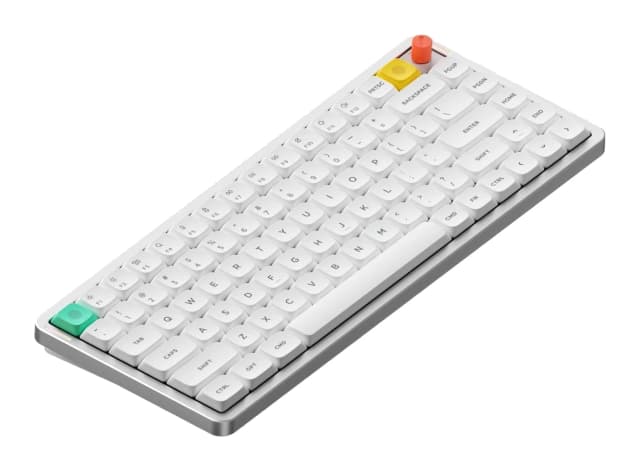
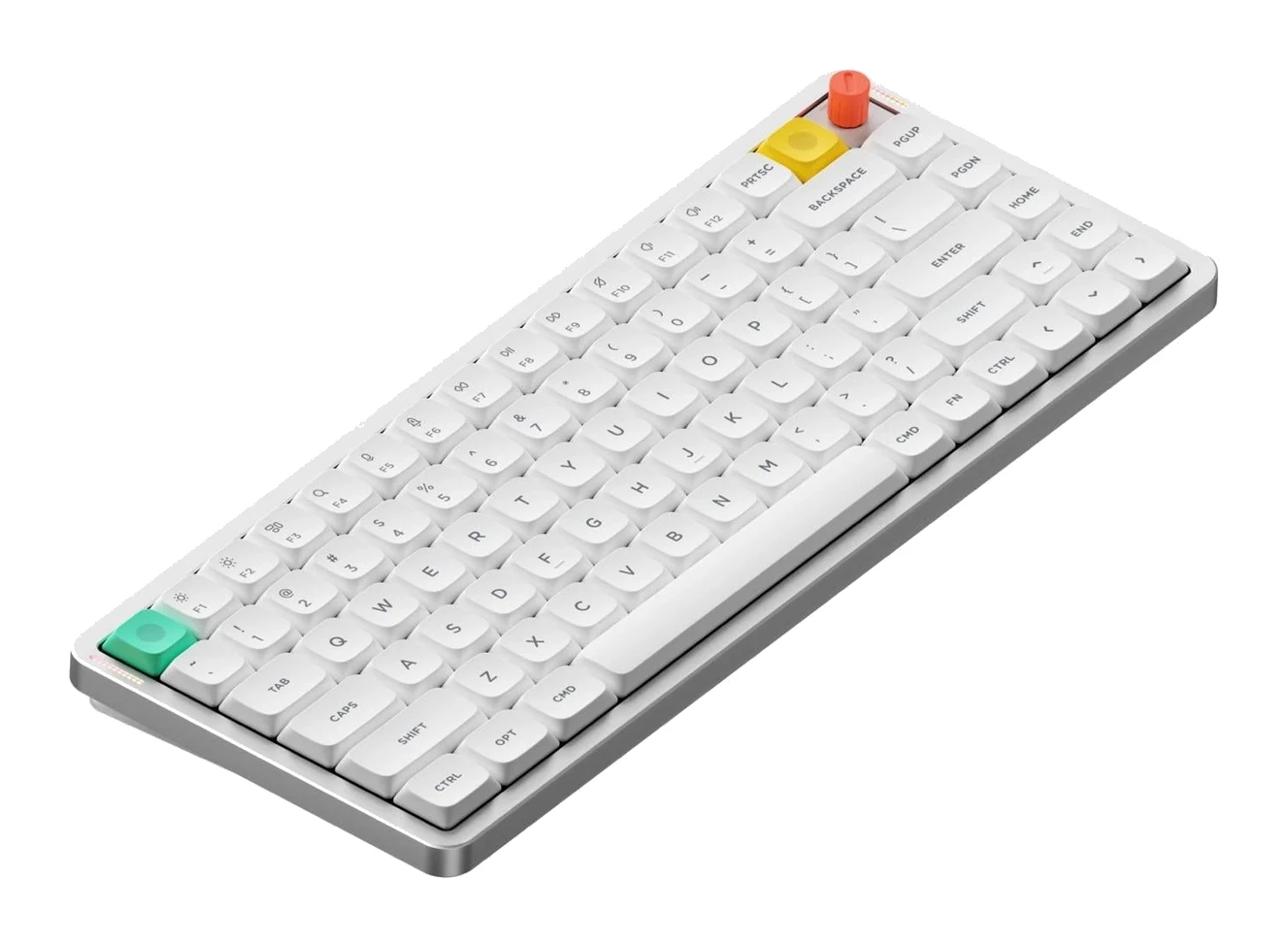
- Best OverallNuPhy Air75 V3Why we picked it →
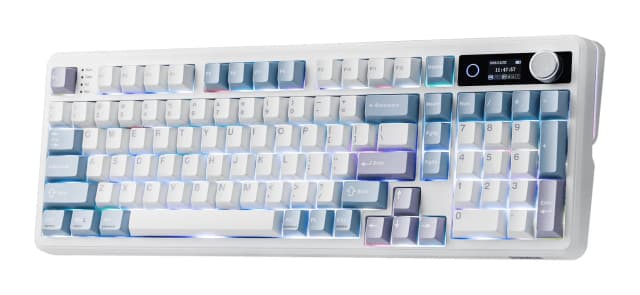
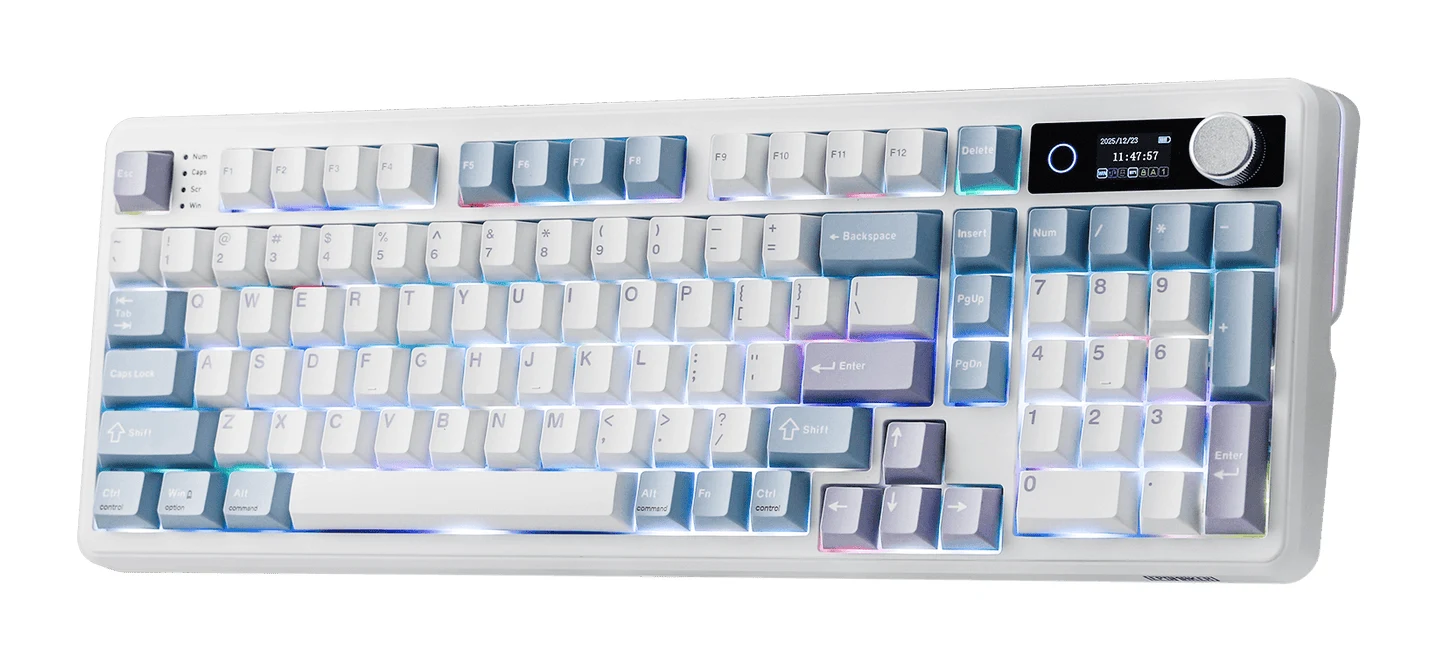
- Best ValueEPOMAKER TH99 ProWhy we picked it →
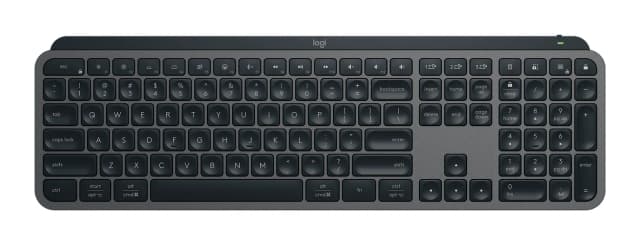
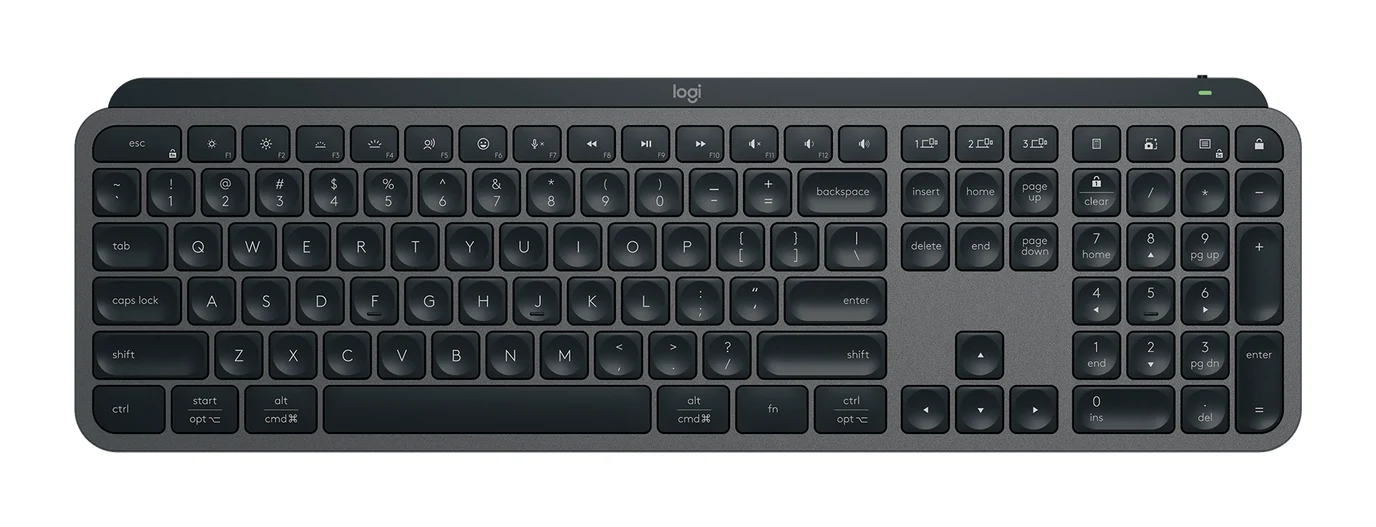
- Also GreatLogitech MX Keys SWhy we picked it →
Frequently asked questions
Is the Logitech MK345 worth it?
It is worth considering if you want a comfortable, quiet, full-size keyboard and mouse that run for a very long time on their included batteries. It has been recommended in 5 expert buying guides. It is less suitable if you need Bluetooth, a backlight or a left-handed mouse.
Does the Logitech MK345 have Bluetooth?
No. It connects only through its 2.4 GHz USB receiver, which takes up a USB-A port on your computer.
Is the MK345 keyboard backlit?
No. The keyboard has no backlight, which reviewers note makes typing harder in dim rooms.
How long do the batteries last in the MK345?
Logitech lists 36 months for the keyboard (2x AAA) and 18 months for the mouse (1x AA). Batteries are included in the box.
Is the Logitech MK345 mouse suitable for left-handed users?
No. The mouse is a contoured right-handed design. Reviewers also say it can feel small for larger hands.
What is the wireless range of the MK345?
The 2.4 GHz connection works up to 10 meters (33 feet). Some users report occasional lag or connection drops.
Sources
Specs are taken from the manufacturers' official pages; expert recommendations from the publications below.
- Logitech MK345 Comfort Wireless Keyboard and Mouse Combo: logitech.com, abt.com, walmart.com, lenovo.com
Related reviews & guides
Best Wireless Keyboard and Mouse Combo 2026: Budget to Pro
Five Logitech keyboard and mouse combos compared on connectivity, noise, comfort and battery life, from a budget everyday set to a premium multi-device setup.
Published Oct 22, 2026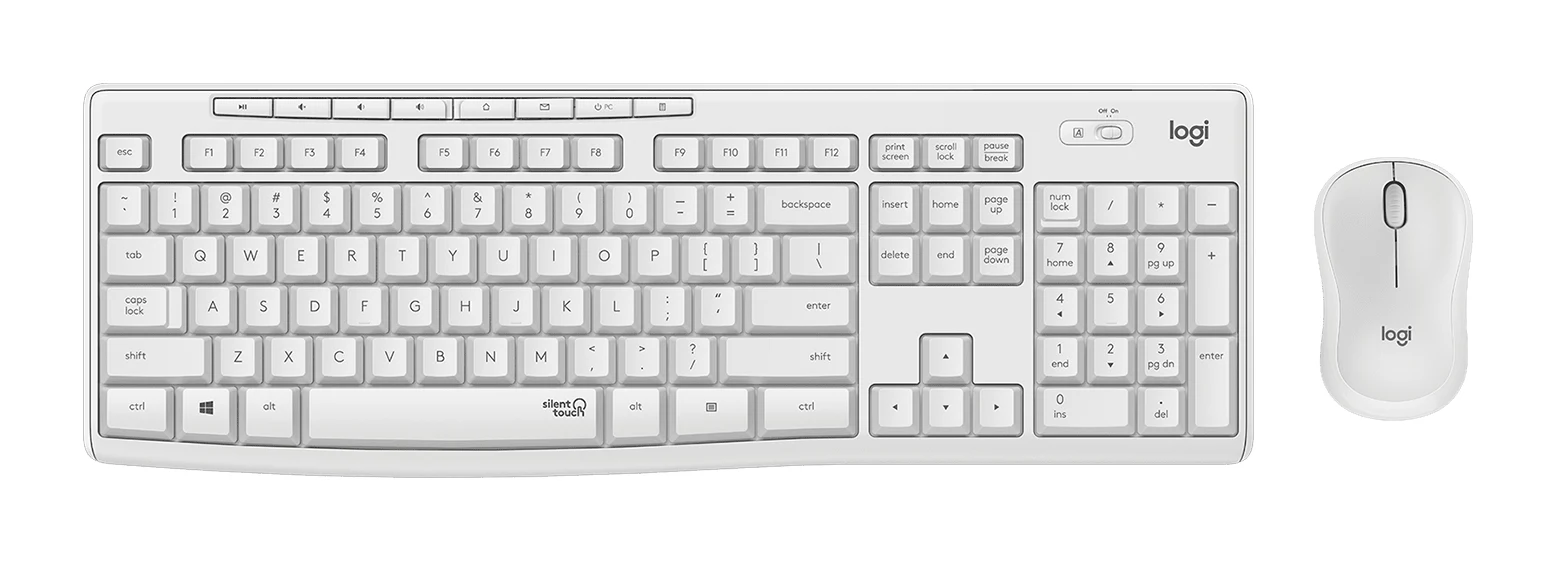
Logitech MK295 Silent Wireless Combo Review: Quiet Basics
A plain, quiet, plug-and-play keyboard and mouse set for Windows and Chrome OS desks. Here is what the specs and expert reviews say about who it suits.
Published Oct 27, 2026Logitech MX Keys S Combo Review (2026): Polished Desk Duo
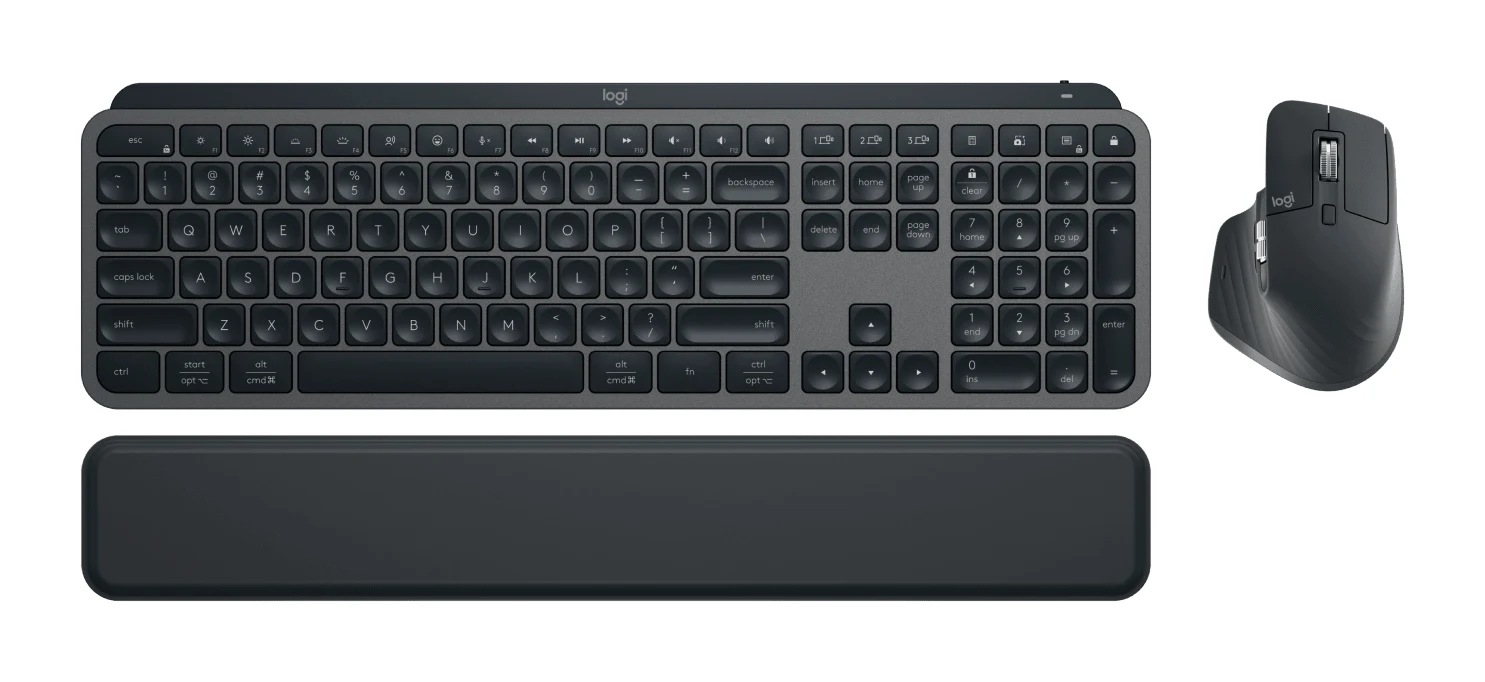
A bundle of the MX Keys S keyboard, MX Master 3S mouse and palm rest, aimed at people who type all day and switch between computers. Here is what the specs and expert reviews say.
Published Oct 27, 2026